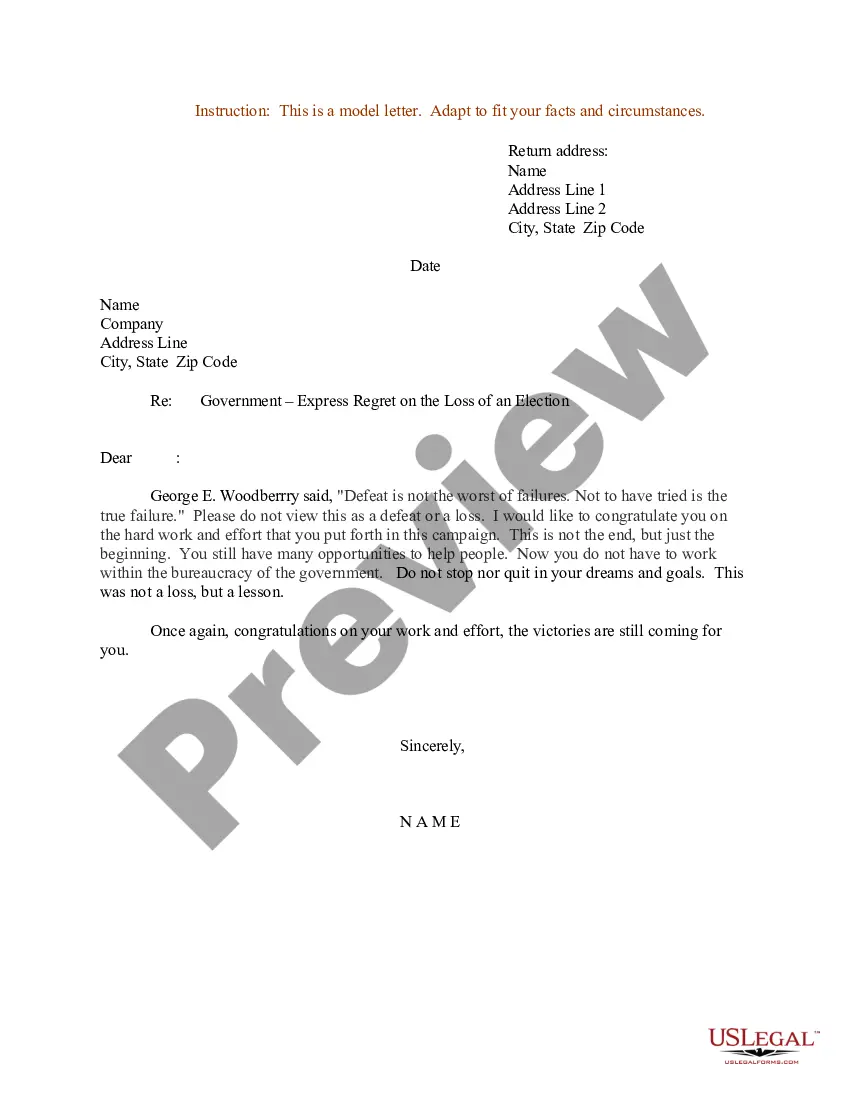
Letter Of Regret For Not Attending An Event
Description
Get your form ready online
Our built-in tools help you complete, sign, share, and store your documents in one place.
Make edits, fill in missing information, and update formatting in US Legal Forms—just like you would in MS Word.
Download a copy, print it, send it by email, or mail it via USPS—whatever works best for your next step.
Sign and collect signatures with our SignNow integration. Send to multiple recipients, set reminders, and more. Go Premium to unlock E-Sign.
If this form requires notarization, complete it online through a secure video call—no need to meet a notary in person or wait for an appointment.
We protect your documents and personal data by following strict security and privacy standards.

Make edits, fill in missing information, and update formatting in US Legal Forms—just like you would in MS Word.

Download a copy, print it, send it by email, or mail it via USPS—whatever works best for your next step.

Sign and collect signatures with our SignNow integration. Send to multiple recipients, set reminders, and more. Go Premium to unlock E-Sign.

If this form requires notarization, complete it online through a secure video call—no need to meet a notary in person or wait for an appointment.

We protect your documents and personal data by following strict security and privacy standards.
Looking for another form?
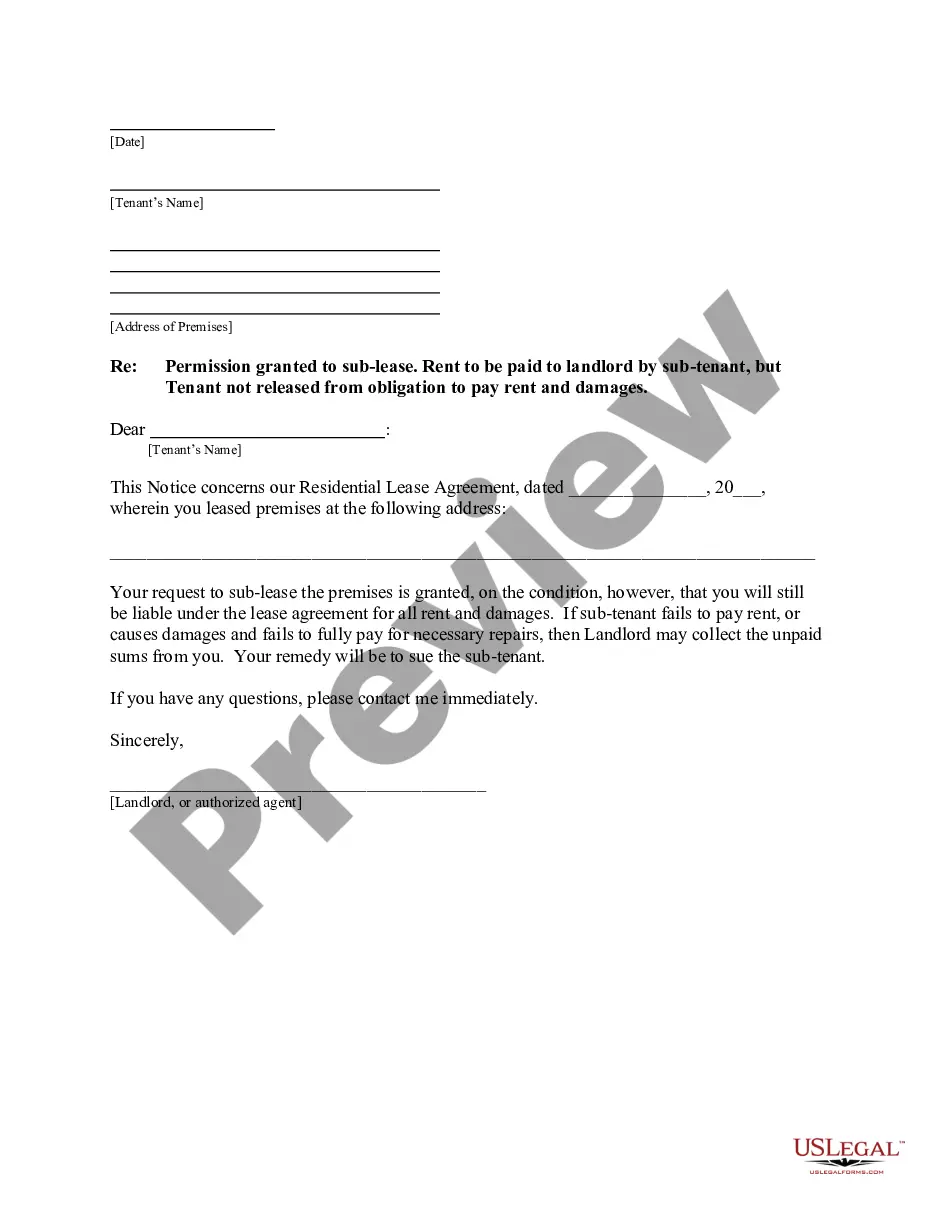
How to fill out Sample Letter For Express Regret On The Loss Of An Election?
Legal papers management can be frustrating, even for the most knowledgeable specialists. When you are searching for a Letter Of Regret For Not Attending An Event and don’t get the a chance to devote trying to find the right and updated version, the processes might be stress filled. A robust online form library can be a gamechanger for anybody who wants to deal with these situations successfully. US Legal Forms is a market leader in online legal forms, with over 85,000 state-specific legal forms accessible to you anytime.
With US Legal Forms, you can:
- Access state- or county-specific legal and organization forms. US Legal Forms handles any requirements you might have, from individual to business documents, all in one spot.
- Make use of advanced tools to finish and manage your Letter Of Regret For Not Attending An Event
- Access a useful resource base of articles, tutorials and handbooks and resources highly relevant to your situation and requirements
Save effort and time trying to find the documents you need, and make use of US Legal Forms’ advanced search and Review tool to locate Letter Of Regret For Not Attending An Event and download it. If you have a subscription, log in to the US Legal Forms account, look for the form, and download it. Review your My Forms tab to see the documents you previously downloaded and to manage your folders as you see fit.
Should it be your first time with US Legal Forms, make a free account and acquire unrestricted use of all advantages of the library. Here are the steps for taking after downloading the form you need:
- Confirm it is the correct form by previewing it and reading through its description.
- Ensure that the sample is accepted in your state or county.
- Select Buy Now when you are ready.
- Select a monthly subscription plan.
- Find the format you need, and Download, complete, eSign, print and send your document.
Take advantage of the US Legal Forms online library, backed with 25 years of expertise and stability. Change your day-to-day document management in to a easy and intuitive process today.
Form popularity
FAQ
The many ways to say "no." I'm sorry, but I won't be able to make it. I wish I could be there, but I can't. Unfortunately, I won't be able to attend. I'm afraid I won't be able to come. I'm not going to be able to make it. It pains me to say this, but I won't be able to attend. Sadly, I won't be able to join you.
Writing an Apology Letter in Five Steps Acknowledge the mistake. After the greeting, don't waste any time. ... Take responsibility. Once you've acknowledged the mistake, you can explain what happened and take responsibility. ... Apologize and express regret. ... Offer a solution. ... Assure that it won't happen again.
Begin with a straightforward apology. Indicate that you understand the seriousness of your absence and that you value your relationship with the reader. You may want to explain your lateness, but don't blame anyone. Acknowledge your reader's frustration, if appropriate, and end with a positive statement.
Tip #5: Use the different ways to say sorry Use ?I regret? instead of ?Sorry? Use ?I apologize? instead of ?Sorry? Use ?Forgive me? instead of ?Sorry? Use ?It's my fault? instead of ?Sorry? Use ?How can I apologize? instead of ?Sorry? Tip #3: Ask for forgiveness. Tip #1: Admit the mistake. Tip #2: Don't overexplain.