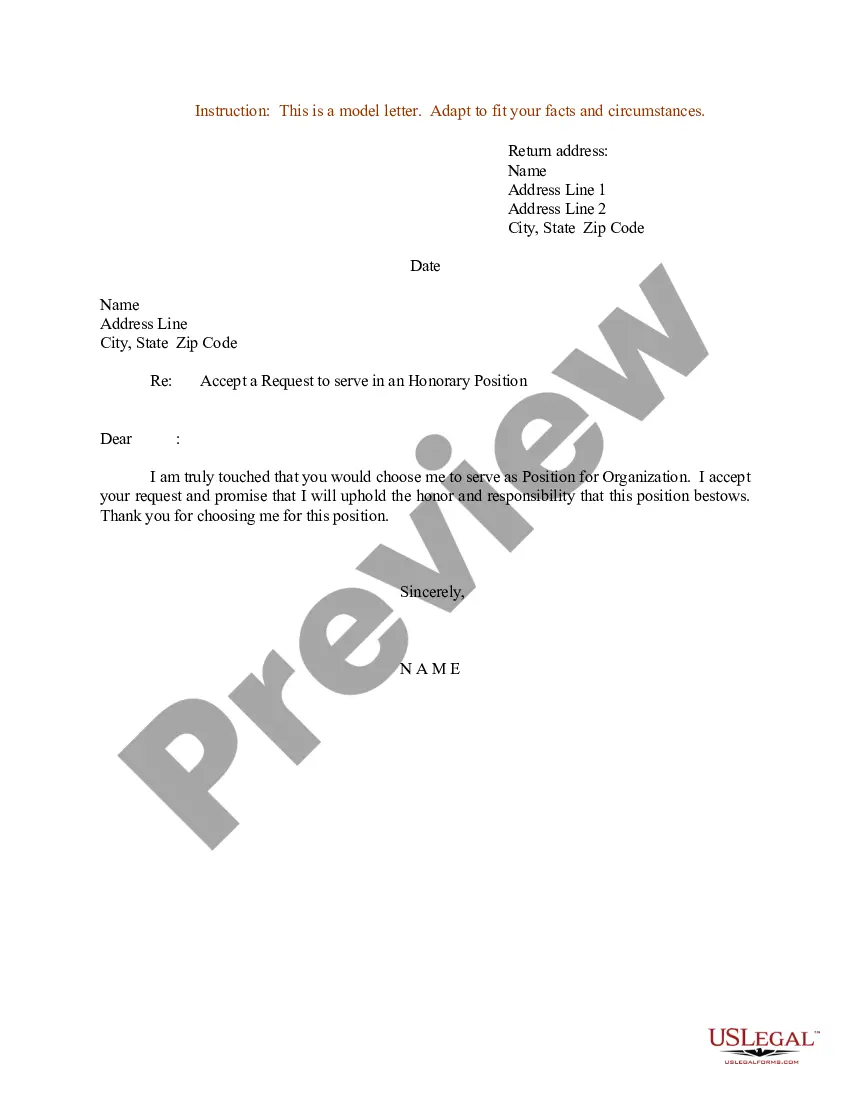
Letter Accept Position With Secretary
Description

Get your form ready online
Our built-in tools help you complete, sign, share, and store your documents in one place.
Make edits, fill in missing information, and update formatting in US Legal Forms—just like you would in MS Word.
Download a copy, print it, send it by email, or mail it via USPS—whatever works best for your next step.
Sign and collect signatures with our SignNow integration. Send to multiple recipients, set reminders, and more. Go Premium to unlock E-Sign.
If this form requires notarization, complete it online through a secure video call—no need to meet a notary in person or wait for an appointment.
We protect your documents and personal data by following strict security and privacy standards.

Make edits, fill in missing information, and update formatting in US Legal Forms—just like you would in MS Word.

Download a copy, print it, send it by email, or mail it via USPS—whatever works best for your next step.

Sign and collect signatures with our SignNow integration. Send to multiple recipients, set reminders, and more. Go Premium to unlock E-Sign.

If this form requires notarization, complete it online through a secure video call—no need to meet a notary in person or wait for an appointment.

We protect your documents and personal data by following strict security and privacy standards.
Looking for another form?
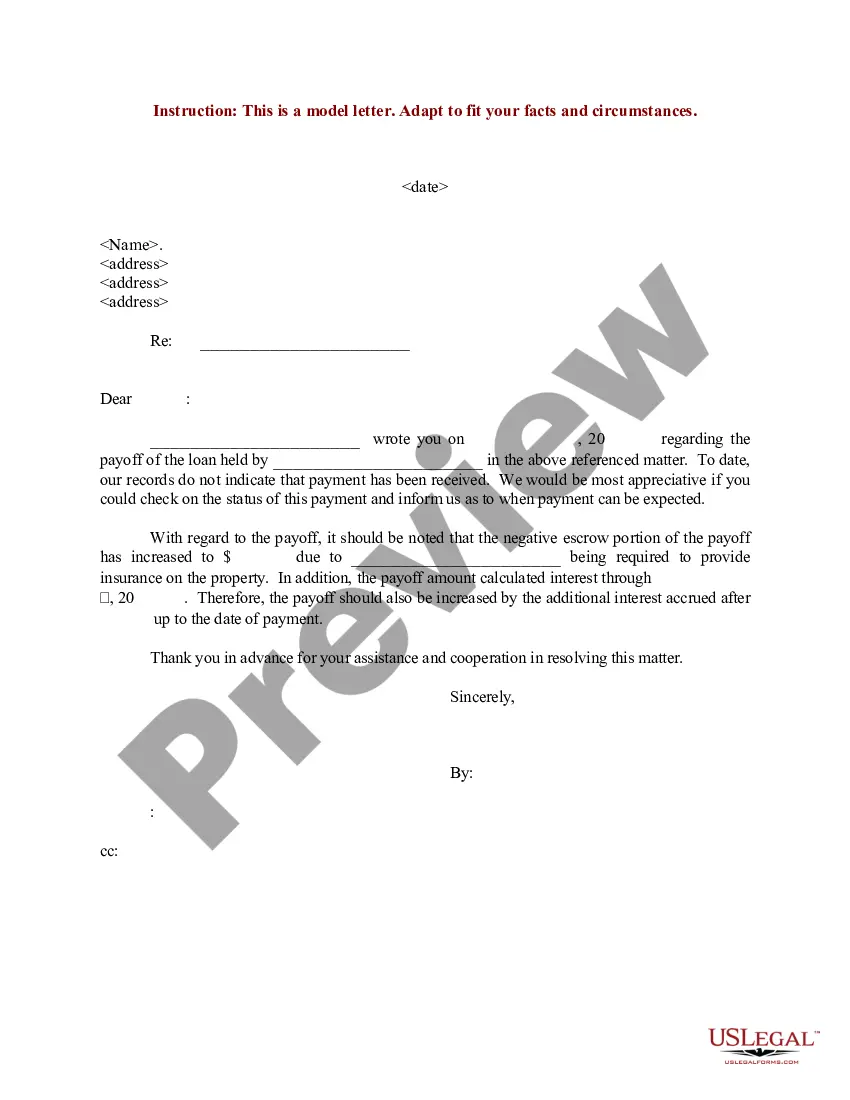
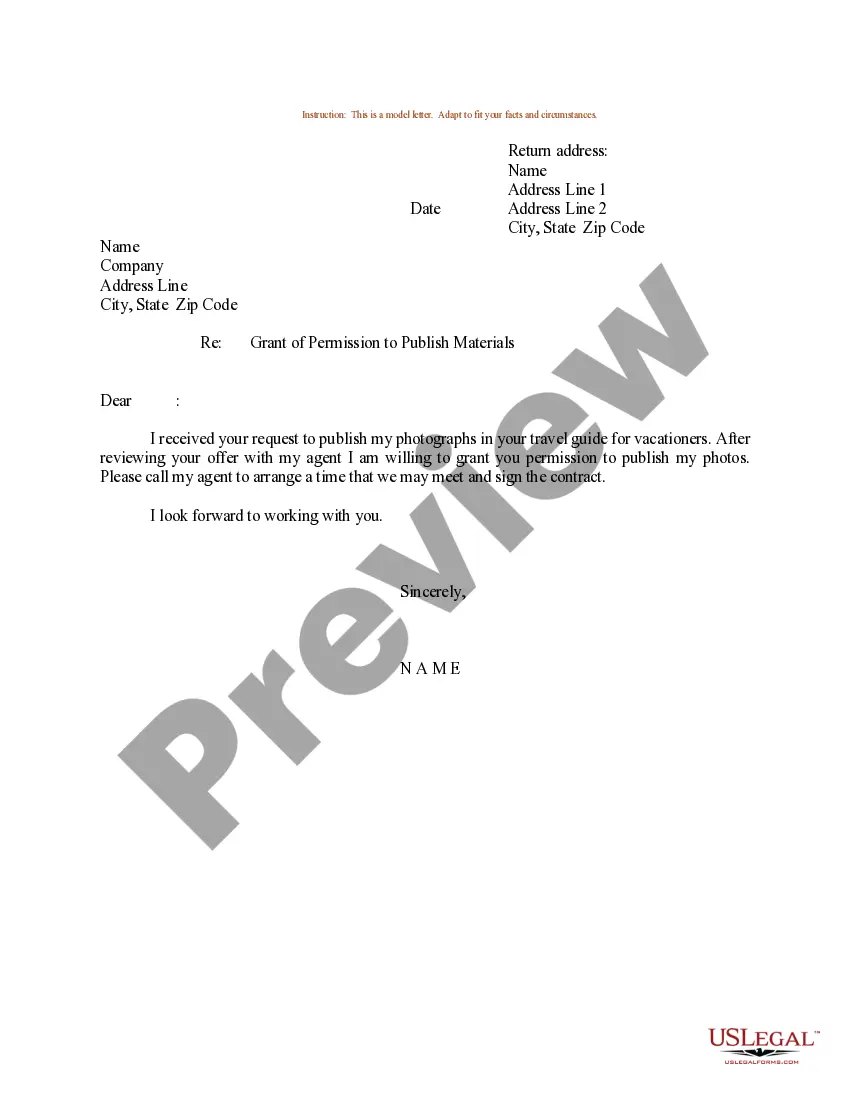
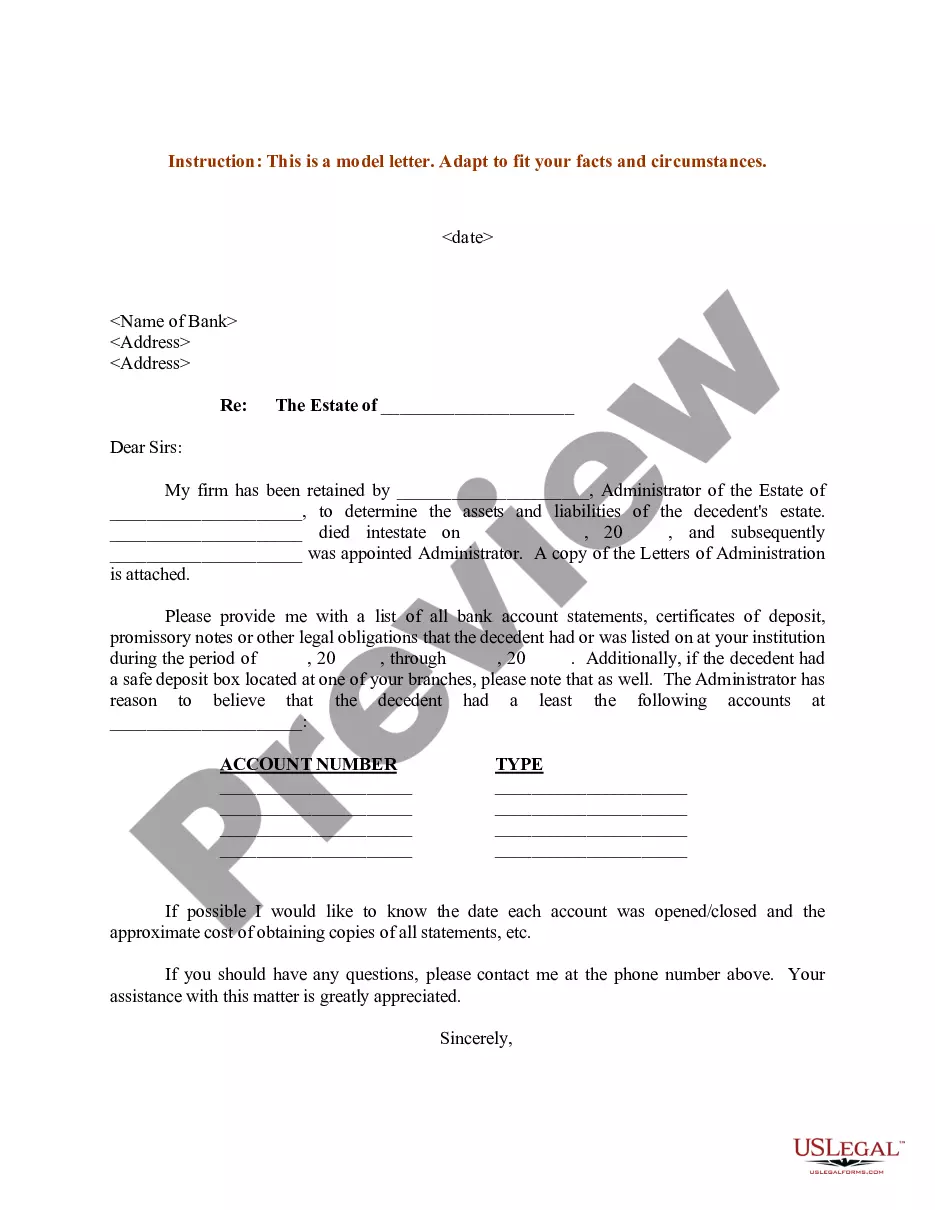
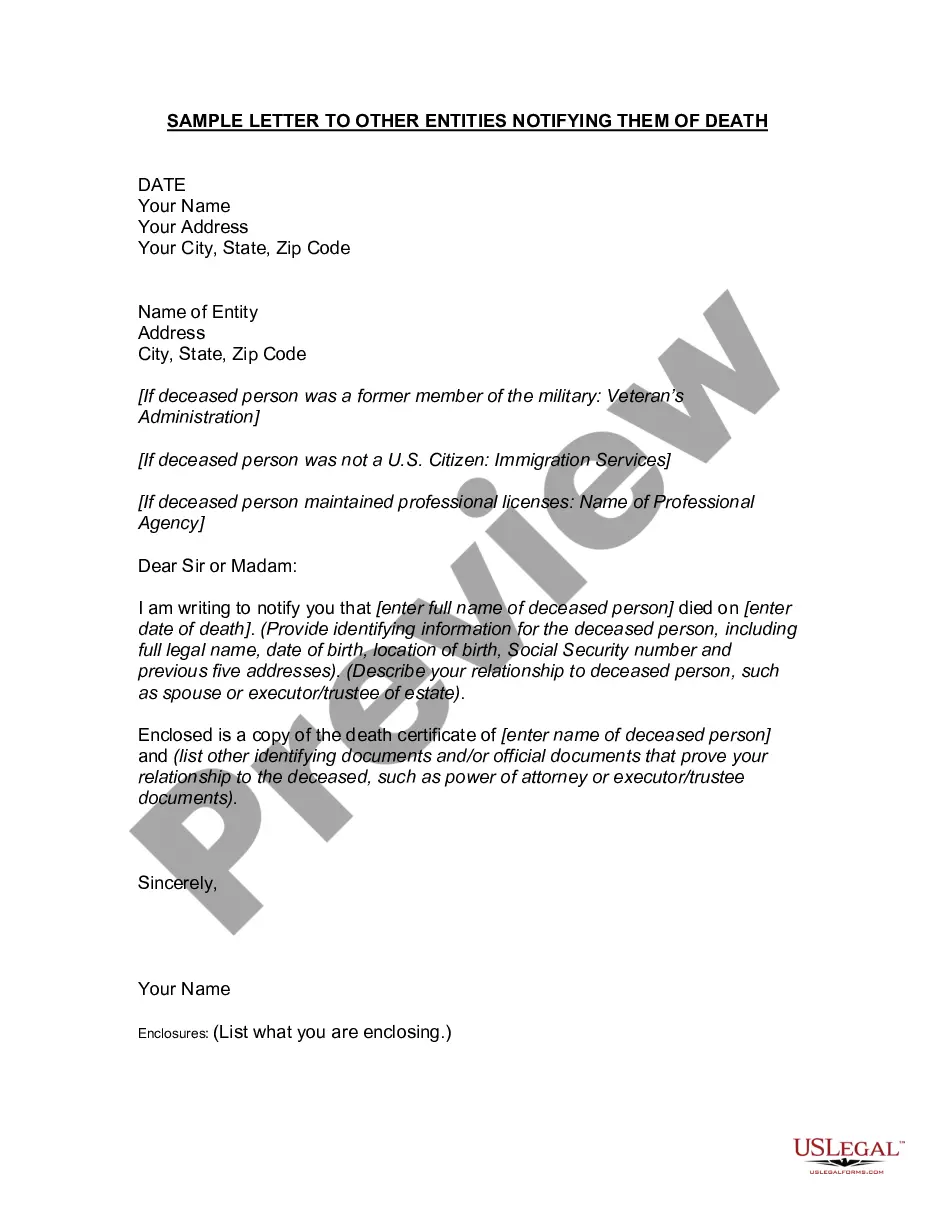
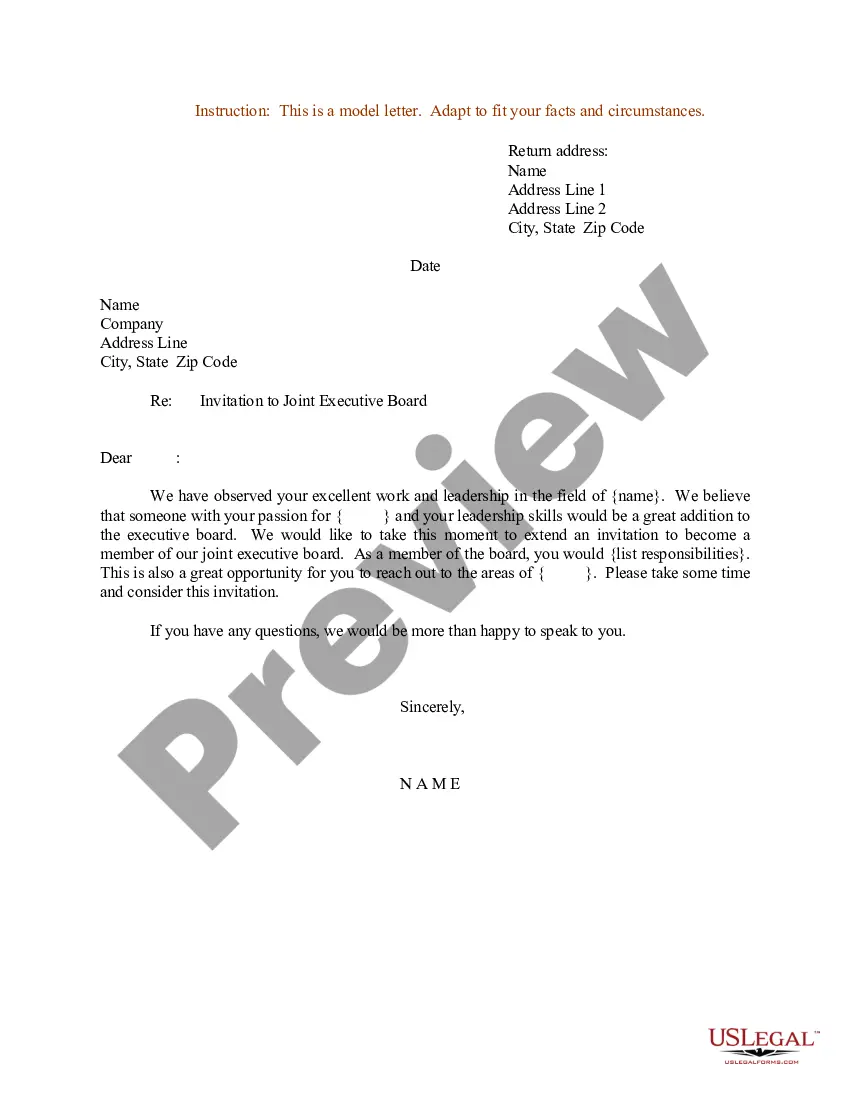
How to fill out Sample Letter For Accept A Request To Serve In An Honorary Position?
The Document Acknowledge Position With Secretary that is visible on this page is a versatile legal model crafted by experienced attorneys in compliance with national and local laws.
For over 25 years, US Legal Forms has delivered individuals, entities, and legal professionals with more than 85,000 validated, state-specific documents for any commercial and personal circumstance. It’s the fastest, simplest, and most dependable method to acquire the paperwork you require, as the service ensures the utmost level of data privacy and anti-malware safeguards.
Select the format you wish for your Document Acknowledge Position With Secretary (PDF, Word, RTF) and save the sample on your device.
- Search for the document you require and examine it.
- Browse through the file you searched and view it or check the form description to confirm it satisfies your needs. If it doesn’t, utilize the search bar to locate the proper one. Click Buy Now when you’ve located the template you desire.
- Choose and Log In.
- Select a pricing option that fits you and create an account. Use PayPal or a credit card for a swift payment. If you already have an account, Log In and check your subscription to proceed.
- Acquire the editable template.
Form popularity
FAQ
How to Write a Job Acceptance Letter Review the offer letter. Mention the date. Include name and address. Write a clear subject line. Add a salutation. Express gratitude. Accept the terms of employment. Sign the job acceptance letter.
How to Write a Job Acceptance Letter Review the offer letter. Mention the date. Include name and address. Write a clear subject line. Add a salutation. Express gratitude. Accept the terms of employment. Sign the job acceptance letter.
Acceptance Letter Template Dear Sir, I am extremely glad to accept your offer for the position of [Title] at [Company's Name]. I agree with the whole terms we discussed in the interview. Certainly, I will go the [Company's Name] office by [Time] on [Date].
Thank you for reviewing my application and considering me for the [job title] position at [company name]. I am delighted to accept the employment offer for the position of [job title] starting [date]. As the job offer outlines, my starting salary is [salary], which I can expect to receive [payment frequency].
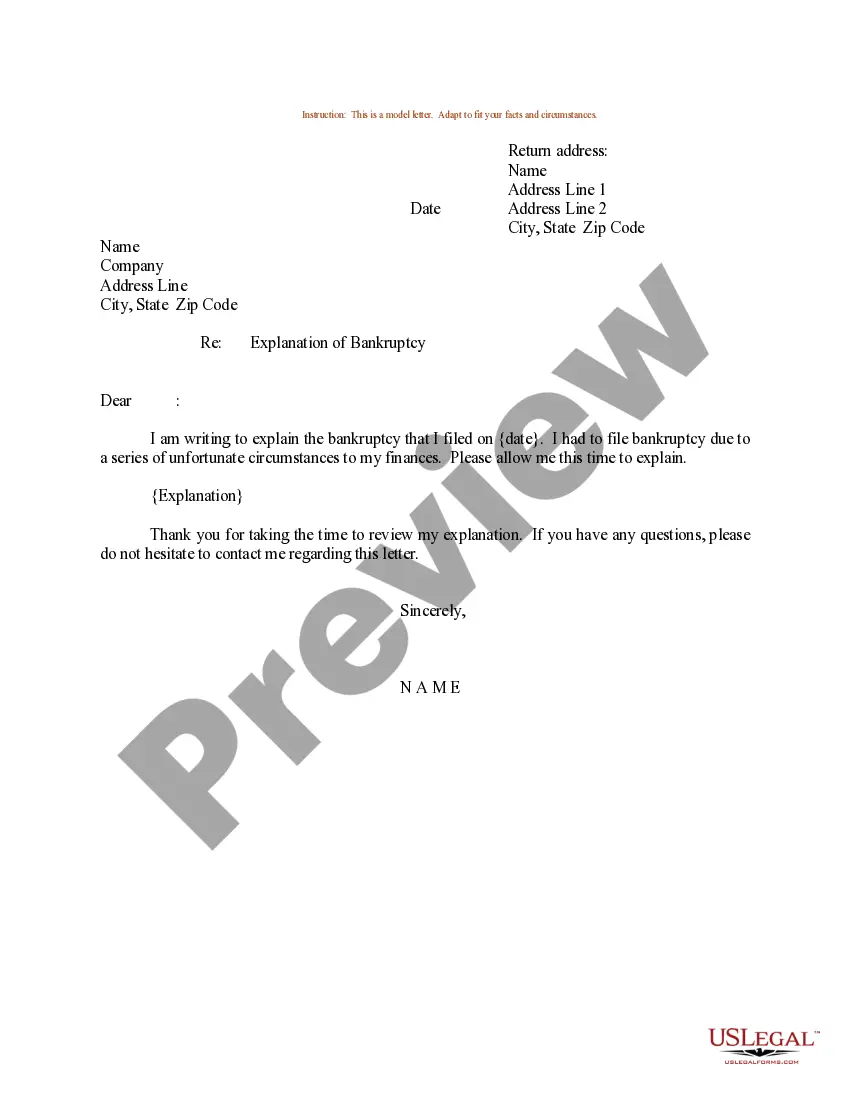
I am pleased to formally accept the position of [job title] and start my employment on [date]. Thank you once again for the position and I look forward to working with the team. Please feel free to reach out to me if you have other questions or require further documents from me.