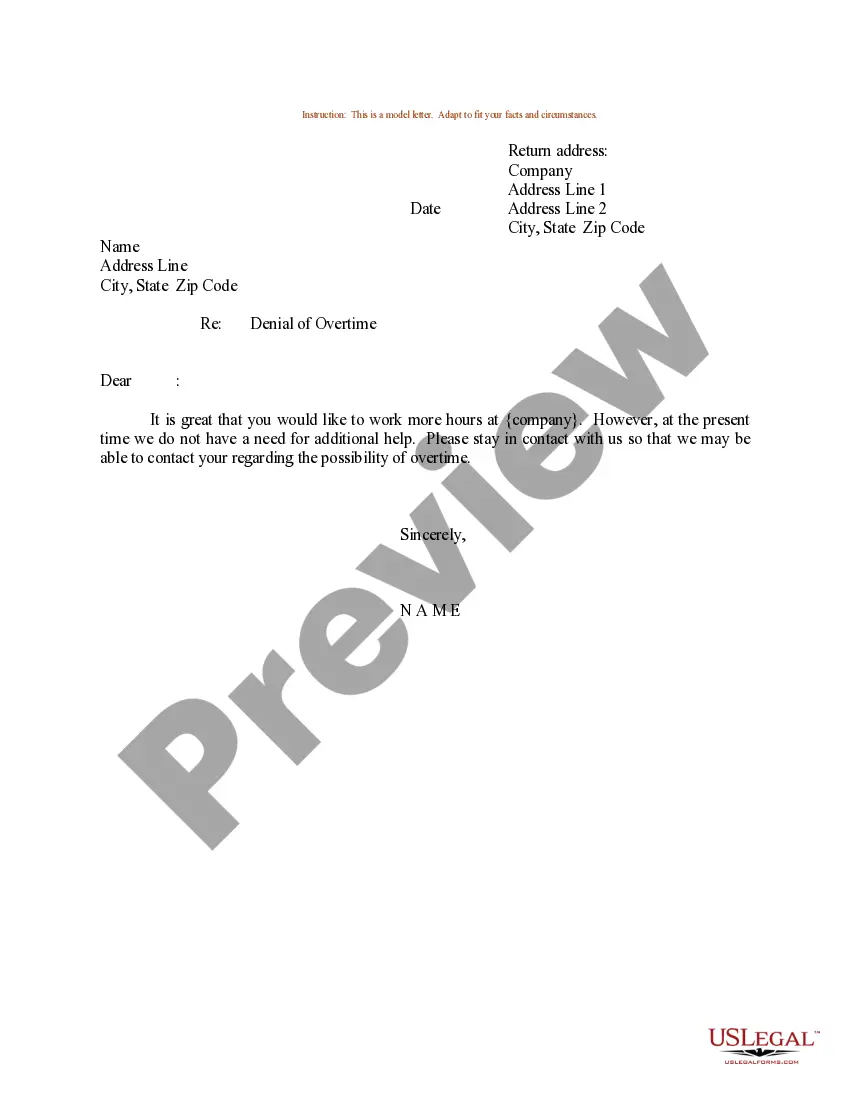
No Overtime Email To Employees Examples With Solutions
Description
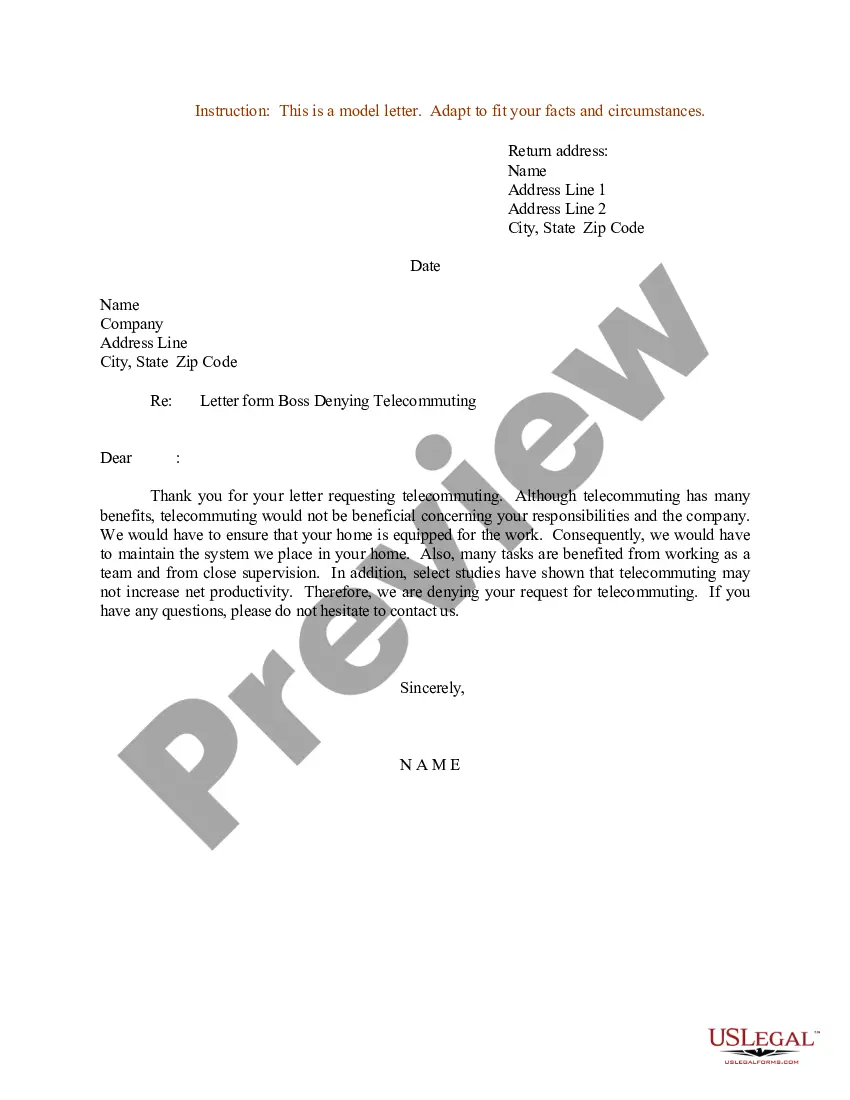
Get your form ready online
Our built-in tools help you complete, sign, share, and store your documents in one place.
Make edits, fill in missing information, and update formatting in US Legal Forms—just like you would in MS Word.
Download a copy, print it, send it by email, or mail it via USPS—whatever works best for your next step.
Sign and collect signatures with our SignNow integration. Send to multiple recipients, set reminders, and more. Go Premium to unlock E-Sign.
If this form requires notarization, complete it online through a secure video call—no need to meet a notary in person or wait for an appointment.
We protect your documents and personal data by following strict security and privacy standards.

Make edits, fill in missing information, and update formatting in US Legal Forms—just like you would in MS Word.

Download a copy, print it, send it by email, or mail it via USPS—whatever works best for your next step.

Sign and collect signatures with our SignNow integration. Send to multiple recipients, set reminders, and more. Go Premium to unlock E-Sign.

If this form requires notarization, complete it online through a secure video call—no need to meet a notary in person or wait for an appointment.

We protect your documents and personal data by following strict security and privacy standards.
Looking for another form?

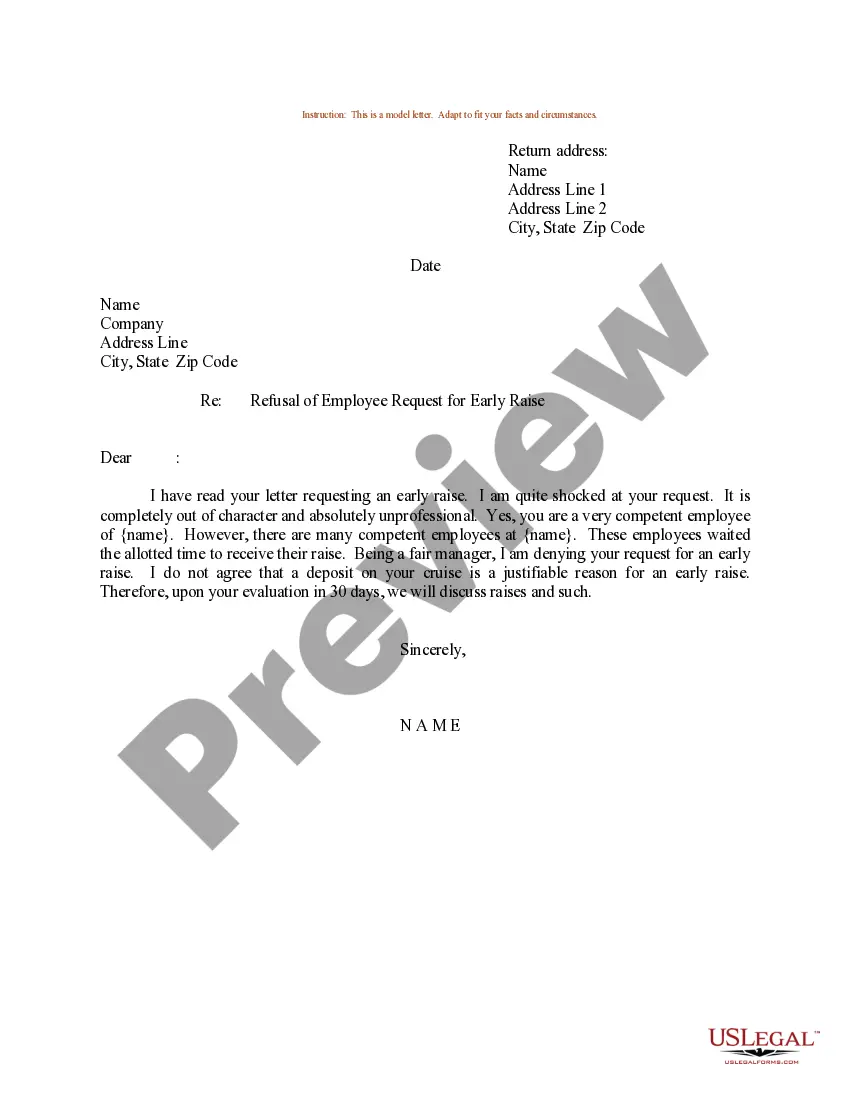
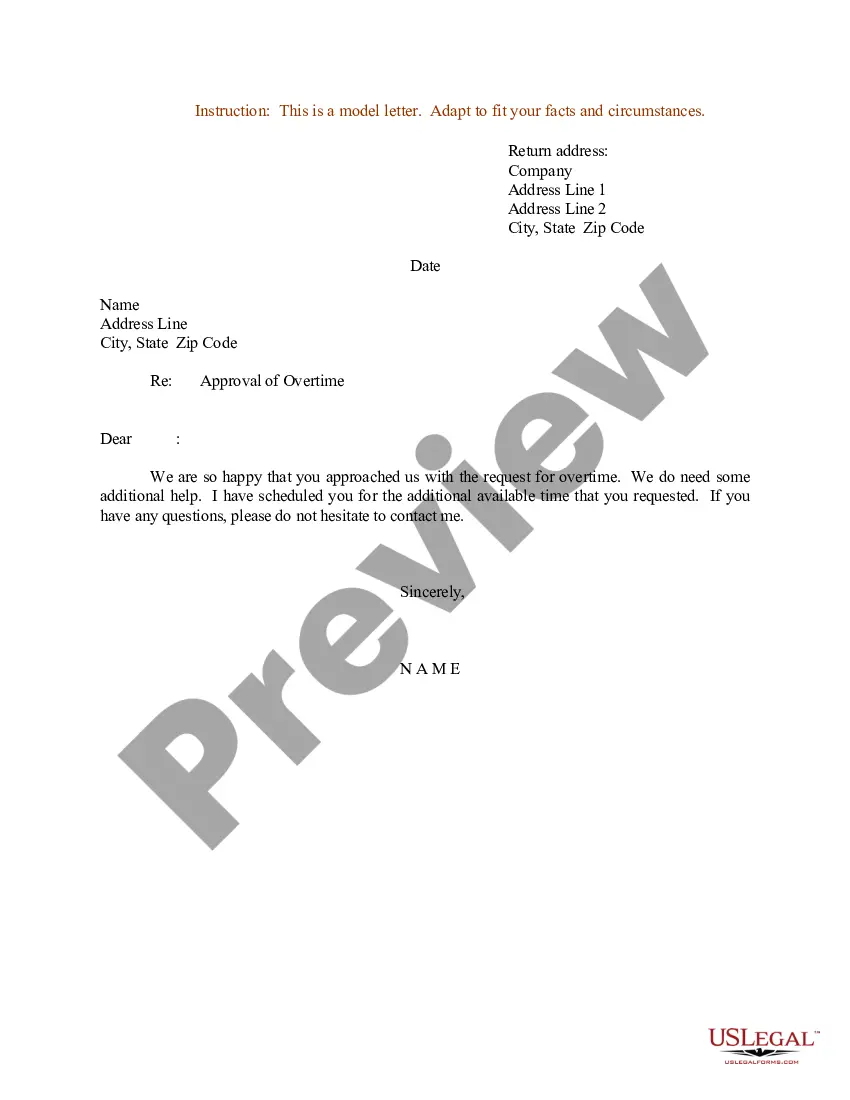
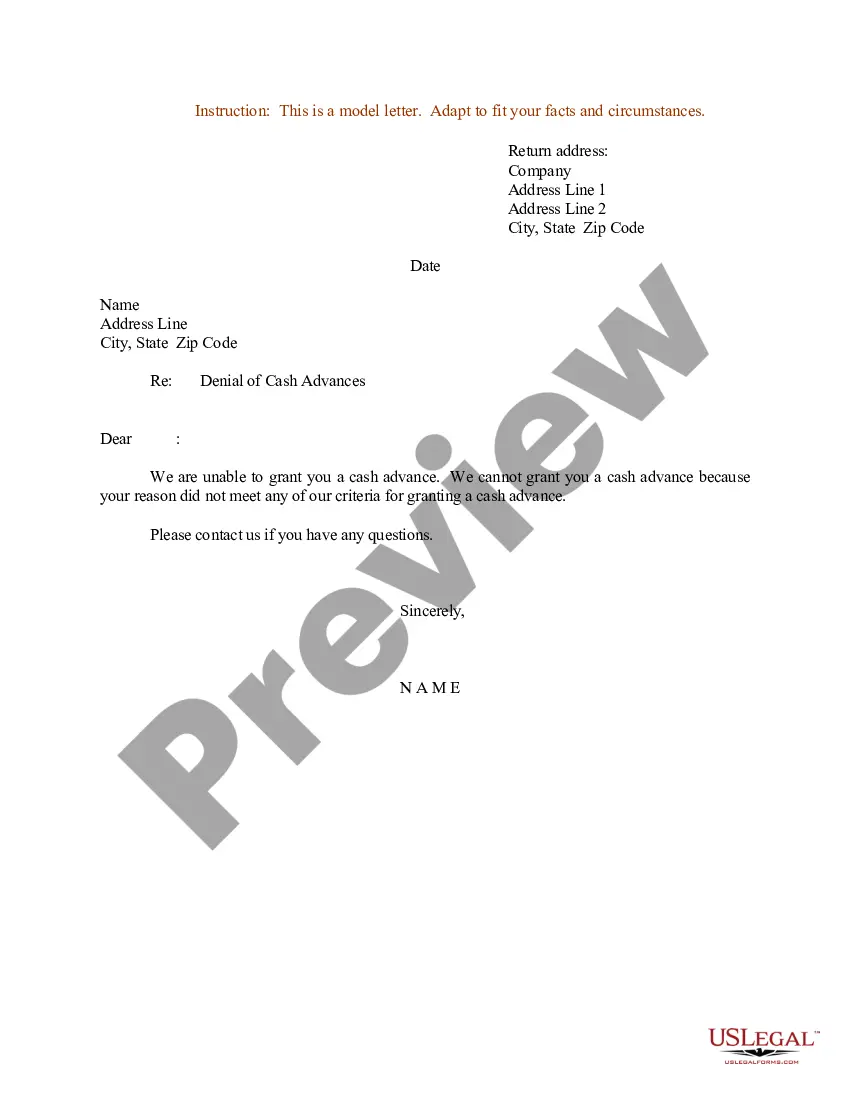
How to fill out Sample Letter For Denial Of Overtime?
Creating legal documentation from the ground up can sometimes be daunting.
Certain situations may require extensive investigation and a significant financial commitment.
If you’re looking for a simpler and more cost-effective method of preparing No Overtime Email To Employees Examples With Solutions or any other documentation without unnecessary complications, US Legal Forms is always available to assist you.
Our online repository of over 85,000 current legal documents encompasses nearly every part of your financial, legal, and personal matters. With just a few clicks, you can immediately access state- and county-specific forms meticulously crafted for you by our legal experts.
Verify that the template you choose adheres to the regulations and laws of your state and county. Select the most appropriate subscription plan to obtain the No Overtime Email To Employees Examples With Solutions. Download the form. Afterwards, complete, validate, and print it out. US Legal Forms has an impeccable reputation and over 25 years of experience. Join us today and make document processing simple and efficient!
- Utilize our platform whenever you need dependable services through which you can conveniently locate and download the No Overtime Email To Employees Examples With Solutions.
- If you’re already familiar with our website and have previously created an account, simply Log In to your account, find the template, and download it immediately or re-download it at any time later in the My documents section.
- No account? No worries. It takes just minutes to register and browse the catalog.
- However, before you dive into downloading No Overtime Email To Employees Examples With Solutions, adhere to these recommendations.
- Examine the document preview and descriptions to ensure you have located the form you need.
Form popularity
FAQ
To effectively stop employees from working overtime, consider implementing clear policies that limit work hours. You can utilize no overtime email to employees examples with solutions to communicate these policies proactively. Additionally, regularly monitor employee workloads and provide adequate resources to help them complete tasks within their designated hours. By setting clear expectations and offering support, you can foster a better work-life balance and prevent overtime scenarios.
To provide a sample of telling an employee no overtime, create a template that includes a respectful opening, reason for the change, and reassurance of their value. Include clear instructions on how to communicate any project needs moving forward. The right email can create understanding while alleviating tension in the workplace.
Addressing unauthorized overtime requires a firm yet supportive approach. Communicate through a clear email that explains the importance of adhering to scheduled hours and the implications of unauthorized overtime. This fosters compliance and encourages open communication regarding any needs or concerns.
When informing an employee about no overtime, it is important to be direct but considerate. Use a well-structured email that explains your reasoning, perhaps mentioning budget limits or company policies. Providing a clear structure not only helps the employee understand but also reaffirms that their contributions are valued.
To address missing overtime in an email to payroll, be concise and specific about the hours worked and the discrepancy. Clearly state the error in your records, using a straightforward yet respectful tone. By providing relevant details, you foster prompt resolution and help maintain accurate records.
Professionally saying no to overtime involves clarity and empathy in your message. Create an email that informs employees about the end of overtime, specifying the reasons behind this decision. Providing context demonstrates leadership and encourages buy-in from your team.
To say no to overtime professionally, communicate directly and respectfully with your team. Use an email template that outlines the new policy while expressing appreciation for their efforts. Clear communication fosters understanding and maintains morale, showcasing the importance of work-life balance.
To effectively tell employees no more overtime, draft a clear and respectful email. Begin by acknowledging their hard work and dedication. Then, explain the reasons for the decision, such as budget constraints or changes in workload. Include a sample email to guide them through this process.
To write a letter for a payroll error, start by identifying the specific details of the error, including dates and amounts. Frame your letter in a way that clearly communicates your expectations for resolution. It's important to remain polite and professional, and offer any necessary documentation that supports your claim. For additional structure, you can explore no overtime email to employees examples with solutions for helpful writing approaches.
In writing an email about missing payment, be direct and specific about the payment you are referencing. Include any relevant details, such as invoice numbers and due dates, to help clarify the situation. It’s essential to express understanding while firmly requesting the resolution. If you need more assistance, look at no overtime email to employees examples with solutions for effective writing tips.