Template For Documenting Employee Issues With Other Tenants
Description
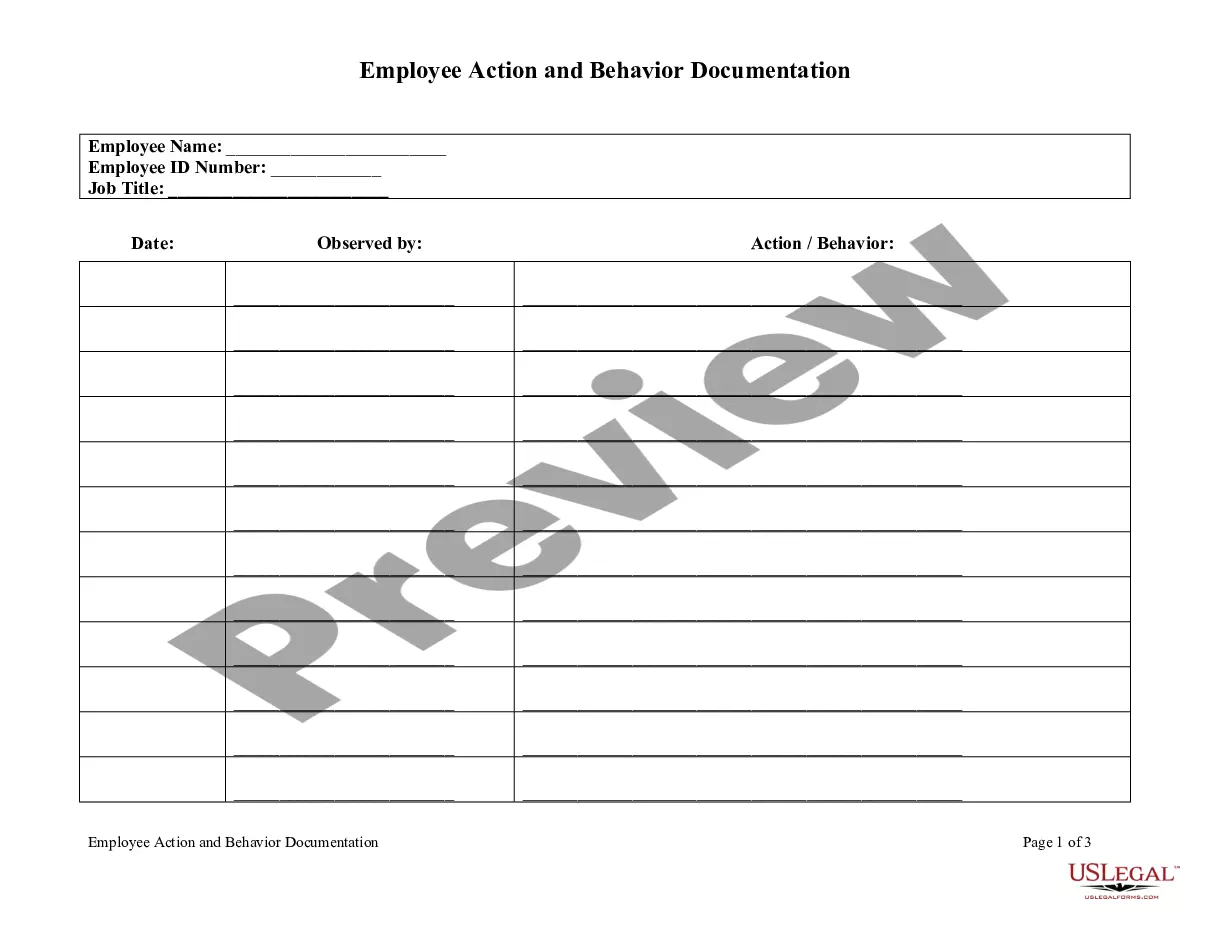
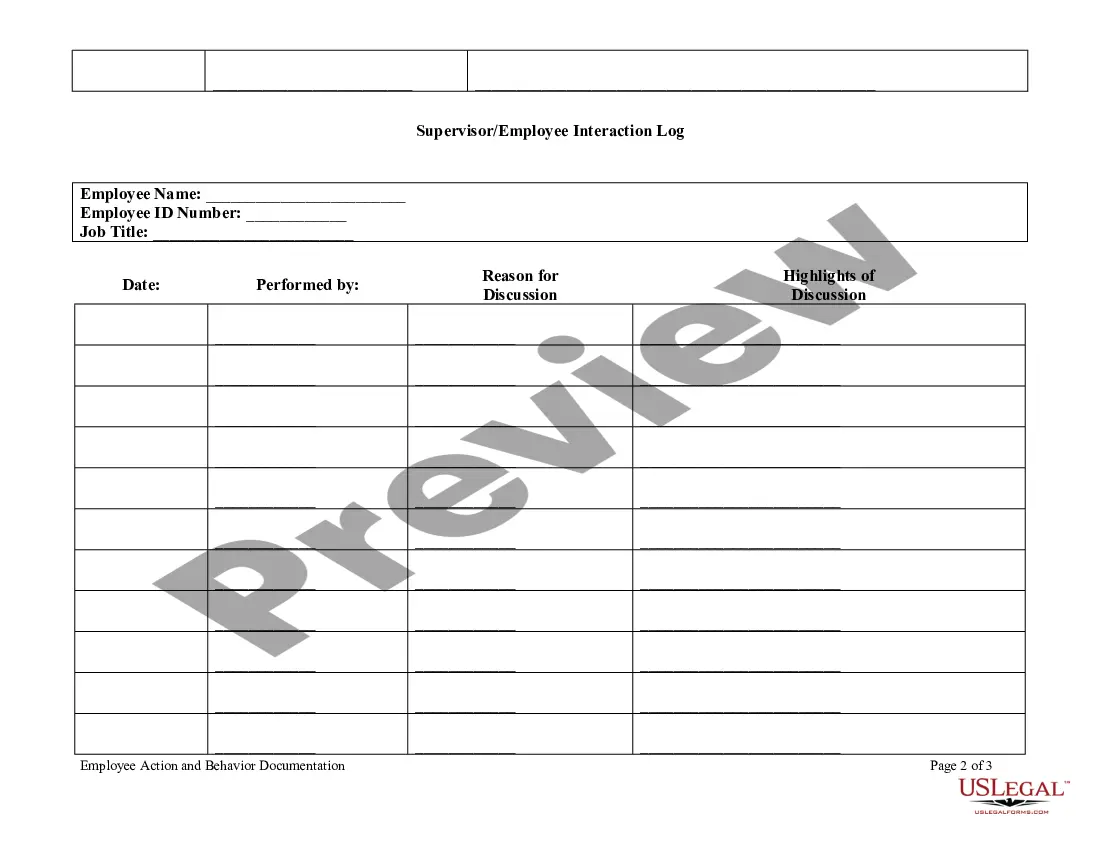
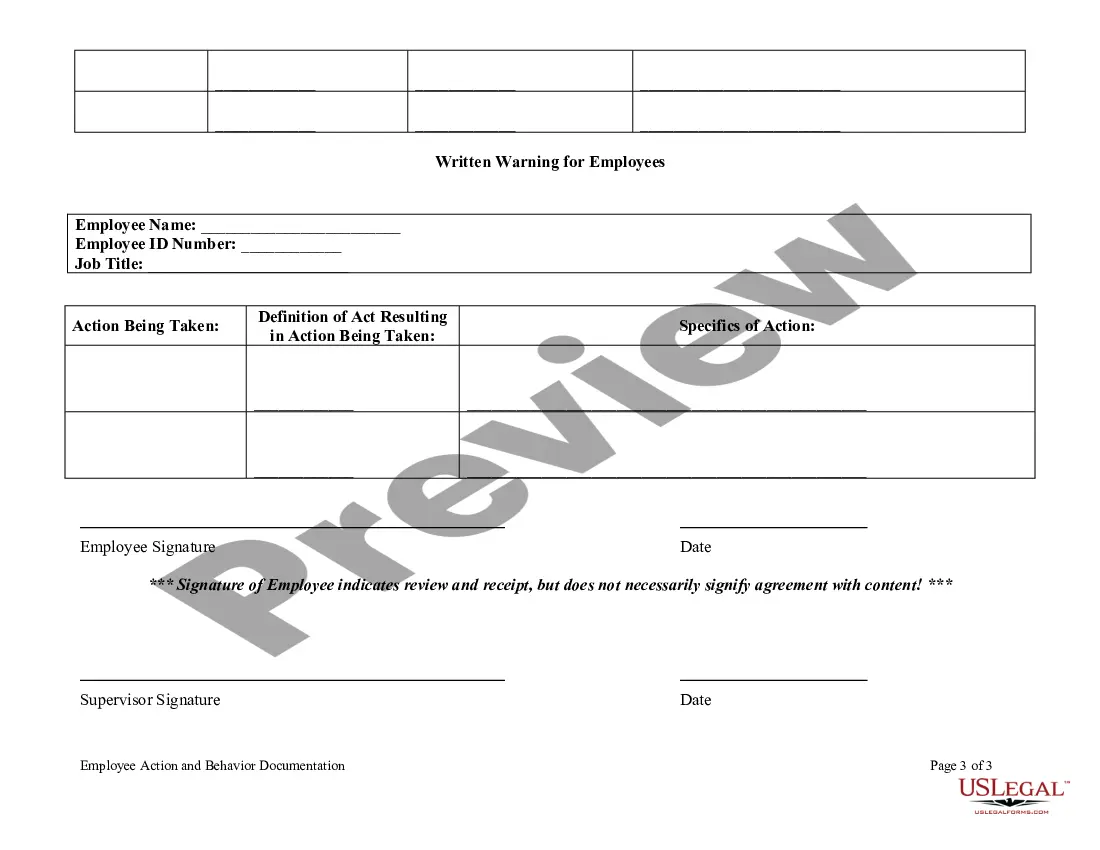

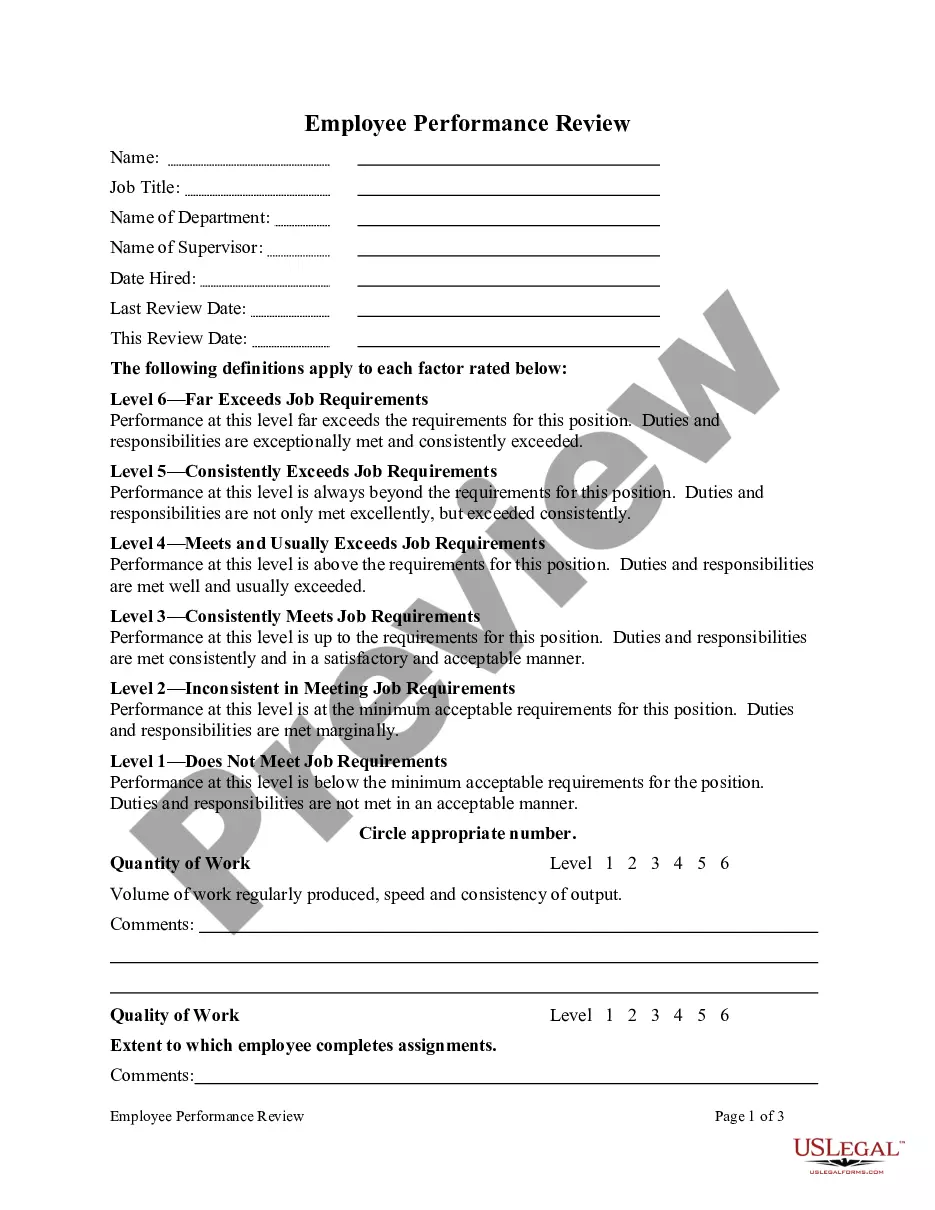
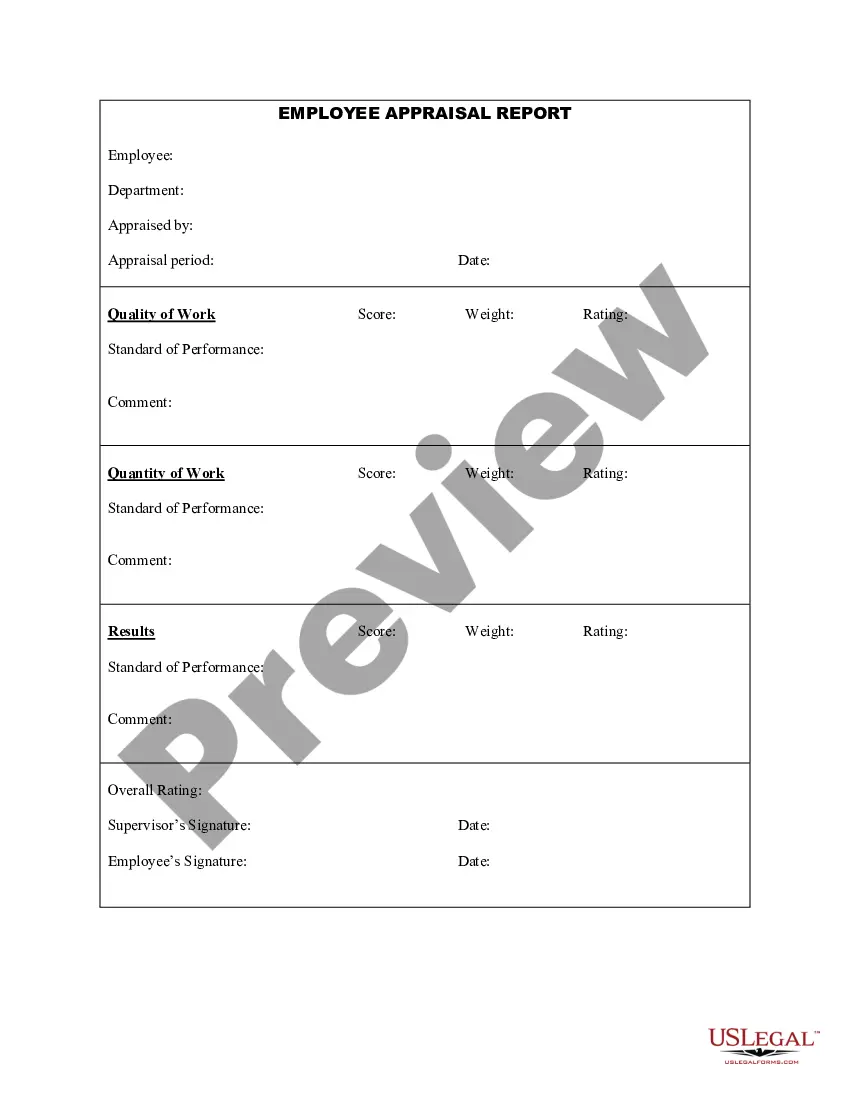
Get your form ready online
Our built-in tools help you complete, sign, share, and store your documents in one place.
Make edits, fill in missing information, and update formatting in US Legal Forms—just like you would in MS Word.
Download a copy, print it, send it by email, or mail it via USPS—whatever works best for your next step.
Sign and collect signatures with our SignNow integration. Send to multiple recipients, set reminders, and more. Go Premium to unlock E-Sign.
If this form requires notarization, complete it online through a secure video call—no need to meet a notary in person or wait for an appointment.
We protect your documents and personal data by following strict security and privacy standards.

Make edits, fill in missing information, and update formatting in US Legal Forms—just like you would in MS Word.

Download a copy, print it, send it by email, or mail it via USPS—whatever works best for your next step.

Sign and collect signatures with our SignNow integration. Send to multiple recipients, set reminders, and more. Go Premium to unlock E-Sign.

If this form requires notarization, complete it online through a secure video call—no need to meet a notary in person or wait for an appointment.

We protect your documents and personal data by following strict security and privacy standards.
Looking for another form?





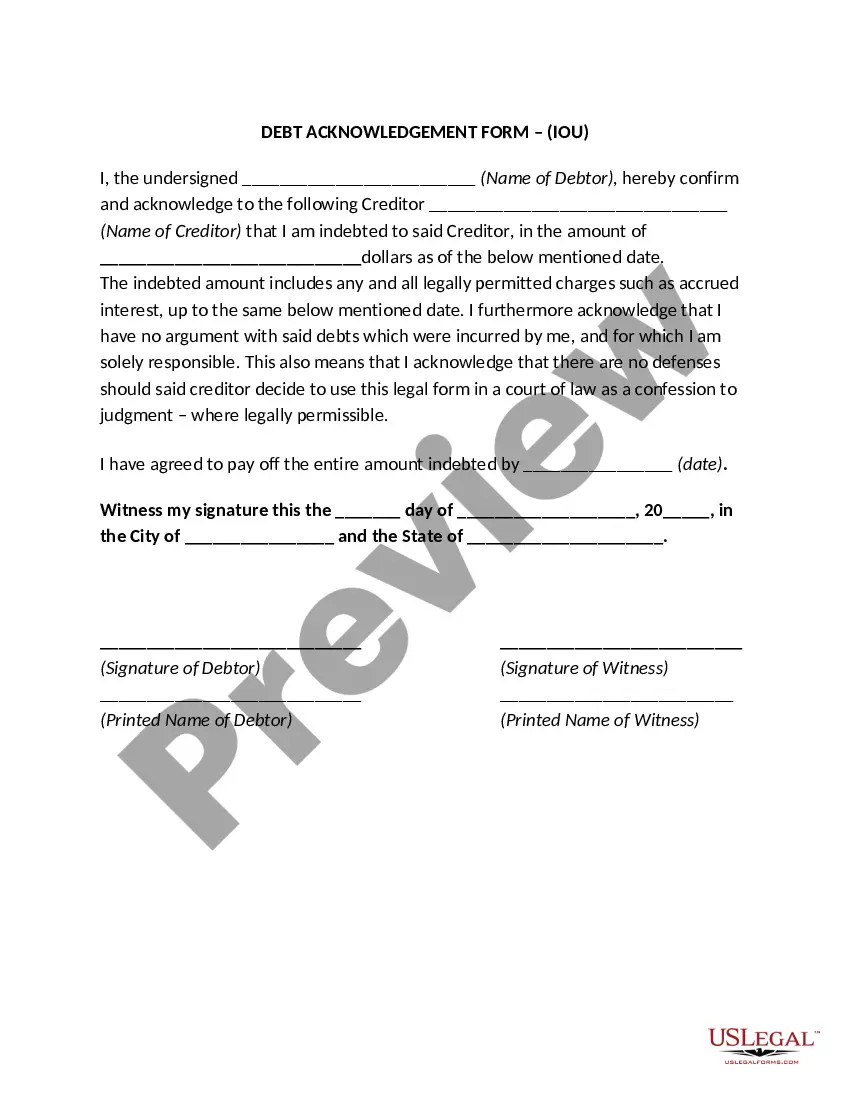


How to fill out Employee Action And Behavior Documentation?
Regardless of whether it's for commercial use or personal matters, everyone must confront legal issues at some point in their life.
Filling out legal documents requires meticulous care, starting with selecting the right form example.
Once downloaded, you can either fill out the form using editing software or print it and complete it by hand. With a vast US Legal Forms library available, you won’t need to waste time searching the internet for the right template. Utilize the library’s straightforward navigation to find the suitable template for any situation.
- For instance, if you select an incorrect version of a Template For Documenting Employee Issues With Other Tenants, it will be rejected upon submission.
- Thus, it is crucial to find a reliable source of legal templates like US Legal Forms.
- If you wish to acquire a Template For Documenting Employee Issues With Other Tenants sample, follow these simple steps.
- Obtain the template you require using the search box or catalog browsing.
- Review the form’s details to ensure it suits your case, state, and locality.
- Click on the form’s preview to view it.
- If it’s the wrong document, go back to the search feature to locate the Template For Documenting Employee Issues With Other Tenants sample you need.
- Download the file once it satisfies your requirements.
- If you possess a US Legal Forms account, simply click Log in to reach previously saved templates in My documents.
- If you haven’t established an account yet, you can download the form by selecting Buy now.
- Choose the appropriate pricing option.
- Fill out the account registration form.
- Select your payment method: you may utilize a credit card or PayPal account.
- Choose the document format you desire and download the Template For Documenting Employee Issues With Other Tenants.
Form popularity
FAQ
Although it is not always practical to expect a manager or supervisor to fill out a form every time they need to document a discussion, sending an email with a receipt of notification to the employee involved in the conversation, confirming what was discussed, or sending the email to another manager confirming the ...
Summary of the issue: Summarize the issue and include specific examples, when each instance occurred, and the impact it has on the company and co-workers. Only include factual information and reference any previous discussions you had with the employee, including the dates.
Follow the steps below when documenting employee performance issues: Stick to the facts and underline expectations. Emphasize behavior. Align records of past performance. Describe proof of misconduct. Identify and present consequences. Meet in person and get a signature.
The first thing you should do is document the incidents of disrespect that you have experienced or witnessed from your manager. Write down the date, time, location, people involved, what happened, how you felt, and how you responded. Keep any evidence that supports your claims, such as emails, texts, or recordings.
6 Steps To Address Employee Performance Issues: Step 1: Performance First, Solutions Second. ... Step 2: Define the Deviation. ... Step 3: Communicate the Deviation. ... Step 4: Engage Them in the Cause(s) ... Step 5: Select the Best Solution. ... Step 6: Define Consequences. ... 6 Proven Skills Great Leaders Possess That Anyone Can Master.