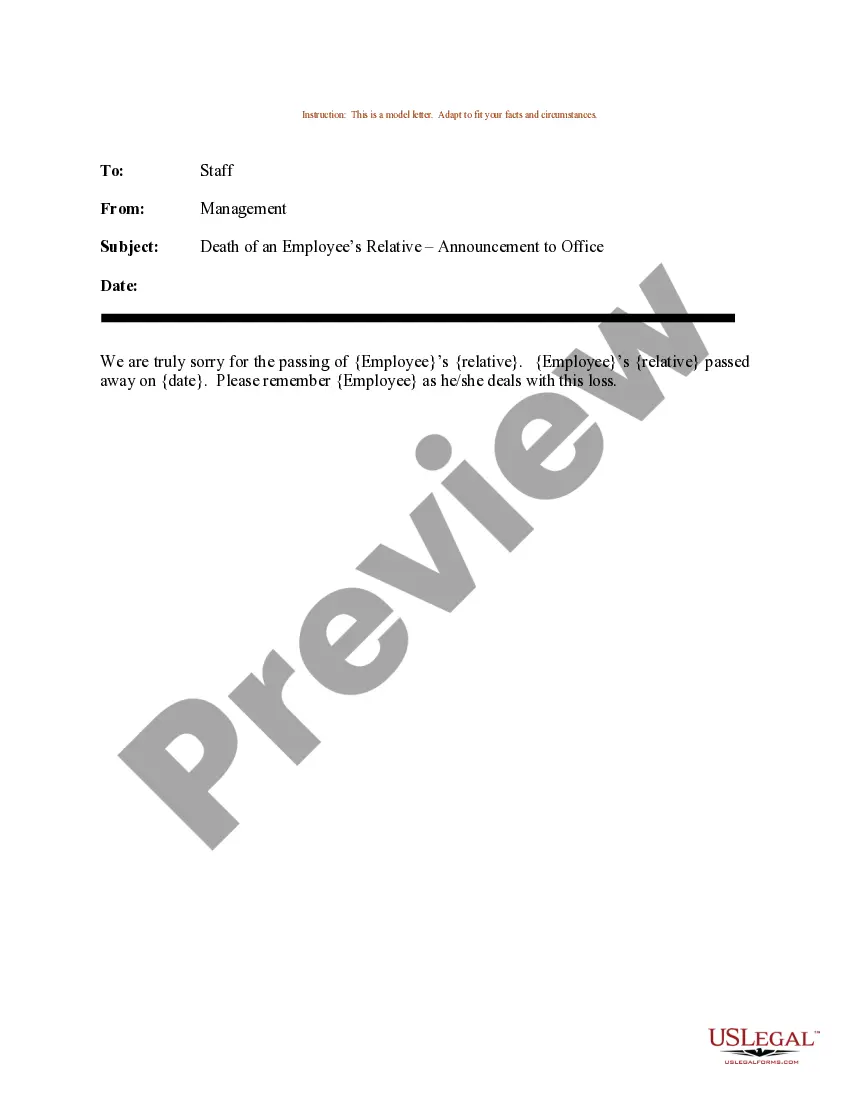
Email Announcing Death Of Employee Relative For Funeral
Description
Get your form ready online
Our built-in tools help you complete, sign, share, and store your documents in one place.
Make edits, fill in missing information, and update formatting in US Legal Forms—just like you would in MS Word.
Download a copy, print it, send it by email, or mail it via USPS—whatever works best for your next step.
Sign and collect signatures with our SignNow integration. Send to multiple recipients, set reminders, and more. Go Premium to unlock E-Sign.
If this form requires notarization, complete it online through a secure video call—no need to meet a notary in person or wait for an appointment.
We protect your documents and personal data by following strict security and privacy standards.

Make edits, fill in missing information, and update formatting in US Legal Forms—just like you would in MS Word.

Download a copy, print it, send it by email, or mail it via USPS—whatever works best for your next step.

Sign and collect signatures with our SignNow integration. Send to multiple recipients, set reminders, and more. Go Premium to unlock E-Sign.

If this form requires notarization, complete it online through a secure video call—no need to meet a notary in person or wait for an appointment.

We protect your documents and personal data by following strict security and privacy standards.
Looking for another form?
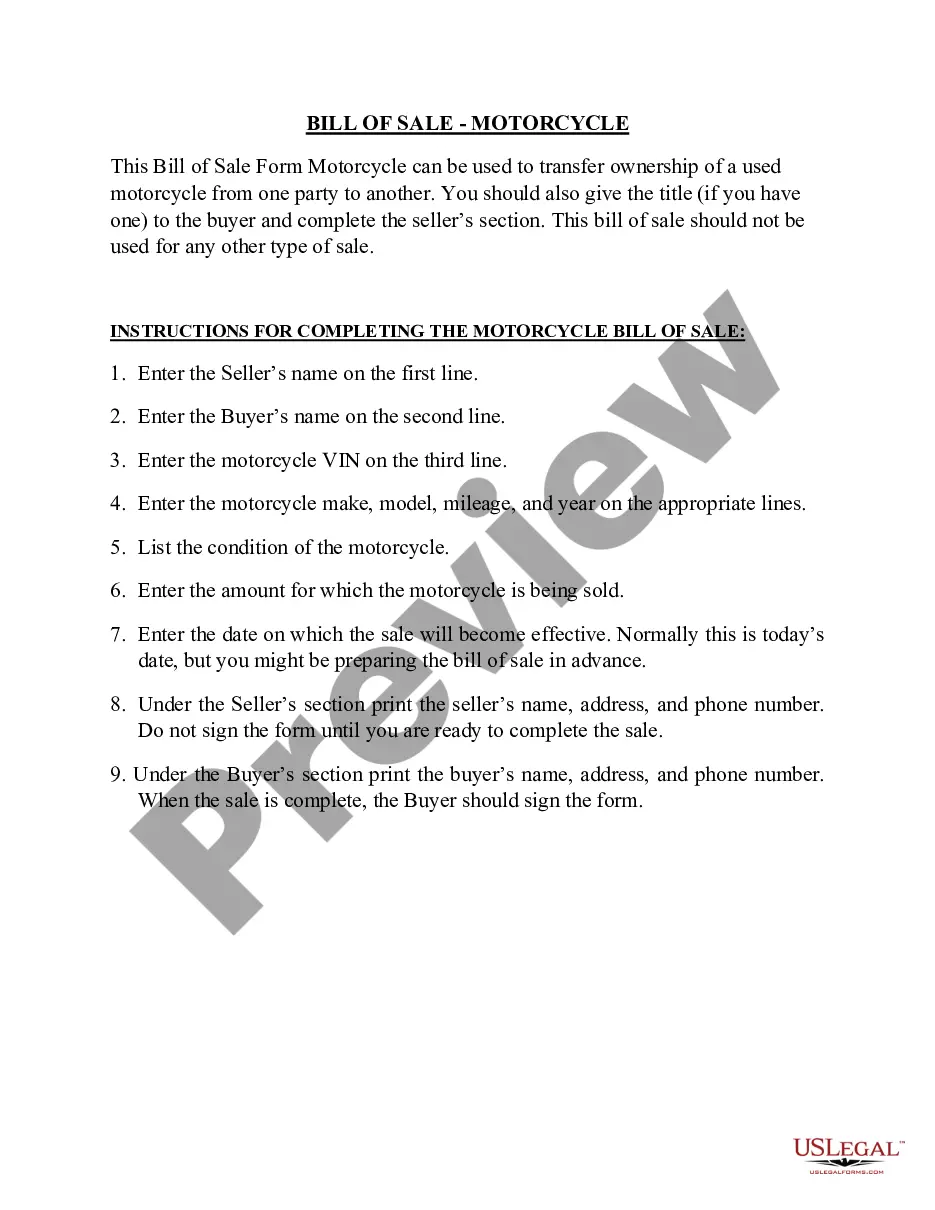
How to fill out Sample Letter For Death Of An Employee's Relative - Announcement To Office?
Utilizing legal document examples that adhere to national and local regulations is crucial, and the web provides a plethora of choices to select from.
However, what’s the use of squandering time searching for the suitable Email Announcing Death Of Employee Relative For Funeral example online when the US Legal Forms digital library already compiles such templates in one location.
US Legal Forms is the largest online legal database with over 85,000 editable templates created by legal professionals for any business and personal scenario. They are easy to navigate with all documents categorized by state and intended use. Our experts keep up with legislative changes, ensuring that your form is always current and compliant when acquiring a Email Announcing Death Of Employee Relative For Funeral from our site.
Press Buy Now once you’ve located the correct form and select a subscription plan. Create an account or sign in and process payment through PayPal or a credit card. Choose the format for your Email Announcing Death Of Employee Relative For Funeral and download it. All documents you find through US Legal Forms are reusable. To re-download and complete previously obtained forms, access the My documents tab in your account. Take advantage of the most comprehensive and user-friendly legal document service!
- Acquiring a Email Announcing Death Of Employee Relative For Funeral is straightforward and rapid for both existing and new users.
- If you have an account with an active subscription, Log In and download the document example you require in your desired format.
- If you are a newcomer to our website, follow these steps.
- Examine the template using the Preview feature or via the text outline to ensure it satisfies your needs.
- Use the search feature at the top of the page to find another sample if required.
Form popularity
FAQ
Ultimately, I think it comes down to the relationship. If you know the person well enough to know they'd appreciate seeing you there, go ahead. But if you don't know them well enough to be sure, I'd err on the side of sending a personal note/flowers/a plant/food/etc. instead.
People usually appreciate having a good turnout at the funeral of someone they care about, and you're doing a nice thing if you go to the funeral of a co-worker or other acquaintance.
Where to Start in Writing a Funeral Announcement? Family's Name and details where they've lived. The date of passing. Planned arrangement of the funeral. ... A script, a poem, or a prayer that is special to the family can be considered. A family flag or a coat of arms if there is.
It is with deep sadness and heavy hearts that we inform you of the death of our colleague and friend, (name), who passed away on (date). (Name) passed away unexpectedly/had suffered with a prolonged illness in recent years/or was involved in an accident.
Ensure that the message is delivered in a compassionate and respectful manner. Provide Details: Provide details about the death, including the name of the deceased, their relationship to the employee, and any funeral or memorial service arrangements.