Letter To Grant Permission For Leave
Description
Get your form ready online
Our built-in tools help you complete, sign, share, and store your documents in one place.
Make edits, fill in missing information, and update formatting in US Legal Forms—just like you would in MS Word.
Download a copy, print it, send it by email, or mail it via USPS—whatever works best for your next step.
Sign and collect signatures with our SignNow integration. Send to multiple recipients, set reminders, and more. Go Premium to unlock E-Sign.
If this form requires notarization, complete it online through a secure video call—no need to meet a notary in person or wait for an appointment.
We protect your documents and personal data by following strict security and privacy standards.

Make edits, fill in missing information, and update formatting in US Legal Forms—just like you would in MS Word.

Download a copy, print it, send it by email, or mail it via USPS—whatever works best for your next step.

Sign and collect signatures with our SignNow integration. Send to multiple recipients, set reminders, and more. Go Premium to unlock E-Sign.

If this form requires notarization, complete it online through a secure video call—no need to meet a notary in person or wait for an appointment.

We protect your documents and personal data by following strict security and privacy standards.
Looking for another form?


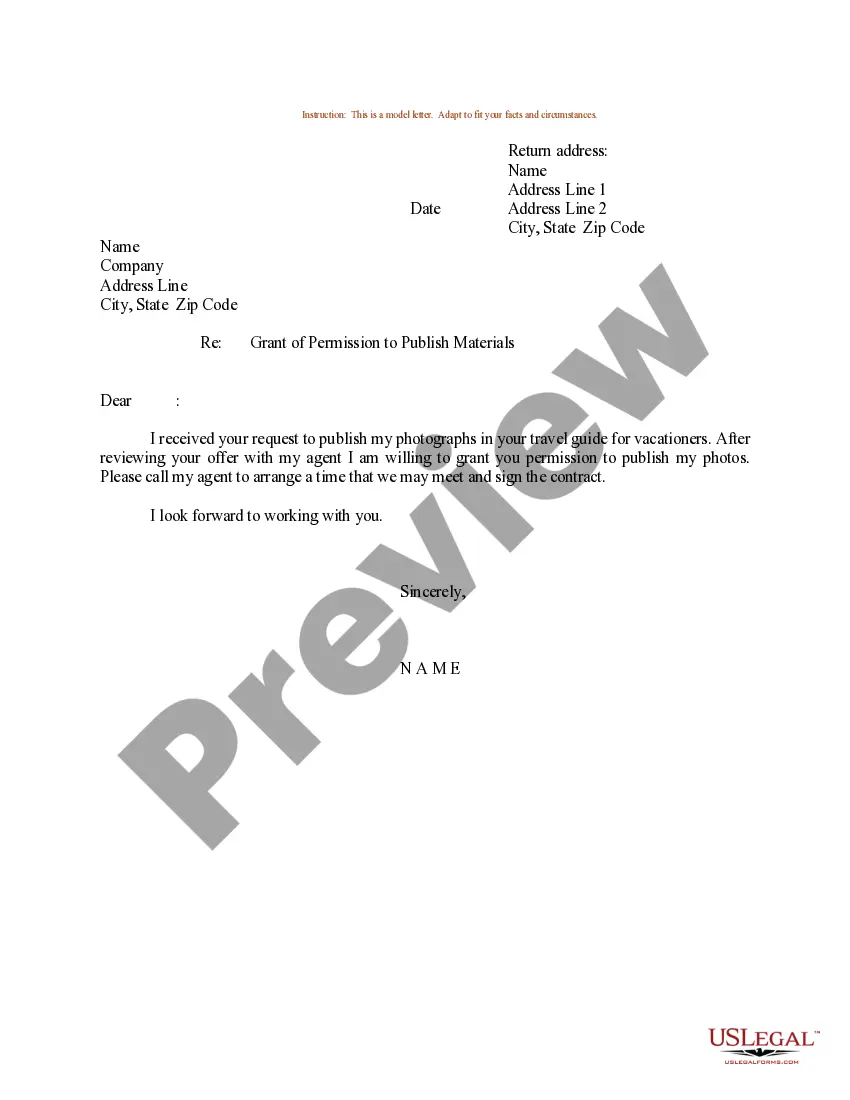
How to fill out Sample Letter For Grant Of Permission To Publish Materials?
It’s clear that you cannot transform into a legal specialist instantly, nor can you discover how to swiftly create a Letter To Grant Permission For Leave without having a distinct set of capabilities.
Drafting legal documents is a labor-intensive process necessitating specific training and expertise. So why not entrust the creation of the Letter To Grant Permission For Leave to the experts.
With US Legal Forms, one of the most extensive legal template libraries, you can find everything from court documents to templates for internal corporate correspondence.
If you need a different form, start your search again.
Create a free account and choose a subscription plan to buy the form. Click Buy now. Once the payment is completed, you can download the Letter To Grant Permission For Leave, complete it, print it, and send or mail it to the appropriate individuals or organizations.
- We recognize how crucial compliance and adherence to federal and state regulations are.
- That’s why, on our website, all templates are location-specific and current.
- Here’s how to get started with our platform and acquire the form you require in just minutes.
- Locate the document you need using the search bar at the top of the page.
- Preview it (if this option is available) and read the accompanying description to ascertain whether Letter To Grant Permission For Leave is what you seek.
Form popularity
FAQ
Put your request in writing Submit your formal request for a leave of absence by letter or email. Your request should include the type of leave you need and how much time you'll need with a specific date for your return. Ask if there are any steps you need to take to make your leave official.
I will not be able to attend the school as there will be guests in my house and will hope for my presence therefore, I need to be with my family on this pleasant occasion. Therefore, kindly grant me leave for ten day i.e, from 01-12-2020 to 10-12-2021.
How do I write a permission letter? When writing a permission letter, you can follow the general format of a formal letter. You can start with the date, sender's address, followed by the subject line. This is followed by the salutation, body of the letter and the complimentary closing.
To write your document and communicate your need for early leave, follow these steps: Learn the company policy. ... Decide who to contact. ... Write a subject line. ... Address your supervisor. ... Write the body of your letter. ... Sign it and proofread your work.
Leave of Absence Request: Email Sample Dear (manager's name), I am writing to formally request a leave of absence, which we discussed when we met on (date). The requested dates for my leave are (month, day and year) through (month, day and year). I would return to the office on (month, day and year).