Letter Client Format For Request
Description
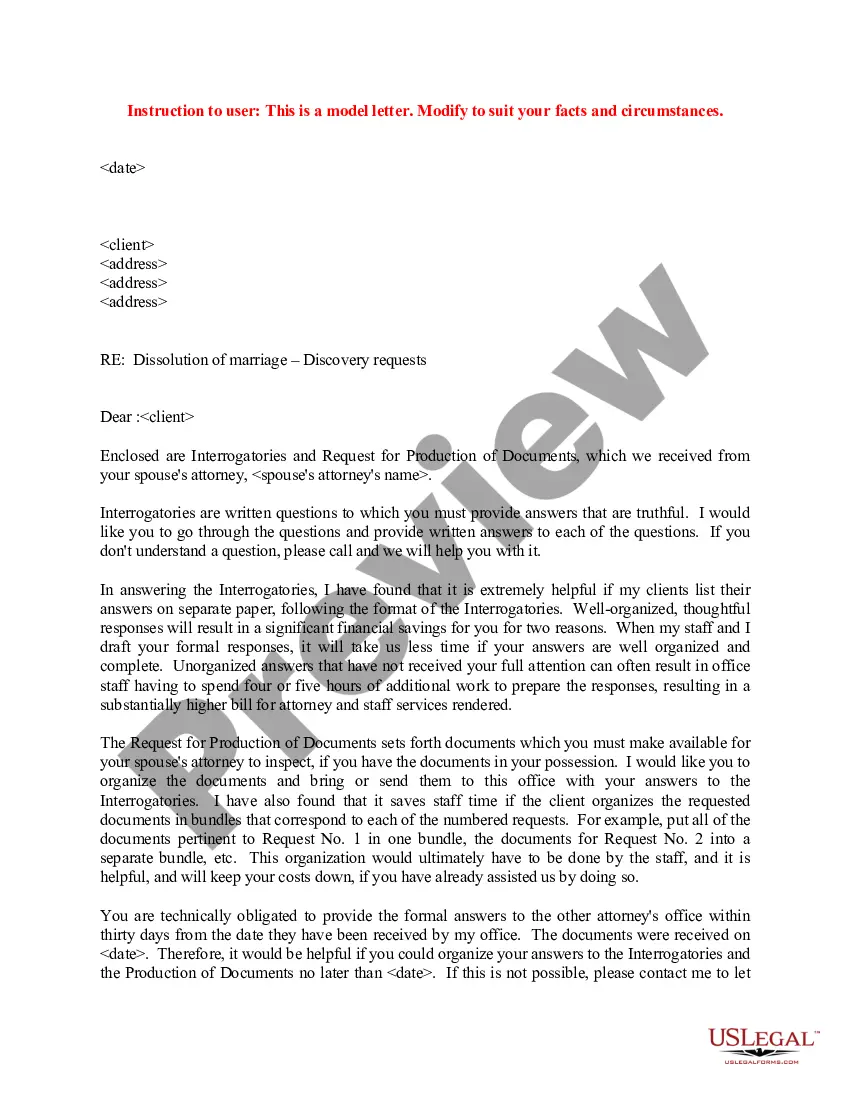

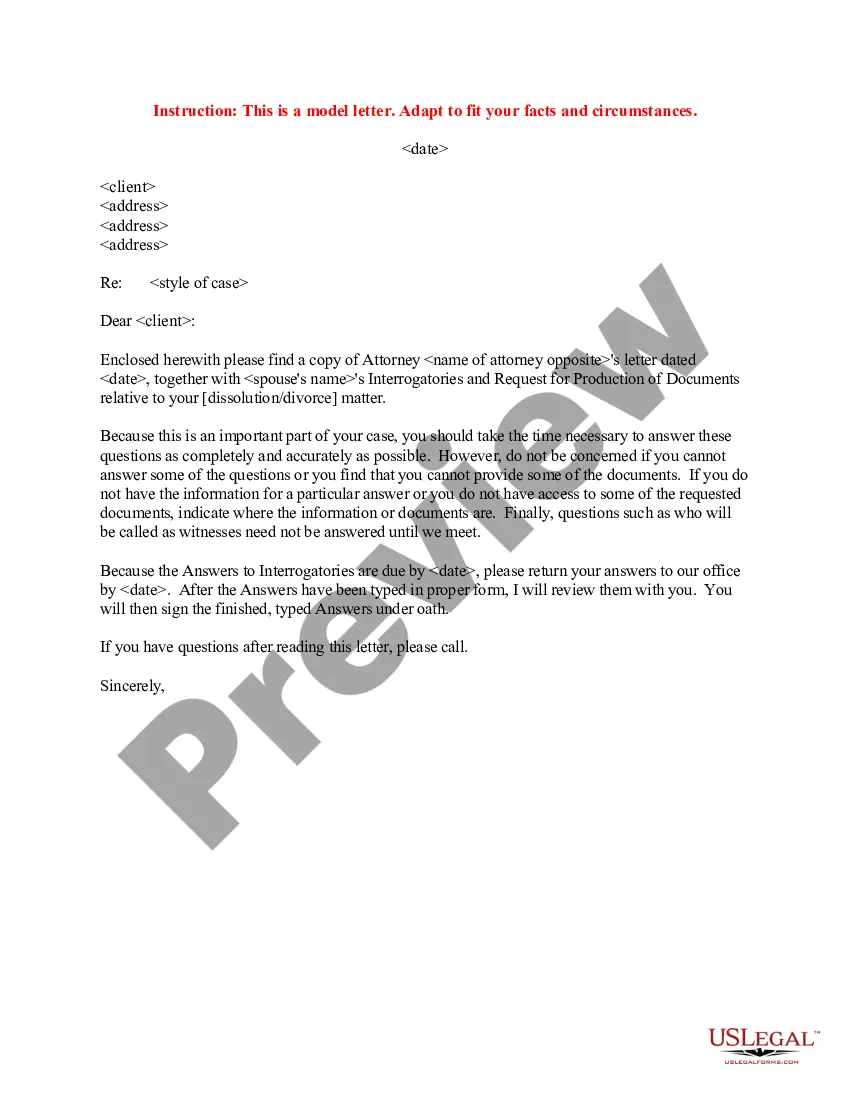
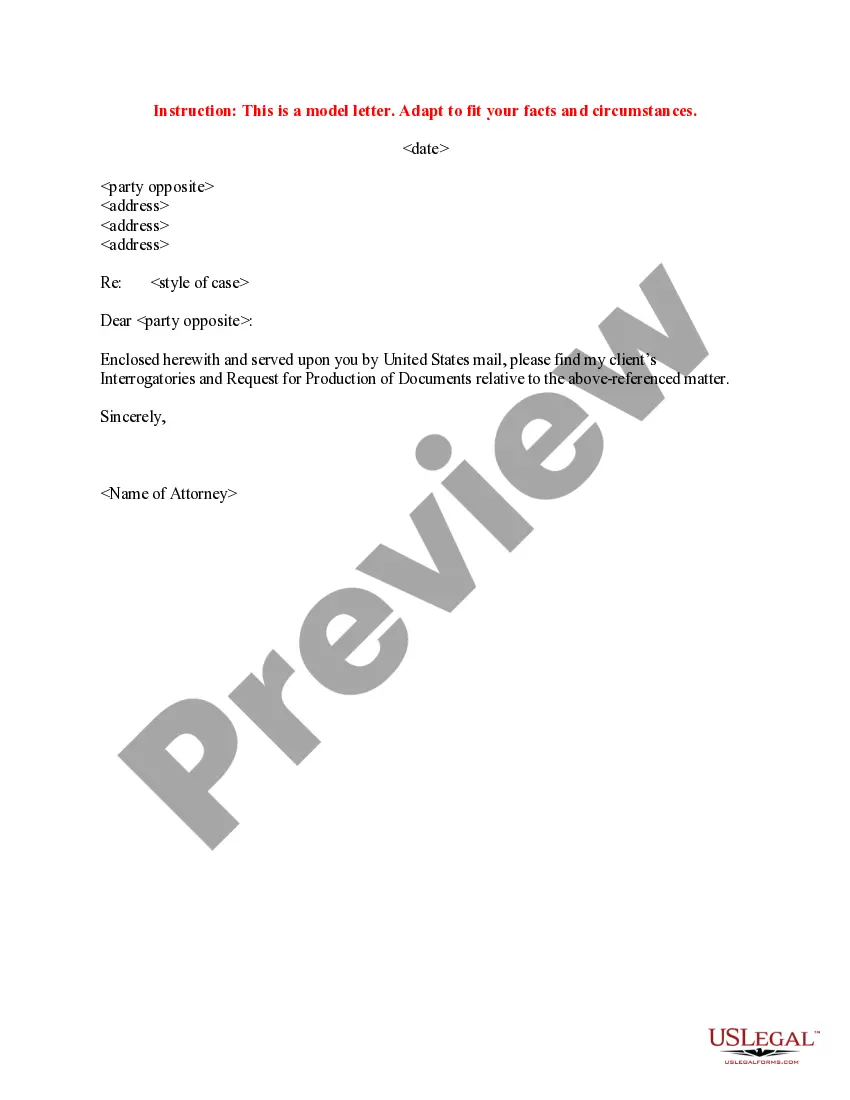
Get your form ready online
Our built-in tools help you complete, sign, share, and store your documents in one place.
Make edits, fill in missing information, and update formatting in US Legal Forms—just like you would in MS Word.
Download a copy, print it, send it by email, or mail it via USPS—whatever works best for your next step.
Sign and collect signatures with our SignNow integration. Send to multiple recipients, set reminders, and more. Go Premium to unlock E-Sign.
If this form requires notarization, complete it online through a secure video call—no need to meet a notary in person or wait for an appointment.
We protect your documents and personal data by following strict security and privacy standards.

Make edits, fill in missing information, and update formatting in US Legal Forms—just like you would in MS Word.

Download a copy, print it, send it by email, or mail it via USPS—whatever works best for your next step.

Sign and collect signatures with our SignNow integration. Send to multiple recipients, set reminders, and more. Go Premium to unlock E-Sign.

If this form requires notarization, complete it online through a secure video call—no need to meet a notary in person or wait for an appointment.

We protect your documents and personal data by following strict security and privacy standards.
Looking for another form?



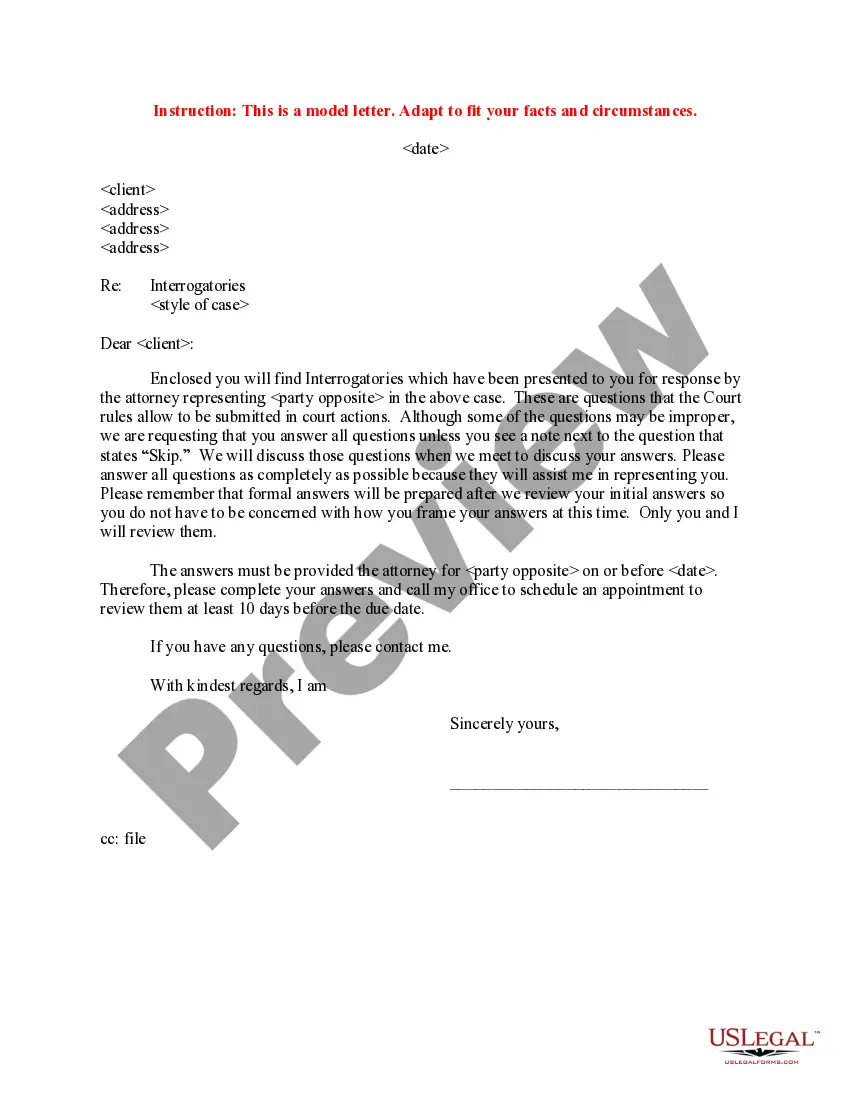
How to fill out Sample Letter To Client Instructing On Answering Discovery?
It’s common knowledge that becoming a legal expert takes time, and you can’t learn how to swiftly create a Letter Client Format For Request without having the necessary education. Assembling legal documents is a lengthy process that demands specific training and expertise. So why not entrust the preparation of the Letter Client Format For Request to professionals.
With US Legal Forms, one of the most extensive legal document collections, you can access everything from court filings to templates for in-office correspondence. We recognize the significance of compliance and adherence to federal and state regulations. That’s why, on our site, all forms are location-specific and current.
Here’s how you can initiate your experience on our site and obtain the form you require in just a few minutes.
You can revisit your documents from the My documents tab at any time. If you’re already a client, you can simply Log In and find and download the template from the same tab.
Regardless of the intent behind your documents—whether they are financial, legal, or personal—our website has you covered. Give US Legal Forms a try today!
- Locate the form you need by utilizing the search bar at the top of the page.
- Preview it (if this option is available) and review the supporting description to determine if Letter Client Format For Request meets your needs.
- Restart your search if you require any other form.
- Sign up for a free account and select a subscription plan to purchase the template.
- Click Buy now. Once the transaction is finished, you can download the Letter Client Format For Request, fill it out, print it, and send or mail it to the appropriate individuals or entities.
Form popularity
FAQ
Salutation. In a business letter, the standard salutation is ?Dear.? Begin your letter with ?Dear [recipient's name]? and add a comma after the name. You may choose to address the recipient by an honorific paired with their last name or simply by their first and last name.
You will know the recipient's name in most situations, so the salutation should be ?Dear," followed by ?Mr.? or ?Mrs.? and the recipient's last name. If you are addressing a larger group of people, the salutation can be ?To?, followed by the name of the organization or department you are addressing to.
An opening paragraph The first paragraph should state the purpose of the letter so that the reader knows what to expect. You can use phrases like: I am writing to inquire about ?/thank you for ?/apply for the position of ?/complain about ?/request ?
What is the format of a letter of request? Sender's name and contact details, unless shown on a letterhead. Date. The recipient's name and contact details. Greeting. Purpose of the letter. Body of the letter. Professional closing. Signature.
If you are close and friendly with your customers, then something less formal, such as ?Greetings? or ?Hello? may be used. If your business relationship with customers is more formal, then stick with ?Dear.? No matter which opener you use, your greeting should always include the customer's full name.