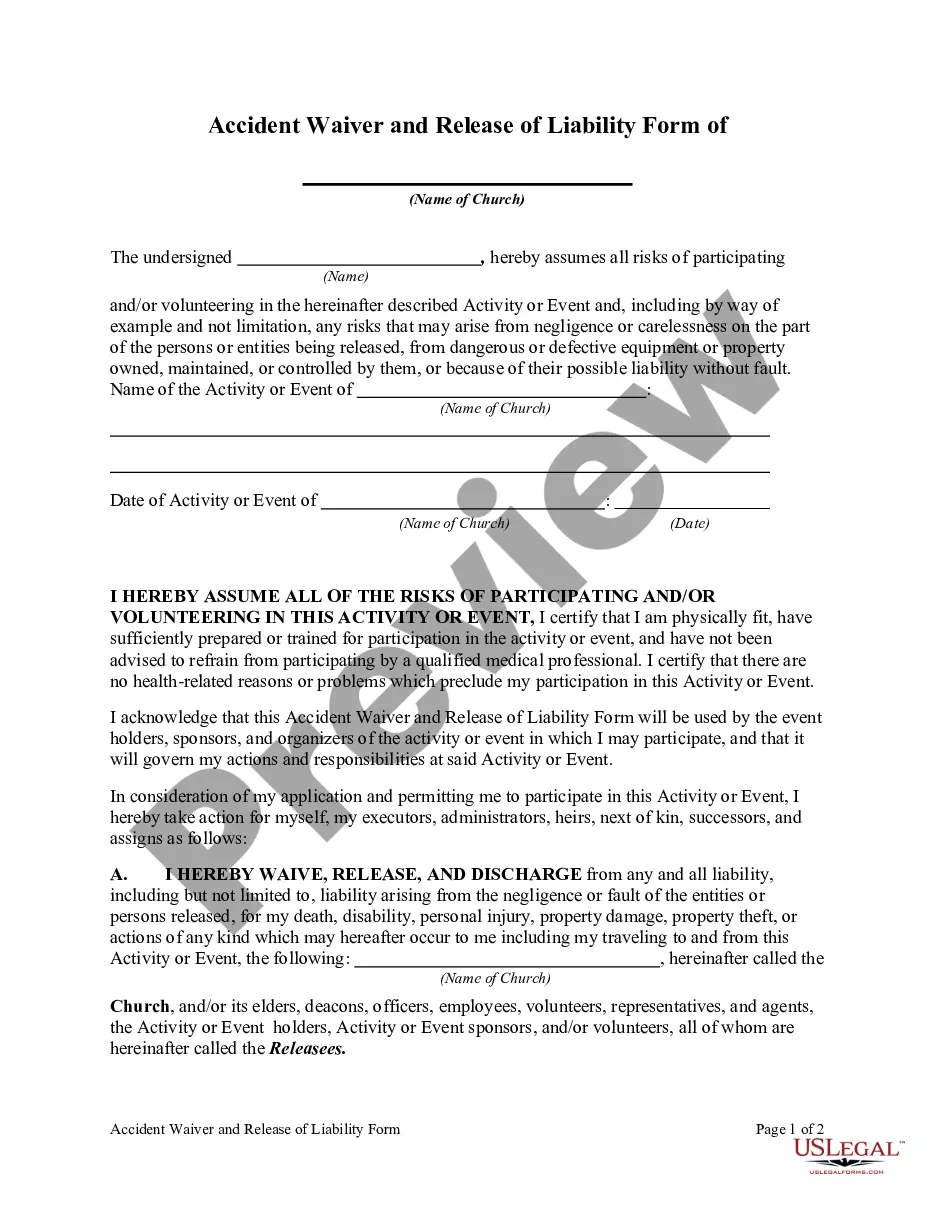
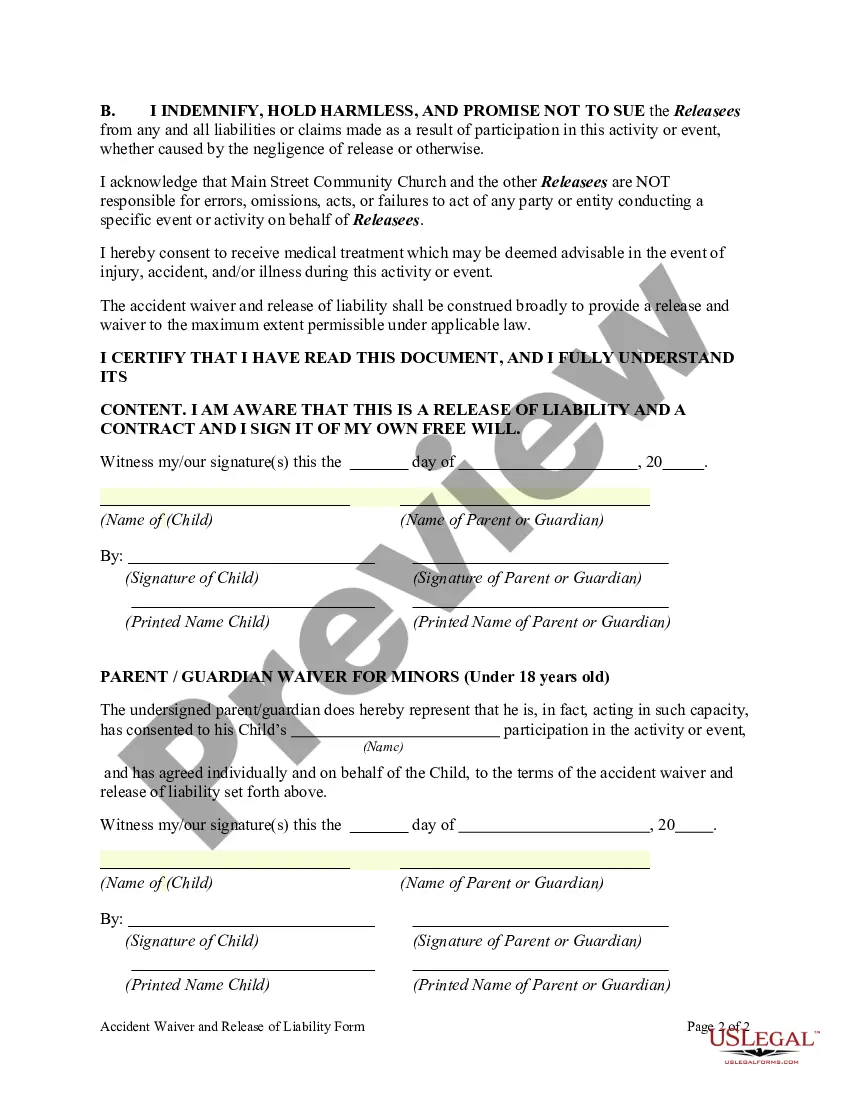
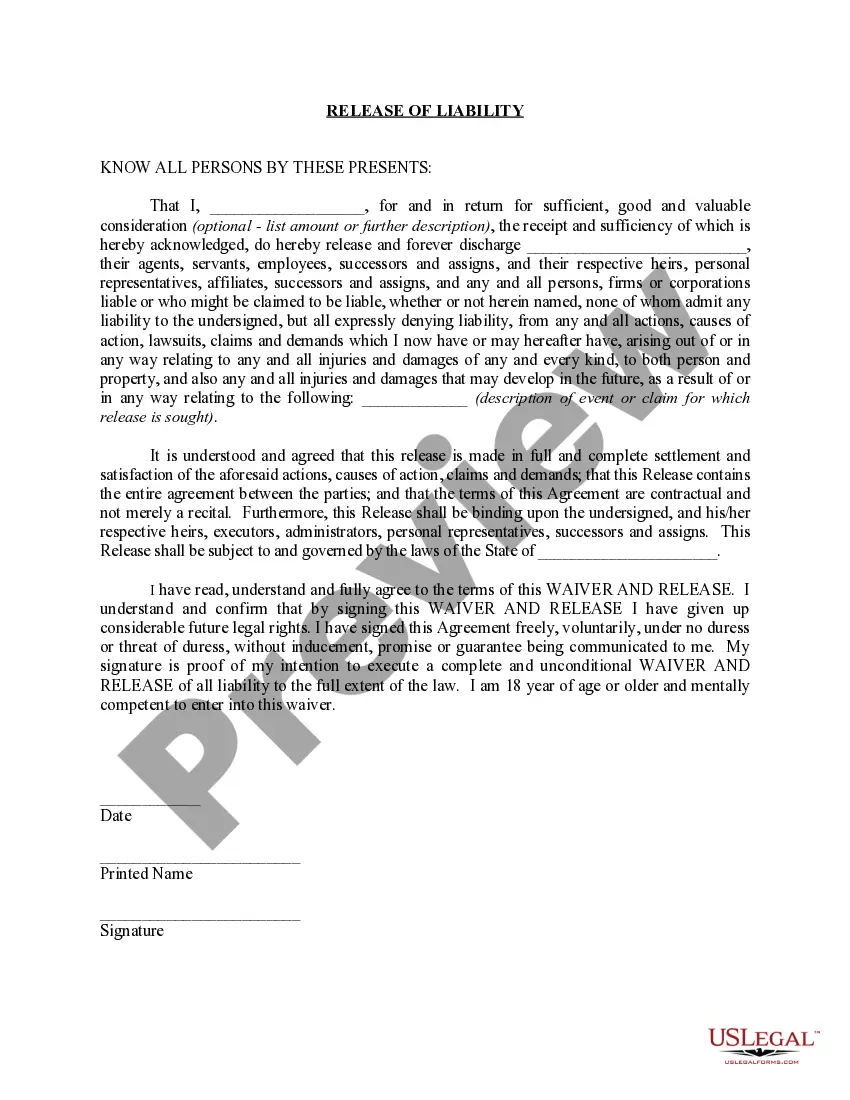
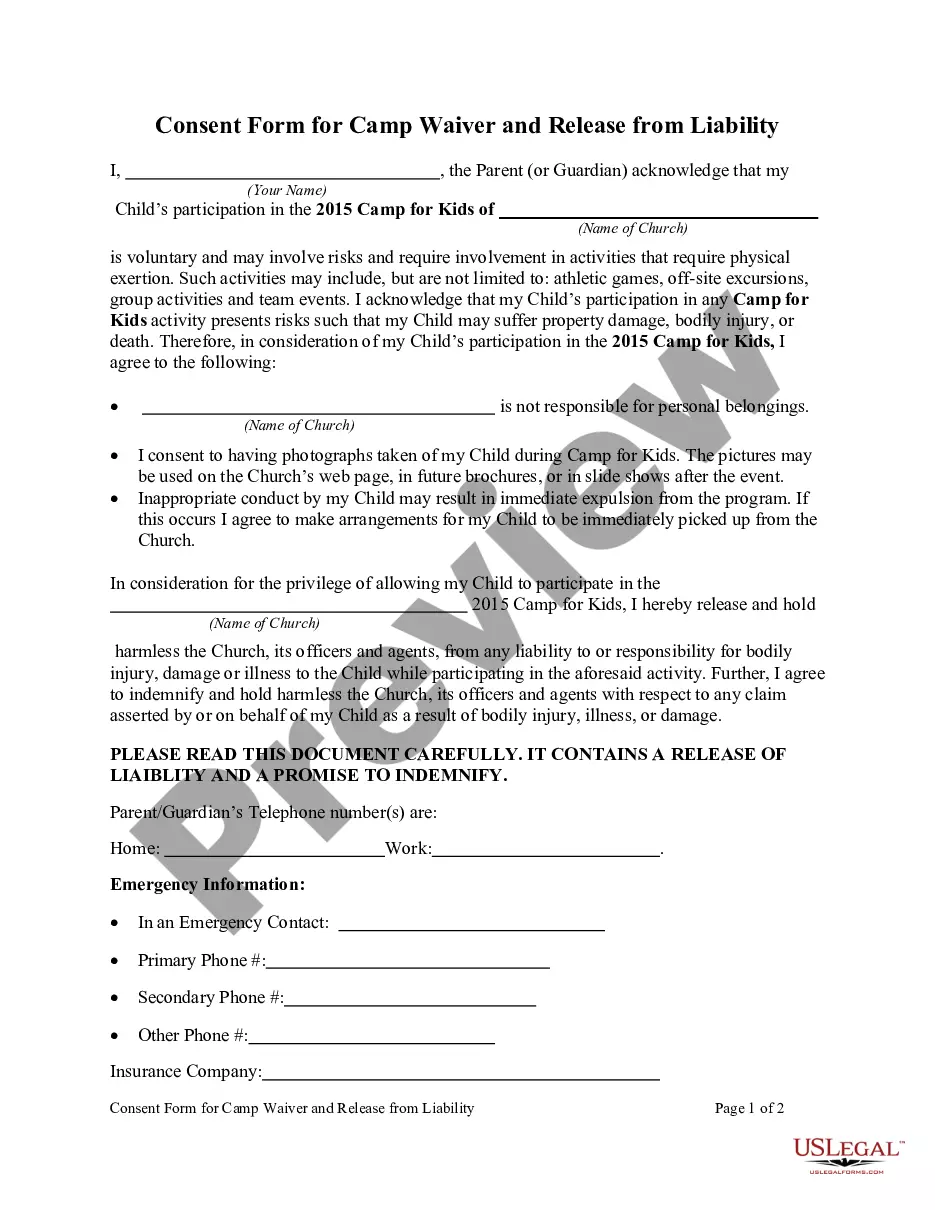
Accident Waiver Form For Preschool
Description
Get your form ready online
Our built-in tools help you complete, sign, share, and store your documents in one place.
Make edits, fill in missing information, and update formatting in US Legal Forms—just like you would in MS Word.
Download a copy, print it, send it by email, or mail it via USPS—whatever works best for your next step.
Sign and collect signatures with our SignNow integration. Send to multiple recipients, set reminders, and more. Go Premium to unlock E-Sign.
If this form requires notarization, complete it online through a secure video call—no need to meet a notary in person or wait for an appointment.
We protect your documents and personal data by following strict security and privacy standards.

Make edits, fill in missing information, and update formatting in US Legal Forms—just like you would in MS Word.

Download a copy, print it, send it by email, or mail it via USPS—whatever works best for your next step.

Sign and collect signatures with our SignNow integration. Send to multiple recipients, set reminders, and more. Go Premium to unlock E-Sign.

If this form requires notarization, complete it online through a secure video call—no need to meet a notary in person or wait for an appointment.

We protect your documents and personal data by following strict security and privacy standards.
Looking for another form?









How to fill out Accident Waiver And Release Of Liability Form?
The Incident Waiver Document For Preschool that you observe on this site is a reusable official format created by experienced attorneys in accordance with federal and state regulations.
For over 25 years, US Legal Forms has supplied individuals, businesses, and legal experts with more than 85,000 validated, state-specific documents for any professional and personal circumstances. It’s the fastest, easiest, and most reliable method to access the paperwork you require, as the service ensures the utmost level of data privacy and anti-malware safeguards.
Register for US Legal Forms to access verified legal templates for all of life's scenarios at your fingertips.
- Look for the document you require and examine it.
- Browse through the file you searched and preview it or read the form summary to confirm it meets your requirements. If it doesn’t, utilize the search bar to locate the correct one. Click Buy Now once you have found the template you need.
- Choose and sign in.
- Select the pricing option that works for you and set up an account. Use PayPal or a credit card to process a prompt payment. If you already possess an account, Log In and verify your subscription to continue.
- Obtain the editable template.
- Select the format you desire for your Incident Waiver Document For Preschool (PDF, DOCX, RTF) and download the sample to your device.
- Fill out and sign the document.
- Print the template for manual completion. Alternatively, utilize an online multifunctional PDF editor to swiftly and accurately fill out and sign your form with an electronic signature.
- Redownload your documents once more.
- Reuse the same document whenever necessary. Access the My documents section in your profile to redownload any previously saved templates.
Form popularity
FAQ
Before taking on the care of a child, most daycares will require the child's parents to sign a waiver of liability. Most such waivers claim to release the daycare from liability for injuries resulting from its negligence, and allow the daycare to consent to medical treatment for the child.
The document must include a clause in which a signatory states that they participate in the activity/event, as well as sign the waiver, voluntarily. They also have to confirm that they do so at their own risk and that they are aware that all the risks and liability are on their end.
The main difference between releases and waivers is the transferring of ownership. When rights are released, they are transferred to another party. When rights are waived, they are gone altogether. If intellectual property rights are waived, the IP can be used by any other party that has access to it.
Key Takeaways On How To Write A Waiver Choose a waiver template. Determine the type of activity or service. State the purpose of the waiver. Identify the risks. Include a title. Include customer information. Include waiver terms. Include a statement of understanding.