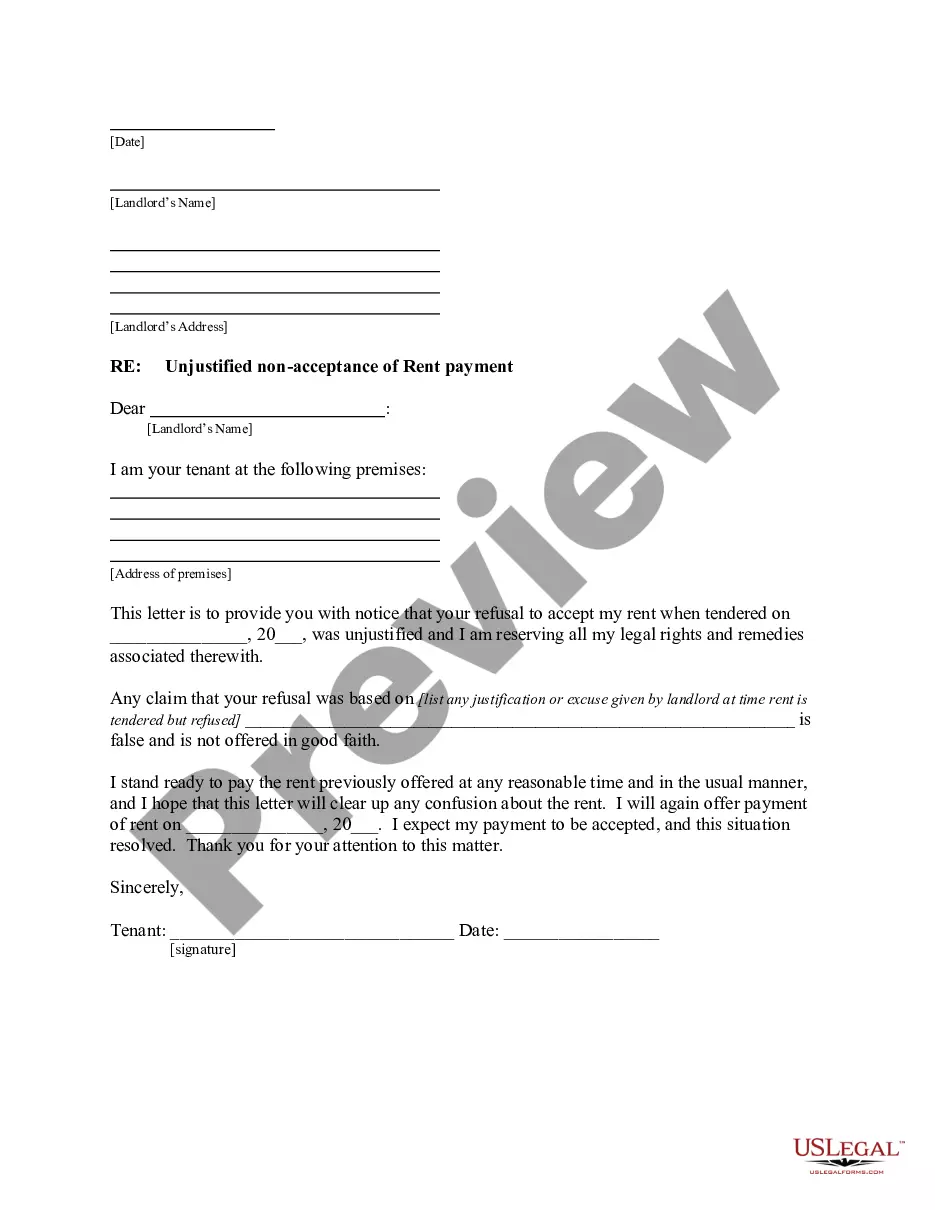
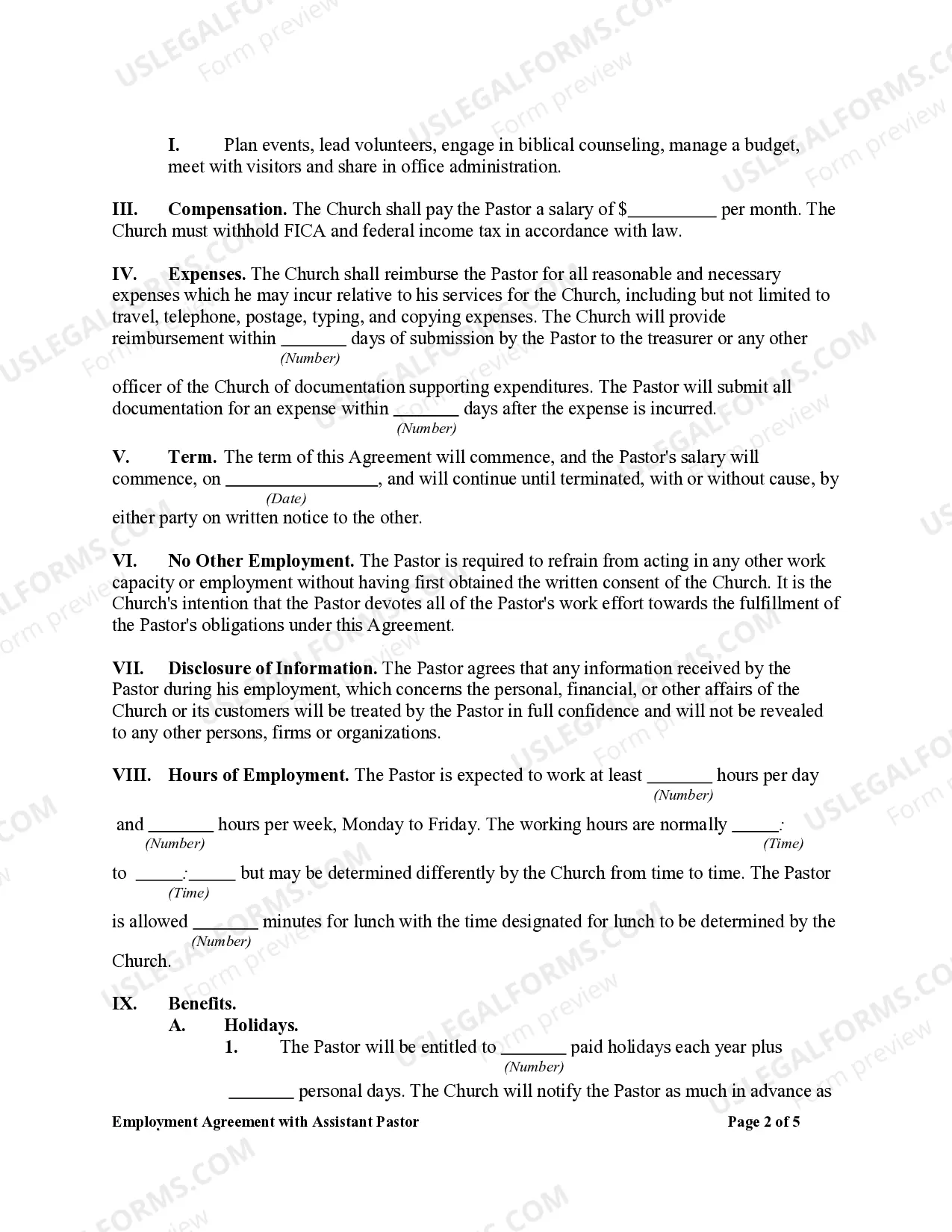
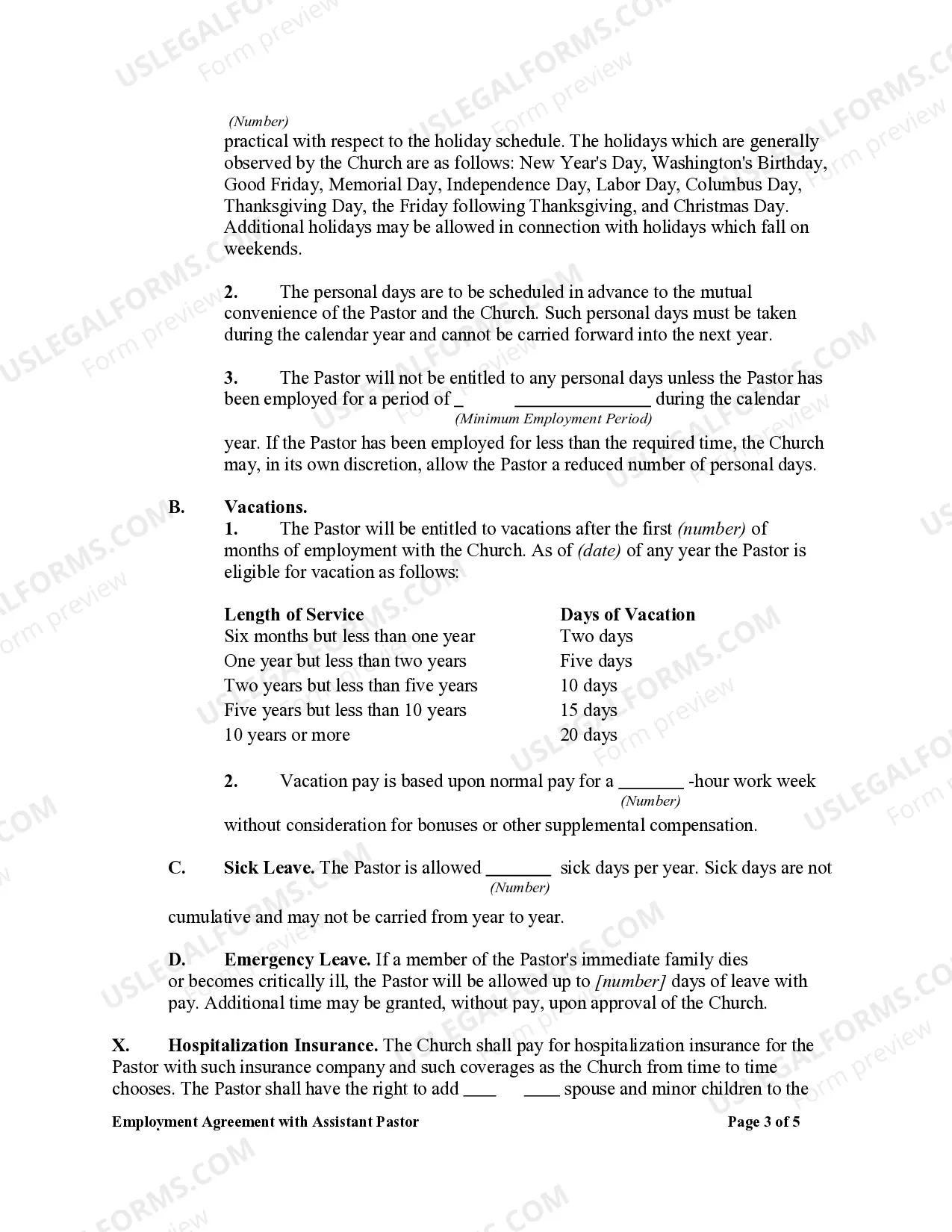
Employment Agreement Form Sample With Probationary Period
Description
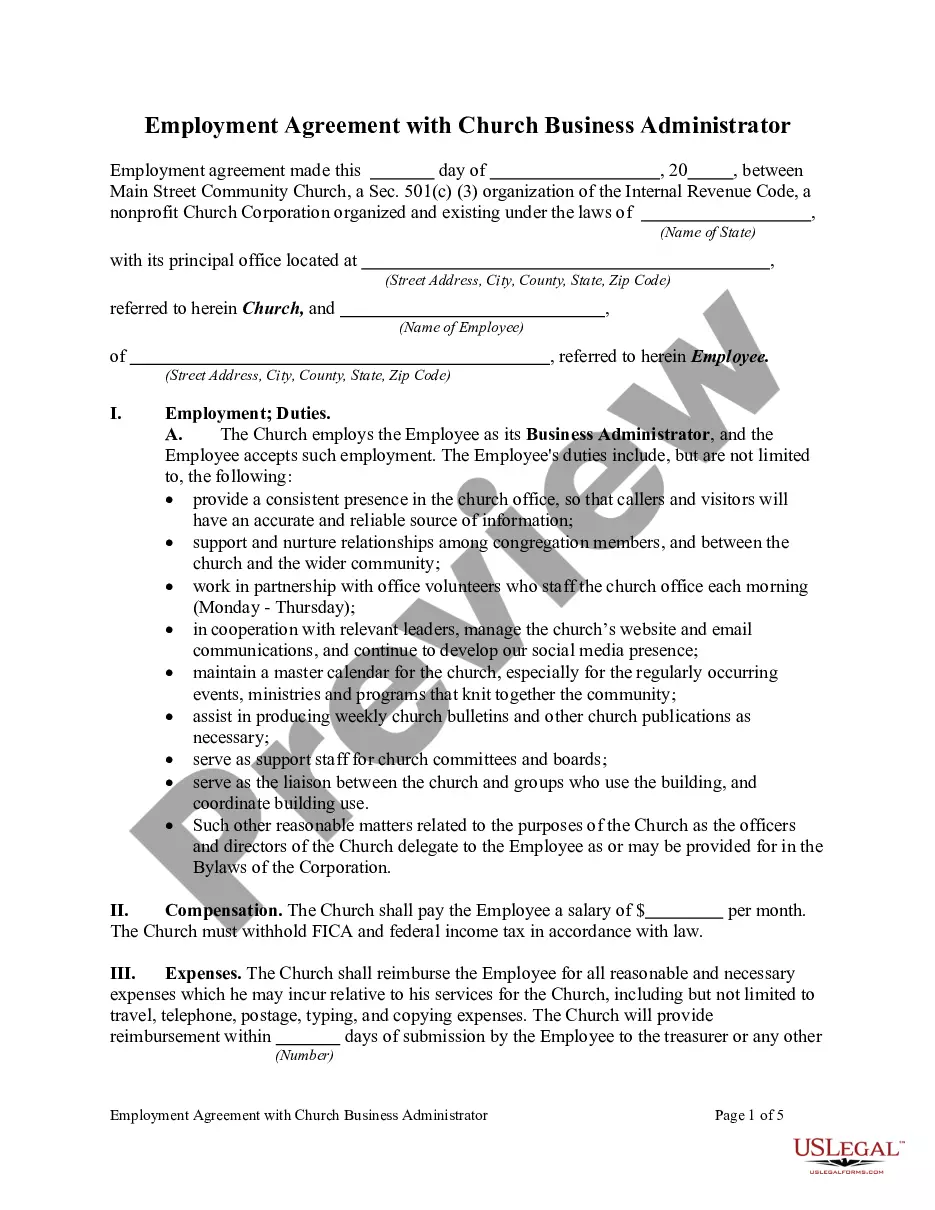
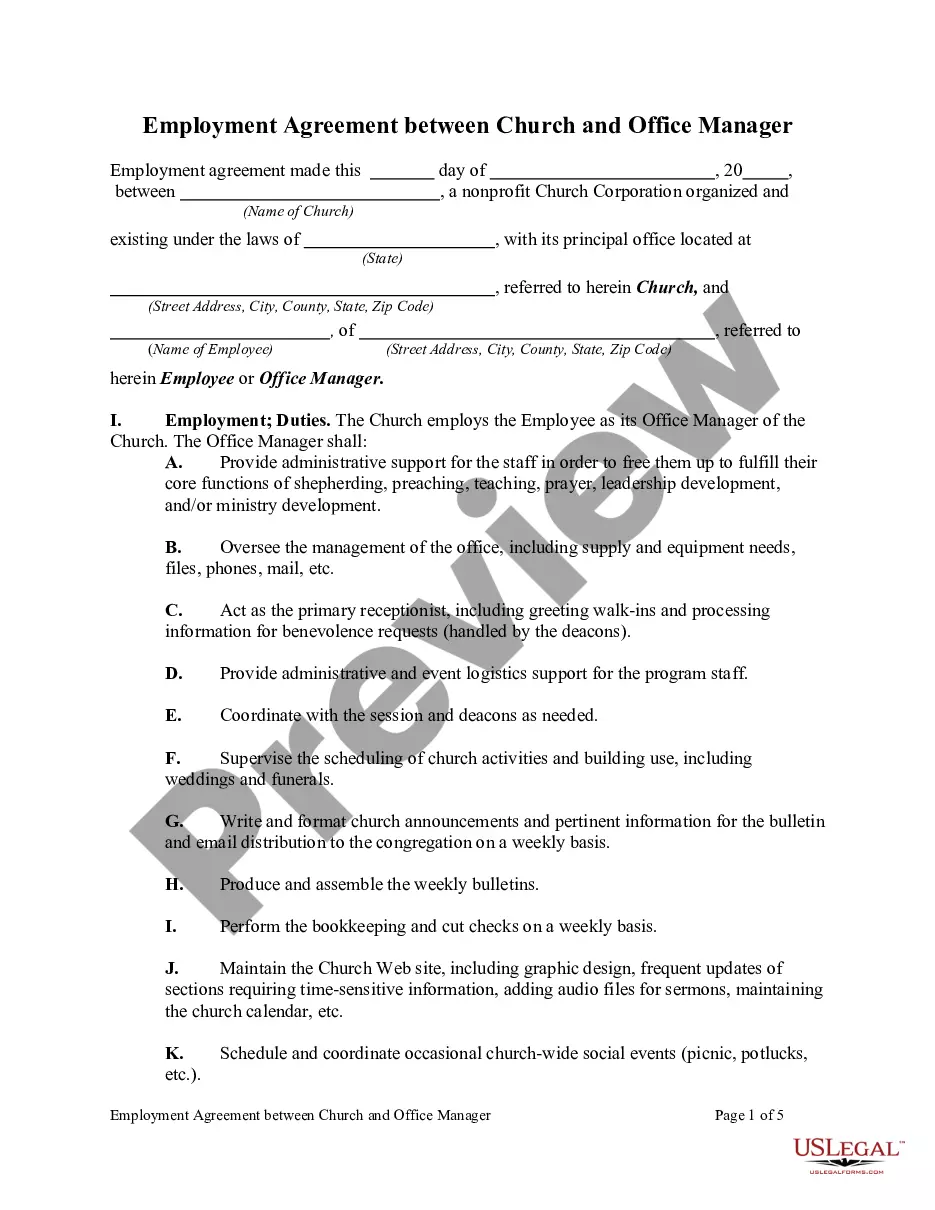
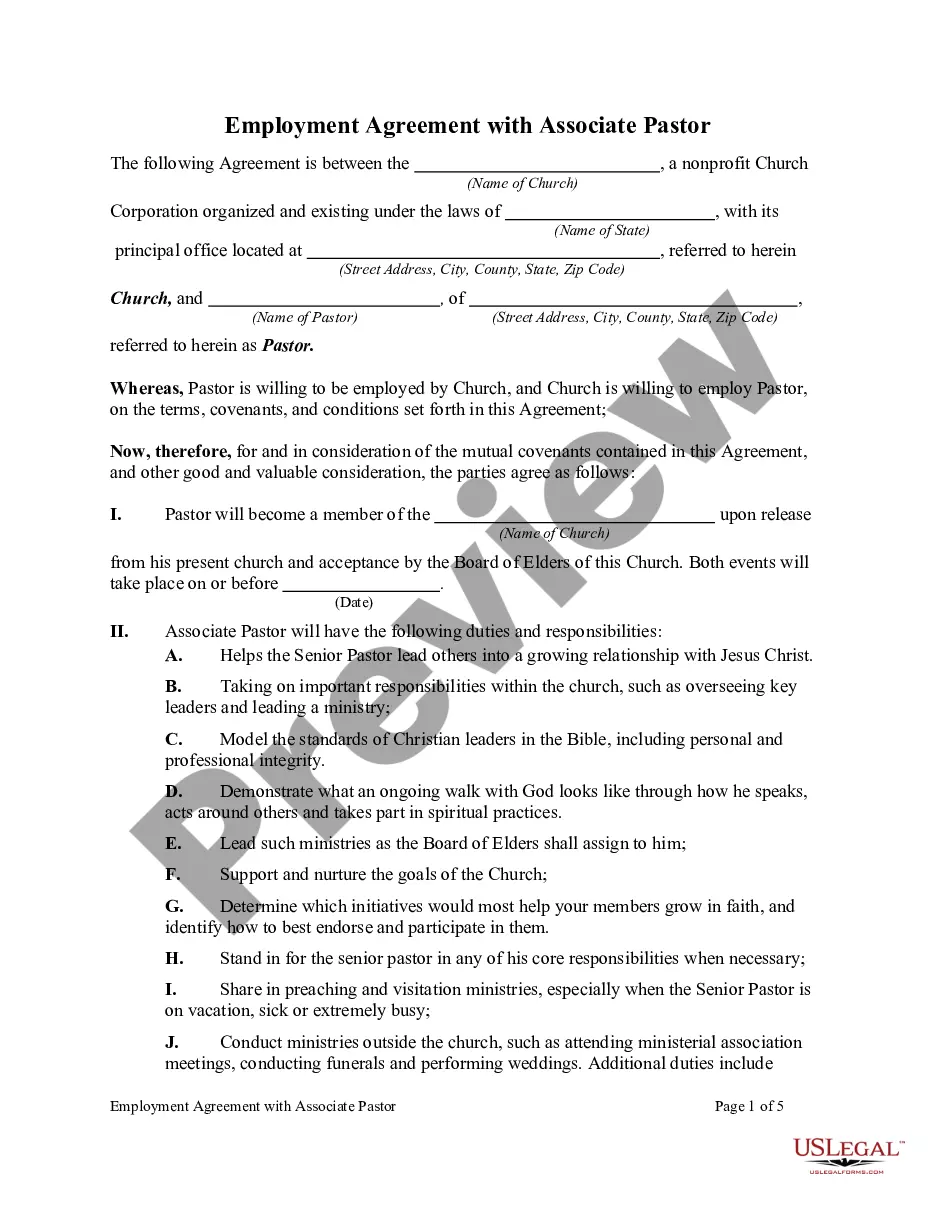
Get your form ready online
Our built-in tools help you complete, sign, share, and store your documents in one place.
Make edits, fill in missing information, and update formatting in US Legal Forms—just like you would in MS Word.
Download a copy, print it, send it by email, or mail it via USPS—whatever works best for your next step.
Sign and collect signatures with our SignNow integration. Send to multiple recipients, set reminders, and more. Go Premium to unlock E-Sign.
If this form requires notarization, complete it online through a secure video call—no need to meet a notary in person or wait for an appointment.
We protect your documents and personal data by following strict security and privacy standards.

Make edits, fill in missing information, and update formatting in US Legal Forms—just like you would in MS Word.

Download a copy, print it, send it by email, or mail it via USPS—whatever works best for your next step.

Sign and collect signatures with our SignNow integration. Send to multiple recipients, set reminders, and more. Go Premium to unlock E-Sign.

If this form requires notarization, complete it online through a secure video call—no need to meet a notary in person or wait for an appointment.

We protect your documents and personal data by following strict security and privacy standards.
Looking for another form?

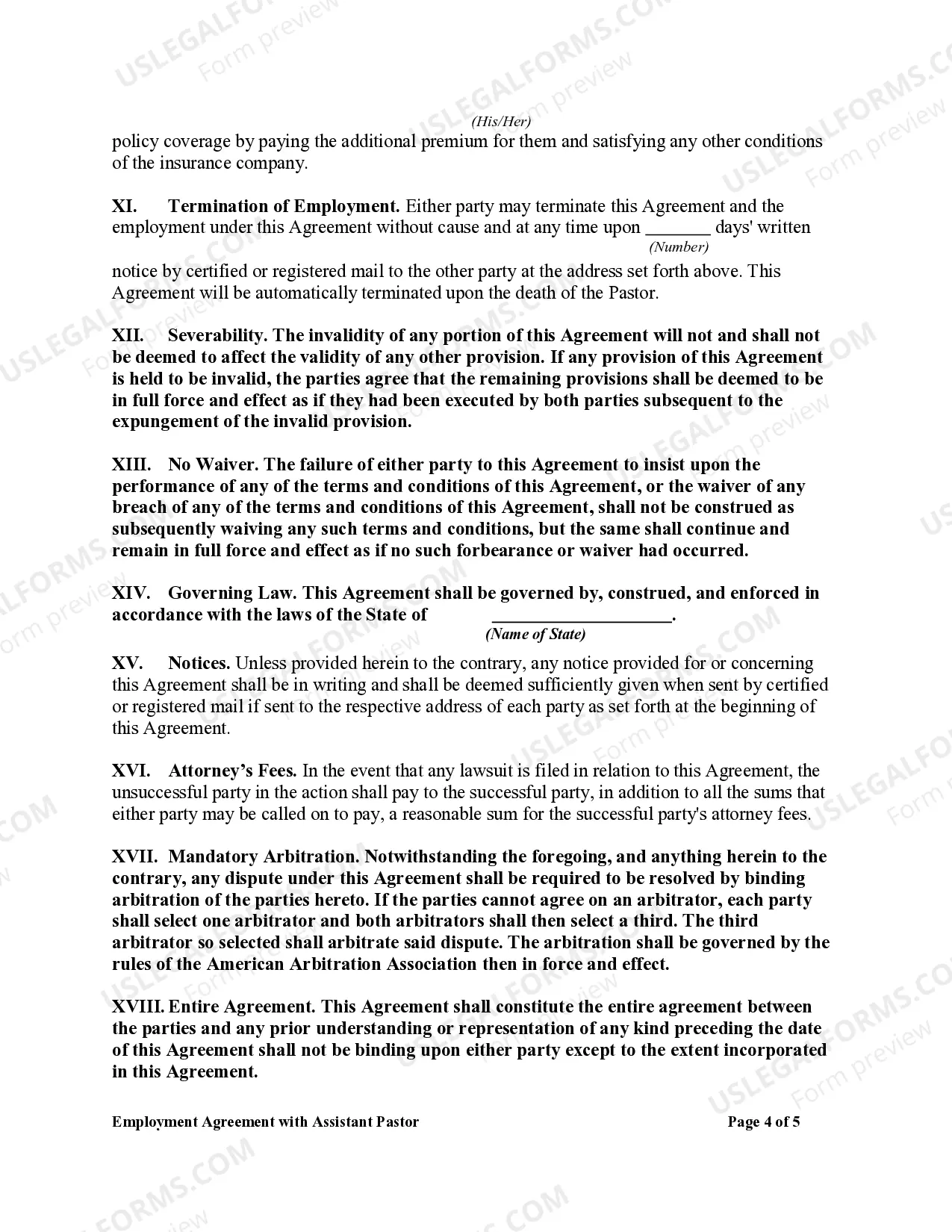
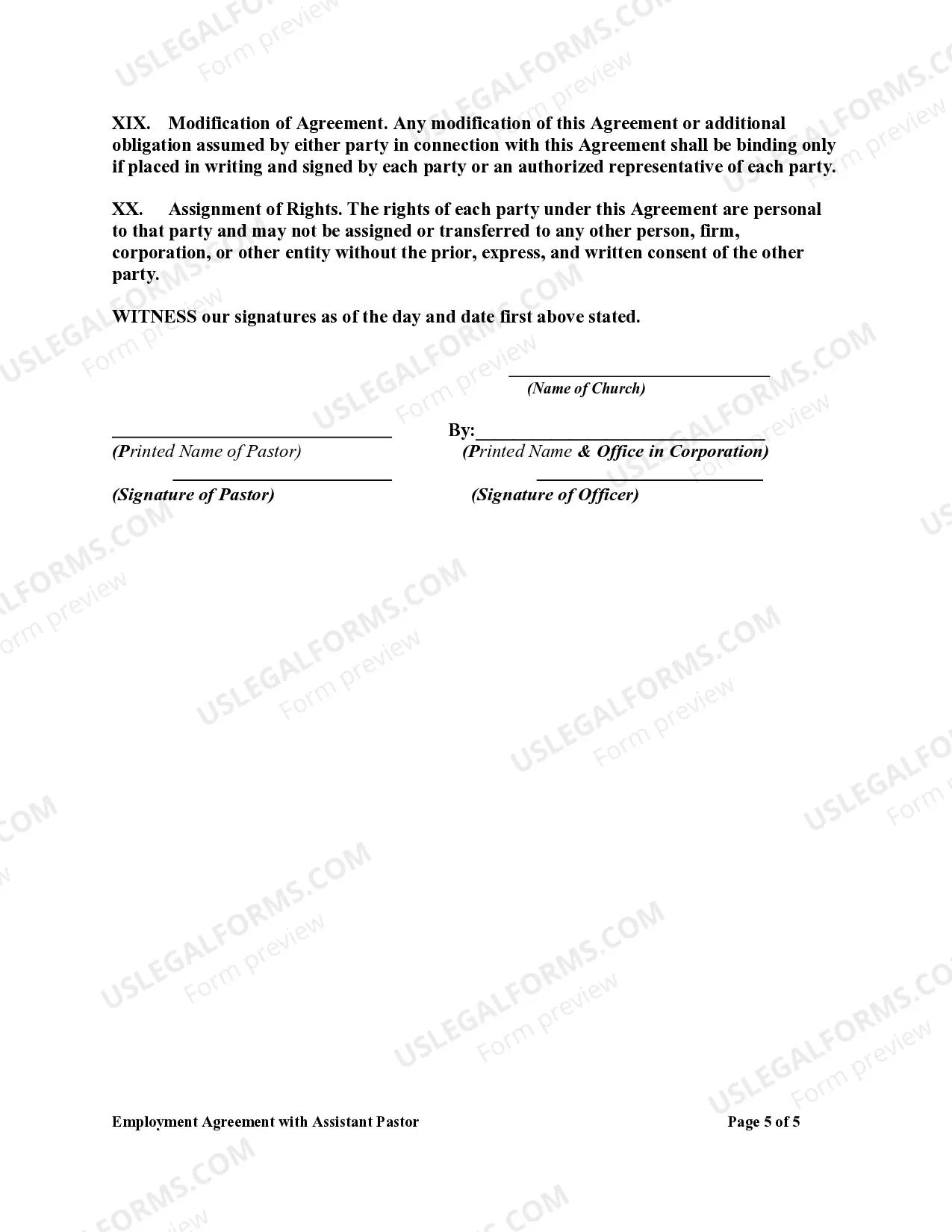
How to fill out Employment Agreement With Assistant Pastor?
There's no longer a need to squander hours searching for legal documents to meet your local state regulations.
US Legal Forms has compiled all of them in a single location and enhanced their accessibility.
Our platform offers over 85k templates for various business and personal legal situations categorized by state and area of application.
Using the search field above, you can look for another template if the current one doesn't suit your needs. Click Buy Now next to the template name once you find the appropriate one. Choose the preferred pricing plan and either register for an account or Log In. Complete your subscription payment using a credit card or PayPal to proceed. Select the file format for your Employment Agreement Form Sample With Probationary Period and download it to your device. Print your form to fill it out in writing or upload the sample if you prefer to use an online editor. Creating formal documents under federal and state regulations is quick and easy with our library. Try US Legal Forms now to maintain your documentation in order!
- All forms are expertly drafted and confirmed for accuracy, so you can be confident in acquiring an up-to-date Employment Agreement Form Sample With Probationary Period.
- If you are acquainted with our platform and already possess an account, you must verify that your subscription is active before retrieving any templates.
- Log In to your account, select the document, and click Download.
- You can also access all saved documents at any time by opening the My documents tab in your profile.
- If you have never used our platform before, the process will require a few additional steps.
- Here's how new users can acquire the Employment Agreement Form Sample With Probationary Period from our library.
- Carefully review the page content to ensure it contains the sample you require.
- Utilize the form description and preview options if available.
Form popularity
FAQ
How should I prepare for my end of probation review?Read the job description.Discuss what you've learned.State whether the job has met your expectations.Ensure you receive appropriate feedback.Inform your manager of any areas you're struggling with.Clarify how you see yourself progressing within the company.
Typically, the information you need to write an Employment Contract includes: Party details: List the employee's and the employer's name and contact information. Include the place of employment's address as well. Job description: Describe the position title, initial duties, and obligations.
Probation PeriodYou shall serve a period of number months on probation. Therefore, you shall be due for confirmation on this position on date. If your performance is not to the expectation of Management, your probationary period can be extended if deemed necessary.
You do this by giving the employee a letter explaining the terms of probation.Make It Official.Open with a Welcoming Paragraph.Explain the Length of the Probationary Period.Explain the Terms of Probation.Describe the End of the Probationary Period.Close on a Positive Note.
Probation period is a period of engaging an employee to test his/her performance on the suitability of a position. If an employee's performance is found to be unsatisfactory, the employer can terminate the employee's services and the same cannot be construed illegal.