Grant Consent Or Give Consent
Description

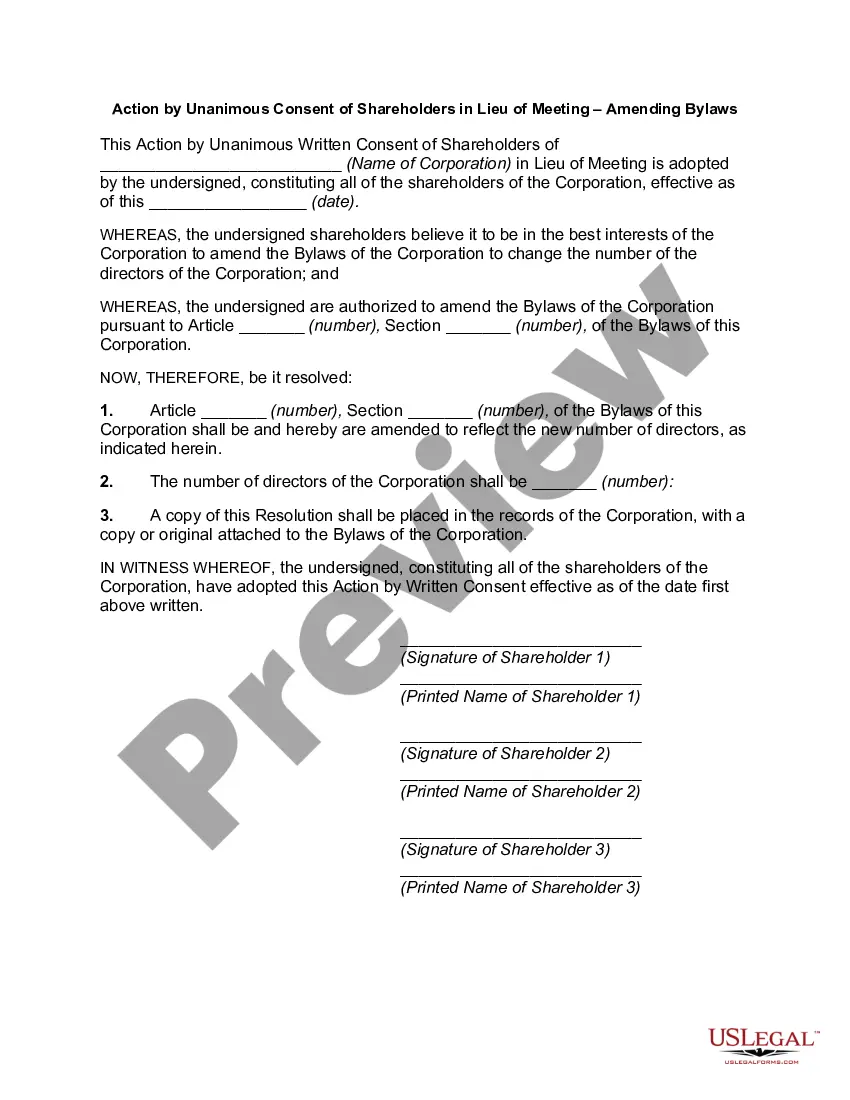
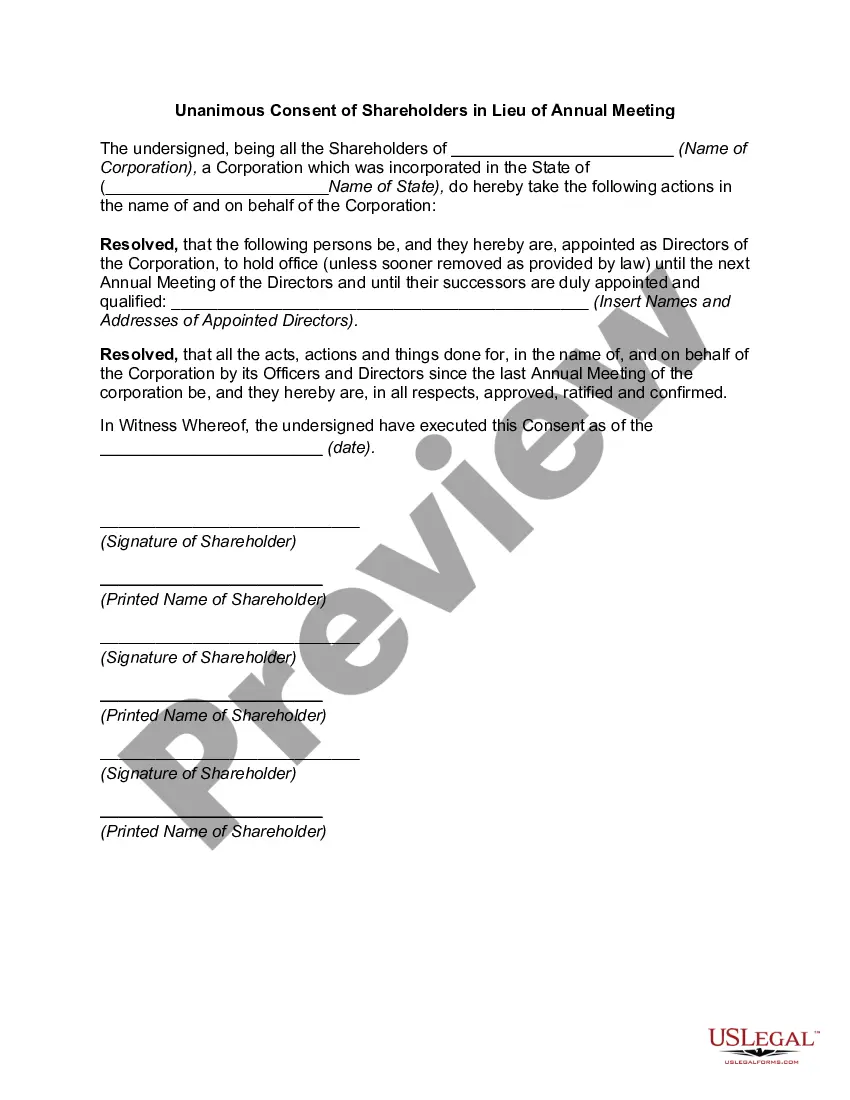
Get your form ready online
Our built-in tools help you complete, sign, share, and store your documents in one place.
Make edits, fill in missing information, and update formatting in US Legal Forms—just like you would in MS Word.
Download a copy, print it, send it by email, or mail it via USPS—whatever works best for your next step.
Sign and collect signatures with our SignNow integration. Send to multiple recipients, set reminders, and more. Go Premium to unlock E-Sign.
If this form requires notarization, complete it online through a secure video call—no need to meet a notary in person or wait for an appointment.
We protect your documents and personal data by following strict security and privacy standards.

Make edits, fill in missing information, and update formatting in US Legal Forms—just like you would in MS Word.

Download a copy, print it, send it by email, or mail it via USPS—whatever works best for your next step.

Sign and collect signatures with our SignNow integration. Send to multiple recipients, set reminders, and more. Go Premium to unlock E-Sign.

If this form requires notarization, complete it online through a secure video call—no need to meet a notary in person or wait for an appointment.

We protect your documents and personal data by following strict security and privacy standards.
Looking for another form?


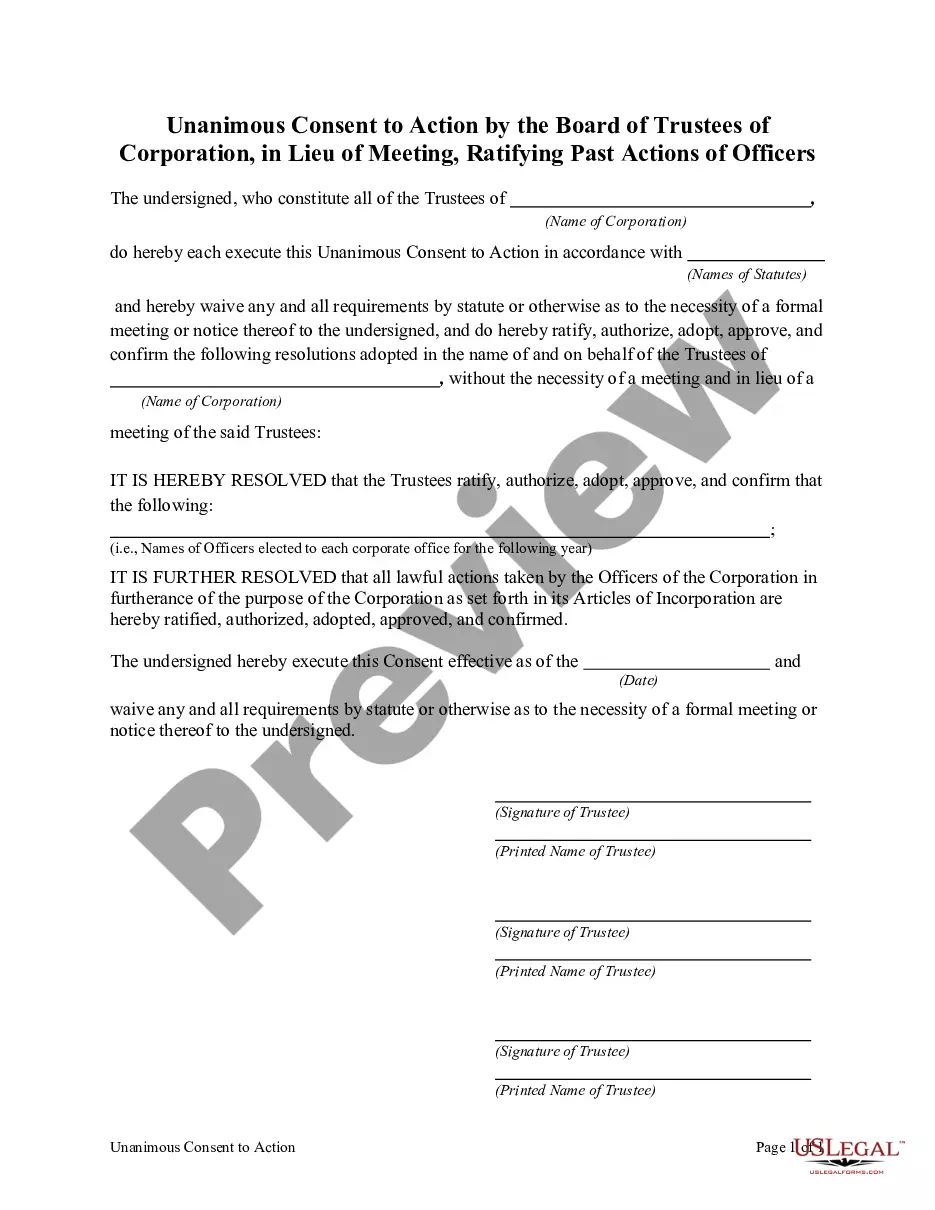
How to fill out Unanimous Consent To Action By The Board Of Trustees Of Corporation, In Lieu Of Meeting, Ratifying Past Actions Of Officers?
Working with legal paperwork and procedures can be a time-consuming addition to the day. Grant Consent Or Give Consent and forms like it typically require that you search for them and navigate how you can complete them effectively. For that reason, if you are taking care of financial, legal, or individual matters, having a comprehensive and convenient online catalogue of forms on hand will significantly help.
US Legal Forms is the top online platform of legal templates, featuring over 85,000 state-specific forms and numerous tools to help you complete your paperwork easily. Discover the catalogue of relevant papers accessible to you with just one click.
US Legal Forms offers you state- and county-specific forms offered at any moment for downloading. Shield your document administration processes having a high quality service that lets you make any form within minutes with no extra or hidden fees. Simply log in to your account, find Grant Consent Or Give Consent and acquire it immediately from the My Forms tab. You can also gain access to formerly downloaded forms.
Is it the first time using US Legal Forms? Register and set up up an account in a few minutes and you will get access to the form catalogue and Grant Consent Or Give Consent. Then, stick to the steps below to complete your form:
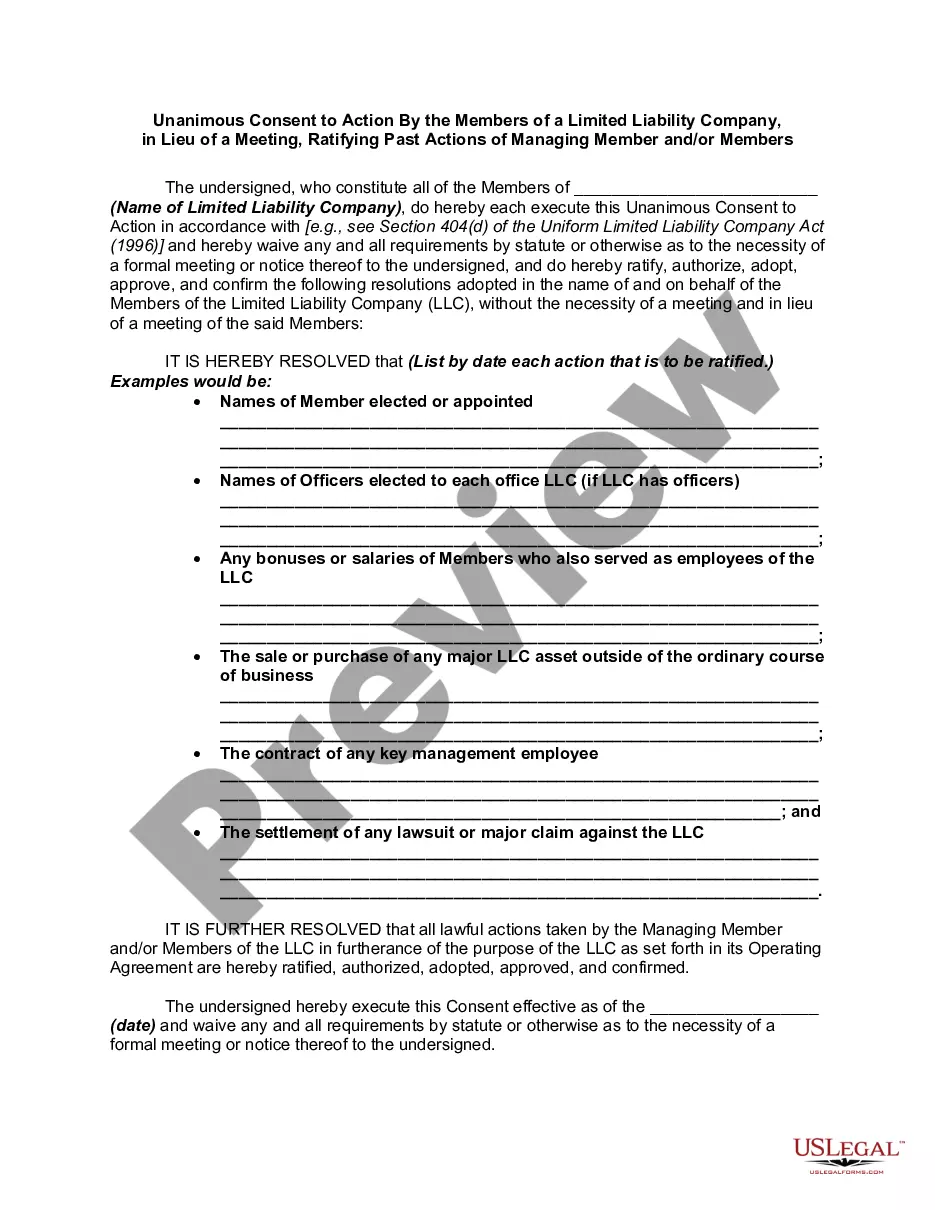
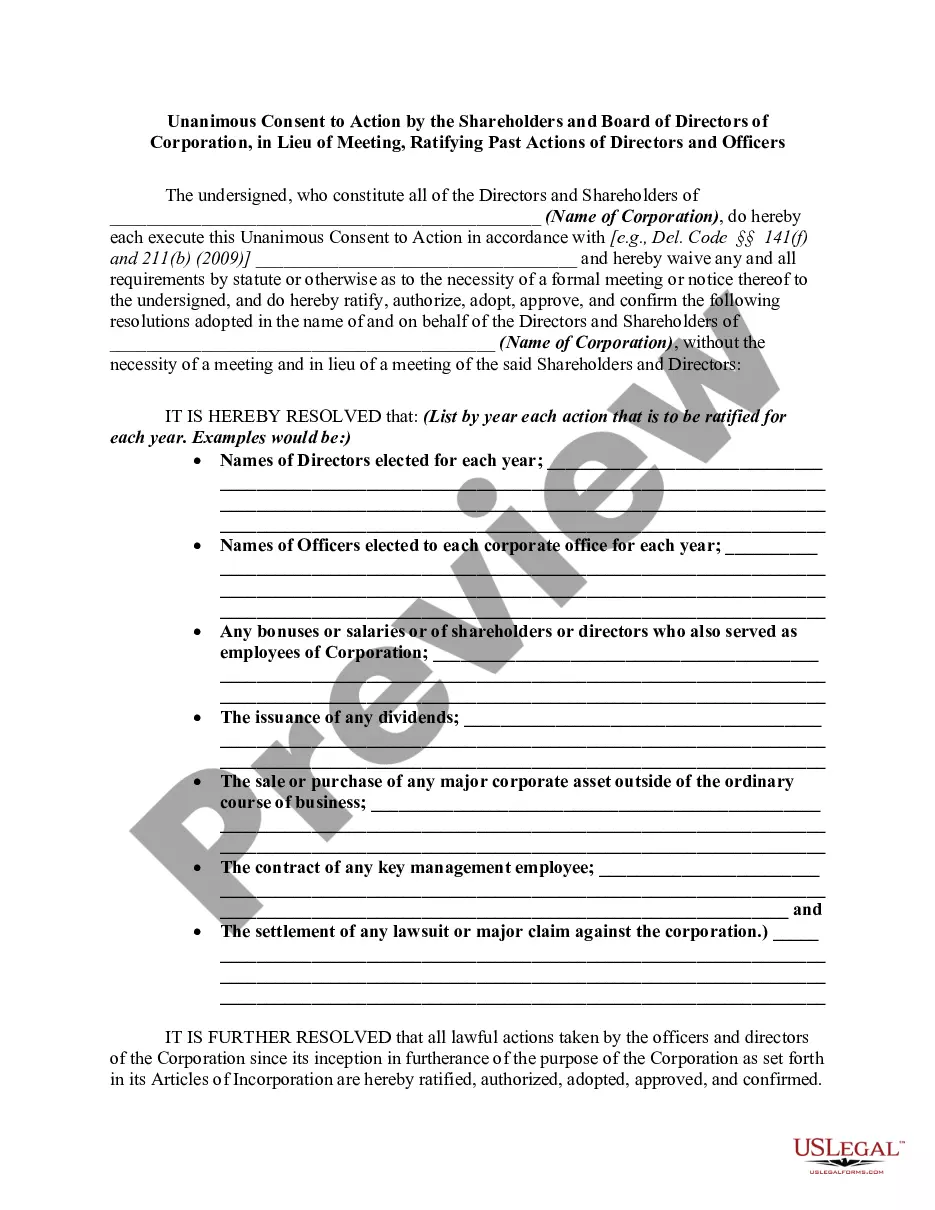
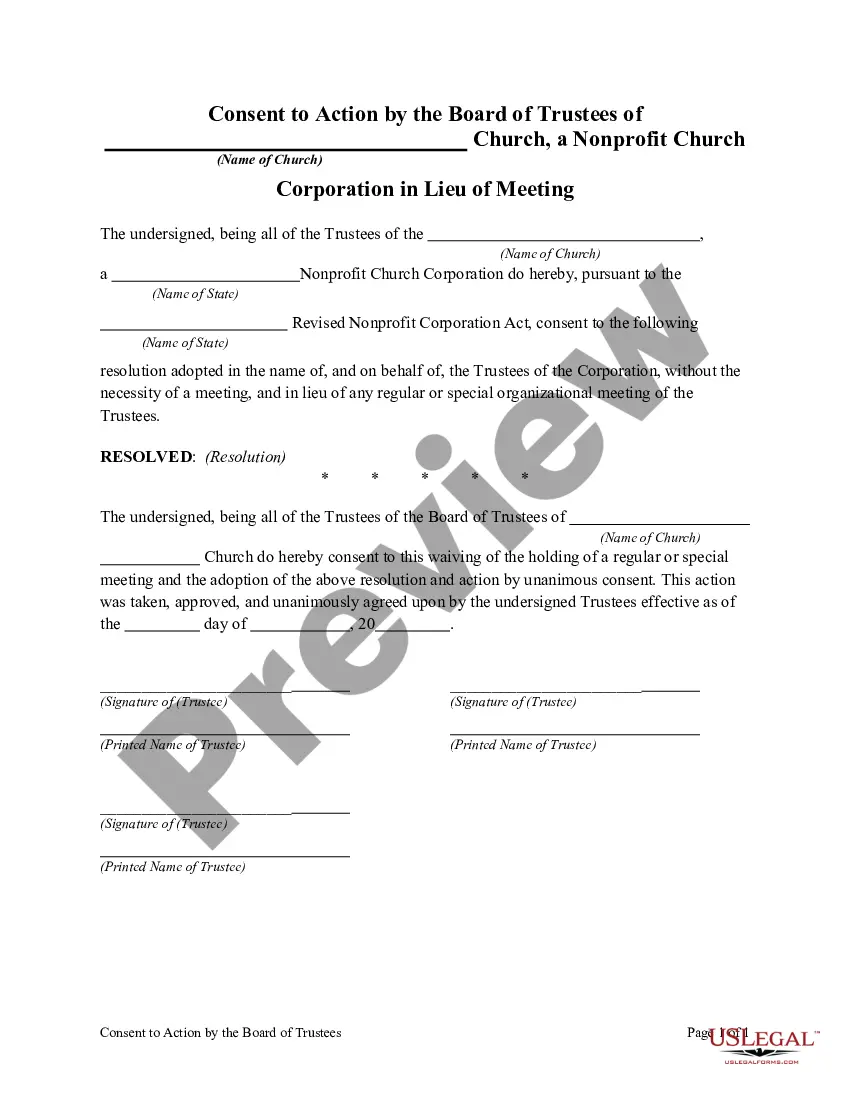
- Be sure you have the right form using the Preview feature and looking at the form description.
- Select Buy Now once all set, and choose the subscription plan that suits you.
- Select Download then complete, sign, and print out the form.
US Legal Forms has 25 years of experience assisting consumers deal with their legal paperwork. Obtain the form you want today and enhance any process without breaking a sweat.
Form popularity
FAQ
Grant consent to an internal application Open your Organization home page in Admin. In the left nav, select Connected Apps. Select Authorize Application and choose an application from the drop-down menu. ... In the Add New Application dialog, enter the permissions you are granting the users of your application.
To grant tenant-wide admin consent, you need: A Microsoft Entra user account with one of the following roles: Global Administrator or Privileged Role Administrator, for granting consent for apps requesting any permission, for any API.
Configure the admin consent workflow Navigate to Azure Active Directory. You need to be a global administrator to complete these steps. Open Enterprise applications > under Manage, select User settings. Under Admin consent requests (Preview), set Users can request admin consent to apps they are unable to consent to to Yes.
To enable the admin consent workflow and choose reviewers: Sign in to the Microsoft Entra admin center as as a Global Administrator. Browse to Identity > Applications > Enterprise applications > Consent and permissions > Admin consent settings.
By default, granting tenant-wide admin consent to an application will allow all users to access the application unless otherwise restricted. To restrict which users can sign-in to an application, configure the app to require user assignment and then assign users or groups to the application.