Corporate Meeting Minutes With Onenote
Description
Get your form ready online
Our built-in tools help you complete, sign, share, and store your documents in one place.
Make edits, fill in missing information, and update formatting in US Legal Forms—just like you would in MS Word.
Download a copy, print it, send it by email, or mail it via USPS—whatever works best for your next step.
Sign and collect signatures with our SignNow integration. Send to multiple recipients, set reminders, and more. Go Premium to unlock E-Sign.
If this form requires notarization, complete it online through a secure video call—no need to meet a notary in person or wait for an appointment.
We protect your documents and personal data by following strict security and privacy standards.

Make edits, fill in missing information, and update formatting in US Legal Forms—just like you would in MS Word.

Download a copy, print it, send it by email, or mail it via USPS—whatever works best for your next step.

Sign and collect signatures with our SignNow integration. Send to multiple recipients, set reminders, and more. Go Premium to unlock E-Sign.

If this form requires notarization, complete it online through a secure video call—no need to meet a notary in person or wait for an appointment.

We protect your documents and personal data by following strict security and privacy standards.
Looking for another form?


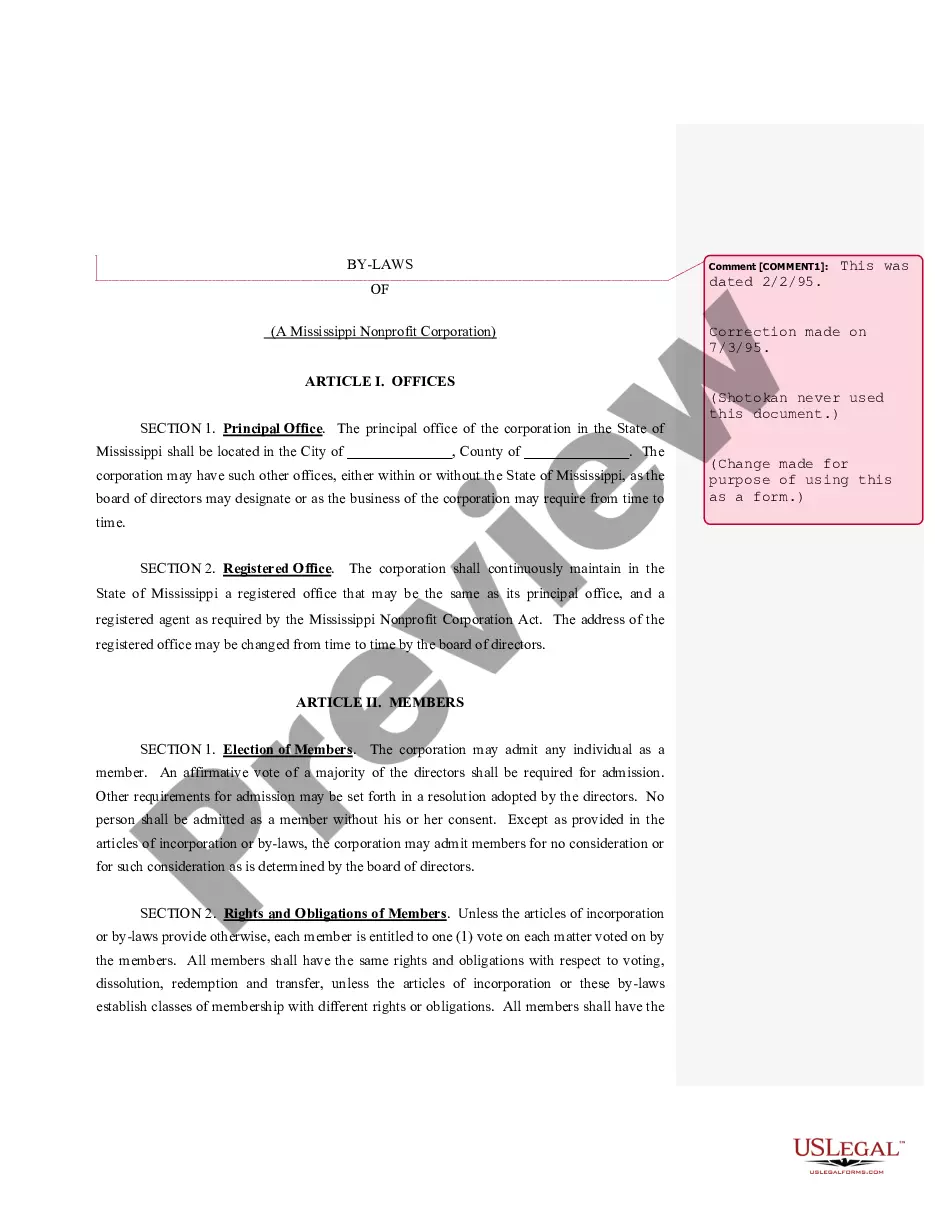
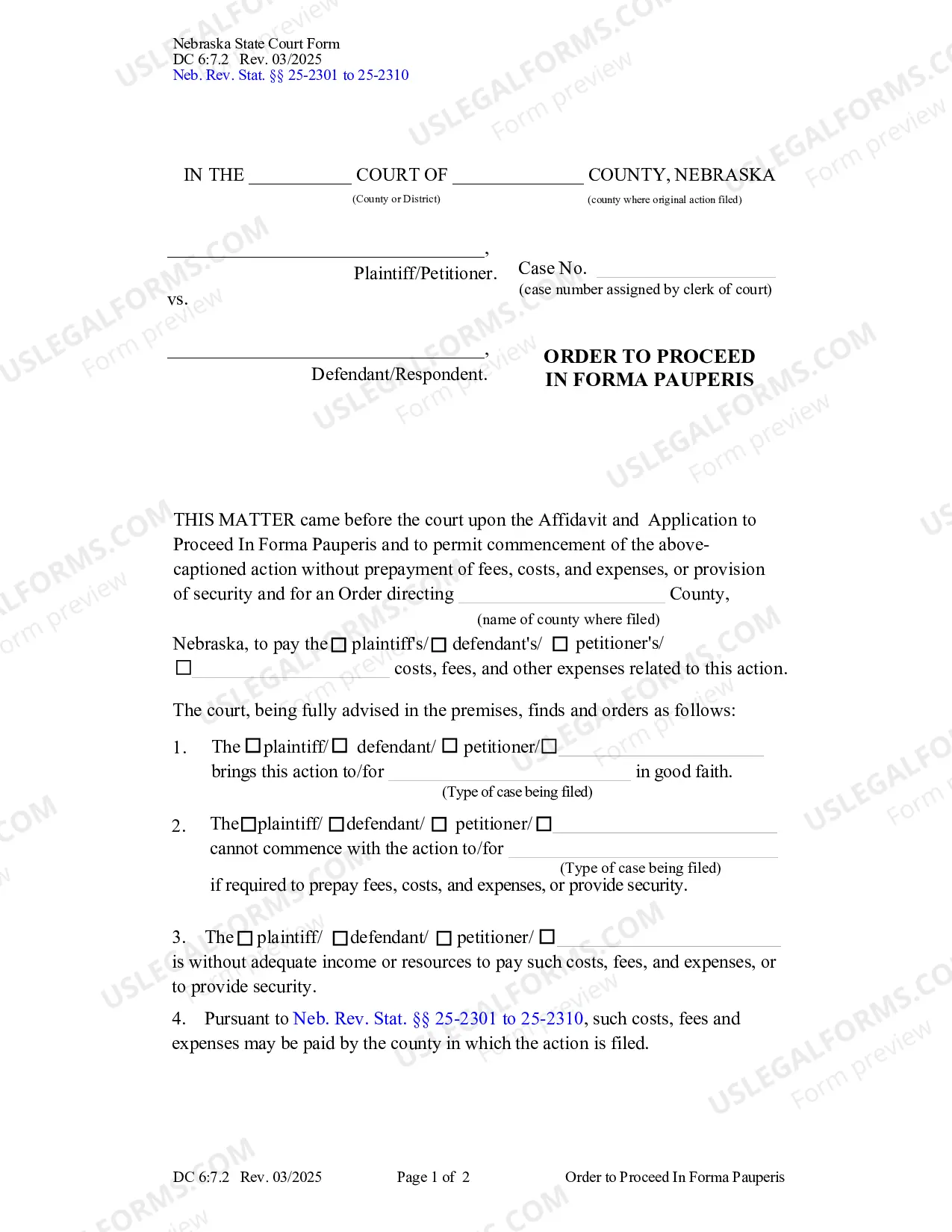
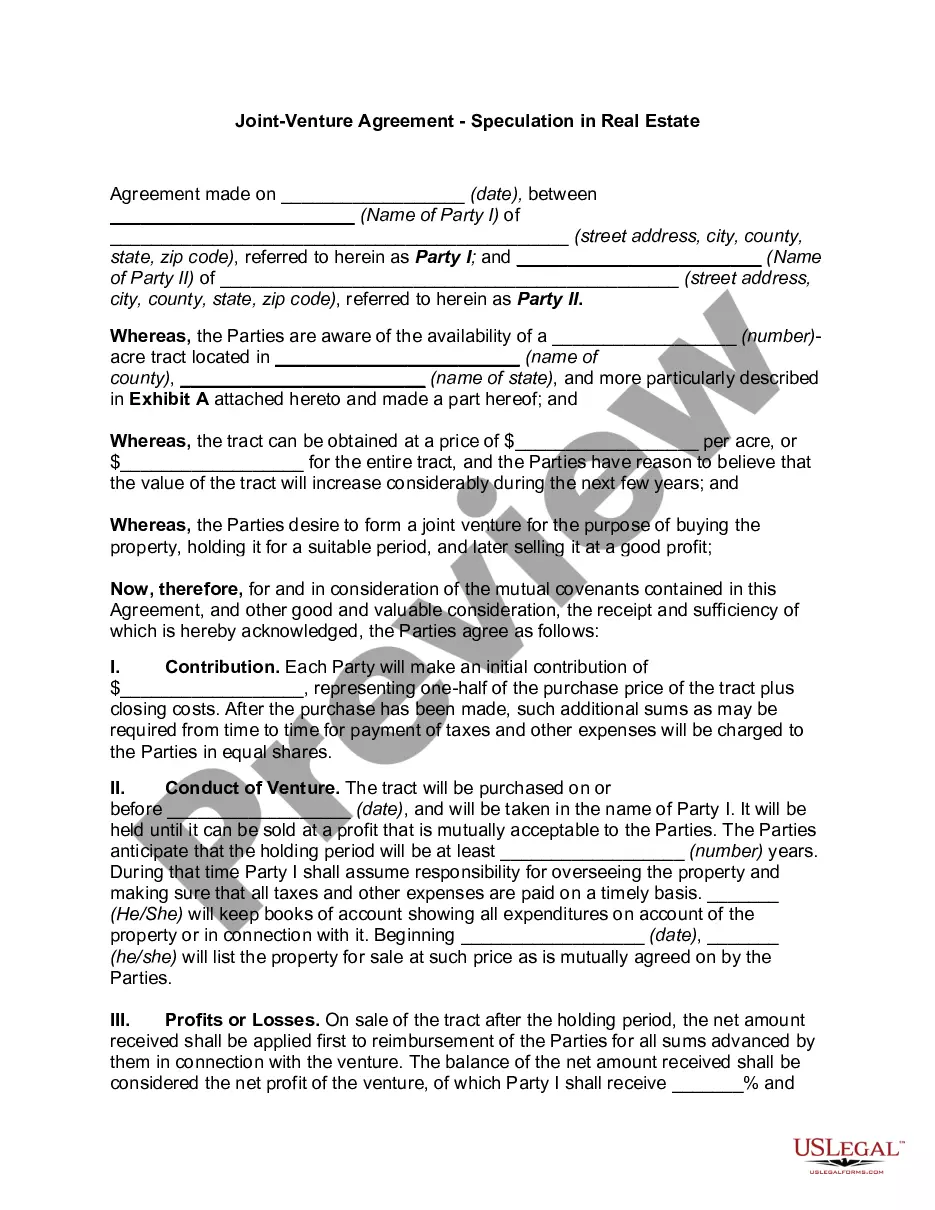
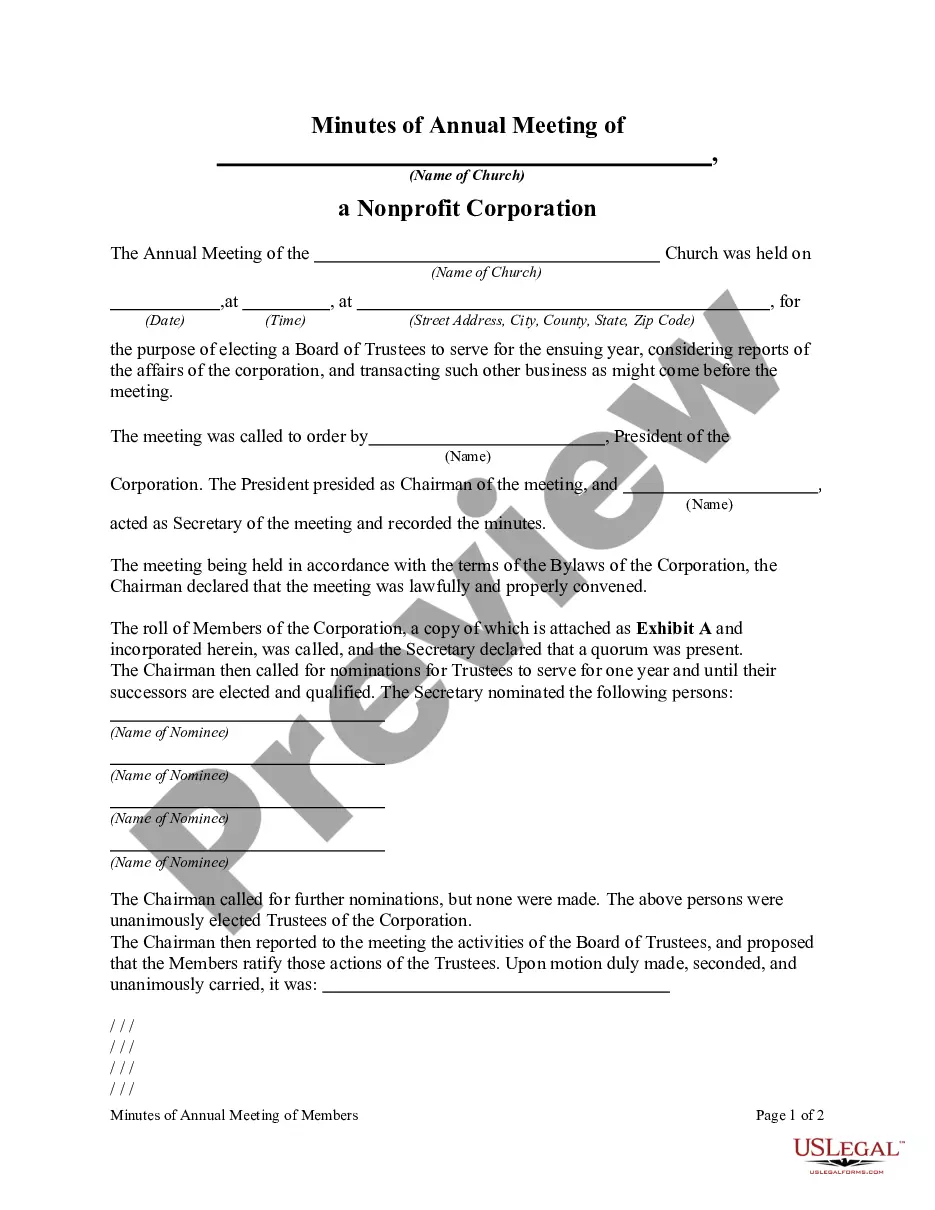
How to fill out Minutes Of Annual Meeting Of A Non-Profit Corporation?
When you need to present Corporate Meeting Minutes With Onenote that adheres to your state’s regulations, there can be numerous choices to consider.
There's no requirement to scrutinize each form to ensure it fulfills all the legal standards if you are a US Legal Forms subscriber.
It is a reliable source that can assist you in obtaining a reusable and current template on any topic.
Browse the suggested page and verify it for compliance with your requirements. Utilize the Preview mode and review the form description if available. Find another example via the Search field in the header if needed. Click Buy Now once you locate the suitable Corporate Meeting Minutes With Onenote. Select the most appropriate subscription plan, Log In to your account, or create a new one. Pay for a subscription (PayPal and credit card options are available). Download the sample in your desired file format (PDF or DOCX). Print the document or complete it electronically in an online editor. Obtaining professionally drafted formal documents becomes simple with US Legal Forms. In addition, Premium users can also benefit from the powerful integrated tools for online document editing and signing. Try it out today!
- US Legal Forms is the most extensive online repository with a collection of over 85k ready-to-use documents for business and personal legal matters.
- All templates are verified to comply with each state’s regulations.
- Consequently, when downloading Corporate Meeting Minutes With Onenote from our platform, you can be assured that you possess a valid and up-to-date document.
- Acquiring the necessary sample from our site is extraordinarily straightforward.
- If you already have an account, simply Log In to the system, ensure your subscription is valid, and save the chosen file.
- Afterward, you can access the My documents tab in your profile to retain access to the Corporate Meeting Minutes With Onenote at any time.
- If this is your initial experience with our website, please follow the instructions below.
Form popularity
FAQ
OneNote has the capability to record audio, and while it does not transcribe automatically, you can combine it with voice recognition tools for transcription. Therefore, capturing corporate meeting minutes with OneNote, while incorporating transcription services, allows for a thorough record of discussions. By using both audio recordings and written notes, you can create an effective documentation method that benefits all team members. This approach makes reviewing and sharing meeting outcomes much more straightforward.
Microsoft Teams provides a convenient way to take meeting minutes. When you use Teams, you can collaborate and share documents in real-time, making it easier to compile corporate meeting minutes with OneNote. Additionally, you can integrate Teams with OneNote, allowing you to streamline the note-taking process. This integration enhances productivity and ensures that all relevant information is organized in one place.
OneNote allows you to record meetings directly within the app. This feature is valuable for creating comprehensive corporate meeting minutes with OneNote, as it captures audio alongside your written notes. Furthermore, the integration between OneNote and various software platforms makes it easy to stay organized and efficient. With this functionality, you can refer back to your discussions anytime you need to.
Yes, OneNote can indeed record audio during a Zoom meeting. By using this feature, you can enhance your corporate meeting minutes with OneNote by capturing important discussions and remarks. This audio recording will help you revisit key points later, ensuring you don't miss any critical details. This function transforms your meeting notes into a rich, multimedia experience.
Yes, you can use OneNote to record a meeting effectively. OneNote provides a flexible platform where you can type, write, or even insert audio recordings for your Corporate meeting minutes with OneNote. This functionality ensures you keep a comprehensive record of discussions and decisions, making it easy for everyone to stay informed and accountable.
To record corporate meeting minutes effectively, begin by preparing an agenda outlining the key topics discussed during the meeting. Use a template to structure your notes, ensuring you capture essential details such as attendees, decisions made, and action items. You can enhance this process by using Corporate meeting minutes with OneNote, which allows for organized note-taking and easy sharing among team members.
Yes, OneNote is excellent for taking meeting minutes. It allows you to easily type, organize, and even draw sketches during meetings. By using OneNote to capture your corporate meeting minutes, you can create a structured record that integrates well with other tools, like Outlook, ensuring your notes are comprehensive and easily accessible.
Finding information in OneNote is straightforward. You can use the search bar at the top to quickly locate meeting notes or specific topics. By organizing your corporate meeting minutes with OneNote into sections and pages, you enhance your ability to retrieve information efficiently whenever you need it.
To refresh meeting details in OneNote, you can click on the 'Sync' option in the app. This action pulls the latest information from your Outlook calendar. It ensures that your corporate meeting minutes with OneNote reflect any changes made to the meeting schedule or attendees, keeping your notes accurate and up-to-date.
To get meeting details in Outlook, open your calendar and click on the scheduled meeting. You will see the date, time, attendees, and agenda all laid out. By organizing these details in Outlook, you can easily manage your corporate meeting minutes with OneNote by syncing the data to ensure nothing is overlooked.