No Pending Litigation Sample Letter With Enclosure
Description
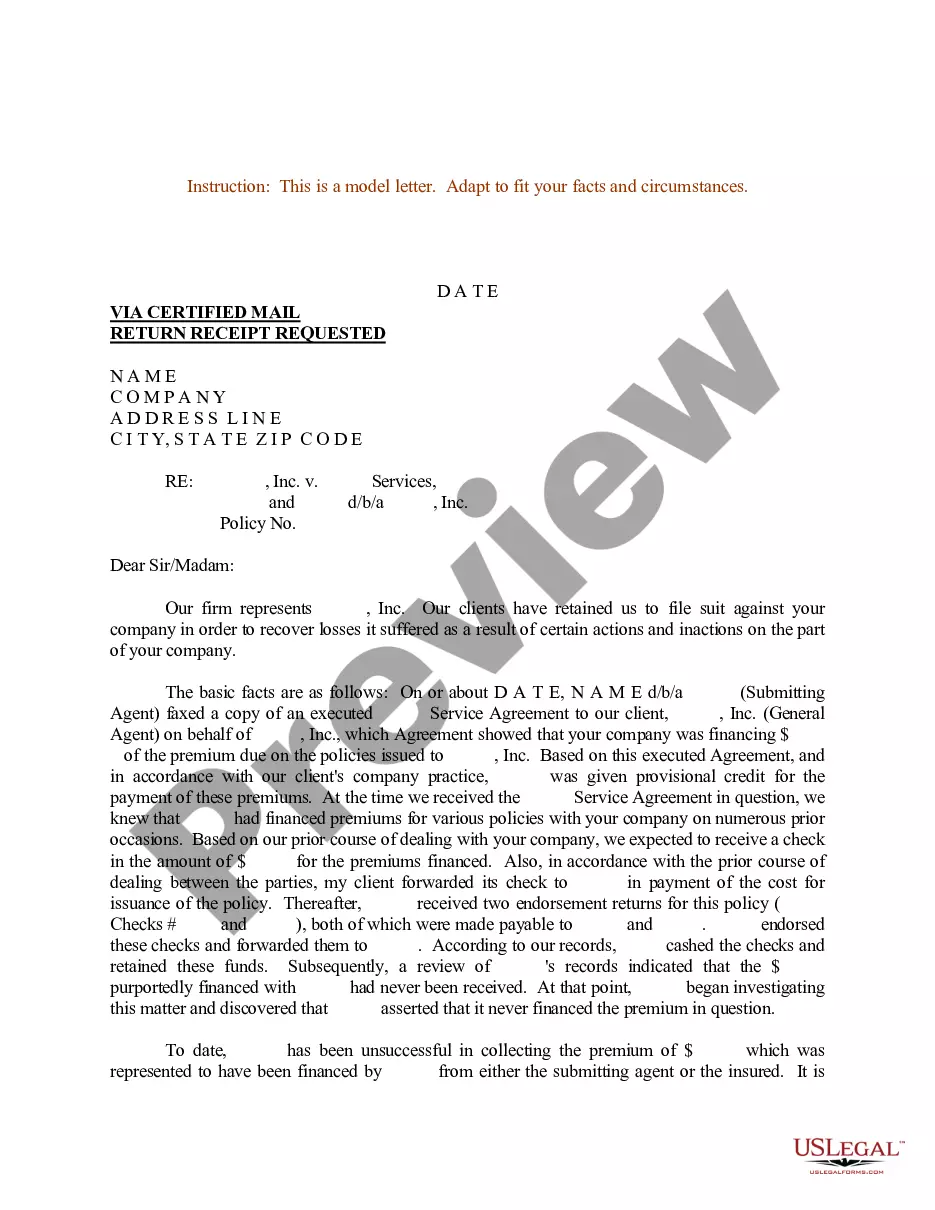
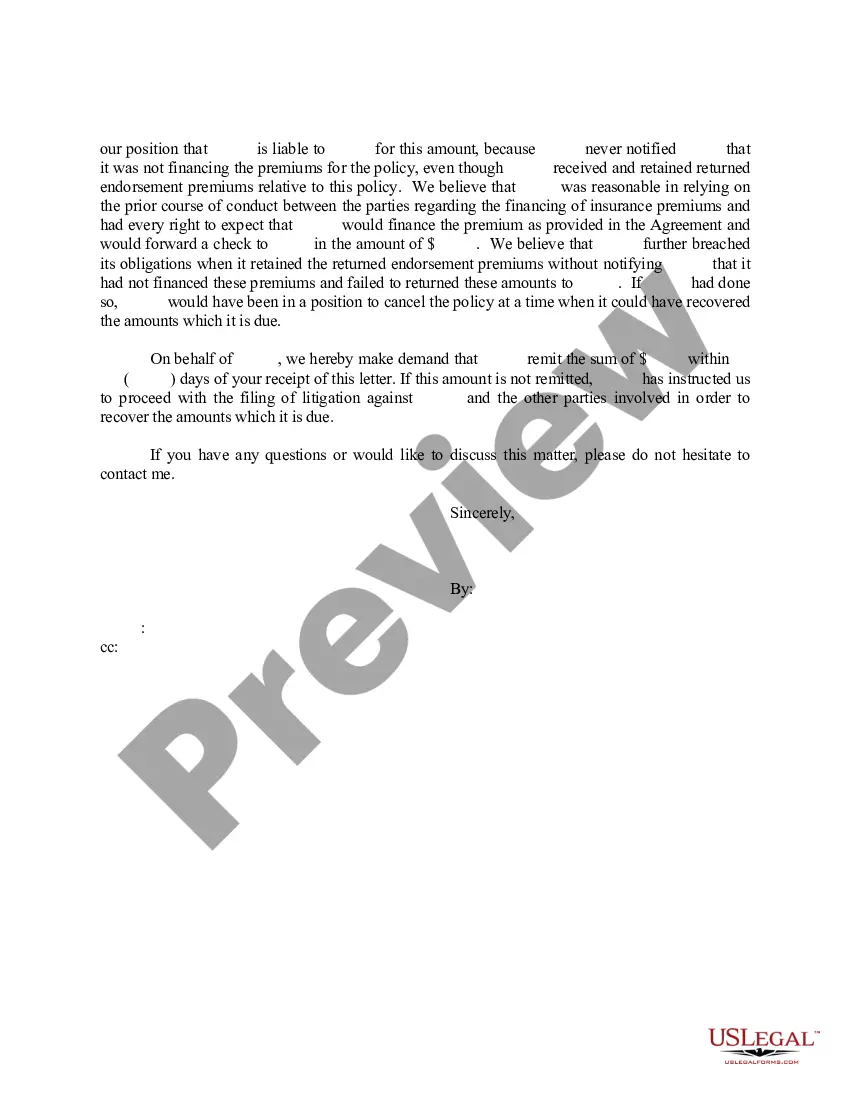
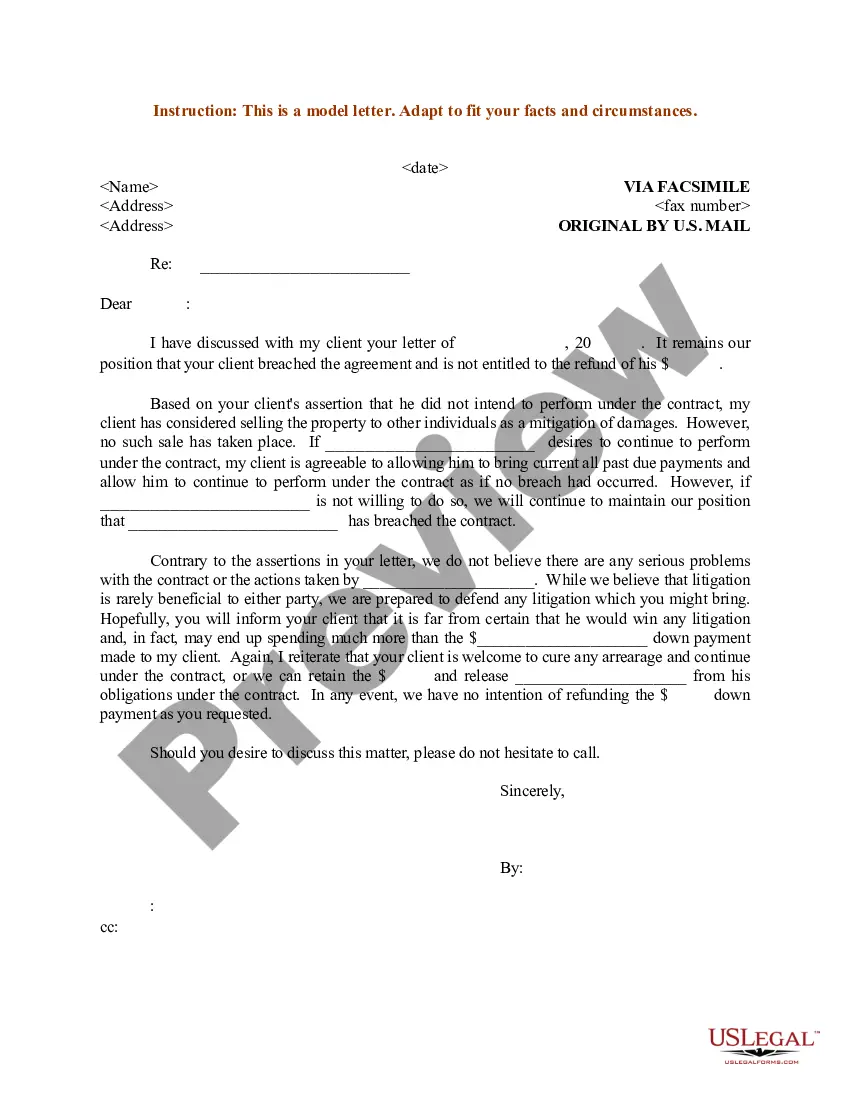
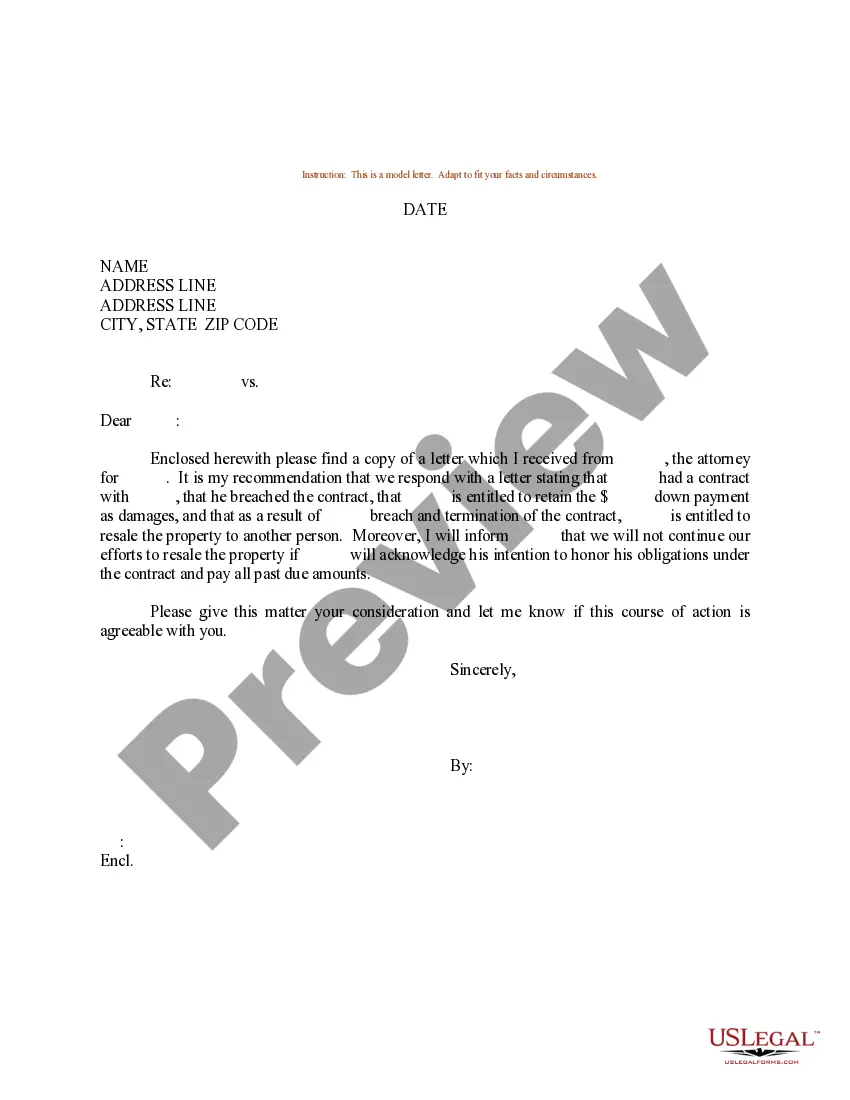
Get your form ready online
Our built-in tools help you complete, sign, share, and store your documents in one place.
Make edits, fill in missing information, and update formatting in US Legal Forms—just like you would in MS Word.
Download a copy, print it, send it by email, or mail it via USPS—whatever works best for your next step.
Sign and collect signatures with our SignNow integration. Send to multiple recipients, set reminders, and more. Go Premium to unlock E-Sign.
If this form requires notarization, complete it online through a secure video call—no need to meet a notary in person or wait for an appointment.
We protect your documents and personal data by following strict security and privacy standards.

Make edits, fill in missing information, and update formatting in US Legal Forms—just like you would in MS Word.

Download a copy, print it, send it by email, or mail it via USPS—whatever works best for your next step.

Sign and collect signatures with our SignNow integration. Send to multiple recipients, set reminders, and more. Go Premium to unlock E-Sign.

If this form requires notarization, complete it online through a secure video call—no need to meet a notary in person or wait for an appointment.

We protect your documents and personal data by following strict security and privacy standards.
Looking for another form?

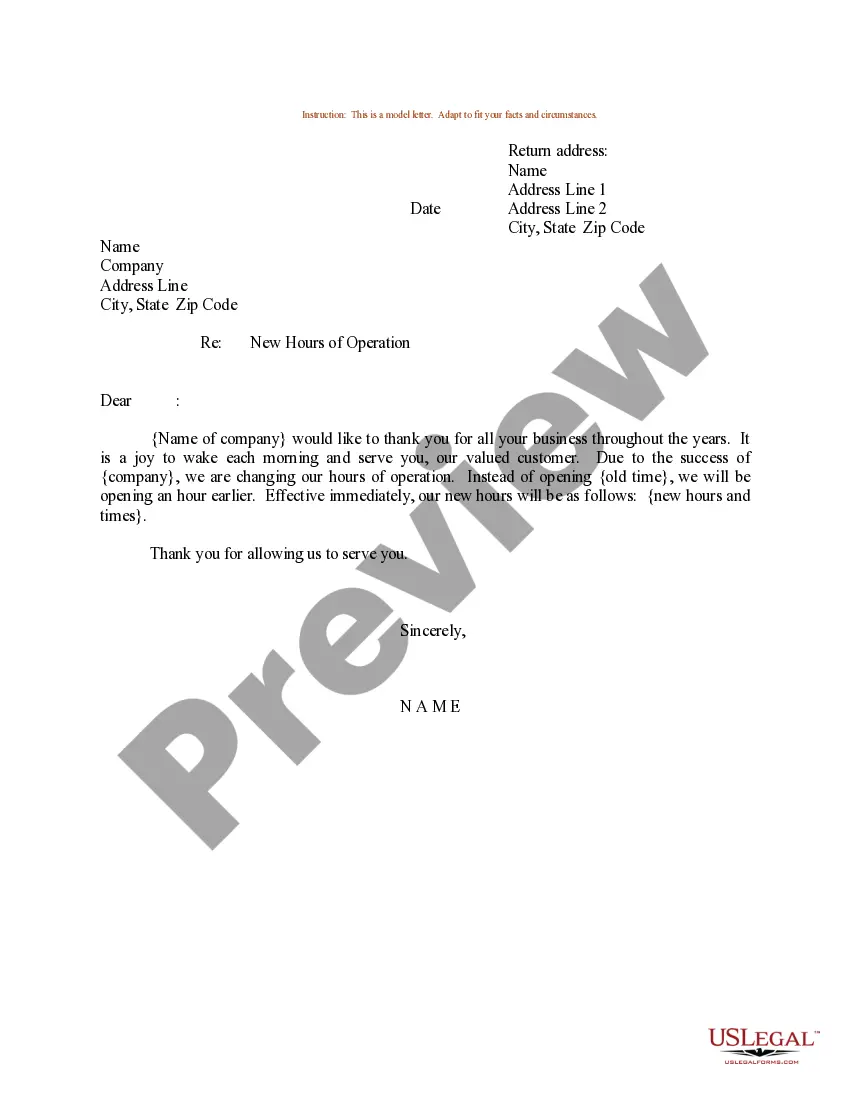




How to fill out Sample Letter For Pending Litigation Involving A Service Agreement?
The No Pending Litigation Sample Letter With Enclosure displayed on this page is a reusable legal template created by experienced attorneys following federal and local statutes and guidelines.
For over 25 years, US Legal Forms has supplied individuals, businesses, and legal experts with more than 85,000 verified, state-specific templates for any business or personal instance. It is the fastest, easiest, and most reliable way to acquire the documents you require, as the service ensures bank-level data protection and anti-malware security.
Utilize the same document again whenever needed. Access the My documents tab in your profile to redownload any previously acquired forms. Enroll in US Legal Forms to have validated legal templates for every situation in life readily available.
- Search for the document you need and examine it.
- Look through the file you searched and preview it or review the form description to confirm it meets your needs. If it doesn’t, use the search tool to find the correct one. Click Buy Now once you locate the template you require.
- Choose a pricing plan that works for you and create an account. Use PayPal or a credit card to make a swift payment. If you already possess an account, Log In and check your subscription to continue.
- Select the format you desire for your No Pending Litigation Sample Letter With Enclosure (PDF, Word, RTF) and save the sample on your device.
- Print the template to complete it by hand. Alternatively, employ an online multi-functional PDF editor to quickly and accurately fill out and sign your form with a valid signature.
Form popularity
FAQ
To make a living trust in Kansas, you: Choose whether to make an individual or shared trust. Decide what property to include in the trust. Choose a successor trustee. Decide who will be the trust's beneficiaries?that is, who will get the trust property. Create the trust document.
A trust is simply a way of grouping assets together for a certain purpose, and giving control of those assets to a person or institution, known as a ?trustee.? The trustee's job is to administer the trust's assets with the goal of the trust in mind.
In Kansas, the cost of setting up a basic Revocable Living Trust generally ranges from $1,000 to $3,000. More complex trusts may cost even more. Online platforms like Snug provide more affordable options for creating wills and trusts, offering transparent pricing and quality estate planning services.
The best way to create a living trust in Kansas is to create a trust document and sign it in front of a notary. Kansas law allows for oral trusts if they can be proven by clear and convincing evidence. Once a trust is created, assets are transferred into the trust.
All you need to do is sign a living trust agreement in which you name yourself as both grantor (creator of the trust) and trustee (manager of the trust assets). Once you have set up your living trust, you transfer some or all your assets to the trust. As trustee, you then take over management of the trust assets.
How to Create a Living Trust in Kansas Select the type of trust that best suits your current situation. ... Take inventory on your property. ... Select your trust's trustee. ... Create a trust document. ... Sign the trust document in front of a notary public. Fund the trust by transferring property and assets into it.
The amount of money you spend depends on how you choose to create a trust. You can create a living trust through two different ways: you can hire an attorney or you can use an online program. Hiring an attorney will cost you more than $1,000. If you choose to use the DIY approach, you'll spend a few hundred dollars.
Create the trust document. You can get help from an attorney or use Willmaker & Trust (see below). Sign the document in front of a notary public. Change the title of any trust property that has a title document?such as your house or car?to reflect that you now own the property as trustee of the trust.