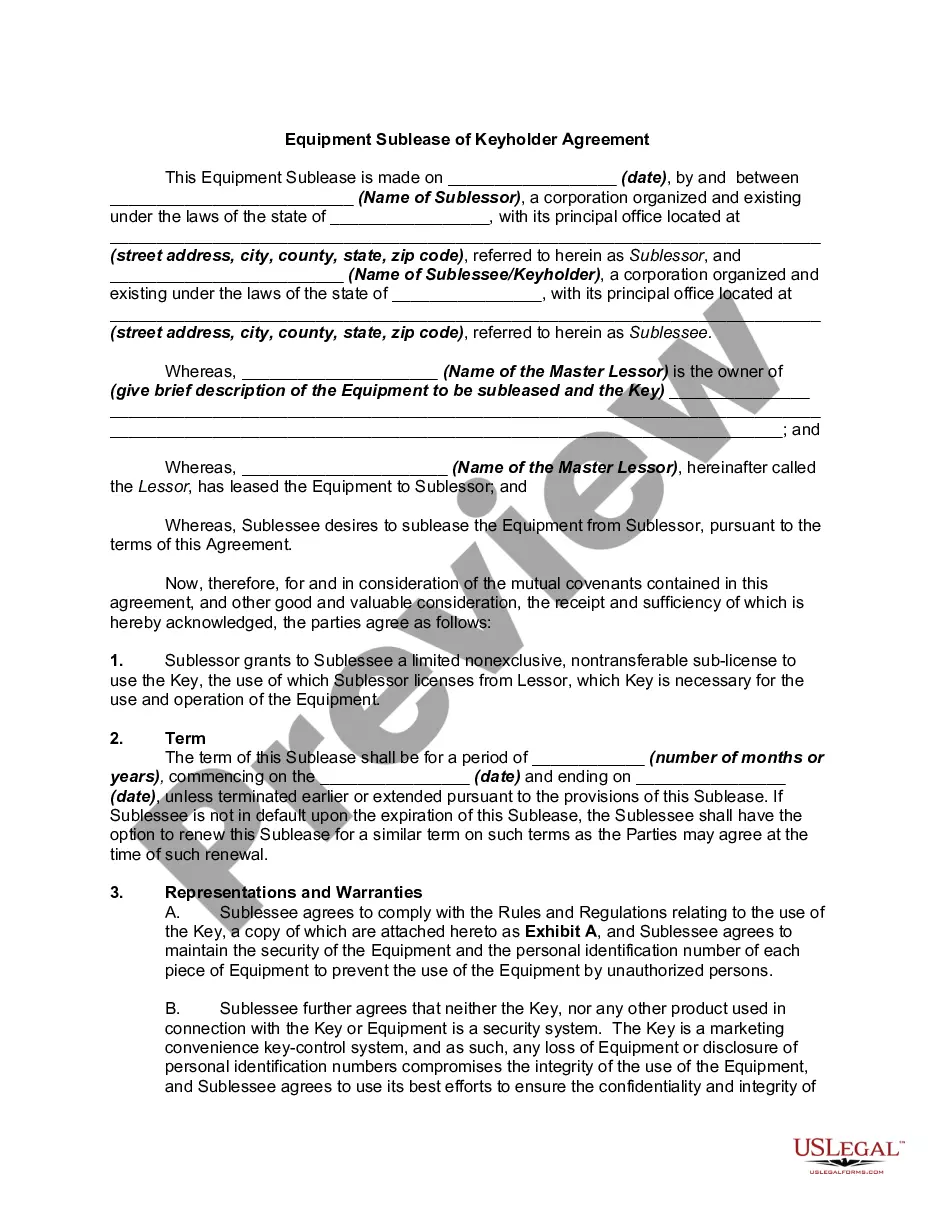
Sample Agreement Form With Recaptcha
Description



Get your form ready online
Our built-in tools help you complete, sign, share, and store your documents in one place.
Make edits, fill in missing information, and update formatting in US Legal Forms—just like you would in MS Word.
Download a copy, print it, send it by email, or mail it via USPS—whatever works best for your next step.
Sign and collect signatures with our SignNow integration. Send to multiple recipients, set reminders, and more. Go Premium to unlock E-Sign.
If this form requires notarization, complete it online through a secure video call—no need to meet a notary in person or wait for an appointment.
We protect your documents and personal data by following strict security and privacy standards.

Make edits, fill in missing information, and update formatting in US Legal Forms—just like you would in MS Word.

Download a copy, print it, send it by email, or mail it via USPS—whatever works best for your next step.

Sign and collect signatures with our SignNow integration. Send to multiple recipients, set reminders, and more. Go Premium to unlock E-Sign.

If this form requires notarization, complete it online through a secure video call—no need to meet a notary in person or wait for an appointment.

We protect your documents and personal data by following strict security and privacy standards.
Looking for another form?



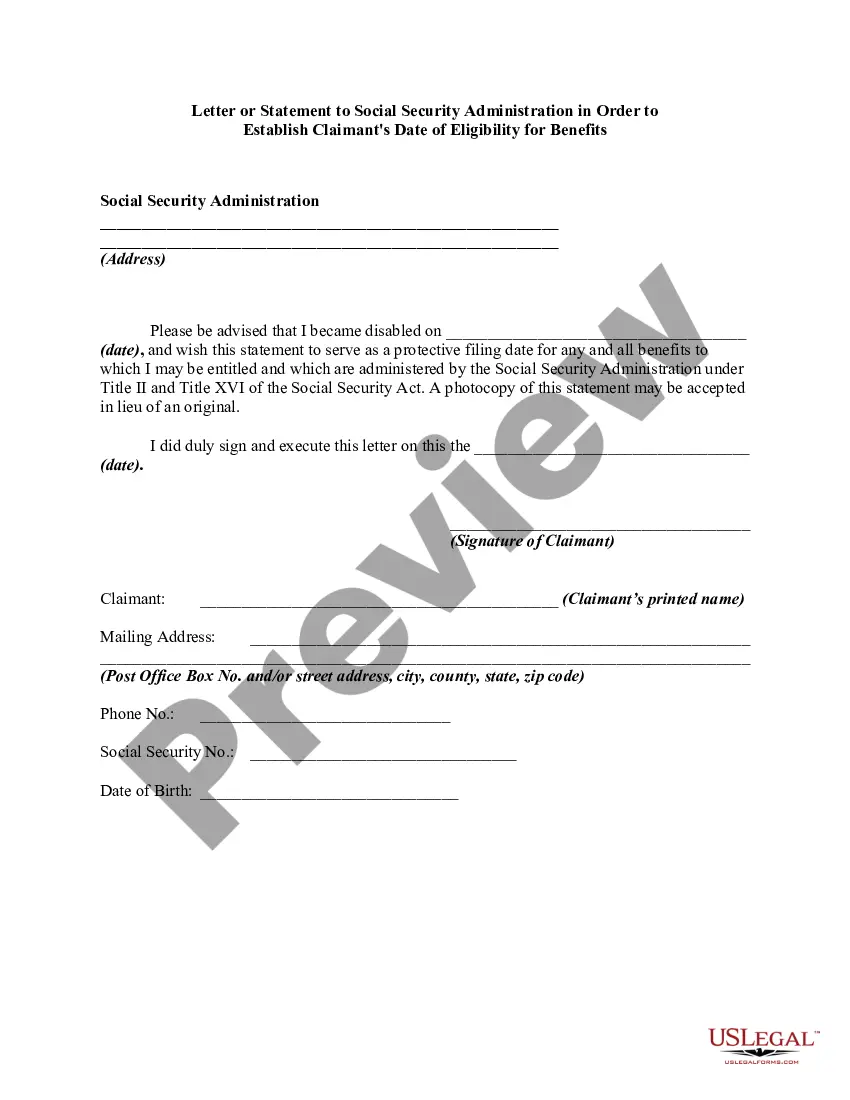
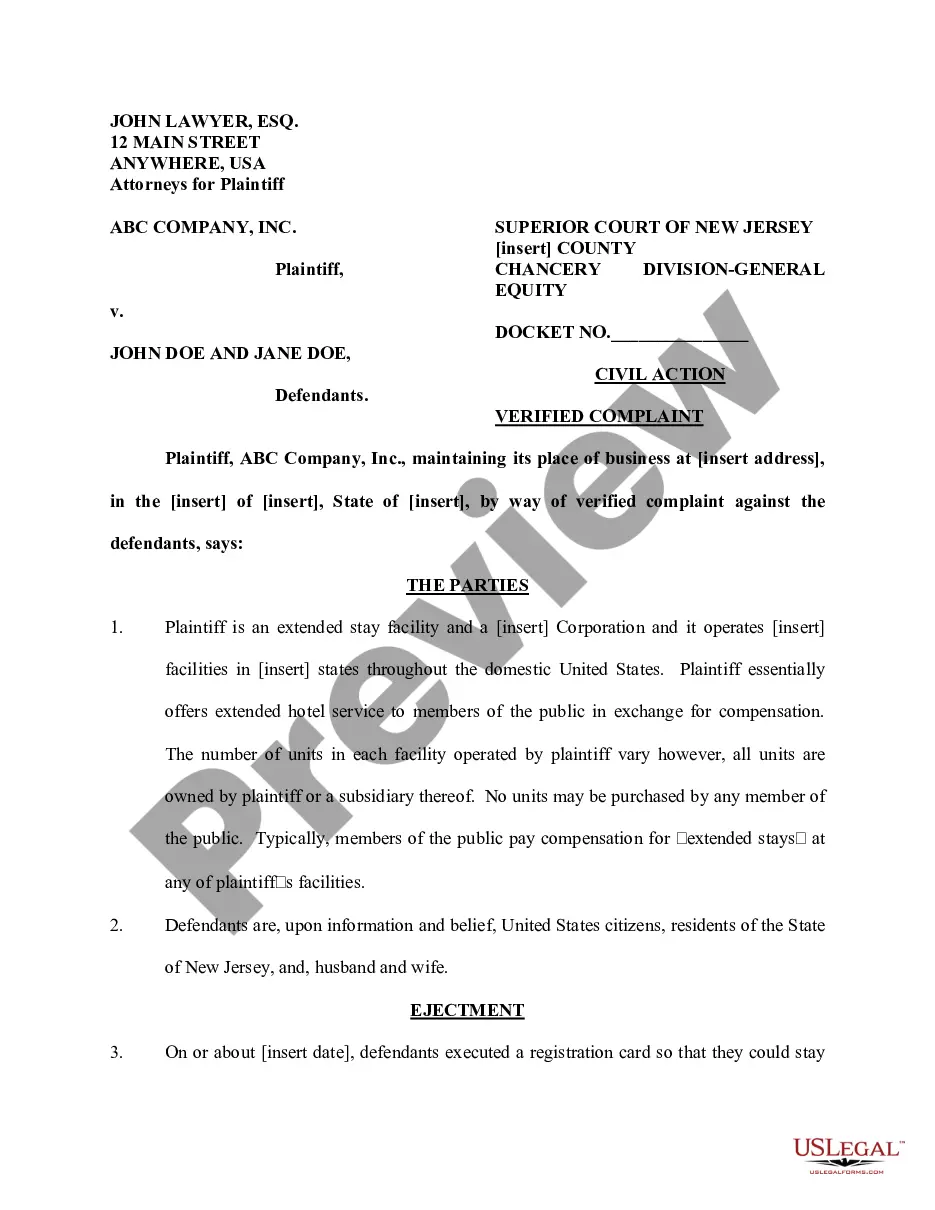
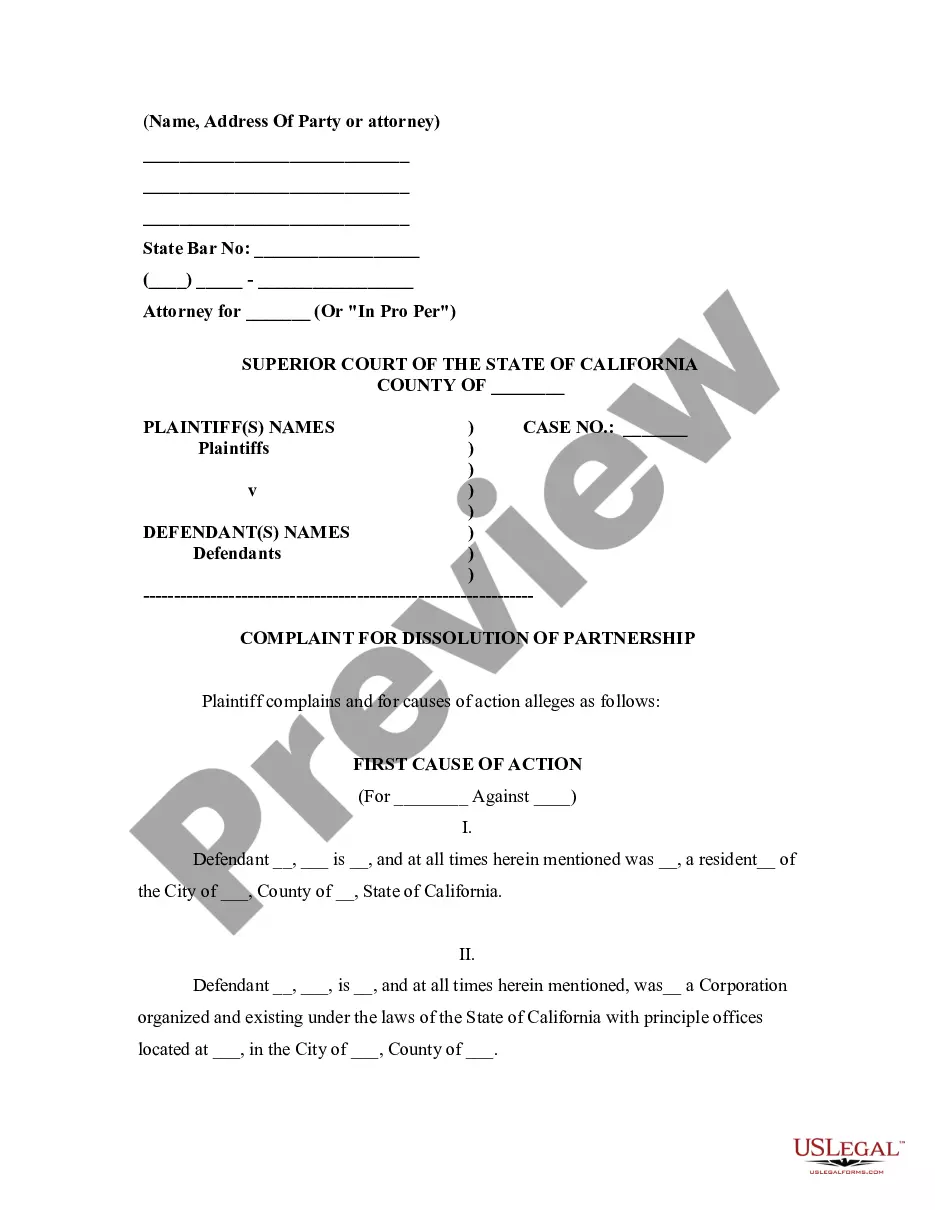




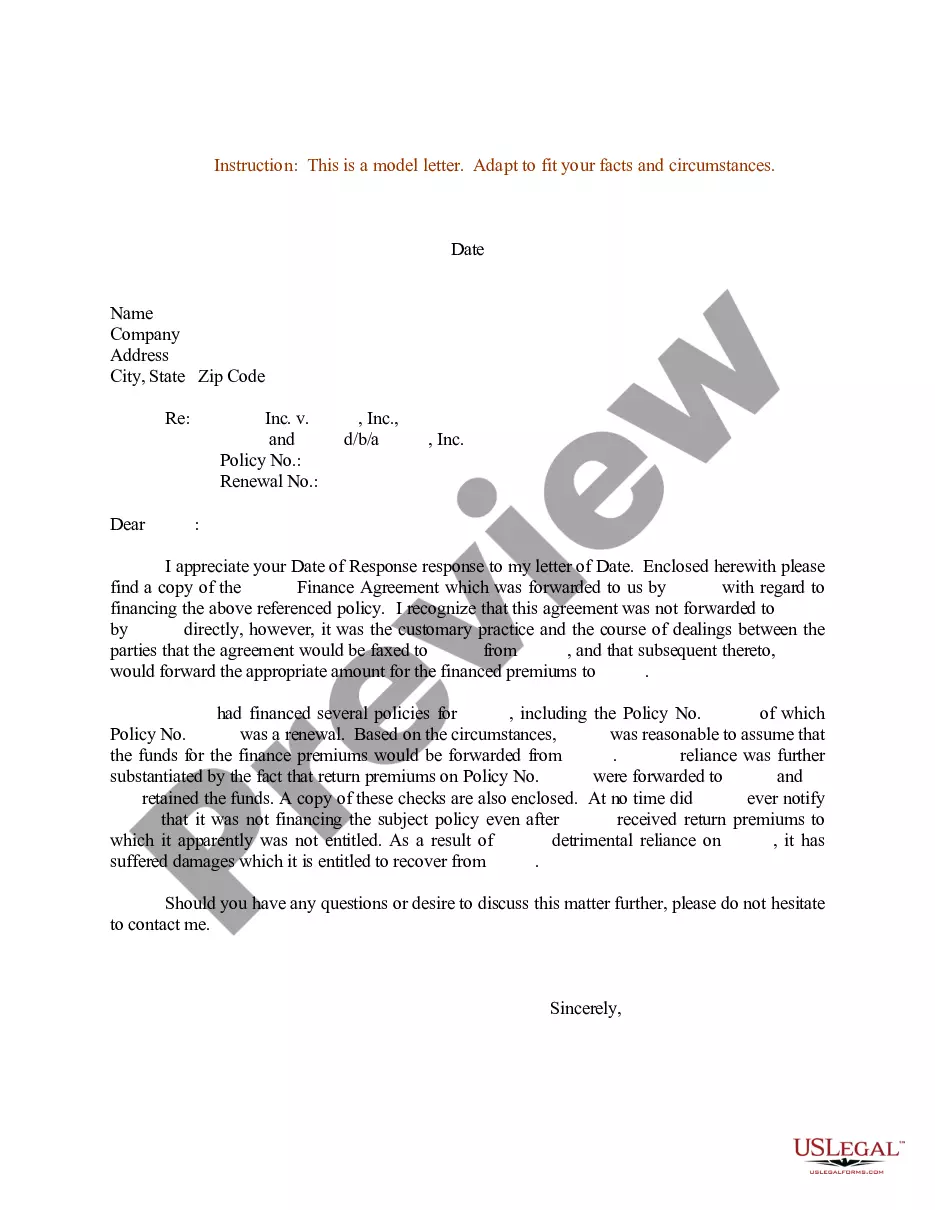
How to fill out Sample Letter Regarding Finance Agreement?
Navigating through the red tape of official paperwork and templates can be challenging, particularly when one is not engaged in that line of work. Even selecting the appropriate template for a Sample Agreement Form With Recaptcha will be labor-intensive, as it must be accurate and exact to the very last digit.
Nevertheless, you will need to invest considerably less time obtaining a suitable template from a source you can rely on. US Legal Forms is a platform that streamlines the process of locating the correct forms online.
US Legal Forms is a single destination where one can find the latest examples of documents, verify their usage, and download these samples to complete them. This is a compilation of over 85K forms applicable in various sectors.
US Legal Forms will save you hassle and energy in determining if the form you found online meets your needs. Establish an account and gain unlimited access to all the templates you need.
- Searching for a Sample Agreement Form With Recaptcha, you won't have to doubt its validity as all the forms are confirmed.
- Creating an account at US Legal Forms will ensure you have all the essential samples at your fingertips.
- Store them in your history or add them to the My documents directory.
- You can access your saved forms from any device by clicking Log In at the library website.
- If you haven't created an account yet, you can always search for the template you require.
- Obtain the appropriate form in a few straightforward steps.
- Input the name of the document in the search field.
- Identify the correct Sample Agreement Form With Recaptcha from the list of results.
Form popularity
FAQ
How to Set up a CAPTCHA for the Forms of Your SiteWhile you can insert your CAPTCHA code into your site, which would require you to insert code, or you can use reCAPTCHA.Fill out the Label, choose the type of reCAPTCHA, enter your Domains, accept the reCAPTCHA Terms of Service then click Register.More items...
We'll just need to follow a few simple steps:Register your site in reCaptcha and get your site and secret keys.Add the keys to the environment of our app (. env file in Laravel).Include the reCaptcha input in our page form.Add the reCaptcha validation in our back end (a controller method in Laravel).11-Mar-2019
Fill in both "Site key" and "Secret key" fields using the corresponding keys that Google has provided you. Next, go to the main administration menu: Components -> Convert Forms -> Forms. And choose the form you want to edit. Choose the tab "Add Field" and click on the reCAPTCHA field in the Advanced Fields category.
Adding a 'Secret Key' to the PHP file.Step 1: Registering for Google reCAPTCHA. First, you need to go to Google reCAPTCHA panel.Step 2: Adding reCAPTCHA JavaScript API to HTML. Now, you need to paste the JavaScript API inside the header tag of your html page.Step 3: Adding the 'Site Key' to the HTML form.26-Apr-2018
Activity and user information reCAPTCHA collects and analyzes includes the following: Typing patterns of the user. The amount of mouse clicks a user has done on the site or touches on an app. What language the user's browser is using.