English For Allongé
Description
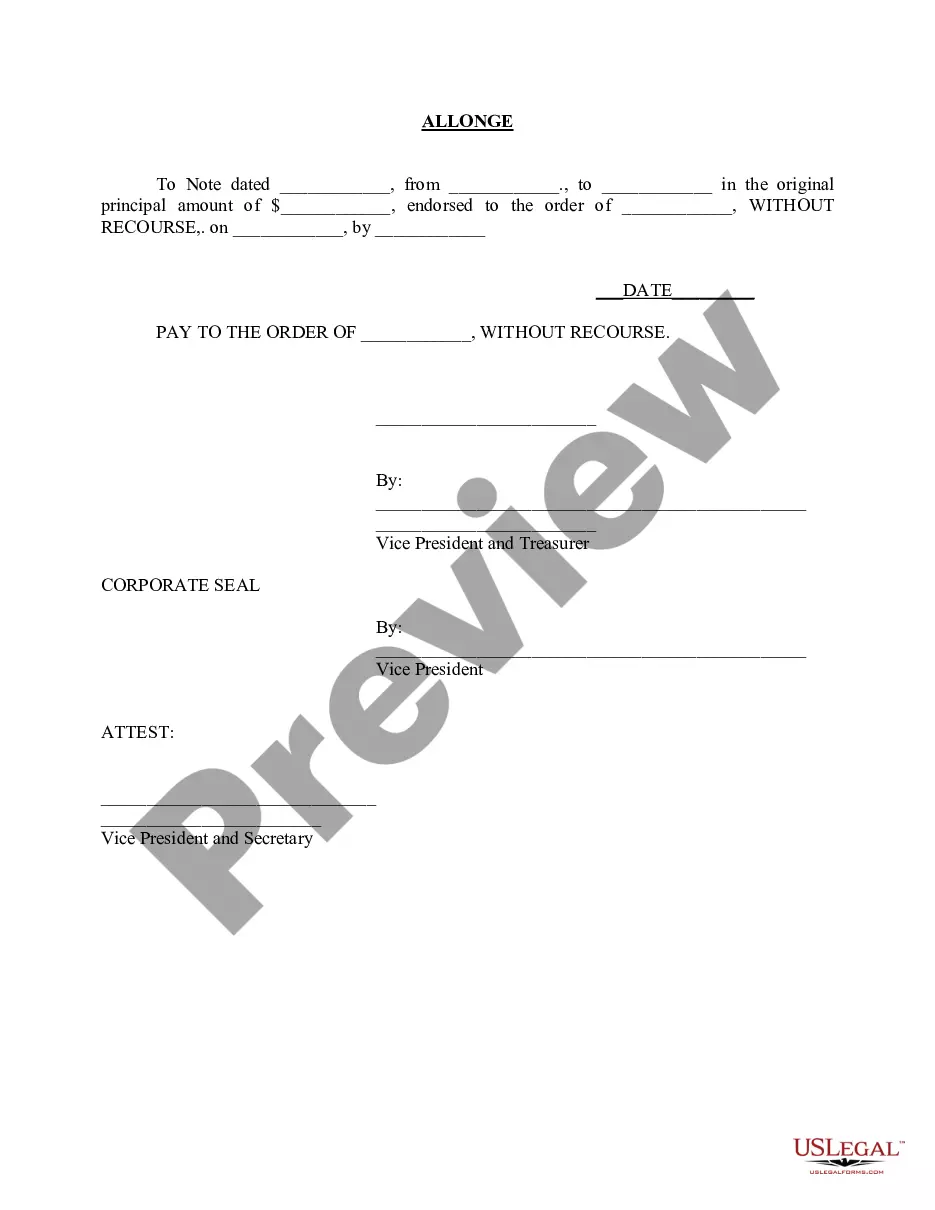
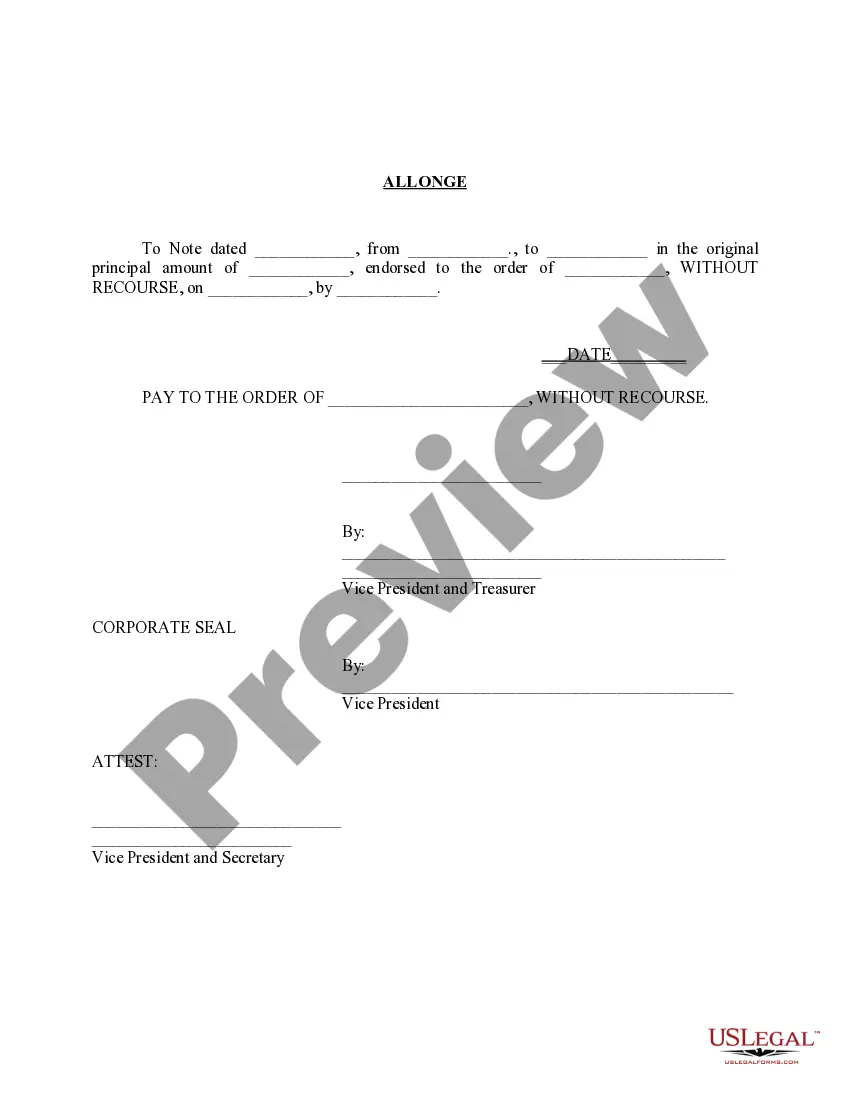
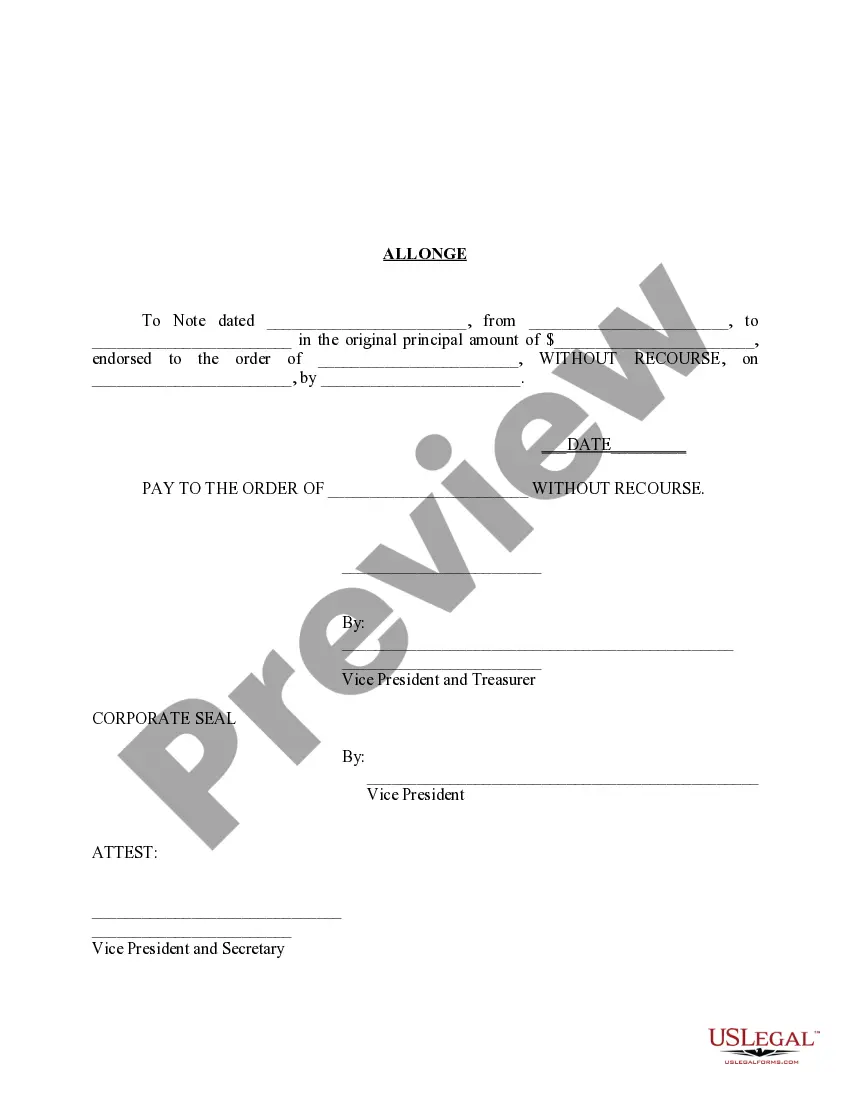
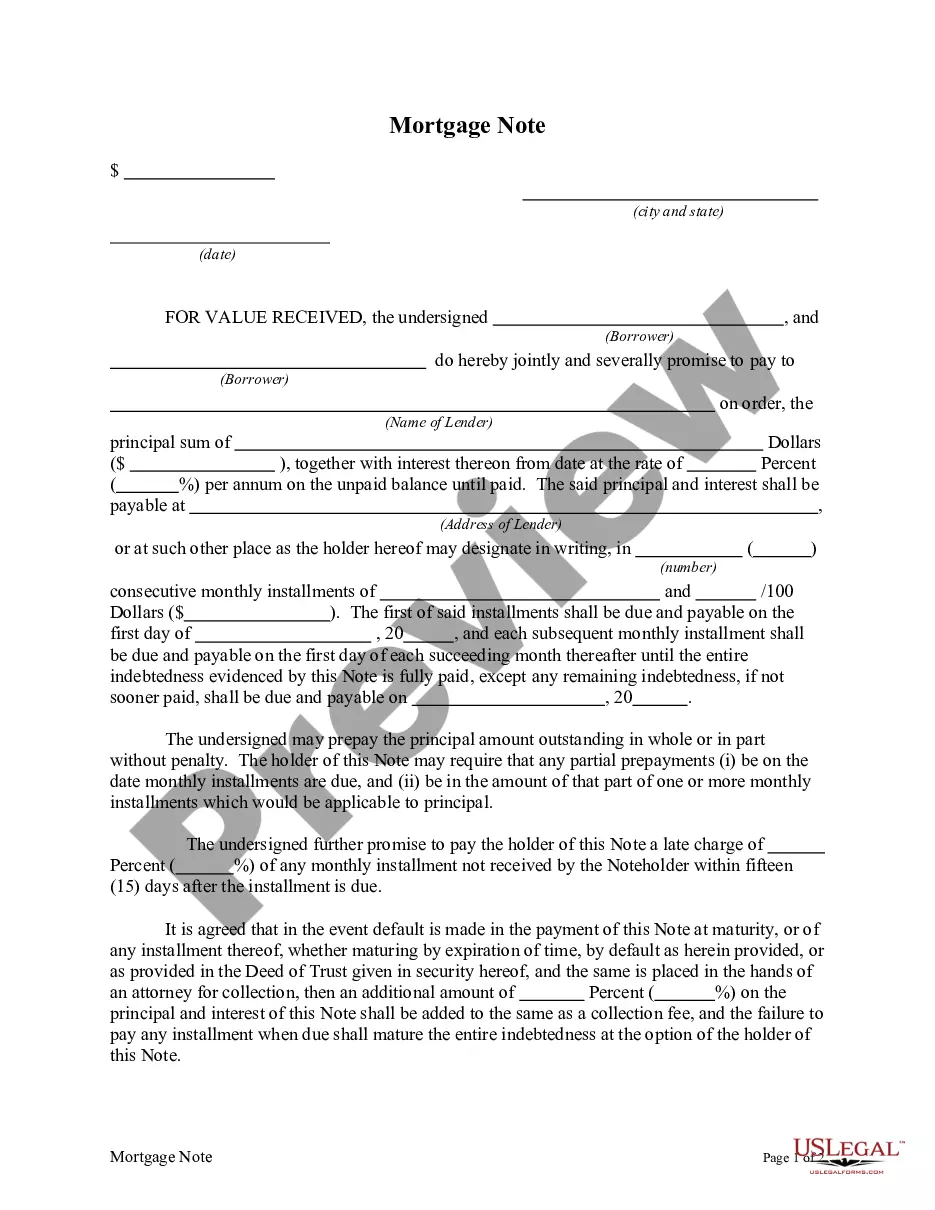
Get your form ready online
Our built-in tools help you complete, sign, share, and store your documents in one place.
Make edits, fill in missing information, and update formatting in US Legal Forms—just like you would in MS Word.
Download a copy, print it, send it by email, or mail it via USPS—whatever works best for your next step.
Sign and collect signatures with our SignNow integration. Send to multiple recipients, set reminders, and more. Go Premium to unlock E-Sign.
If this form requires notarization, complete it online through a secure video call—no need to meet a notary in person or wait for an appointment.
We protect your documents and personal data by following strict security and privacy standards.

Make edits, fill in missing information, and update formatting in US Legal Forms—just like you would in MS Word.

Download a copy, print it, send it by email, or mail it via USPS—whatever works best for your next step.

Sign and collect signatures with our SignNow integration. Send to multiple recipients, set reminders, and more. Go Premium to unlock E-Sign.

If this form requires notarization, complete it online through a secure video call—no need to meet a notary in person or wait for an appointment.

We protect your documents and personal data by following strict security and privacy standards.
Looking for another form?










How to fill out Allonge?
The English For Allongé showcased on this site is a reusable formal outline crafted by professional lawyers in accordance with federal and regional statutes.
For over 25 years, US Legal Forms has supplied individuals, businesses, and attorneys with more than 85,000 verified, state-specific templates for any corporate and personal circumstance. It’s the quickest, easiest, and most dependable method to acquire the documents you require, as the service ensures bank-level data protection and anti-malware safeguards.
Subscribe to US Legal Forms to have verified legal templates for all of life’s situations at your fingertips.
- Browse for the document you require and review it.
- Explore the file you searched for and preview it or examine the form description to confirm it meets your needs. If it doesn’t, use the search bar to find the suitable one. Click Buy Now when you have found the template you seek.
- Subscribe and sign in.
- Select the pricing plan that fits you and create an account. Use PayPal or a credit card for a swift payment. If you already possess an account, Log In and check your subscription to continue.
- Obtain the editable template.
- Choose the format you prefer for your English For Allongé (PDF, DOCX, RTF) and download the sample onto your device.
- Complete and sign the document.
- Print the template to fill it out manually. Alternatively, utilize an online multi-functional PDF editor to swiftly and accurately complete and sign your form with a legally-binding electronic signature.
- Download your documents again.
- Re-use the same document whenever necessary. Access the My documents tab in your profile to redownload any previously downloaded templates.
Form popularity
FAQ
To change file encoding to UTF-8 in Visual Studio Code, open the file you wish to convert. In the bottom toolbar, click on the encoding option currently displayed, and select 'Save with Encoding.' Then, choose UTF-8 from the list. This method is effective for ensuring your content in English for allongé is preserved accurately and remains legible.
Saving a text file in UTF-8 format is straightforward. Open the file in your text editor, go to 'Save As,' and select UTF-8 from the encoding dropdown. This procedure is crucial for ensuring that your text, especially if related to English for allongé, appears correctly across different platforms and devices.
To encode a text file in UTF-8, first open your desired text editor and load the file. Then, navigate to the 'File' menu and select 'Save As' or 'Export.' Ensure you choose UTF-8 from the encoding options before saving, which is essential for documents using English for allongé to remain accurate and universally accessible.
Converting a file to UTF-8 encoding usually requires opening the file in a text editor that allows encoding changes. After accessing your file, look for an option to 'Convert' or 'Change Encoding,' and select UTF-8. This method guarantees that your text retains its integrity, especially if you are utilizing English for allongé.
Writing Unicode in a text file involves choosing the right encoding when saving the file. Most modern text editors allow you to select UTF-8 encoding, which supports a wide range of Unicode characters. Tools like US Legal Forms facilitate this process, ensuring that all characters are represented accurately, especially if you are working with English for allongé.
To convert a file to UTF-8 format, you can use a text editor that supports encoding options. For example, open the file in a text editor, select 'Save As,' and choose UTF-8 from the encoding options. Using platforms like US Legal Forms can simplify this process, ensuring your documents are properly encoded.
The range of the English alphabet in Unicode is from U+0041 to U+005A for uppercase letters and U+0061 to U+007A for lowercase letters. Understanding this range is crucial for formatting documents in English for allongé. Knowing these codes enables you to manipulate text effectively, ensuring accessibility across various platforms.
U00E9 is the Unicode code point for the character ‘é’, commonly found in many languages. This character adds a unique touch to words, especially in creative writing in English for allongé. Mastering Unicode points like U00E9 helps you create visually appealing text in your documents.
Unicode class 9 pertains to specific characters that fall into a certain category, mainly punctuation and symbols. Knowing these classes can help you better utilize punctuation marks and symbols in English for allongé. This understanding enhances your writing’s clarity and structure.
The encoding u00e9 represents the character ‘é’, which is essential in various languages including English for allongé. This encoding allows you to correctly display accented characters across digital platforms. By understanding encodings like u00e9, you can ensure accurate representation in your documents.