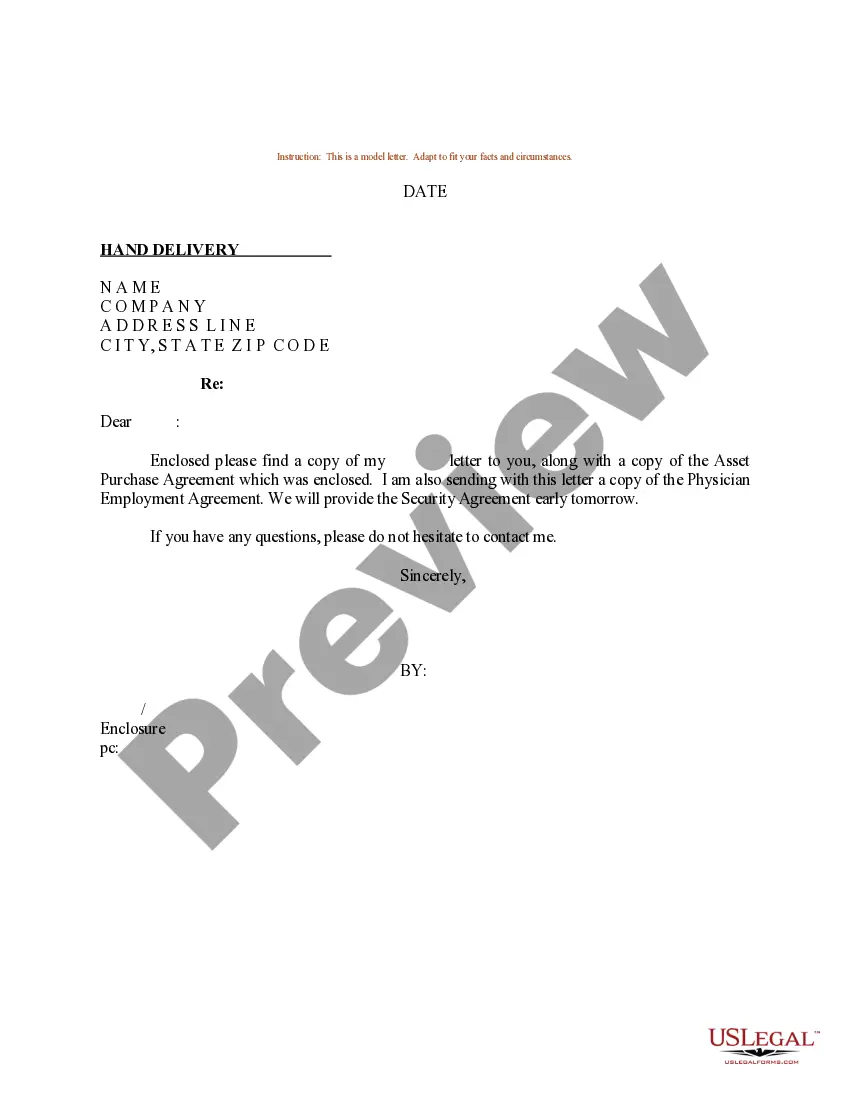
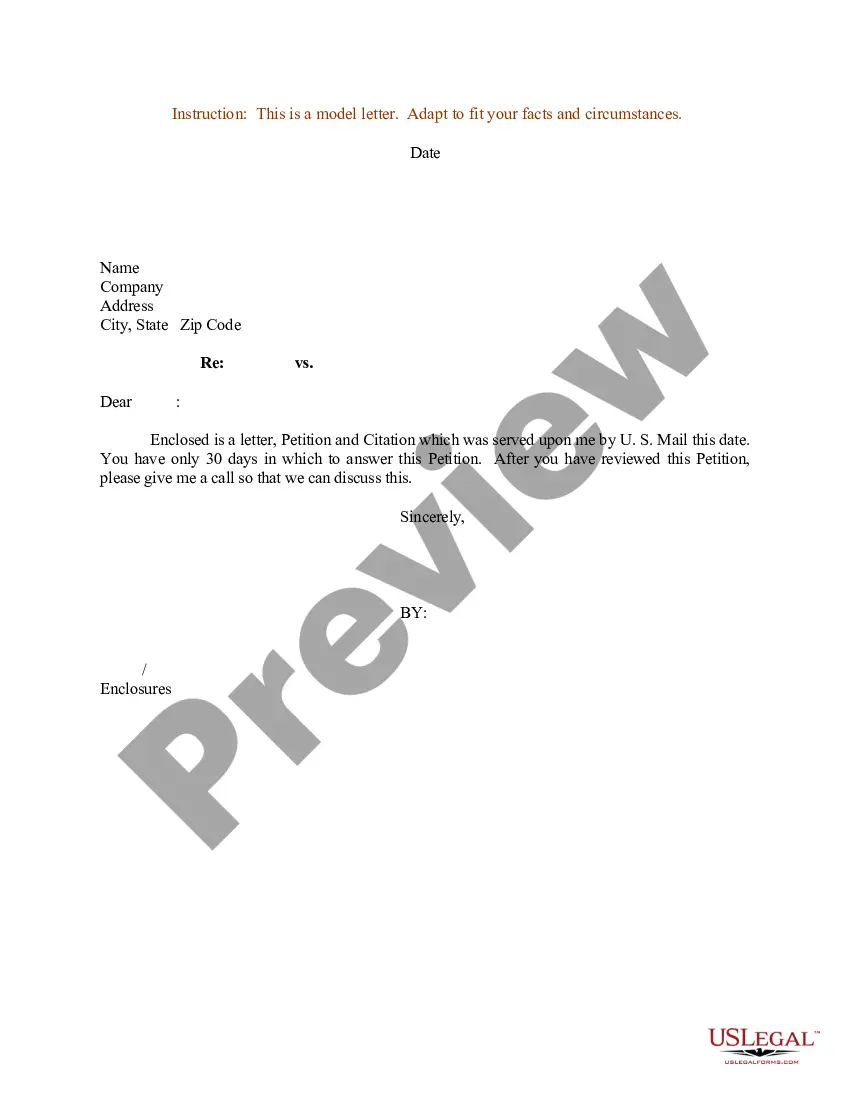
Sample Physician Letter With Attachment And Cc
Description
Get your form ready online
Our built-in tools help you complete, sign, share, and store your documents in one place.
Make edits, fill in missing information, and update formatting in US Legal Forms—just like you would in MS Word.
Download a copy, print it, send it by email, or mail it via USPS—whatever works best for your next step.
Sign and collect signatures with our SignNow integration. Send to multiple recipients, set reminders, and more. Go Premium to unlock E-Sign.
If this form requires notarization, complete it online through a secure video call—no need to meet a notary in person or wait for an appointment.
We protect your documents and personal data by following strict security and privacy standards.

Make edits, fill in missing information, and update formatting in US Legal Forms—just like you would in MS Word.

Download a copy, print it, send it by email, or mail it via USPS—whatever works best for your next step.

Sign and collect signatures with our SignNow integration. Send to multiple recipients, set reminders, and more. Go Premium to unlock E-Sign.

If this form requires notarization, complete it online through a secure video call—no need to meet a notary in person or wait for an appointment.

We protect your documents and personal data by following strict security and privacy standards.
Looking for another form?
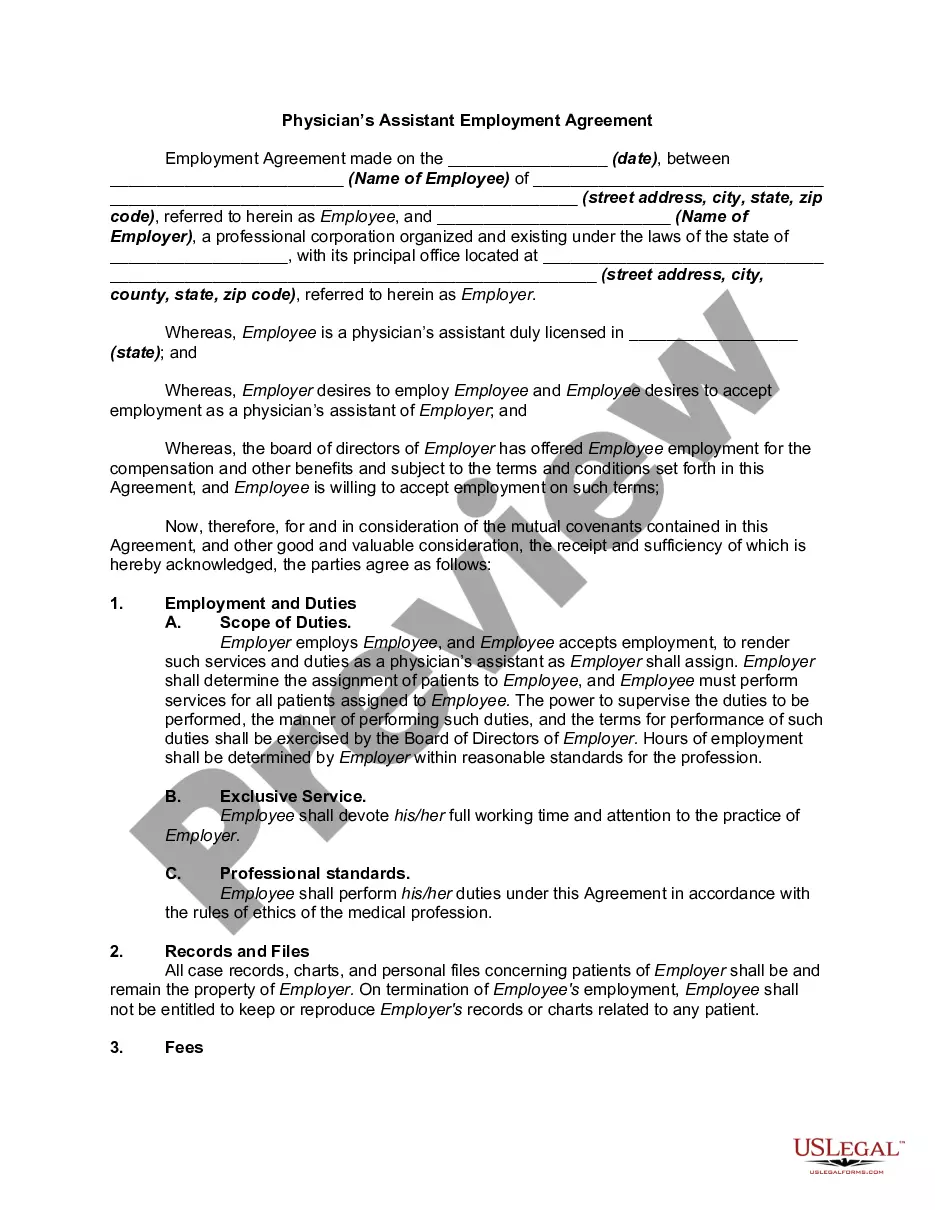
How to fill out Sample Letter For Physician Employment Agreement?
Creating legal documents from the ground up can occasionally be daunting. Specific situations may necessitate extensive research and significant financial expenditure.
If you’re searching for a simpler and more economical method of generating Sample Physician Letter With Attachment And Cc or any other documents without unnecessary complications, US Legal Forms is consistently available to assist you.
Our online repository of over 85,000 current legal documents encompasses nearly every facet of your financial, legal, and personal affairs. With just a few clicks, you can swiftly access state- and county-compliant forms carefully crafted for you by our legal professionals.
Utilize our website whenever you require a dependable and trustworthy service through which you can effortlessly locate and download the Sample Physician Letter With Attachment And Cc. If you’re already familiar with our services and have previously established an account with us, simply Log In to your account, choose the form, and download it or retrieve it again at any time in the My documents section.
Ensure the template you choose meets the specifications of your state and county. Select the most appropriate subscription plan to acquire the Sample Physician Letter With Attachment And Cc. Download the document, then complete, sign, and print it out. US Legal Forms boasts an impeccable reputation and over 25 years of experience. Join us today and make form completion a straightforward and efficient process!
- Not a member yet? No problem.
- Registering takes only a few minutes and allows you to browse the catalog.
- But before diving straight into downloading Sample Physician Letter With Attachment And Cc, heed these suggestions.
- Examine the document preview and descriptions to confirm you are selecting the correct form.
Form popularity
FAQ
On a paper business letter, you often include the CC line underneath your signature, either above or below any enclosures line.
In a printed letter, the CC line might go before or after the enclosures line. Whichever you choose, it needs to be below the signature line.
How to mention the attachment in the email's body I've attached my resume here. Please see the attached budget report. Here's the PDF file you asked for. Please find attached the cost breakdown. You'll find the attachment below. The requested document is attached to this email.
When writing your letter, you should indicate any attachments or enclosures. You can do this by placing the word ?Attachment? or ?Enclosure? at the end of your letter, followed by a colon and the name of the document. If you have multiple documents, use the plural form.
'CC' is typed at the end of the letter after enclosure notations or identification initials. If you don't want the addressee to know that a copy is being forwarded to a third party, use 'BCC' that can be shortened to 'BC' for blind (carbon or courtesy) copy.