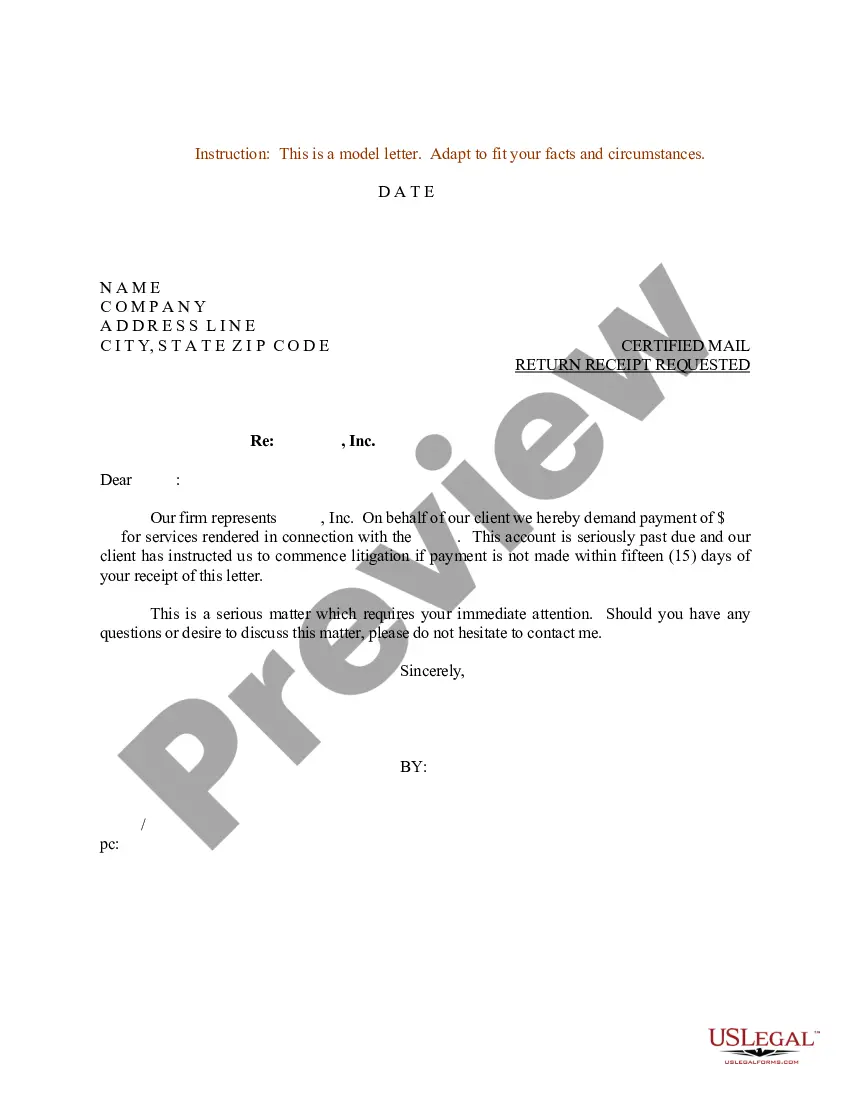
Sample Request Letter For Repair And Maintenance
Description
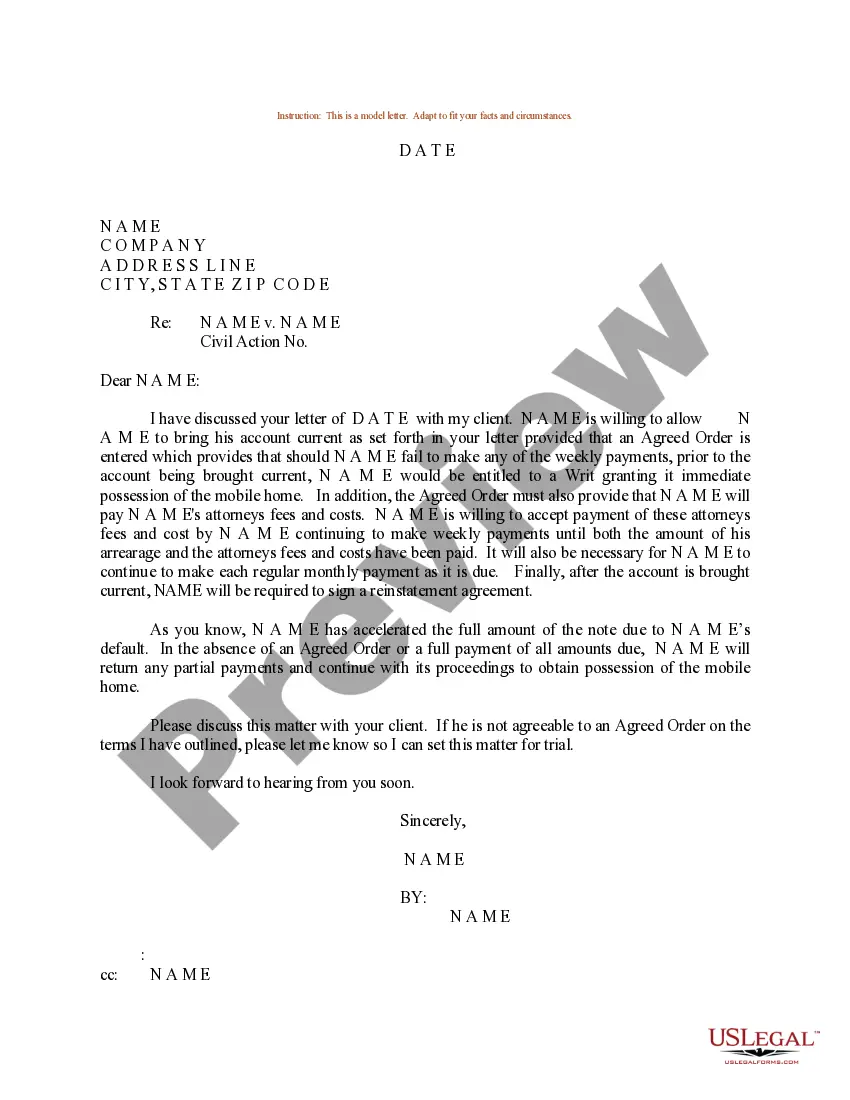
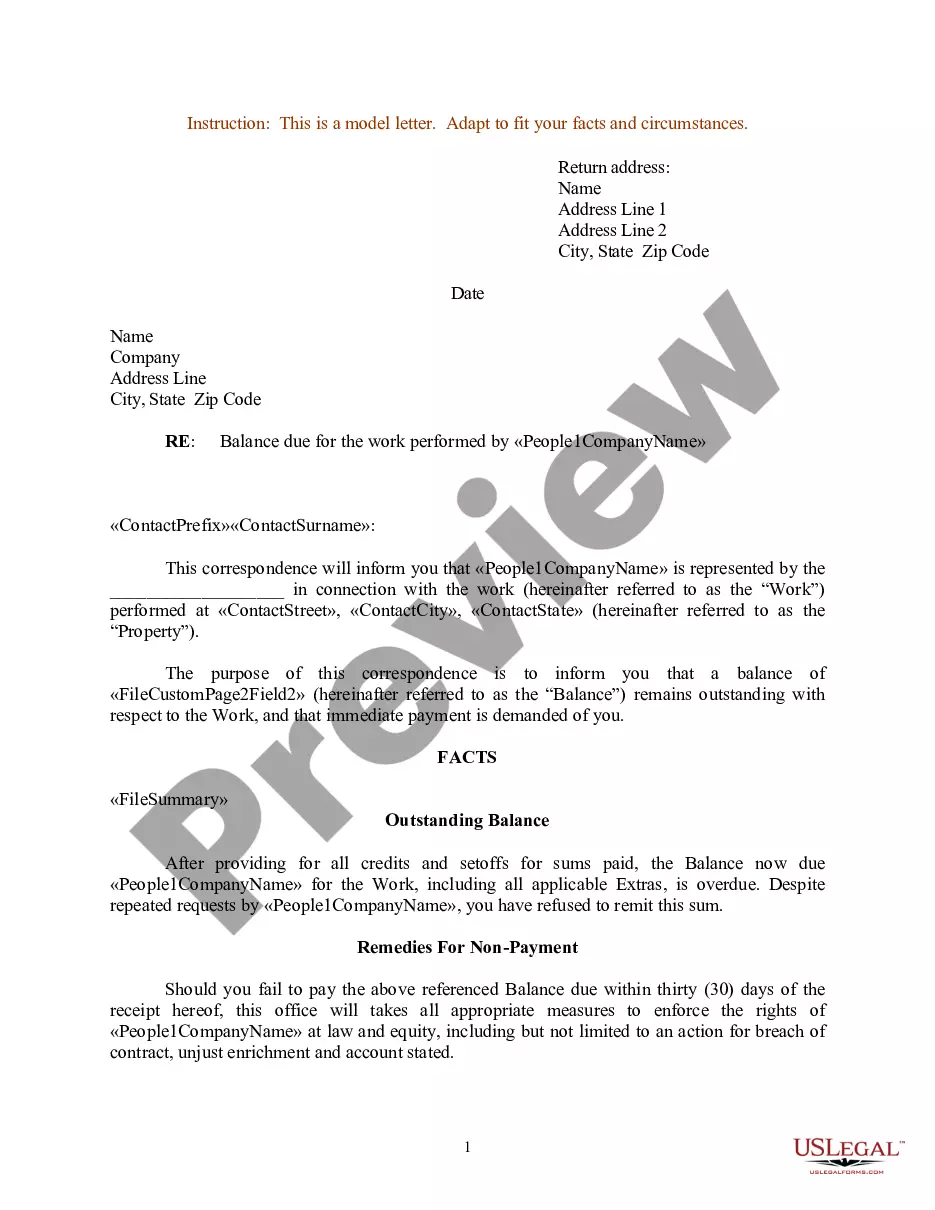
Get your form ready online
Our built-in tools help you complete, sign, share, and store your documents in one place.
Make edits, fill in missing information, and update formatting in US Legal Forms—just like you would in MS Word.
Download a copy, print it, send it by email, or mail it via USPS—whatever works best for your next step.
Sign and collect signatures with our SignNow integration. Send to multiple recipients, set reminders, and more. Go Premium to unlock E-Sign.
If this form requires notarization, complete it online through a secure video call—no need to meet a notary in person or wait for an appointment.
We protect your documents and personal data by following strict security and privacy standards.

Make edits, fill in missing information, and update formatting in US Legal Forms—just like you would in MS Word.

Download a copy, print it, send it by email, or mail it via USPS—whatever works best for your next step.

Sign and collect signatures with our SignNow integration. Send to multiple recipients, set reminders, and more. Go Premium to unlock E-Sign.

If this form requires notarization, complete it online through a secure video call—no need to meet a notary in person or wait for an appointment.

We protect your documents and personal data by following strict security and privacy standards.
Looking for another form?
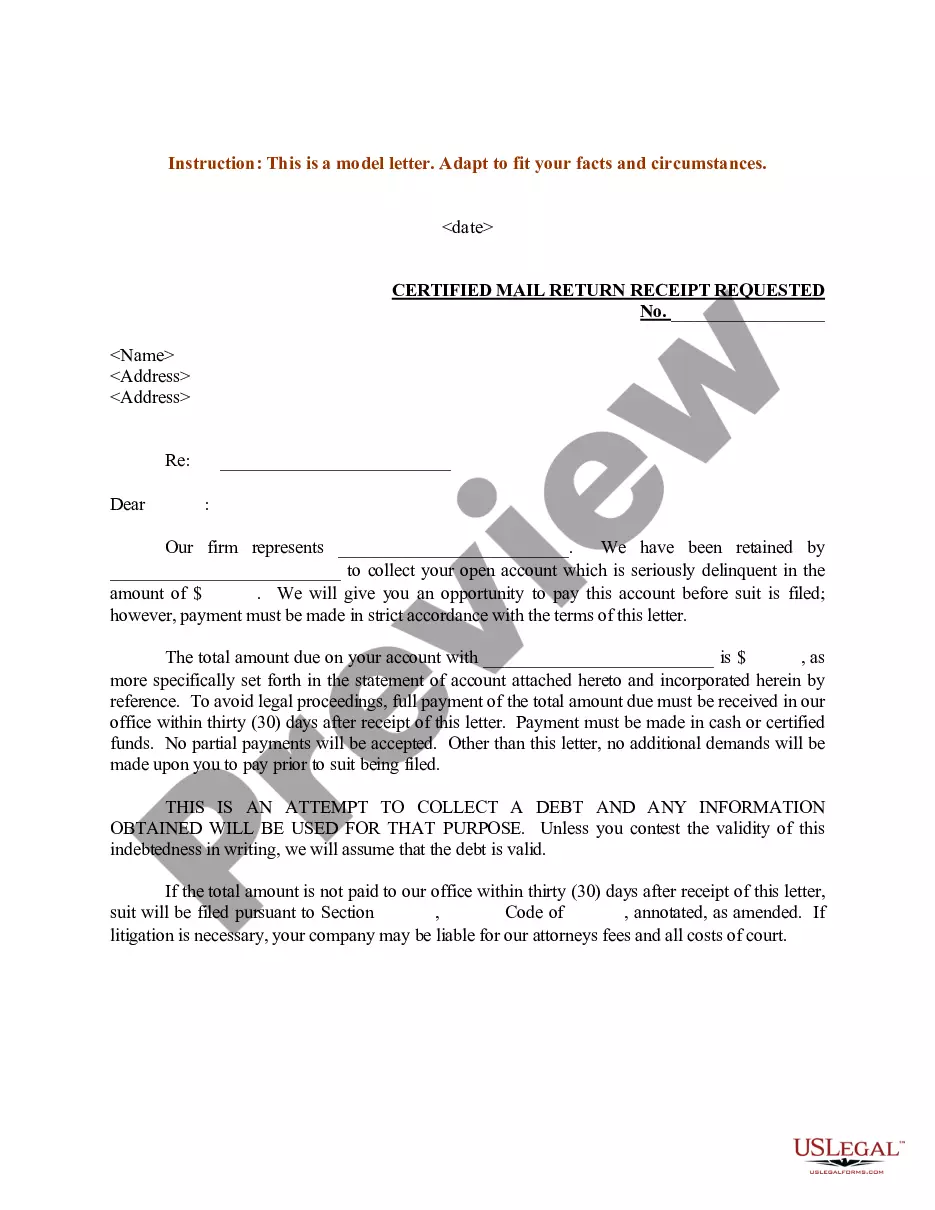
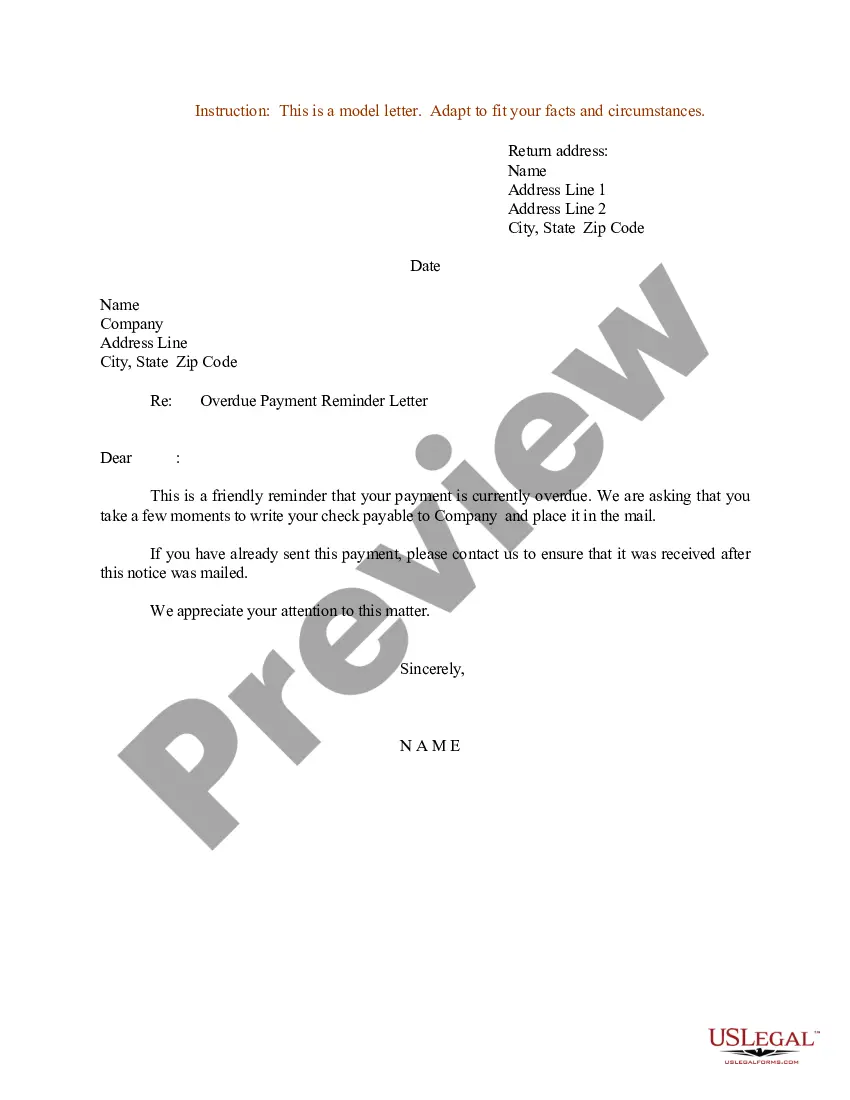
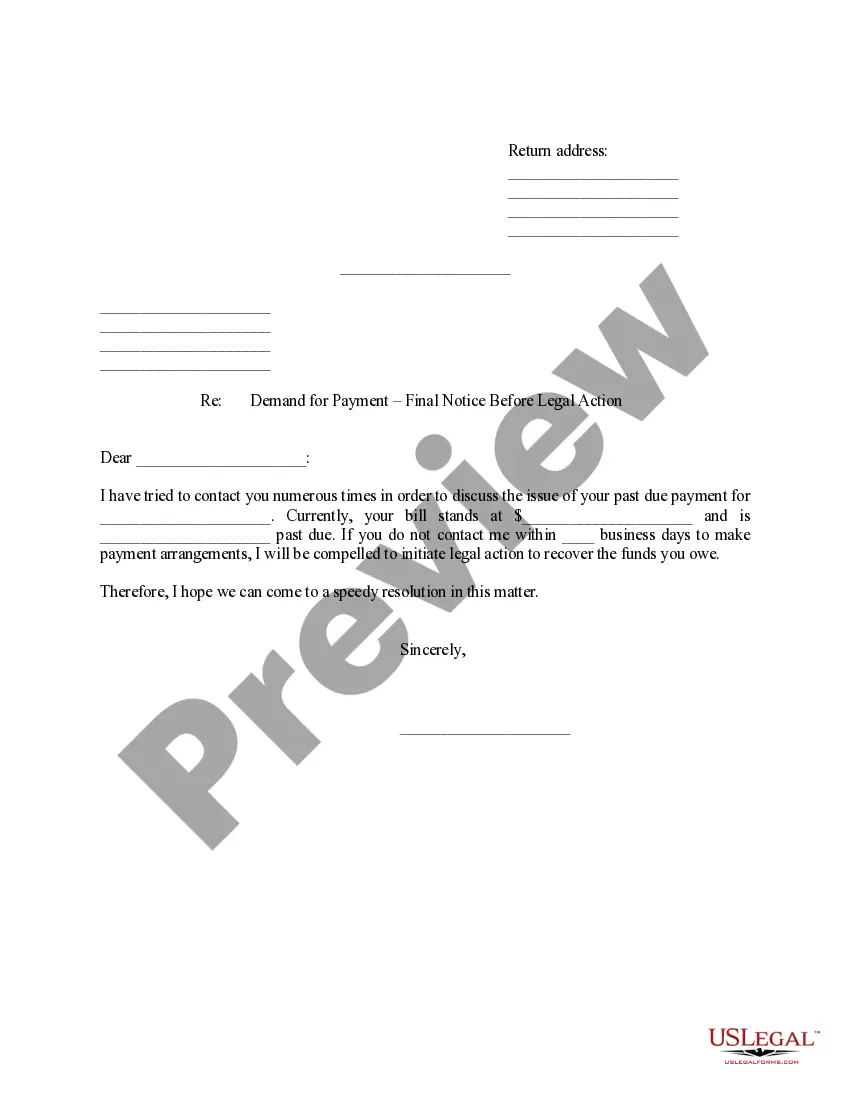
How to fill out Sample Letter For Demand For Payment?
Whether for commercial reasons or personal issues, everyone must handle legal situations at some point in their life. Completing legal documents requires meticulous attention, starting with selecting the correct template.
For instance, if you select an incorrect version of the Sample Request Letter For Repair And Maintenance, it will be denied upon submission. Thus, it's crucial to source trustworthy legal documents such as US Legal Forms.
With an extensive catalog of US Legal Forms available, you don’t need to waste time searching for the suitable template online. Utilize the library’s easy navigation to discover the right template for any situation.
- Locate the sample you require using the search bar or catalog navigation.
- Review the description of the form to ensure it aligns with your case, state, and region.
- Click on the preview of the form to examine it.
- If it’s not the correct document, return to the search feature to find the Sample Request Letter For Repair And Maintenance template you seek.
- Acquire the template when it suits your requirements.
- If you have an existing US Legal Forms account, click Log in to access previously saved templates in My documents.
- If you don’t possess an account yet, you can obtain the form by clicking Buy now.
- Select the proper pricing option.
- Fill out the account registration form.
- Opt for your payment method: utilize a credit card or PayPal account.
- Select the document format you prefer and download the Sample Request Letter For Repair And Maintenance.
- Once it is downloaded, you can complete the form using editing software or print it and finish it manually.
Form popularity
FAQ
Since South Dakota does not collect an income tax on individuals, you are not required to file a SD State Income Tax Return. However, you may need to prepare and eFile a Federal Income Tax Return.
How to Start a Business in South Dakota Choose a Business Idea. Take some time to explore and research ideas for your business. ... Decide on a Legal Structure. ... Choose a Name. ... Create Your Business Entity. ... Apply for Licenses and Permits. ... Pick a Business Location. ... File and Report Taxes. ... Obtain Insurance.
How much is a South Dakota Business License? South Dakota doesn't have a general business license at the state level, so there are no fees there. However, your business may need a state-level occupational license or municipal-level license or permit to operate.
South Dakota does not have an individual income tax. South Dakota also does not have a corporate income tax. South Dakota has a 4.50 percent state sales tax rate, a max local sales tax rate of 4.50 percent, and an average combined state and local sales tax rate of 6.40 percent.
South Dakota is often considered one of the most business-friendly states in the nation because of its favorable tax treatment. There is no corporate or individual tax in South Dakota.
Best Businesses to Start in South Dakota Ranching is also one of the most profitable businesses, and opportunities to work the land abound. And if you're interested in retail or hospitality, the service industry is the most significant contributor to South Dakota's economy.
Business Entity Registration Both non-profit and for-profit businesses must be registered with the Secretary of State's office. Out-of-state businesses must be registered before doing business in this state.
Two Ways to Start A New Business in South Dakota Define your business concept. Draft a business plan. Choose a business name. Fund your startup costs. Choose a business structure. Register your business with the South Dakota Secretary of State. Get your business licenses. Set up a business bank account.