Appointment Letter Format For Employee
Description
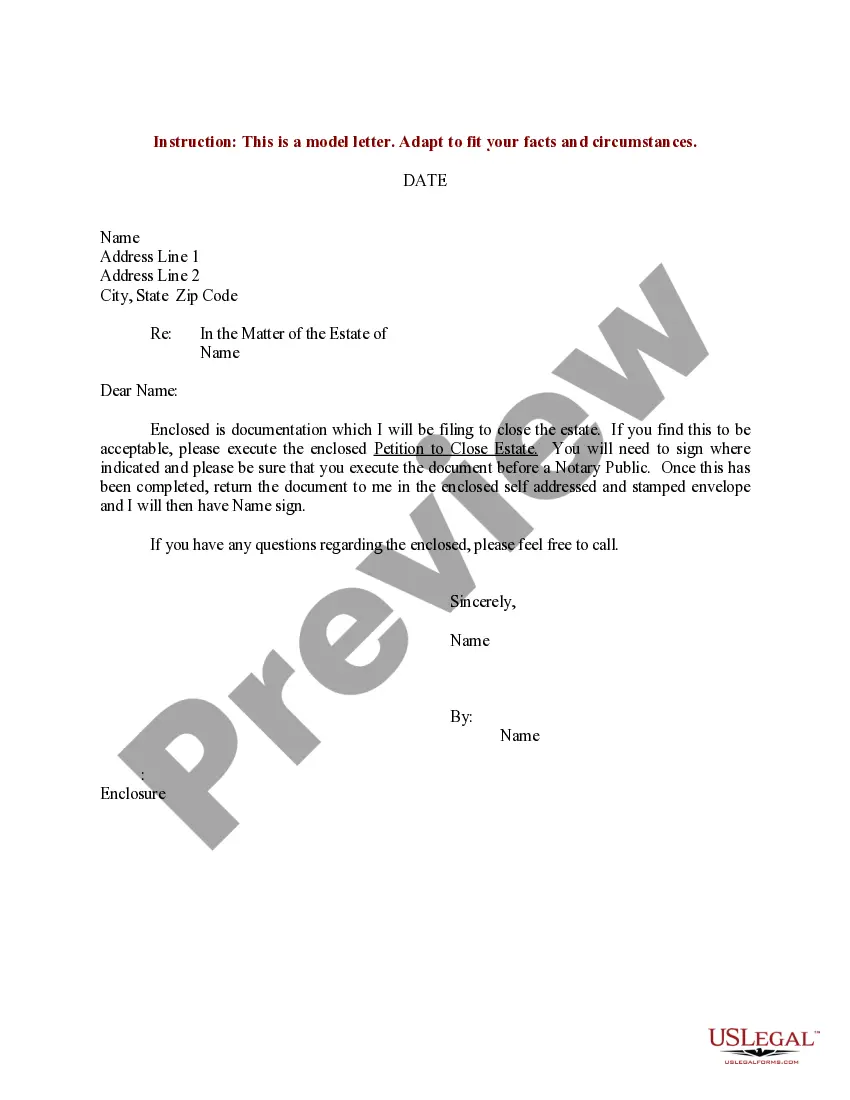
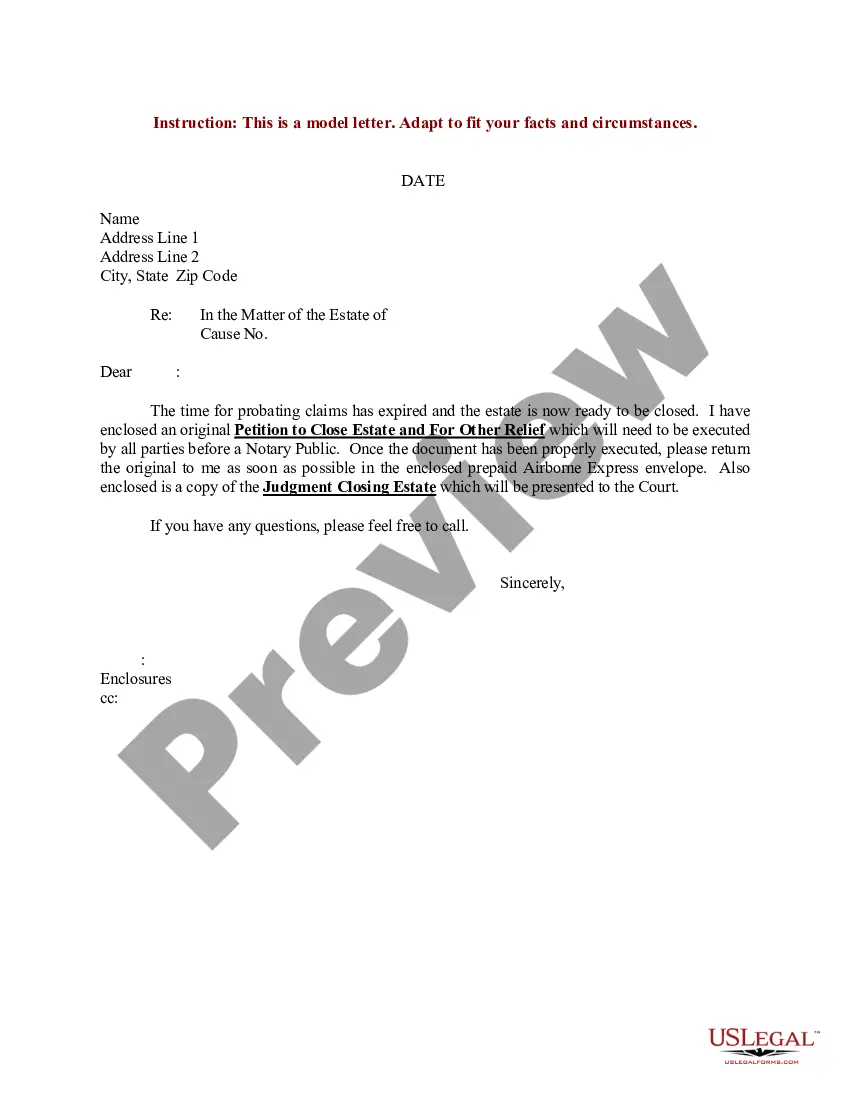

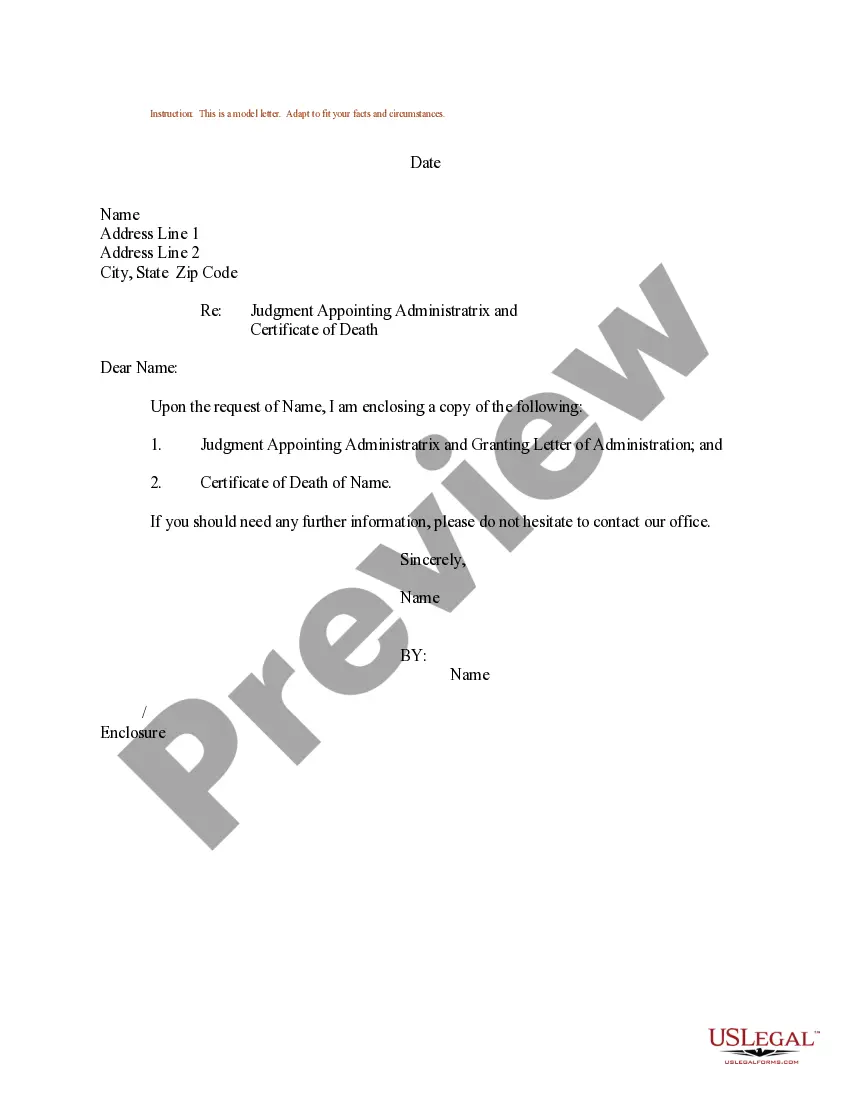
Get your form ready online
Our built-in tools help you complete, sign, share, and store your documents in one place.
Make edits, fill in missing information, and update formatting in US Legal Forms—just like you would in MS Word.
Download a copy, print it, send it by email, or mail it via USPS—whatever works best for your next step.
Sign and collect signatures with our SignNow integration. Send to multiple recipients, set reminders, and more. Go Premium to unlock E-Sign.
If this form requires notarization, complete it online through a secure video call—no need to meet a notary in person or wait for an appointment.
We protect your documents and personal data by following strict security and privacy standards.

Make edits, fill in missing information, and update formatting in US Legal Forms—just like you would in MS Word.

Download a copy, print it, send it by email, or mail it via USPS—whatever works best for your next step.

Sign and collect signatures with our SignNow integration. Send to multiple recipients, set reminders, and more. Go Premium to unlock E-Sign.

If this form requires notarization, complete it online through a secure video call—no need to meet a notary in person or wait for an appointment.

We protect your documents and personal data by following strict security and privacy standards.
Looking for another form?

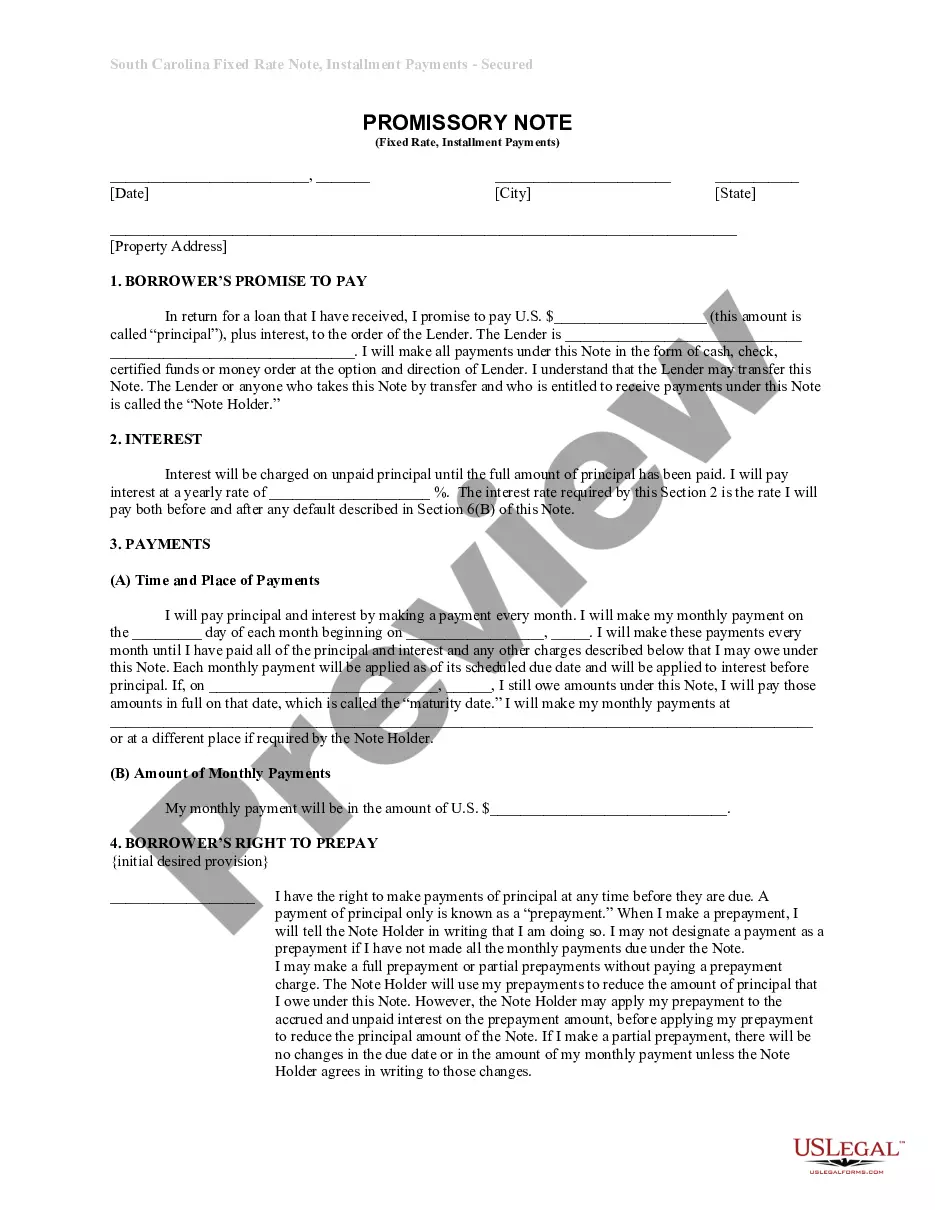






How to fill out Sample Letter For Petition To Appoint Administratrix?
Creating legal documents from the ground up can occasionally be a bit daunting.
Certain situations may require extensive research and significant financial investment.
If you’re looking for a more straightforward and budget-friendly method of drafting Appointment Letter Format For Employee or other documents without unnecessary complications, US Legal Forms is readily available.
Our online repository of over 85,000 current legal documents covers nearly every facet of your financial, legal, and personal matters.
Review the document preview and descriptions to confirm that you have located the correct document. Ensure that the template you choose meets the standards of your state and county. Select the appropriate subscription plan to obtain the Appointment Letter Format For Employee. Download the file, then complete, sign, and print it. US Legal Forms boasts a solid reputation and over 25 years of experience. Join us today and simplify your document preparation process!
- With just a few simple clicks, you can swiftly obtain state- and county-compliant forms carefully prepared for you by our legal experts.
- Utilize our service whenever you need a trustworthy and dependable platform to quickly locate and download the Appointment Letter Format For Employee.
- If you’re a returning user and have previously created an account with us, simply Log In, select the template, and download it or re-download it later from the My documents section.
- Not registered yet? No problem. It only takes a few minutes to register and browse the catalog.
- Before you proceed to download the Appointment Letter Format For Employee, consider these suggestions.
Form popularity
FAQ
How to write an employment appointment letter Add a header. ... Include a greeting. ... Choose a format. ... Offer the position. ... Describe the role. ... Include the starting date. ... State the position's hours. ... Include the official salary and benefits.
Appointment letters are usually provided after offer letter on the first day of the candidate starting work. The appointment letter describes in length the position offered, salary, benefits, confidentiality policy, work policy, starting date, and important information about the employment.
Tips for Writing Employee Emails and Letters Decide on the right method. When deciding whether to send a physical letter or an email, think carefully about the situation. ... Send it to the right people. ... Always be professional. ... Include an appropriate greeting and closing. ... Keep it brief. ... Carefully edit and proofread.
In an appointment letter, it is important to mention the name, address, contact details and email address of the employee at the beginning of the letter. You have to clearly state the date of joining, job location, designation, emoluments, period of probation/employment, etc.
To determine how to write a meeting request email, follow these steps: Start with an explanatory subject line. ... Use a professional salutation. ... Introduce yourself. ... State the purpose of the meeting. ... Suggest a possible date and time. ... Request for a reply. ... Proofread before sending. ... Follow up and remind.
