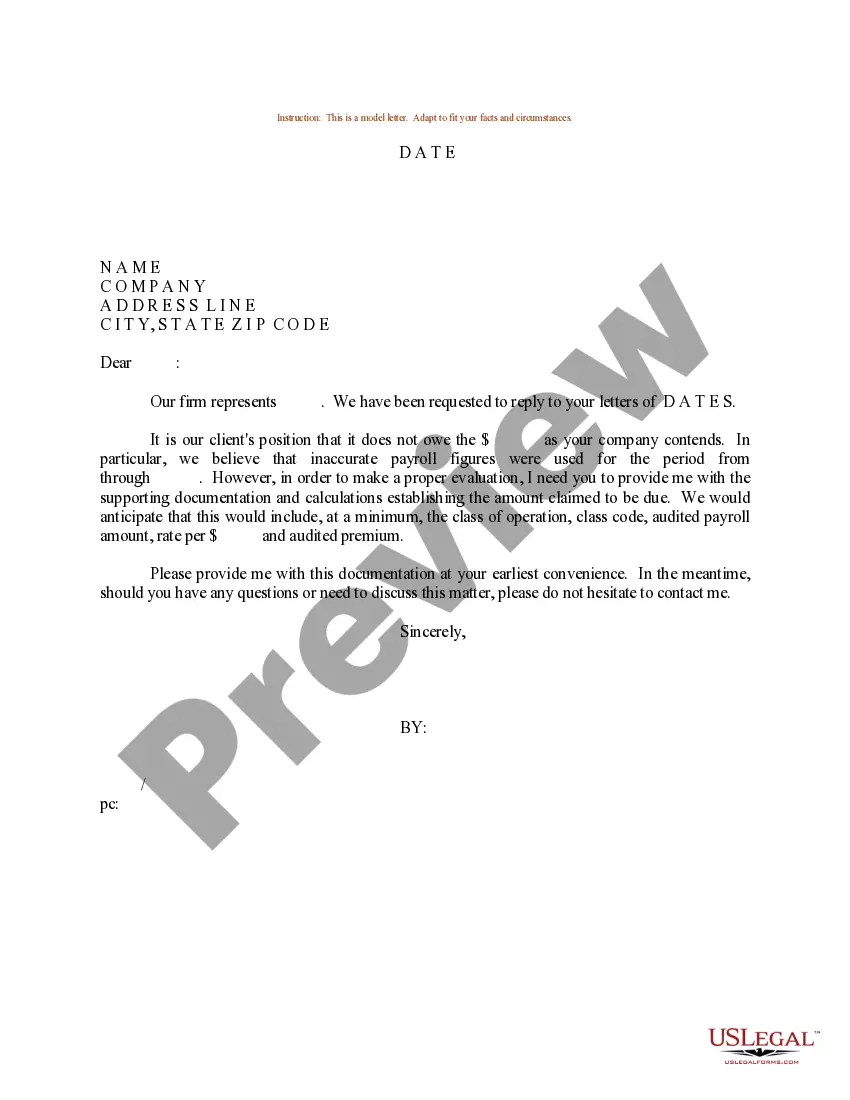
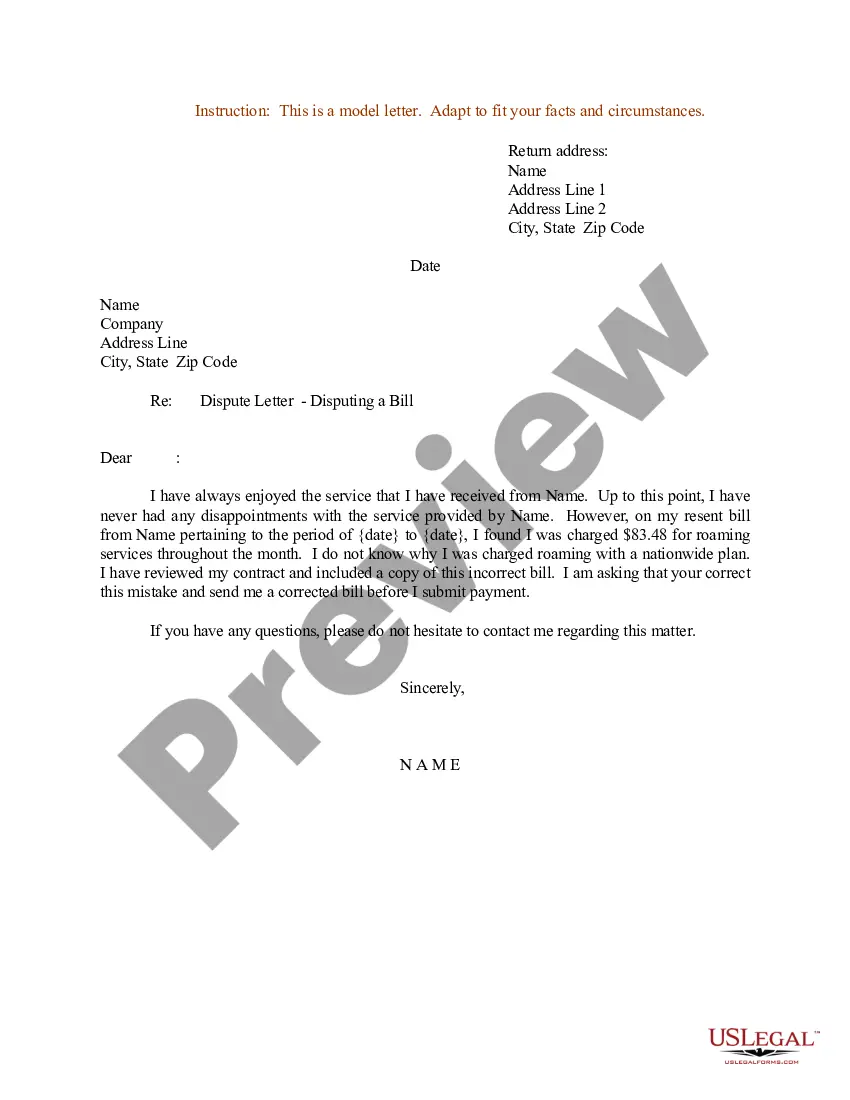
Sample Email For Payroll Dispute Format
Description
Get your form ready online
Our built-in tools help you complete, sign, share, and store your documents in one place.
Make edits, fill in missing information, and update formatting in US Legal Forms—just like you would in MS Word.
Download a copy, print it, send it by email, or mail it via USPS—whatever works best for your next step.
Sign and collect signatures with our SignNow integration. Send to multiple recipients, set reminders, and more. Go Premium to unlock E-Sign.
If this form requires notarization, complete it online through a secure video call—no need to meet a notary in person or wait for an appointment.
We protect your documents and personal data by following strict security and privacy standards.

Make edits, fill in missing information, and update formatting in US Legal Forms—just like you would in MS Word.

Download a copy, print it, send it by email, or mail it via USPS—whatever works best for your next step.

Sign and collect signatures with our SignNow integration. Send to multiple recipients, set reminders, and more. Go Premium to unlock E-Sign.

If this form requires notarization, complete it online through a secure video call—no need to meet a notary in person or wait for an appointment.

We protect your documents and personal data by following strict security and privacy standards.
Looking for another form?


How to fill out Sample Letter For Payroll Dispute?
Obtaining legal templates that comply with federal and regional regulations is vital, and the internet provides numerous choices to select from.
However, what is the benefit of spending time looking for the ideal Sample Email For Payroll Dispute Format sample online when the US Legal Forms online library already consolidates such templates in one location.
US Legal Forms is the largest online legal library, featuring over 85,000 customizable templates created by attorneys for various business and life scenarios.
Review the template using the Preview feature or via the text outline to confirm it meets your requirements.
- They are straightforward to navigate, with all documents categorized by state and intended use.
- Our experts stay informed about legislative updates, ensuring that your documents remain current and compliant when obtaining a Sample Email For Payroll Dispute Format from our site.
- Acquiring a Sample Email For Payroll Dispute Format is simple and fast for both existing and new users.
- If you already possess an account with a valid subscription, Log In and save the necessary document sample in the appropriate format.
- If you are unfamiliar with our website, follow these steps.
Form popularity
FAQ
It's my understanding that we receive paychecks every other Friday, but I'm unsure if the holiday last week may have affected the schedule. I have yet to receive my paycheck, and I want to ensure there's nothing wrong with my account. Please let me know if you have any questions! I appreciate your assistance.
Example #2 Dear Sally, As a follow-up to our recent conversation, I apologize for the error in your most recent paycheck of July 31, 2021, in which you did not receive pay reflecting your return to work from unpaid leave. You returned to work on July 27, but your pay reflects a return-to-work date of July 30.
How to Handle Payroll Errors Step 1: Briefly state the error and apologize. ... Step 2: Describe what caused the error and show the employee exactly how the correct pay should have been calculated. ... Step 3: Explain what steps are being taken to fix the error and to ensure it is not repeated.
If your employer does not address the issue or if you are not satisfied with their response, you can file a complaint with the Equal Employment Opportunity Commission (EEOC). The EEOC is responsible for enforcing federal laws that prohibit employment discrimination, including discrimination in pay.
How to Fix Payroll Errors Cancel the payroll immediately, make updates, and reprocess it. Run an additional manual payroll with the necessary adjustments for only the affected employees. Make adjustments on the next payroll to counteract previous mistakes and get things back in balance.