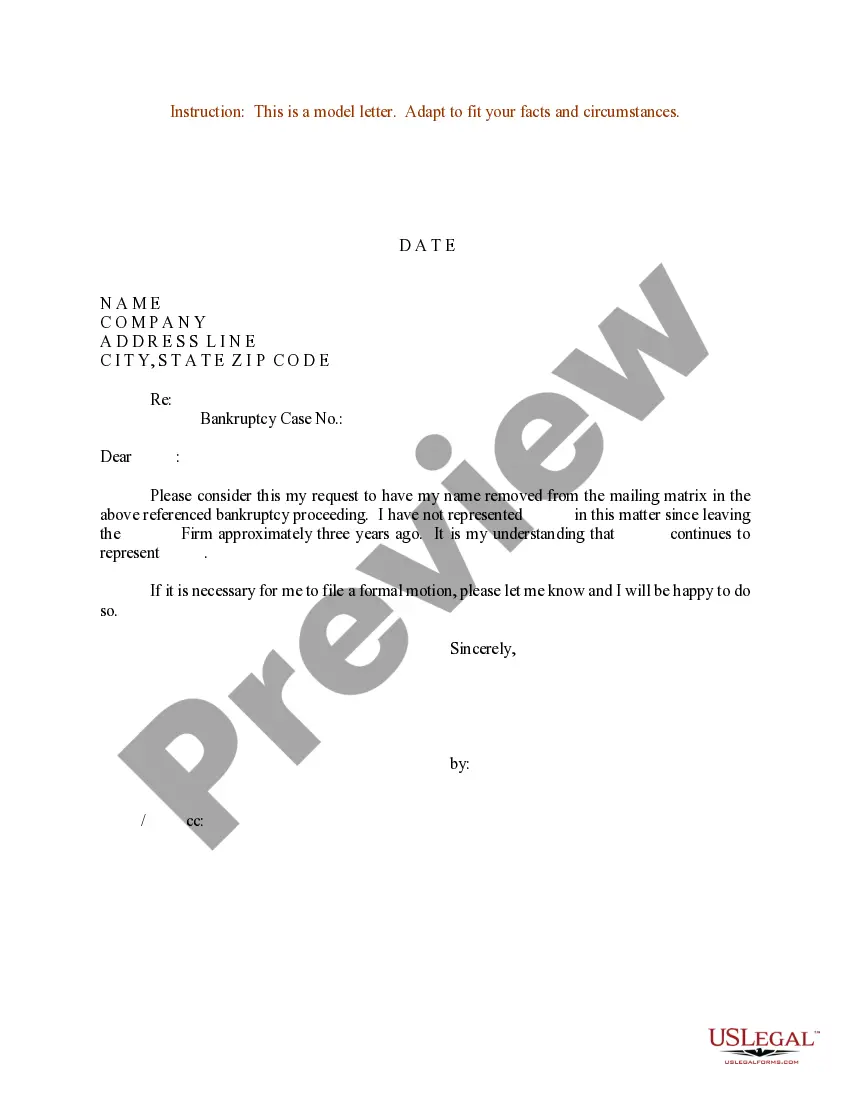
Sample Business Letter With Regarding Line
Description
Get your form ready online
Our built-in tools help you complete, sign, share, and store your documents in one place.
Make edits, fill in missing information, and update formatting in US Legal Forms—just like you would in MS Word.
Download a copy, print it, send it by email, or mail it via USPS—whatever works best for your next step.
Sign and collect signatures with our SignNow integration. Send to multiple recipients, set reminders, and more. Go Premium to unlock E-Sign.
If this form requires notarization, complete it online through a secure video call—no need to meet a notary in person or wait for an appointment.
We protect your documents and personal data by following strict security and privacy standards.

Make edits, fill in missing information, and update formatting in US Legal Forms—just like you would in MS Word.

Download a copy, print it, send it by email, or mail it via USPS—whatever works best for your next step.

Sign and collect signatures with our SignNow integration. Send to multiple recipients, set reminders, and more. Go Premium to unlock E-Sign.

If this form requires notarization, complete it online through a secure video call—no need to meet a notary in person or wait for an appointment.

We protect your documents and personal data by following strict security and privacy standards.
Looking for another form?



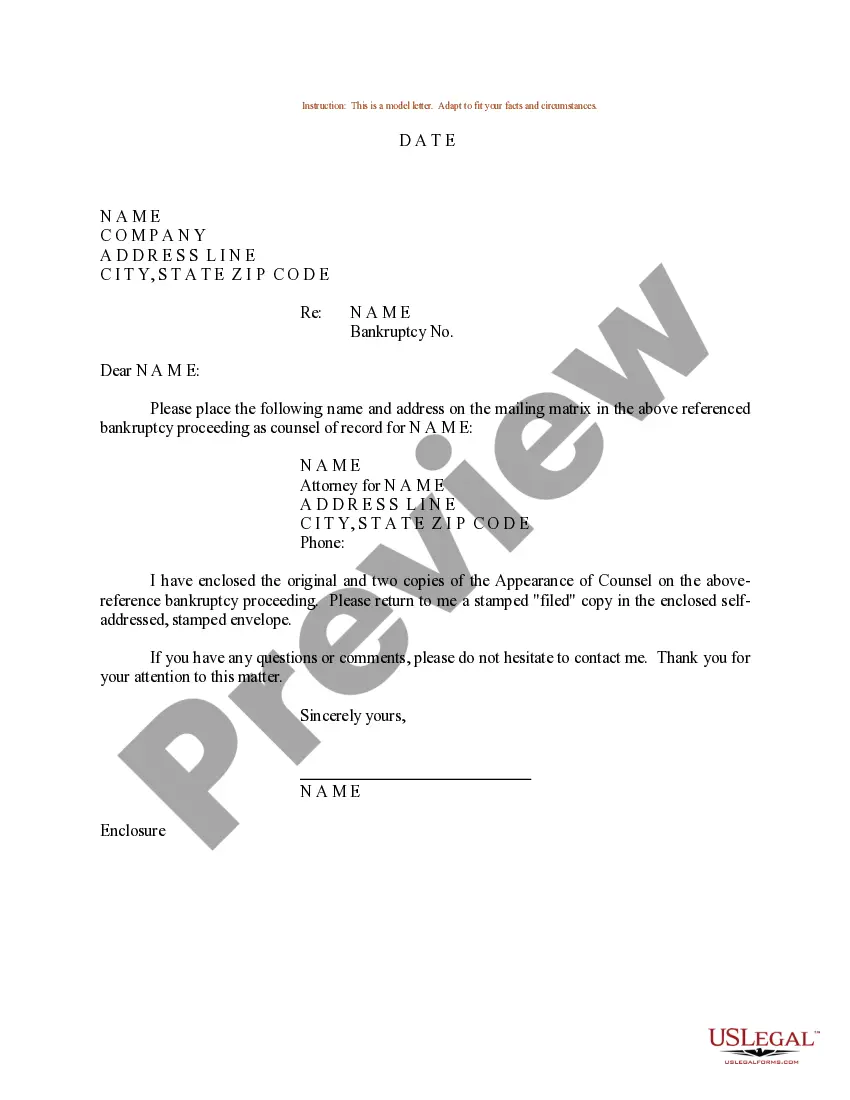
How to fill out Sample Letter For Bankruptcy Mailing Matrix?
Whether for commercial purposes or personal matters, everyone must confront legal issues at some point in their life.
Finalizing legal paperwork requires meticulous attention, starting from choosing the correct form template.
Once it is downloaded, you can fill out the form with the assistance of editing software or print it and complete it manually. With a comprehensive US Legal Forms catalog available, you do not need to waste time searching for the correct template online. Utilize the library’s user-friendly navigation to find the appropriate form for any circumstance.
- For example, if you choose an incorrect version of a Sample Business Letter With Regarding Line, it will be denied once you submit it.
- Thus, it is crucial to have a trustworthy source of legal documents like US Legal Forms.
- If you need to obtain a Sample Business Letter With Regarding Line template, follow these straightforward steps.
- Acquire the template you require by utilizing the search bar or catalog navigation.
- Review the form’s details to ensure it corresponds with your situation, state, and county.
- Click on the form’s preview to examine it.
- If it’s the incorrect document, return to the search feature to locate the Sample Business Letter With Regarding Line sample you need.
- Download the template once it fulfills your criteria.
- If you possess a US Legal Forms profile, click Log in to access previously saved documents in My documents.
- If you do not have an account yet, you can obtain the form by clicking Buy now.
- Choose the suitable pricing option.
- Complete the profile registration form.
- Select your payment method: you can use a credit card or PayPal account.
- Choose the file format you desire and download the Sample Business Letter With Regarding Line.
Form popularity
FAQ
Although carbon is no longer used for copies, the convenient initials c.c. : (or cc :) followed by a colon and the names of the recipients of copies of the letter is still the preferred copy notation.
SALUTATION or attention line: Address the reader by name punctuated with a colon. When writing to a manager you do not know by name or to a department, use an attention line. (Example: "Attention Claims Manager.") Avoid stuffy "Dear Sir" or "Dear Madam" salutations.
Step 1Follow Traditional/Professional Format. Follow a proper letter format when you write your letter. ... Step 2Input Names of CC Recipients. Under your signature, type "CC" and place two to four spaces between your signature and the CC line. ... Step 3Send Letters. Now simply send letters to everyone in the CC list.
Reference lines or blocks appear immediately below or two lines below the date line, depending upon company preference. They can begin with RE or References.
I. A reference line refers to information requested by the recipient, and may include specific project, invoice, or identification numbers?i.e., ?RE: Invoice 1234.? II. A subject line states the topic or subject of the letter?i.e., ?Subject: Invoices.? III.