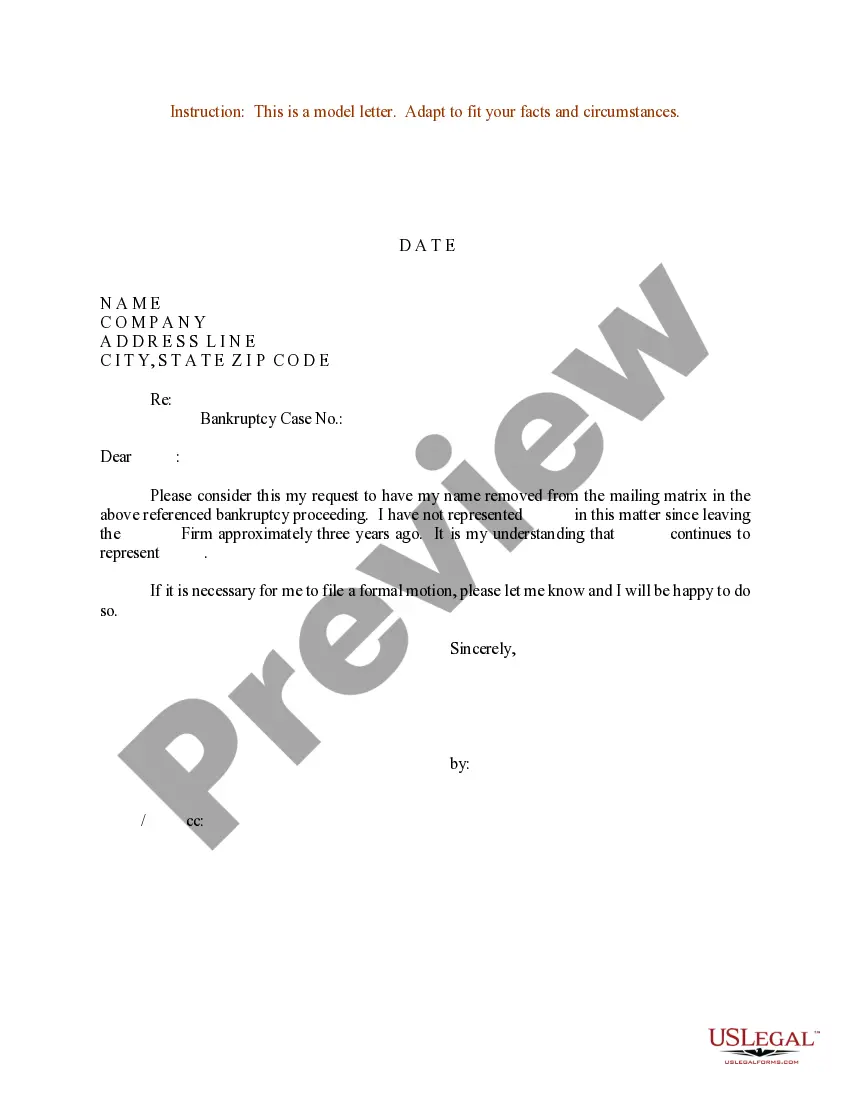
Sample Business Letter For Confirmation
Description
Get your form ready online
Our built-in tools help you complete, sign, share, and store your documents in one place.
Make edits, fill in missing information, and update formatting in US Legal Forms—just like you would in MS Word.
Download a copy, print it, send it by email, or mail it via USPS—whatever works best for your next step.
Sign and collect signatures with our SignNow integration. Send to multiple recipients, set reminders, and more. Go Premium to unlock E-Sign.
If this form requires notarization, complete it online through a secure video call—no need to meet a notary in person or wait for an appointment.
We protect your documents and personal data by following strict security and privacy standards.

Make edits, fill in missing information, and update formatting in US Legal Forms—just like you would in MS Word.

Download a copy, print it, send it by email, or mail it via USPS—whatever works best for your next step.

Sign and collect signatures with our SignNow integration. Send to multiple recipients, set reminders, and more. Go Premium to unlock E-Sign.

If this form requires notarization, complete it online through a secure video call—no need to meet a notary in person or wait for an appointment.

We protect your documents and personal data by following strict security and privacy standards.
Looking for another form?
How to fill out Sample Letter For Bankruptcy Mailing Matrix?
It’s clear that you cannot instantly become a legal expert, nor can you quickly learn how to prepare a Sample Business Letter For Confirmation without possessing a specialized skill set. Assembling legal documents is a lengthy procedure that necessitates a certain level of education and expertise. So why not delegate the creation of the Sample Business Letter For Confirmation to the professionals.
With US Legal Forms, one of the most comprehensive legal template collections, you can discover anything from court papers to templates for internal corporate communications. We recognize how crucial compliance and adherence to federal and state laws and regulations are. That’s why, on our platform, all forms are location-specific and current.
Here’s how to get started with our platform and obtain the form you need in just a few minutes.
You can regain access to your forms from the My documents tab at any time. If you’re an existing customer, you can simply Log In, and find and download the template from the same tab.
Regardless of the reason for your paperwork—whether it’s financial and legal, or personal—our platform has you covered. Try US Legal Forms today!
- Find the form you need by utilizing the search bar at the top of the page.
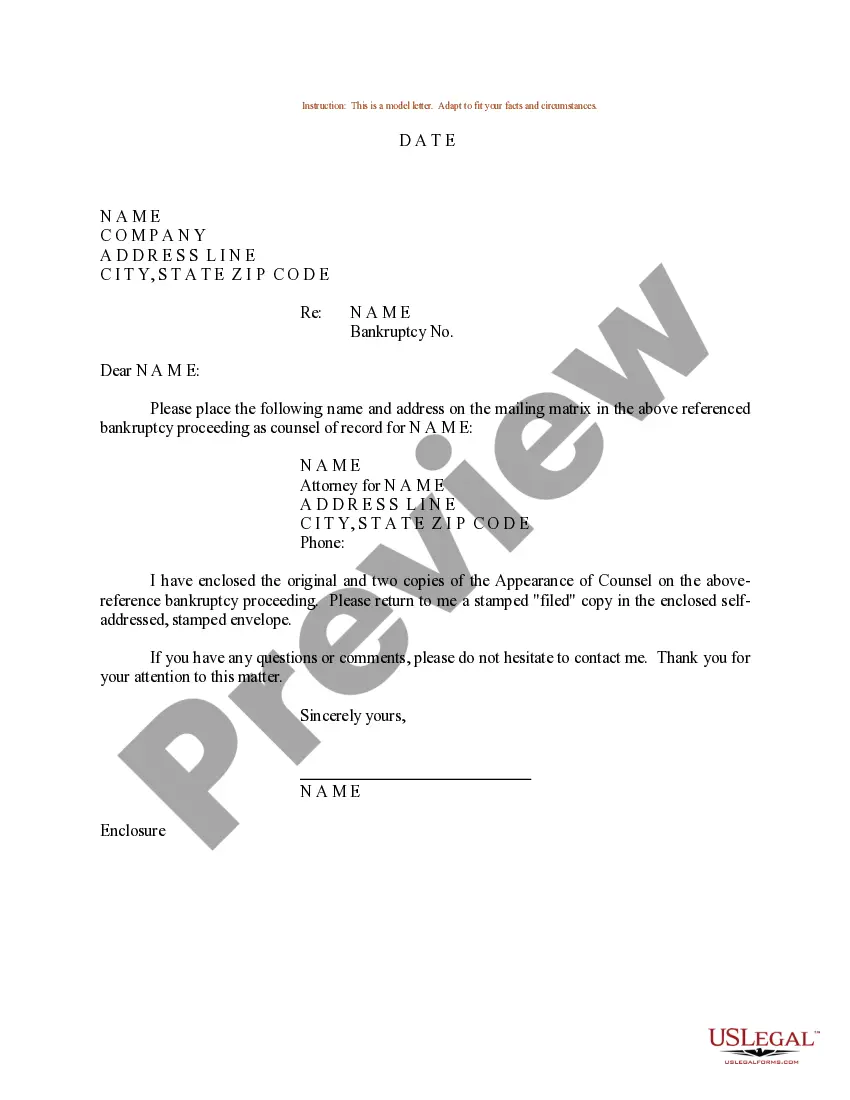
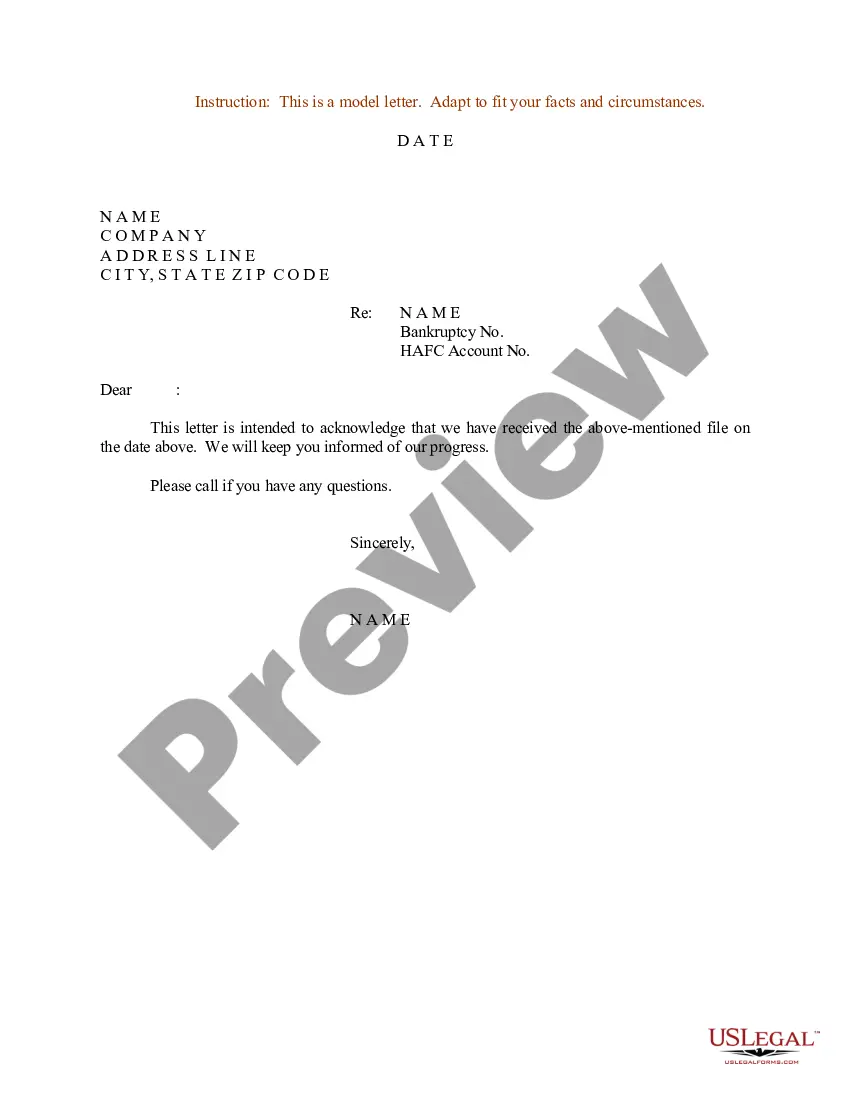
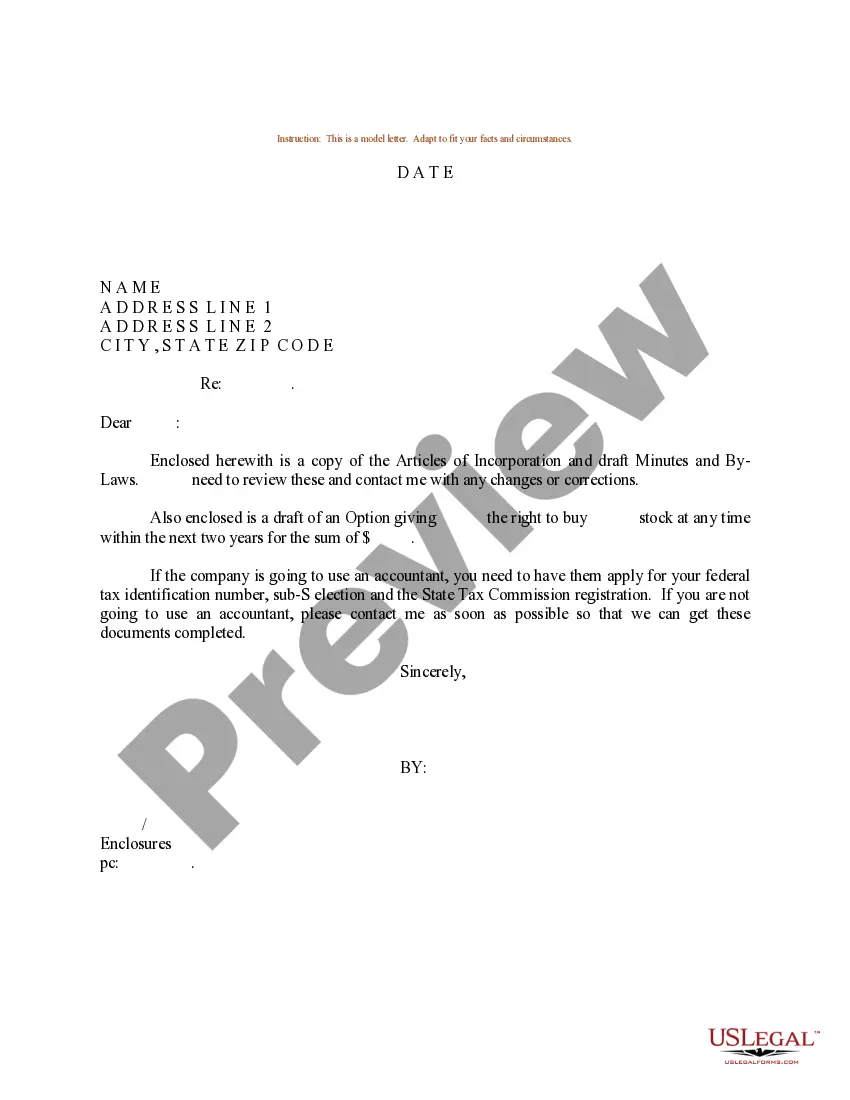
- Preview it (if this option is available) and review the accompanying description to ascertain whether the Sample Business Letter For Confirmation is what you’re looking for.
- Initiate your search again if you require a different template.
- Sign up for a free account and select a subscription plan to acquire the form.
- Select Buy now. Once the payment is processed, you can download the Sample Business Letter For Confirmation, complete it, print it, and send or mail it to the relevant individuals or organizations.
Form popularity
FAQ
Some basic tips to start Let them know how proud of them you are. Give them sound advice that will encourage them to develop and strengthen their faith. Include a blessing. Add an encouraging scripture or a prayer. Choose an appropriate way to sign off before writing your signature.
How to write a confirmation letter in 5 steps Include a letter header. At the top of your confirmation letter, you can include a header with contact information for yourself and the recipient. ... Start with an explanation. ... Add detailed information. ... Highlight attachments. ... End with a supportive statement.
Use a formal tone and language throughout the letter. Clearly state the details of the agreement or arrangement being confirmed. Include relevant dates, times, and locations. Provide contact information in case the recipient has any questions or concerns. End the letter with a formal closing and your name and signature.
Subject: Confirmation of Employment ? [Job Classification] Dear [Mr./Ms.] [Last Name of Selected Applicant]: Welcome to [Agency/Department/Office Name]. I am pleased to confirm your acceptance of our offer for the [full-time/part-time] position of [job classification] reporting to [supervisor's name].
Explain how you have prepared for the Sacrament. It is important that you tell about specific parts of your preparation: your prayer life, your celebration of the other Sacraments, your service to others exercised at home, in the community and in the parish, etc.