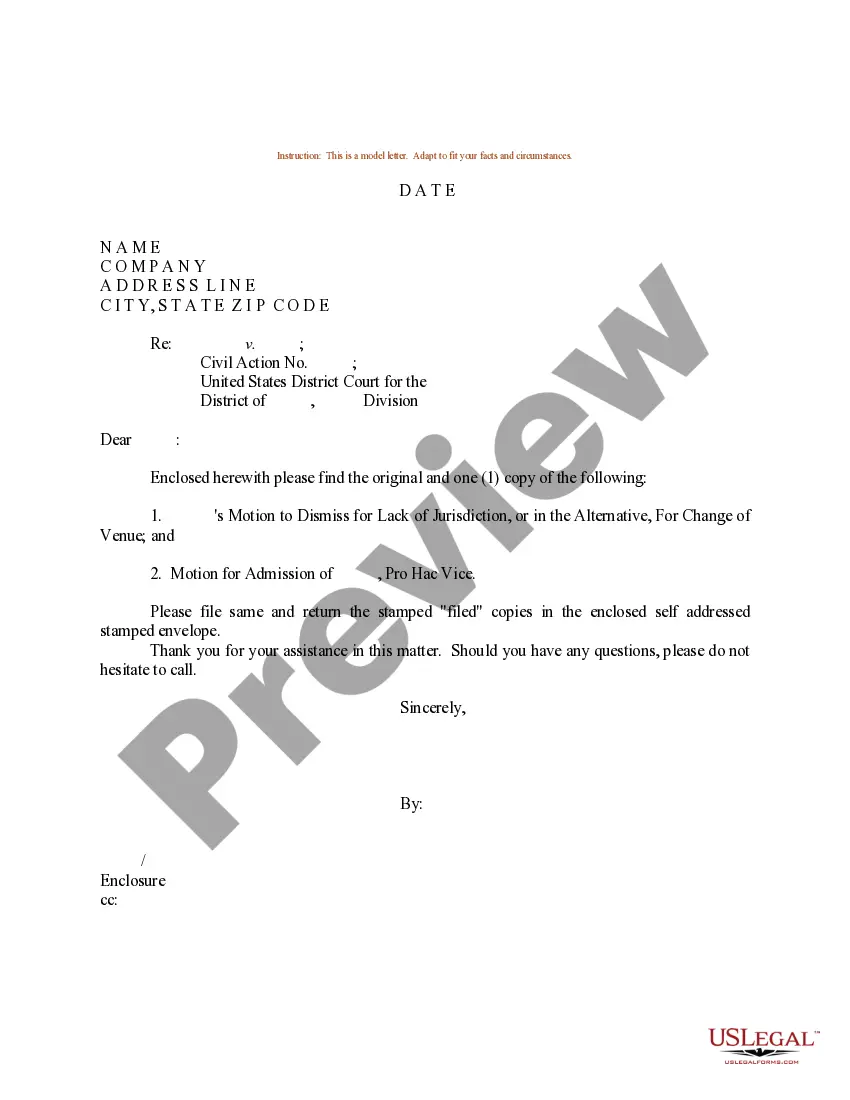
Sample Motion Document With Exhibits
Description
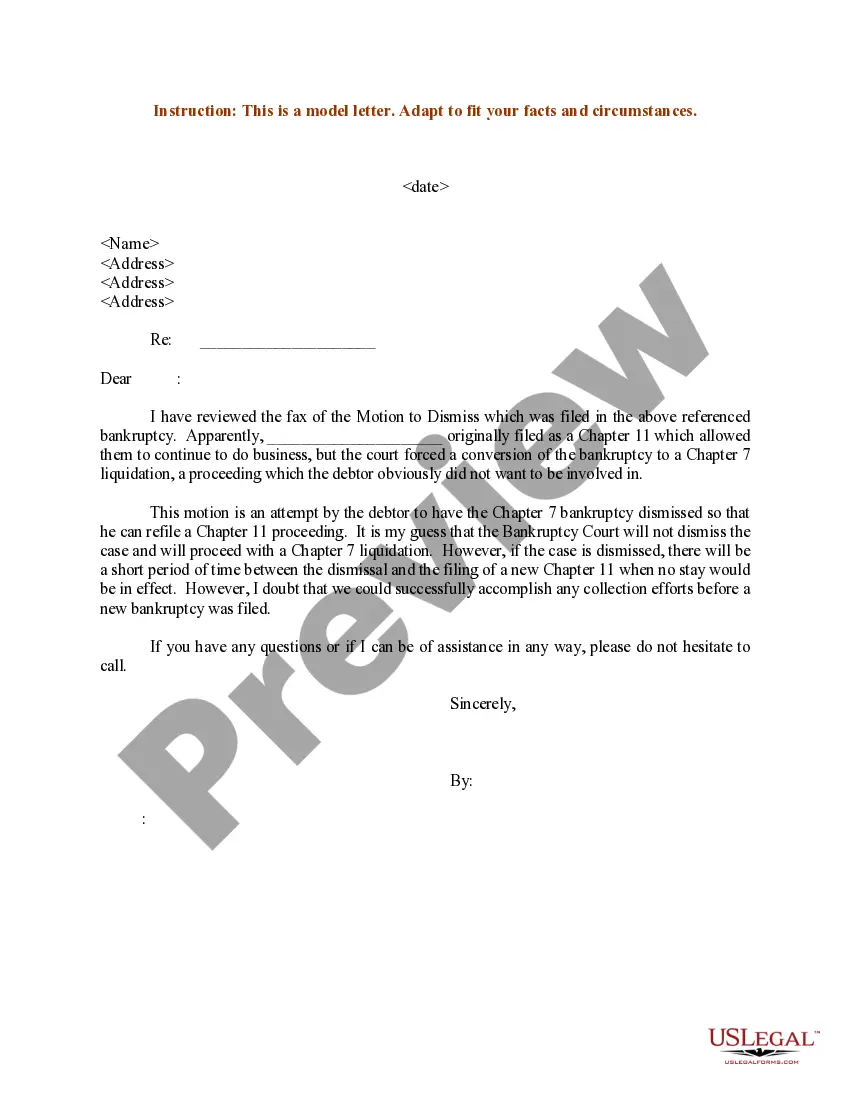
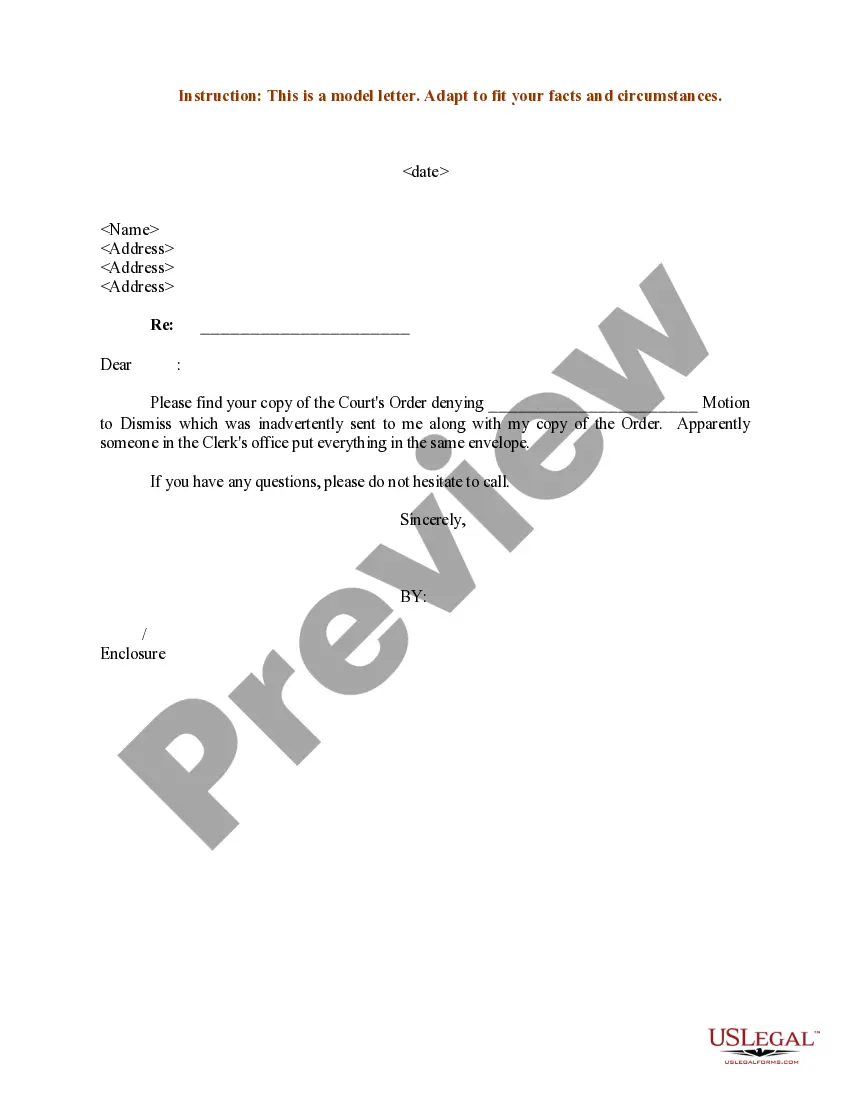
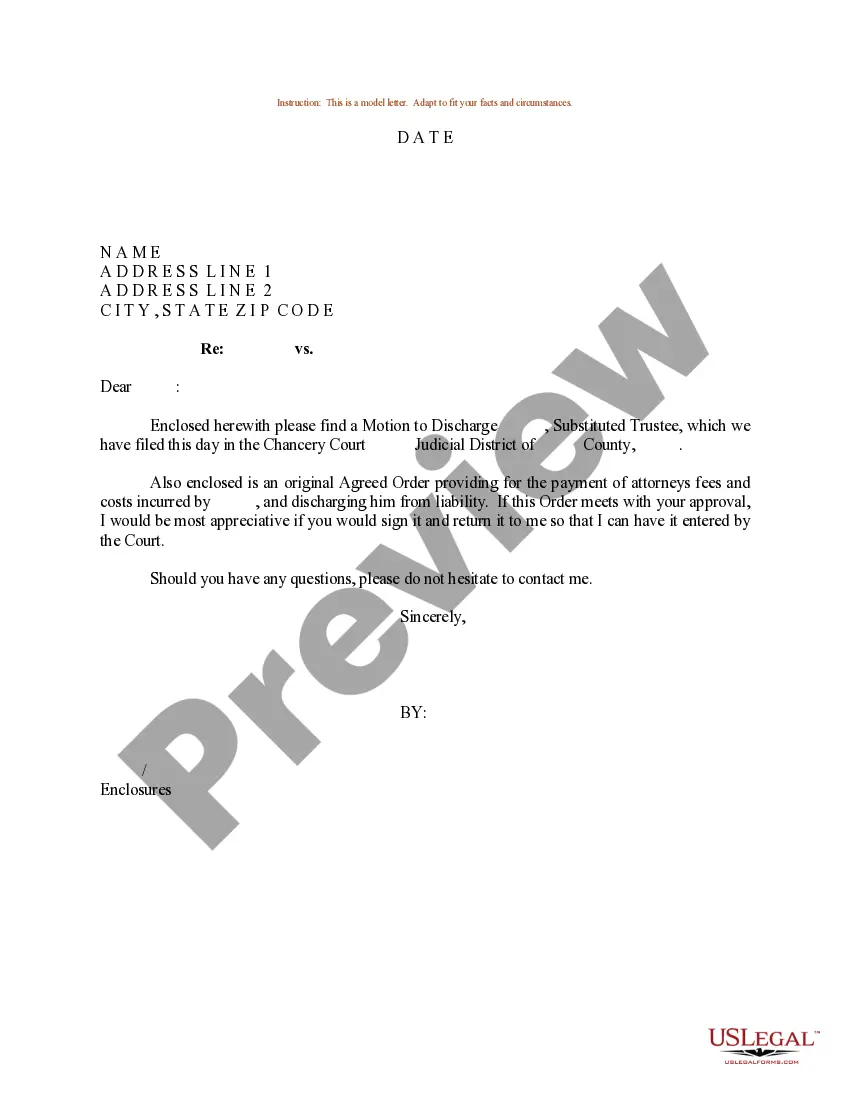
Get your form ready online
Our built-in tools help you complete, sign, share, and store your documents in one place.
Make edits, fill in missing information, and update formatting in US Legal Forms—just like you would in MS Word.
Download a copy, print it, send it by email, or mail it via USPS—whatever works best for your next step.
Sign and collect signatures with our SignNow integration. Send to multiple recipients, set reminders, and more. Go Premium to unlock E-Sign.
If this form requires notarization, complete it online through a secure video call—no need to meet a notary in person or wait for an appointment.
We protect your documents and personal data by following strict security and privacy standards.

Make edits, fill in missing information, and update formatting in US Legal Forms—just like you would in MS Word.

Download a copy, print it, send it by email, or mail it via USPS—whatever works best for your next step.

Sign and collect signatures with our SignNow integration. Send to multiple recipients, set reminders, and more. Go Premium to unlock E-Sign.

If this form requires notarization, complete it online through a secure video call—no need to meet a notary in person or wait for an appointment.

We protect your documents and personal data by following strict security and privacy standards.
Looking for another form?


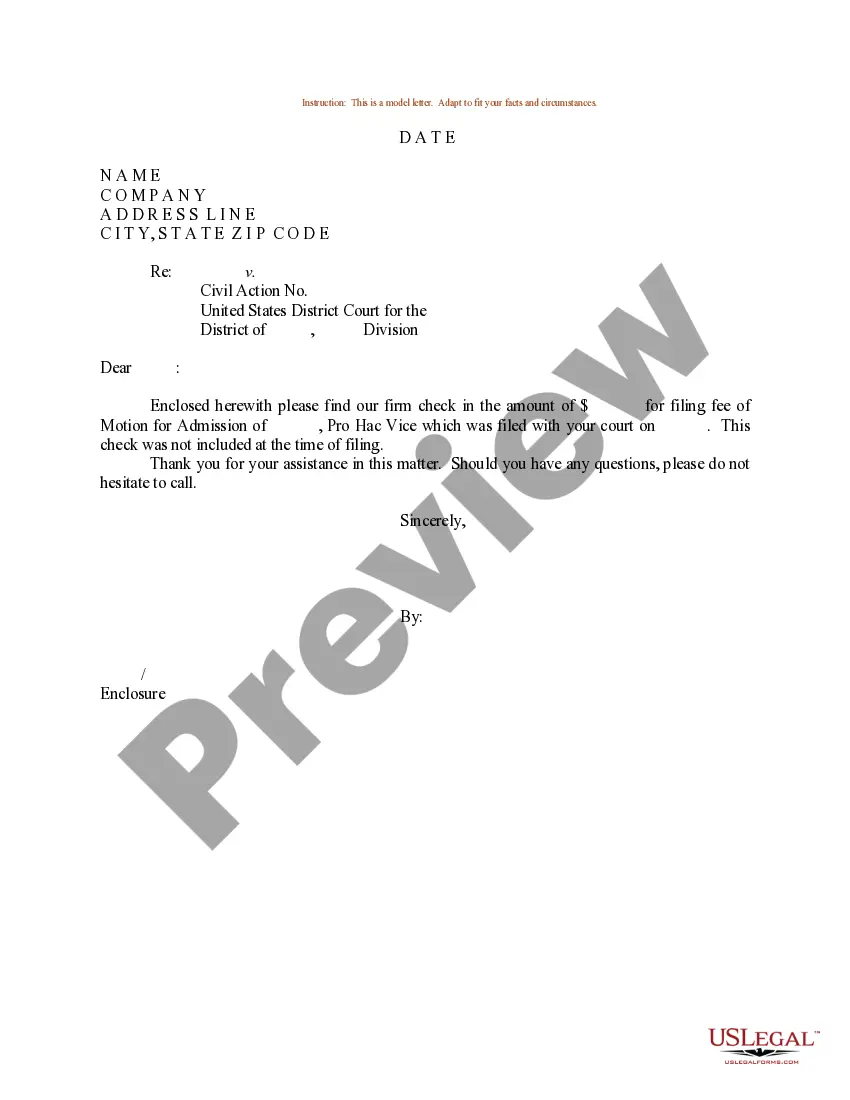
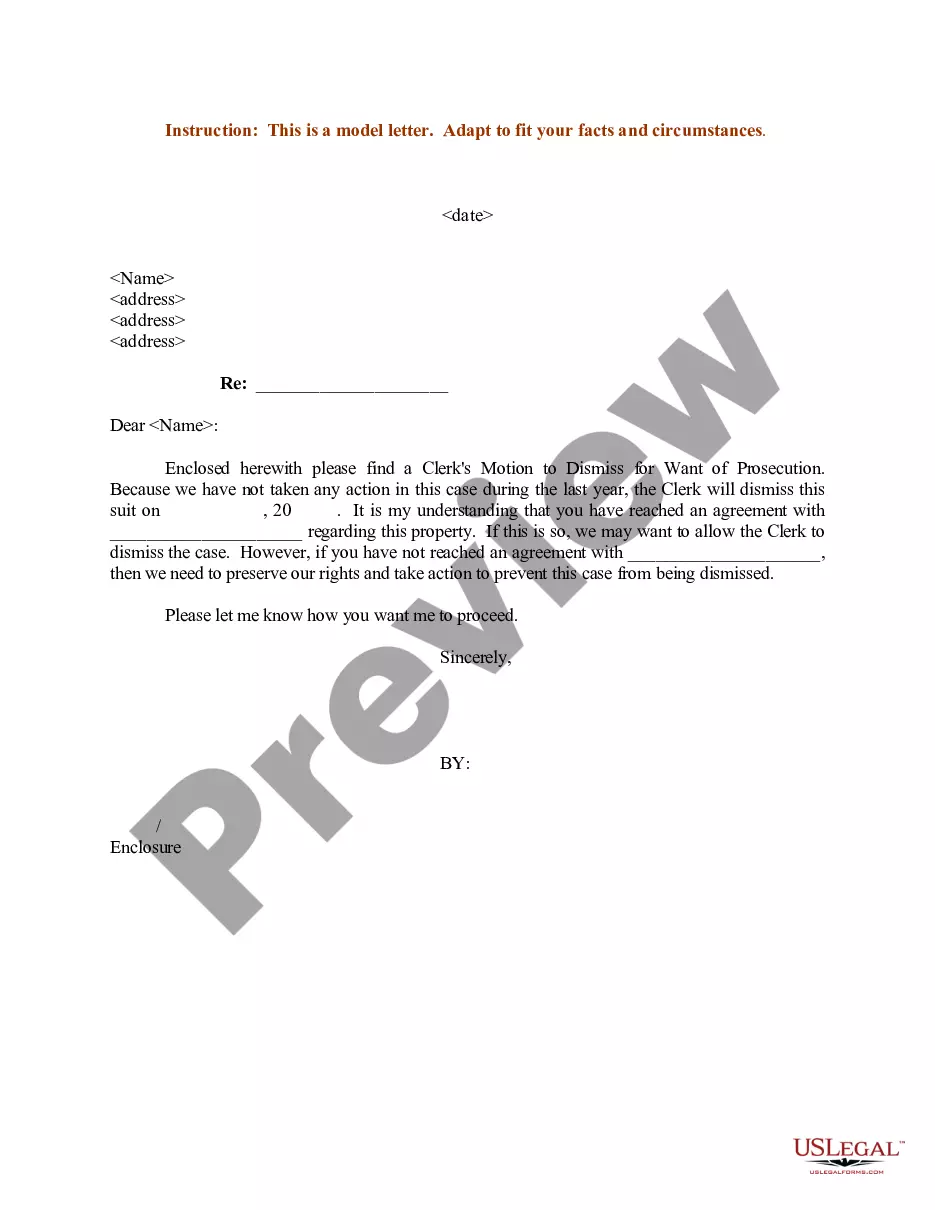
How to fill out Sample Letter For Filing Of Motion To Dismiss - Motion Of Admission?
Creating legal documents from the ground up can often be overwhelming.
Certain cases may require extensive research and significant financial commitment.
If you’re seeking a more straightforward and cost-effective method for generating Sample Motion Document With Exhibits or other forms without unnecessary hurdles, US Legal Forms is always accessible to you.
Our online repository of over 85,000 current legal documents spans nearly every area of your financial, legal, and personal matters.
Before jumping directly into downloading Sample Motion Document With Exhibits, please follow these guidelines: Review the document preview and descriptions to ensure you are on the right document you need. Confirm that the form you select adheres to the laws and regulations of your state and county. Select the appropriate subscription plan to obtain the Sample Motion Document With Exhibits. Download the file, then complete, sign, and print it. US Legal Forms enjoys an impeccable reputation and over 25 years of experience. Join us today and make document completion a simple and efficient task!
- With just a few clicks, you can quickly obtain state- and county-specific templates meticulously assembled for you by our legal professionals.
- Utilize our site whenever you need dependable and trustworthy services that allow you to effortlessly locate and download the Sample Motion Document With Exhibits.
- If you are familiar with our website and have previously registered an account with us, just Log In to your account, find the form, and download it immediately or re-download it anytime later in the My documents section.
- Not signed up yet? No worries. It requires little to no effort to register and explore the library.
Form popularity
FAQ
How to Start an LLC in Kansas Step 1: Name your Kansas LLC. Select a unique name for your LLC. ... Step 2: Appoint a Kansas resident agent. Name a resident agent for your LLC. ... Step 3: File Kansas Articles of Organization. File the LLC paperwork. ... Step 4: Create an operating agreement. ... Step 5: Apply for an EIN.
How much does it cost to register a business in Kansas? It costs $30 to reserve your company name in Kansas. If you're starting an LLC, you'll pay $165 to file Articles of Organization (or establish a foreign LLC in Kansas). If you're starting a corporation, you'll pay $90 to file Articles of Incorporation.
Kansas LLC Processing Times Normal LLC processing time:Expedited LLC:Kansas LLC by mail:2-3 business days (plus mail time)Not availableKansas LLC online:immediatelyNot available
How do I register a name? The state of Kansas does not have name registration. We have name reservation in which you can reserve a name online, if available, for 120 days and a fee of $30.00 (non refundable).
You can get an LLC cheaply by filing your formation documents yourself. You'll also save money by being your own Registered Agent, and using our free LLC Operating Agreement template. By forming your LLC yourself, being your own Resident Agent, and using our Operating Agreement template you can save over $400.
Starting an LLC in Kansas. ... Decide on a name for your business. ... Assign an agent for service of process. ... Get an Employer Identification Number (EIN) from the IRS. ... Create an operating agreement. ... Make sure that your LLC, should it offer professional services, meets Kansas state legal requirements.
Filing the formation paperwork to start your Kansas LLC will cost $165 ($160 online). You'll also need to pay $55 ($50 online) every year to file your Kansas Annual Report.
What are the LLC formation requirements in Kansas? Choose an original name that complies with Kansas law. Get a registered agent. File articles of organization. Register with the Kansas Department of Revenue and determine business taxes. Obtain required licenses and permits (state and local) Apply for an EIN with the IRS.