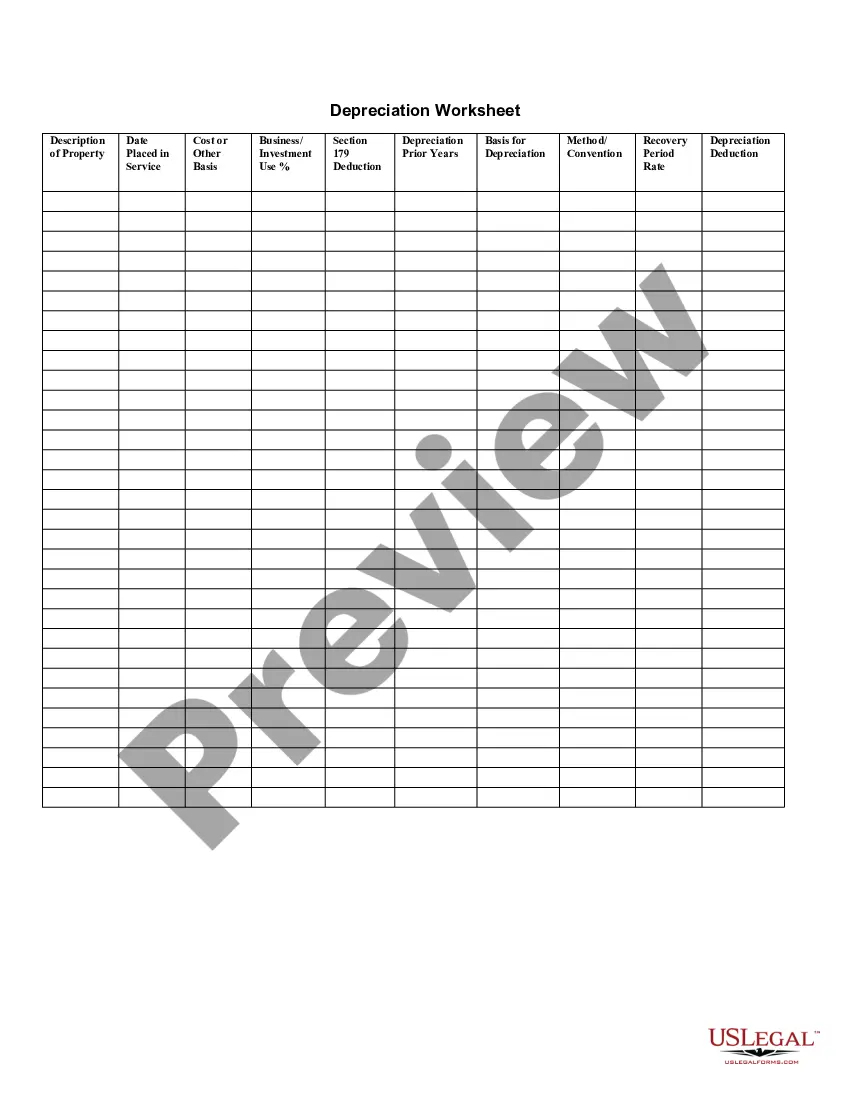
Depreciation Worksheet Form For Taxes
Description
Get your form ready online
Our built-in tools help you complete, sign, share, and store your documents in one place.
Make edits, fill in missing information, and update formatting in US Legal Forms—just like you would in MS Word.
Download a copy, print it, send it by email, or mail it via USPS—whatever works best for your next step.
Sign and collect signatures with our SignNow integration. Send to multiple recipients, set reminders, and more. Go Premium to unlock E-Sign.
If this form requires notarization, complete it online through a secure video call—no need to meet a notary in person or wait for an appointment.
We protect your documents and personal data by following strict security and privacy standards.

Make edits, fill in missing information, and update formatting in US Legal Forms—just like you would in MS Word.

Download a copy, print it, send it by email, or mail it via USPS—whatever works best for your next step.

Sign and collect signatures with our SignNow integration. Send to multiple recipients, set reminders, and more. Go Premium to unlock E-Sign.

If this form requires notarization, complete it online through a secure video call—no need to meet a notary in person or wait for an appointment.

We protect your documents and personal data by following strict security and privacy standards.
Looking for another form?

How to fill out Depreciation Worksheet?
The Depreciation Worksheet Form For Taxes you observe on this page is a versatile official template created by expert attorneys in compliance with national and local statutes and regulations.
For over 25 years, US Legal Forms has supplied individuals, businesses, and legal practitioners with more than 85,000 validated, state-specific documents for any corporate and personal circumstance. It’s the quickest, easiest, and most trustworthy method to acquire the paperwork you require, as the service ensures bank-level data security and malware protection.
Register for US Legal Forms to have authenticated legal templates for all of life’s situations at your fingertips.
- Search for the document you need and review it. Browse through the file you searched and preview it or examine the form description to confirm it meets your requirements. If it doesn’t, utilize the search feature to locate the appropriate one. Click Buy Now once you have identified the template you need.
- Subscribe and Log In. Choose the pricing plan that fits you and set up an account. Use PayPal or a credit card for a quick transaction. If you already possess an account, Log In and check your subscription to continue.
- Acquire the fillable template. Select the format you prefer for your Depreciation Worksheet Form For Taxes (PDF, DOCX, RTF) and download the template to your device.
- Complete and sign the document. Print the template to fill it out manually. Alternatively, use an online multifunctional PDF editor to quickly and accurately complete and sign your form with a valid signature.
- Download your papers again. Reuse the same document whenever necessary. Access the My documents tab in your profile to redownload any previously saved documents.
Form popularity
FAQ
Yes, you can create your own depreciation schedule if you have a good understanding of accounting principles. However, using our depreciation worksheet form for taxes can streamline your efforts and reduce errors. This user-friendly template provides clear guidance, making it easier for you to manage your depreciation calculations.
What do you need to fill out Form 4562 The price of the asset you're depreciating. A receipt for the asset you're depreciating. The date the asset was put into use (when you started using it for your business) The total income you're reporting for the year in question.
For example, consider a rental property that was purchased for $275,000 and has an annual depreciation of $10,000 ($275,000 / 27.5 years allowed by IRS for rental property). After 11 years, the owner decides to sell the property for $430,000. The adjusted cost basis then is $275,000 - ($10,000 x 11) = $165,000.
Straight-Line Method: This is the most commonly used method for calculating depreciation. In order to calculate the value, the difference between the asset's cost and the expected salvage value is divided by the total number of years a company expects to use it.
IRS Form 4562 walkthrough (Depreciation and Amortization) YouTube Start of suggested clip End of suggested clip And you choose to list expense. It under 179. You need to complete part five and then Circle back toMoreAnd you choose to list expense. It under 179. You need to complete part five and then Circle back to part one. So we'll just fast forward. And for use of this we'll just assume that our taxpayer.
Line 11 of Form 4562 is calculated by totaling the net income and losses from all trades and businesses you actively conducted during the year. Net income or loss from trade or business includes the following items: Section 1231 gains (or losses) Interest from working capital of your trade or business.