Trial Memo Example With Attachments
Description
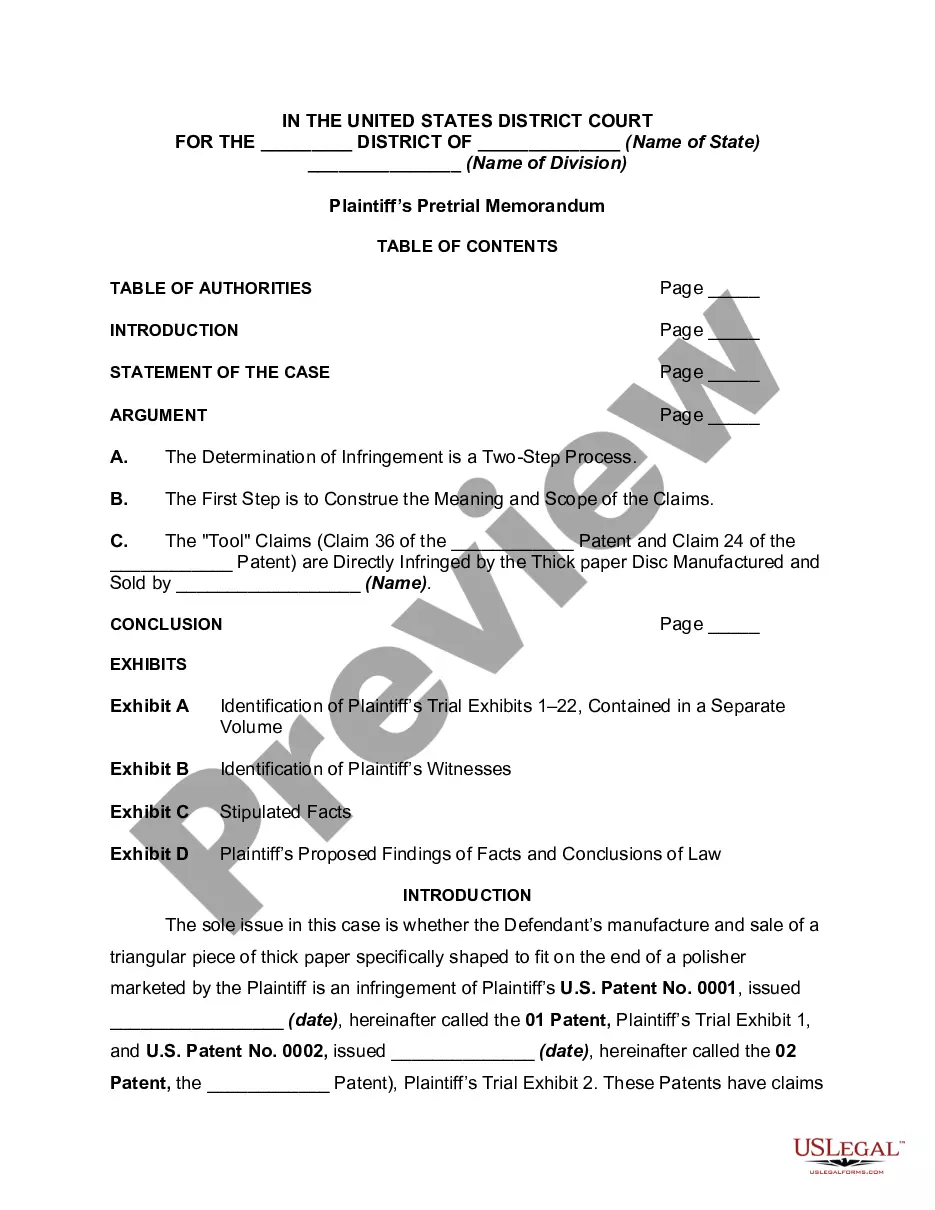
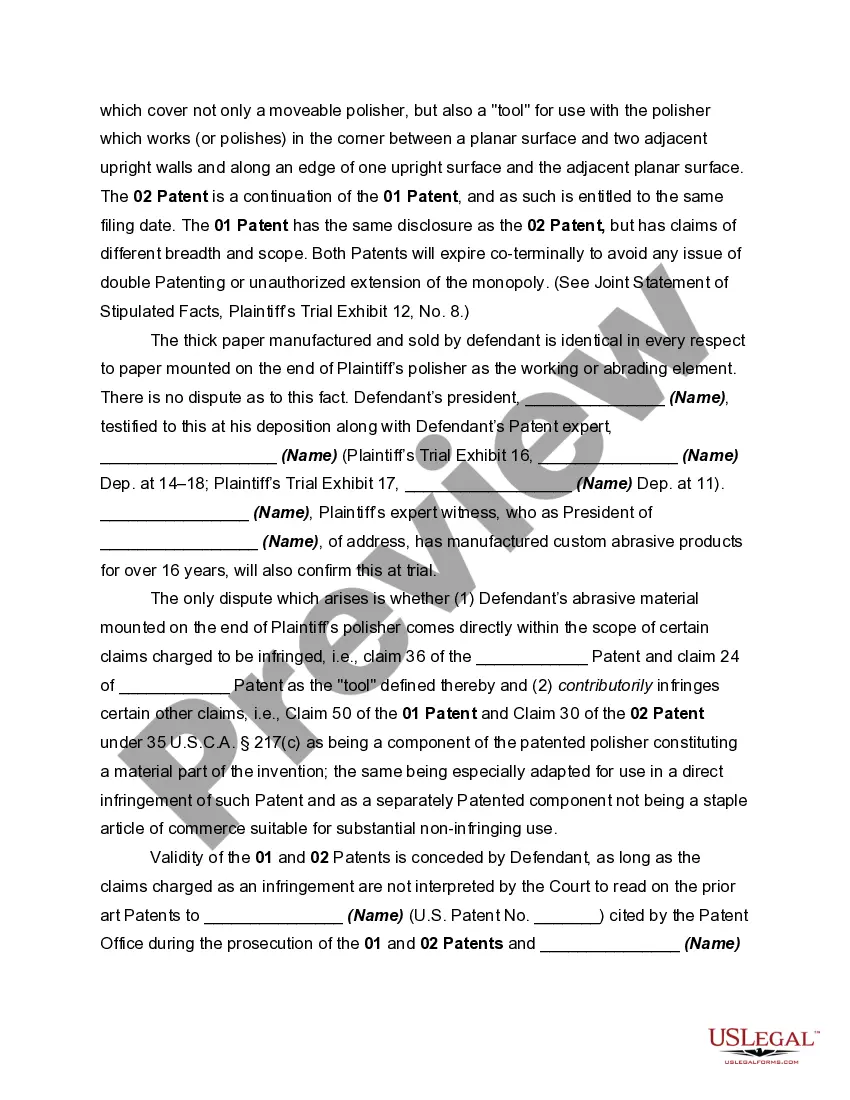
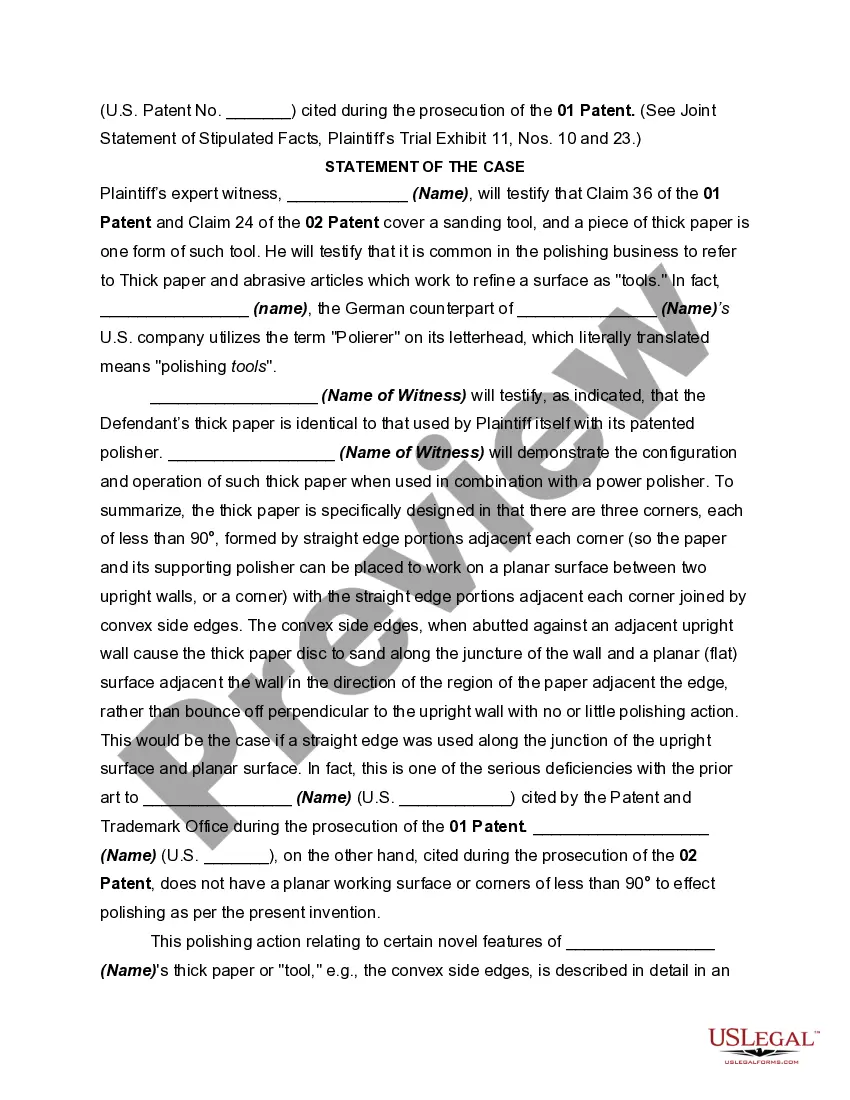
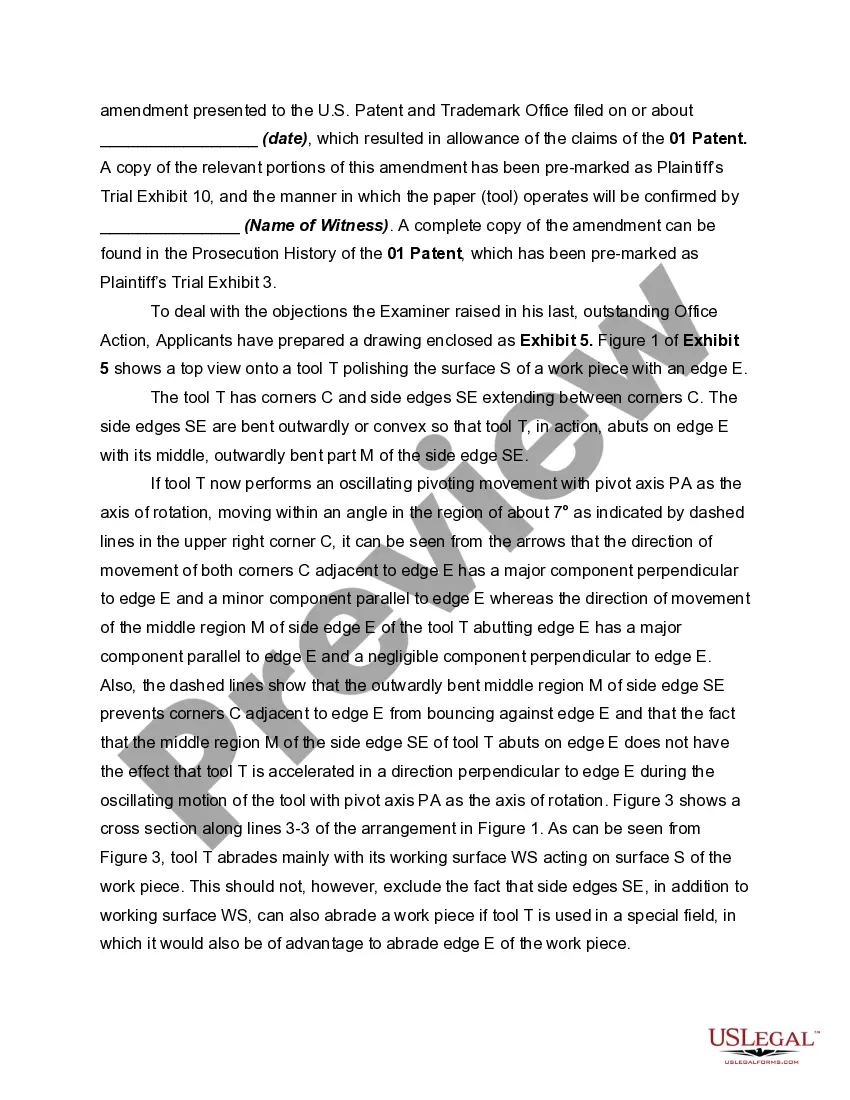

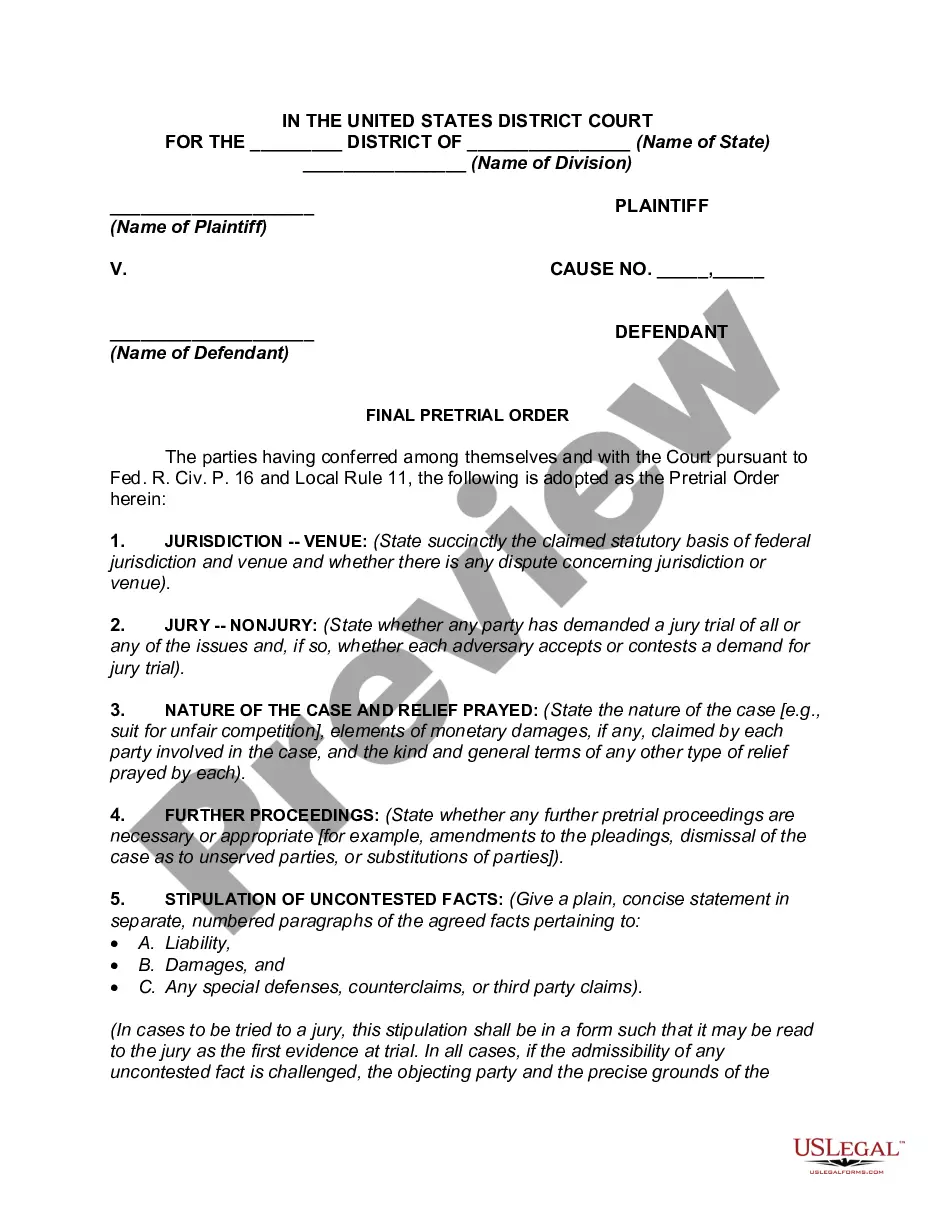
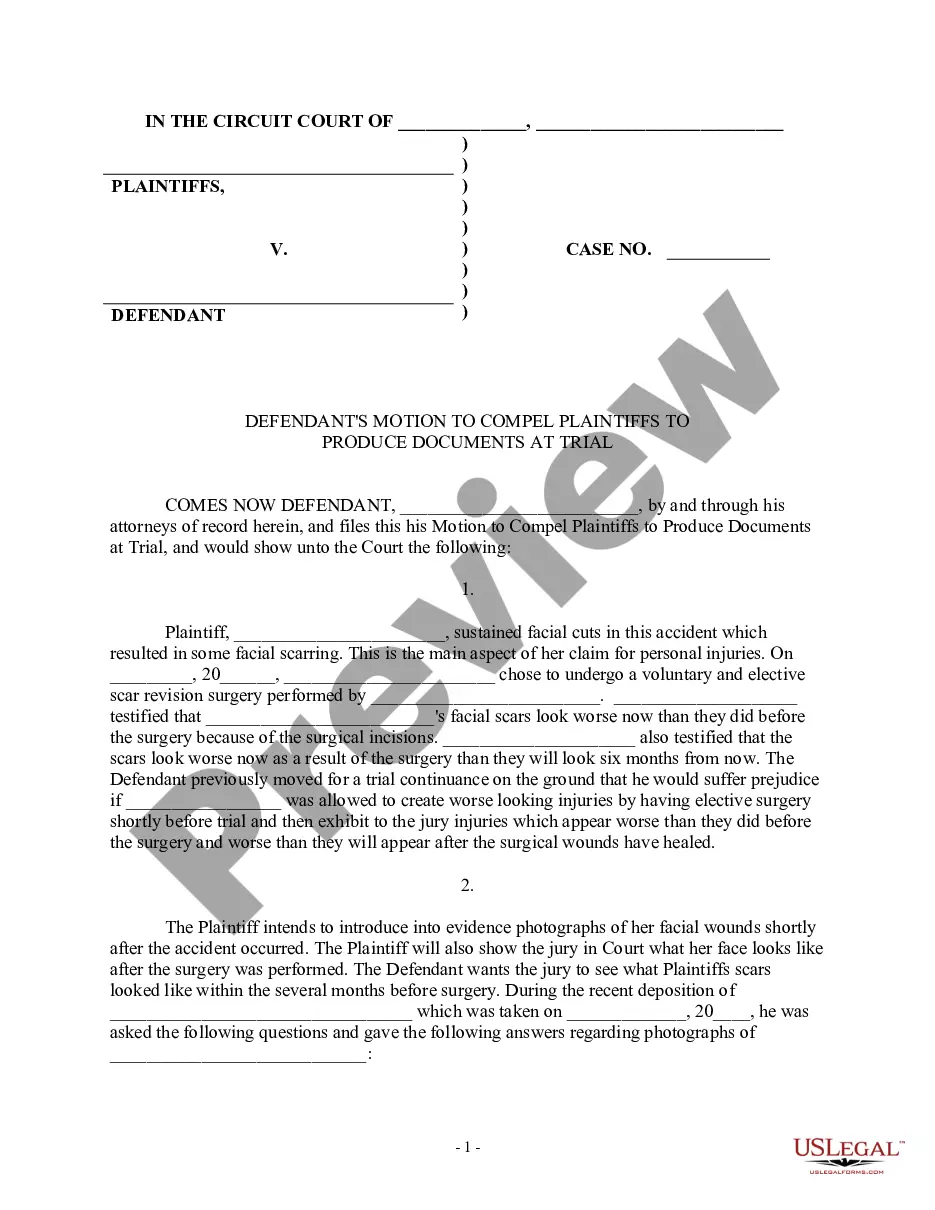
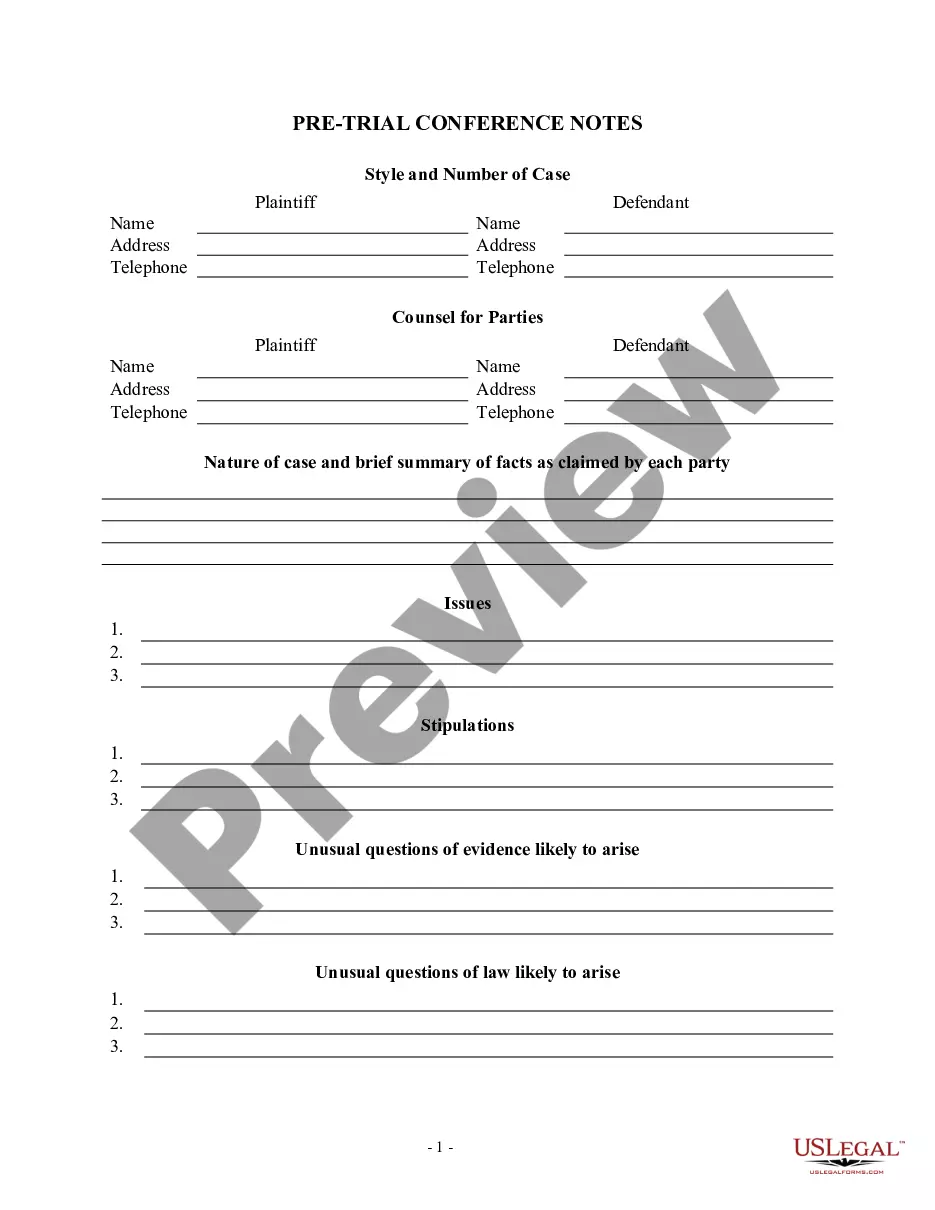
Get your form ready online
Our built-in tools help you complete, sign, share, and store your documents in one place.
Make edits, fill in missing information, and update formatting in US Legal Forms—just like you would in MS Word.
Download a copy, print it, send it by email, or mail it via USPS—whatever works best for your next step.
Sign and collect signatures with our SignNow integration. Send to multiple recipients, set reminders, and more. Go Premium to unlock E-Sign.
If this form requires notarization, complete it online through a secure video call—no need to meet a notary in person or wait for an appointment.
We protect your documents and personal data by following strict security and privacy standards.

Make edits, fill in missing information, and update formatting in US Legal Forms—just like you would in MS Word.

Download a copy, print it, send it by email, or mail it via USPS—whatever works best for your next step.

Sign and collect signatures with our SignNow integration. Send to multiple recipients, set reminders, and more. Go Premium to unlock E-Sign.

If this form requires notarization, complete it online through a secure video call—no need to meet a notary in person or wait for an appointment.

We protect your documents and personal data by following strict security and privacy standards.
Looking for another form?
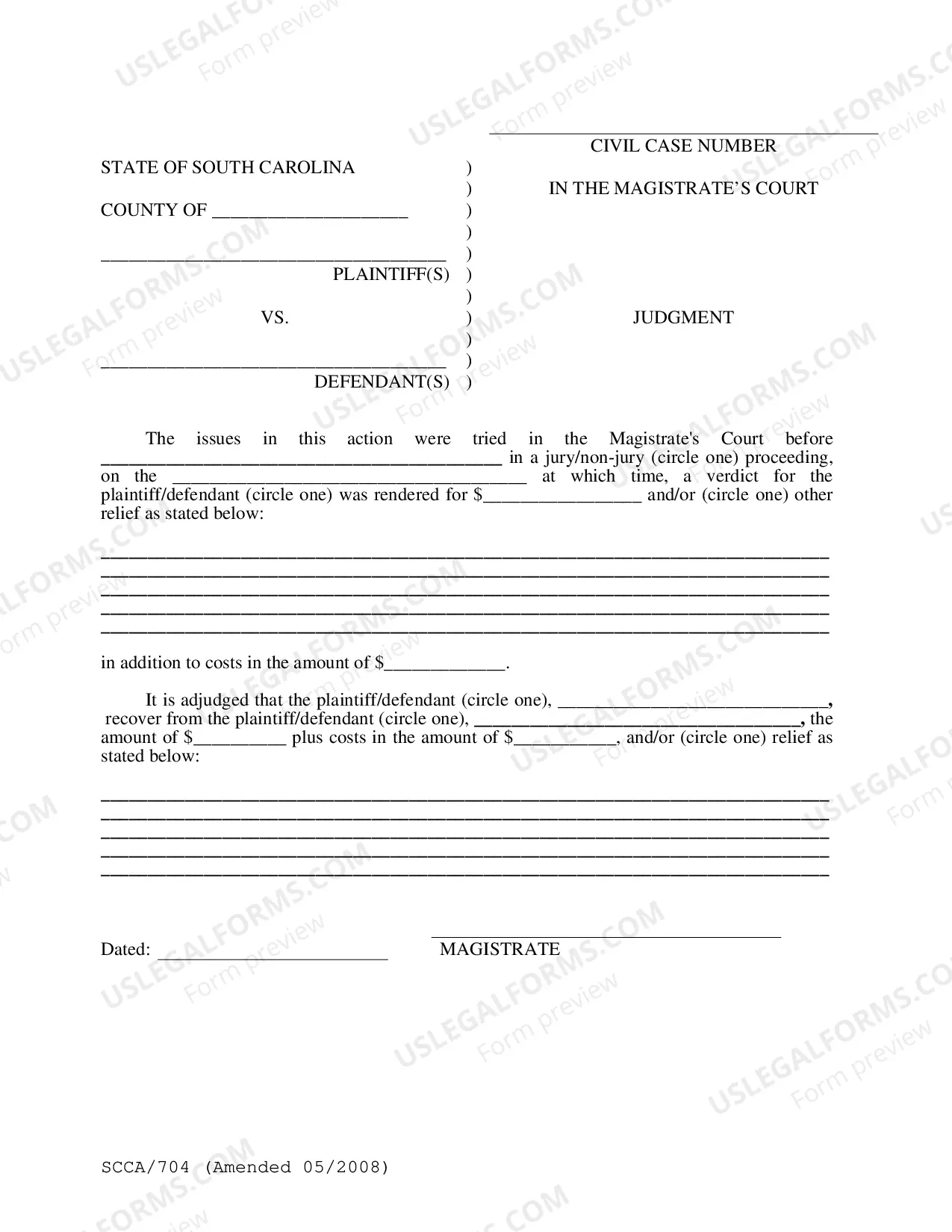
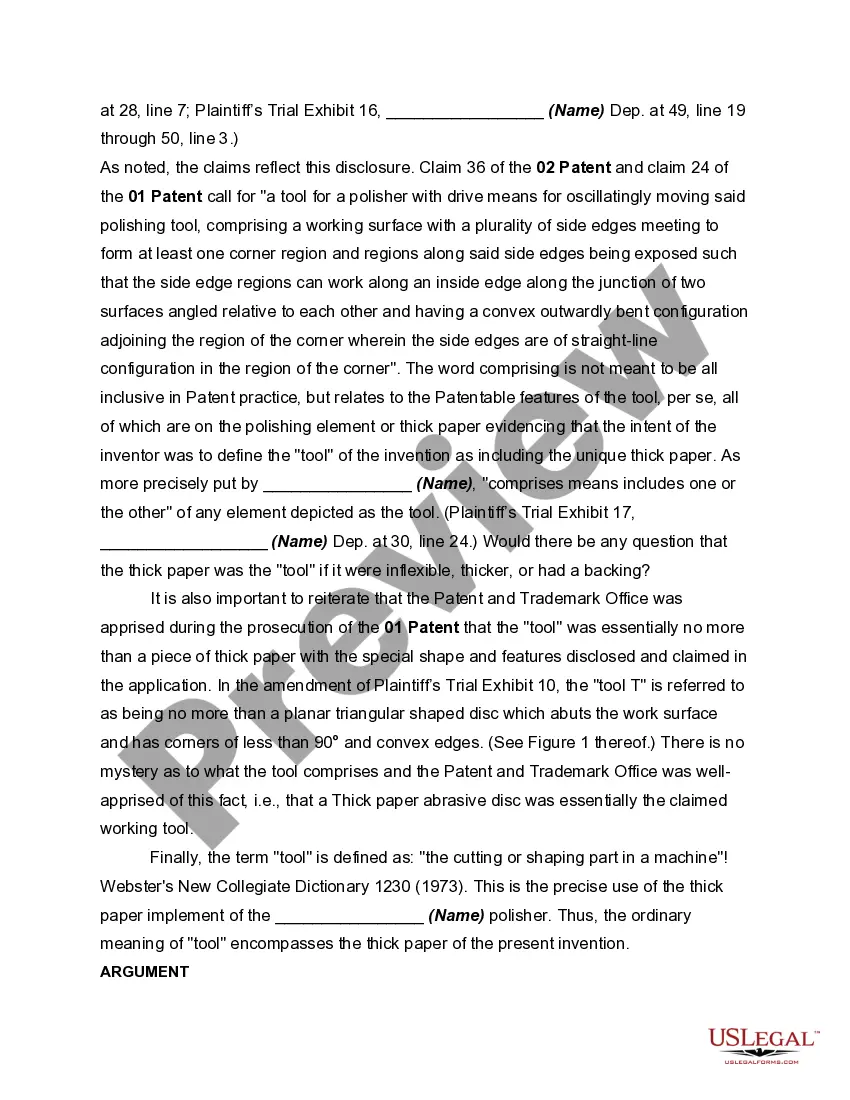
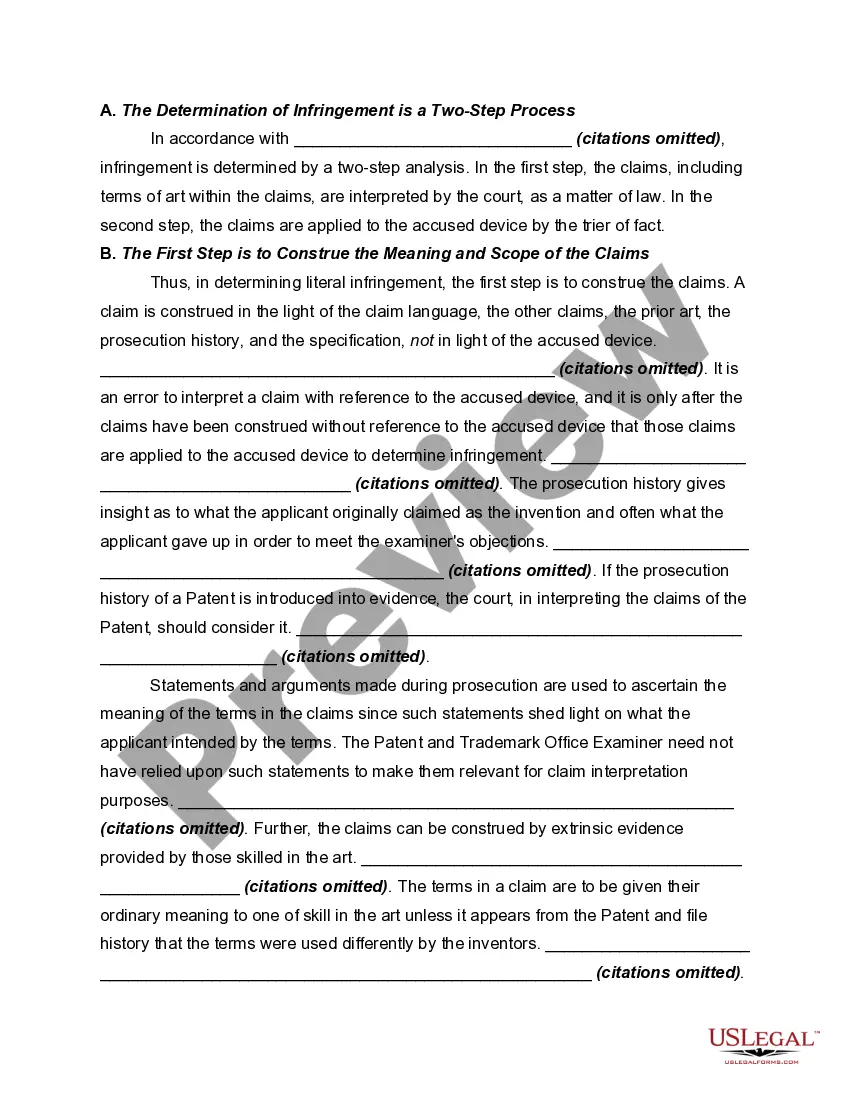
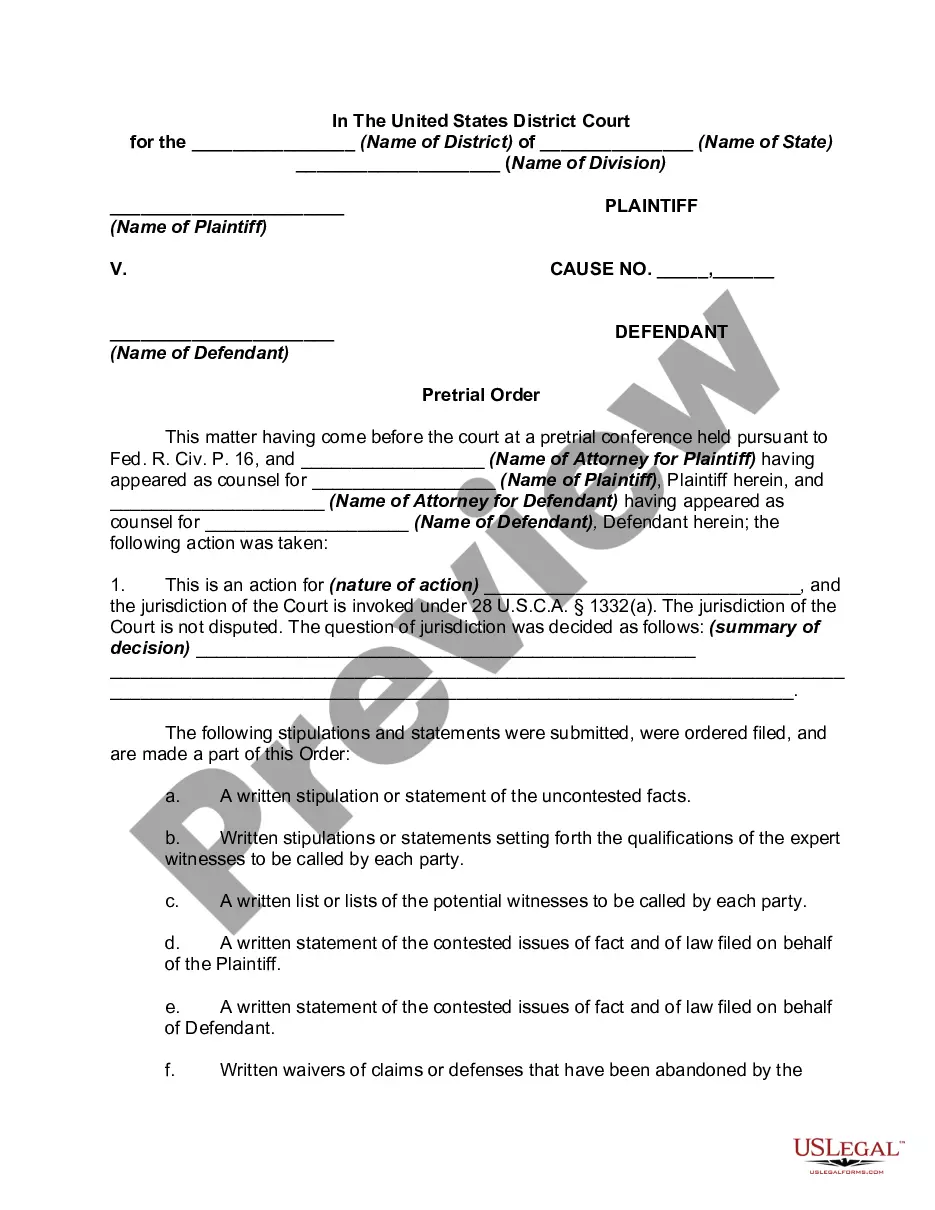
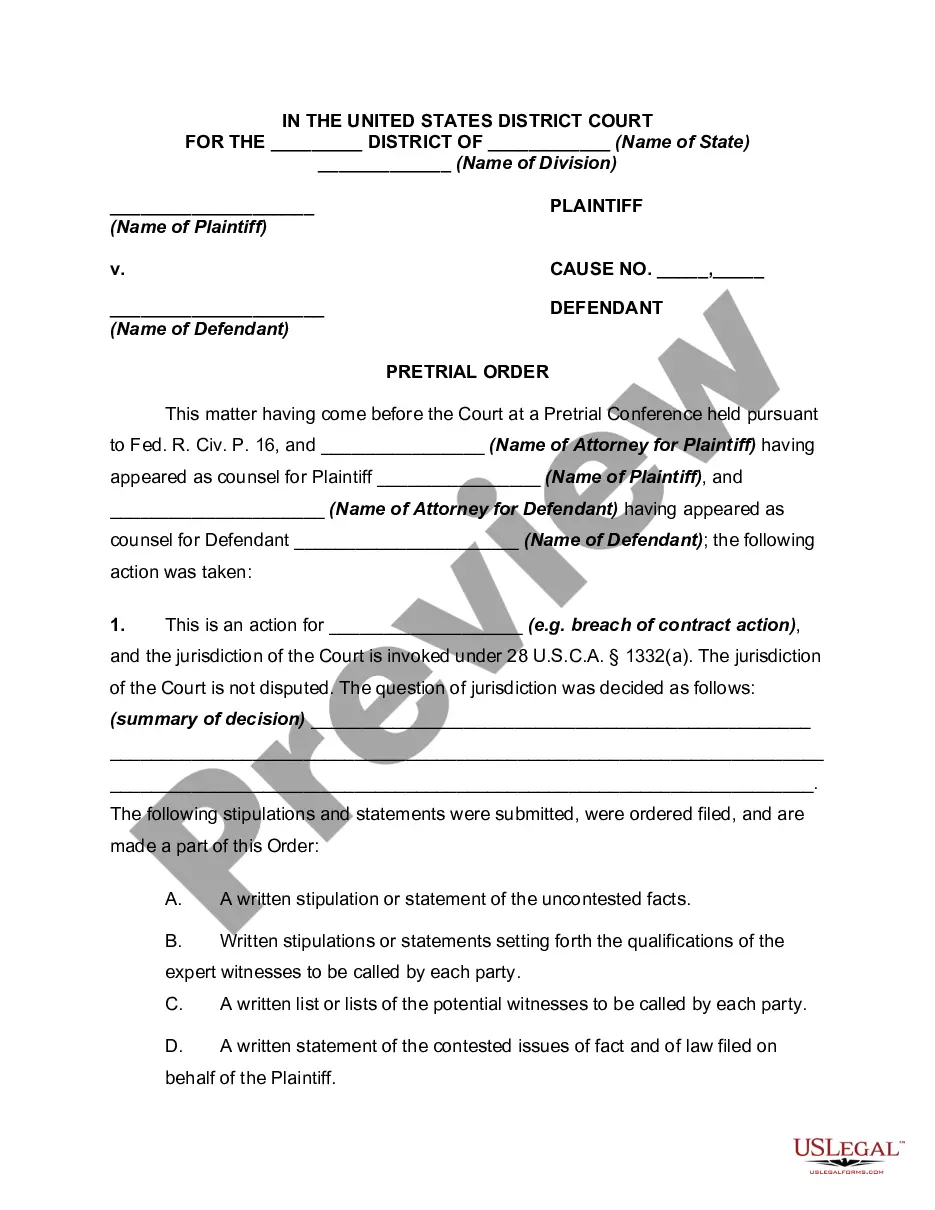
How to fill out Plaintiff's Pretrial Memorandum For A Bench Trial In A Patent Case?
Working with legal paperwork and procedures can be a time-consuming addition to your day. Trial Memo Example With Attachments and forms like it usually need you to search for them and navigate how you can complete them appropriately. Therefore, if you are taking care of financial, legal, or individual matters, using a comprehensive and convenient online library of forms close at hand will significantly help.
US Legal Forms is the number one online platform of legal templates, offering over 85,000 state-specific forms and a number of tools to assist you complete your paperwork easily. Explore the library of pertinent documents available to you with just one click.
US Legal Forms offers you state- and county-specific forms available at any time for downloading. Safeguard your document managing procedures using a high quality support that allows you to prepare any form within a few minutes without extra or hidden cost. Simply log in to your profile, identify Trial Memo Example With Attachments and acquire it right away within the My Forms tab. You can also gain access to formerly saved forms.
Is it the first time making use of US Legal Forms? Sign up and set up your account in a few minutes and you’ll gain access to the form library and Trial Memo Example With Attachments. Then, follow the steps below to complete your form:
- Be sure you have found the correct form by using the Preview option and reading the form information.
- Select Buy Now when all set, and select the subscription plan that suits you.
- Choose Download then complete, eSign, and print the form.
US Legal Forms has 25 years of expertise supporting consumers handle their legal paperwork. Get the form you require right now and enhance any operation without having to break a sweat.
Form popularity
FAQ
There are two ways to format attachments in a memo. You can either mention the attachments in the memo's body, or you can list them separately at the end, with a label such as "Attachments" or "Enclosures." Title the attachment so that it's relevant to the content.
Generally, a legal memorandum comprises six sections, with the following information: Heading or caption. ... Question presented. ... Brief answer. ... Statement of facts. ... Discussion. ... Conclusion.
The closing notations, used to identify such things as attachments, appear at the left margin two lines below the text of the final paragraph.
Generally, an internal memo format includes names of recipients and senders, date and time, subject, the body or message, a signature, additional recipients, and attachments such as a timecard or documents that need signatures.
There are two ways to format attachments in a memo. You can either mention the attachments in the memo's body, or you can list them separately at the end, with a label such as "Attachments" or "Enclosures." Title the attachment so that it's relevant to the content.