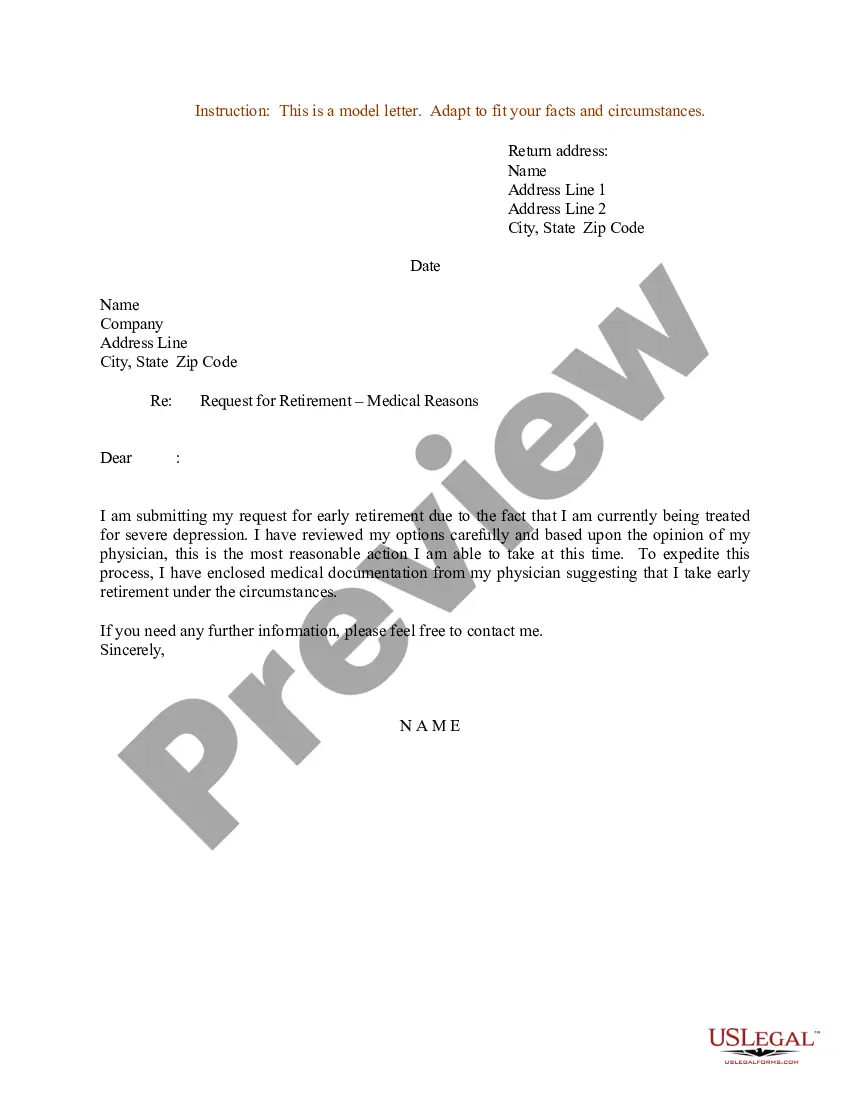
Retirement On Medical Grounds Sample Letter With Signature
Description
Get your form ready online
Our built-in tools help you complete, sign, share, and store your documents in one place.
Make edits, fill in missing information, and update formatting in US Legal Forms—just like you would in MS Word.
Download a copy, print it, send it by email, or mail it via USPS—whatever works best for your next step.
Sign and collect signatures with our SignNow integration. Send to multiple recipients, set reminders, and more. Go Premium to unlock E-Sign.
If this form requires notarization, complete it online through a secure video call—no need to meet a notary in person or wait for an appointment.
We protect your documents and personal data by following strict security and privacy standards.

Make edits, fill in missing information, and update formatting in US Legal Forms—just like you would in MS Word.

Download a copy, print it, send it by email, or mail it via USPS—whatever works best for your next step.

Sign and collect signatures with our SignNow integration. Send to multiple recipients, set reminders, and more. Go Premium to unlock E-Sign.

If this form requires notarization, complete it online through a secure video call—no need to meet a notary in person or wait for an appointment.

We protect your documents and personal data by following strict security and privacy standards.
Looking for another form?
How to fill out Sample Letter For Request For Retirement - Medical Reasons?
It’s clear that you cannot become a legal professional instantly, nor can you swiftly learn how to draft a Retirement On Medical Grounds Sample Letter With Signature without possessing a specialized skill set. Composing legal documents is a lengthy process that necessitates specific training and expertise. So why not entrust the creation of the Retirement On Medical Grounds Sample Letter With Signature to the experts.
With US Legal Forms, one of the most comprehensive legal document collections, you can discover everything from court papers to templates for internal corporate communication. We recognize how crucial compliance and adherence to federal and local regulations are. That’s why, on our website, all templates are location-specific and current.
Let’s get started with our platform and acquire the document you require in just minutes.
You can regain access to your forms from the My documents tab at any time. If you are an existing customer, you can simply Log In and find and download the template from the same tab.
Regardless of the purpose of your forms—whether for financial, legal, or personal use—our platform has you covered. Try US Legal Forms today!
- Locate the document you need using the search bar at the top of the page.
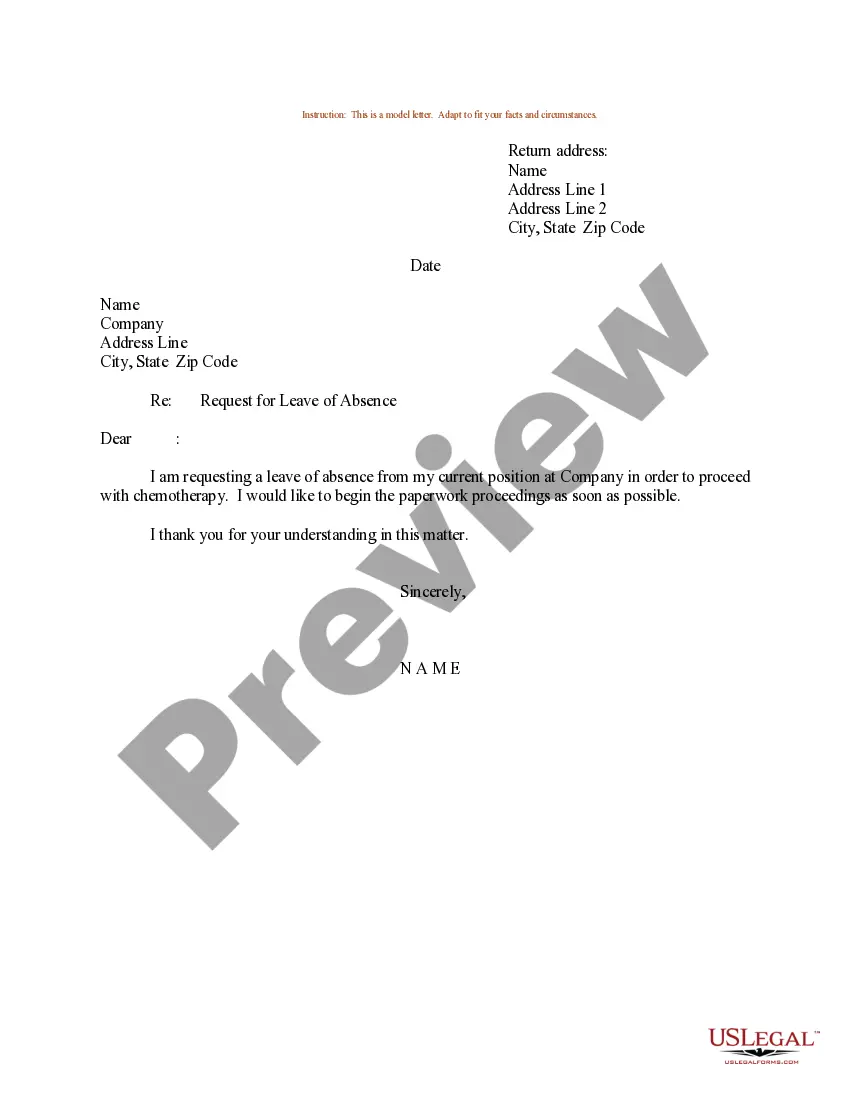
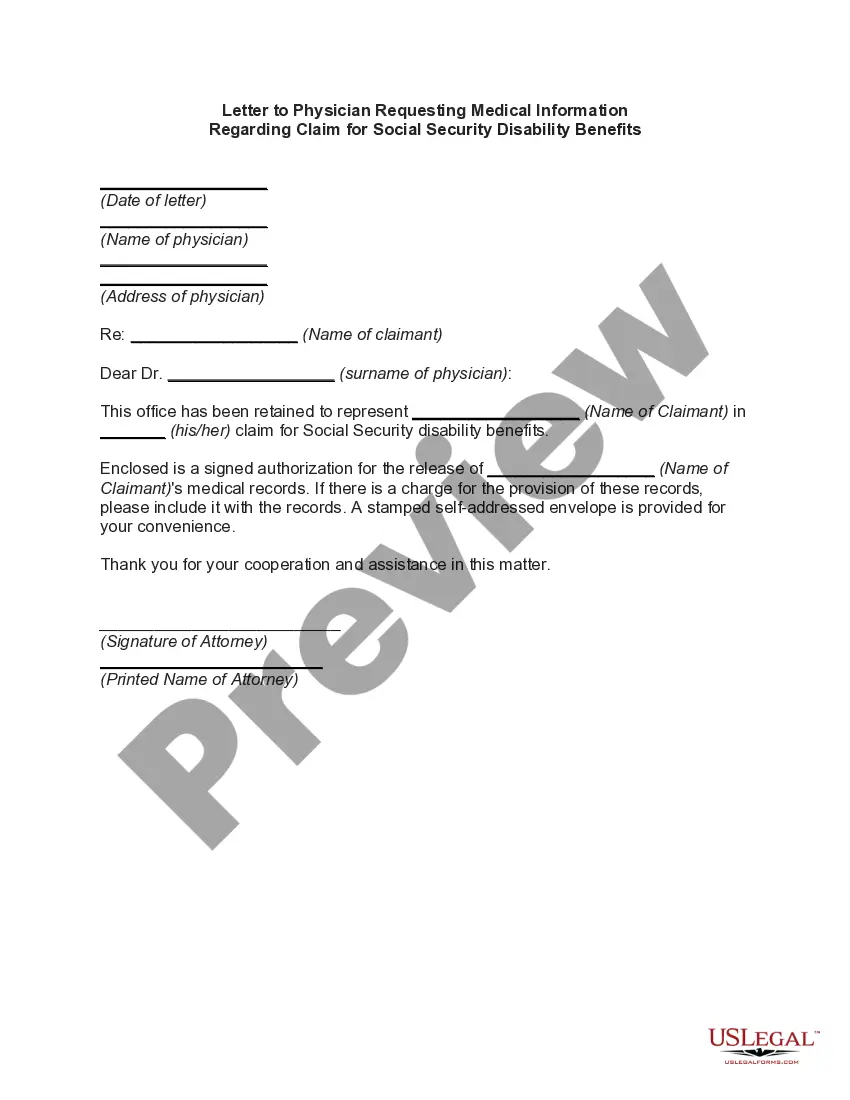
- Preview it (if this option is available) and read the accompanying description to ascertain whether the Retirement On Medical Grounds Sample Letter With Signature meets your needs.
- Initiate your search again if you require any other template.
- Create a free account and select a subscription plan to purchase the form.
- Click Buy now. Once the payment is finalized, you can obtain the Retirement On Medical Grounds Sample Letter With Signature, fill it out, print it, and send or mail it to the intended recipients or organizations.
Form popularity
FAQ
Here are the elements you should include in a basic letter of resignation due to illness: Greeting. Your letter should open with an appropriate salutation . ... Statement of resignation and date of last working day. ... Reason for leaving. ... Thanks and well wishes. ... Closing and signature.
?Dear [recipient's name], I am submitting this letter as my official notice of retirement from [company name], effective [date]. It is with a heavy heart that I write this letter. I have spent [number] years at [company name], but it is now time for me to take the next step.
I regret to inform you that I will be leaving [company name] in two weeks' time. Due to unforeseen personal issues, I am unable to continue to carry out the responsibilities of my role and I feel it is in the company's best interest that I vacate the position. My last day will be [date of final working day].
How to create a retirement letter Address the right people. Address your retirement letter to your supervisor. ... Specify the date of your retirement. ... Express appreciation for your experience. ... Offer to assist with the transition. ... Discuss consulting if you're interested. ... Detail your needs regarding retirement.
You should type out a resignation letter and sign it with your handwritten signature. This is because it will be easier to read. You can however handwrite the letter if you wish to do so. ?Written communication? means you have to leave a paper trail of documentation.