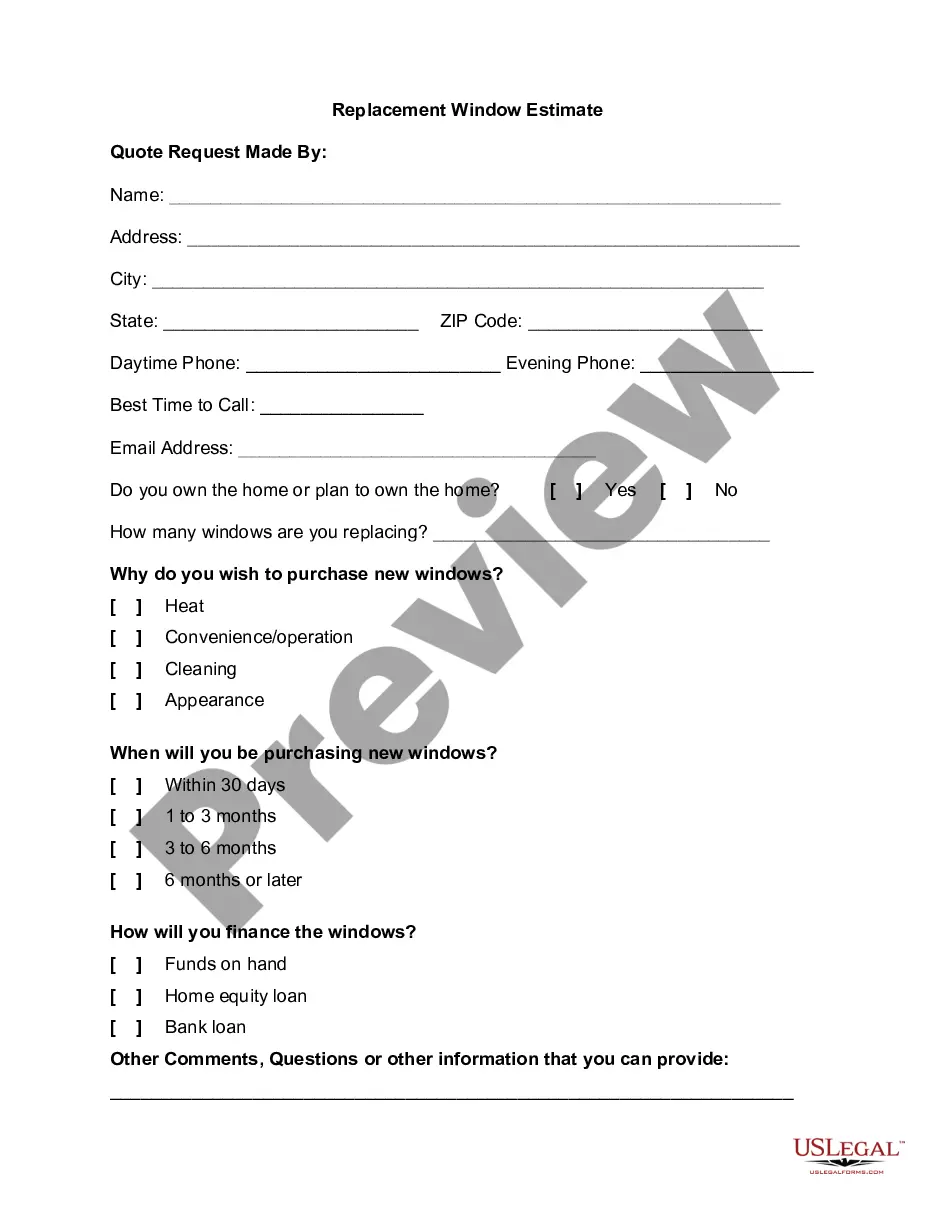
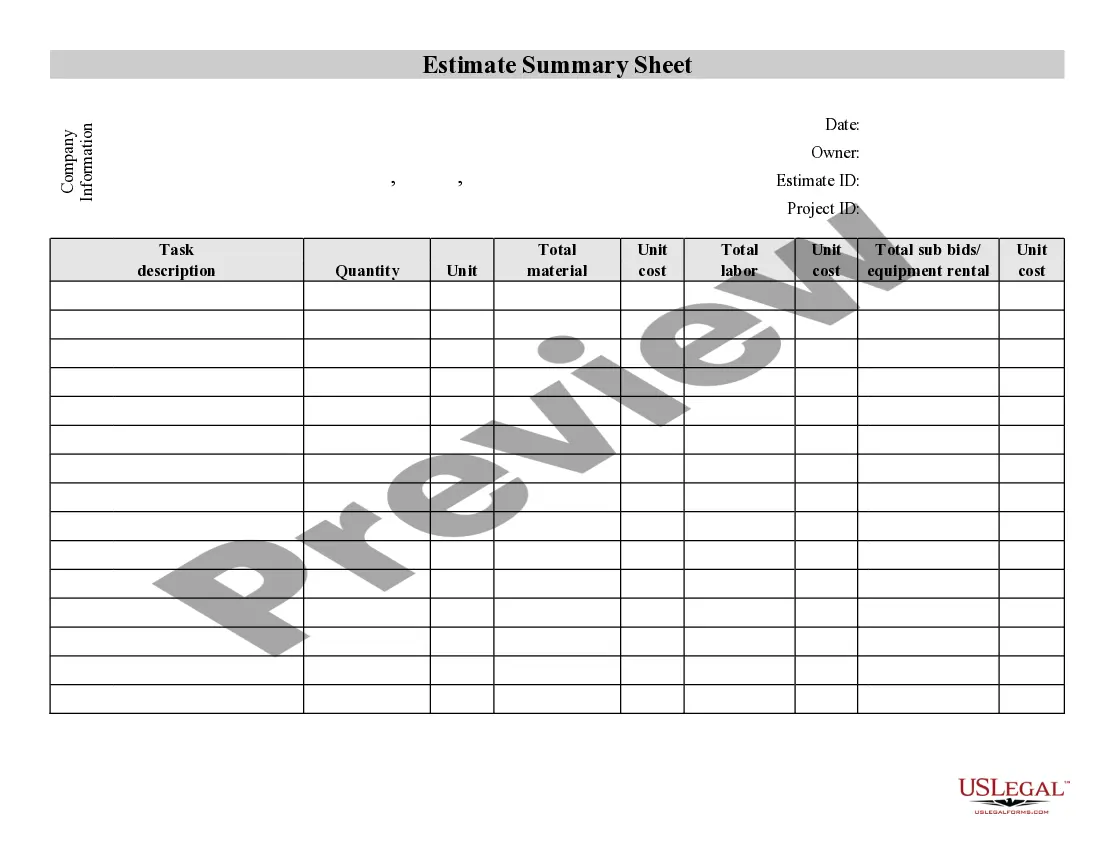
Window Estimate Template With Data
Description
Get your form ready online
Our built-in tools help you complete, sign, share, and store your documents in one place.
Make edits, fill in missing information, and update formatting in US Legal Forms—just like you would in MS Word.
Download a copy, print it, send it by email, or mail it via USPS—whatever works best for your next step.
Sign and collect signatures with our SignNow integration. Send to multiple recipients, set reminders, and more. Go Premium to unlock E-Sign.
If this form requires notarization, complete it online through a secure video call—no need to meet a notary in person or wait for an appointment.
We protect your documents and personal data by following strict security and privacy standards.

Make edits, fill in missing information, and update formatting in US Legal Forms—just like you would in MS Word.

Download a copy, print it, send it by email, or mail it via USPS—whatever works best for your next step.

Sign and collect signatures with our SignNow integration. Send to multiple recipients, set reminders, and more. Go Premium to unlock E-Sign.

If this form requires notarization, complete it online through a secure video call—no need to meet a notary in person or wait for an appointment.

We protect your documents and personal data by following strict security and privacy standards.
Looking for another form?

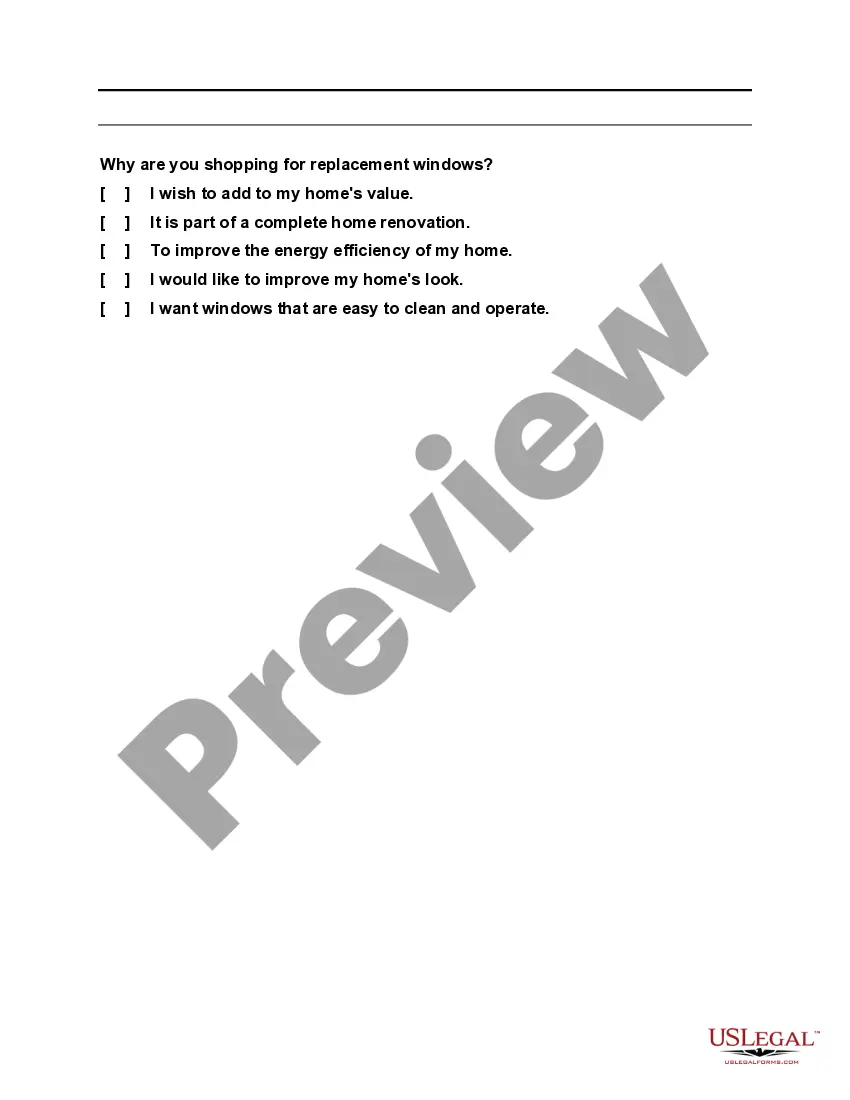
How to fill out Replacement Window Estimate?
Finding a reliable source for the most up-to-date and suitable legal forms is a significant part of managing bureaucratic processes.
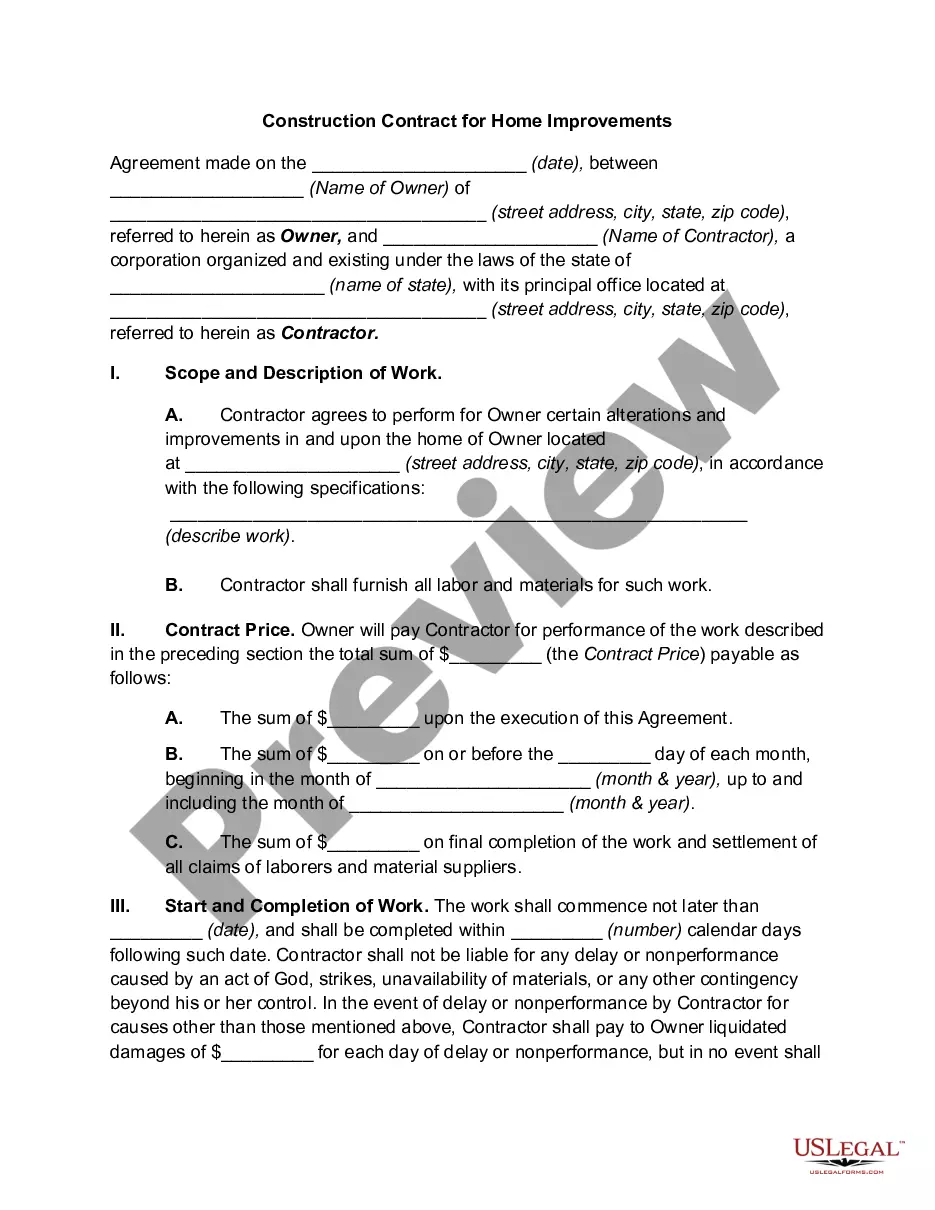
Selecting the appropriate legal documents requires precision and careful consideration, which is why it is crucial to obtain samples of the Window Estimate Template With Data exclusively from trustworthy providers, such as US Legal Forms.
Once the form is saved on your device, you can either modify it using the editor or print it out to fill it in by hand. Remove the complications associated with your legal documentation. Explore the extensive US Legal Forms database to discover legal templates, assess their suitability for your situation, and download them instantly.
- Utilize the catalog browsing feature or search bar to find your template.
- Check the form’s details to verify that it meets the necessities of your state and county.
- Preview the form, if available, to confirm that the template is indeed the one you need.
- Return to the search to find the correct template if the Window Estimate Template With Data does not fulfill your needs.
- If you are confident about the form’s applicability, download it.
- If you are a registered user, click Log in to verify your identity and access your selected templates in My documents.
- If you do not yet have an account, click Buy now to purchase the template.
- Select the pricing option that best fits your needs.
- Proceed with registration to complete your transaction.
- Finalize your acquisition by choosing a payment method (credit card or PayPal).
- Select the document format for downloading the Window Estimate Template With Data.
Form popularity
FAQ
Use a Google template On your computer, go to Google Docs, Sheets, Slides, or Forms. At the top right , click Template Gallery. Click the template you want to use. A copy of the template opens.
Get Your Free Google Sheets Estimate Template It helps you to generate and send detailed and professional-looking estimates quickly and easily. Customize the estimate template with your company name and logo, fill in the services details and the cost, edit it and send it to your client by email.
Yes, the estimate template in Excel can be used for different types of projects, whether it's construction, remodeling, consulting, or other services. You can adapt the template to accommodate specific project requirements and provide accurate cost estimates to your clients.
Try Google Docs Estimate Template for Your Needs There's an array of perks when it comes to using invoice or estimate templates, be it Google Docs or any other formats.
How do I fill out Job Estimate Form? You should provide customer's information, date of estimation and name of estimating person. You need to describe the essence of the work that will be evaluated and then describe and evaluate each part of it. At the end, you must specify the estimated value of all work performed.