Special Needs Trust Taxation With An Annuity
Description


Get your form ready online
Our built-in tools help you complete, sign, share, and store your documents in one place.
Make edits, fill in missing information, and update formatting in US Legal Forms—just like you would in MS Word.
Download a copy, print it, send it by email, or mail it via USPS—whatever works best for your next step.
Sign and collect signatures with our SignNow integration. Send to multiple recipients, set reminders, and more. Go Premium to unlock E-Sign.
If this form requires notarization, complete it online through a secure video call—no need to meet a notary in person or wait for an appointment.
We protect your documents and personal data by following strict security and privacy standards.

Make edits, fill in missing information, and update formatting in US Legal Forms—just like you would in MS Word.

Download a copy, print it, send it by email, or mail it via USPS—whatever works best for your next step.

Sign and collect signatures with our SignNow integration. Send to multiple recipients, set reminders, and more. Go Premium to unlock E-Sign.

If this form requires notarization, complete it online through a secure video call—no need to meet a notary in person or wait for an appointment.

We protect your documents and personal data by following strict security and privacy standards.
Looking for another form?
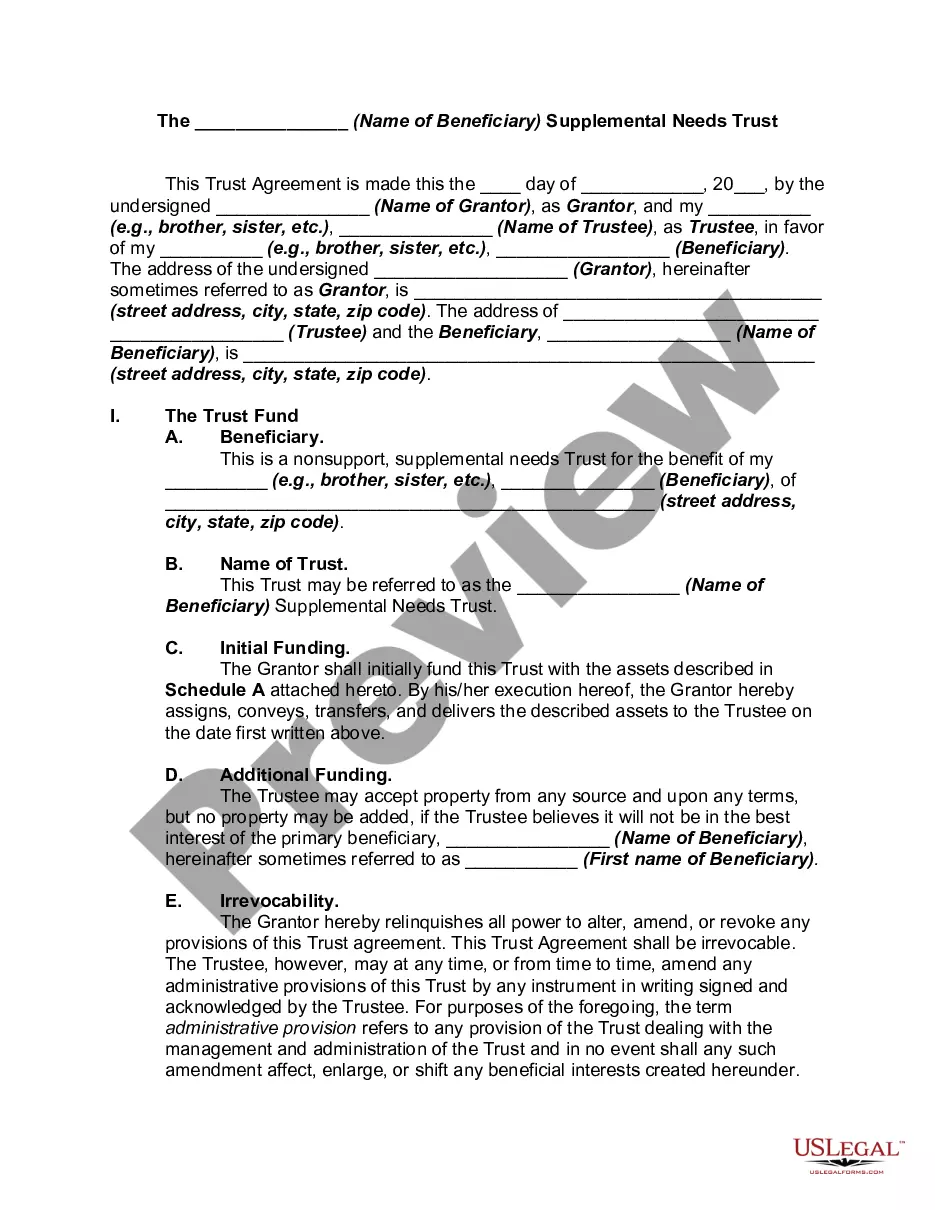
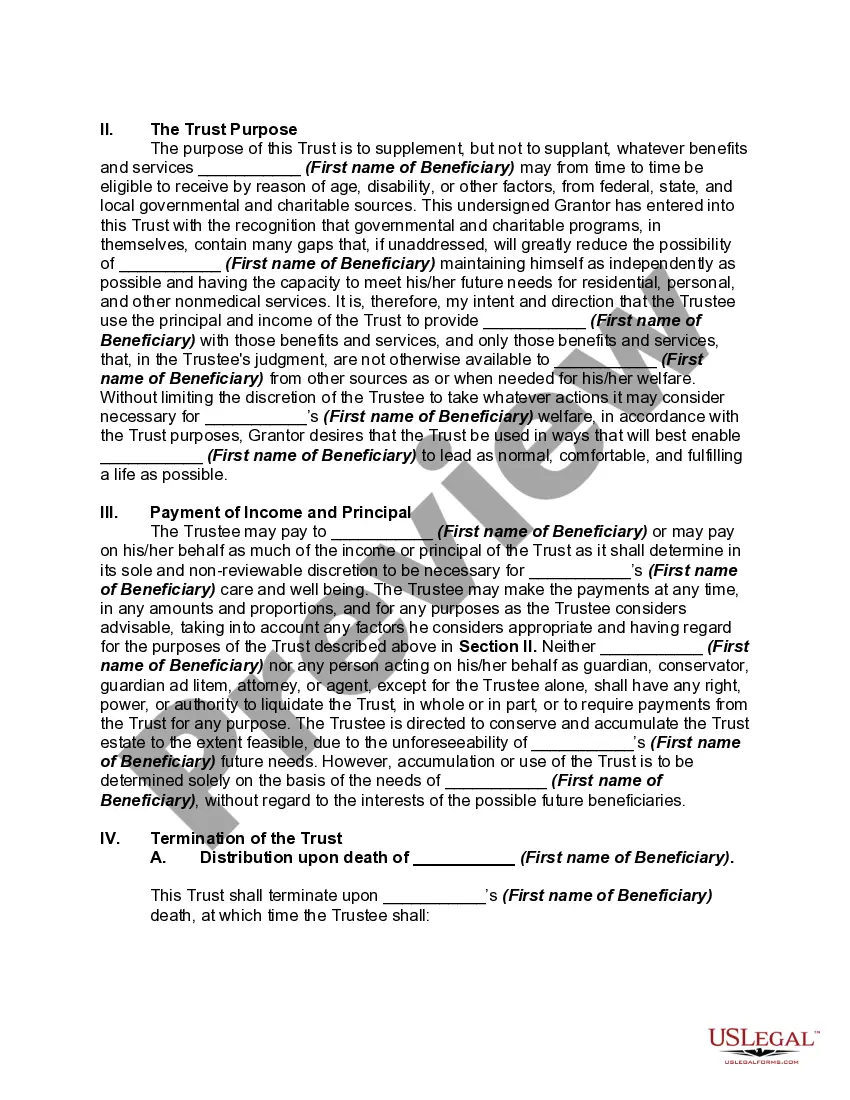
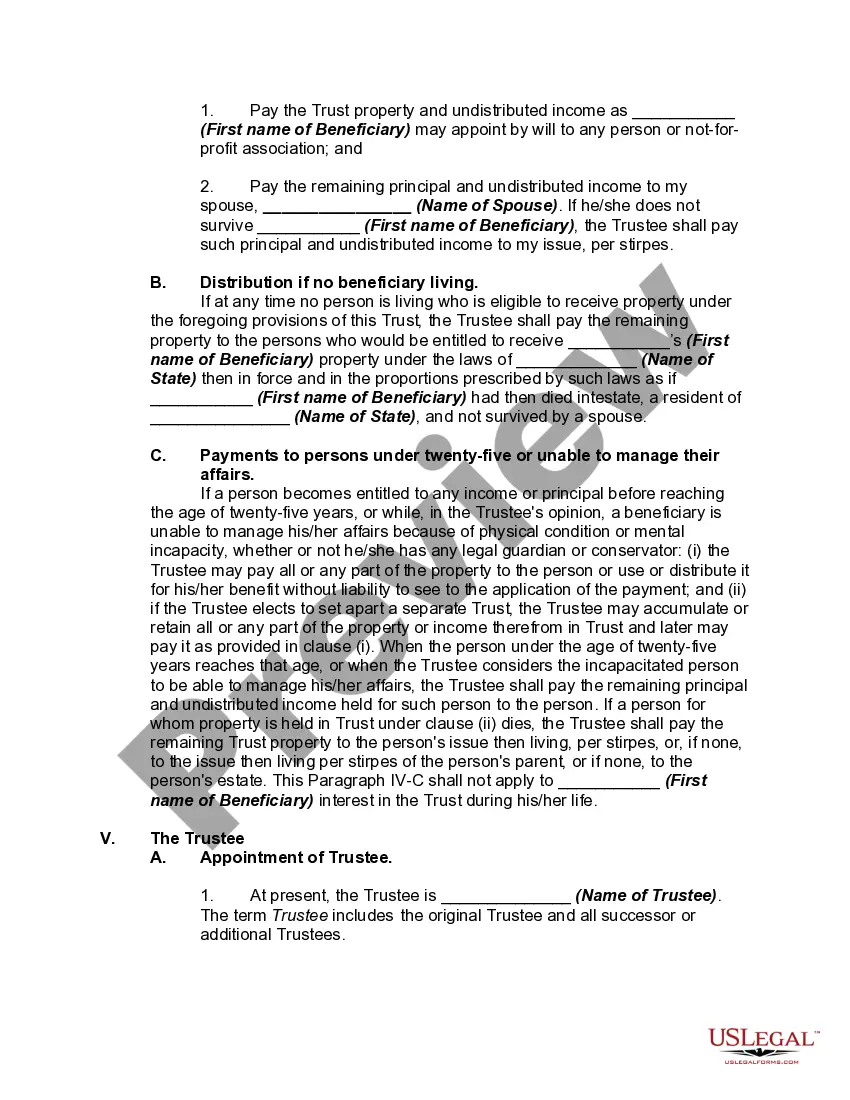
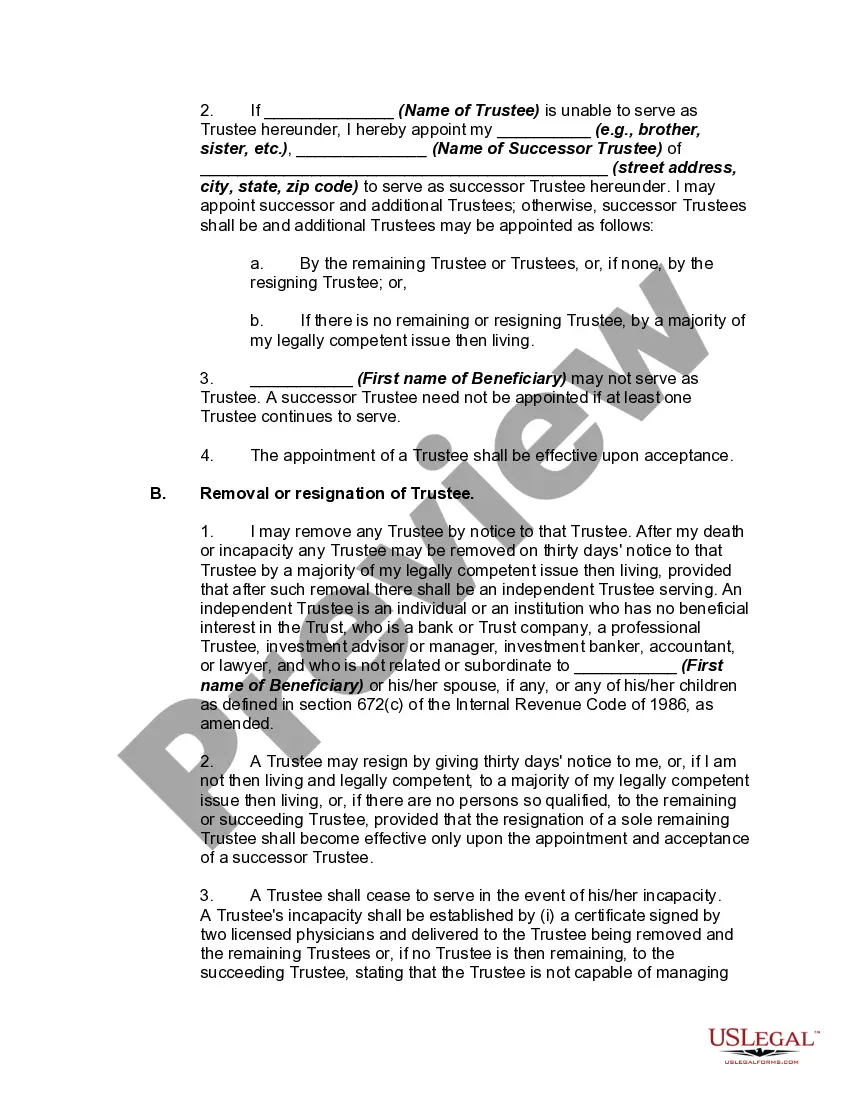
How to fill out Supplemental Needs Trust For Third Party - Disabled Beneficiary?
Whether for professional needs or personal issues, everyone must handle legal matters eventually in their lifetime. Completing legal paperwork demands meticulous attention, starting from selecting the right form template.
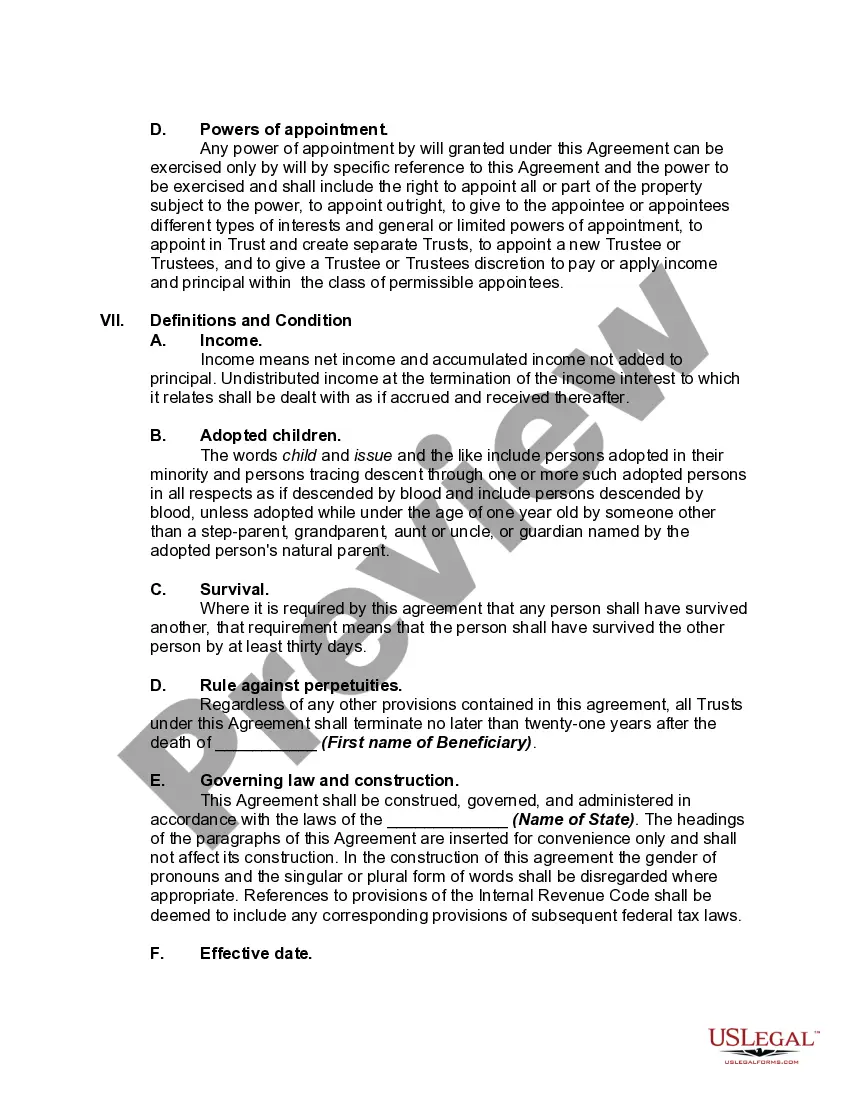
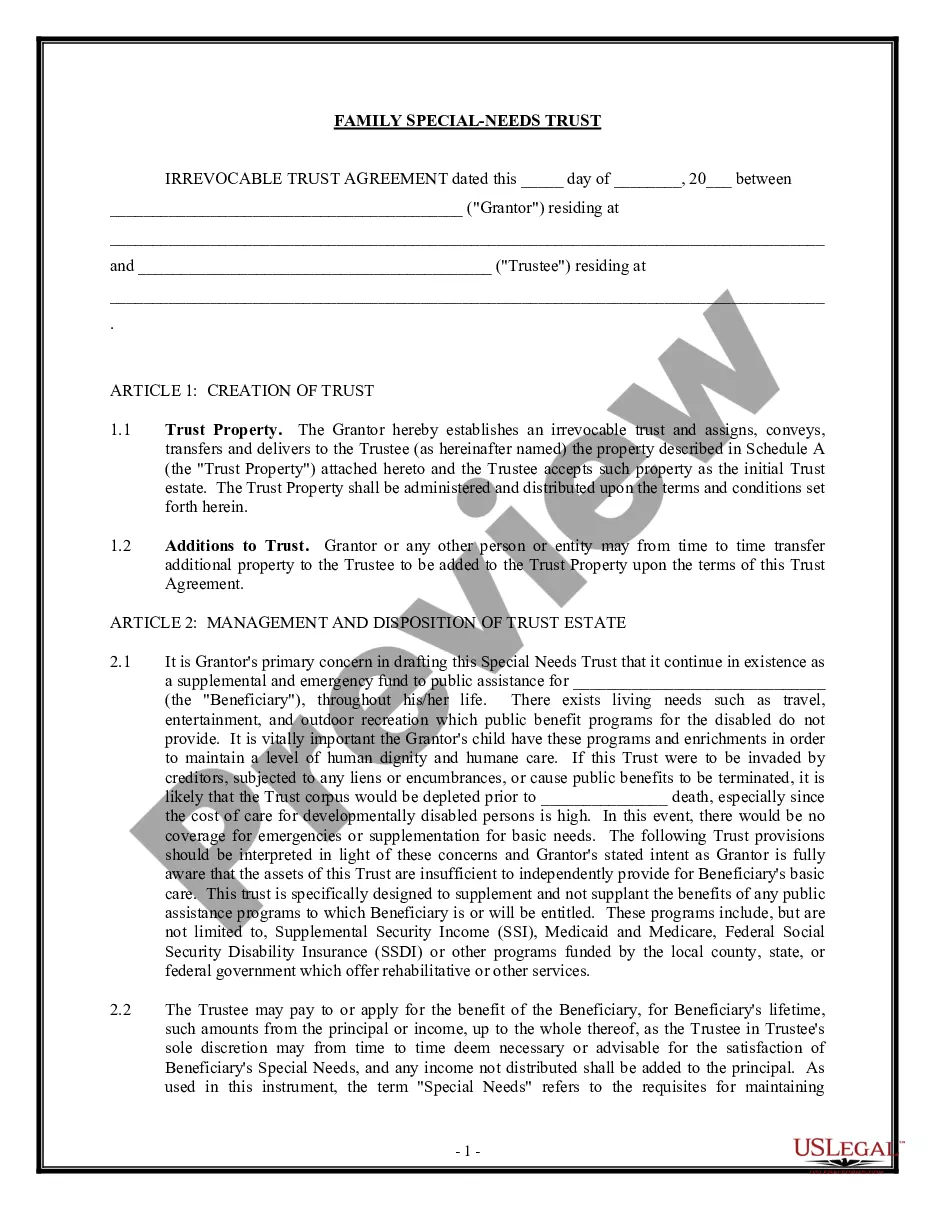
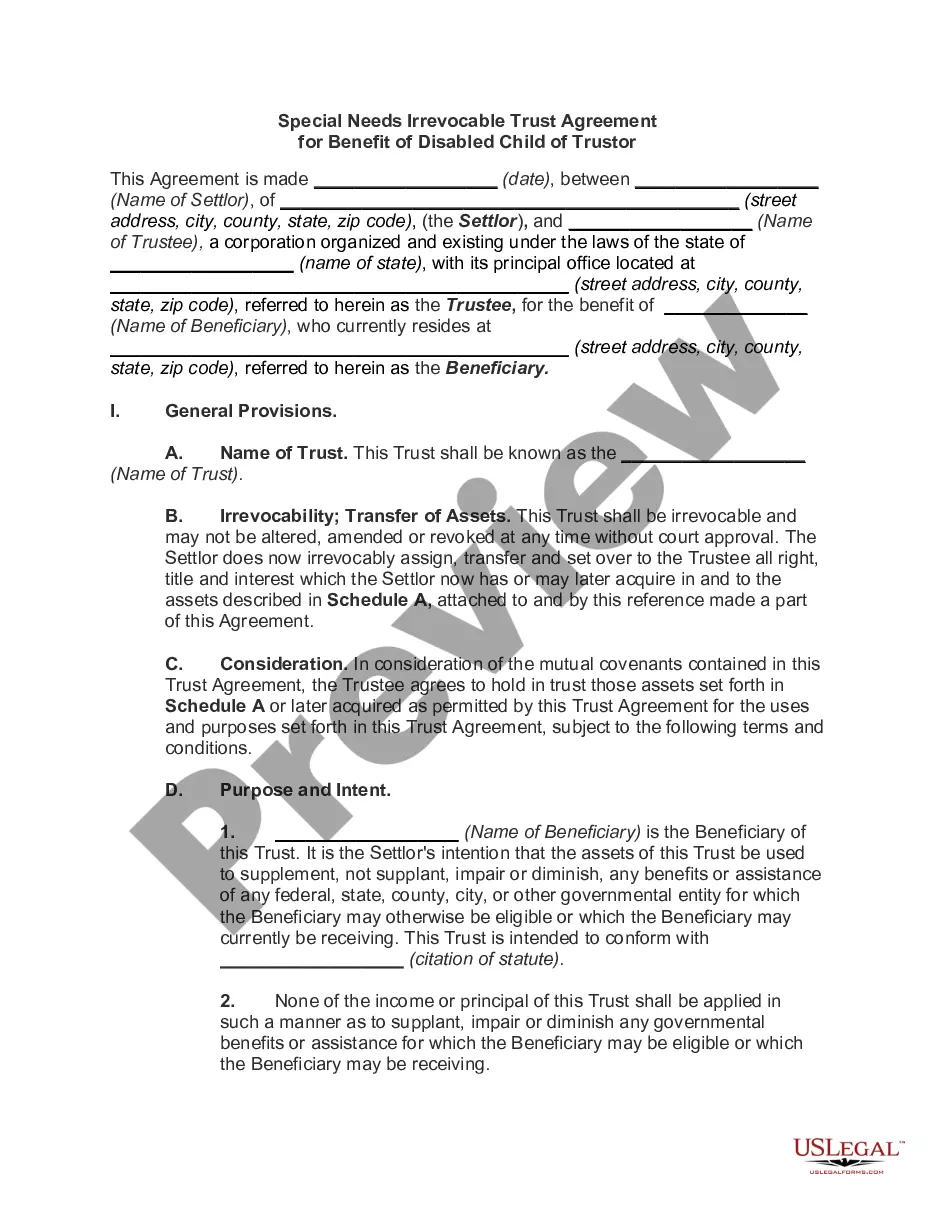
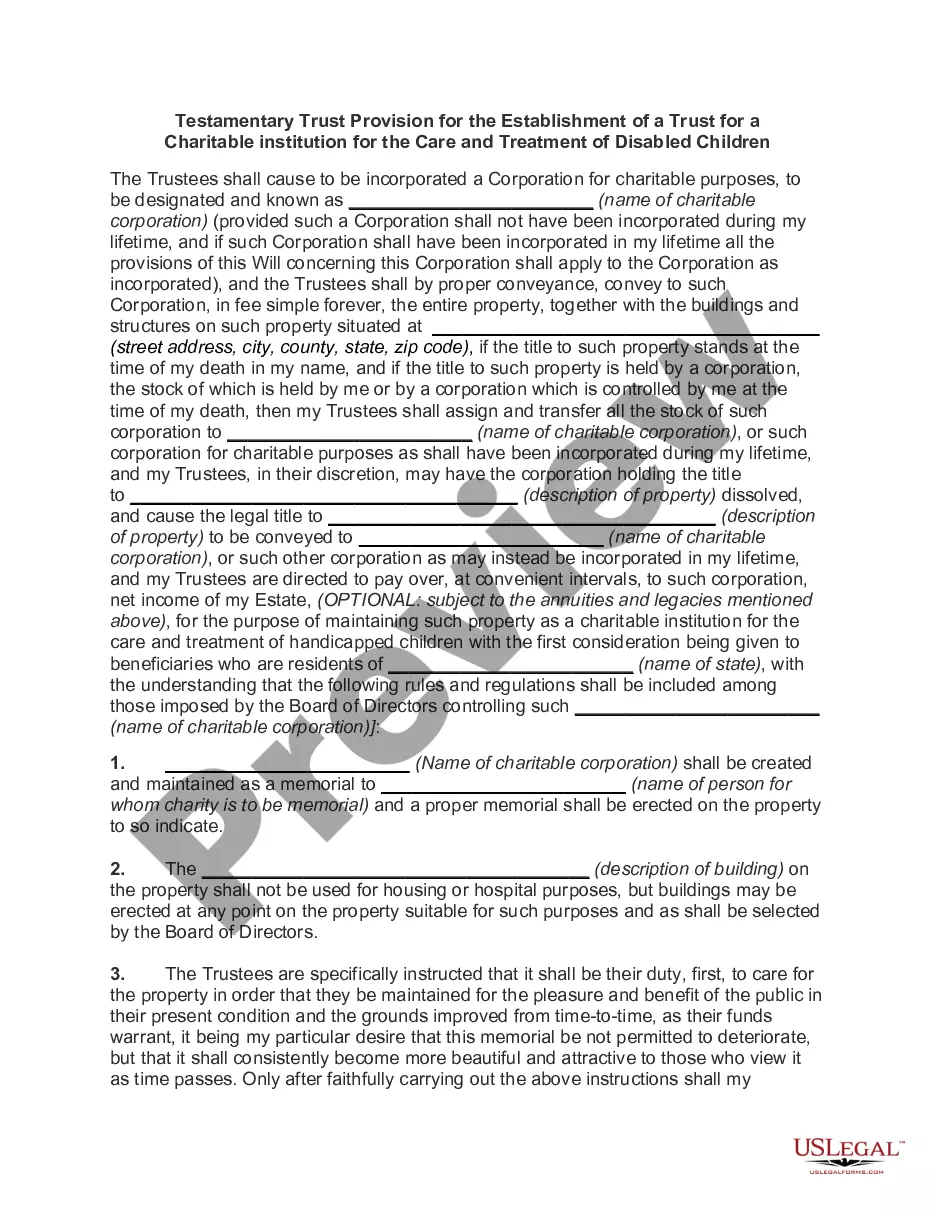
For instance, if you choose an incorrect version of the Special Needs Trust Taxation With An Annuity, it will be declined once you submit it. Thus, it is essential to have a reliable source of legal documents like US Legal Forms.
With an extensive catalog of US Legal Forms available, you won’t need to waste time searching for the correct template across the web. Utilize the library’s user-friendly navigation to discover the proper template for any circumstance.
- Locate the template you require by using the search bar or browsing the catalog.
- Review the form’s details to ensure it corresponds with your case, jurisdiction, and region.
- Click on the preview of the form to examine it.
- If it is not the correct form, return to the search option to find the Special Needs Trust Taxation With An Annuity template you need.
- Obtain the document if it satisfies your requirements.
- If you currently possess a US Legal Forms account, click Log in to retrieve previously saved documents in My documents.
- If you do not yet have an account, you can acquire the form by clicking Buy now.
- Choose the suitable pricing option.
- Complete the registration form for your profile.
- Select your payment method: utilize a credit card or a PayPal account.
- Pick the file format you prefer and download the Special Needs Trust Taxation With An Annuity.
- Once downloaded, you can fill out the form using editing software or print it and fill it out by hand.
Form popularity
FAQ
The first step is to file a form called the Amendment with the Secretary of State and wait for it to be approved. This is how you officially change your LLC name in Mississippi. The filing fee for the Amendment in Mississippi is $50.
File a Mississippi LLC Certificate of Amendment To file a Mississippi LLC Certificate of Amendment to change your business name, you'll need to sign in through the Mississippi online business portal. From there, you'll be able to file online or print out your amendment and mail it.
A Mississippi registered agent is the designated agent for service of process. This means that Mississippi corporations and LLC's must appoint a registered agent who agrees to accept official documents and legal notices on behalf of the business. The registered agent must have a physical address in Mississippi.
And the Registered Agent for your LLC in Mississippi must have a physical street address in Mississippi. PO Box addresses aren't allowed. ??Note: Most states use the term ?Registered Agent?, but some use the terms ?Resident Agent? or ?Statutory Agent?.
A Trust Fund is a legal entity that contains assets or property on behalf of a person or organization. Trust Funds are managed by a Trustee, who is named when the Trust is created. Trust Funds can contain money, bank accounts, property, stocks, businesses, heirlooms, and any other investment types.
A trust is not a separate taxable entity, but the trustee must lodge a tax return for the trust. Generally, the beneficiaries of the trust declare the amount of their entitlement to the trust's income in their own tax return. Then they pay tax on it, even if they didn't actually receive the income.
Trusts are able to own annuities and receive tax deferral on any gains as long as the trust is acting as an agent of a natural person. Therefore, all trust beneficiaries need to be actual living people.
The grantor is the person who creates a trust, and the beneficiaries are the persons identified in the trust to receive the assets. The assets in the trust are supplied by the grantor. The associated property and funds are transitioned into the ownership of the trust.