Special Needs Trust For Medicaid
Description
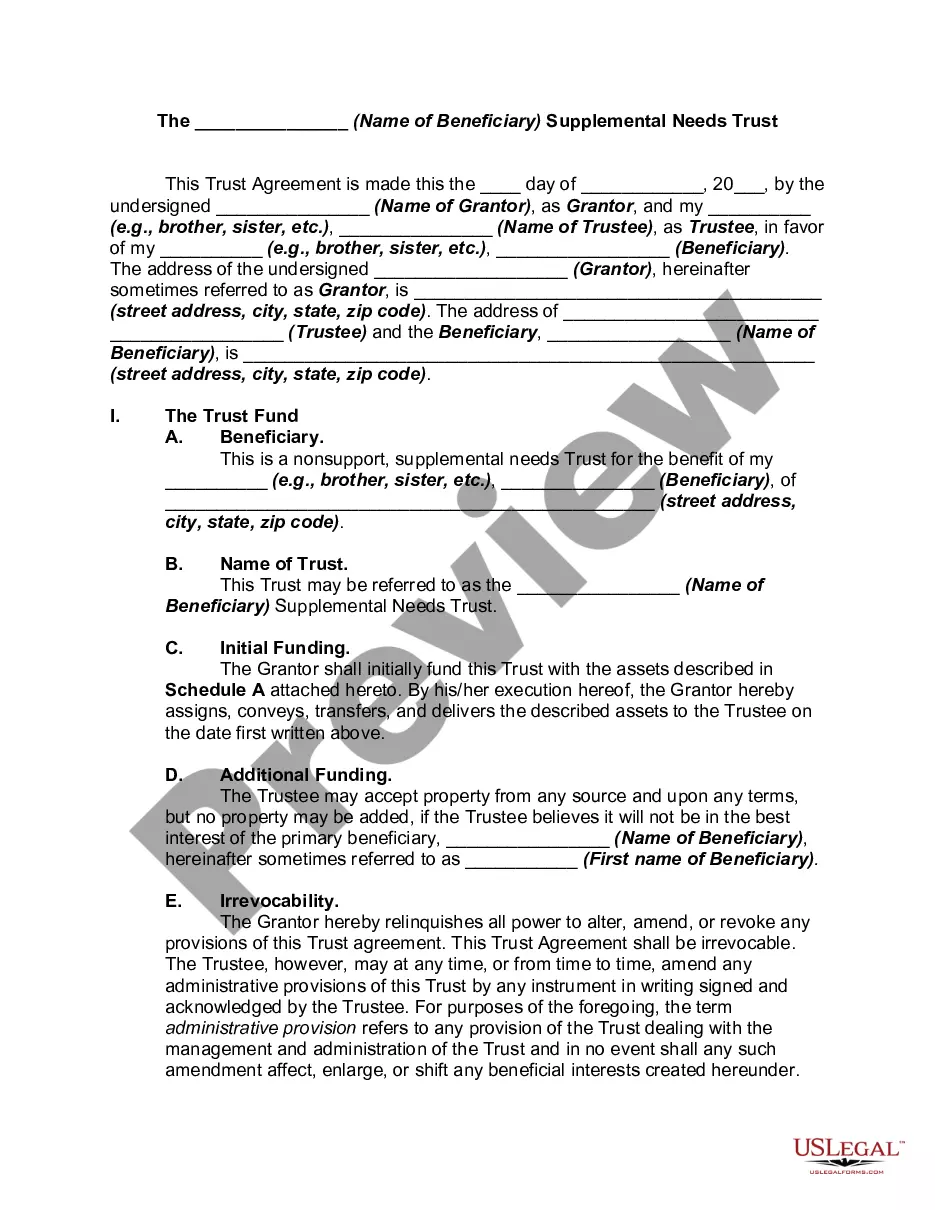
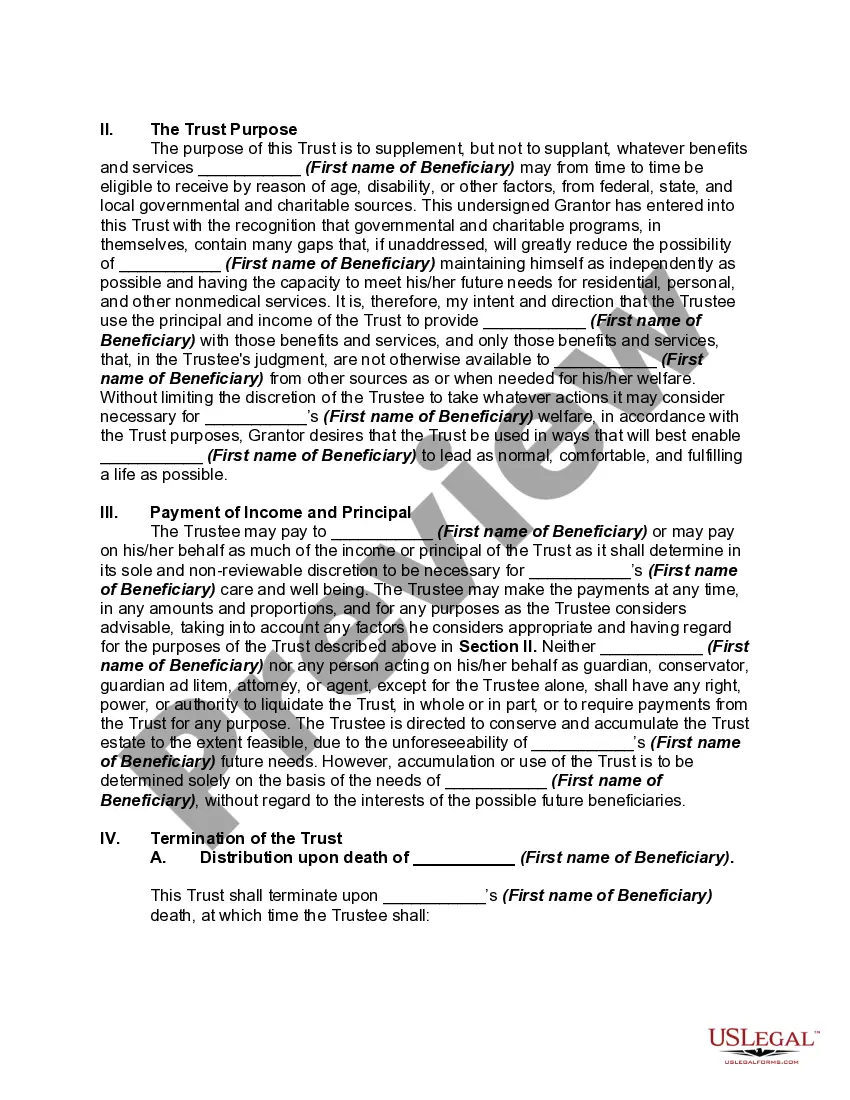
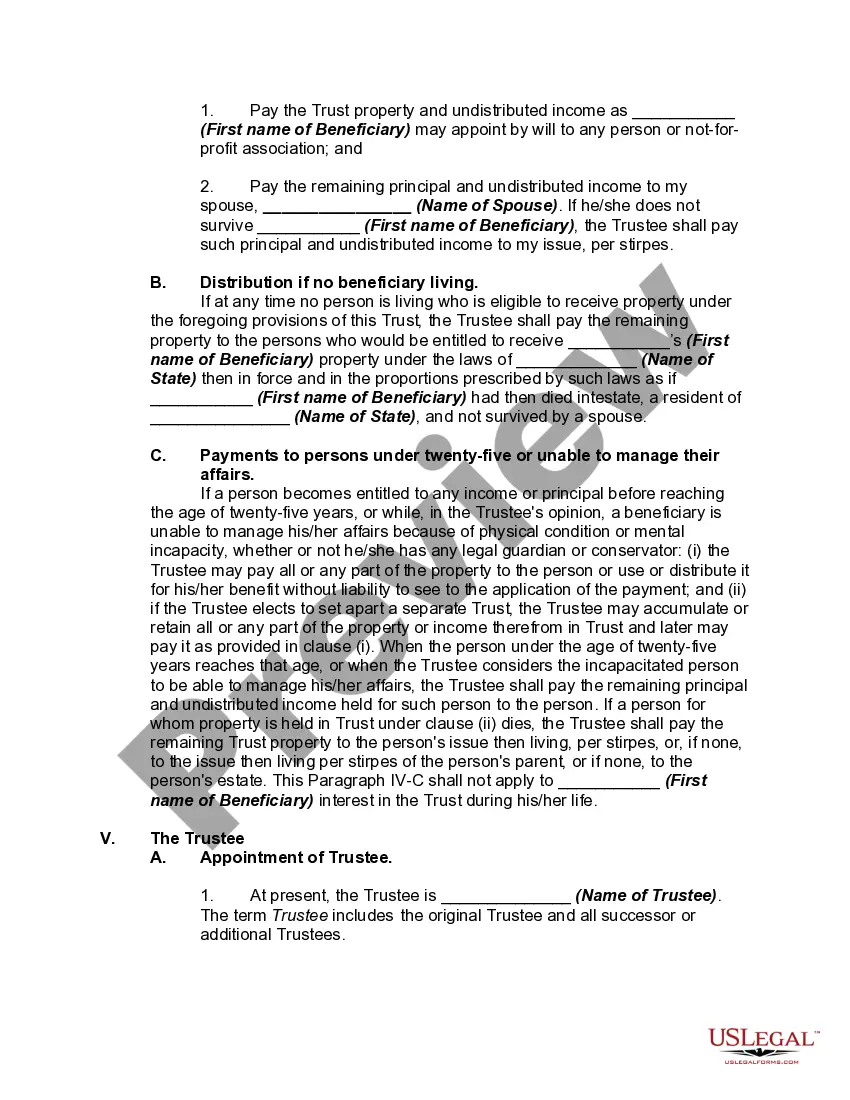
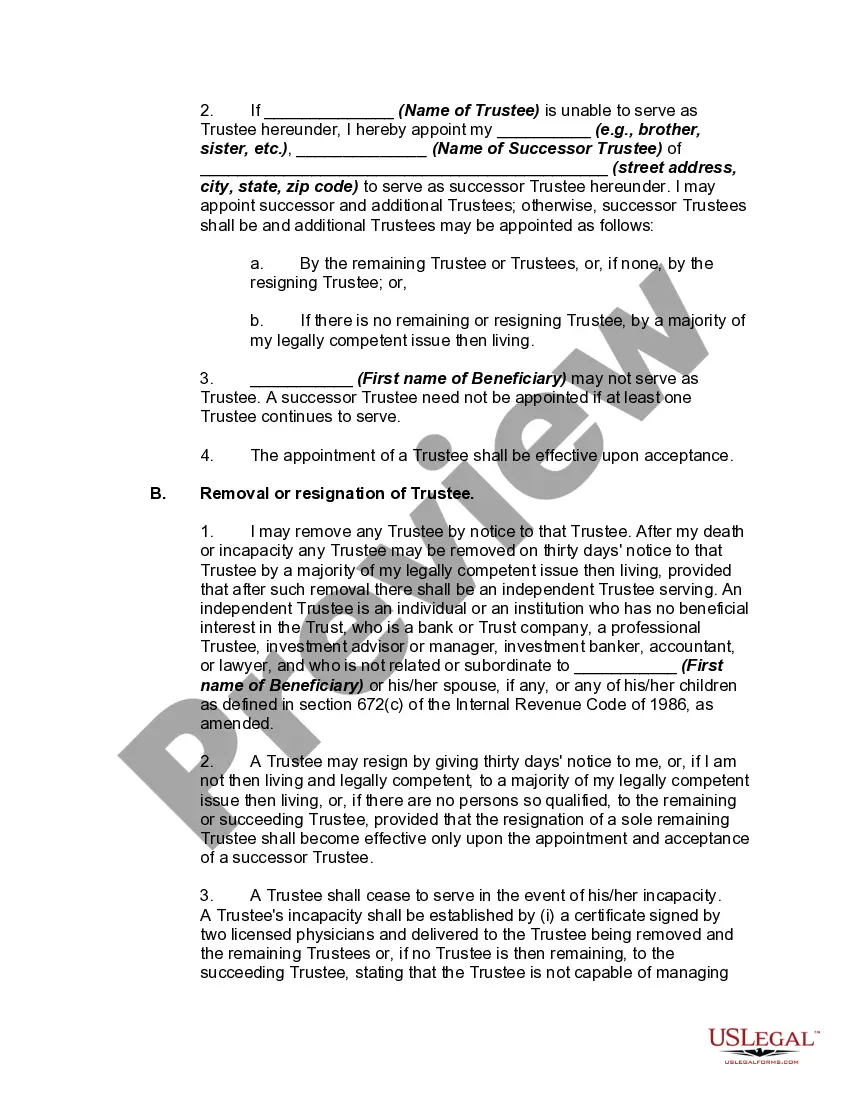
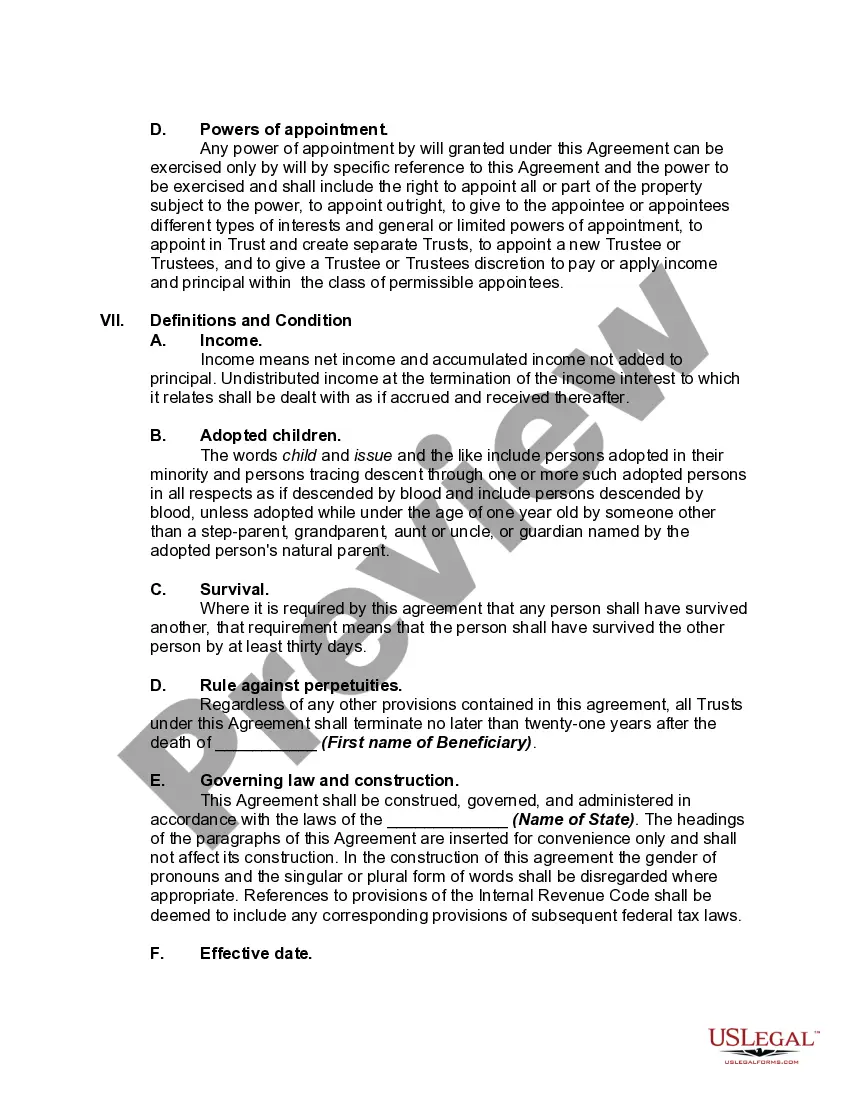



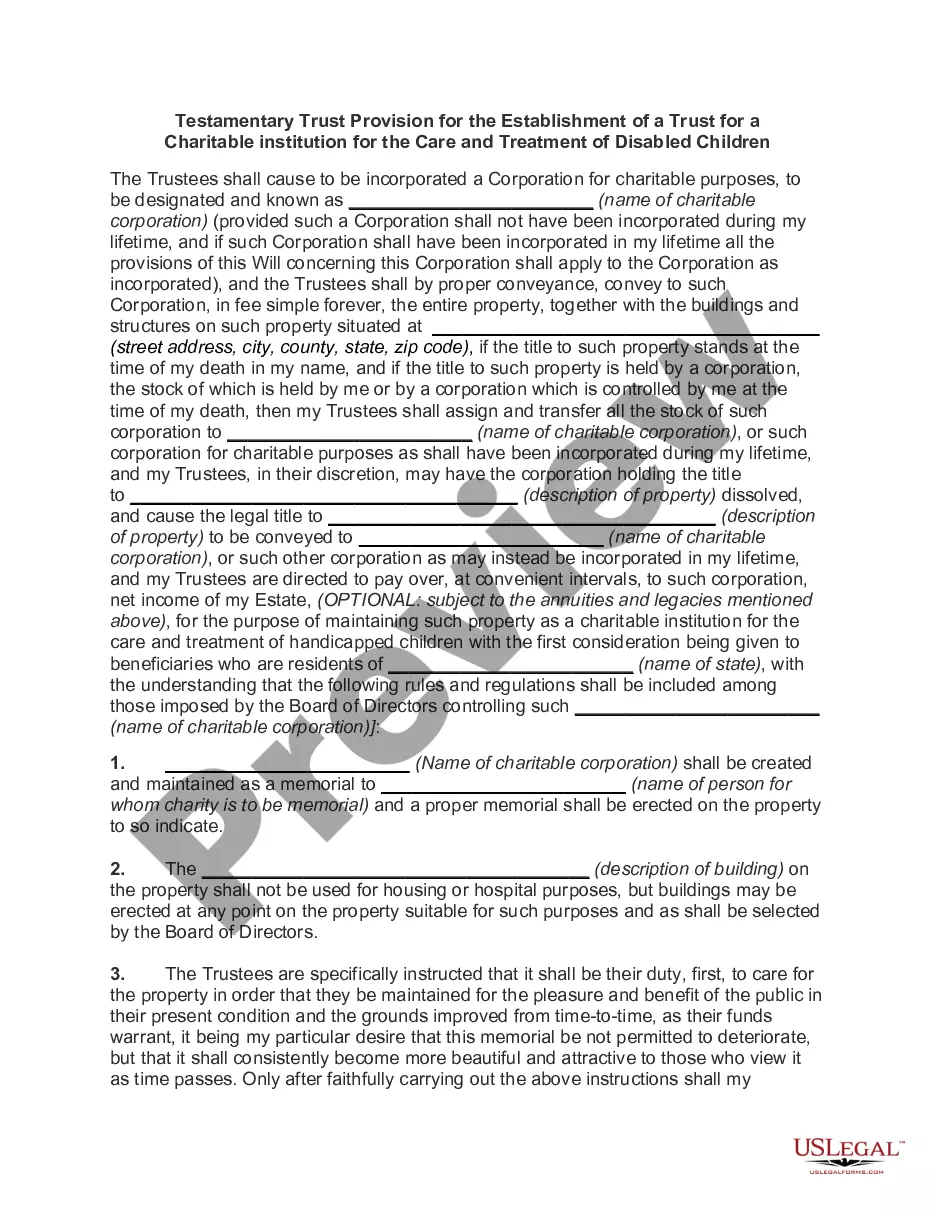
Get your form ready online
Our built-in tools help you complete, sign, share, and store your documents in one place.
Make edits, fill in missing information, and update formatting in US Legal Forms—just like you would in MS Word.
Download a copy, print it, send it by email, or mail it via USPS—whatever works best for your next step.
Sign and collect signatures with our SignNow integration. Send to multiple recipients, set reminders, and more. Go Premium to unlock E-Sign.
If this form requires notarization, complete it online through a secure video call—no need to meet a notary in person or wait for an appointment.
We protect your documents and personal data by following strict security and privacy standards.

Make edits, fill in missing information, and update formatting in US Legal Forms—just like you would in MS Word.

Download a copy, print it, send it by email, or mail it via USPS—whatever works best for your next step.

Sign and collect signatures with our SignNow integration. Send to multiple recipients, set reminders, and more. Go Premium to unlock E-Sign.

If this form requires notarization, complete it online through a secure video call—no need to meet a notary in person or wait for an appointment.

We protect your documents and personal data by following strict security and privacy standards.
Looking for another form?







How to fill out Supplemental Needs Trust For Third Party - Disabled Beneficiary?
Creating legal documents from the ground up can occasionally be overwhelming.
Certain situations may require extensive investigation and significant financial investment.
If you’re seeking a more straightforward and economical method of generating Special Needs Trust For Medicaid or any other documentation without unnecessary complications, US Legal Forms is always available to assist.
Our online collection of over 85,000 current legal forms encompasses nearly every area of your financial, legal, and personal affairs.
Review the document preview and descriptions to ensure you have the correct form. Verify that the template you choose meets the criteria of your state and county. Select the appropriate subscription option to purchase the Special Needs Trust For Medicaid. Download the document, then complete, sign, and print it out. US Legal Forms has an impeccable reputation and over 25 years of expertise. Join us today and turn form completion into a simple and efficient process!
- With just a few clicks, you can quickly access state- and county-compliant templates meticulously crafted for you by our legal professionals.
- Utilize our website whenever you require a dependable and trustworthy service through which you can effortlessly locate and obtain the Special Needs Trust For Medicaid.
- If you’re a returning user and have already created an account with us, simply Log In to your account, find the template, and download it or re-download it anytime in the My documents section.
- Not yet registered? No problem. Setting up your account and exploring the library takes just a few minutes.
- However, before you proceed to download the Special Needs Trust For Medicaid, keep these tips in mind.
Form popularity
FAQ
Different names for first-party special needs trusts you may hear include: Payback special needs trust. Litigation special needs trust. Miller trust. (d)(4)(A) SNT. (d)(4)(C) SNT.
What are the main benefits of an SDT? The asset value limit of $781,250 (indexed annually on 1 July) and income from the trust may be disregarded for the purposes of the principal beneficiary's income support payment. Assets above that limit are added to the assessable assets of the principal beneficiary.
Cons of Special Needs Trusts The trust must be maintained, and yearly management costs can be high. Depending on who manages the fund, there may be a minimum amount required to set up the trust. It may be financially difficult for the settlor to actually establish the trust, depending upon their circumstances.
A qualified disability trust (QDisT) is a type of trust that qualifies for tax exemptions and applies to most trusts set up for someone with special needs. Normally, you must pay income tax on the income you receive from trusts, and that requirement formerly included special needs trusts.
Typically, a third party special needs trust is set up by the family of the disabled person. The family then gifts money to the trust, rather than the disabled person, so the gifts do not interfere with the disabled persons Supplemental Security Income (SSI), Medicaid, vocational rehabilitation, and subsidized housing.