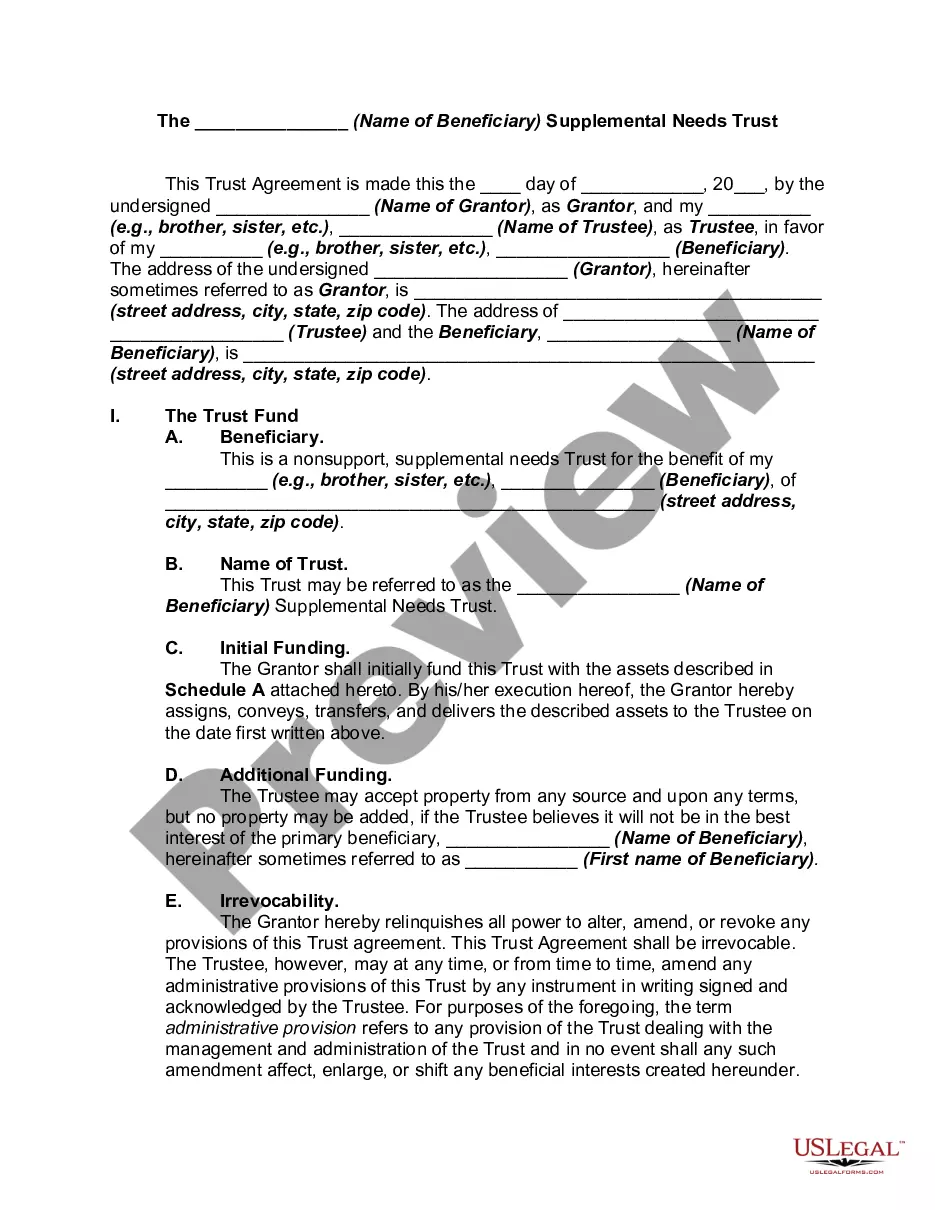
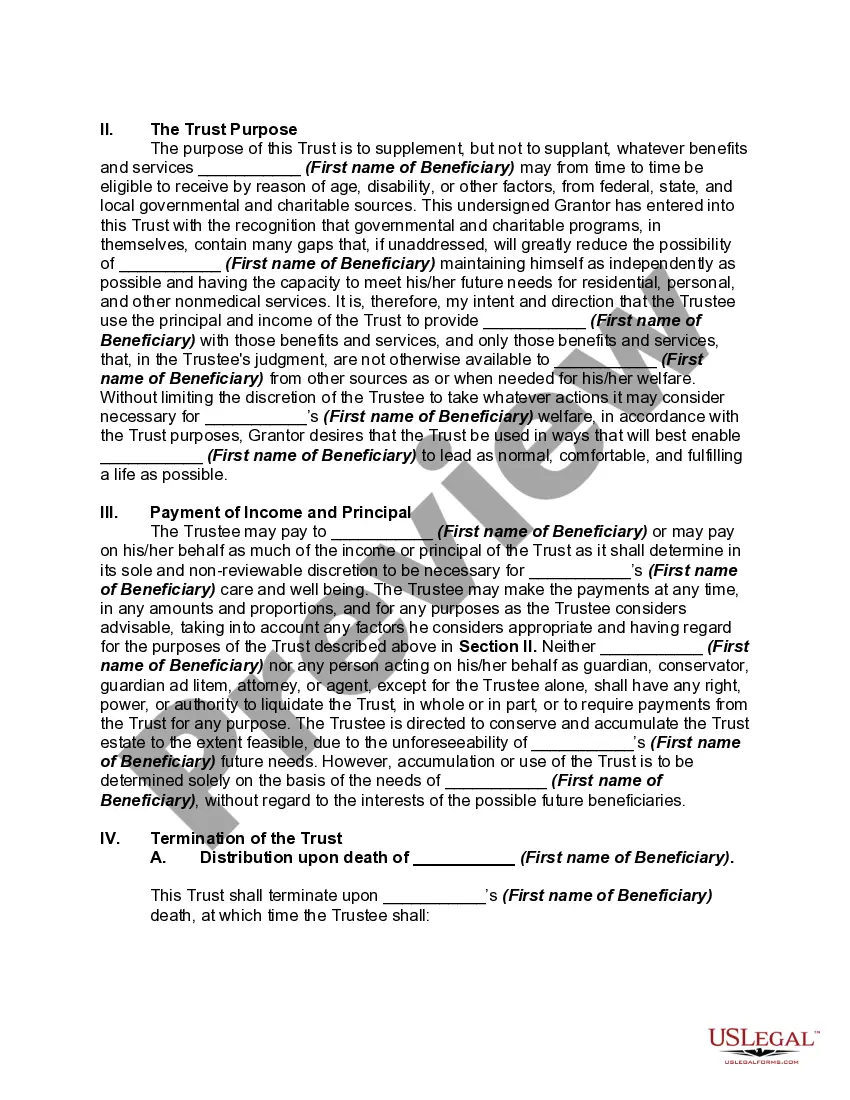
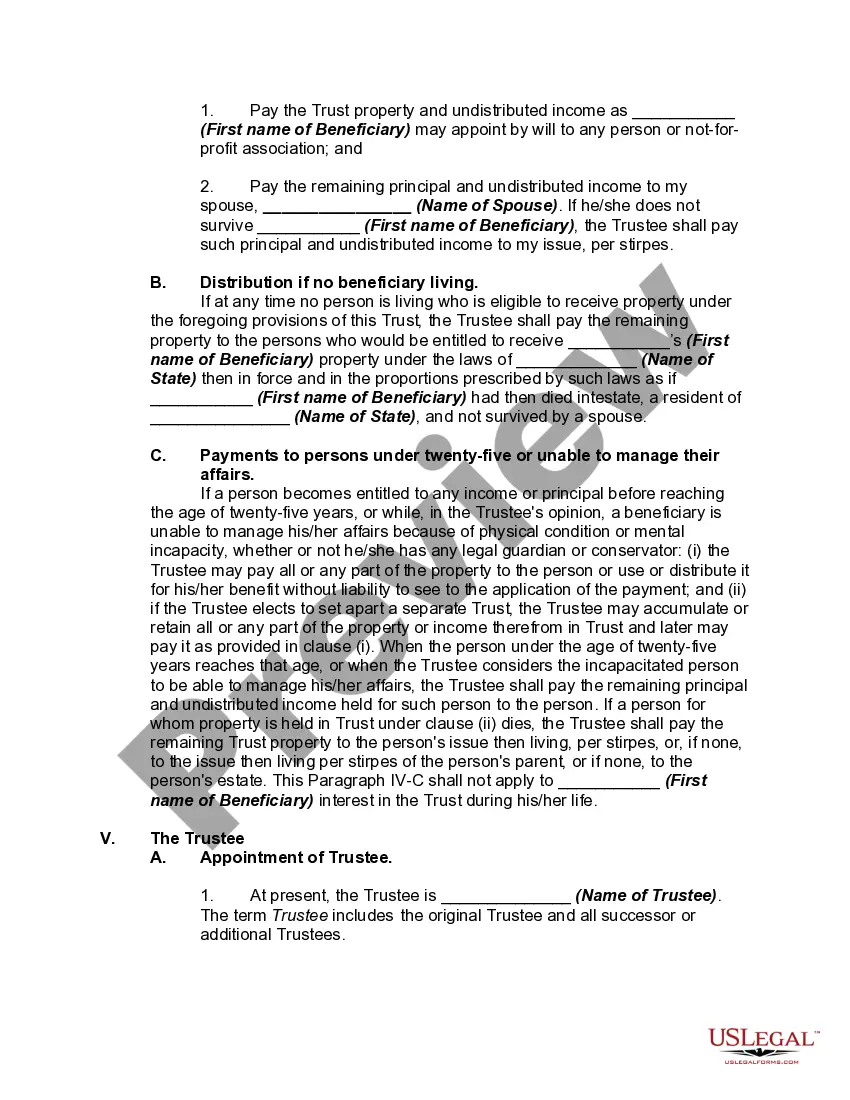
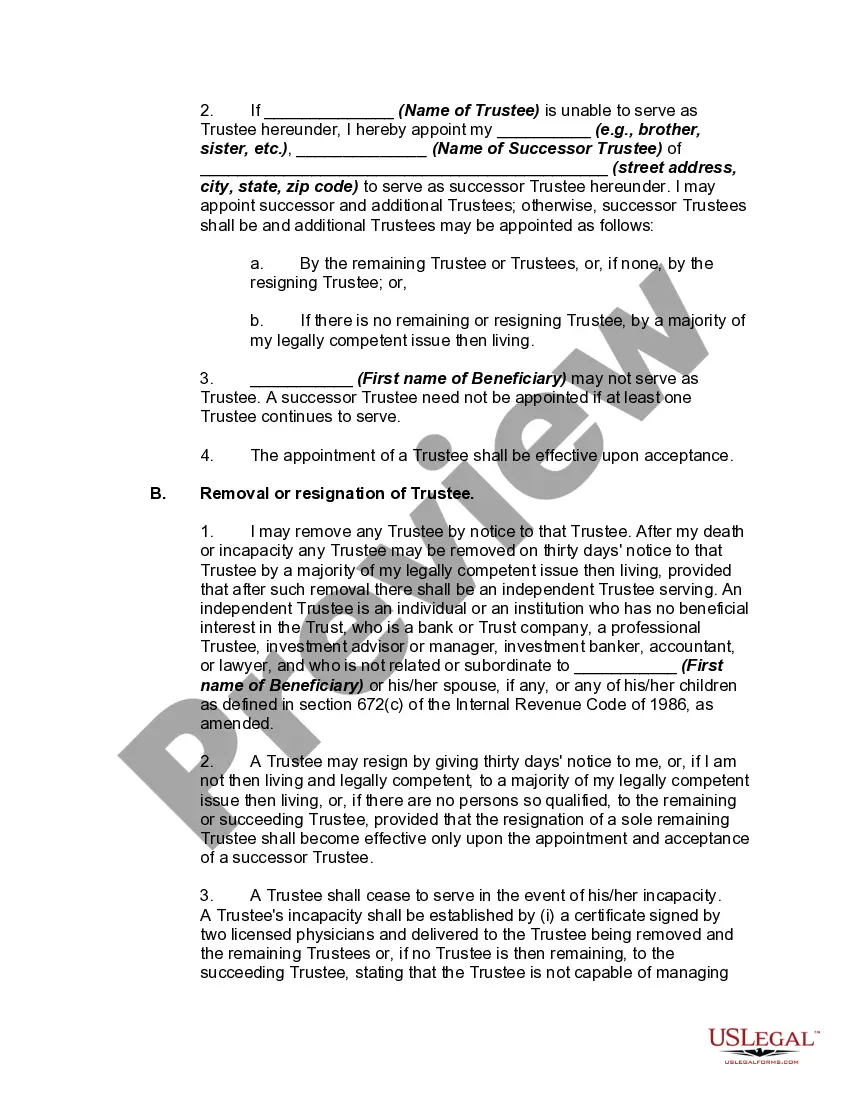
First Party Supplemental Needs Trust With Trust
Description
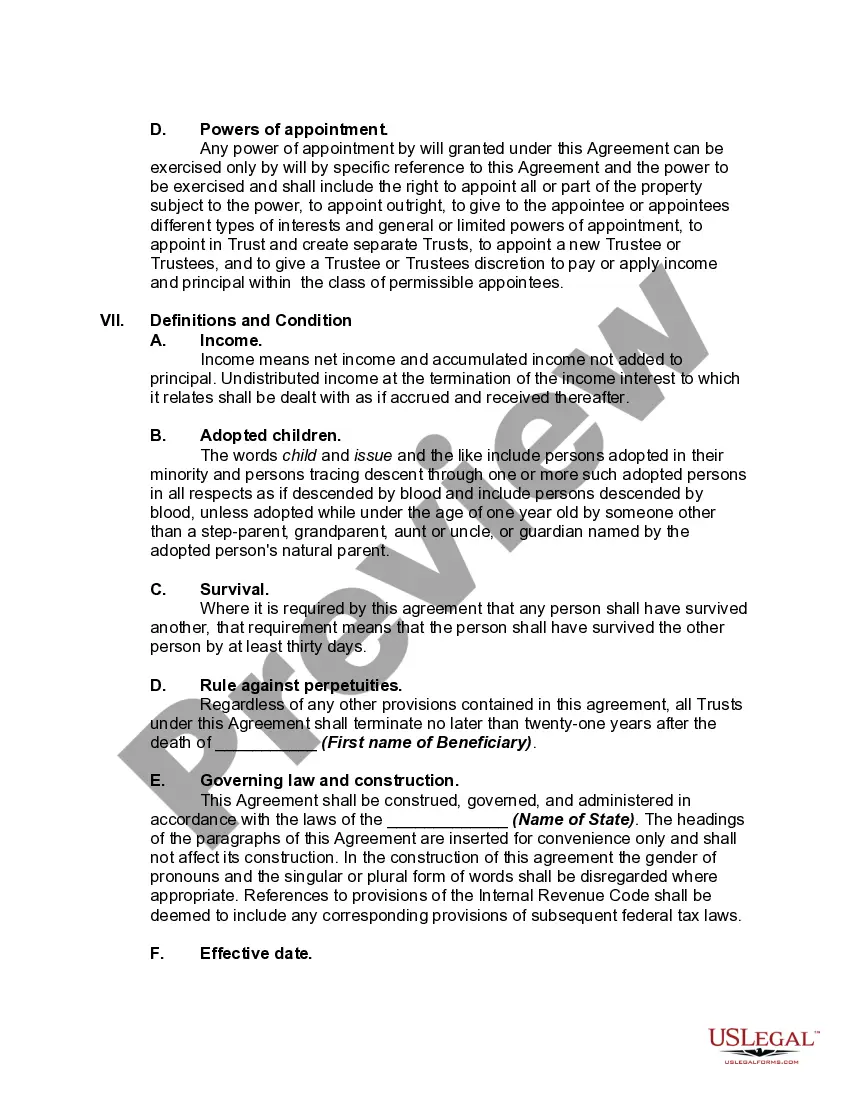
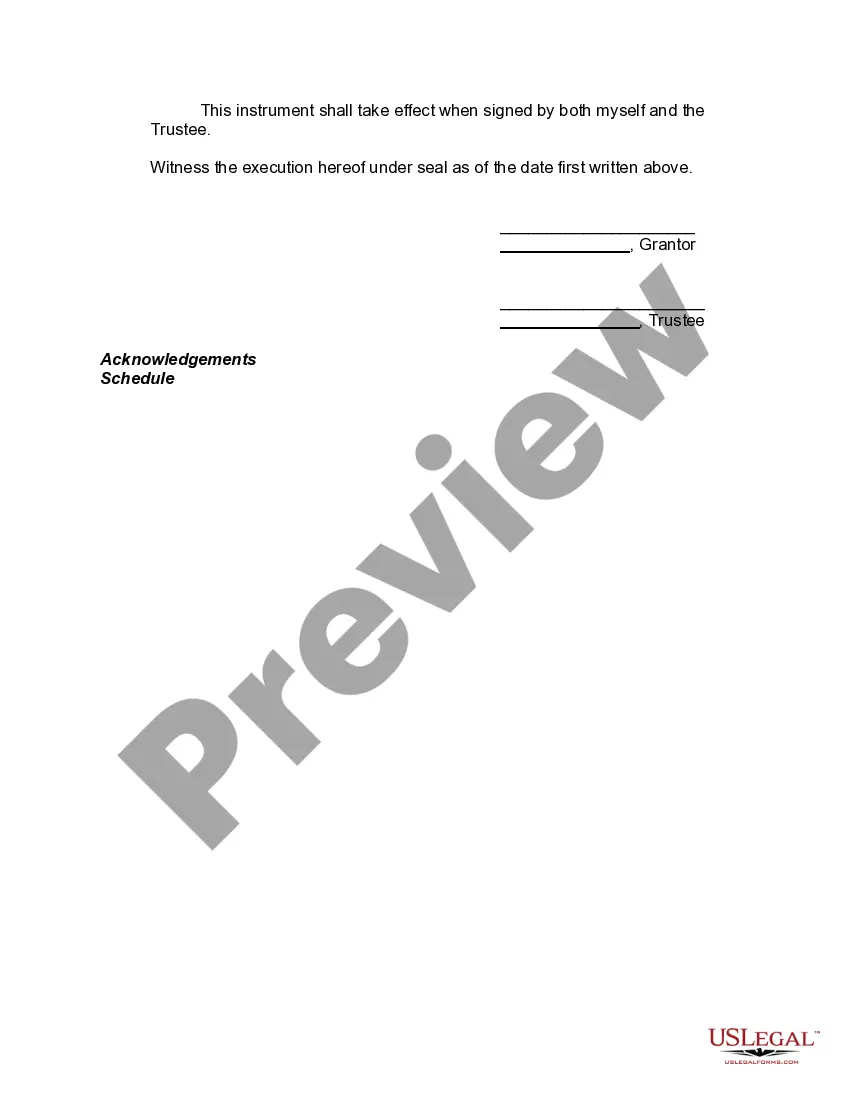

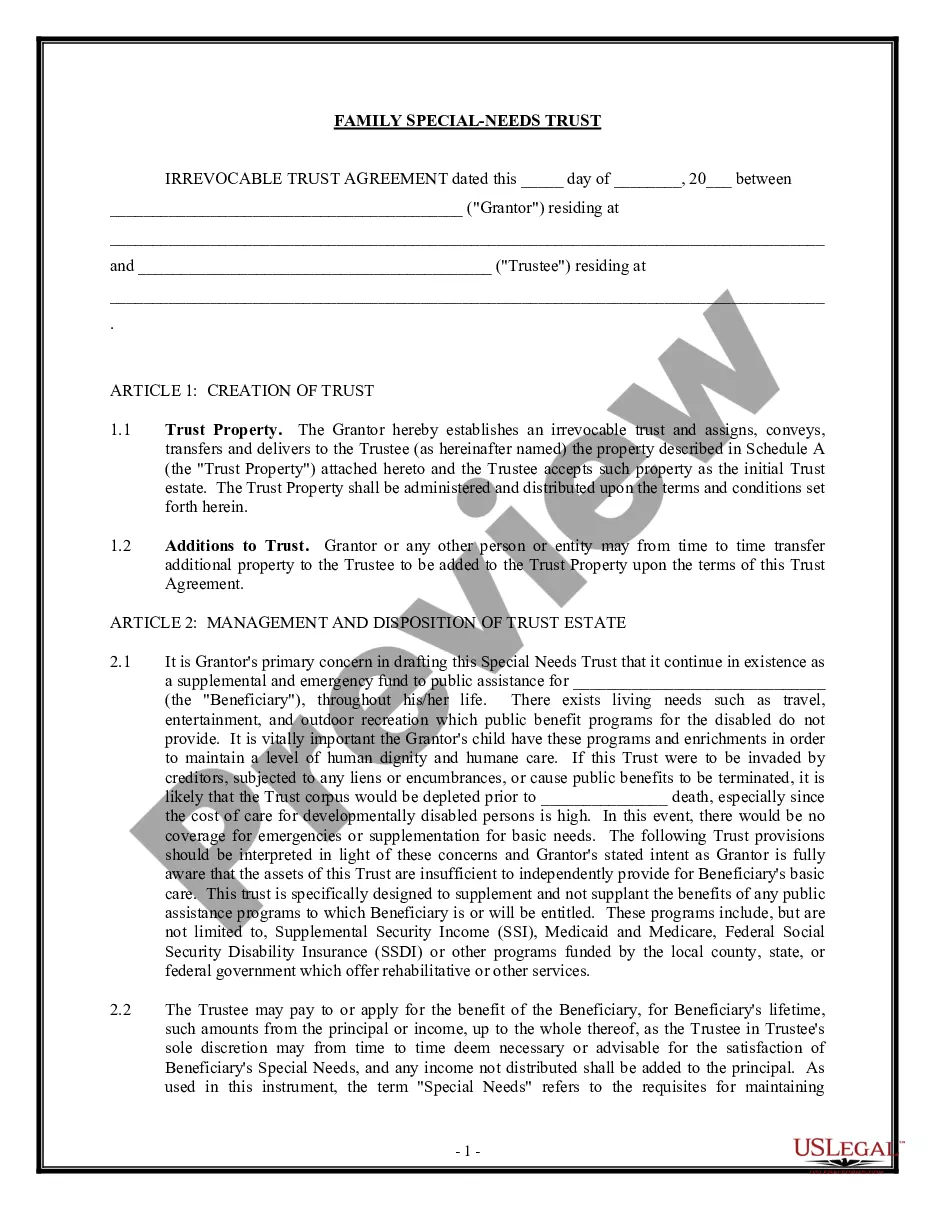
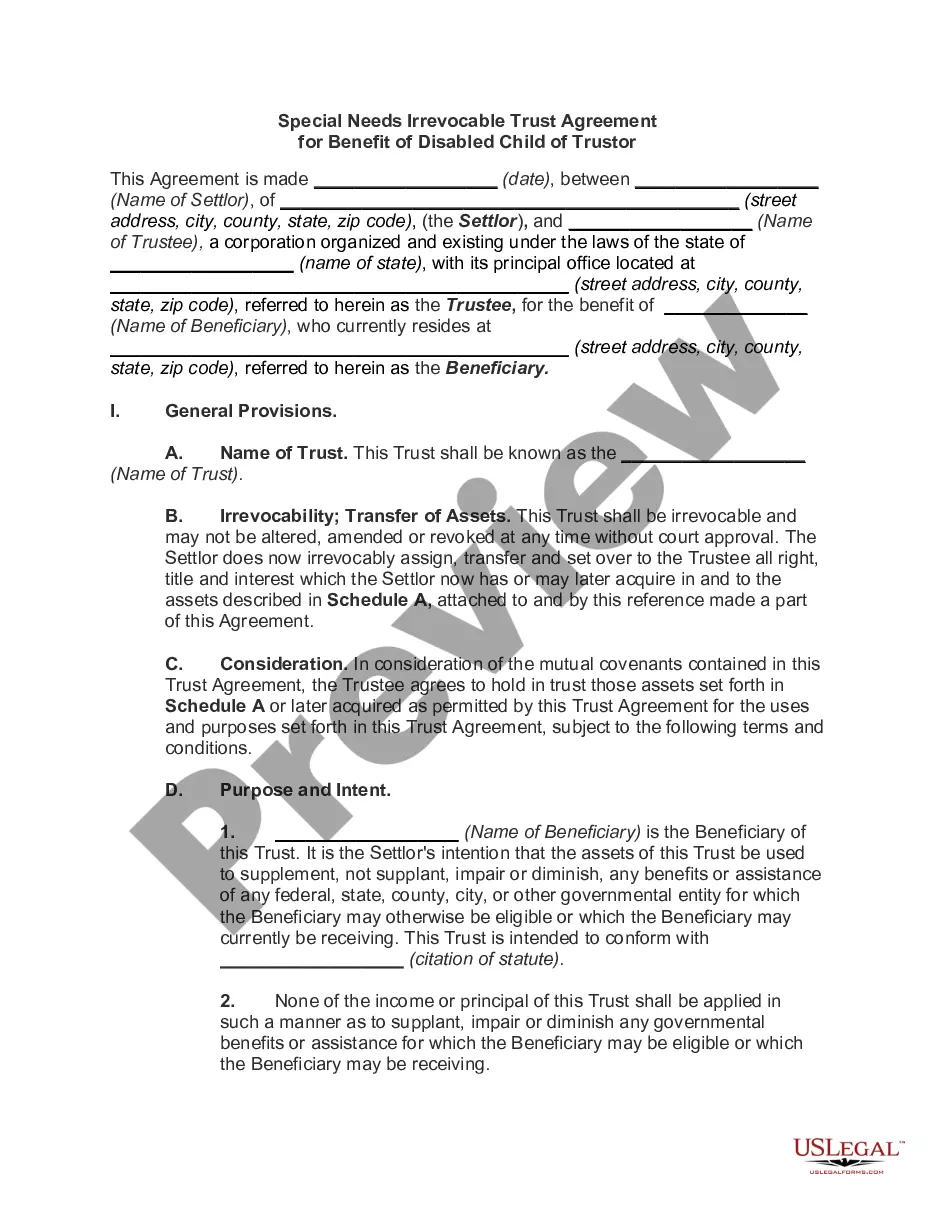
Get your form ready online
Our built-in tools help you complete, sign, share, and store your documents in one place.
Make edits, fill in missing information, and update formatting in US Legal Forms—just like you would in MS Word.
Download a copy, print it, send it by email, or mail it via USPS—whatever works best for your next step.
Sign and collect signatures with our SignNow integration. Send to multiple recipients, set reminders, and more. Go Premium to unlock E-Sign.
If this form requires notarization, complete it online through a secure video call—no need to meet a notary in person or wait for an appointment.
We protect your documents and personal data by following strict security and privacy standards.

Make edits, fill in missing information, and update formatting in US Legal Forms—just like you would in MS Word.

Download a copy, print it, send it by email, or mail it via USPS—whatever works best for your next step.

Sign and collect signatures with our SignNow integration. Send to multiple recipients, set reminders, and more. Go Premium to unlock E-Sign.

If this form requires notarization, complete it online through a secure video call—no need to meet a notary in person or wait for an appointment.

We protect your documents and personal data by following strict security and privacy standards.
Looking for another form?

How to fill out Supplemental Needs Trust For Third Party - Disabled Beneficiary?
Locating a reliable source to obtain the most up-to-date and suitable legal templates is a significant part of navigating bureaucracy.
Identifying the correct legal documents requires accuracy and meticulousness, which is why it’s crucial to source First Party Supplemental Needs Trust With Trust solely from trustworthy providers, such as US Legal Forms. An incorrect template will squander your time and hinder your situation.
Once you have the document on your device, you can modify it using the editor or print it out and complete it by hand. Eliminate the hassle associated with your legal paperwork. Explore the comprehensive US Legal Forms library where you can find legal templates, assess their relevance to your situation, and download them instantly.
- Utilize the catalog browsing or search bar to locate your template.
- Review the document's details to verify if it satisfies the demands of your state and locality.
- Check the document preview, if available, to confirm that the template is indeed what you are seeking.
- If the First Party Supplemental Needs Trust With Trust doesn’t align with your requirements, continue searching for the suitable document.
- If you are certain about the form's applicability, proceed to download it.
- If you are a registered user, click Log in to verify your identity and access your selected templates in My documents.
- If you do not have an account yet, click Buy now to acquire the form.
- Choose the pricing plan that best suits your needs.
- Proceed with the registration to complete your purchase.
- Finalize your transaction by selecting a payment method (credit card or PayPal).
- Choose the document format for downloading First Party Supplemental Needs Trust With Trust.
Form popularity
FAQ
In these circumstances, the Form 1041 is very simple to complete. The trustee will check the box on Form 1041 indicating that the trust is a grantor trust and provide some general information about the trust (name, address, tax identification number, and the date the trust was established).
Using a first party SNT will not affect any benefits a person receives that are not based on an income limitation or resource level. The beneficiary can work with a special needs attorney to set up the trust and appoint someone, called the trustee, to hold the money on his or her half.
A Supplemental Needs Trust (SNT) is a special kind of trust. The SNT allows a person who is certified as disabled to get government benefits, such as Medicaid. Under Medicaid law, a person with a disabil- ity is not eligible for Medicaid if they have too much money or savings (?excess resources?).
Third-party SNTs are generally considered either ?complex trusts? or ?qualified disability trusts? for income tax purposes. The SNT itself is responsible for reporting its own items of income, deduction and credit.
Cons of Special Needs Trusts The trust must be maintained, and yearly management costs can be high. Depending on who manages the fund, there may be a minimum amount required to set up the trust. It may be financially difficult for the settlor to actually establish the trust, depending upon their circumstances.