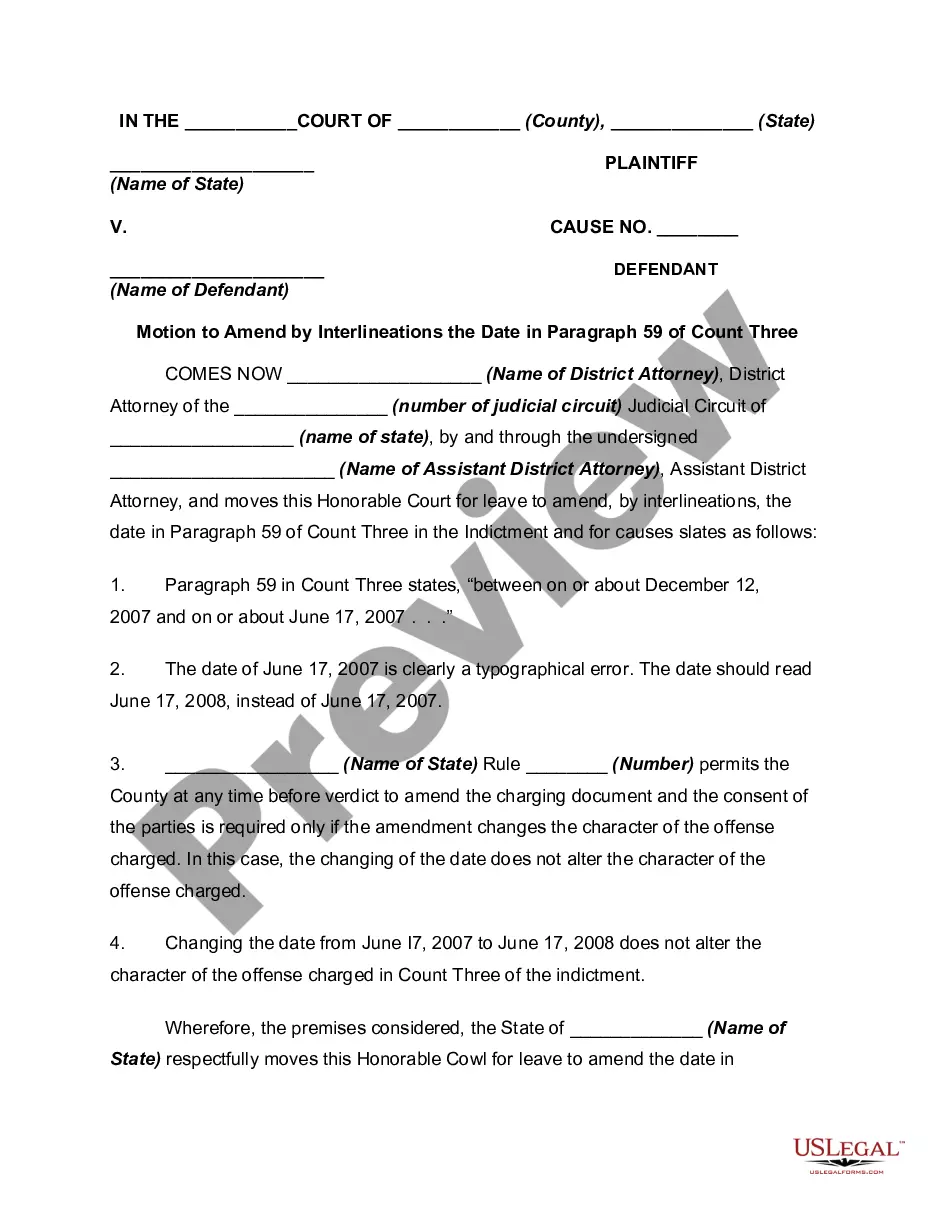
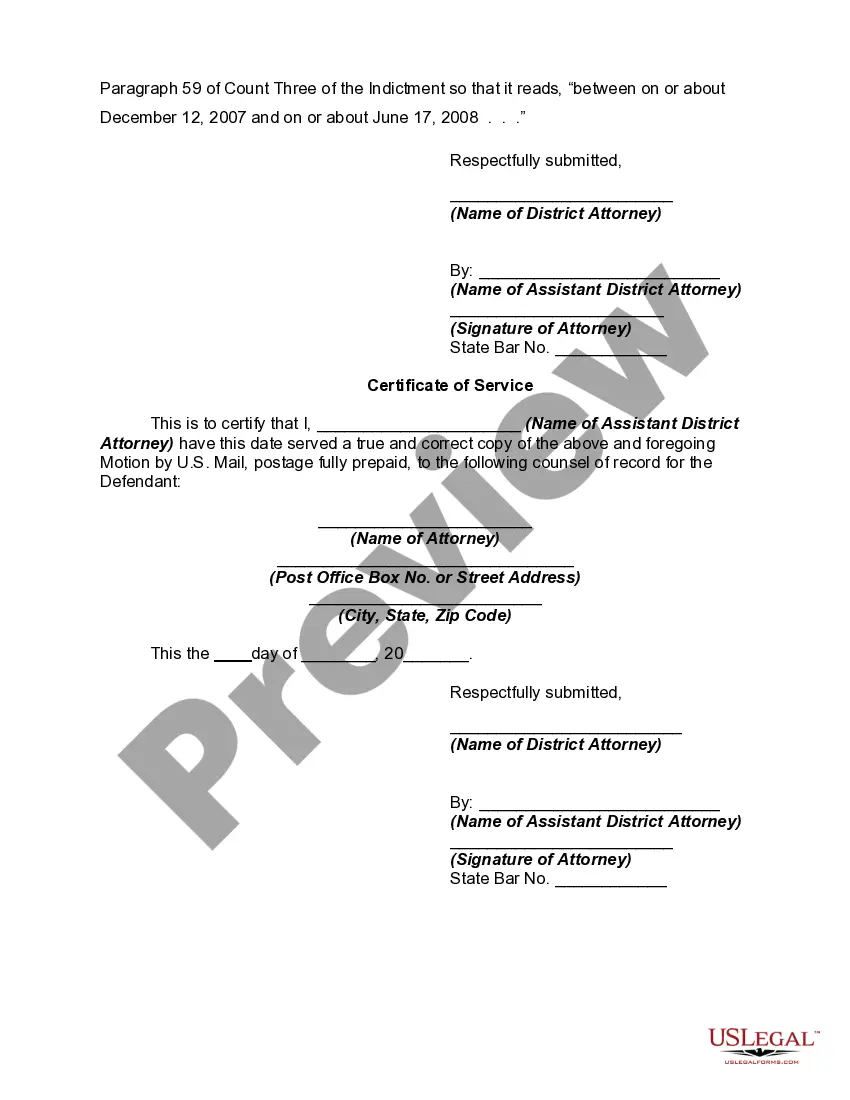
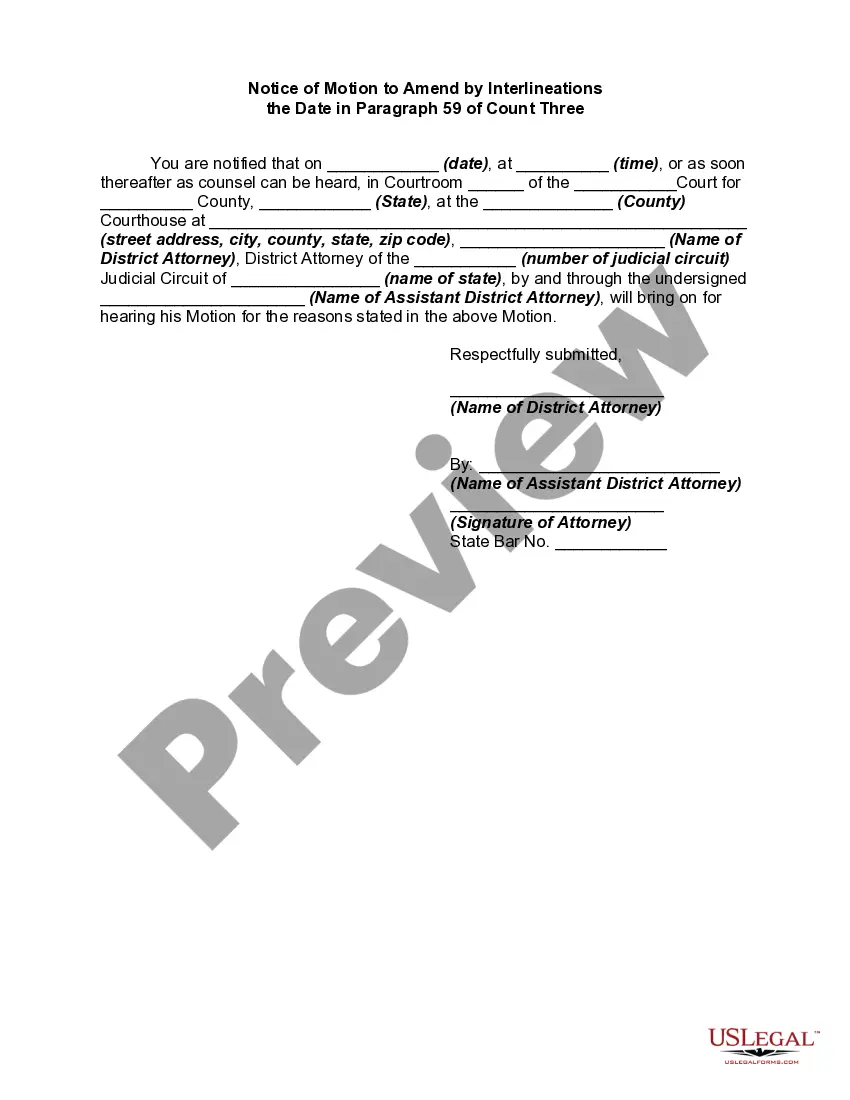
Motion For Interlineation
Description
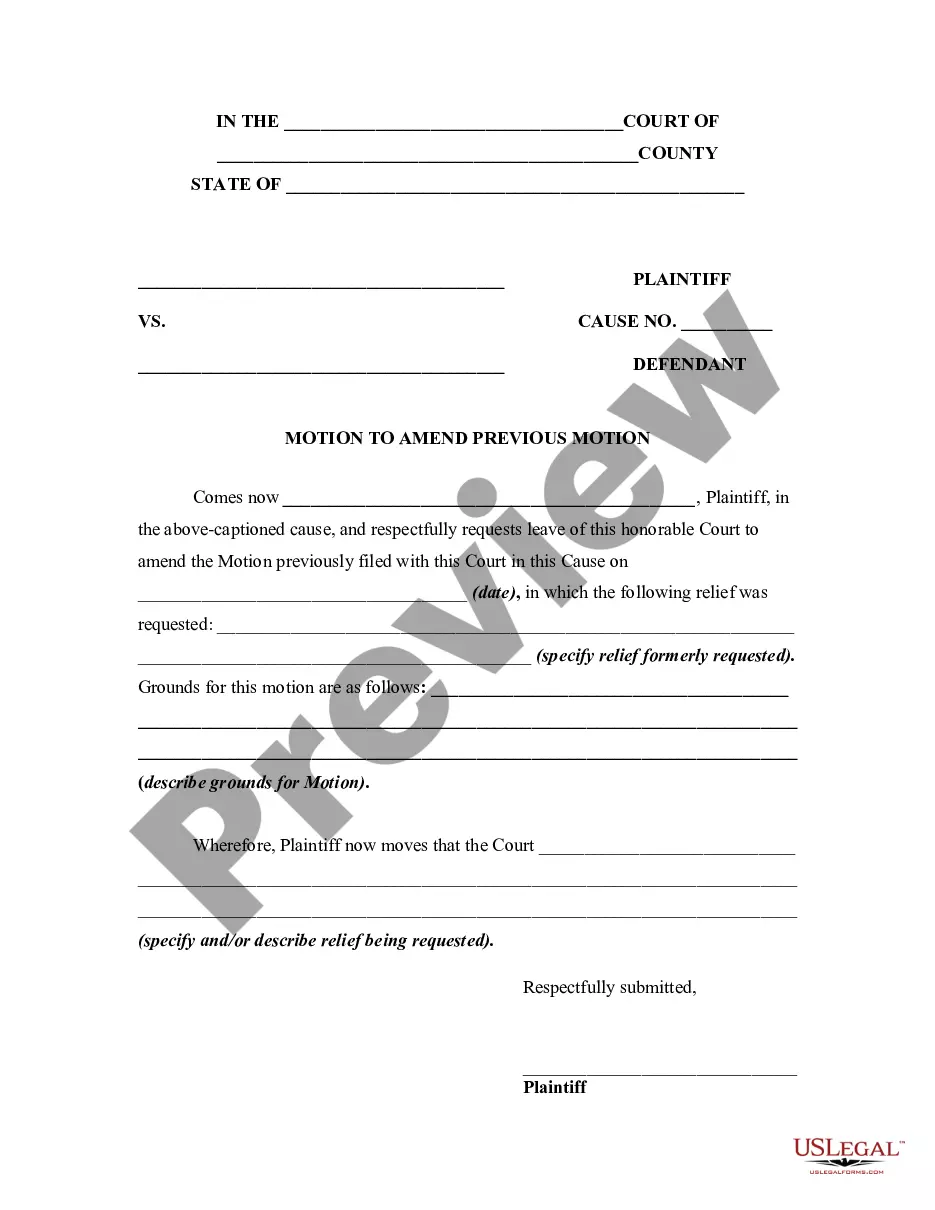
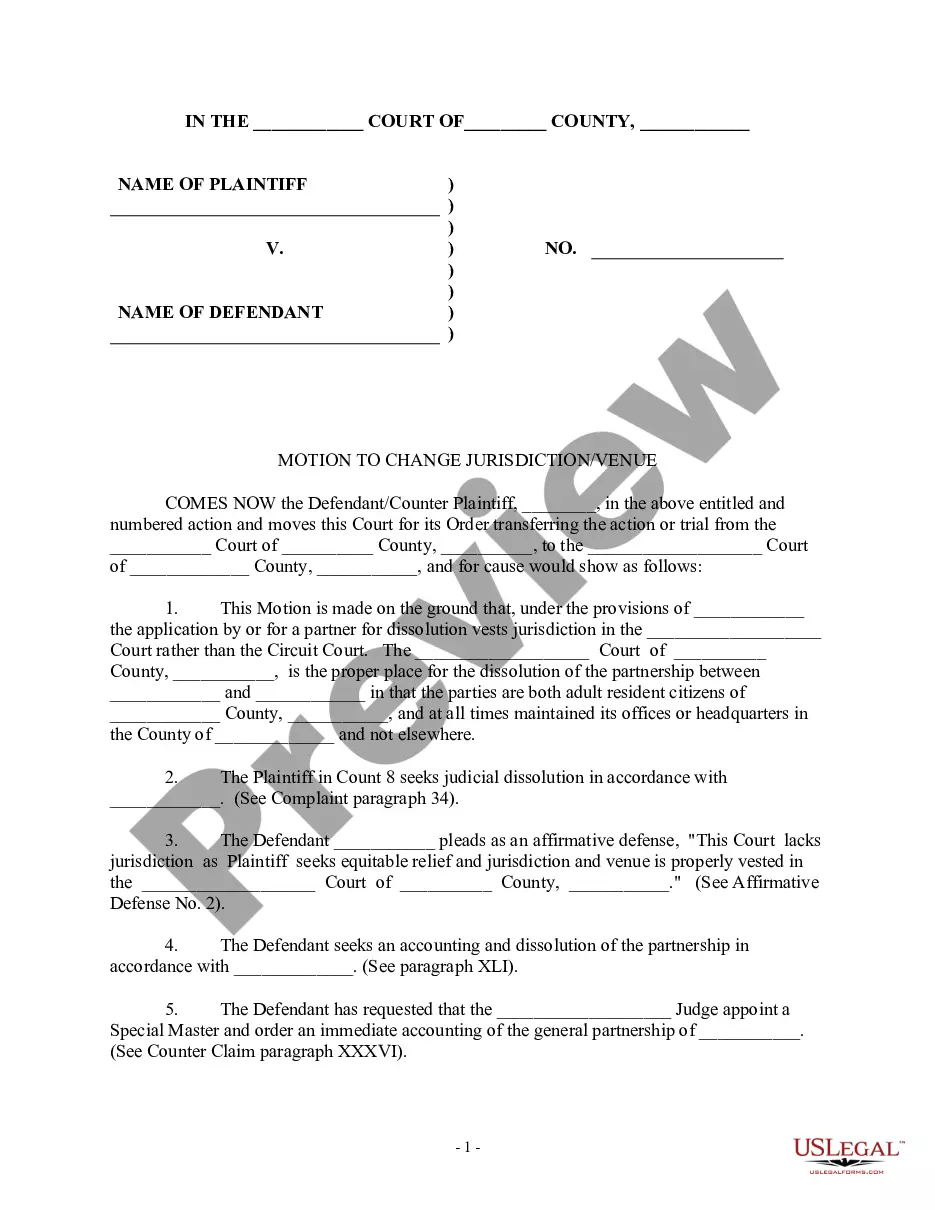
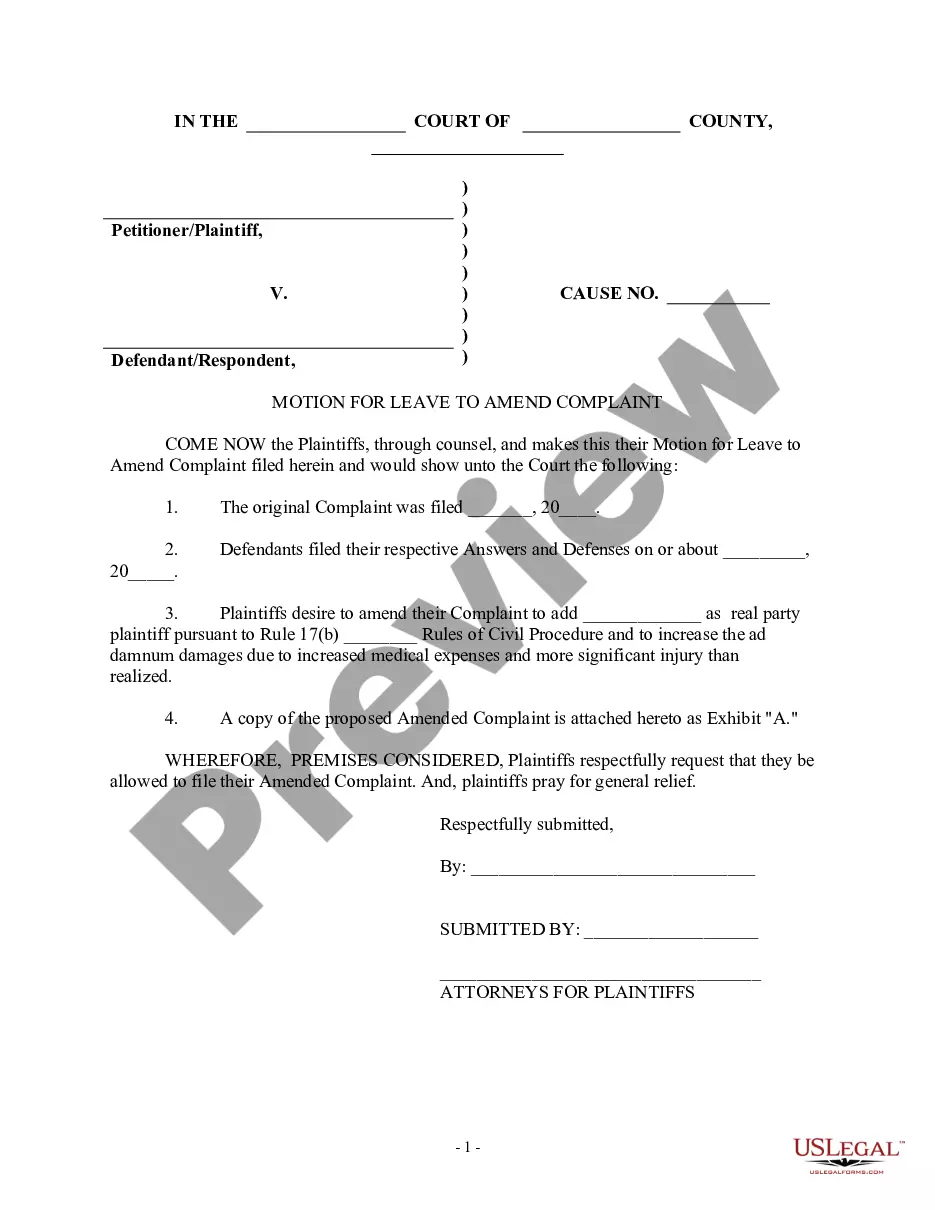
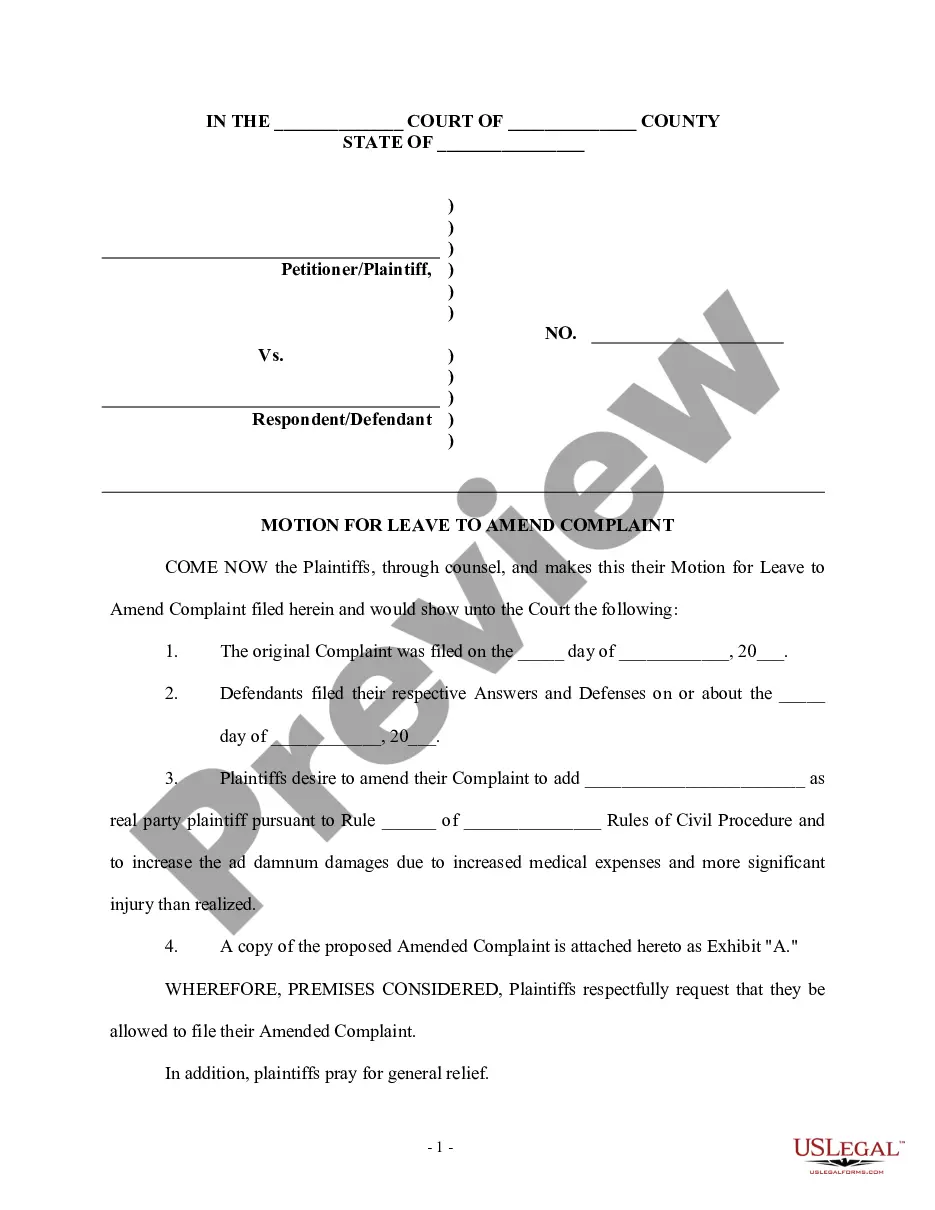
Get your form ready online
Our built-in tools help you complete, sign, share, and store your documents in one place.
Make edits, fill in missing information, and update formatting in US Legal Forms—just like you would in MS Word.
Download a copy, print it, send it by email, or mail it via USPS—whatever works best for your next step.
Sign and collect signatures with our SignNow integration. Send to multiple recipients, set reminders, and more. Go Premium to unlock E-Sign.
If this form requires notarization, complete it online through a secure video call—no need to meet a notary in person or wait for an appointment.
We protect your documents and personal data by following strict security and privacy standards.

Make edits, fill in missing information, and update formatting in US Legal Forms—just like you would in MS Word.

Download a copy, print it, send it by email, or mail it via USPS—whatever works best for your next step.

Sign and collect signatures with our SignNow integration. Send to multiple recipients, set reminders, and more. Go Premium to unlock E-Sign.

If this form requires notarization, complete it online through a secure video call—no need to meet a notary in person or wait for an appointment.

We protect your documents and personal data by following strict security and privacy standards.
Looking for another form?




How to fill out Motion To Amend By Interlineations?
Managing legal documents can be exasperating, even for seasoned professionals.
When searching for a Motion For Interlineation and not having the opportunity to invest time in locating the correct and current version, the processes may be taxing.
US Legal Forms accommodates all your requirements, ranging from personal to corporate documentation, all in one location.
Utilize sophisticated tools to fill out and manage your Motion For Interlineation.
Here are the steps to follow after downloading the form you need: Verify that it is the correct document by previewing it and reviewing its description. Ensure that the template is accepted in your state or county. Click Buy Now when you are ready. Select a subscription option. Obtain the format you require, and Download, complete, sign, print, and submit your documents. Enjoy the US Legal Forms online library, supported by 25 years of expertise and reliability. Transform your daily document management into a simple and user-friendly experience today.
- Access a repository of articles, tutorials, handbooks, and materials pertinent to your situation and needs.
- Save time and effort by searching for the documents you require, and use US Legal Forms’ advanced search and Preview tool to find and download the Motion For Interlineation.
- If you have a membership, Log In to your US Legal Forms account, search for the form, and download it.
- Check your My documents tab to see the documents you have previously downloaded and manage your files as you prefer.
- If it’s your first time with US Legal Forms, create a free account to gain unlimited access to all the benefits of the library.
- An extensive online form directory could be a transformative solution for anyone aiming to navigate these scenarios effectively.
- US Legal Forms stands as a prominent player in online legal documents, offering over 85,000 state-specific legal forms accessible at any time.
- With US Legal Forms, you can access state- or county-specific legal and business documents.
Form popularity
FAQ
Rule 15 of the federal rules of civil procedure allows the plaintiff to amend their complaint one time within 21 days of serving the original complaint or at any point before the defendant answers the complaint.
Rule 15(a)(1) is amended to make three changes in the time allowed to make one amendment as a matter of course. Former Rule 15(a) addressed amendment of a pleading to which a responsive pleading is required by distinguishing between the means used to challenge the pleading.
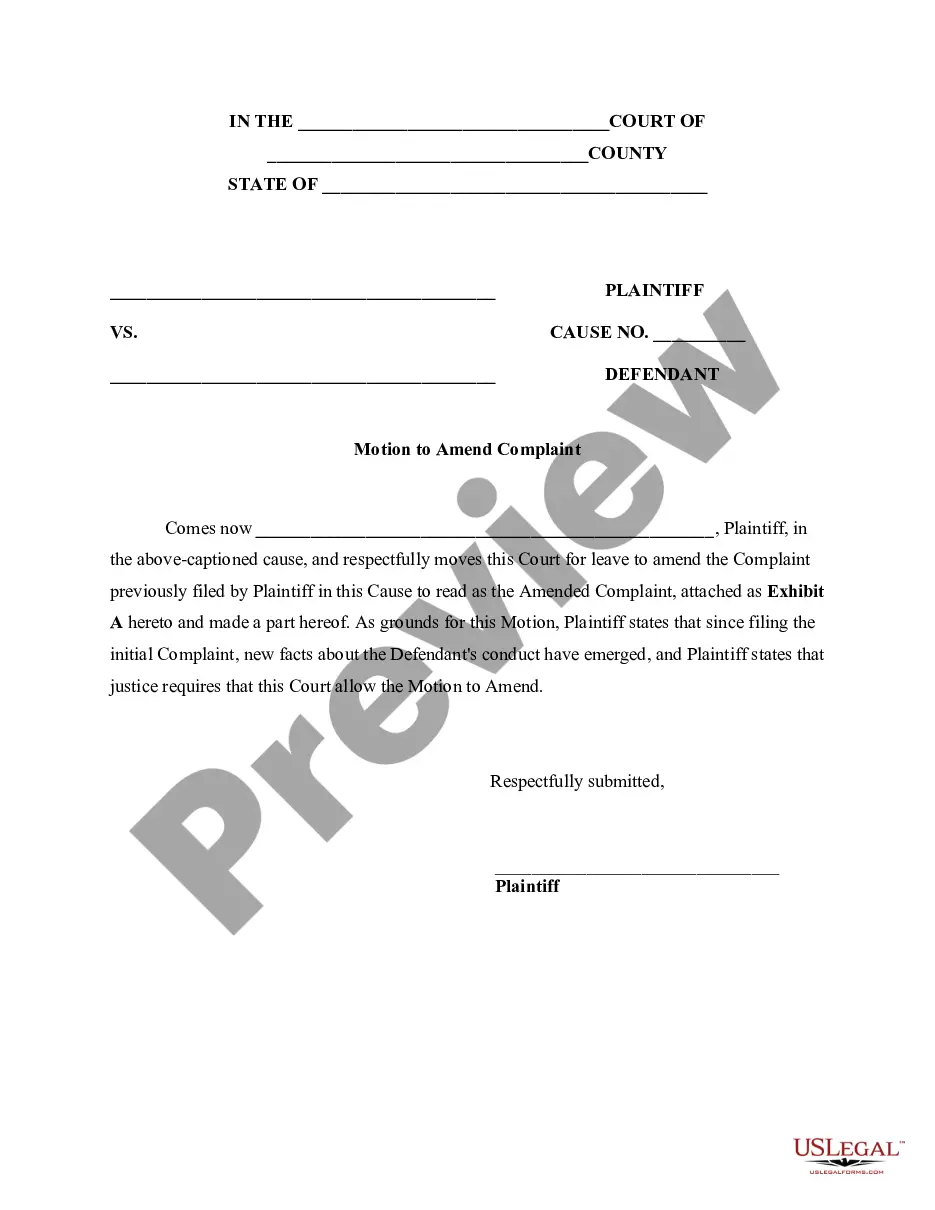
An amended complaint fully replaces the original complaint, so it should include both the content you want to keep from the original and any new content you want to add.
Amended Complaint Select Adversary menu. Select Complaint & Summons. Enter the case number using correct format and ensure case name and number match the document you are filing. Select Document event: Amended Complaint. Select the party filer. ... Select parties that this filing is against (from pick list).
An amended complaint is a written revision of the original complaint filed by a plaintiff or petitioner. Rule 15 of the federal rules of civil procedure allows the plaintiff to amend their complaint one time within 21 days of serving the original complaint or at any point before the defendant answers the complaint.