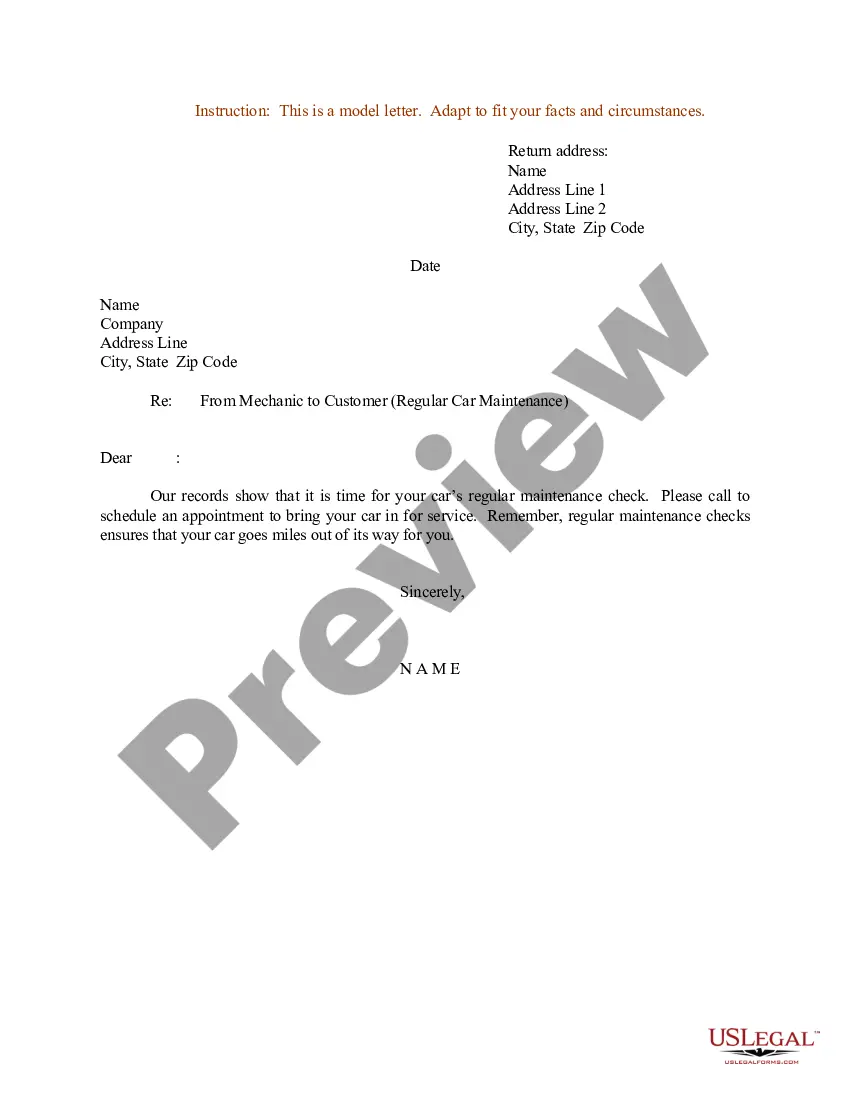
Vehicle Service Request Email For Marriage
Description
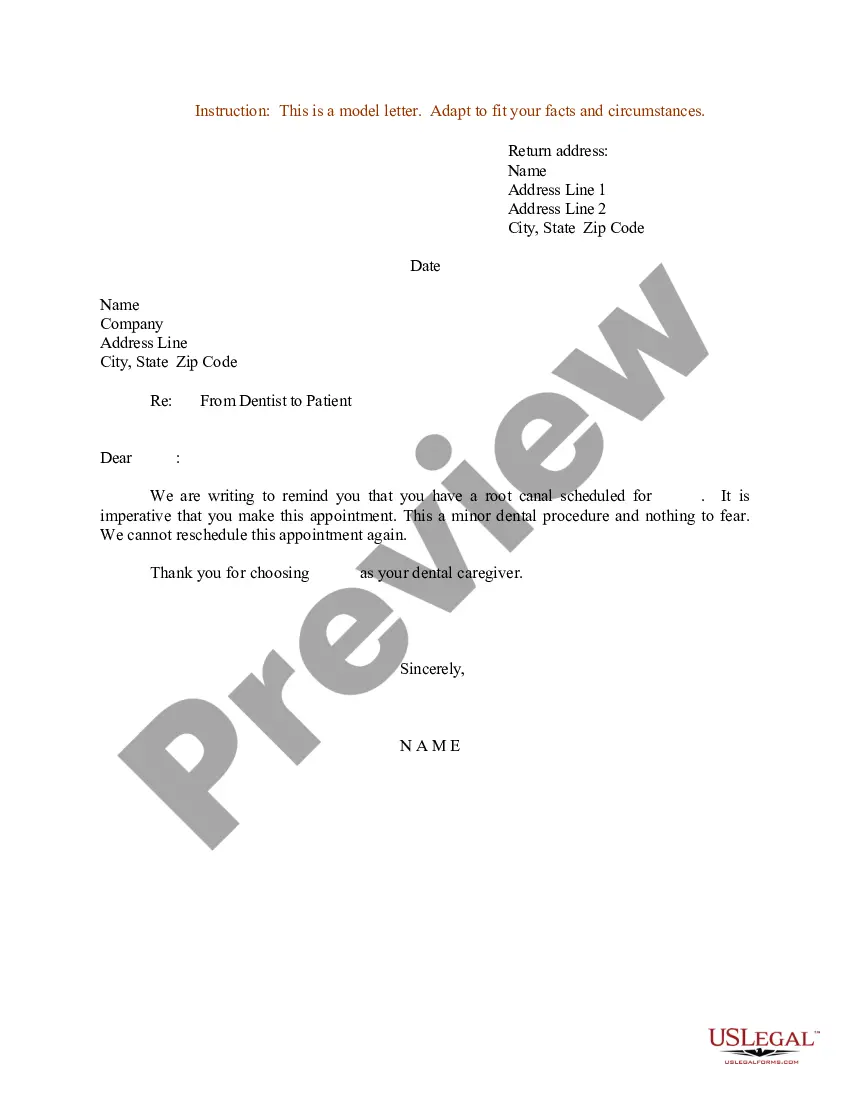
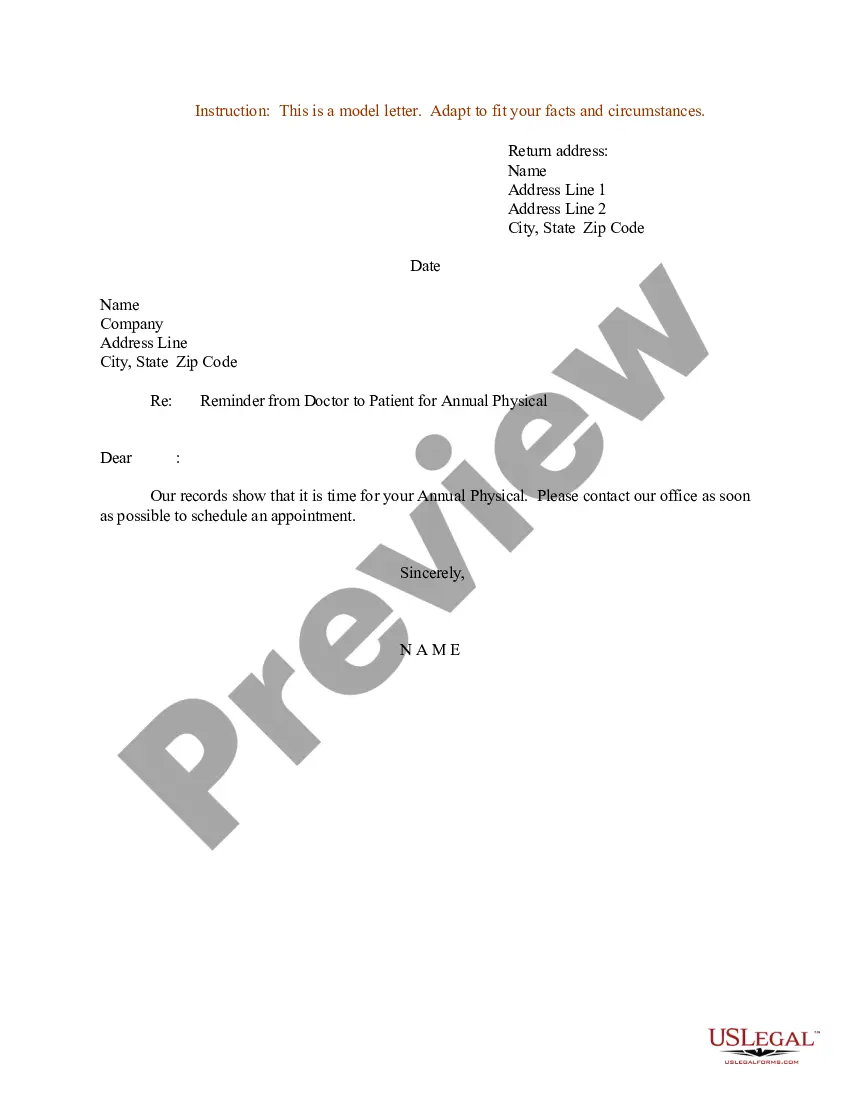
Get your form ready online
Our built-in tools help you complete, sign, share, and store your documents in one place.
Make edits, fill in missing information, and update formatting in US Legal Forms—just like you would in MS Word.
Download a copy, print it, send it by email, or mail it via USPS—whatever works best for your next step.
Sign and collect signatures with our SignNow integration. Send to multiple recipients, set reminders, and more. Go Premium to unlock E-Sign.
If this form requires notarization, complete it online through a secure video call—no need to meet a notary in person or wait for an appointment.
We protect your documents and personal data by following strict security and privacy standards.

Make edits, fill in missing information, and update formatting in US Legal Forms—just like you would in MS Word.

Download a copy, print it, send it by email, or mail it via USPS—whatever works best for your next step.

Sign and collect signatures with our SignNow integration. Send to multiple recipients, set reminders, and more. Go Premium to unlock E-Sign.

If this form requires notarization, complete it online through a secure video call—no need to meet a notary in person or wait for an appointment.

We protect your documents and personal data by following strict security and privacy standards.
Looking for another form?

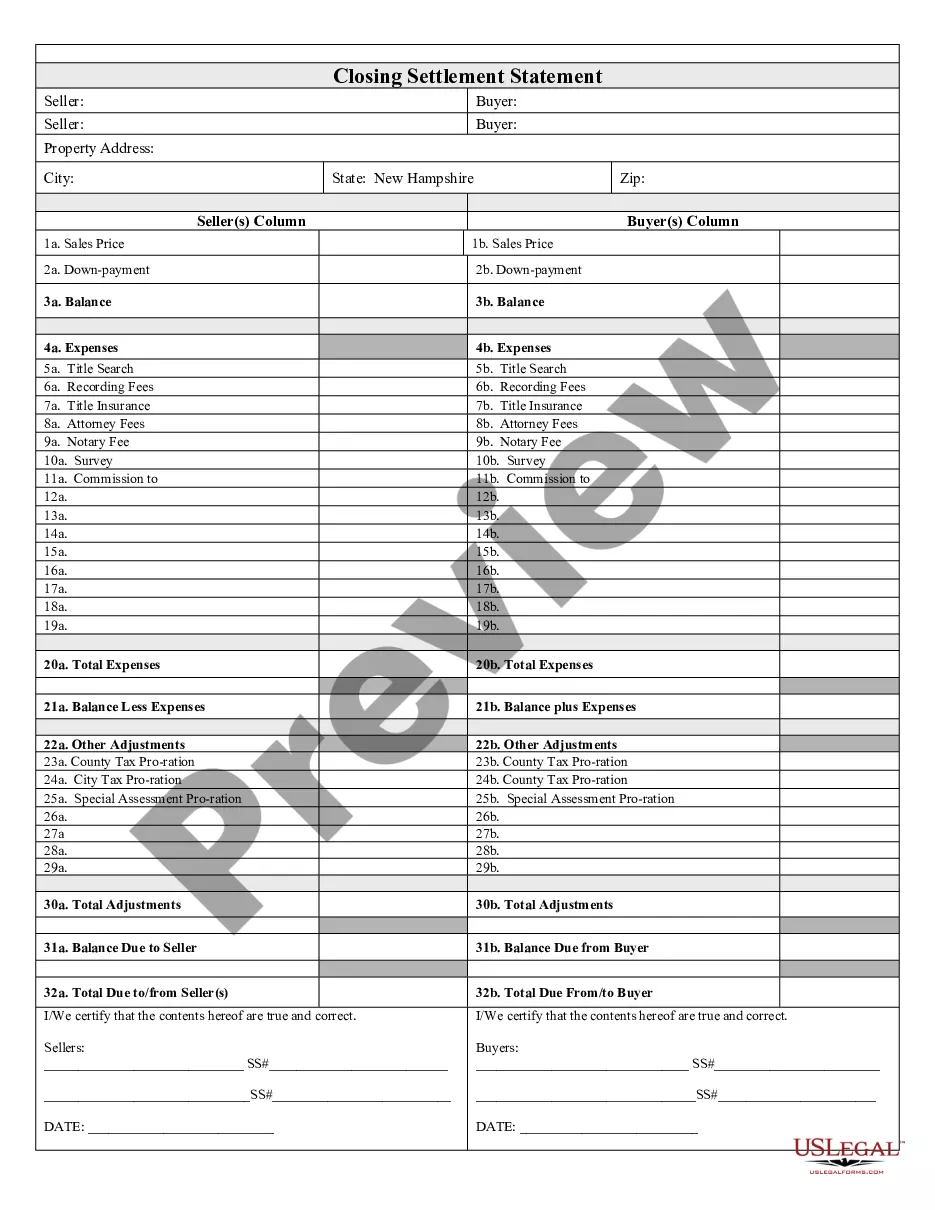



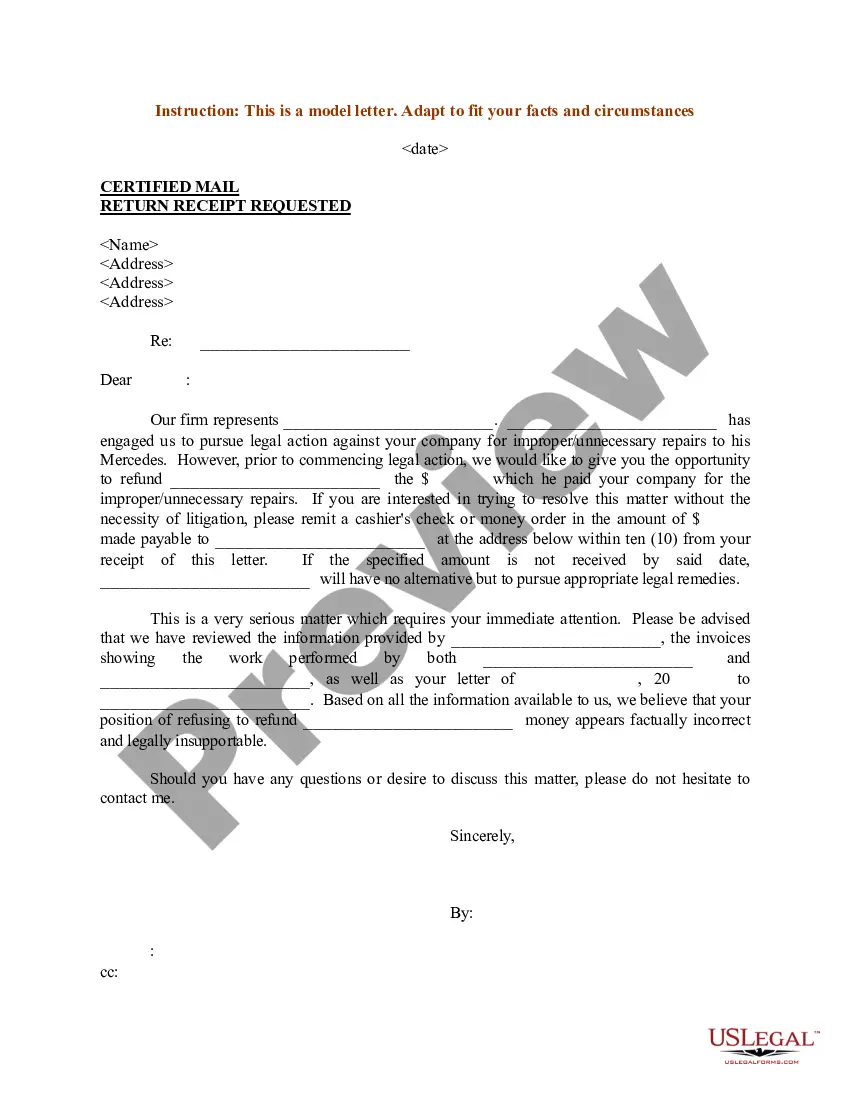
How to fill out Sample Letter For From Mechanic To Customer - Regular Car Maintenance?
It’s clear that you cannot transform into a legal expert instantly, nor can you determine how to swiftly draft Vehicle Service Request Email For Marriage without having a specialized education. Assembling legal documents is a lengthy undertaking needing specific training and expertise. So why not entrust the creation of the Vehicle Service Request Email For Marriage to the professionals.
With US Legal Forms, one of the most extensive legal template collections, you can locate anything from court documents to templates for internal communication. We understand how crucial compliance and adherence to federal and local statutes and regulations are. That’s why, on our platform, all forms are location-specific and current.
Here’s how to get started on our website and acquire the document you need in just a few minutes.
You can regain access to your forms from the My documents tab at any time. If you’re a current client, you can simply Log In, and find and download the template from the same section.
Regardless of the intent of your forms—whether financial and legal or personal—our website has you covered. Try US Legal Forms now!
- Find the form you require using the search bar at the top of the page.
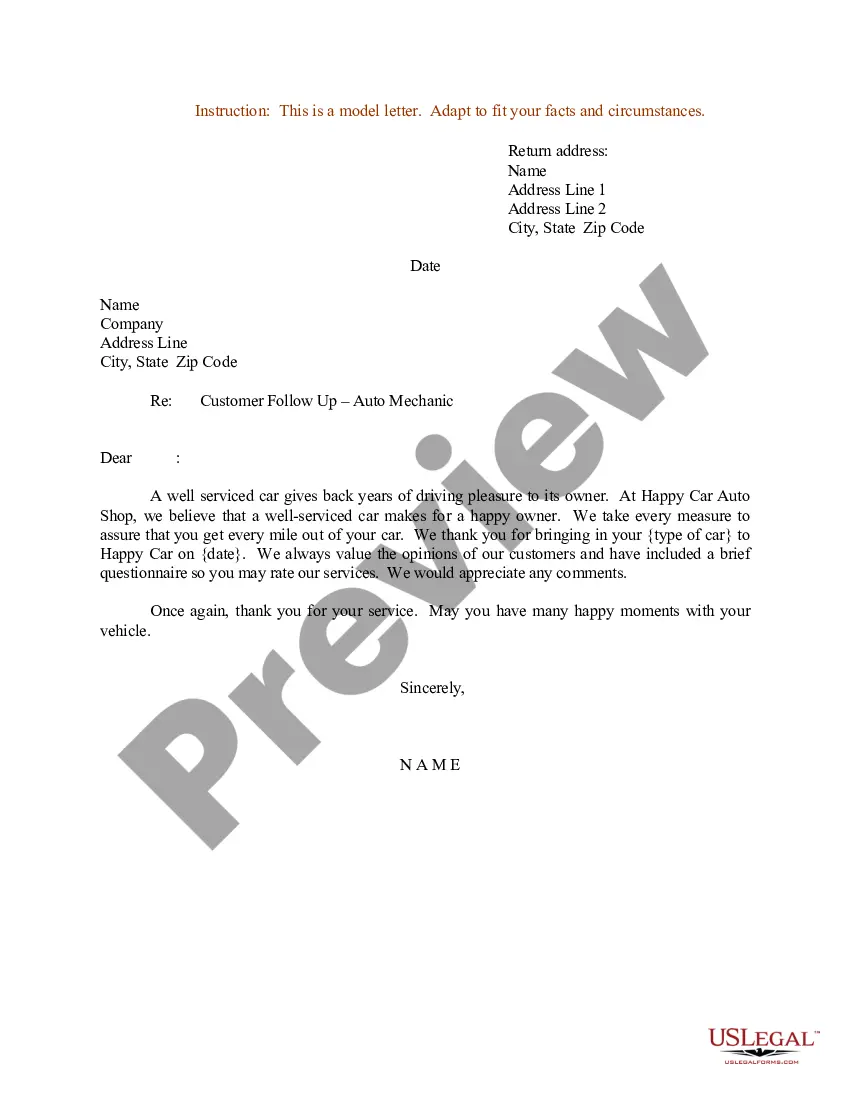
- Preview it (if this feature is available) and read the accompanying description to determine if Vehicle Service Request Email For Marriage is what you’re looking for.
- Initiate your search again if you need another form.
- Create a free account and choose a subscription plan to buy the template.
- Click Buy now. Once the payment is processed, you can obtain the Vehicle Service Request Email For Marriage, fill it out, print it, and send or mail it to the required individuals or entities.
Form popularity
FAQ
ADDING AN OWNER'S NAME OR CHANGING AN OWNER'S NAME: Complete an application for corrected title in full (use form VSD 190). - Each owner must sign the application.
***We encourage you to email us first at dmvcustomerservice@wv.gov, and be sure to include as much detail as possible in your question(s).
LIST ONE (B) WV utility bills (not more than 60 days old, cannot be a termination notice, and cannot be two bills issued by the same company) Tax records with a WV street address. WV mortgage documents, WV homeowner insurance documents for a WV residence, or proof of WV home ownership.
The Title Transfer Process These documents include the title, the bill of sale, your identification, and proof of residence, such as an electric bill in your name. The rest of the process will be handled by our staff, and you will be able to take your documents home with the title in your name!
WHEN you are adding or changing an owner's name due to Marriage. SUBMIT the Application for Vehicle Transaction(s) (VSD 190) with the Illinois Certificate of Title.