Minutes Nonprofit Template With 501
Description


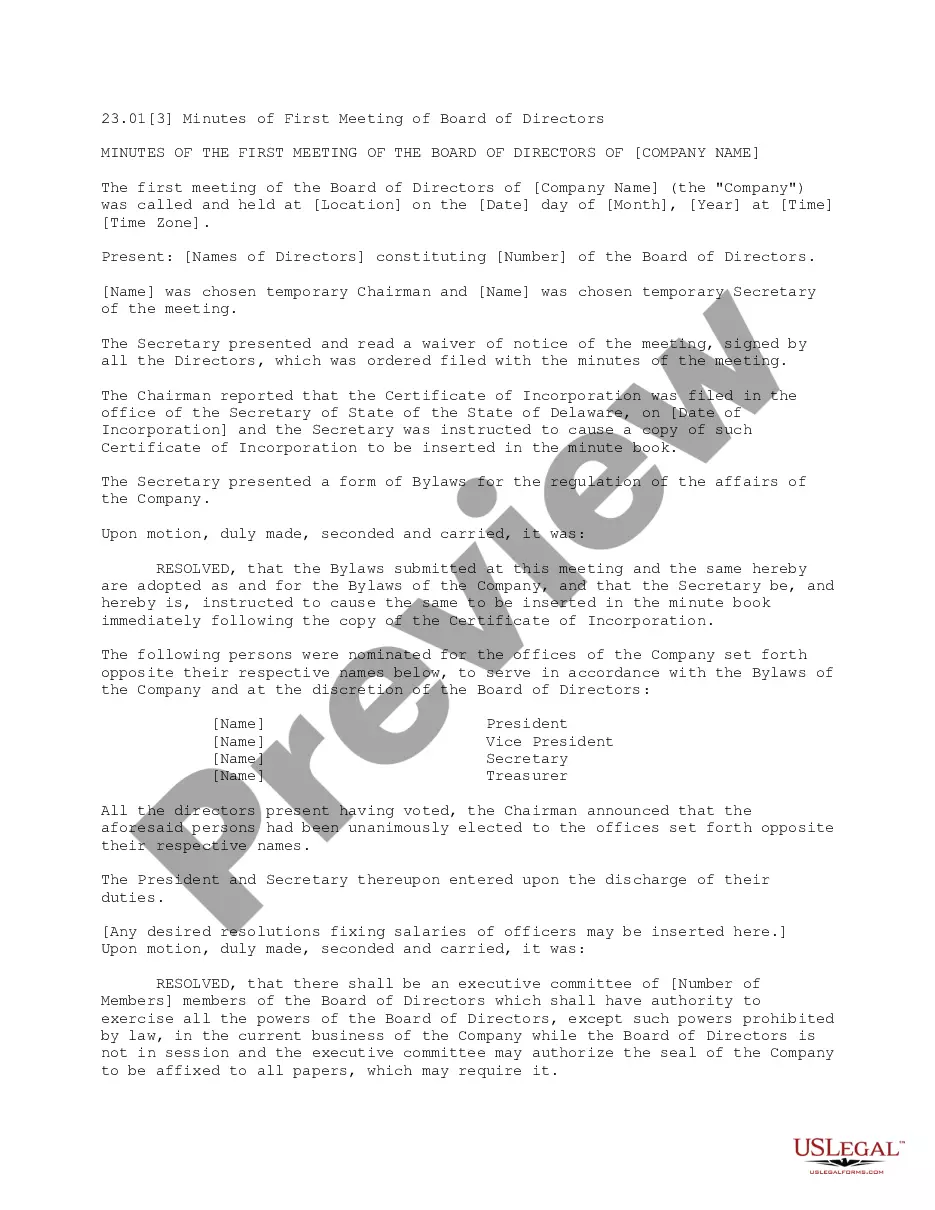
Get your form ready online
Our built-in tools help you complete, sign, share, and store your documents in one place.
Make edits, fill in missing information, and update formatting in US Legal Forms—just like you would in MS Word.
Download a copy, print it, send it by email, or mail it via USPS—whatever works best for your next step.
Sign and collect signatures with our SignNow integration. Send to multiple recipients, set reminders, and more. Go Premium to unlock E-Sign.
If this form requires notarization, complete it online through a secure video call—no need to meet a notary in person or wait for an appointment.
We protect your documents and personal data by following strict security and privacy standards.

Make edits, fill in missing information, and update formatting in US Legal Forms—just like you would in MS Word.

Download a copy, print it, send it by email, or mail it via USPS—whatever works best for your next step.

Sign and collect signatures with our SignNow integration. Send to multiple recipients, set reminders, and more. Go Premium to unlock E-Sign.

If this form requires notarization, complete it online through a secure video call—no need to meet a notary in person or wait for an appointment.

We protect your documents and personal data by following strict security and privacy standards.
Looking for another form?










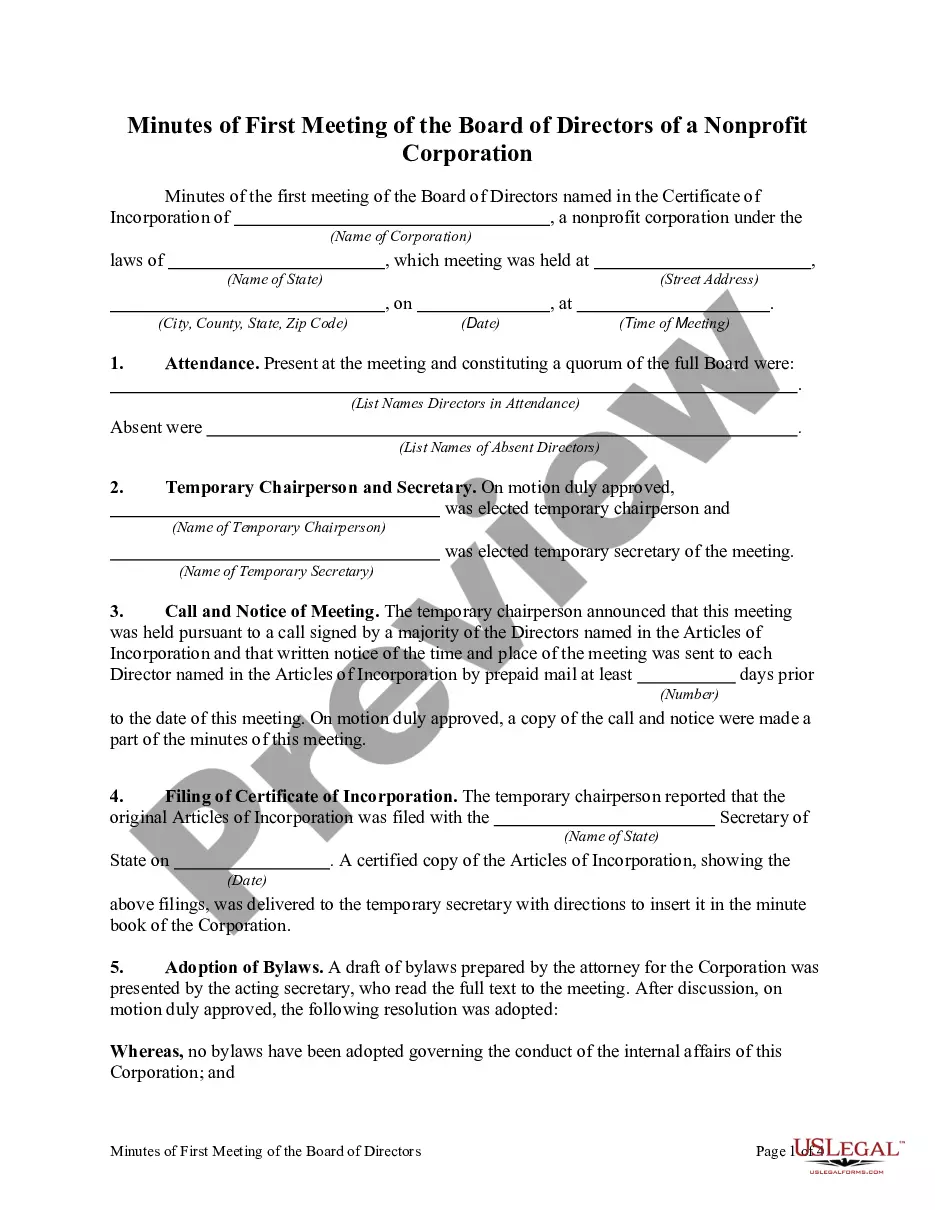
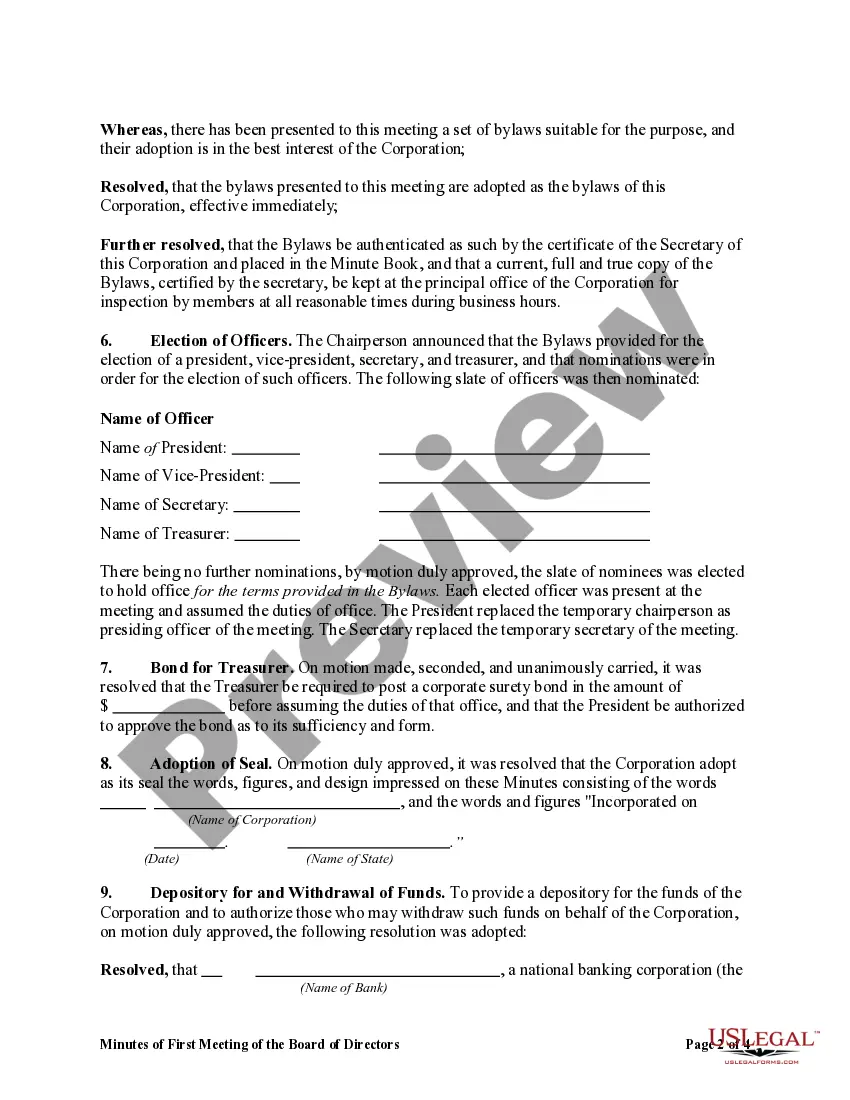
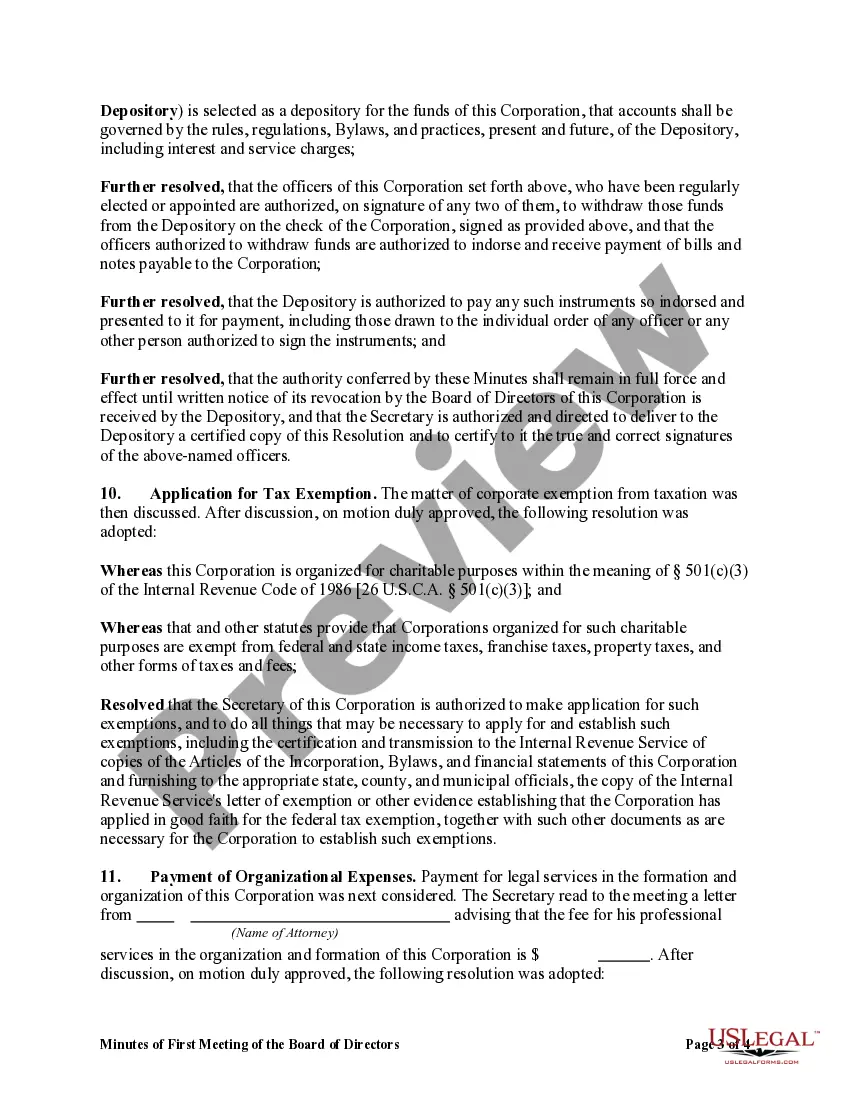
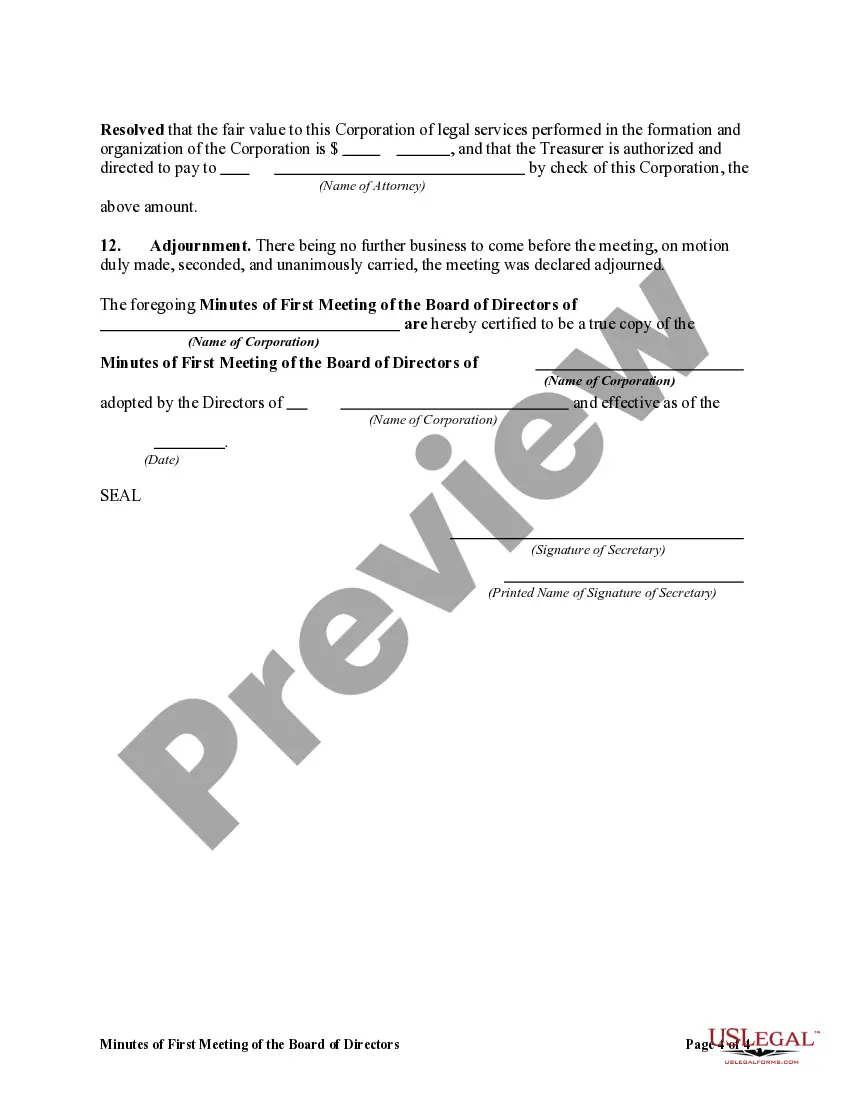
How to fill out Minutes Of First Meeting Of The Board Of Directors Of A Nonprofit Corporation?
It’s clear that you cannot transform into a legal expert instantly, nor can you swiftly learn to draft Minutes Nonprofit Template With 501 without possessing a specialized skill set.
Producing legal documents is a lengthy endeavor necessitating specific education and expertise.
So why not entrust the creation of the Minutes Nonprofit Template With 501 to the professionals.
Examine it (if this feature is available) and review the accompanying description to ascertain if the Minutes Nonprofit Template With 501 meets your needs.
Initiate another search if you require any alternative template. Create a complimentary account and select a subscription option to purchase the template.
- With US Legal Forms, one of the most extensive legal document repositories, you can find a wide range of materials from court filings to office communication templates.
- We comprehend the significance of compliance and adherence to both federal and local regulations.
- This is why, on our platform, all documents are location-specific and current.
- Commence your journey on our website and obtain the document you require in just moments.
- Identify the document you need by utilizing the search function at the top of the page.
Form popularity
FAQ
To take minutes for a nonprofit effectively, start with a clear template that outlines the necessary sections, such as attendance, agenda items, and actions taken. During the meeting, listen attentively, highlighting decisions and key points. Afterward, review your notes and format them using a Minutes nonprofit template with 501, ensuring that all critical information is included for future reference.
The process of taking minutes includes several key steps. First, prepare by familiarizing yourself with the agenda; second, record the meeting details, such as date and participants; third, jot down main discussions and outcomes. Finally, after the meeting, finalize your notes into a formal document using a Minutes nonprofit template with 501 to ensure compliance and clarity.
Taking nonprofit meeting minutes involves actively listening and recording key points during the meeting. Focus on the decisions made, important discussions, and assigned tasks, while steering clear of personal opinions or lengthy narratives. Using a Minutes nonprofit template with 501 can make this process straightforward and efficient, saving you time and ensuring accuracy.
To report minutes of a meeting template, begin by drafting a clear summary of the meeting’s discussions, decisions, and action items. Always include the date, time, and location of the meeting, as well as the names of attendees. For a professional approach, consider utilizing a Minutes nonprofit template with 501, which can help streamline the reporting process and ensure compliance with legal standards.
The 33% rule for nonprofits states that an organization must maintain its activities and funds to ensure sustainability. Specifically, it indicates that a nonprofit should allocate at least one-third of its budget or efforts toward core operations, including governance and compliance. This principle helps ensure that nonprofits remain effective in their missions, especially when using the Minutes nonprofit template with 501 to document their activities.
Writing minutes for a charity meeting involves documenting key discussions, decisions made, and actions assigned. Start with the meeting date, time, and location, then note attendees and any absentees. Using a Minutes nonprofit template with 501 makes this task straightforward, as it provides a structured format to capture all necessary information efficiently. Regularly reviewing these minutes will help keep your organization accountable and focused on its mission.
The 33 1/3 rule for nonprofits refers to the guideline that a nonprofit organization should allocate at least one-third of its annual income to charitable purposes. This rule helps ensure that the organization is primarily focused on its mission rather than accumulating excessive funds. By using a Minutes nonprofit template with 501, you can document your adherence to this rule and keep your meetings aligned with legal requirements.
Nonprofit board minutes should be detailed enough to provide a clear record of the meeting without being overly verbose. Include important decisions made, key discussions, and assigned action items. This clarity ensures that everyone understands what was agreed upon and what steps will be taken next. A Minutes nonprofit template with 501 can help in achieving the right level of detail.
To write non-profit meeting minutes effectively, start by taking notes during the discussion. Outline the meeting by including key details such as date, time, and attendees, then summarize discussions and decisions. Be sure to highlight any action items and assigned responsibilities. Consider using a Minutes nonprofit template with 501 to aid in this process, enhancing consistency and professionalism.
Writing NPO minutes requires a structured approach to ensure clarity and comprehensiveness. Begin with the meeting's basic information, like the date and attendees. Then, summarize the main points of discussion, decisions, and assigned tasks. Using a Minutes nonprofit template with 501 can simplify this process, helping you to maintain an effective format.