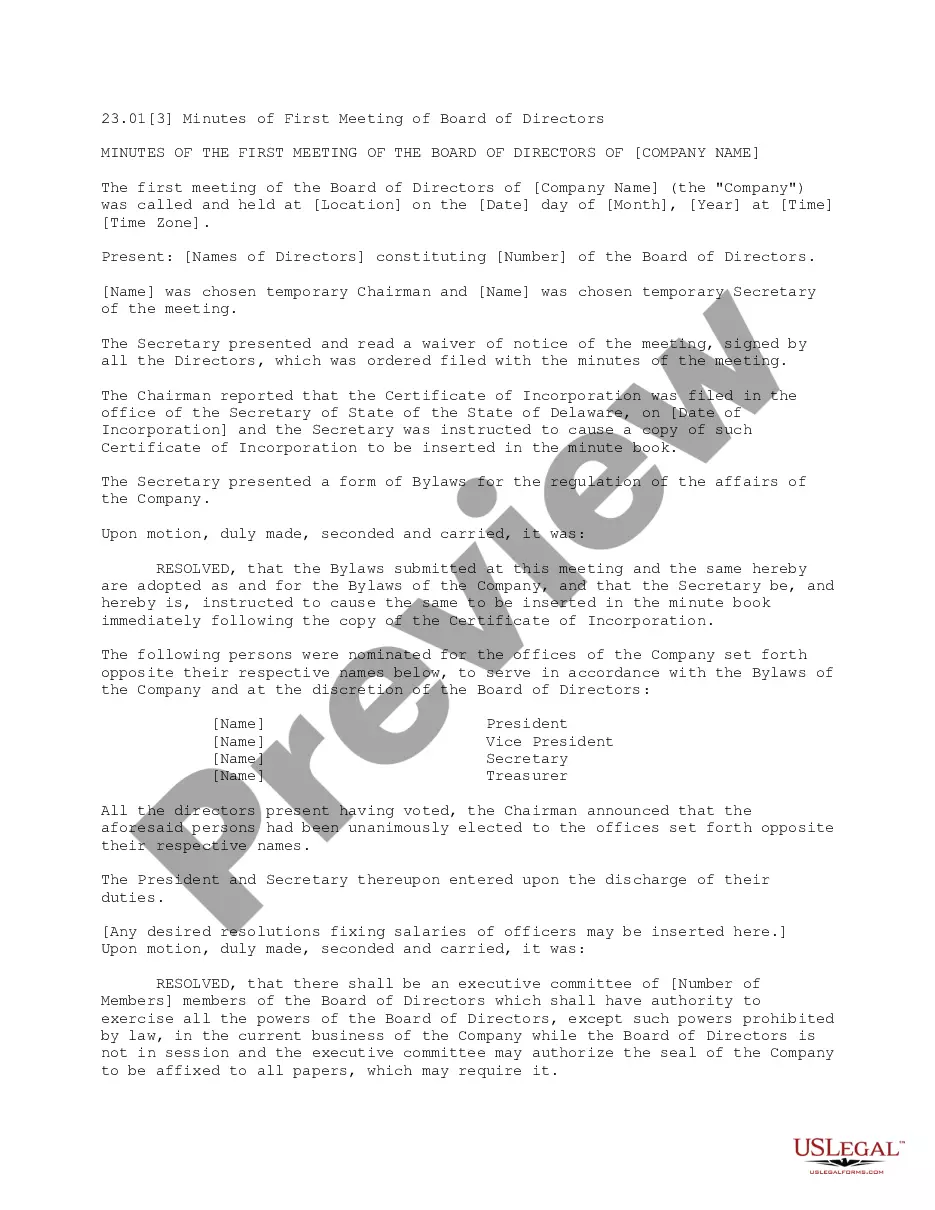
Minutes Nonprofit Sample For Job
Description
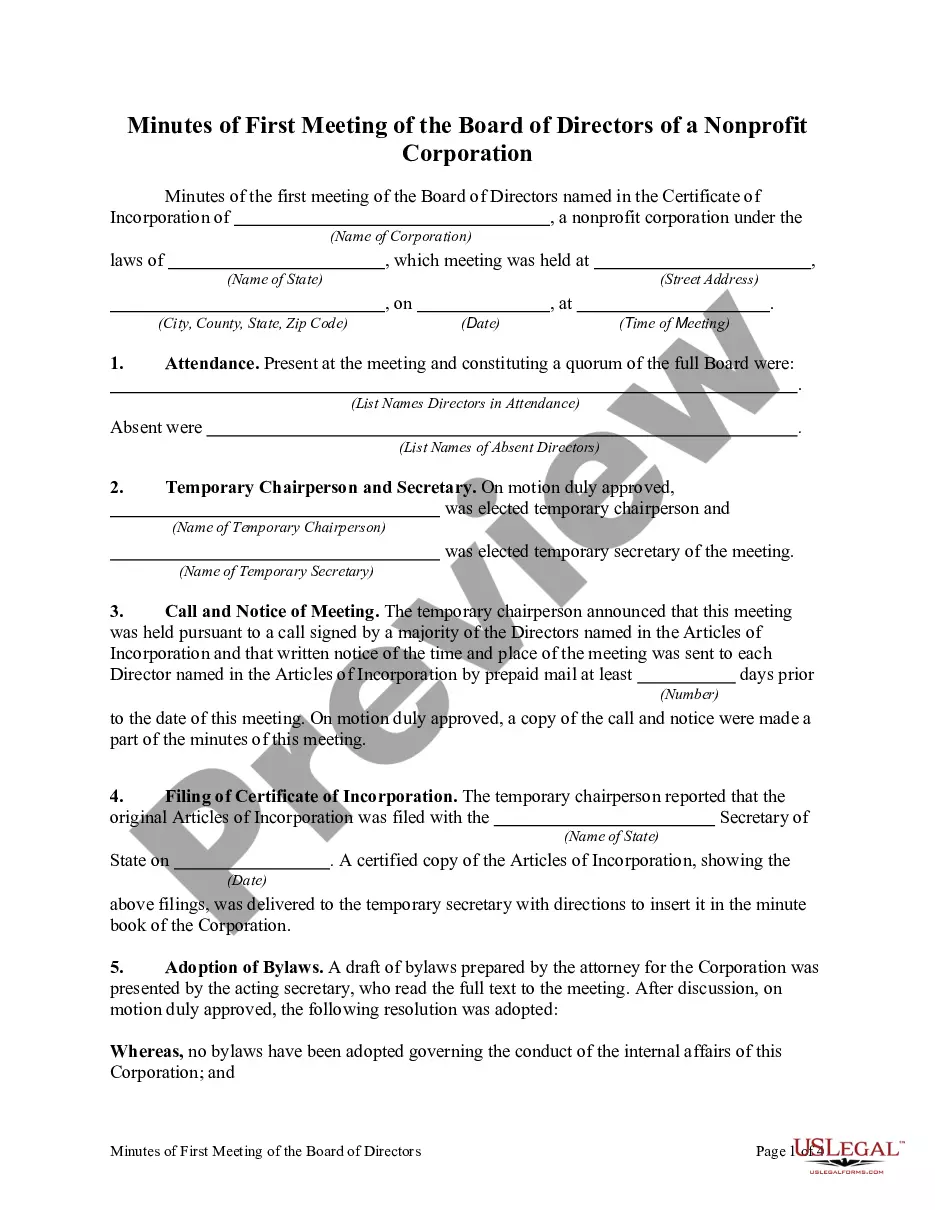
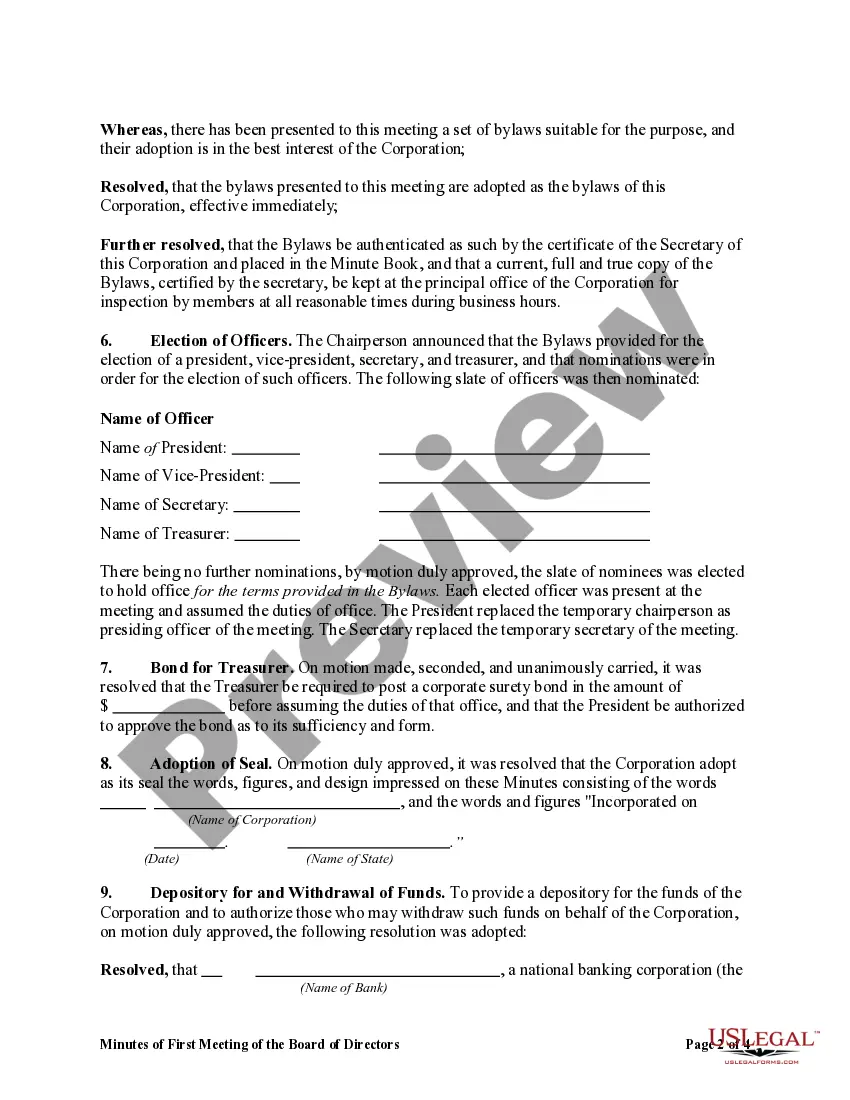
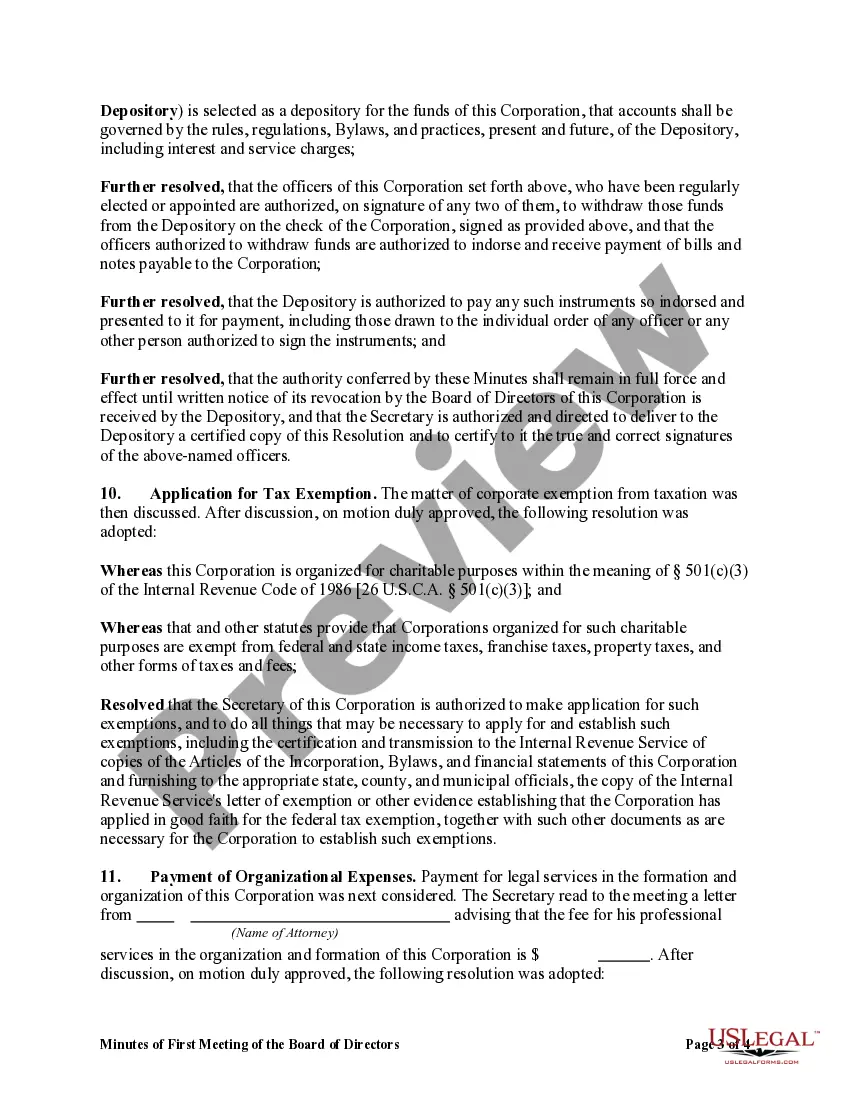
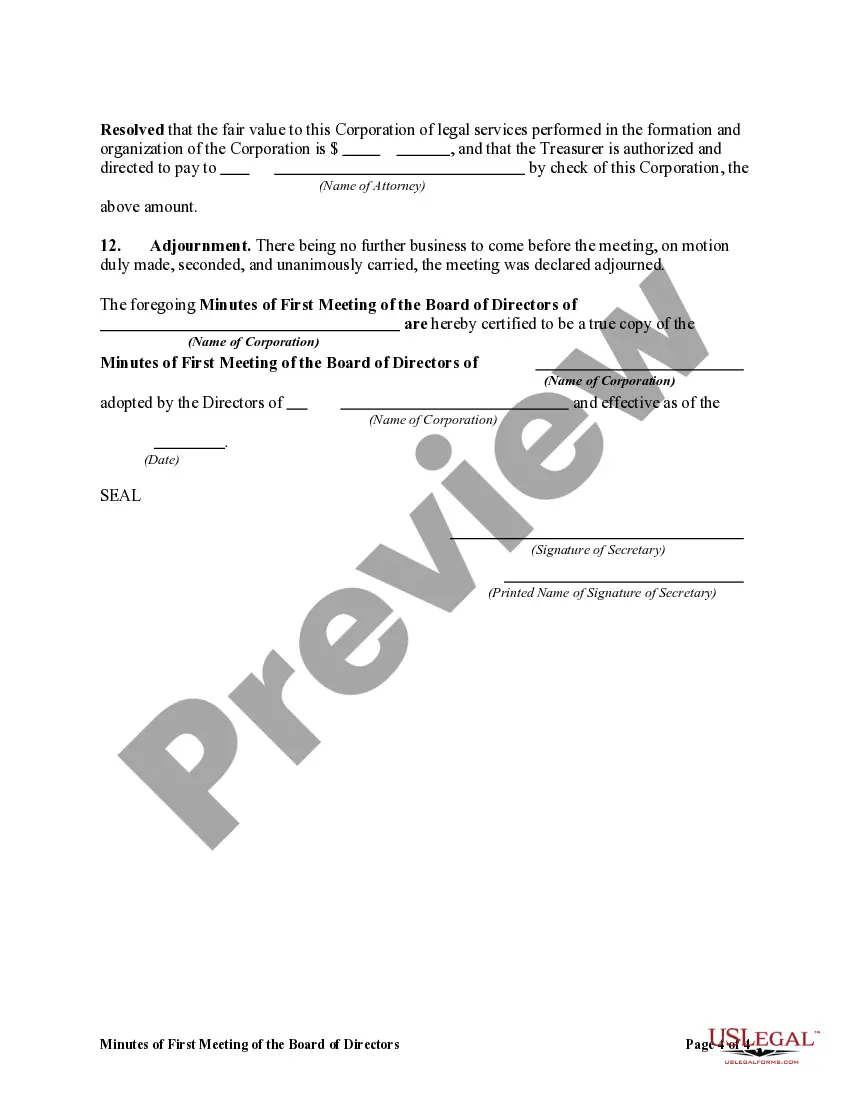


Get your form ready online
Our built-in tools help you complete, sign, share, and store your documents in one place.
Make edits, fill in missing information, and update formatting in US Legal Forms—just like you would in MS Word.
Download a copy, print it, send it by email, or mail it via USPS—whatever works best for your next step.
Sign and collect signatures with our SignNow integration. Send to multiple recipients, set reminders, and more. Go Premium to unlock E-Sign.
If this form requires notarization, complete it online through a secure video call—no need to meet a notary in person or wait for an appointment.
We protect your documents and personal data by following strict security and privacy standards.

Make edits, fill in missing information, and update formatting in US Legal Forms—just like you would in MS Word.

Download a copy, print it, send it by email, or mail it via USPS—whatever works best for your next step.

Sign and collect signatures with our SignNow integration. Send to multiple recipients, set reminders, and more. Go Premium to unlock E-Sign.

If this form requires notarization, complete it online through a secure video call—no need to meet a notary in person or wait for an appointment.

We protect your documents and personal data by following strict security and privacy standards.
Looking for another form?

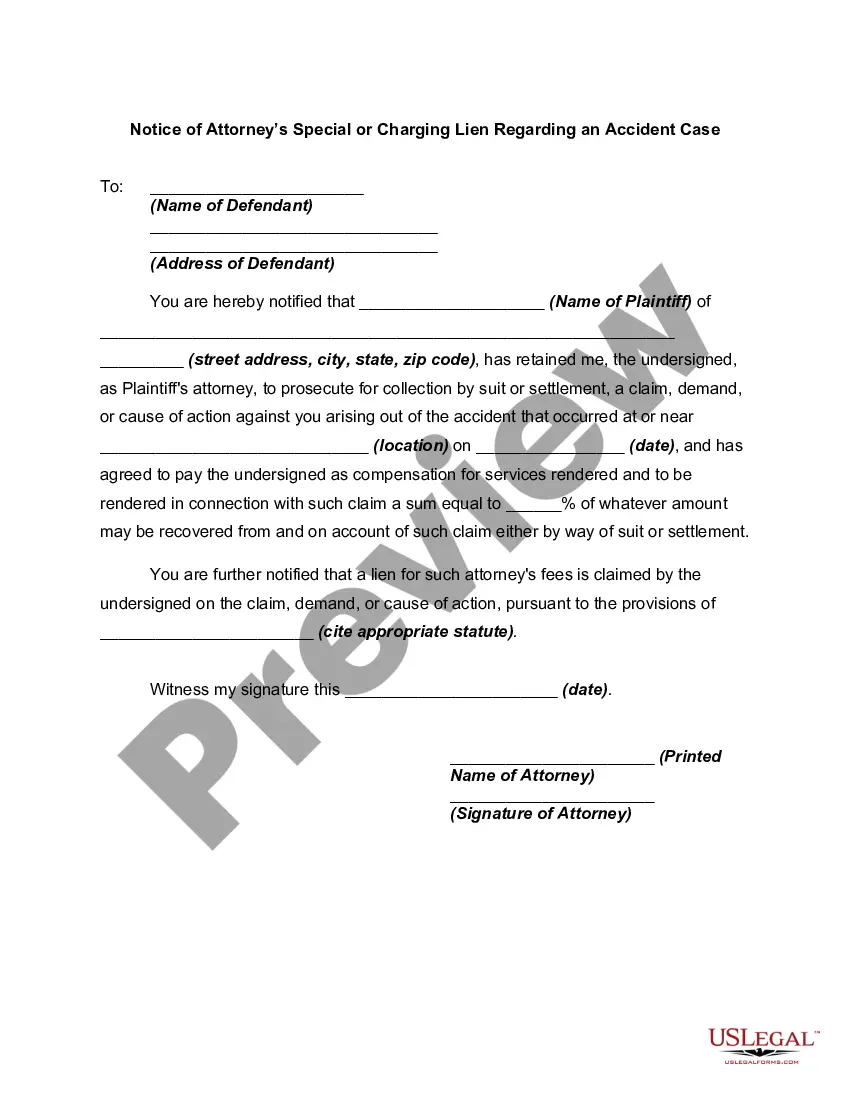




How to fill out Minutes Of First Meeting Of The Board Of Directors Of A Nonprofit Corporation?
Legal administration can be perplexing, even for the most proficient professionals.
When you are searching for a Minutes Nonprofit Sample For Job and do not have the time to devote to finding the suitable and current version, the processes can be stressful.
Access legal and organizational forms specific to your state or county.
US Legal Forms accommodates any requirements you might have, from personal to business paperwork, all in one place.
If this is your first experience with US Legal Forms, create an account and gain unlimited access to all the benefits of the library. Here are the steps to follow after obtaining the desired form: Confirm it is the correct form by previewing it and reviewing its details. Ensure that the sample is recognized in your state or county. Click Buy Now when you are prepared. Select a subscription plan. Choose the format you prefer, and Download, fill out, sign, print, and send your documents. Take advantage of the US Legal Forms online library, supported by 25 years of experience and trustworthiness. Streamline your daily document management into a seamless and user-friendly experience today.
- Utilize advanced tools to fill out and manage your Minutes Nonprofit Sample For Job.
- Access a resource repository of articles, guides, and materials relevant to your circumstances and needs.
- Save time and effort searching for the documents you need, and use US Legal Forms’ enhanced search and Preview feature to find and obtain Minutes Nonprofit Sample For Job.
- If you have a monthly subscription, Log In to your US Legal Forms account, search for the form, and acquire it.
- Check your My documents tab to review the documents you have previously saved and manage your folders as you wish.
- A comprehensive online form library can be a significant advantage for anyone who wishes to handle these matters efficiently.
- US Legal Forms is a frontrunner in online legal forms, offering over 85,000 state-specific legal documents accessible at any time.
- With US Legal Forms, you can.
Form popularity
FAQ
The style and content of meeting minutes will vary depending on the organization and how it's structured. Regardless, you should always include the basics, like date, time, and participants. But many organizations will also benefit from having other, optional items like supplementary documents and action items.
What to include Meeting date, time and location. Names of the committee or other group holding the meeting, the Chair and Secretary. List of those present, including guests in attendance, and any recorded regrets/absences. A record of formal motions and outcomes.
2. What Should Be Included in Meeting Minutes? Date and time of the meeting. Names of the meeting participants and those unable to attend (e.g., ?regrets?) Acceptance or corrections/amendments to previous meeting minutes. Decisions made about each agenda item, for example: Actions taken or agreed to be taken. Next steps.
What to include in meeting minutes Why the meeting happened. First and last names of attendees. The date and time of the meeting. Projects assigned during the meeting and their deadlines. Decisions employees and leadership made during the meeting. Any corrections to previous meeting minutes. Motions that passed or failed.
What to include when writing meeting minutes? Meeting basics like name, place, date and time? ... List of meeting participants. ... Meeting purpose. ... Agenda items. ... Next meeting date and place. ... Documents to be included in the meeting report. ... Key action items.