Minutes Meeting Board Form Template With Agenda
Description
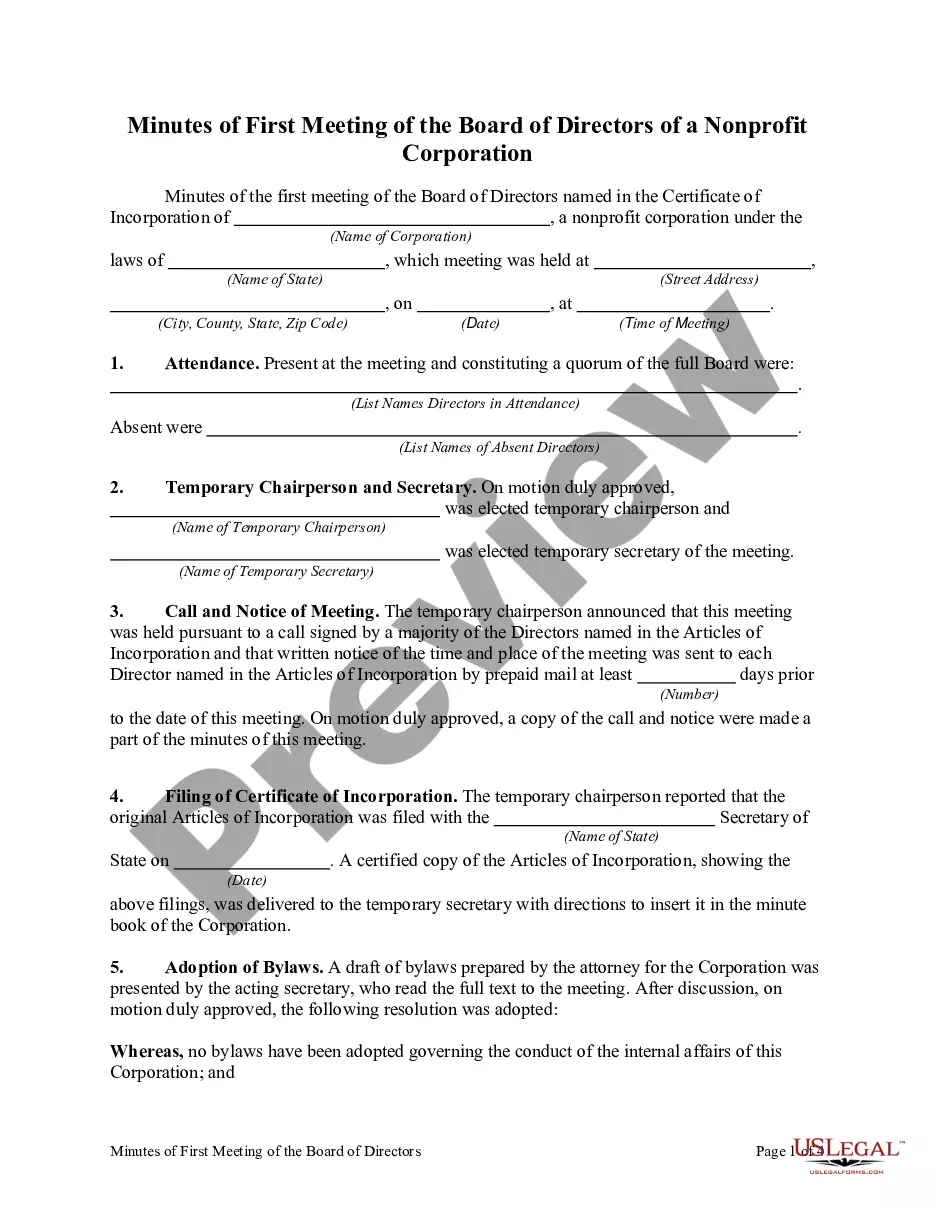
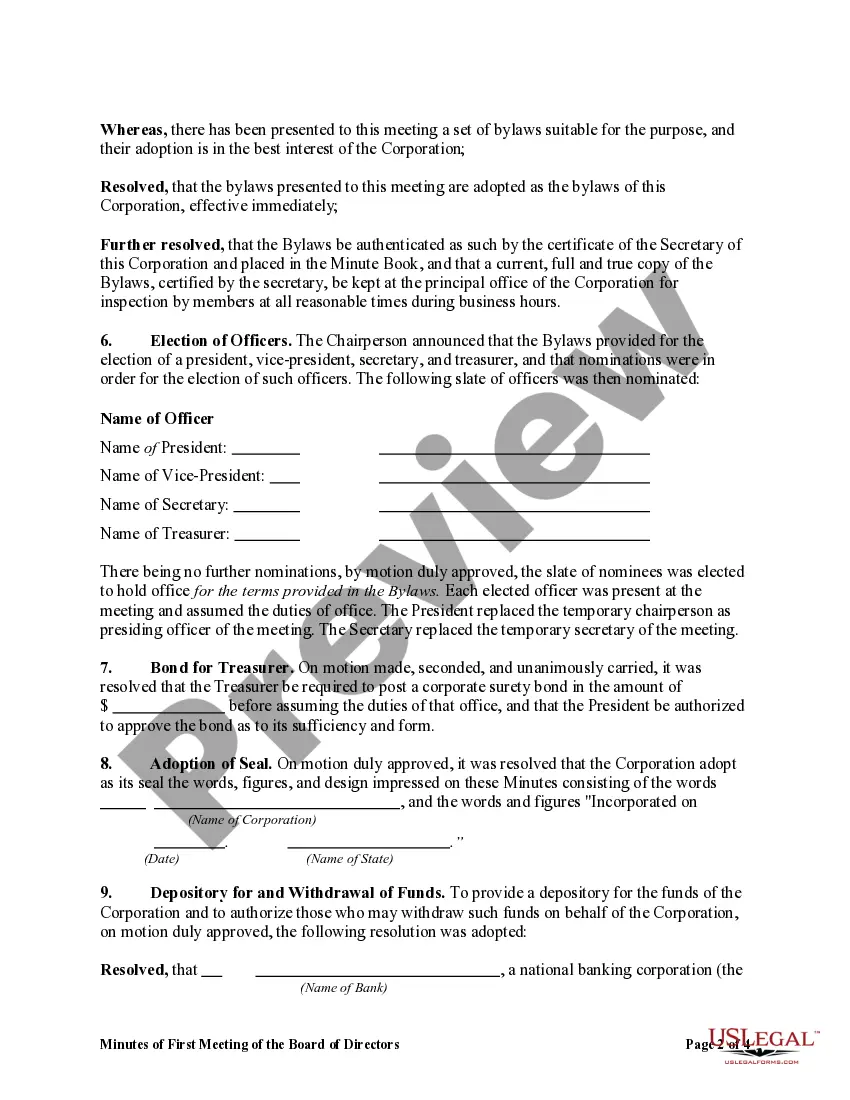
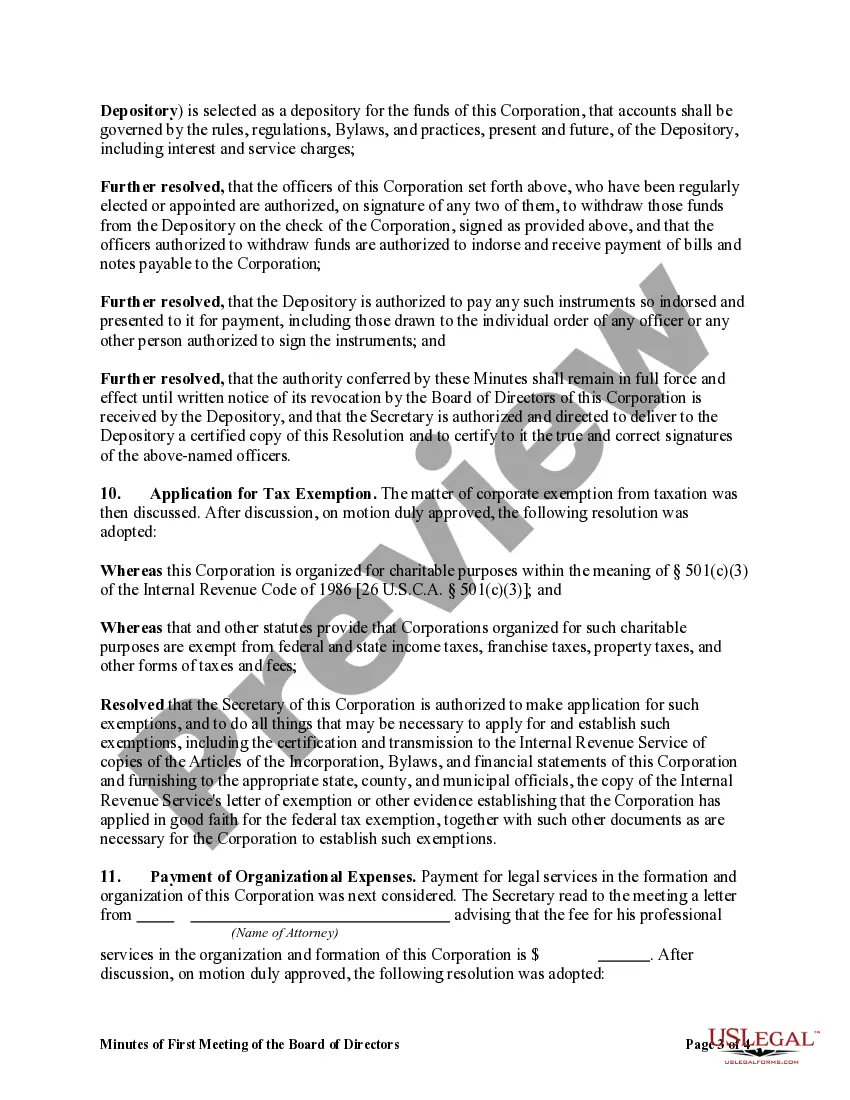
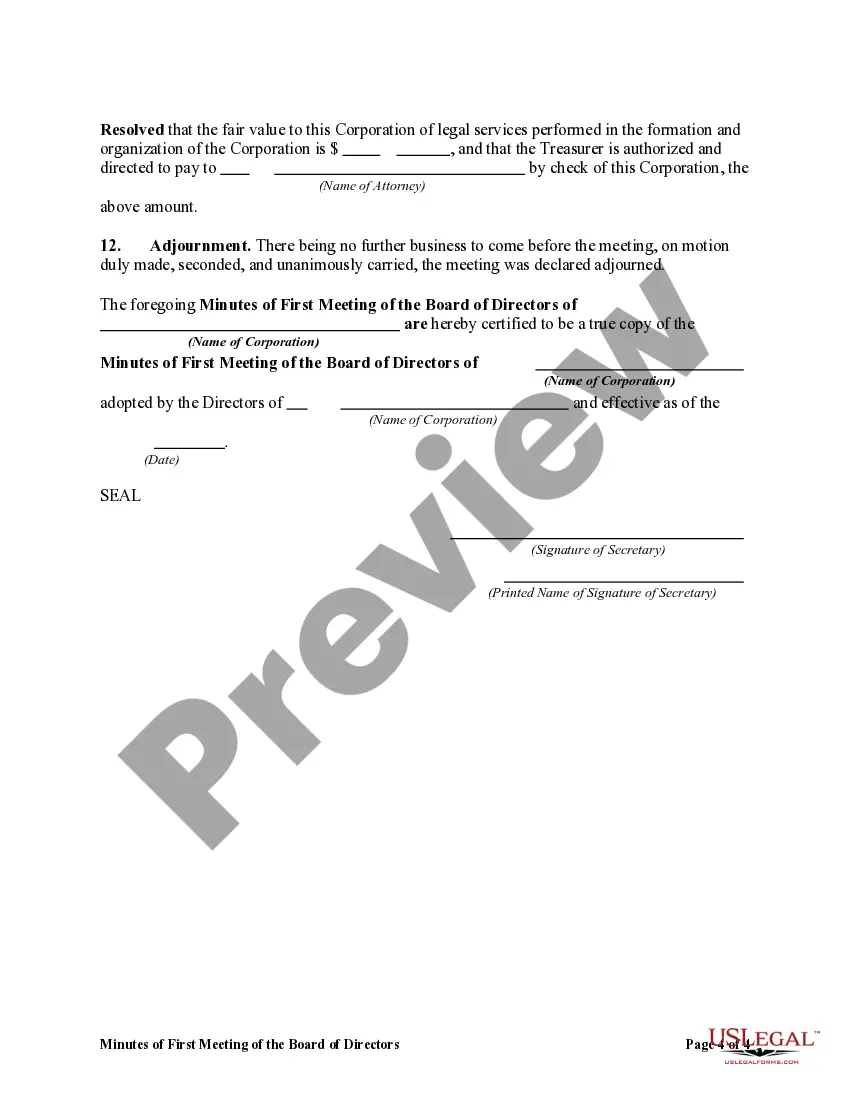
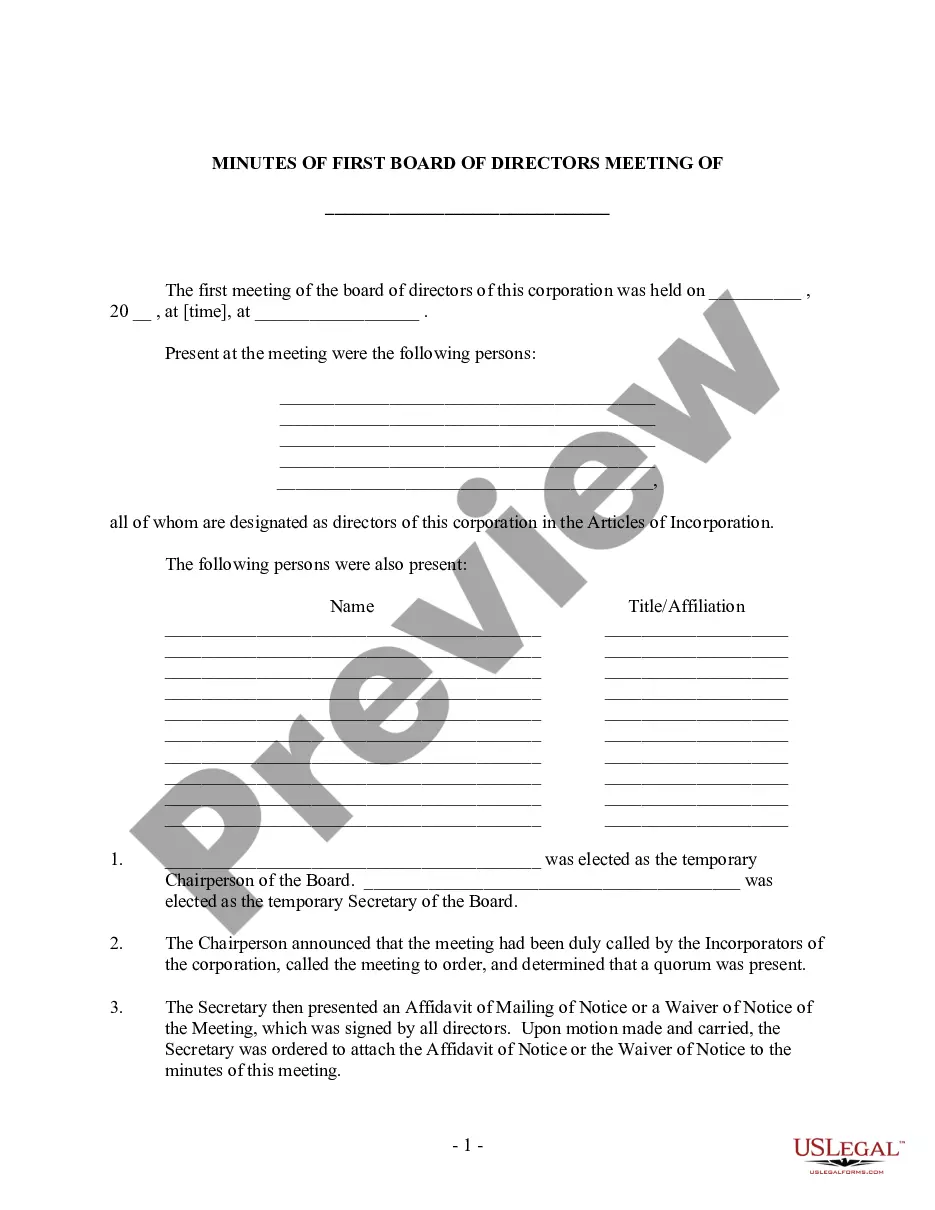
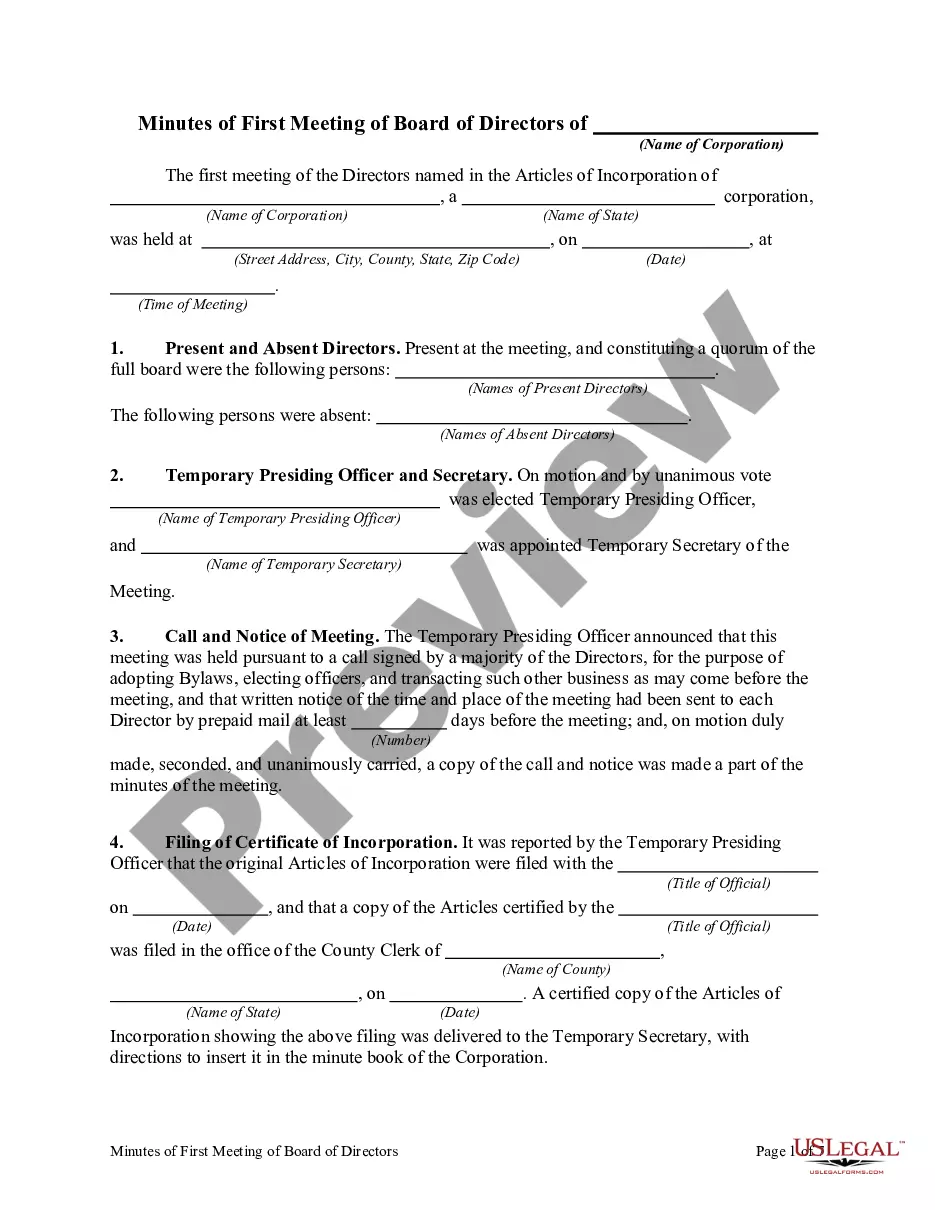
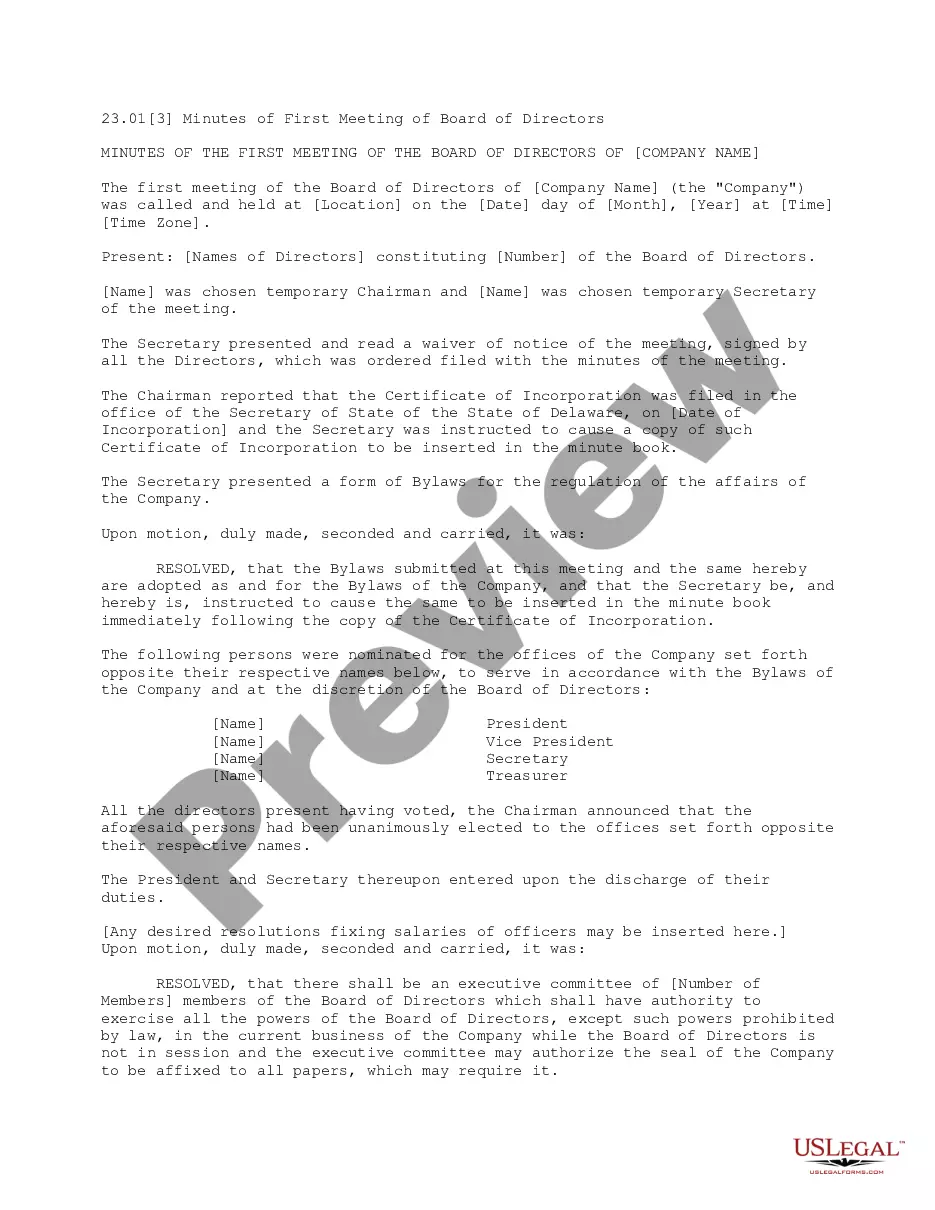
Get your form ready online
Our built-in tools help you complete, sign, share, and store your documents in one place.
Make edits, fill in missing information, and update formatting in US Legal Forms—just like you would in MS Word.
Download a copy, print it, send it by email, or mail it via USPS—whatever works best for your next step.
Sign and collect signatures with our SignNow integration. Send to multiple recipients, set reminders, and more. Go Premium to unlock E-Sign.
If this form requires notarization, complete it online through a secure video call—no need to meet a notary in person or wait for an appointment.
We protect your documents and personal data by following strict security and privacy standards.

Make edits, fill in missing information, and update formatting in US Legal Forms—just like you would in MS Word.

Download a copy, print it, send it by email, or mail it via USPS—whatever works best for your next step.

Sign and collect signatures with our SignNow integration. Send to multiple recipients, set reminders, and more. Go Premium to unlock E-Sign.

If this form requires notarization, complete it online through a secure video call—no need to meet a notary in person or wait for an appointment.

We protect your documents and personal data by following strict security and privacy standards.
Looking for another form?
How to fill out Minutes Of First Meeting Of The Board Of Directors Of A Nonprofit Corporation?
Regardless of whether for commercial aims or personal concerns, everyone must handle legal matters at some stage in their life.
Filling out legal documents requires meticulous attention, starting with selecting the correct form template.
Once downloaded, you can complete the form using editing software or print it and finish it manually. With a vast US Legal Forms catalog available, you do not need to waste time searching for the right template on the internet. Utilize the library’s user-friendly navigation to find the suitable template for any circumstance.
- For example, if you select an incorrect version of the Minutes Meeting Board Form Template With Agenda, it will be rejected when submitted.
- Thus, it is essential to obtain a trustworthy source of legal documents like US Legal Forms.
- If you need to acquire a Minutes Meeting Board Form Template With Agenda template, follow these easy steps.
- Retrieve the template you require by utilizing the search box or catalog browsing.
- Review the form’s description to ensure it aligns with your situation, jurisdiction, and area.
- Click on the form’s preview to view it.
- If it is not the correct form, return to the search function to locate the Minutes Meeting Board Form Template With Agenda sample you seek.
- Obtain the file if it fulfills your requirements.
- If you have a US Legal Forms account, simply click Log in to access previously stored documents in My documents.
- In case you do not have an account yet, you can acquire the form by clicking Buy now.
- Choose the appropriate pricing option.
- Complete the profile registration form.
- Select your payment method: you can use a credit card or PayPal account.
- Choose the file format you desire and download the Minutes Meeting Board Form Template With Agenda.
Form popularity
FAQ
What's In. The minutes should include the title of the group that is meeting; the date, time, and venue; the names of those in attendance (including staff) and the person recording the minutes; and the agenda.
How to Write a Meeting Agenda? 5 Key Steps Establish the meeting type. Not informing your team about the type of meeting they'd be attending can cause a lot of confusion. ... State the objective of the meeting. ... Identify specific meeting topics. ... Allocate time to discuss each topic. ... Include a list of necessary documents.
2. What Should Be Included in Meeting Minutes? Actions taken or agreed to be taken. Next steps. Voting outcomes ? e.g., (if necessary, details regarding who made motions; who seconded and approved or via show of hands, etc.) Motions taken or rejected. Items to be held over. New business. Next meeting date and time.
Here's how to write a meeting agenda in five steps to have an effective and efficient meeting. 1 Focus on one theme. ... 2 Decide on topics. ... 3 Set time limits and leaders for each topic. ... 4 Consider necessary documents. ... 5 Leave time for discussion and overview.
How to write a meeting agenda Identify the meeting's goal. ... Ask participants for input. ... List the questions you want to address. ... Identify the purpose of each task. ... Estimate the amount of time to spend on each topic. ... Identify who leads each topic. ... End each meeting with a review.