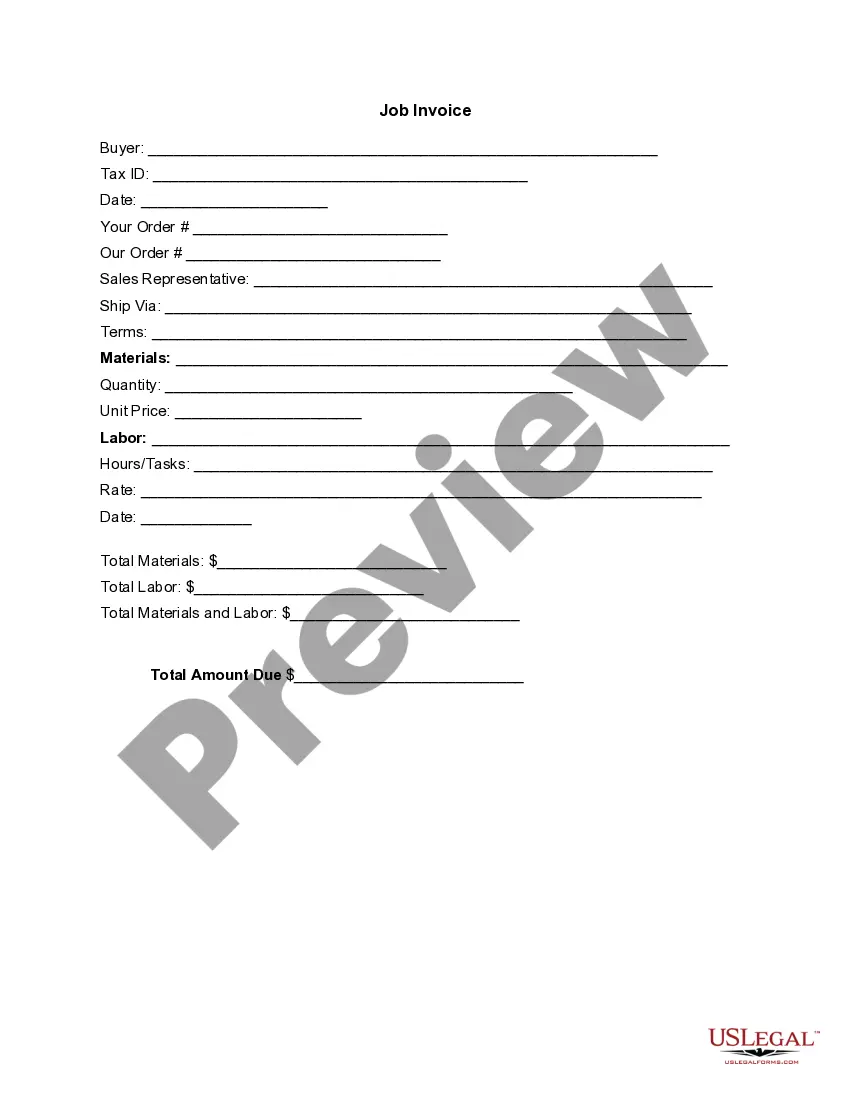
Self Employed Contractor Invoice Template For Google Docs
Description

Get your form ready online
Our built-in tools help you complete, sign, share, and store your documents in one place.
Make edits, fill in missing information, and update formatting in US Legal Forms—just like you would in MS Word.
Download a copy, print it, send it by email, or mail it via USPS—whatever works best for your next step.
Sign and collect signatures with our SignNow integration. Send to multiple recipients, set reminders, and more. Go Premium to unlock E-Sign.
If this form requires notarization, complete it online through a secure video call—no need to meet a notary in person or wait for an appointment.
We protect your documents and personal data by following strict security and privacy standards.

Make edits, fill in missing information, and update formatting in US Legal Forms—just like you would in MS Word.

Download a copy, print it, send it by email, or mail it via USPS—whatever works best for your next step.

Sign and collect signatures with our SignNow integration. Send to multiple recipients, set reminders, and more. Go Premium to unlock E-Sign.

If this form requires notarization, complete it online through a secure video call—no need to meet a notary in person or wait for an appointment.

We protect your documents and personal data by following strict security and privacy standards.
Looking for another form?
How to fill out Invoice Template For Independent Contractor?
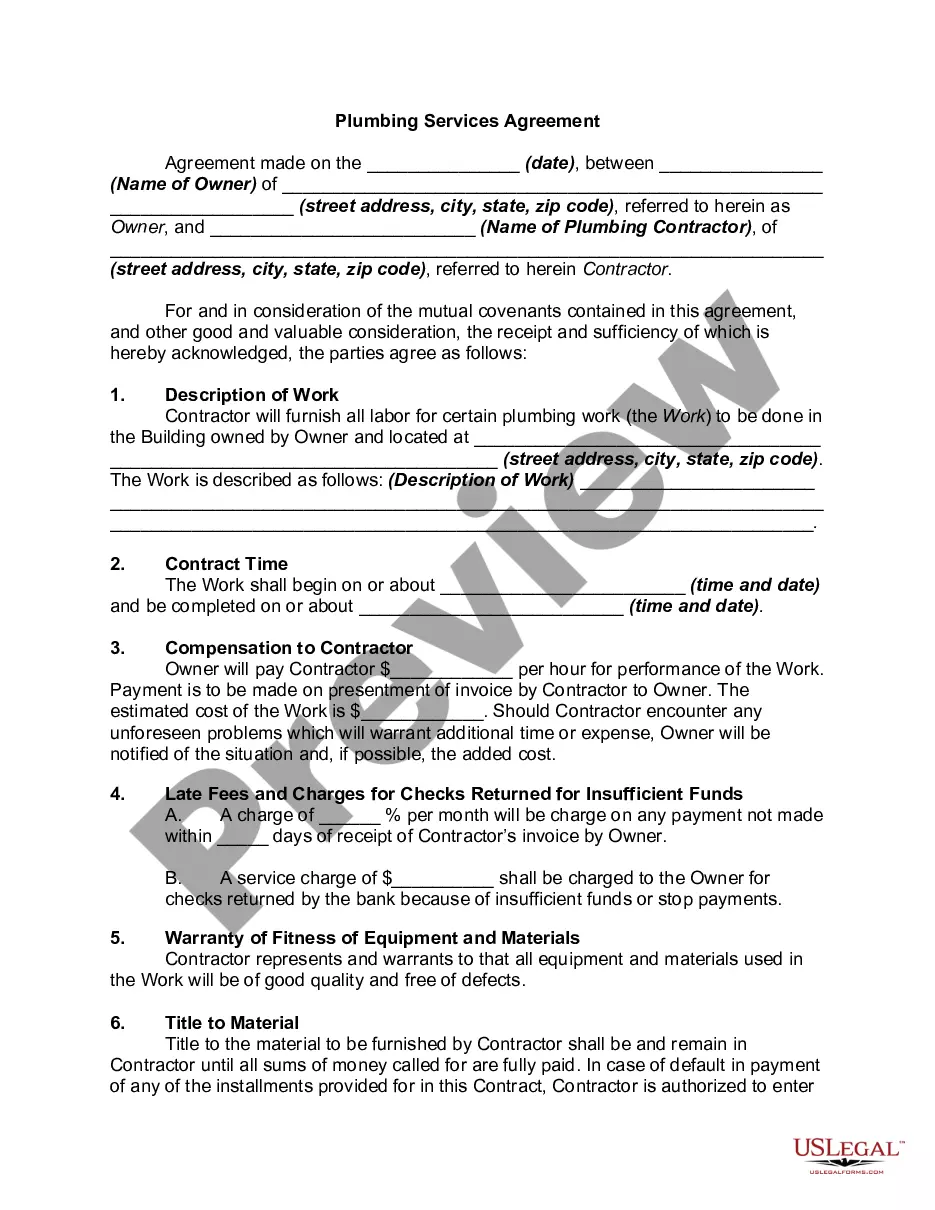
The Independent Contractor Invoice Format For Google Docs shown on this page is a reusable formal document crafted by legal experts in accordance with federal and state regulations.
For over 25 years, US Legal Forms has supplied individuals, enterprises, and legal practitioners with more than 85,000 authenticated, state-specific documents for any professional and personal circumstance. It’s the fastest, easiest, and most reliable method to acquire the paperwork you require, as the service ensures bank-level data security and anti-malware safeguards.
Register for US Legal Forms to access verified legal templates for every aspect of life.
- Look for the document you need and evaluate it.
- Sign up and Log In.
- Obtain the editable template.
- Fill out and sign the document.
- Redownload your files when necessary.
Form popularity
FAQ
To obtain an invoice template on Google Docs, start by opening a new document in Google Docs. Then, click on 'File,' followed by 'New,' and select 'From template.' You can find several options including a self-employed contractor invoice template for Google Docs, which you can customize according to your needs.
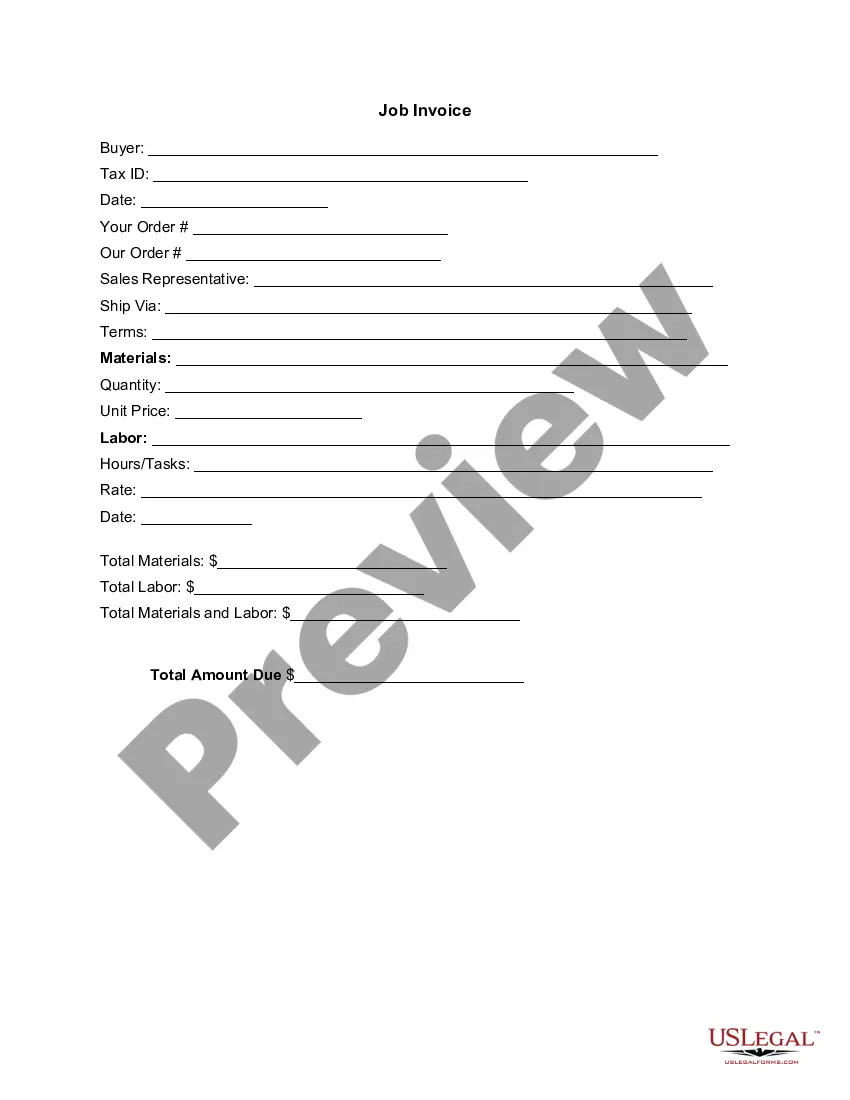
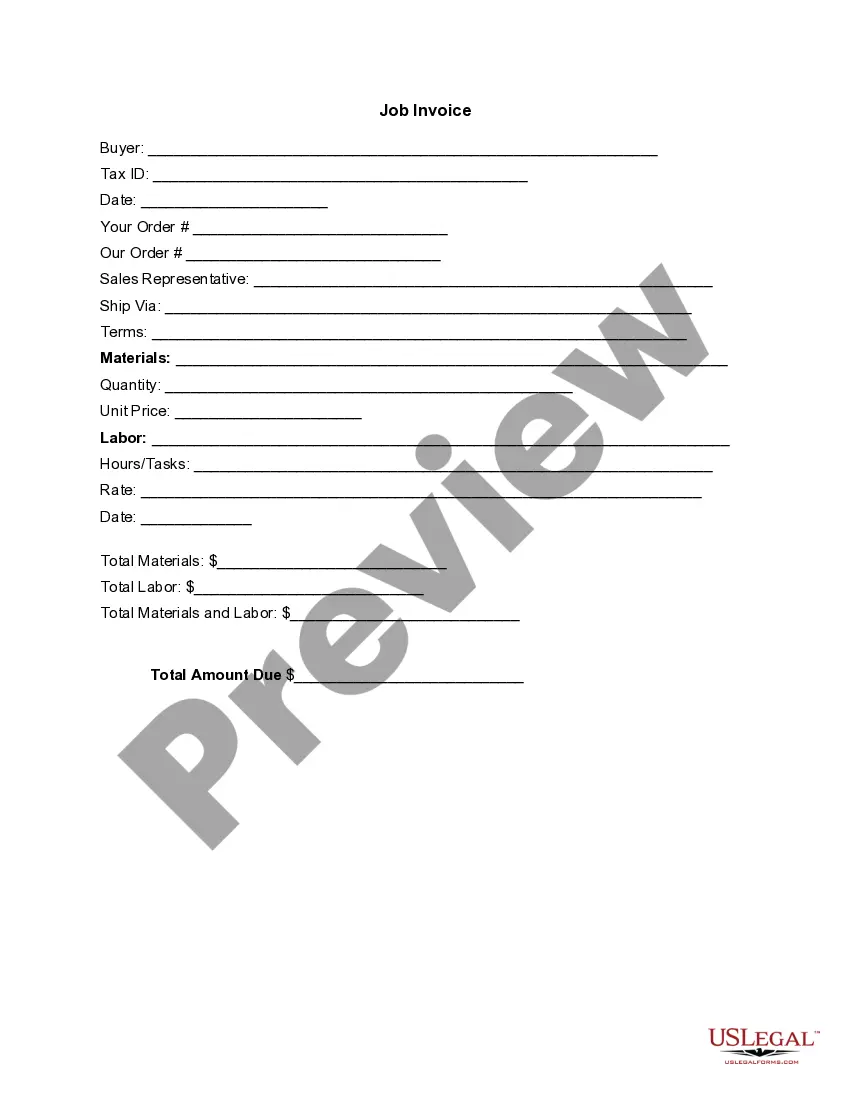
What to include in your invoice for contract work. Your name (or company name) and contact details. Your client's name and contact details. Date of invoice. Invoice number. Itemized list and description of services. Date or duration of service. Pricing breakdowns, such as hourly or flat rates. Applicable taxes.
How to make an invoice template in Google Docs Set up a Google account if you don't already have one. Go to Google Docs. Browse through the Template Gallery. Pick the desired invoice style. Save the template to your Google Drive. Tweak the invoice and add what you want. If needed, download the template in the format you want.
Log in to your Google Docs account. You'll see a button labeled Template Gallery in the home page section. Click it to get started. Pick out the right invoice template for your professional needs ? you'll have plenty to choose from.
Your business's name, address, and contact details. Your customer's name and address. The invoice date. A clear breakdown of the products or services you are charging for.
To create a self-employed invoice template, include your name or business name, contact information, and a unique invoice number at the top. Next, add the client's details and the date of the invoice. Describe your goods or services, including relevant details like quantity, hours, or project names.