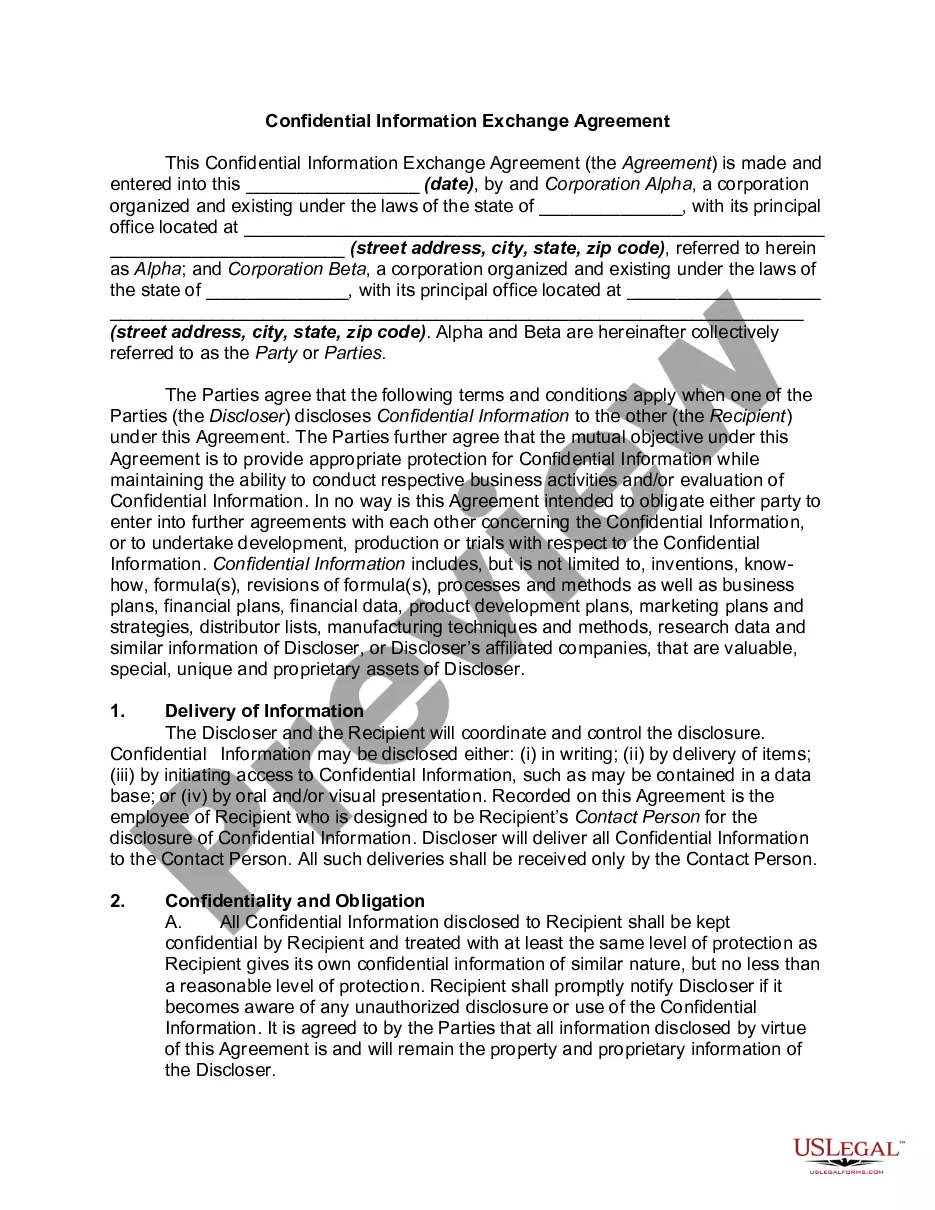
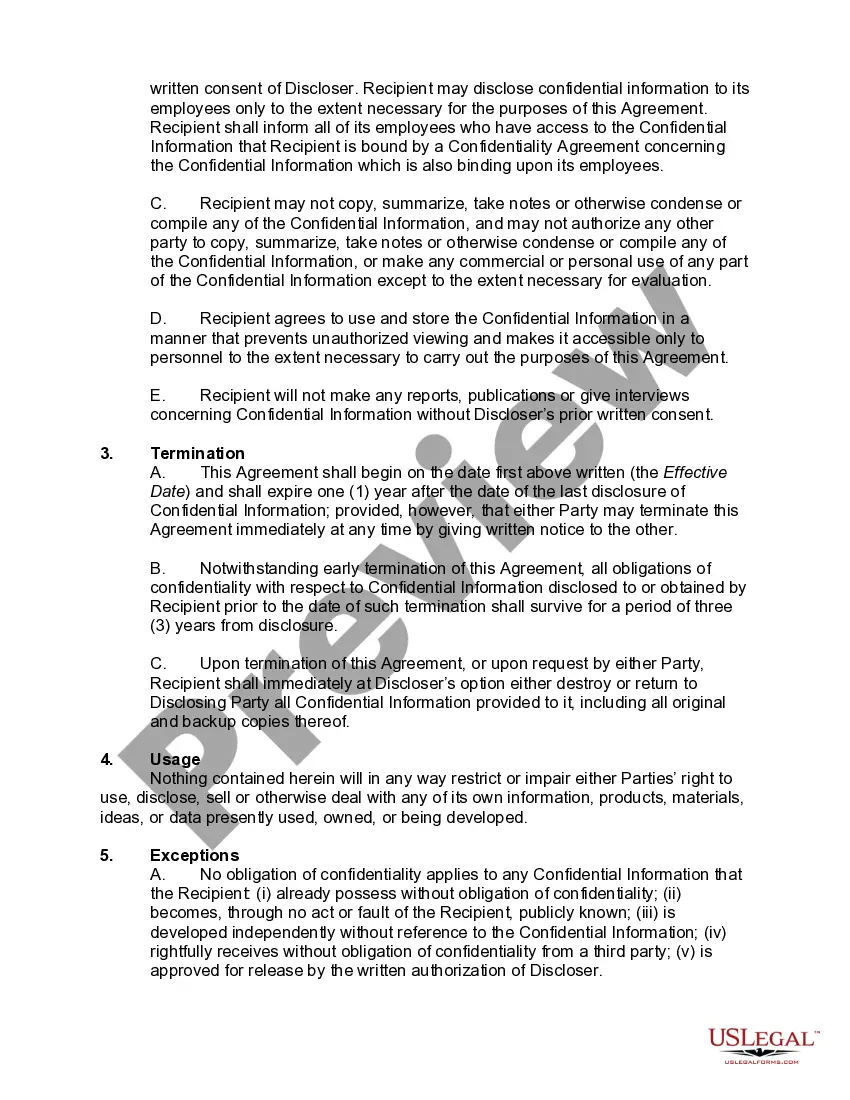
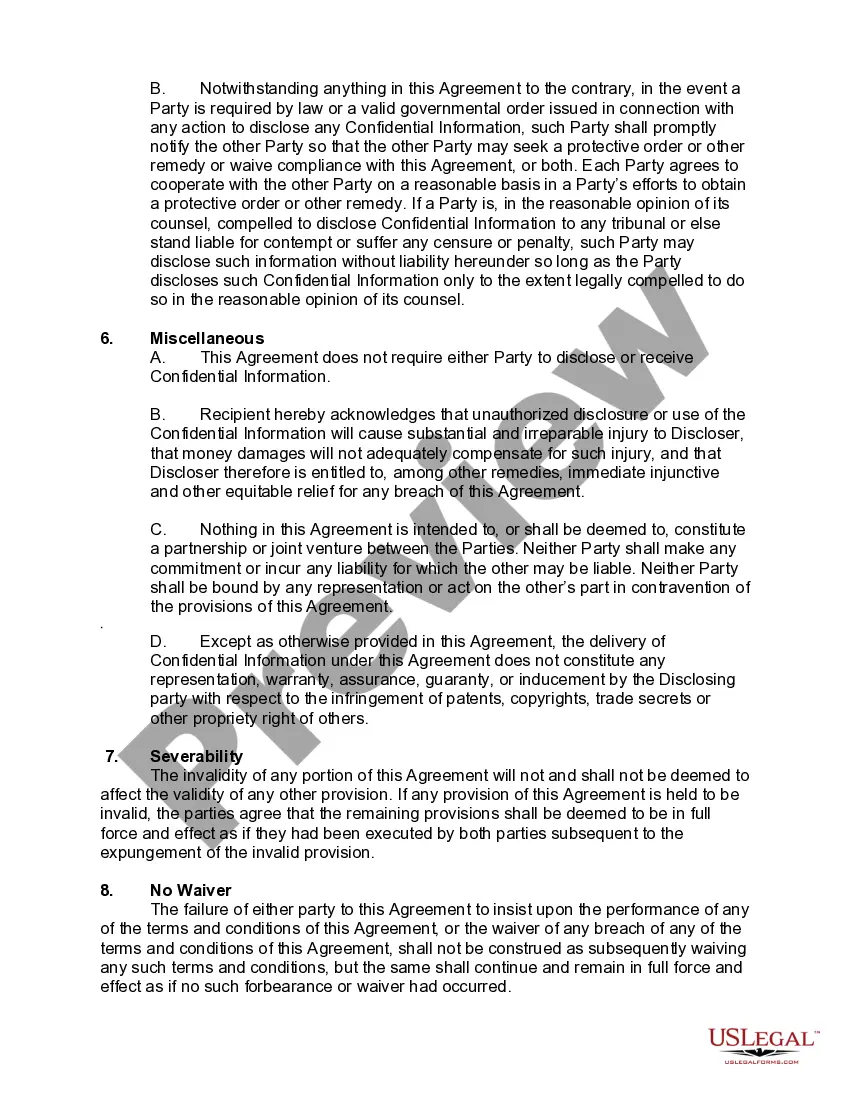
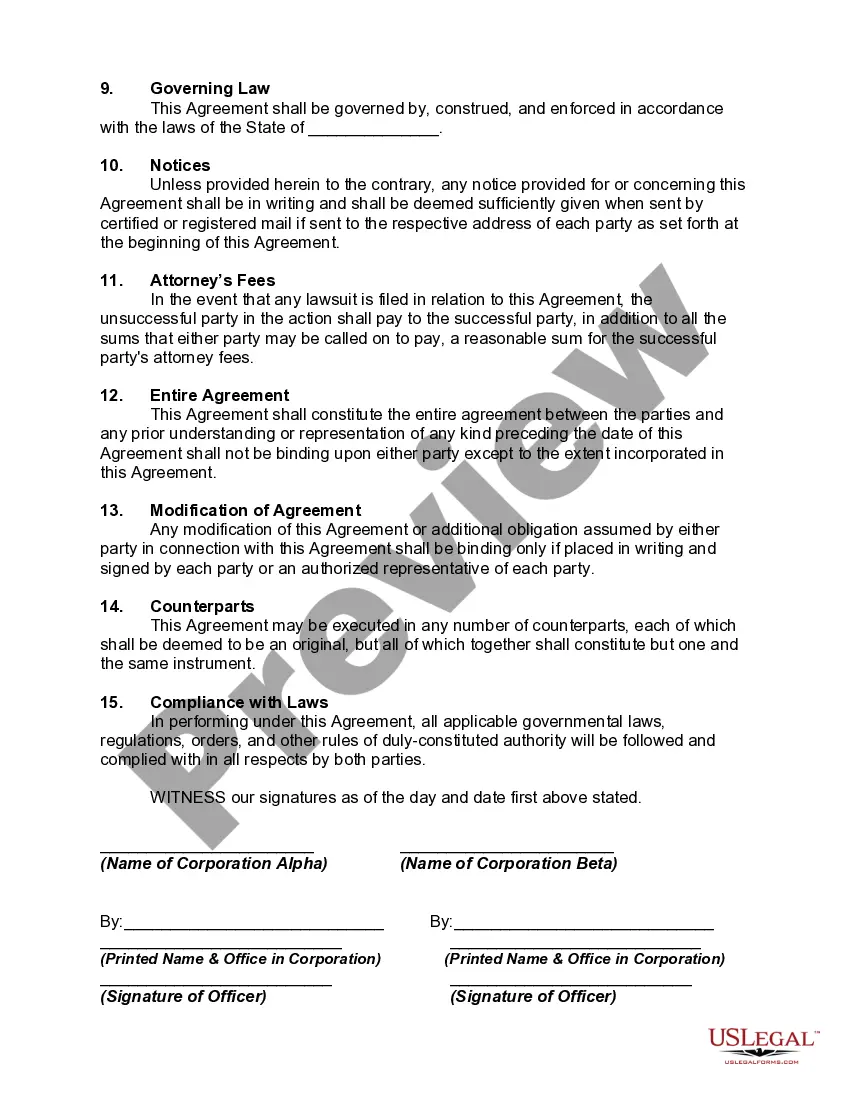
Confidential Information Agreement Within Court Filing
Description

Get your form ready online
Our built-in tools help you complete, sign, share, and store your documents in one place.
Make edits, fill in missing information, and update formatting in US Legal Forms—just like you would in MS Word.
Download a copy, print it, send it by email, or mail it via USPS—whatever works best for your next step.
Sign and collect signatures with our SignNow integration. Send to multiple recipients, set reminders, and more. Go Premium to unlock E-Sign.
If this form requires notarization, complete it online through a secure video call—no need to meet a notary in person or wait for an appointment.
We protect your documents and personal data by following strict security and privacy standards.

Make edits, fill in missing information, and update formatting in US Legal Forms—just like you would in MS Word.

Download a copy, print it, send it by email, or mail it via USPS—whatever works best for your next step.

Sign and collect signatures with our SignNow integration. Send to multiple recipients, set reminders, and more. Go Premium to unlock E-Sign.

If this form requires notarization, complete it online through a secure video call—no need to meet a notary in person or wait for an appointment.

We protect your documents and personal data by following strict security and privacy standards.
Looking for another form?
How to fill out Confidential Information Exchange Agreement?
There's no further justification to waste time searching for legal documents to adhere to your local state regulations.
US Legal Forms has gathered all of them in a single location and enhanced their accessibility.
Our website provides over 85k templates for any business and individual legal matters organized by state and area of application. All forms are expertly created and verified for accuracy, so you can be confident in acquiring an up-to-date Confidential Information Agreement for Court Filing.
Filling out formal paperwork under federal and state laws is quick and straightforward with our platform. Experience US Legal Forms today to keep your documentation organized!
- If you are acquainted with our platform and already possess an account, please verify that your subscription is active before accessing any templates.
- Log In to your account, select the document, and hit Download.
- You can also retrieve all acquired documentation whenever necessary by accessing the My documents tab in your profile.
- If you are a first-time user of our platform, the process will involve a few more steps to complete.
- Here's how new users can find the Confidential Information Agreement for Court Filing within our library.
- Carefully read the page content to ensure it features the sample you need.
- To assist, use the form description and preview options if available.
- Utilize the Search field above to find an alternative template if the previous one didn't meet your needs.
- Once you discover the suitable one, click Buy Now next to the template title.
- Select the preferred pricing plan and either register for an account or Log In.
- Proceed to pay for your subscription with a credit card or via PayPal.
- Choose the file format for your Confidential Information Agreement for Court Filing and download it onto your device.
- Print your form to fill it out by hand or upload the sample if you wish to complete it using an online editor.
Form popularity
FAQ
Marking a document "Confidential" is easy enough to do, depending on which word processing software you employ. In Word, click "Page Layout." Then, click "Watermark," and choose "Confidential." That watermark will appear on the printed version of the document.
Any court filings made in a Florida court that contain confidential information such as Social Security or bank account numbers, adoption records, HIV test results or information identifying victims of sexual offenses, must be accompanied by a Notice of Confidential Information (PDF).
To get a court record sealed, you must bring a motion an official request before a judge. In the motion, you must convince the judge that you have serious privacy or safety concerns that outweigh any public interest in having access to those records.
An Easy Process. Marking a document "Confidential" is easy enough to do, depending on which word processing software you employ. In Word, click "Page Layout." Then, click "Watermark," and choose "Confidential." That watermark will appear on the printed version of the document.
2. Clearly label all confidential information as confidential. This means writing confidential on documents or any folder you keep them in. If you are sending an email, make sure the title clearly identifies it as confidential.