Medallion Signature Guarantee Form Without Stamp
Description

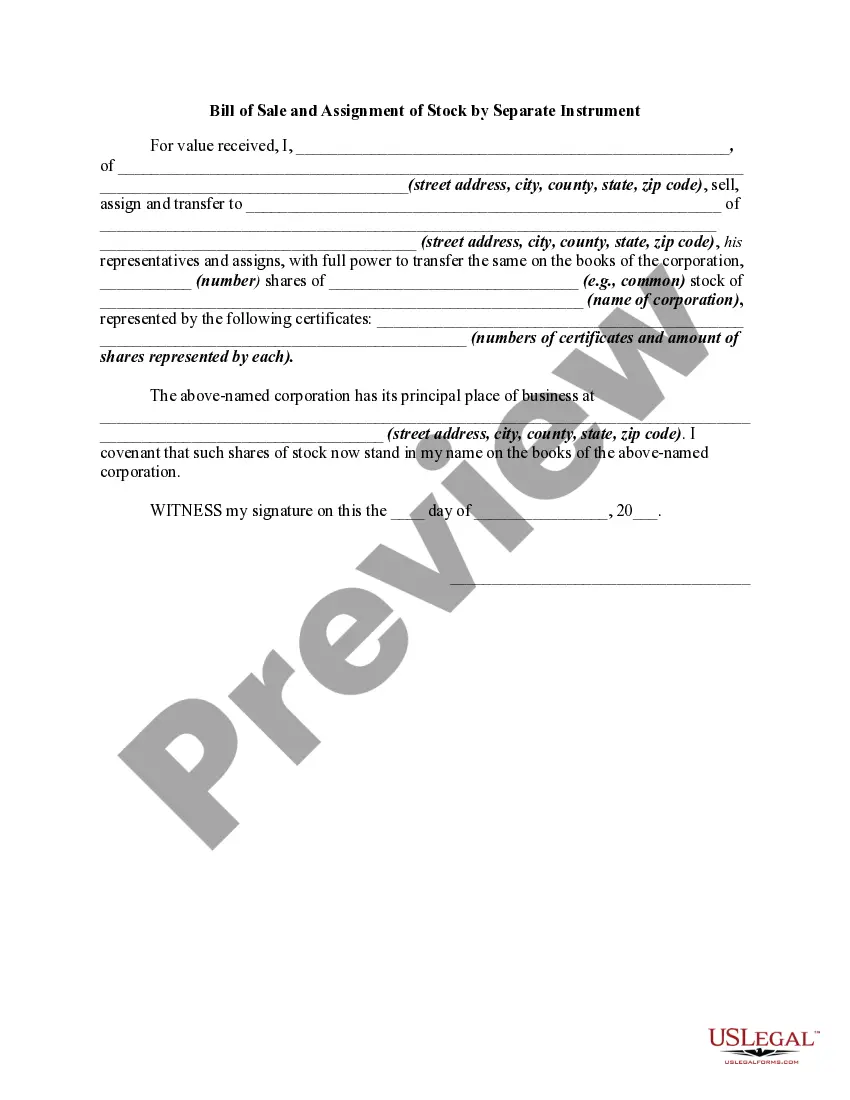
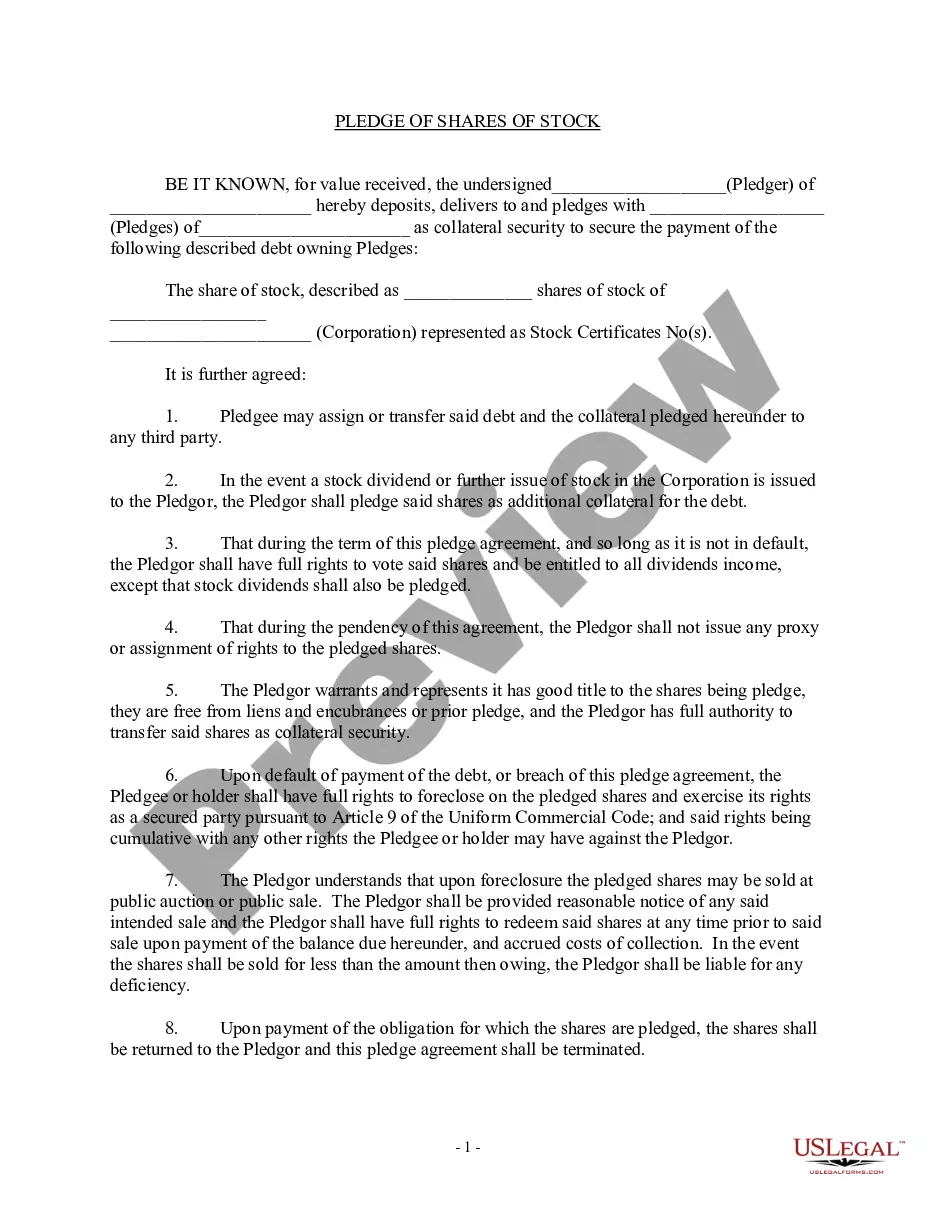

Get your form ready online
Our built-in tools help you complete, sign, share, and store your documents in one place.
Make edits, fill in missing information, and update formatting in US Legal Forms—just like you would in MS Word.
Download a copy, print it, send it by email, or mail it via USPS—whatever works best for your next step.
Sign and collect signatures with our SignNow integration. Send to multiple recipients, set reminders, and more. Go Premium to unlock E-Sign.
If this form requires notarization, complete it online through a secure video call—no need to meet a notary in person or wait for an appointment.
We protect your documents and personal data by following strict security and privacy standards.

Make edits, fill in missing information, and update formatting in US Legal Forms—just like you would in MS Word.

Download a copy, print it, send it by email, or mail it via USPS—whatever works best for your next step.

Sign and collect signatures with our SignNow integration. Send to multiple recipients, set reminders, and more. Go Premium to unlock E-Sign.

If this form requires notarization, complete it online through a secure video call—no need to meet a notary in person or wait for an appointment.

We protect your documents and personal data by following strict security and privacy standards.
Looking for another form?


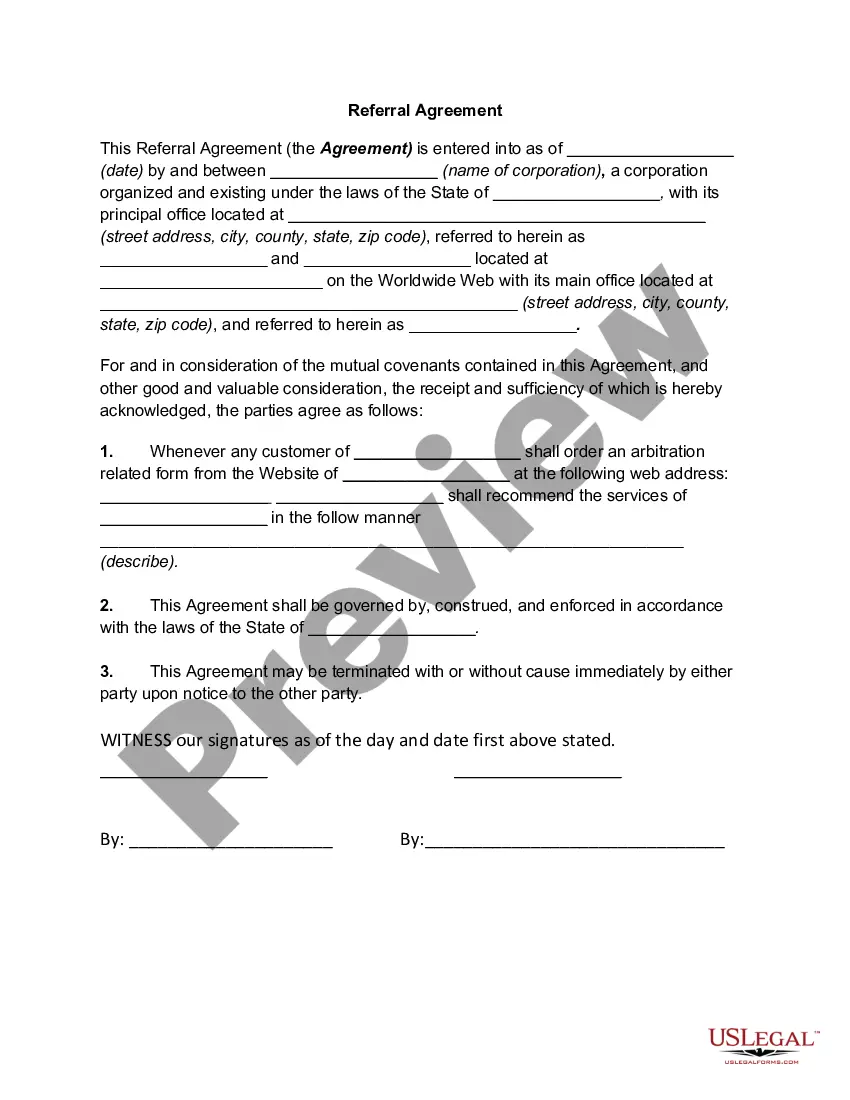
How to fill out Assignment And Transfer Of Stock?
The Medallion Signature Guarantee Form Without Stamp displayed on this page is a versatile legal template created by experienced attorneys in accordance with federal and local laws.
For over 25 years, US Legal Forms has supplied individuals, businesses, and lawyers with more than 85,000 validated, state-specific documents suitable for any business and personal event.
Select the format you prefer for your Medallion Signature Guarantee Form Without Stamp (PDF, DOCX, RTF) and store the sample on your device. Complete the template either by printing it and filling it by hand or utilizing an online multifunctional PDF editor to swiftly and accurately fill out and sign your form with a legally-binding electronic signature. Download your documents again as needed. Access the My documents tab in your profile to redownload any previously retrieved forms. Subscribe to US Legal Forms to have verified legal templates for all of life’s situations at your fingertips.
- Search for the document you require and verify it.
- Review the sample you found and either preview it or examine the form description to ensure it meets your requirements. If it doesn’t, use the search feature to find the correct one. Click Buy Now when you have found the template you require.
- Register and Log In.
- Choose the subscription plan that best fits you and create an account. Use PayPal or a credit card for a swift payment. If you already possess an account, Log In and check your subscription to proceed.
- Acquire the editable template.
Form popularity
FAQ
Public Access to Records The State of Missouri Judiciary offers a website called Case.net to provide free public access to case information.
Only courts that have implemented the case management software as part of the Missouri Court Automation Program and only cases that have been deemed public under the Missouri Revised Statutes can be accessed through Case.net.
Public Access to Records The State of Missouri Judiciary offers a website called Case.net to provide free public access to case information.
Users can access the Case.net web page by typing in the address field of their browser or by clicking the Case.net link available on the Missouri Judiciary home page, .
The Missouri Automated Criminal History Site (MACHS) is Missouri's one-stop website for all criminal background check needs. This site is administered by the Missouri State Highway Patrol's Criminal Justice Information Services Division, the central repository for all Missouri criminal history files.
There is no remote public access to documents filed before July 1, 2023. This includes certain judgments that used to be available to the public via Case.net. Access to these judgments was removed to protect any confidential information they may have contained.
