Not Profit Statement Formula
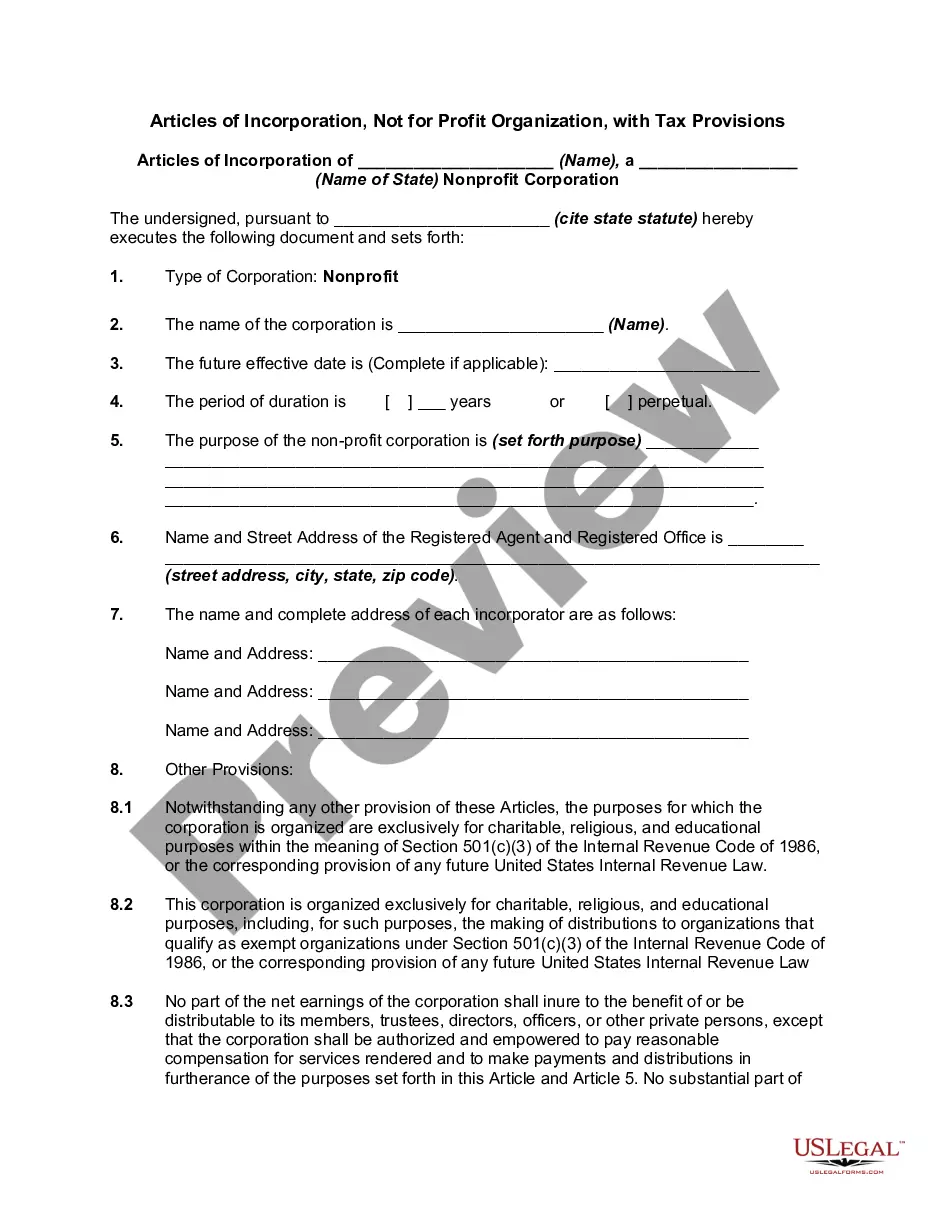
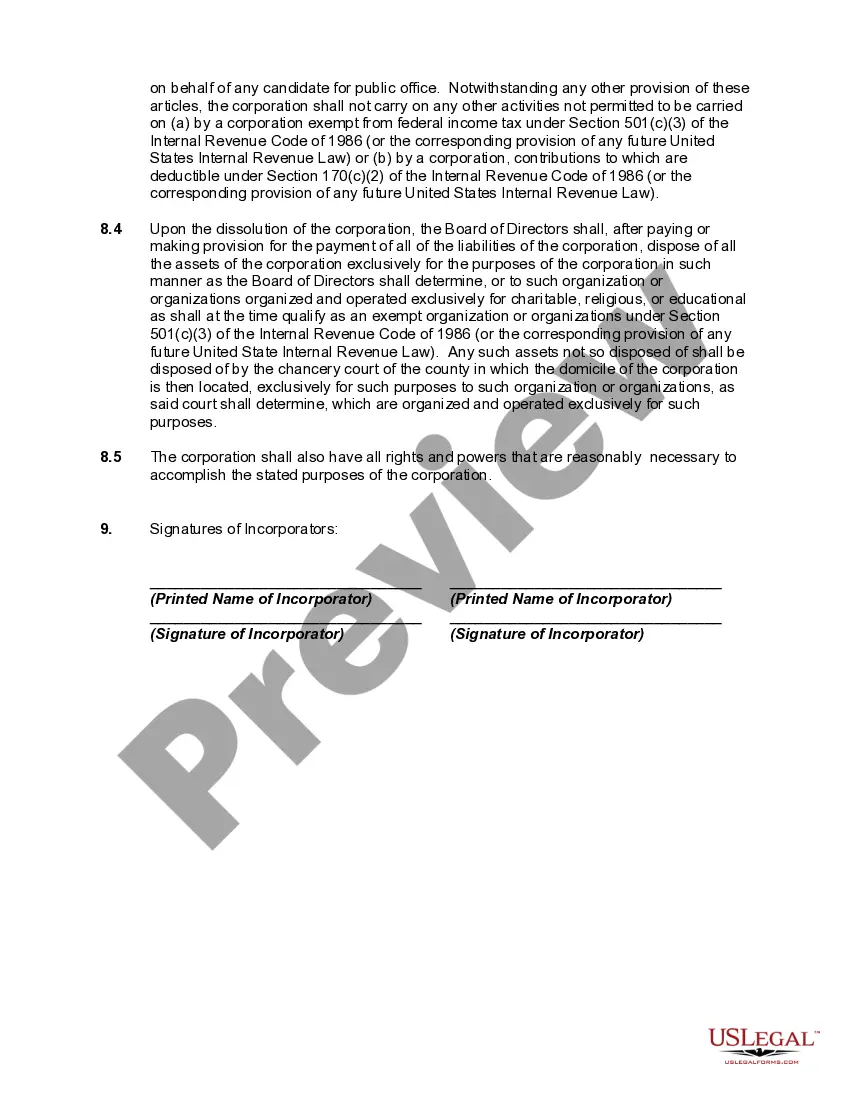
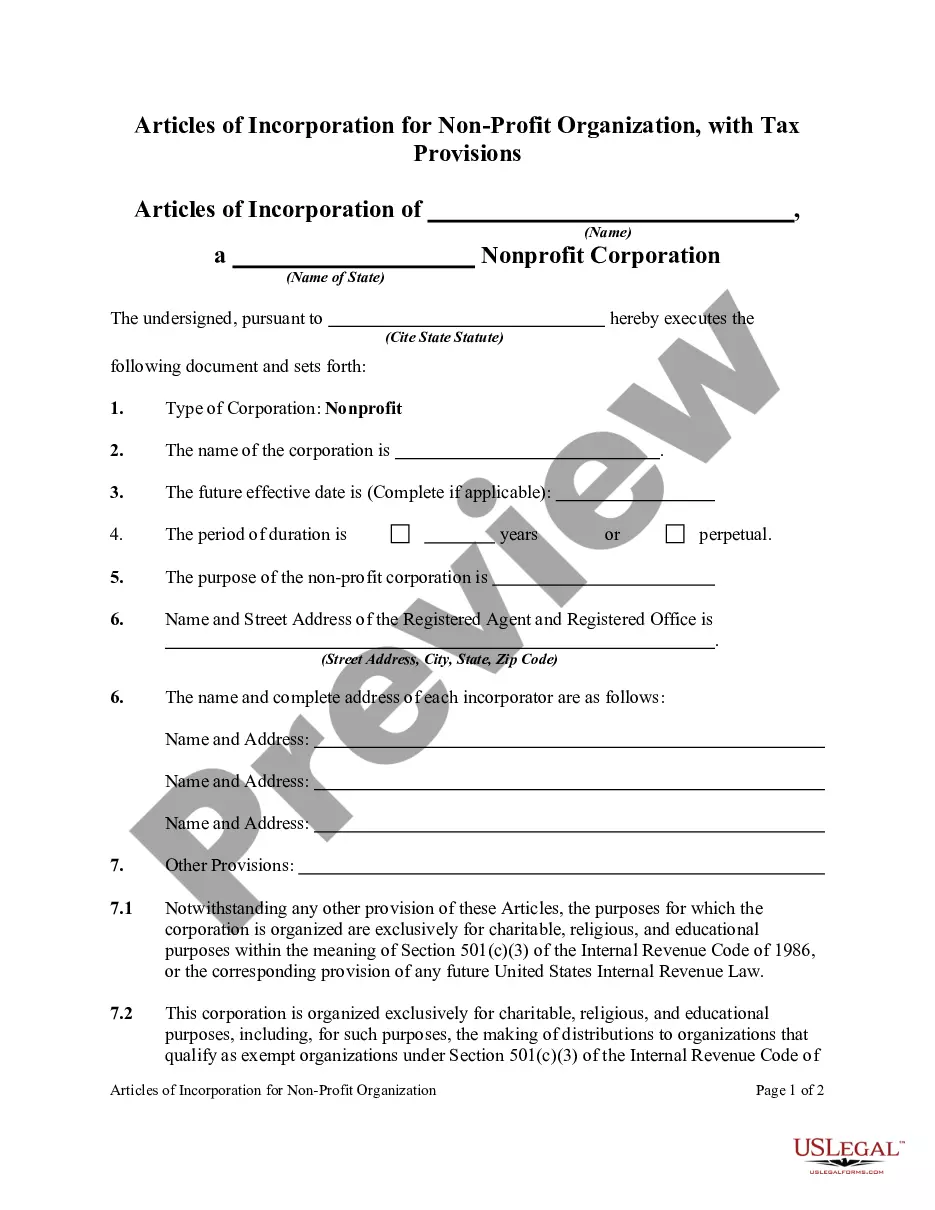
Description
Get your form ready online
Our built-in tools help you complete, sign, share, and store your documents in one place.
Make edits, fill in missing information, and update formatting in US Legal Forms—just like you would in MS Word.
Download a copy, print it, send it by email, or mail it via USPS—whatever works best for your next step.
Sign and collect signatures with our SignNow integration. Send to multiple recipients, set reminders, and more. Go Premium to unlock E-Sign.
If this form requires notarization, complete it online through a secure video call—no need to meet a notary in person or wait for an appointment.
We protect your documents and personal data by following strict security and privacy standards.

Make edits, fill in missing information, and update formatting in US Legal Forms—just like you would in MS Word.

Download a copy, print it, send it by email, or mail it via USPS—whatever works best for your next step.

Sign and collect signatures with our SignNow integration. Send to multiple recipients, set reminders, and more. Go Premium to unlock E-Sign.

If this form requires notarization, complete it online through a secure video call—no need to meet a notary in person or wait for an appointment.

We protect your documents and personal data by following strict security and privacy standards.
Looking for another form?




How to fill out Articles Of Incorporation, Not For Profit Organization, With Tax Provisions?
Finding a reliable location to obtain the most updated and suitable legal templates is a significant part of dealing with bureaucracy.
Selecting the correct legal documents requires accuracy and meticulousness, which is why it is essential to acquire samples of Not Profit Statement Formula solely from reputable sources, such as US Legal Forms.
Once you have the document on your device, you can modify it with the editor or print it to fill out manually. Eliminate the stress associated with your legal documents. Explore the extensive US Legal Forms collection where you can discover legal samples, verify their applicability to your situation, and download them instantly.
- Utilize the library navigation or search bar to locate your document.
- Examine the form’s description to determine if it meets the standards of your state and county.
- View the form preview, if available, to confirm that the template is what you need.
- Return to the search and find the appropriate template if the Not Profit Statement Formula does not suit your requirements.
- Once you are confident about the form's relevance, download it.
- If you are a registered user, click Log in to verify and access your chosen templates in My documents.
- If you do not yet possess an account, click Buy now to purchase the template.
- Select the pricing option that meets your needs.
- Continue with the registration to finalize your purchase.
- Complete your transaction by choosing a payment method (credit card or PayPal).
- Choose the file format for downloading the Not Profit Statement Formula.
Form popularity
FAQ
To fill out a profit loss statement, start by gathering your financial information for the relevant period. Begin with your revenue at the top, listing all income sources. Next, subtract your total expenses, which include operational costs, taxes, and other expenditures. By using the not profit statement formula, you can determine your net profit or loss, giving you clear insight into your financial health.
You can use the following steps to compress files using the maximum compression rate. Right-click the folder or file you want to compress. Click Add to archive. Ensure "RAR" is selected below "Archive Format." Select "Best" below "Compression Method." Select "128 MB" below "Directory Size."
How to compress PDF on Android and iOS Download the iLovePDF Mobile App on App Store or Google Play. Open the App. From the bottom toolbar, tap on Tools. Go to the Compress PDF tool. Select the red + button to import a file. Select the file thumbnail, then tap Continue. Choose your compression level.
To zip (compress) a file or folder Locate the file or folder that you want to zip. Press and hold (or right-click) the file or folder, select (or point to) Send to, and then select Compressed (zipped) folder. A new zipped folder with the same name is created in the same location.
Go to the Tools tab > select Optimize PDF > click Open to access the PDF file you want to compress > select Reduce File Size > click OK. Alternatively, you can use Adobe Online PDF Compressor. It's a free tool that offers three compression options: High Compression (smallest size, lower quality)
The accounting equation can be expressed in 3 ways: Assets = Liabilities + Owners' Equity. Liabilities = Assets ? Owners' Equity. Owners' Equity = Assets ? Liabilities.
How to prepare an income statement Print the trial balance. Go into your accounting software and print a trial balance for the period end. ... Determine your total revenue or sales. ... Determine your cost of goods sold. ... Calculate your gross profit. ... Determine your operating expenses. ... Calculate your net income or loss.
The components of a non-profit income statement include revenue, expenses, gains, and losses. Revenue: Includes all sources of income for the organization, such as donations, grants, and program fees. Expenses: Include all costs associated with running the organization, such as salaries, rent, and supplies.
Hear this out loud PauseThe three main types of financial statements are the balance sheet, the income statement, and the cash flow statement. These three statements together show the assets and liabilities of a business, its revenues and costs, as well as its cash flows from operating, investing, and financing activities.