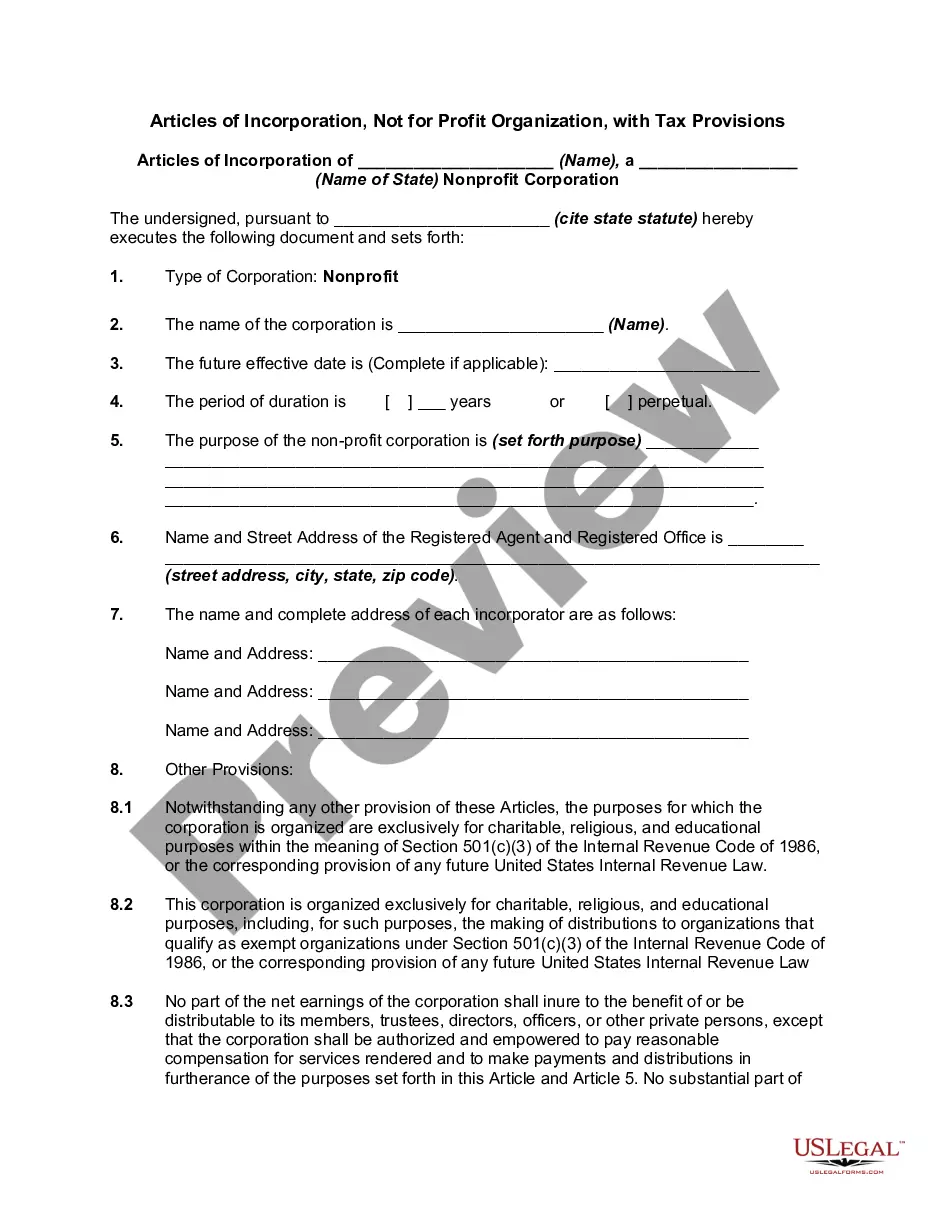
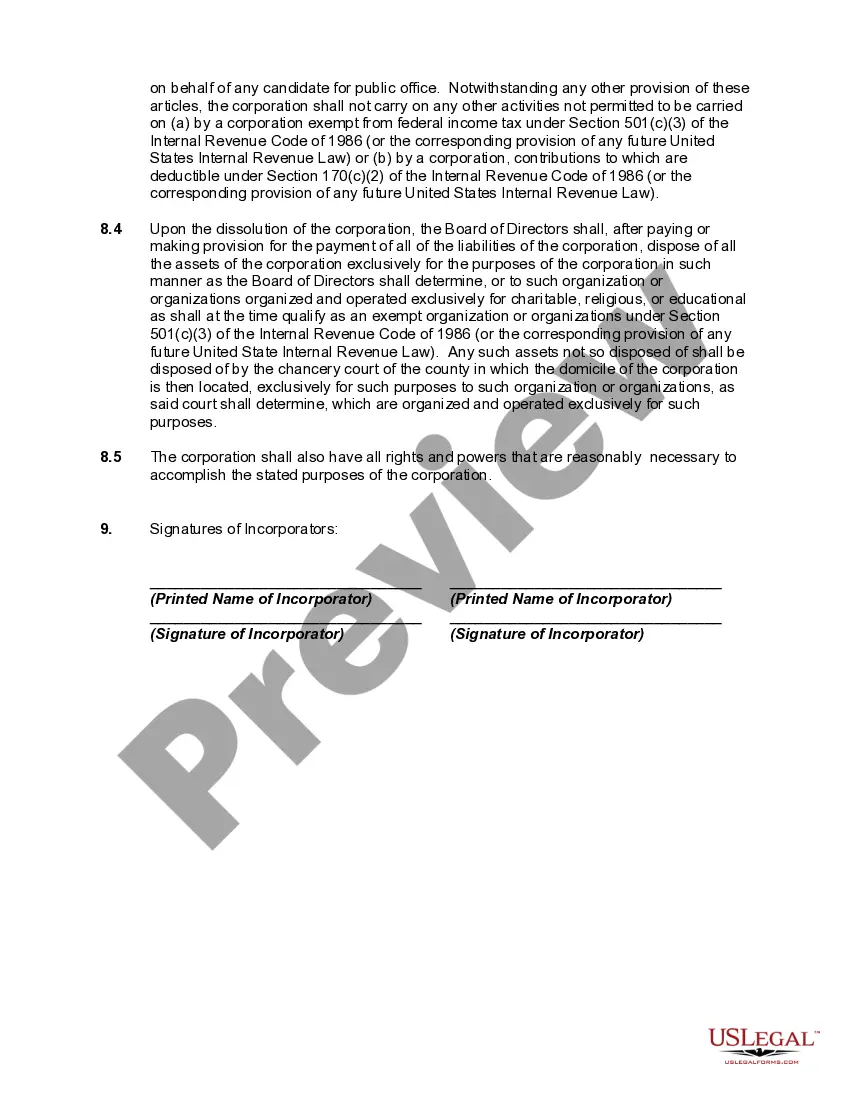
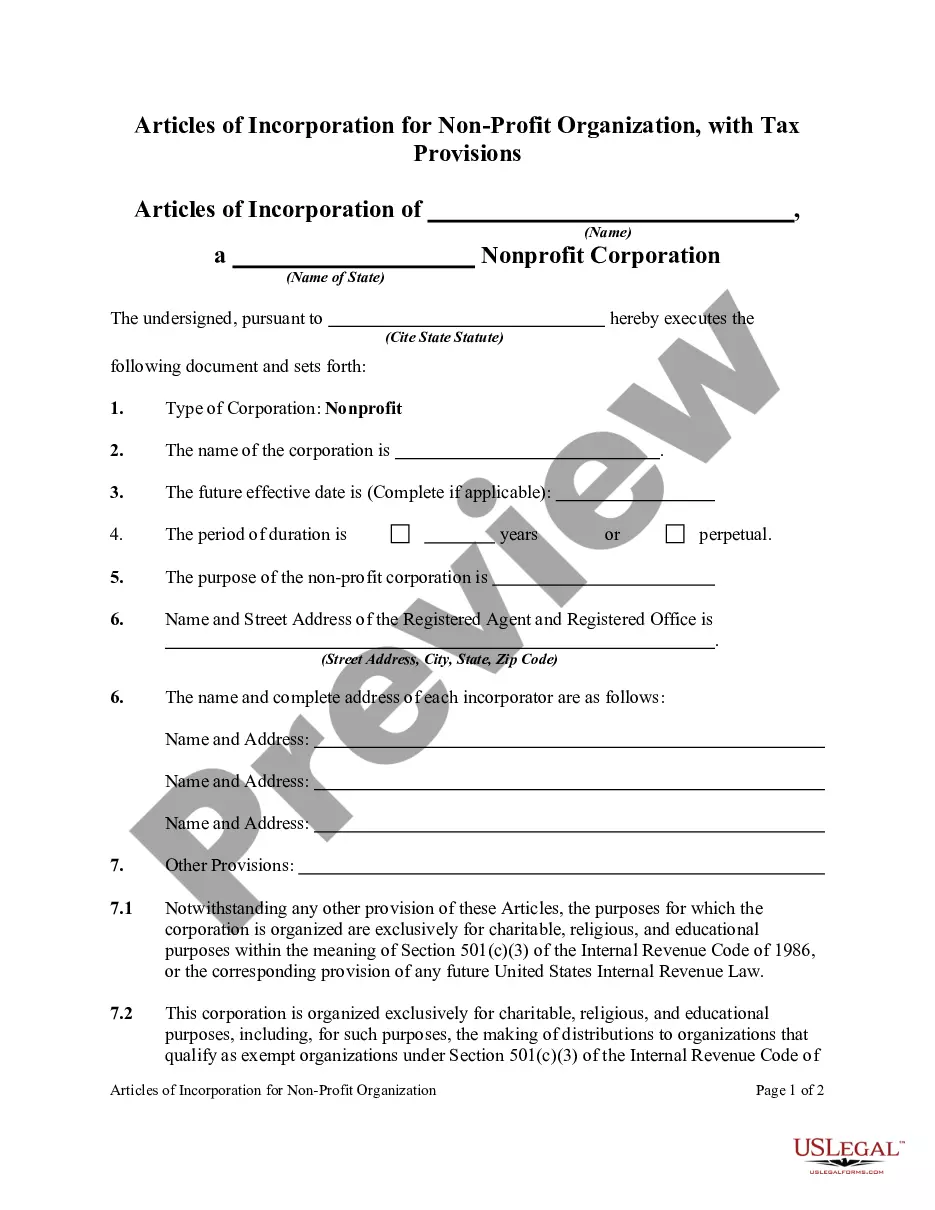
Non Profit Statement With Multiple Conditions
Description
Get your form ready online
Our built-in tools help you complete, sign, share, and store your documents in one place.
Make edits, fill in missing information, and update formatting in US Legal Forms—just like you would in MS Word.
Download a copy, print it, send it by email, or mail it via USPS—whatever works best for your next step.
Sign and collect signatures with our SignNow integration. Send to multiple recipients, set reminders, and more. Go Premium to unlock E-Sign.
If this form requires notarization, complete it online through a secure video call—no need to meet a notary in person or wait for an appointment.
We protect your documents and personal data by following strict security and privacy standards.

Make edits, fill in missing information, and update formatting in US Legal Forms—just like you would in MS Word.

Download a copy, print it, send it by email, or mail it via USPS—whatever works best for your next step.

Sign and collect signatures with our SignNow integration. Send to multiple recipients, set reminders, and more. Go Premium to unlock E-Sign.

If this form requires notarization, complete it online through a secure video call—no need to meet a notary in person or wait for an appointment.

We protect your documents and personal data by following strict security and privacy standards.
Looking for another form?

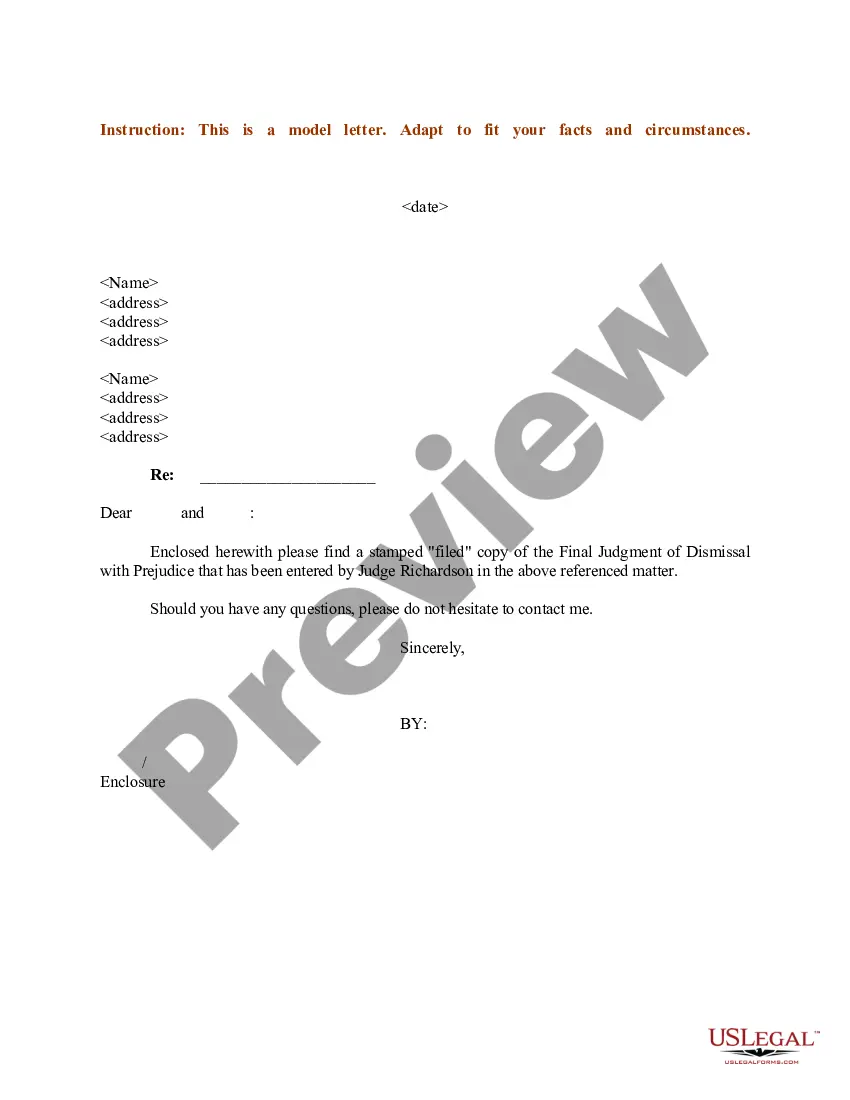


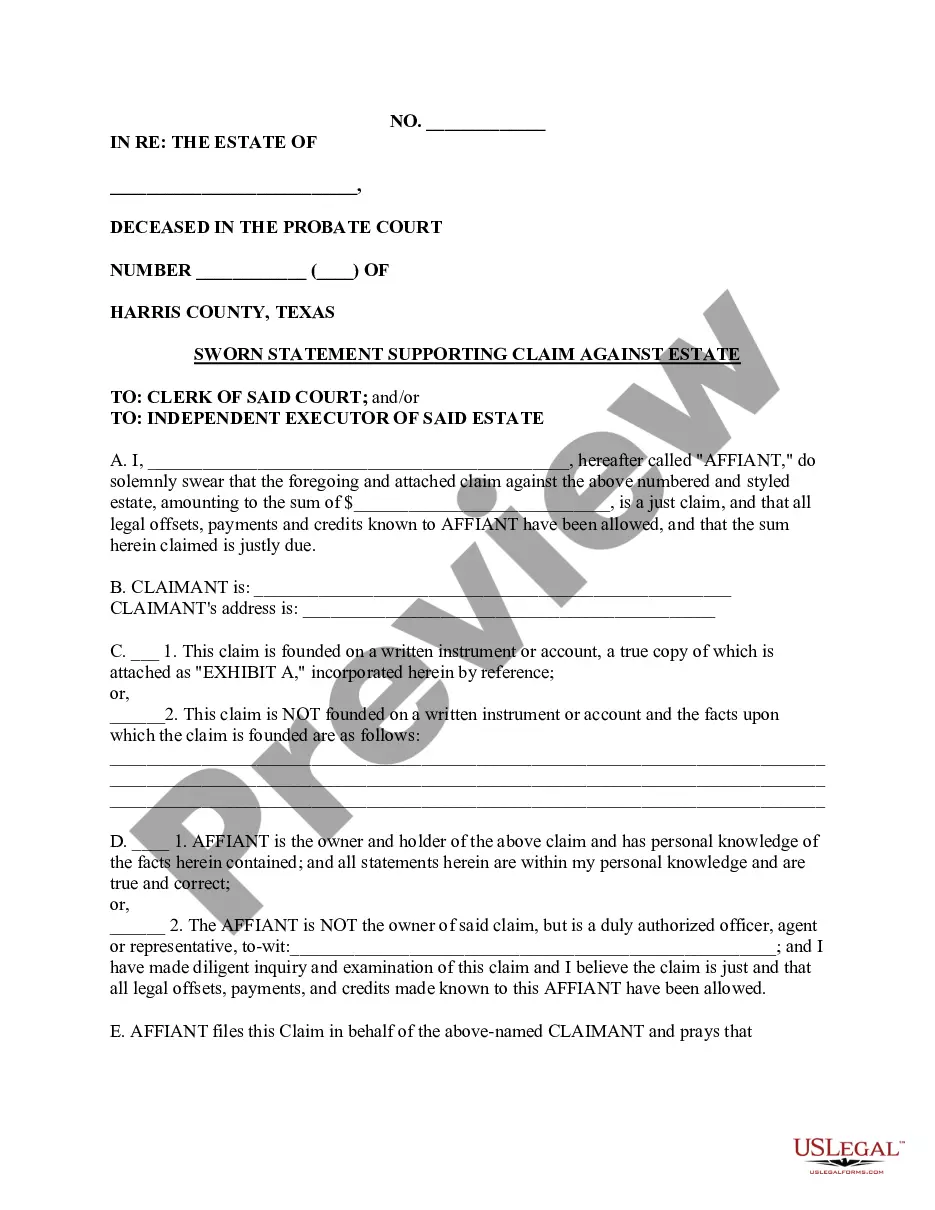





How to fill out Articles Of Incorporation, Not For Profit Organization, With Tax Provisions?
Managing legal documents can be overwhelming, even for the most seasoned experts.
If you require a Non Profit Statement With Multiple Conditions and don’t have the opportunity to invest time searching for the correct and updated version, the process can be stressful.
With US Legal Forms, you can.
Access legal and business documents tailored to your state or county needs. US Legal Forms addresses all your requirements, from individual to corporate documentation, all in one place.
If this is your first experience with US Legal Forms, create a free account to gain unlimited access to all platform benefits. Here are the steps to follow after you access the desired form: Confirm it is the appropriate form by previewing it and reviewing its description. Ensure that the template is valid in your state or county. Click Buy Now when you are prepared. Select a subscription plan. Choose the format you want, then Download, complete, eSign, print, and send your document. Take advantage of the US Legal Forms online library, backed by 25 years of experience and reliability. Transform your everyday document management into a streamlined and user-friendly process today.
- Utilize sophisticated tools to prepare and manage your Non Profit Statement With Multiple Conditions.
- Gain access to a collection of articles, guides, and resources pertinent to your circumstances and requirements.
- Conserve time and energy searching for necessary documents, and take advantage of US Legal Forms’ advanced search and Preview feature to locate Non Profit Statement With Multiple Conditions and obtain it.
- If you are a subscriber, Log In to your US Legal Forms account, search for the form, and download it.
- Check the My documents tab to review the documents you have previously downloaded and organize your folders as needed.
- A comprehensive online form repository could be transformative for anyone looking to navigate these scenarios efficiently.
- US Legal Forms is a top provider in the online legal forms space, offering over 85,000 state-specific legal documents accessible whenever you need them.
Form popularity
FAQ
The four essential nonprofit financial statements are statements of financial position, activities, cash flows, and functional expenses.
While a nonprofit can operate in different states, complete multi-state nonprofit registration may not be necessary, depending on your plans. For example, if your nonprofit organizes an event in a nearby state, it doesn't automatically mean you're operating in that state.
The components of a non-profit income statement include revenue, expenses, gains, and losses. Revenue: Includes all sources of income for the organization, such as donations, grants, and program fees. Expenses: Include all costs associated with running the organization, such as salaries, rent, and supplies.
The income statement, balance sheet, and statement of cash flows are required financial statements. These three statements are informative tools that traders can use to analyze a company's financial strength and provide a quick picture of a company's financial health and underlying value.
The balance sheet of a non-profit organization is prepared in the same manner as in the case of a business enterprise. The assets of the organization are recorded on the Right side and liabilities on the Left side. The Non-profit organizations do not use the term Capital.