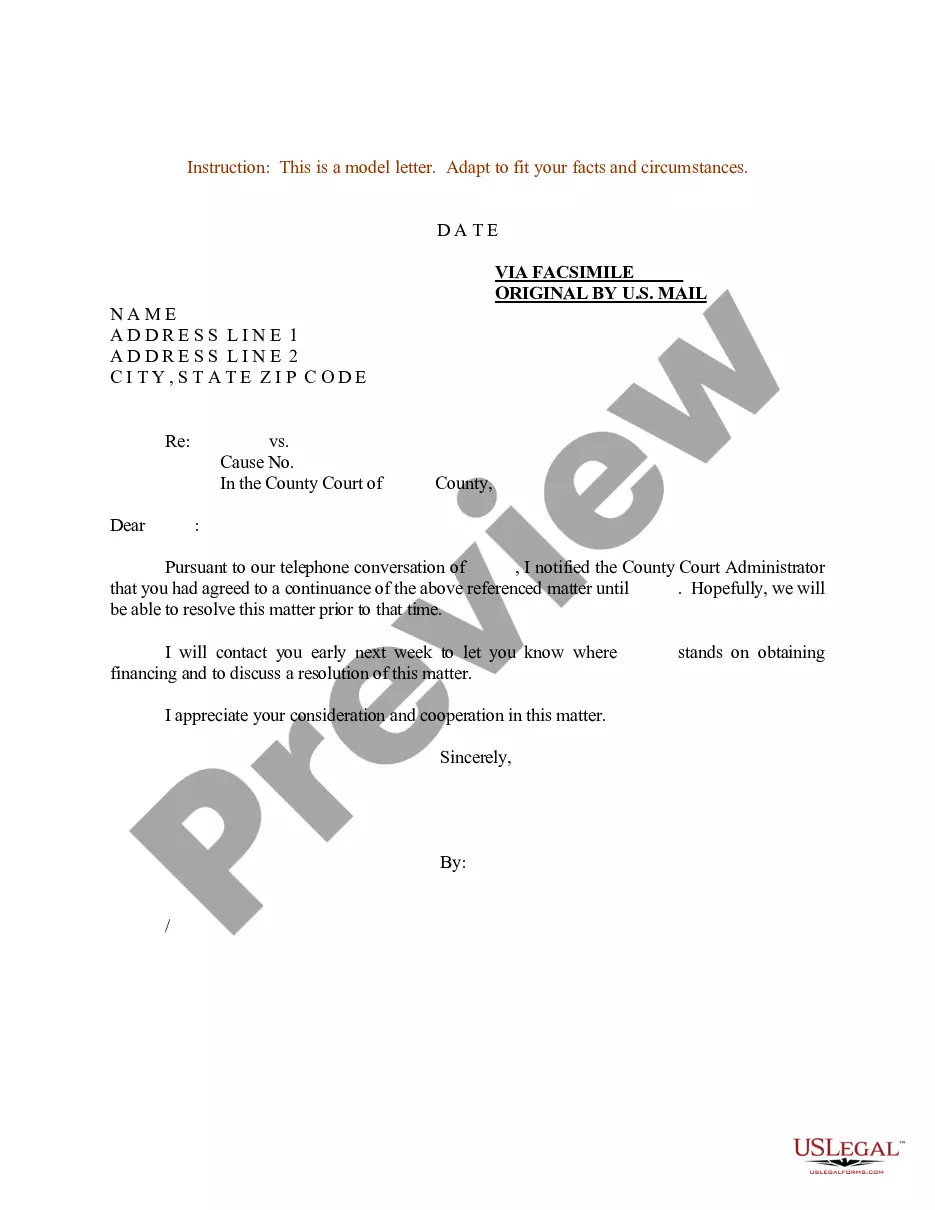
Sample Court Document With Table Of Contents
Description
Get your form ready online
Our built-in tools help you complete, sign, share, and store your documents in one place.
Make edits, fill in missing information, and update formatting in US Legal Forms—just like you would in MS Word.
Download a copy, print it, send it by email, or mail it via USPS—whatever works best for your next step.
Sign and collect signatures with our SignNow integration. Send to multiple recipients, set reminders, and more. Go Premium to unlock E-Sign.
If this form requires notarization, complete it online through a secure video call—no need to meet a notary in person or wait for an appointment.
We protect your documents and personal data by following strict security and privacy standards.

Make edits, fill in missing information, and update formatting in US Legal Forms—just like you would in MS Word.

Download a copy, print it, send it by email, or mail it via USPS—whatever works best for your next step.

Sign and collect signatures with our SignNow integration. Send to multiple recipients, set reminders, and more. Go Premium to unlock E-Sign.

If this form requires notarization, complete it online through a secure video call—no need to meet a notary in person or wait for an appointment.

We protect your documents and personal data by following strict security and privacy standards.
Looking for another form?

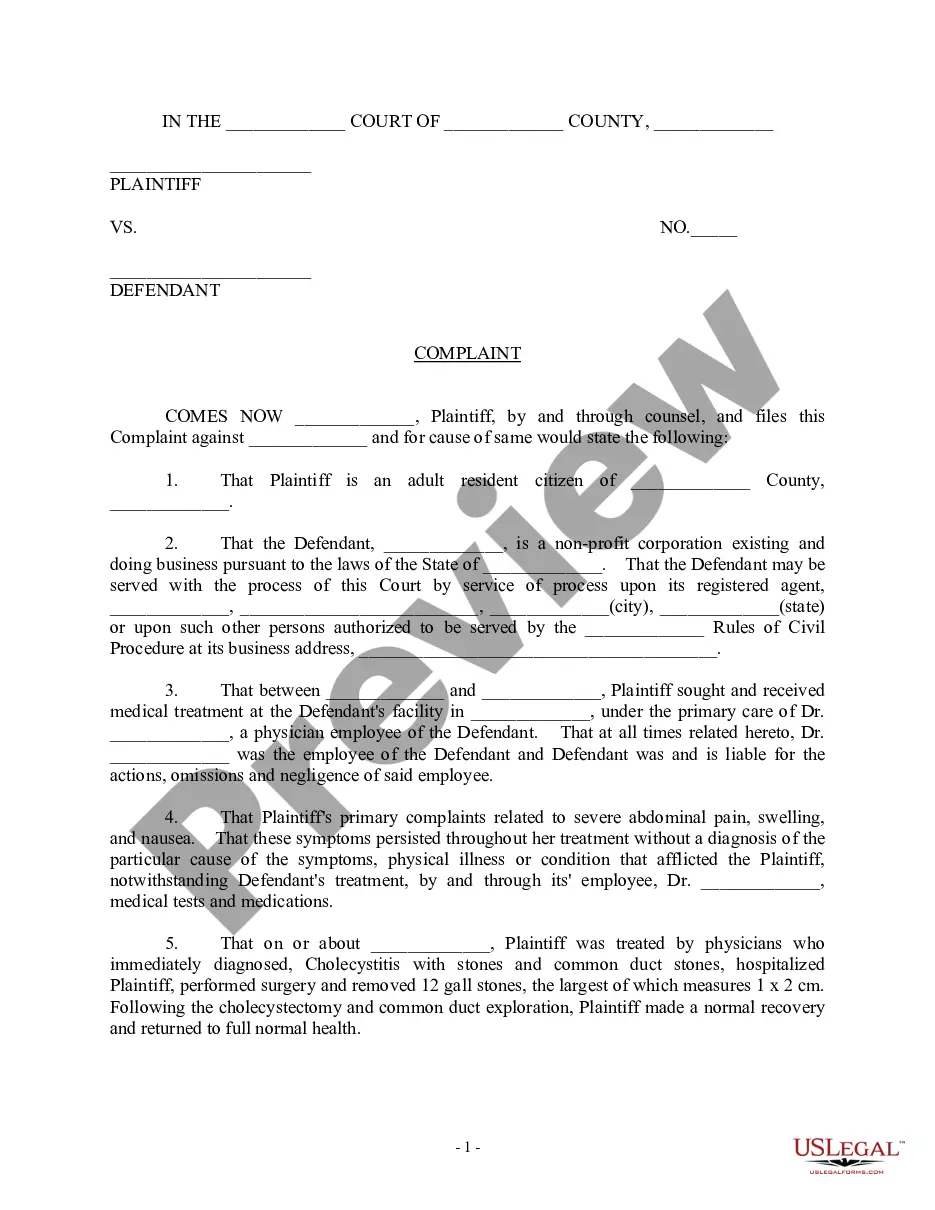
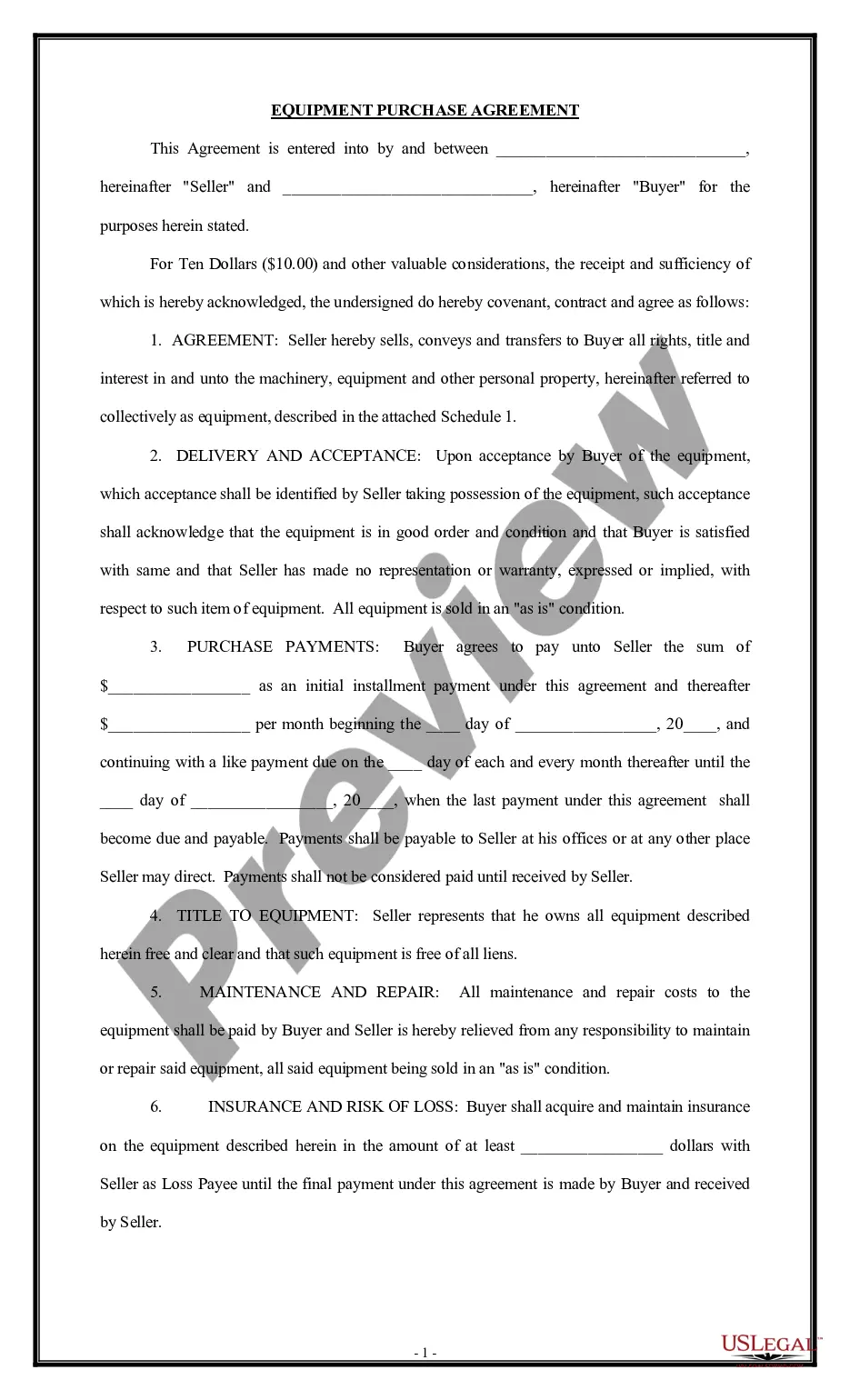
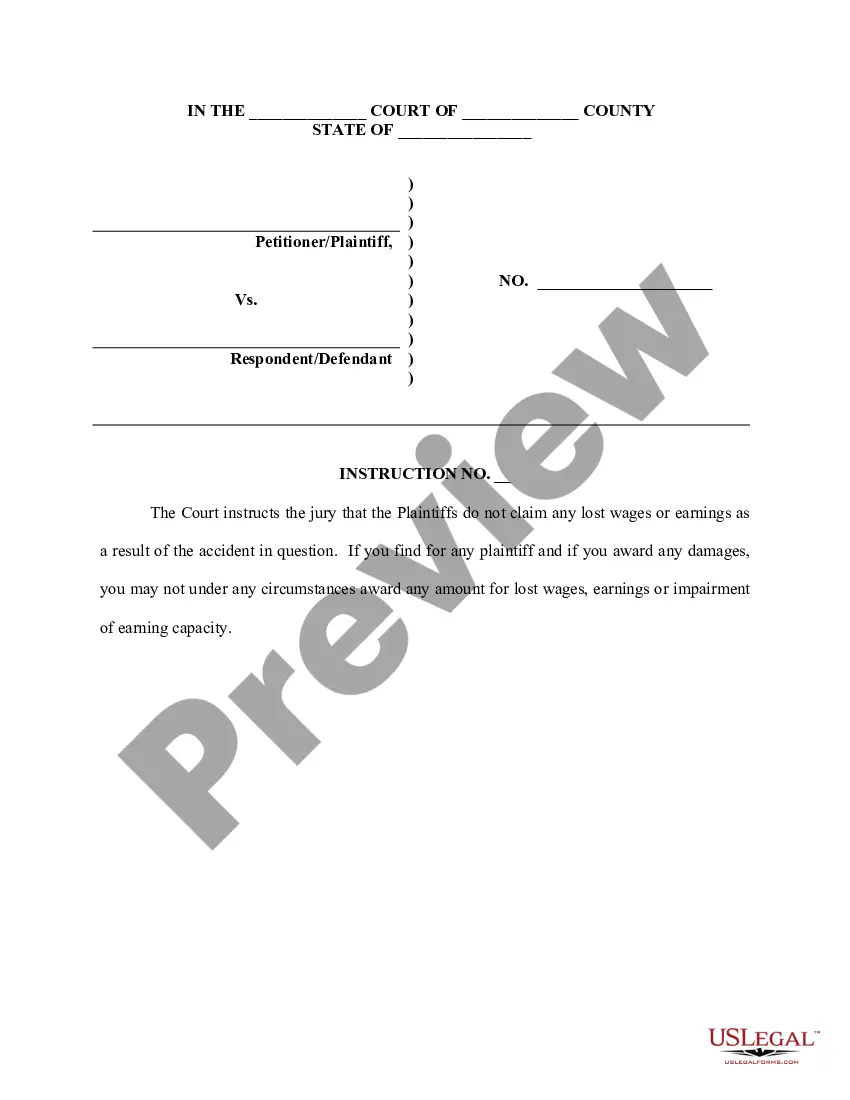
How to fill out Sample Letter For Continuance - Notification Of Court Administrator?
Managing legal documents and procedures can be a lengthy addition to your schedule.
Sample Court Document With Table Of Contents and similar forms frequently require you to search for them and find the most effective way to fill them out correctly.
Thus, whether you are handling financial, legal, or personal issues, having a comprehensive and user-friendly online library of forms at your disposal will be incredibly beneficial.
US Legal Forms is the premier online platform for legal templates, offering over 85,000 state-specific forms along with a range of tools to help you complete your documents with ease.
Is this your first time using US Legal Forms? Sign up and create an account in just a few minutes, and you’ll have access to the form library and Sample Court Document With Table Of Contents. Then, follow these steps to complete your form.
- Explore the collection of relevant documents available to you with just one click.
- US Legal Forms gives you access to state- and county-specific forms anytime for downloading.
- Safeguard your document management processes with a top-notch service that enables you to create any form within minutes without additional or hidden charges.
- Simply Log In to your account, locate Sample Court Document With Table Of Contents, and obtain it instantly in the My documents section.
- You can also access previously downloaded forms.
Form popularity
FAQ
To create a table of contents for a legal brief in Word, start by applying heading styles to the sections of your document. This will allow Word to recognize the headings when generating the table of contents. After applying the heading styles, navigate to the 'References' tab and select 'Table of Contents.' Choose a format that suits your sample court document with table of contents. By using these simple steps, you ensure organized navigation for your readers.
Creating a table of contents in Word for a legal brief is straightforward. First, ensure that you have formatted your headings using the built-in styles. Once your headings are set, go to the References tab and click on 'Table of Contents.' Choose a style that suits your needs, and Word will automatically generate a table of contents based on your headings. For effective legal documents, consider using a sample court document with table of contents to help visualize the layout.
The table of contents in a legal document serves as a roadmap for readers, outlining the sections and sub-sections for easy navigation. In the context of a sample court document with a table of contents, it helps attorneys, judges, and clients quickly find specific information. This feature streamlines the review process and ensures that key information is not overlooked. A well-organized table of contents is vital for maintaining clarity and professionalism in legal documentation.
Making a document with a table of contents involves several steps. First, format your document with headings that you want to include in the table of contents. Then, using your word processor, you can insert a table of contents that reflects these headings. This feature is essential for a sample court document with a table of contents, as it not only organizes your information but also provides a professional and structured appearance that is vital for legal documents.
To create a document with a table of contents, start by drafting your content and organizing it into sections and headings. Once your document is structured, you can use word processing software to automatically generate a table of contents that summarizes these sections. When creating a sample court document with a table of contents, ensure that your headings are clear and descriptive for easy navigation. This tool enhances the document's readability and helps users quickly locate important information.
Hear this out loud PauseClick where you want to insert the table of contents ? usually near the beginning of a document. Click References > Table of Contents and then choose an Automatic Table of Contents style from the list.
Click on "References" on the top menu bar, and then click "Table of Contents." Choose the desired format and click "OK." The table of contents will be inserted into your document. Update the table of contents: If you add or remove sections or headings after creating the table of contents, you will need to update it.
Hear this out loud PauseThe Table of Contents includes a list of all the headings and subheadings you use in your brief and the page number on which each appears. The Table of Authorities is a list of all cases and other materials you cite in your brief along with every page on which reference to each authority is made.
Hear this out loud PausePlace your cursor where you would like to insert the TOC and go to Insert > Index and Tables > Table of Contents. Make sure that ?Show page numbers? and ?Right align page numbers? are both checked (see the diagram below). 3. If you wish to change the font and font size of the TOC, click ?Modify?? Otherwise, click ?OK.?
Building Table of Contents in your Brief - YouTube YouTube Start of suggested clip End of suggested clip I'm gonna click on the drop down here and you can use a custom style. Or a built-in template or youMoreI'm gonna click on the drop down here and you can use a custom style. Or a built-in template or you can create your own custom style I'm gonna choose down here insert table of contents.