Walk-thru Form For Real Estate
Description
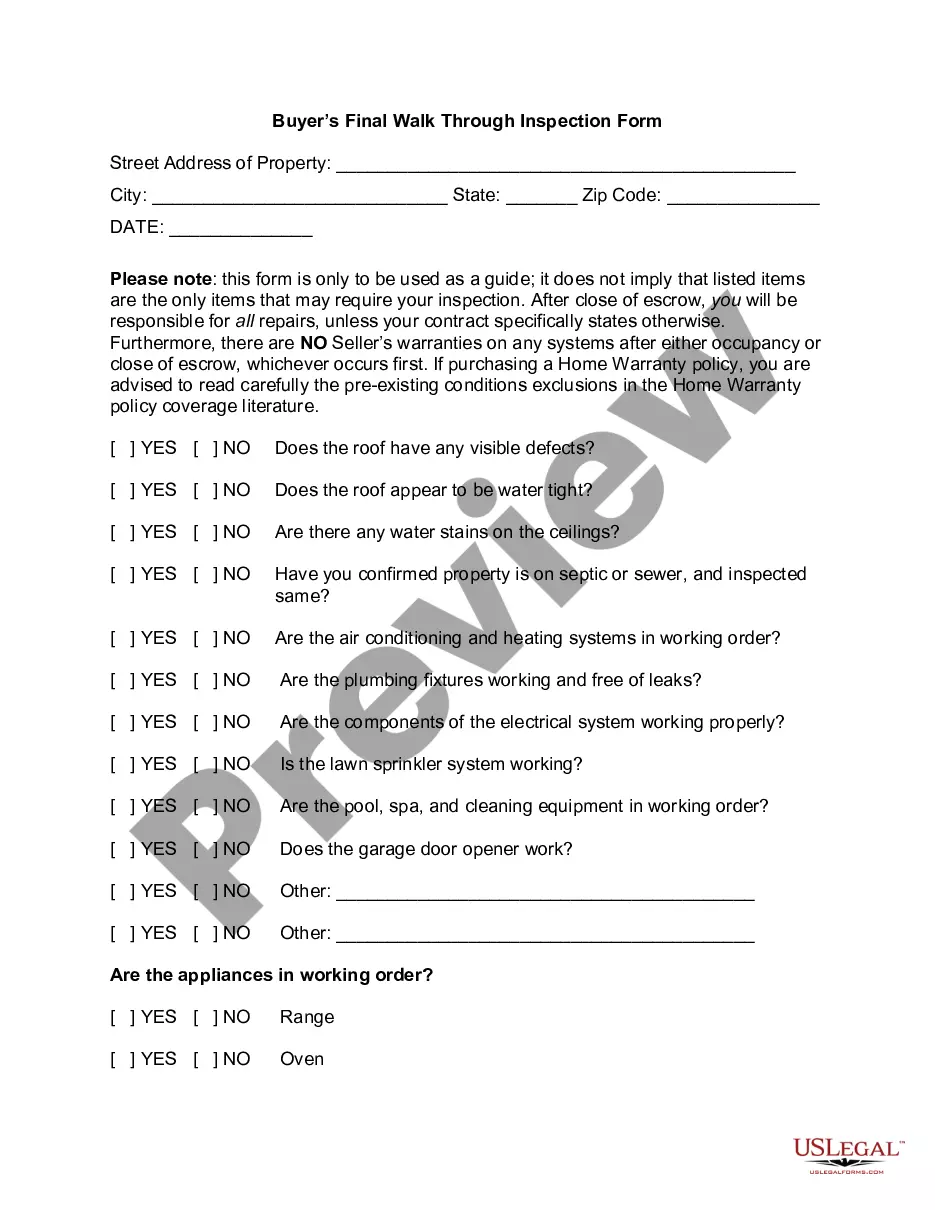
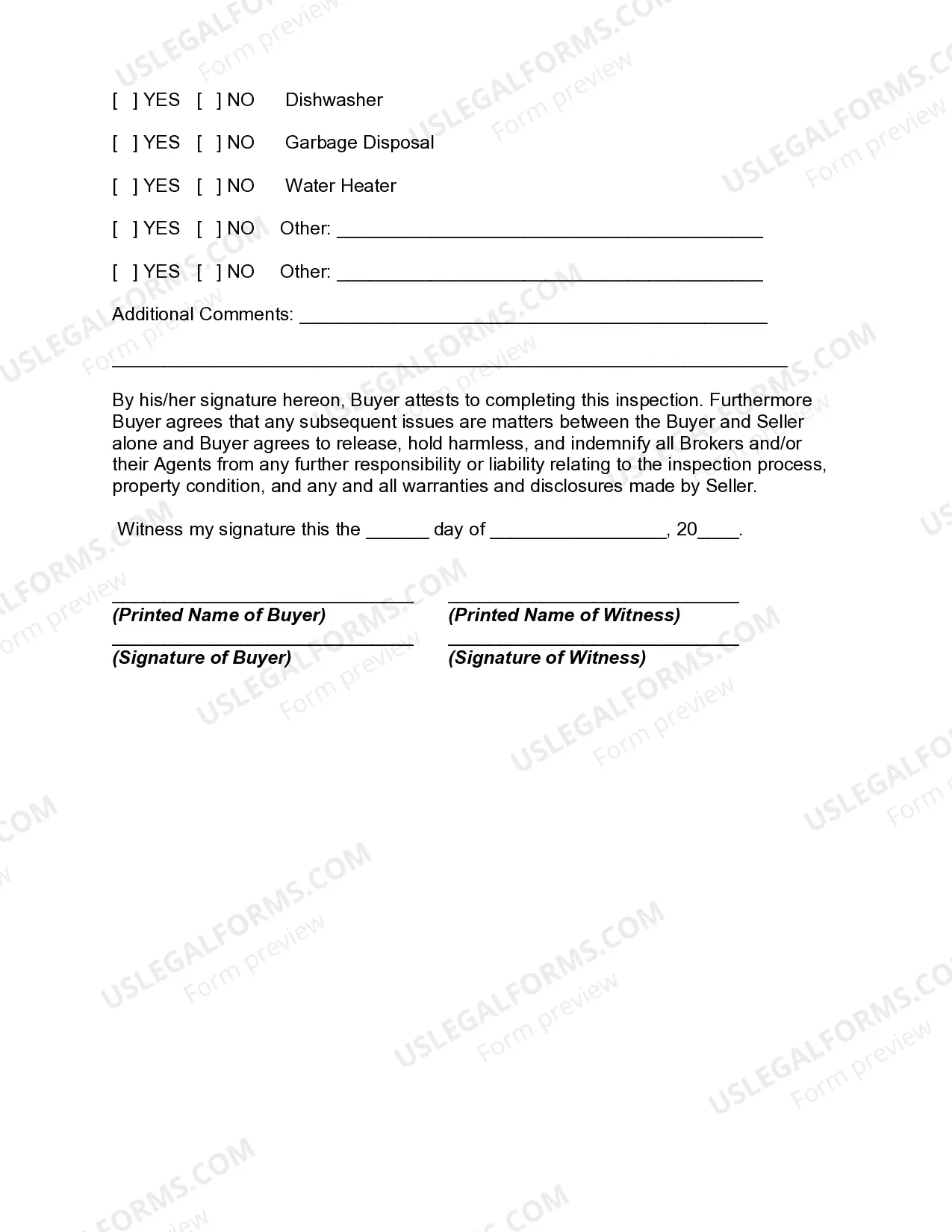
Get your form ready online
Our built-in tools help you complete, sign, share, and store your documents in one place.
Make edits, fill in missing information, and update formatting in US Legal Forms—just like you would in MS Word.
Download a copy, print it, send it by email, or mail it via USPS—whatever works best for your next step.
Sign and collect signatures with our SignNow integration. Send to multiple recipients, set reminders, and more. Go Premium to unlock E-Sign.
If this form requires notarization, complete it online through a secure video call—no need to meet a notary in person or wait for an appointment.
We protect your documents and personal data by following strict security and privacy standards.

Make edits, fill in missing information, and update formatting in US Legal Forms—just like you would in MS Word.

Download a copy, print it, send it by email, or mail it via USPS—whatever works best for your next step.

Sign and collect signatures with our SignNow integration. Send to multiple recipients, set reminders, and more. Go Premium to unlock E-Sign.

If this form requires notarization, complete it online through a secure video call—no need to meet a notary in person or wait for an appointment.

We protect your documents and personal data by following strict security and privacy standards.
Looking for another form?
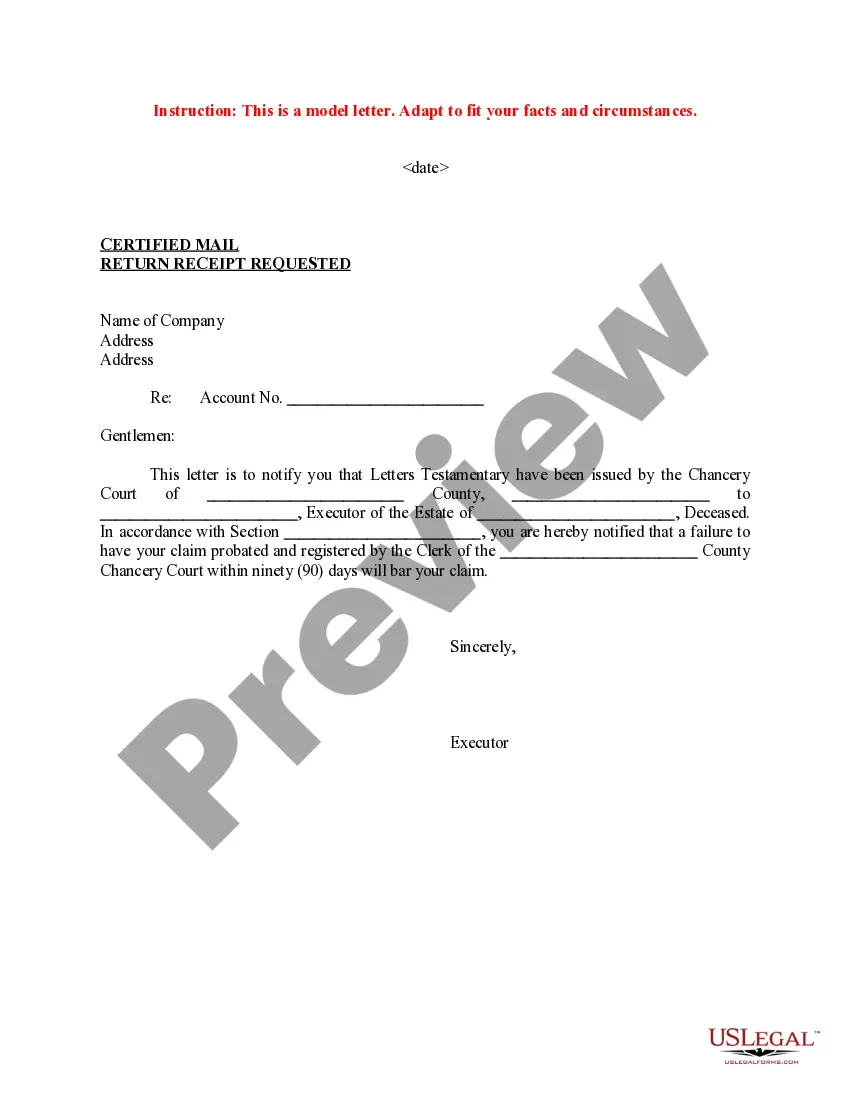
How to fill out Buyer's Final Walk Through Inspection Form?
It’s clear that you cannot become a legal expert right away, nor can you determine how to swiftly create the Walk-thru Form For Real Estate without a specialized foundation.
Drafting legal documents is an extensive process that necessitates specific education and expertise. So why not entrust the creation of the Walk-thru Form For Real Estate to the specialists.
With US Legal Forms, one of the most extensive libraries of legal templates, you can access everything from court documents to templates for internal corporate communication.
You can access your documents from the My documents section at any time. If you are a returning customer, you can simply Log In, and find and download the template from the same section.
No matter the intention of your documentation—whether it involves financial and legal matters or personal use—our website has you covered. Give US Legal Forms a try now!
- Find the document you need using the search tool at the upper part of the page.
- Preview it (if this feature is available) and read the accompanying description to ascertain if the Walk-thru Form For Real Estate meets your needs.
- Restart your search if you require a different form.
- Sign up for a free account and select a subscription plan to purchase the template.
- Click Buy now. Once the payment is processed, you can download the Walk-thru Form For Real Estate, fill it out, print it, and send or mail it to the necessary parties or organizations.
Form popularity
FAQ
You can file a Petition for Change of Name in the district court. See Iowa Code chapter 674. You will need to electronically file the Petition for Change of Name and pay the $195 filing fee.
How Long Will a Name Change Take? StateTime to CompleteIA30 daysID6-8 weeksIL8-10 weeksIN60 days47 more rows
This 90-day waiting period applies even if you and your spouse are seeking a no-contest divorce in Iowa and have agreed on all terms. In very limited circumstances (such as emergencies) a judge may waive the 90-day period and grant your divorce sooner.
A ?motion to quash? is a request to the court to end enforcement of a court order or declare the order invalid. Sometimes parties desire to quash an injunction, subpoena, guilty plea, garnishment, or order for mandatory income withholding that has been filed against the person.
How much does a name change cost? Name change costs in general range from around $50 to over $500, depending on where you live.
Be aware that a person's name may only be changed once by filing a petition in District Court unless a very good reason can be given to the judge. This limit does not apply to a name change in a divorce proceeding.
The basic cost for filing a petition for a name change is $185. A certified copy costs $20. You will need one certified copy just to change your birth certificate, so get two certified copies if you can.
Be aware that a person's name may only be changed once by filing a petition in District Court unless a very good reason can be given to the judge. This limit does not apply to a name change in a divorce proceeding. Name Change for Minor Children: The name change process for minor children is similar to that of adults.