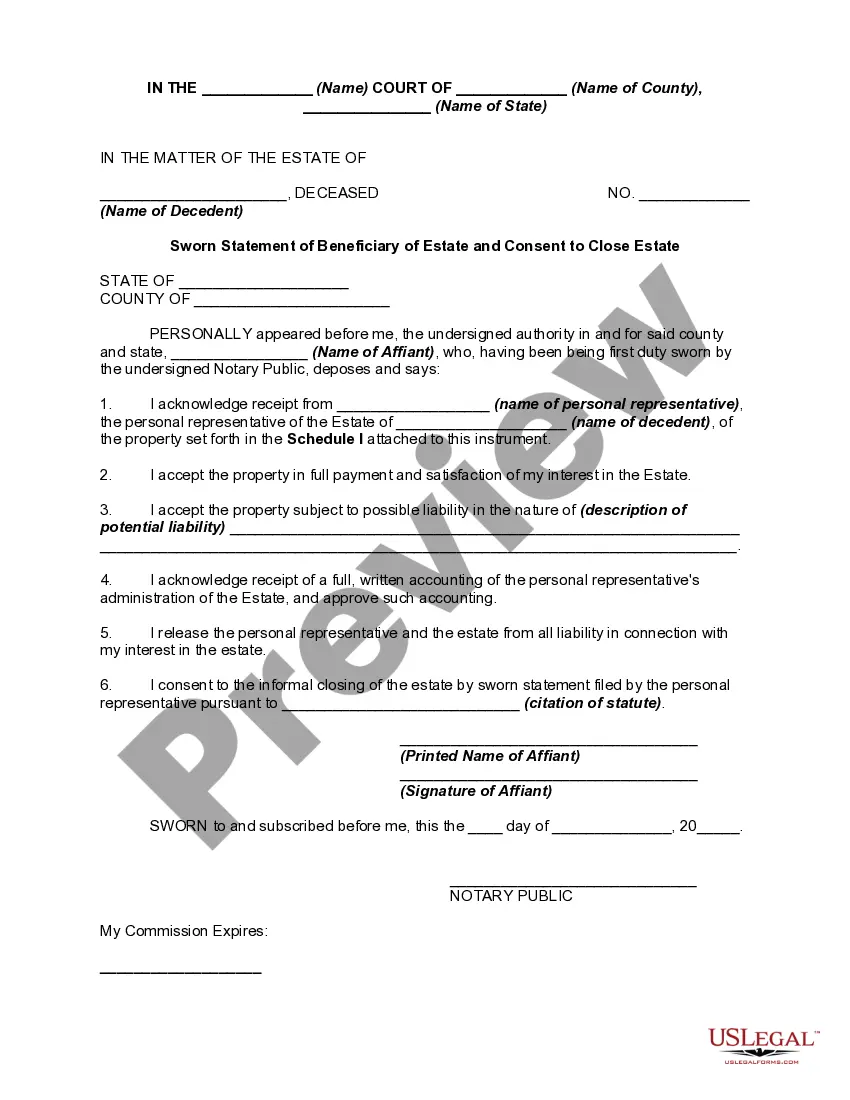
Sworn Statement Form For Oec
Description
Get your form ready online
Our built-in tools help you complete, sign, share, and store your documents in one place.
Make edits, fill in missing information, and update formatting in US Legal Forms—just like you would in MS Word.
Download a copy, print it, send it by email, or mail it via USPS—whatever works best for your next step.
Sign and collect signatures with our SignNow integration. Send to multiple recipients, set reminders, and more. Go Premium to unlock E-Sign.
If this form requires notarization, complete it online through a secure video call—no need to meet a notary in person or wait for an appointment.
We protect your documents and personal data by following strict security and privacy standards.

Make edits, fill in missing information, and update formatting in US Legal Forms—just like you would in MS Word.

Download a copy, print it, send it by email, or mail it via USPS—whatever works best for your next step.

Sign and collect signatures with our SignNow integration. Send to multiple recipients, set reminders, and more. Go Premium to unlock E-Sign.

If this form requires notarization, complete it online through a secure video call—no need to meet a notary in person or wait for an appointment.

We protect your documents and personal data by following strict security and privacy standards.
Looking for another form?








How to fill out Sworn Statement Of Beneficiary Of Estate And Consent To Close Estate - Uniform Probate Code?
Creating legal documents from the ground up can frequently be daunting.
Certain cases may necessitate extensive research and substantial financial investment.
If you’re looking for a more straightforward and cost-efficient method of producing Sworn Statement Form For Oec or any other documents without the hassle, US Legal Forms is always available for you.
Our online library of over 85,000 current legal forms covers nearly every aspect of your financial, legal, and personal affairs.
Check the form preview and descriptions to confirm you have the correct document. Ensure the template you choose aligns with your state and county requirements. Select the most appropriate subscription plan to acquire the Sworn Statement Form For Oec. Download the document, then complete, sign, and print it. US Legal Forms is reputable with over 25 years of experience. Join us today to make form processing easy and efficient!
- With just a few clicks, you can quickly obtain state- and county-compliant forms meticulously prepared by our legal experts.
- Utilize our platform whenever you require dependable and trustworthy services to easily find and download the Sworn Statement Form For Oec.
- If you’re familiar with our website and have previously registered, simply Log In, locate the template, and download it or re-download it later in the My documents section.
- Not signed up yet? No problem. It takes just minutes to register and explore the library.
- However, before directly downloading Sworn Statement Form For Oec, follow these suggestions.
Form popularity
FAQ
In the Philippines, you can obtain a sworn statement by visiting a notary public who can witness your declaration. Prepare your sworn statement form for OEC and bring valid identification for notarization. This process ensures that your statement holds legal weight. Using USLegalForms can simplify creating the necessary documents prior to your visit.
ISSUANCE OF OVERSEAS EMPLOYMENT CERTIFICATE (OEC) All departing OFWs, whether new hires or Balik Manggagawa are required to secure an Overseas Employment Certificates (OECs) which shall serve as exit clearance and as exemption from payment of travel tax and airport terminal fee.
Work Visa or Permit: You should have a valid work visa or permit for the country you are employed in. Previous OEC: If you've previously worked abroad under the same employer, you should have a previously issued OEC. Employment Record: An existing record of your employment in the POEA database is required.
The OEC takes about 2-4 weeks after lodging the application. Direct Hire / Balik Manggagawa OFW Compulsory Insurance Coverage depends on the Visa approval, but it usually takes about a month.
An OEC is a document that certifies the regularity of Filipino expats' employment. While it is not a requirement to travel to the Philippines, the expats will need to present the document to be able to fly back to the UAE, or any other country they are working in.
How to Get an OEC Certificate Online Step 1: Log on to the POEA e-services portal website. Step 2: Go to Balik Manggagawa. Step 3: Enter your flight date. Step 4: Check and update your contract information. Step 5: Print the BSC. Step 1: POEA Authorization Approval. Step 2: Request a BSC.