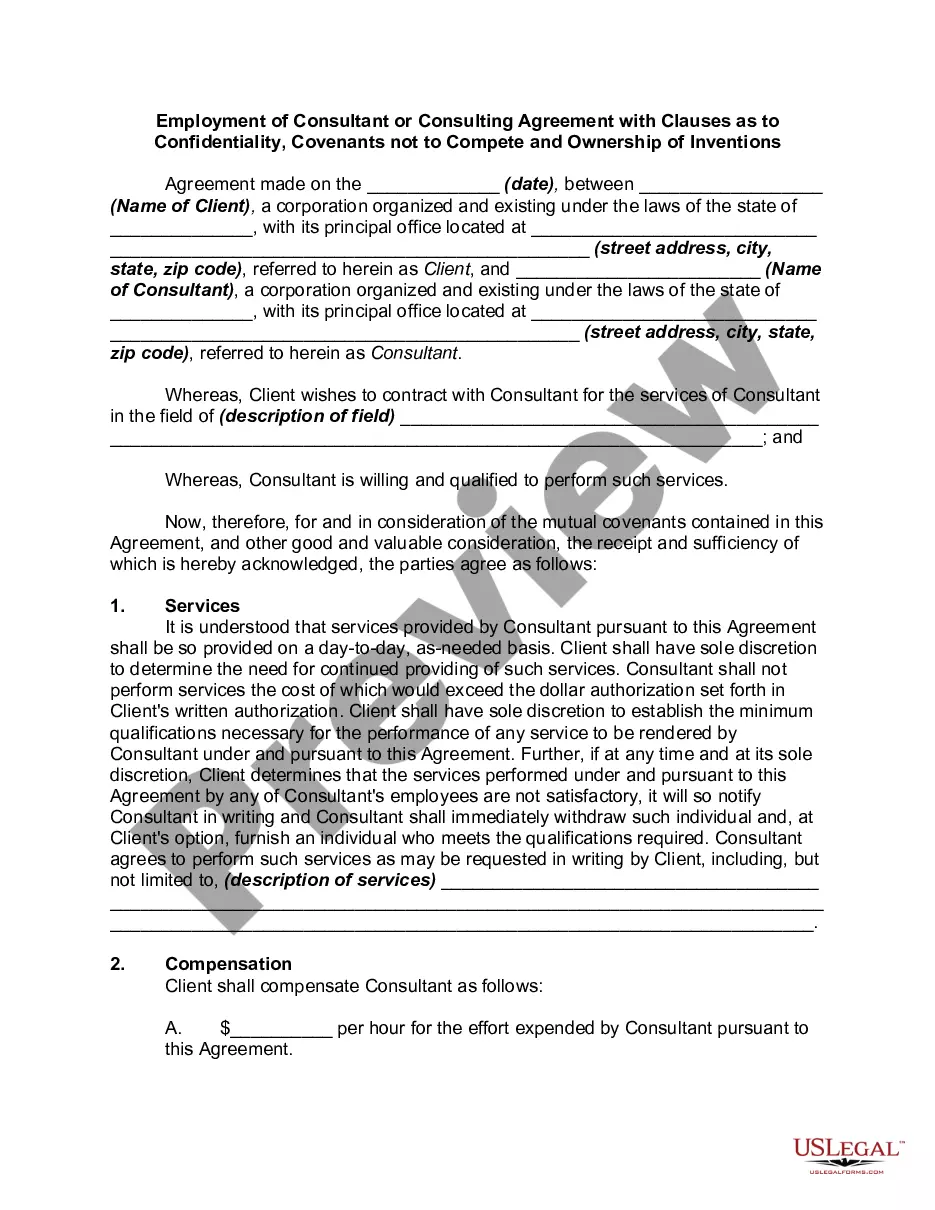
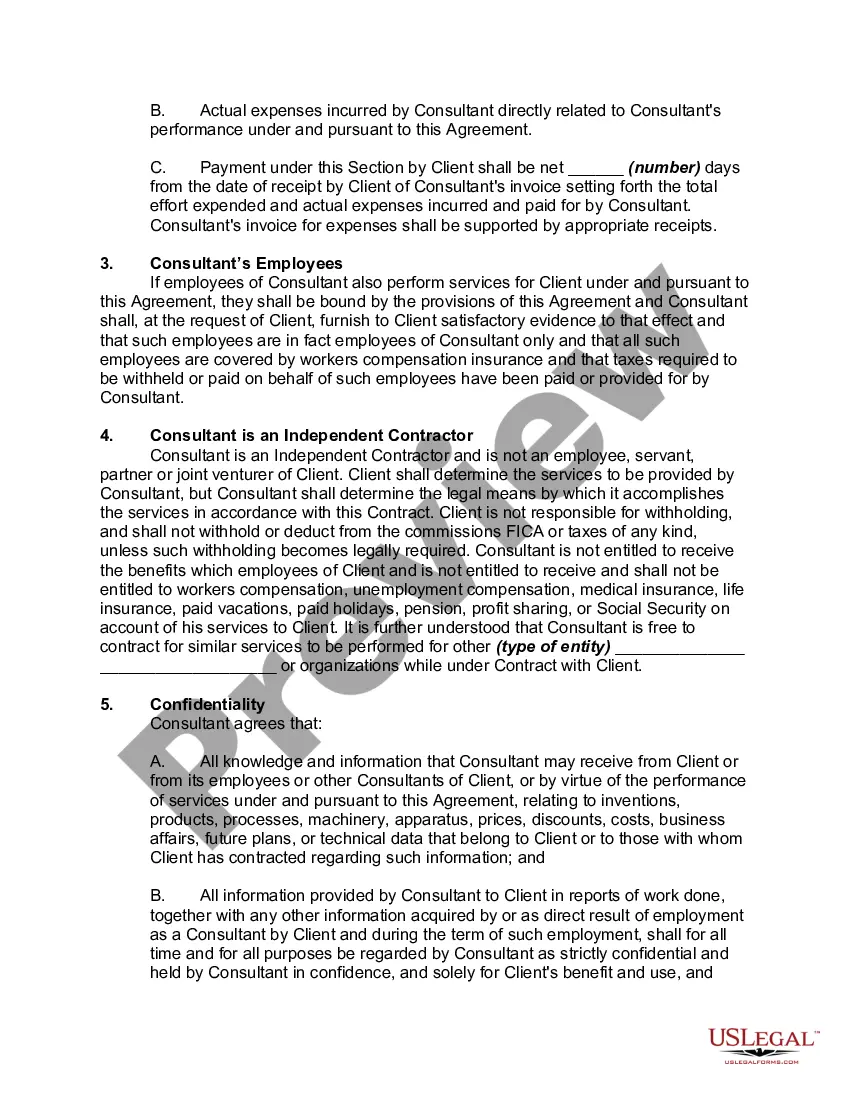
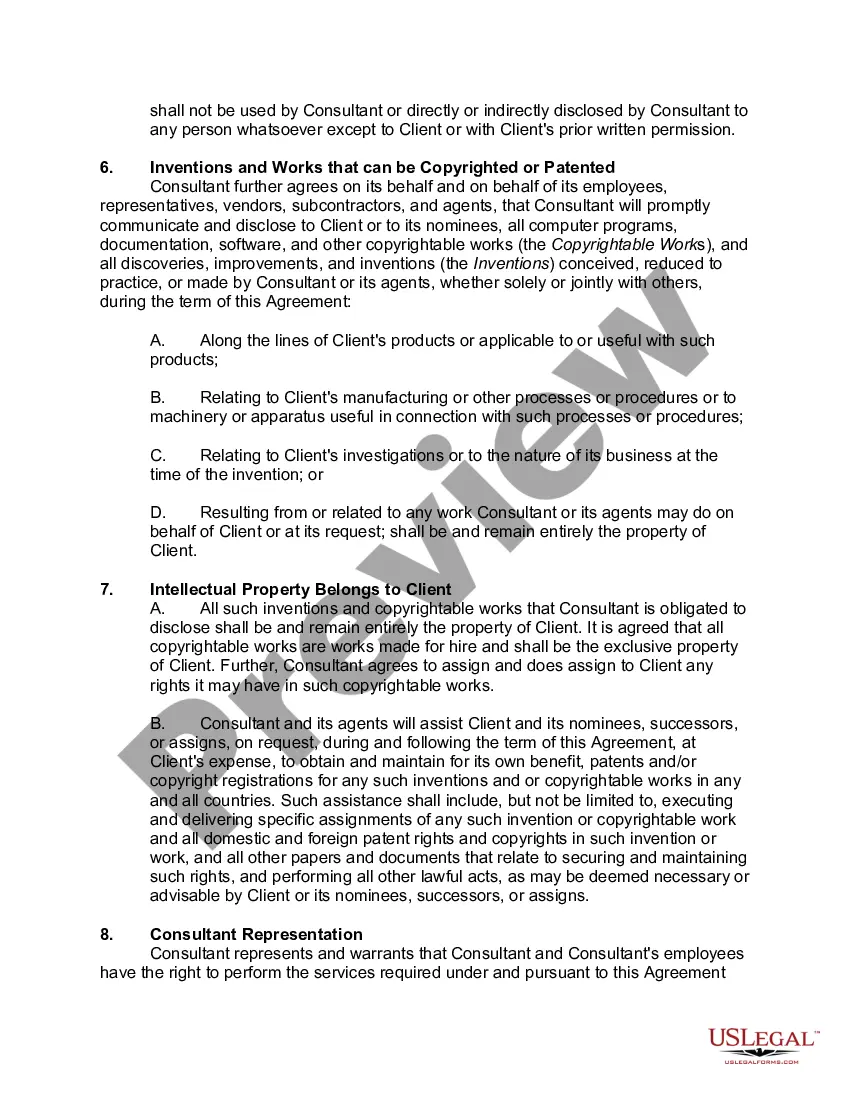
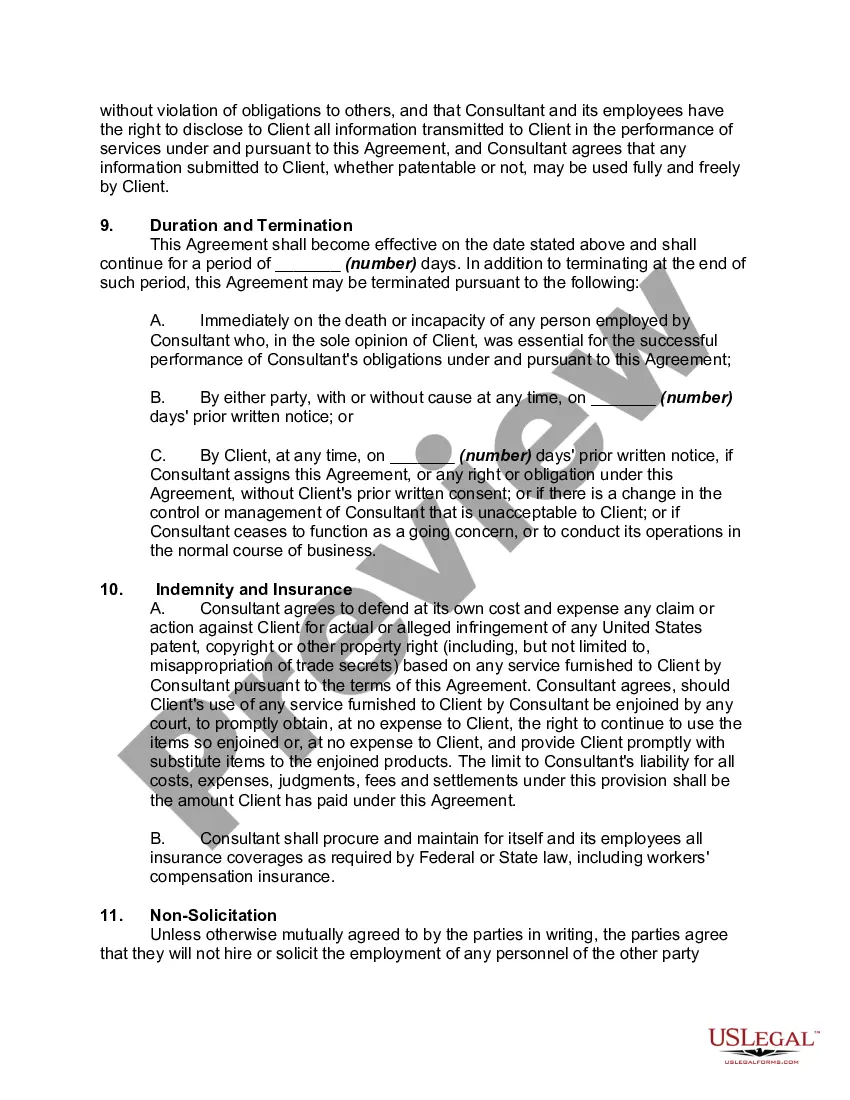
Employment Agreement Clause With Non Compete
Description
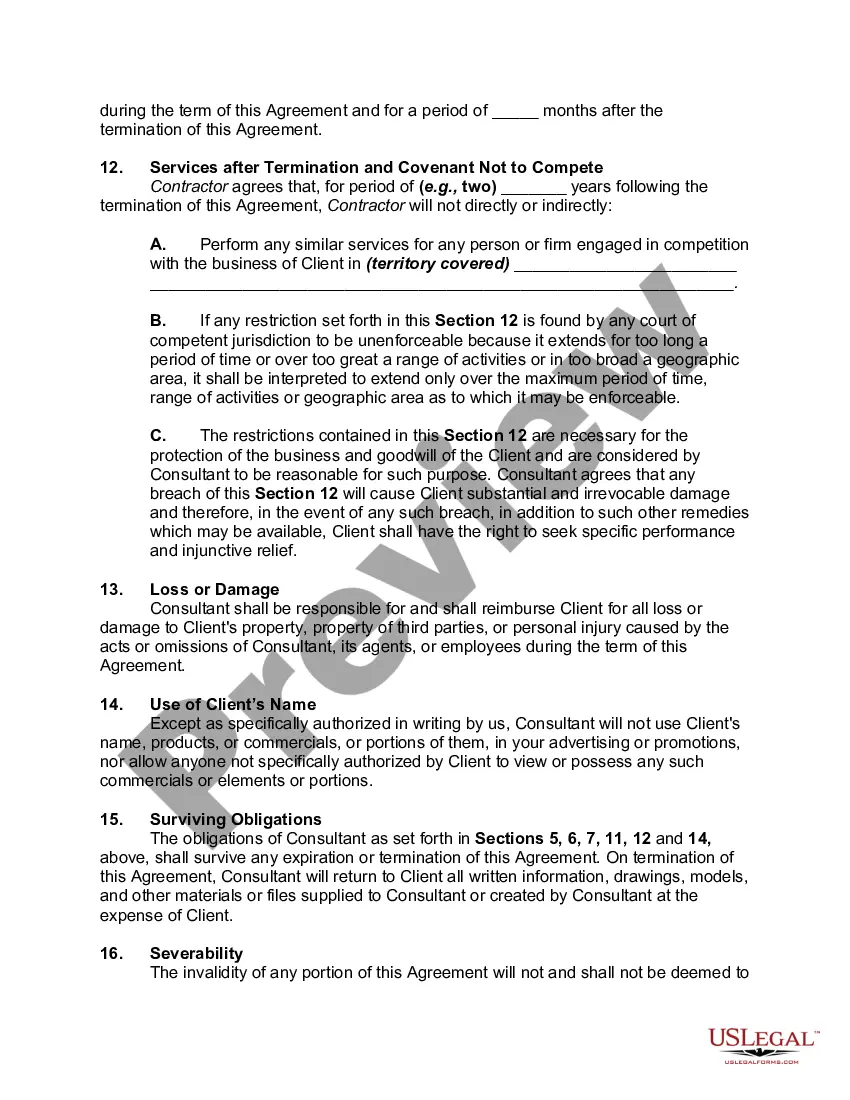
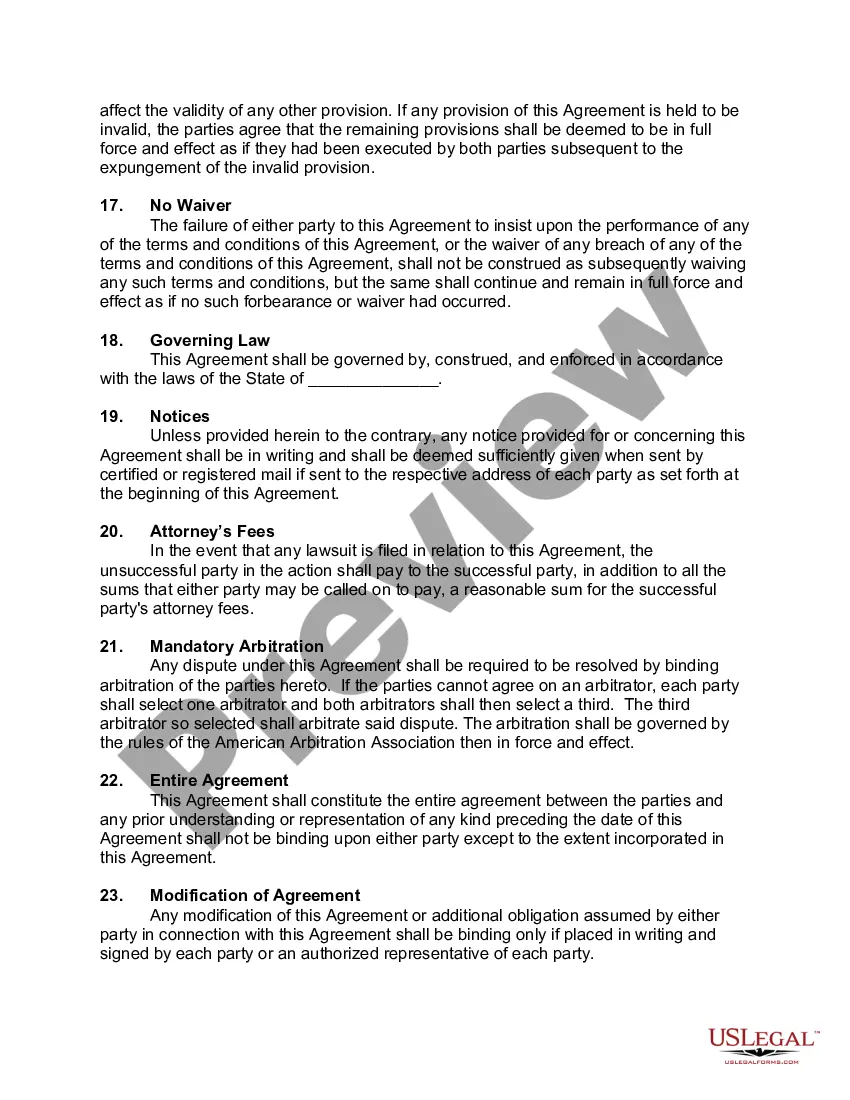
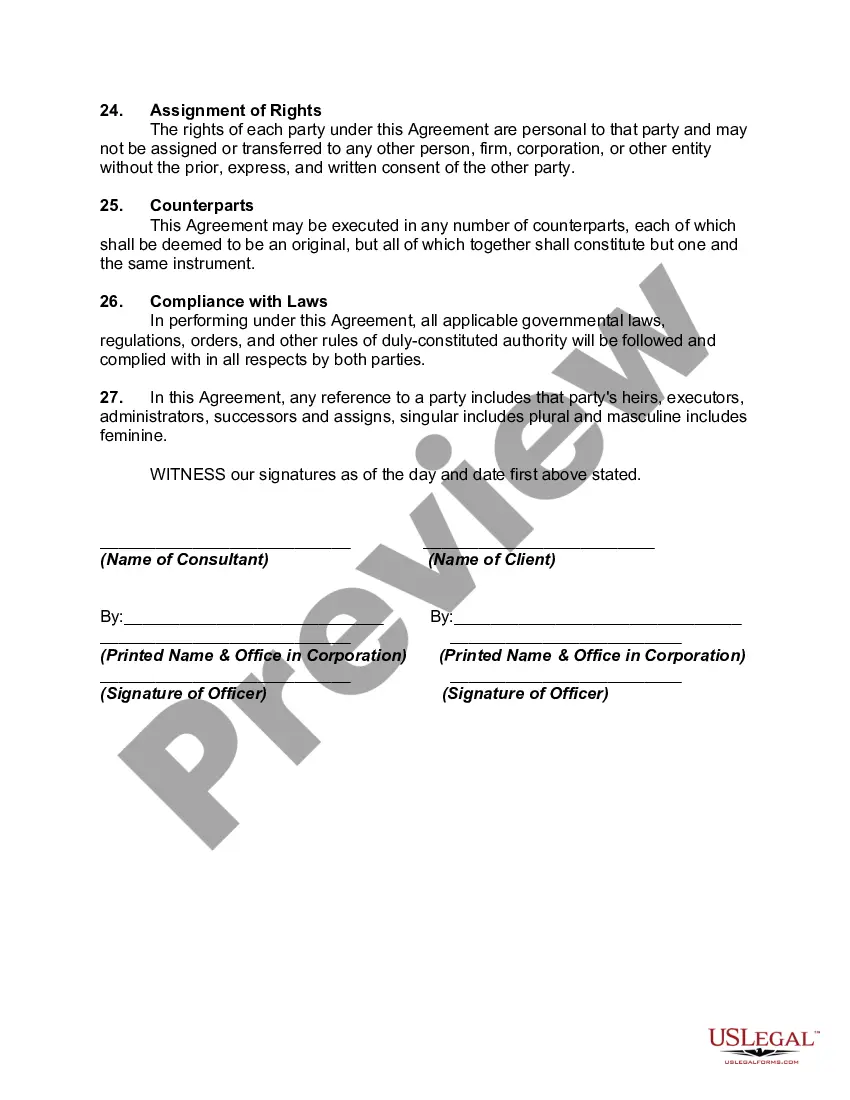
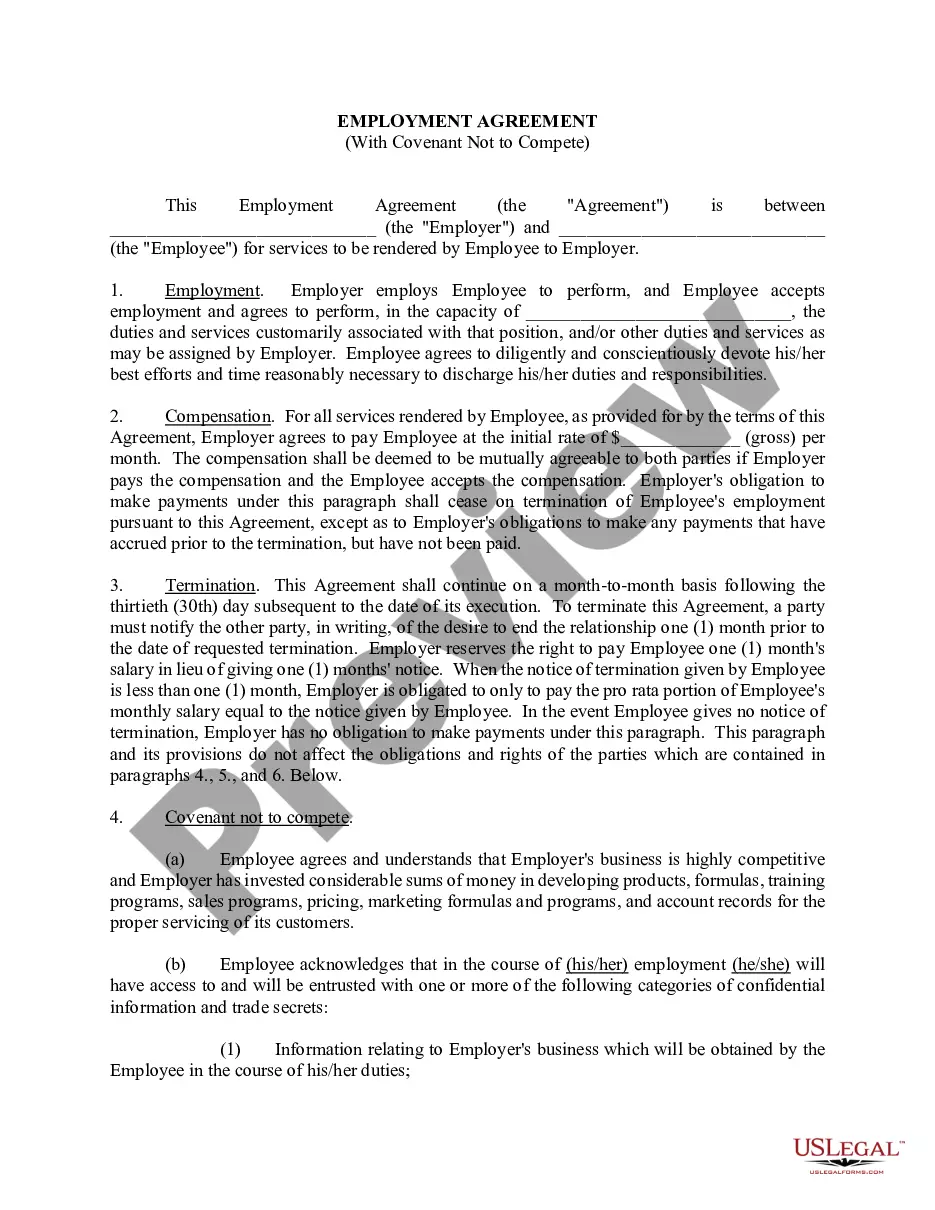
Get your form ready online
Our built-in tools help you complete, sign, share, and store your documents in one place.
Make edits, fill in missing information, and update formatting in US Legal Forms—just like you would in MS Word.
Download a copy, print it, send it by email, or mail it via USPS—whatever works best for your next step.
Sign and collect signatures with our SignNow integration. Send to multiple recipients, set reminders, and more. Go Premium to unlock E-Sign.
If this form requires notarization, complete it online through a secure video call—no need to meet a notary in person or wait for an appointment.
We protect your documents and personal data by following strict security and privacy standards.

Make edits, fill in missing information, and update formatting in US Legal Forms—just like you would in MS Word.

Download a copy, print it, send it by email, or mail it via USPS—whatever works best for your next step.

Sign and collect signatures with our SignNow integration. Send to multiple recipients, set reminders, and more. Go Premium to unlock E-Sign.

If this form requires notarization, complete it online through a secure video call—no need to meet a notary in person or wait for an appointment.

We protect your documents and personal data by following strict security and privacy standards.
Looking for another form?

How to fill out Employment Of Consultant Or Consulting Agreement With Clauses As To Confidentiality, Covenants Not To Compete And Ownership Of Inventions?
It’s obvious that you can’t become a law expert overnight, nor can you grasp how to quickly draft Employment Agreement Clause With Non Compete without having a specialized background. Putting together legal forms is a time-consuming venture requiring a particular education and skills. So why not leave the preparation of the Employment Agreement Clause With Non Compete to the specialists?
With US Legal Forms, one of the most extensive legal document libraries, you can access anything from court documents to templates for internal corporate communication. We understand how crucial compliance and adherence to federal and state laws and regulations are. That’s why, on our website, all templates are location specific and up to date.
Here’s start off with our website and obtain the form you need in mere minutes:
- Find the document you need with the search bar at the top of the page.
- Preview it (if this option available) and read the supporting description to figure out whether Employment Agreement Clause With Non Compete is what you’re looking for.
- Start your search again if you need any other template.
- Register for a free account and choose a subscription option to buy the template.
- Choose Buy now. Once the transaction is complete, you can get the Employment Agreement Clause With Non Compete, fill it out, print it, and send or mail it to the designated individuals or entities.
You can re-access your forms from the My Forms tab at any time. If you’re an existing customer, you can simply log in, and find and download the template from the same tab.
Regardless of the purpose of your documents-be it financial and legal, or personal-our website has you covered. Try US Legal Forms now!
Form popularity
FAQ
The states of California, North Dakota, and Oklahoma already have long-standing bans on non-competes dating back to the 19th century. Additionally, other states like Colorado, Illinois, and Maryland have passed recent legislation that limits non-compete agreements for higher-earning employees.
(c) [Employee name] agrees not to set up in business as a direct competitor of [company name] within a radius of [number] miles of [company name and location] for a period of [number and measure of time (e.g., ?four months? or ?10 years?)] following the expiration or termination of this agreement.
Key Takeaways. A non-compete agreement legally binds a current or former employee from competing with an employer for a specific time after employment ceases. Under such an agreement, the employee must not reveal any trade secrets learned during employment.
Under California Business and Professions Code Section 16600, unless you were an owner of the business, any ?non-compete clause? which forbids an employees who is fired or resigns from working for a competitor or starting a competing business is illegal and unenforceable.
Here are some tips you can follow: Talk to a Lawyer. ... Consider the Scope of the Agreement. ... Limit the Scope of the Agreement. ... Exclude Certain Activities from the Agreement. ... Negotiate a ?Severance Package? in Exchange for Signing the Agreement. ... Don't Sign the Agreement If You Disagree or Don't Understand It.