Confidentiality With Withings
Description
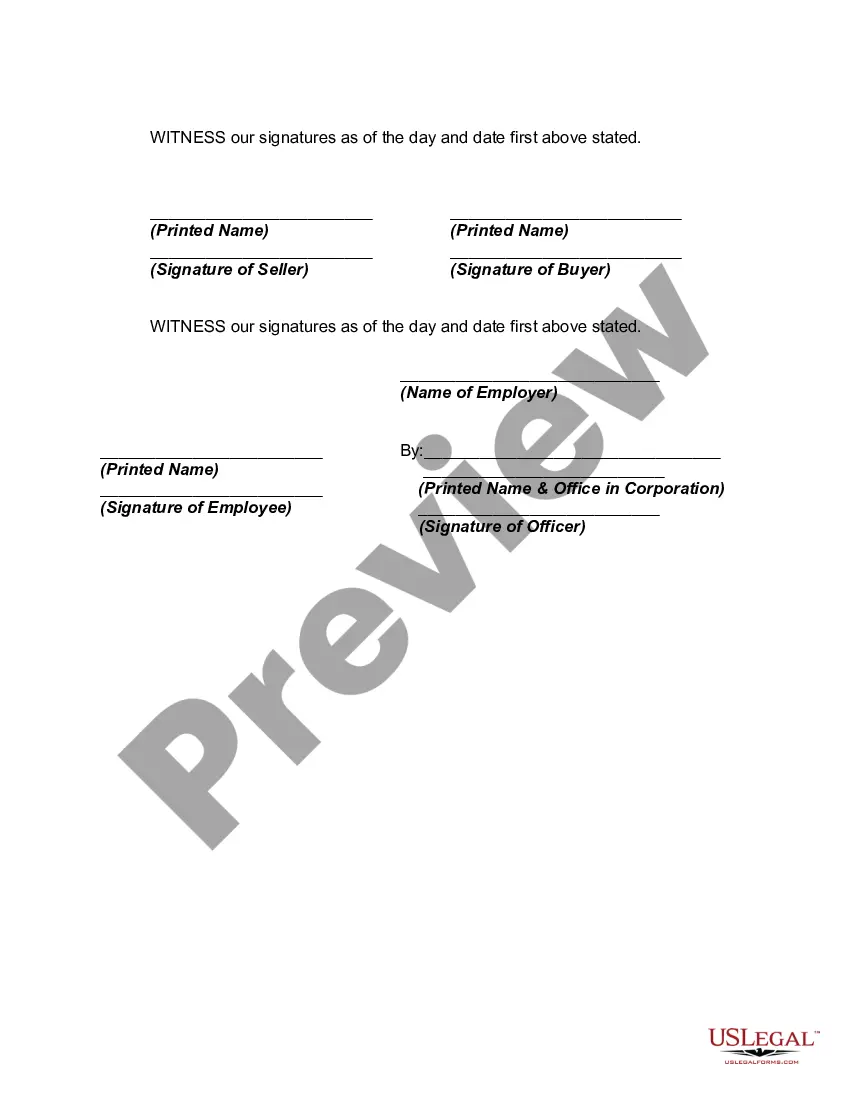
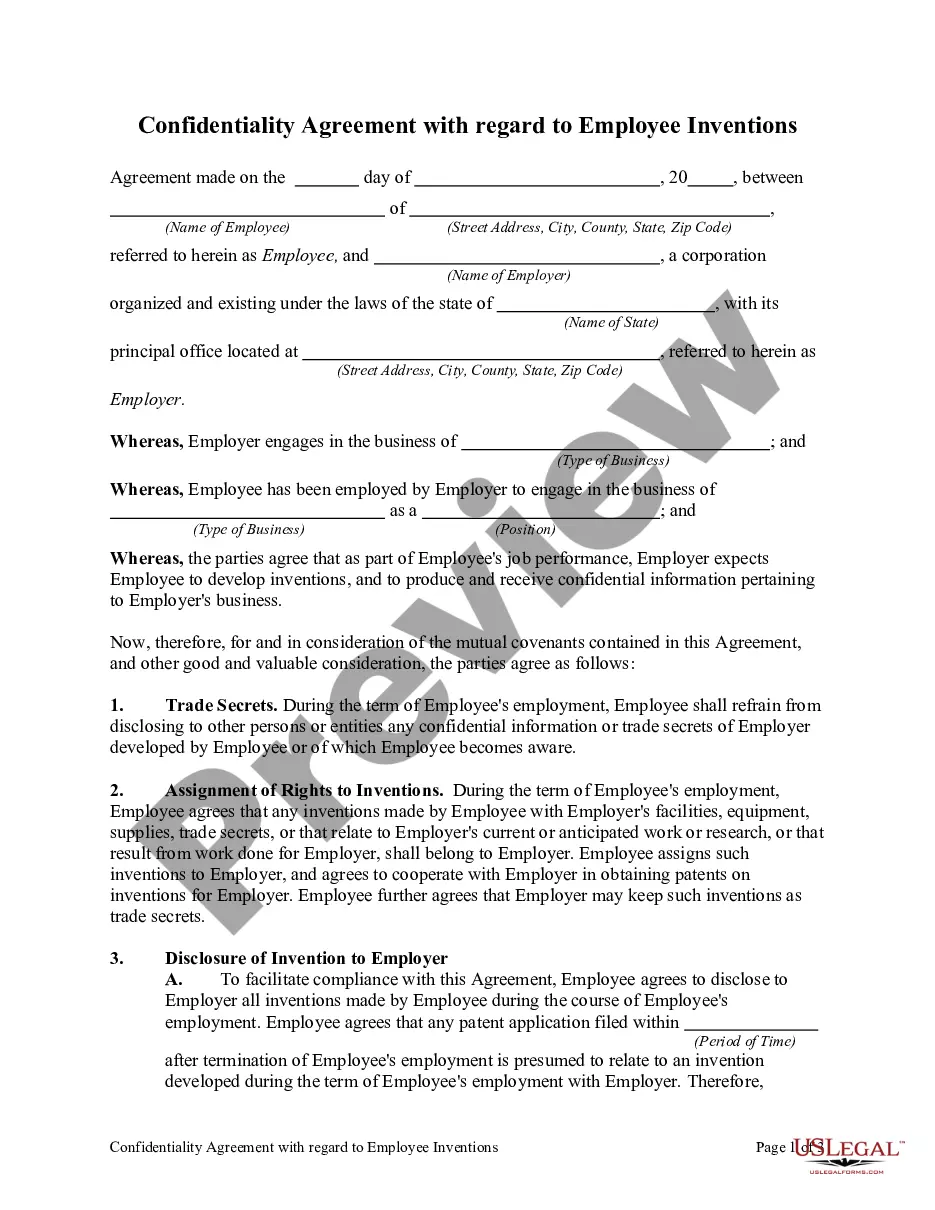
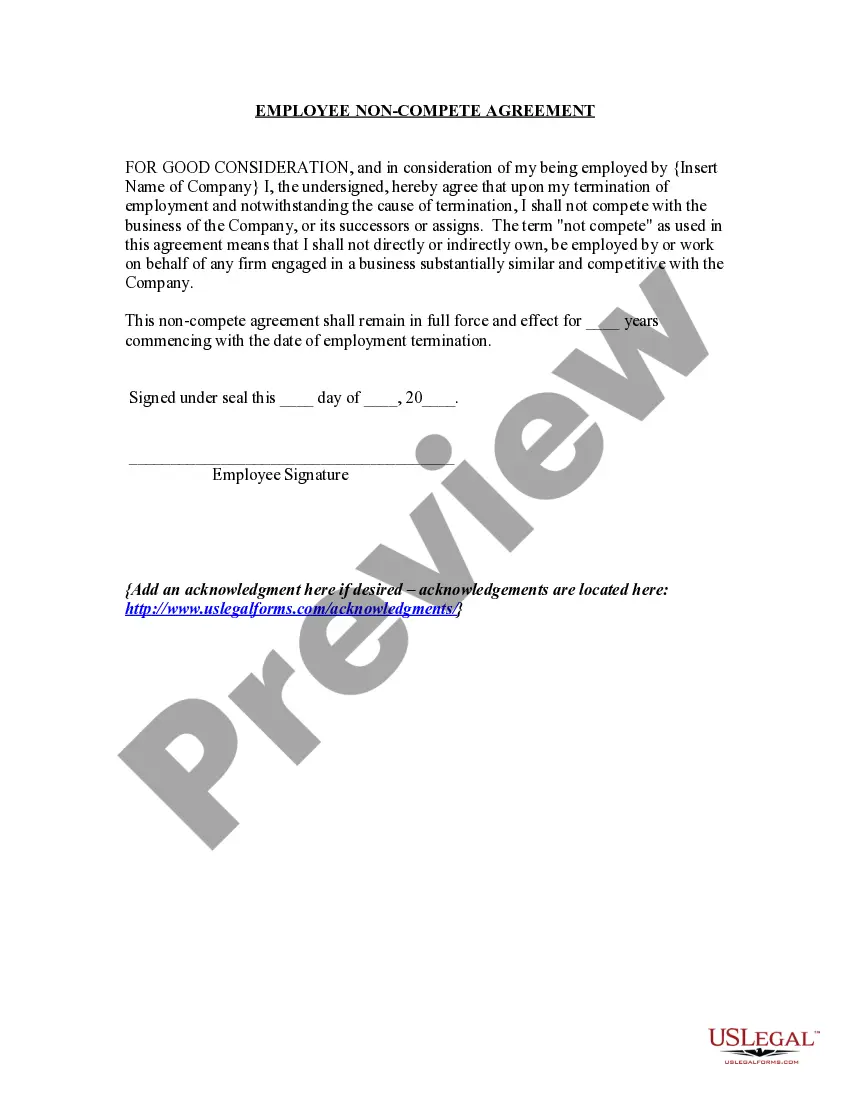
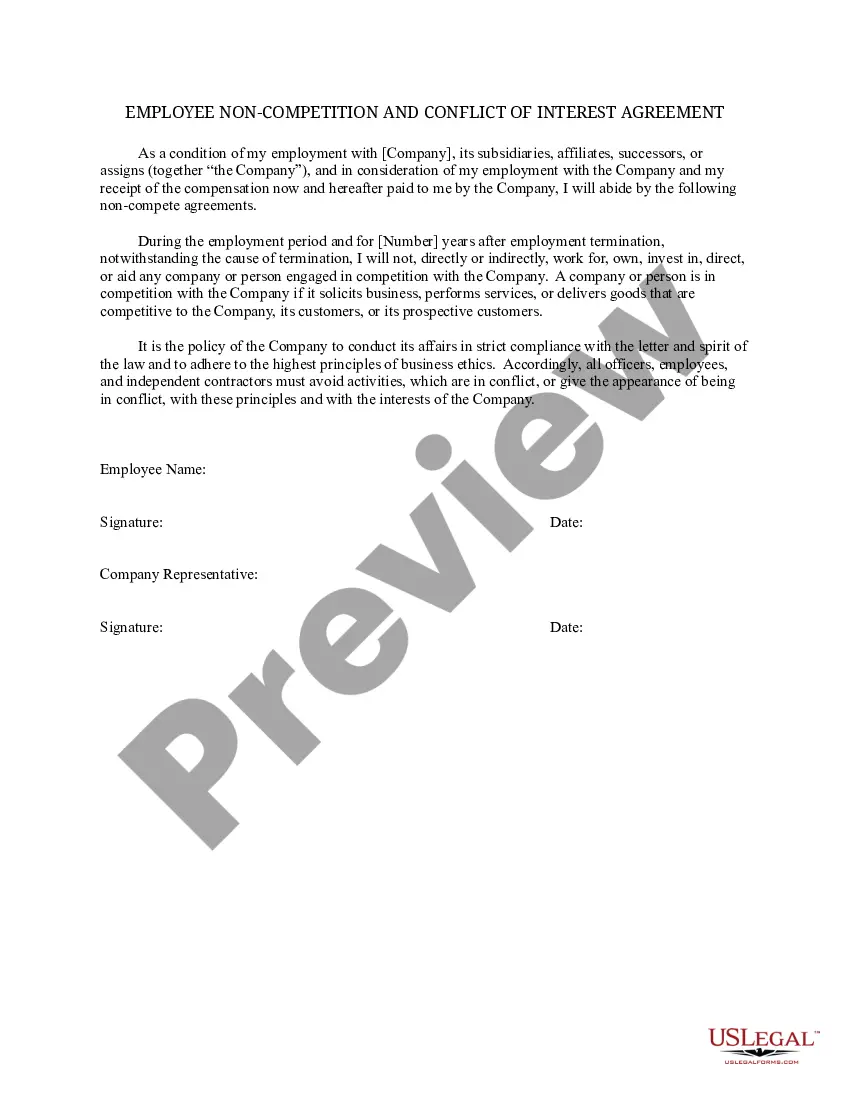
Get your form ready online
Our built-in tools help you complete, sign, share, and store your documents in one place.
Make edits, fill in missing information, and update formatting in US Legal Forms—just like you would in MS Word.
Download a copy, print it, send it by email, or mail it via USPS—whatever works best for your next step.
Sign and collect signatures with our SignNow integration. Send to multiple recipients, set reminders, and more. Go Premium to unlock E-Sign.
If this form requires notarization, complete it online through a secure video call—no need to meet a notary in person or wait for an appointment.
We protect your documents and personal data by following strict security and privacy standards.

Make edits, fill in missing information, and update formatting in US Legal Forms—just like you would in MS Word.

Download a copy, print it, send it by email, or mail it via USPS—whatever works best for your next step.

Sign and collect signatures with our SignNow integration. Send to multiple recipients, set reminders, and more. Go Premium to unlock E-Sign.

If this form requires notarization, complete it online through a secure video call—no need to meet a notary in person or wait for an appointment.

We protect your documents and personal data by following strict security and privacy standards.
Looking for another form?
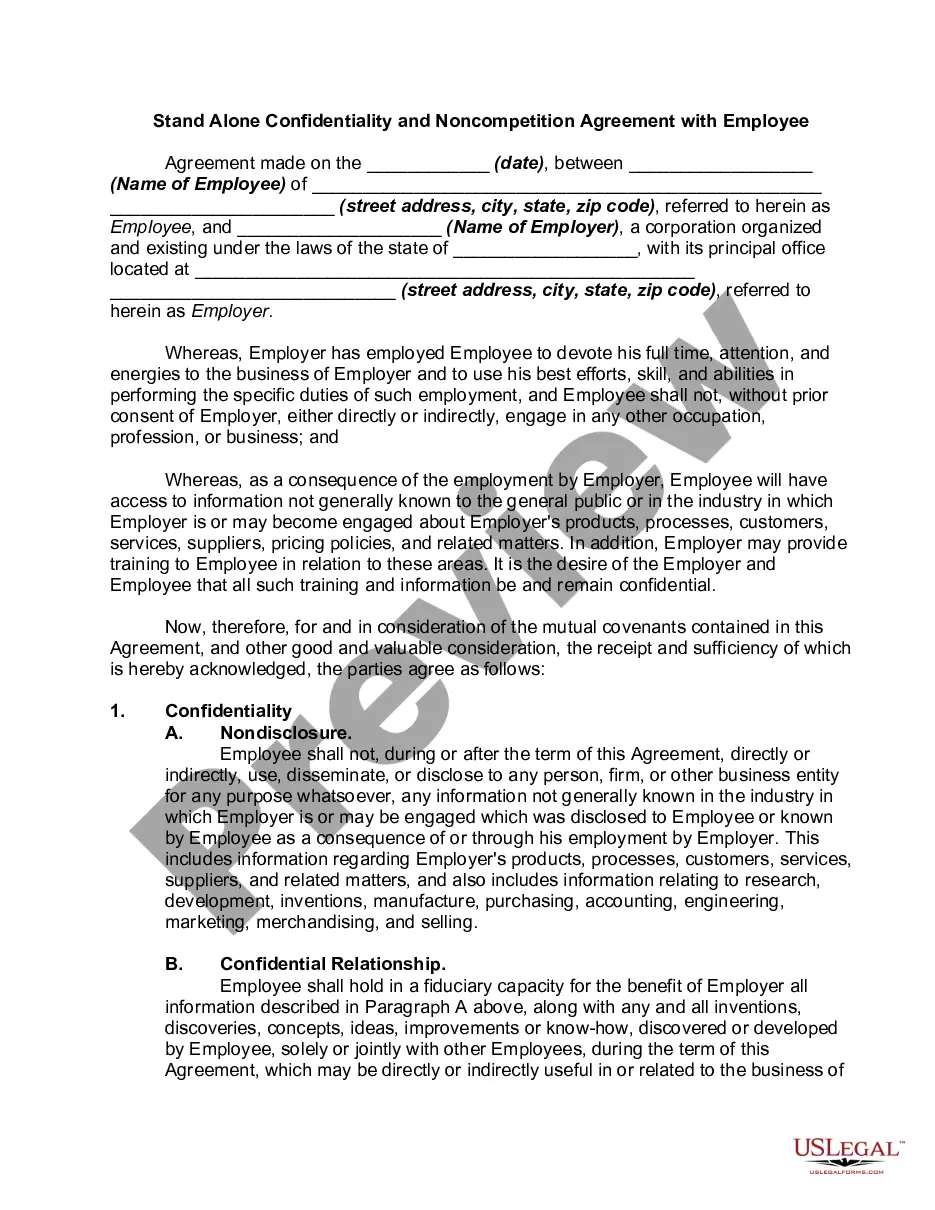
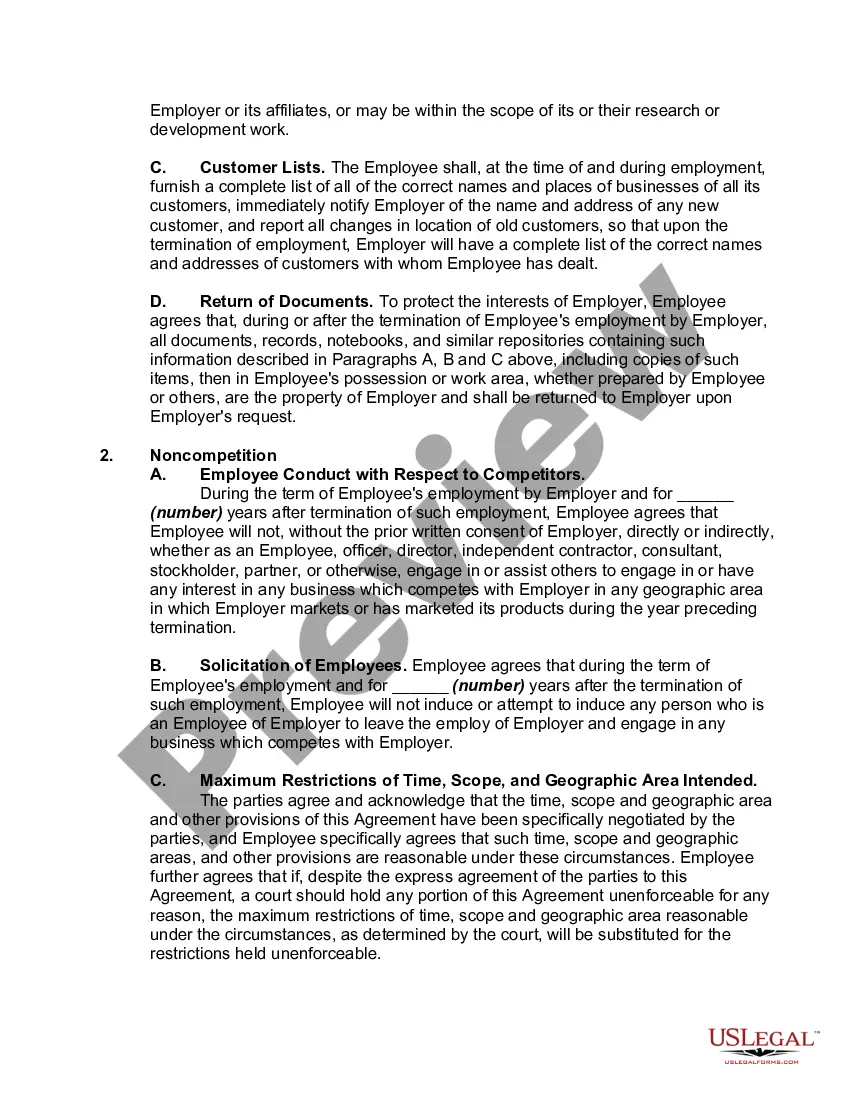
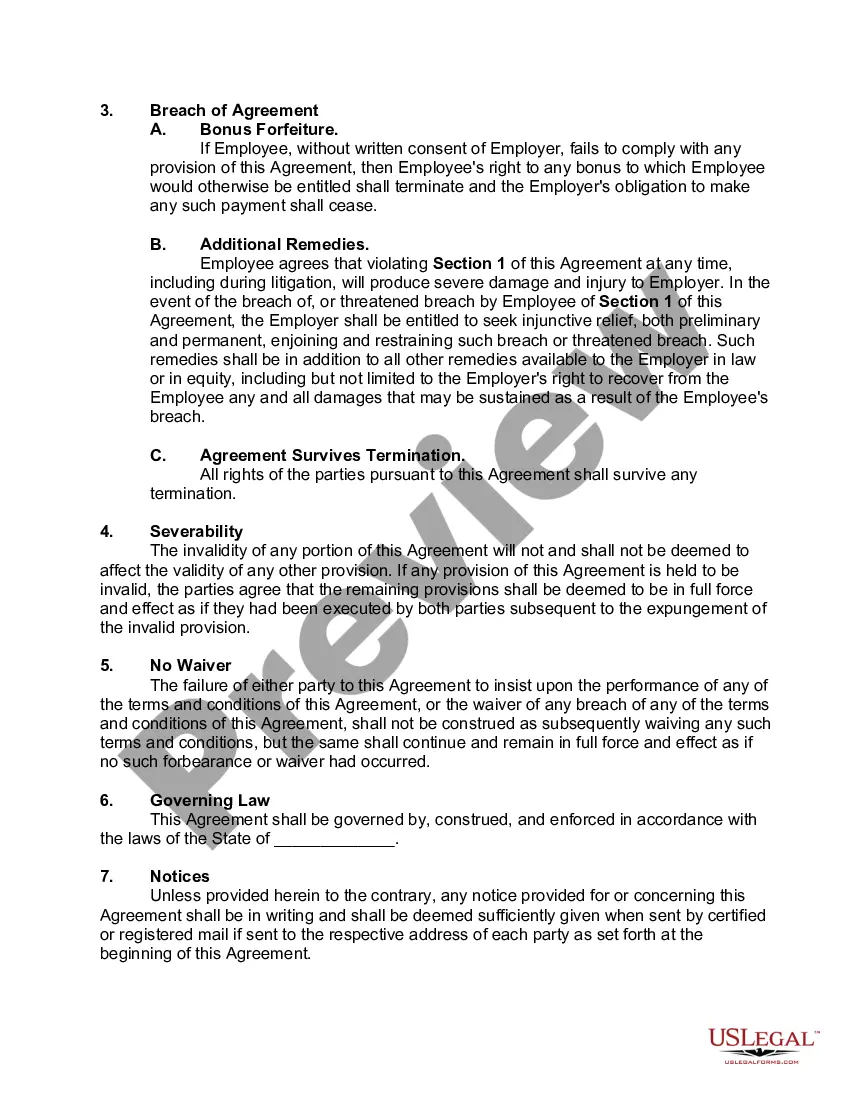
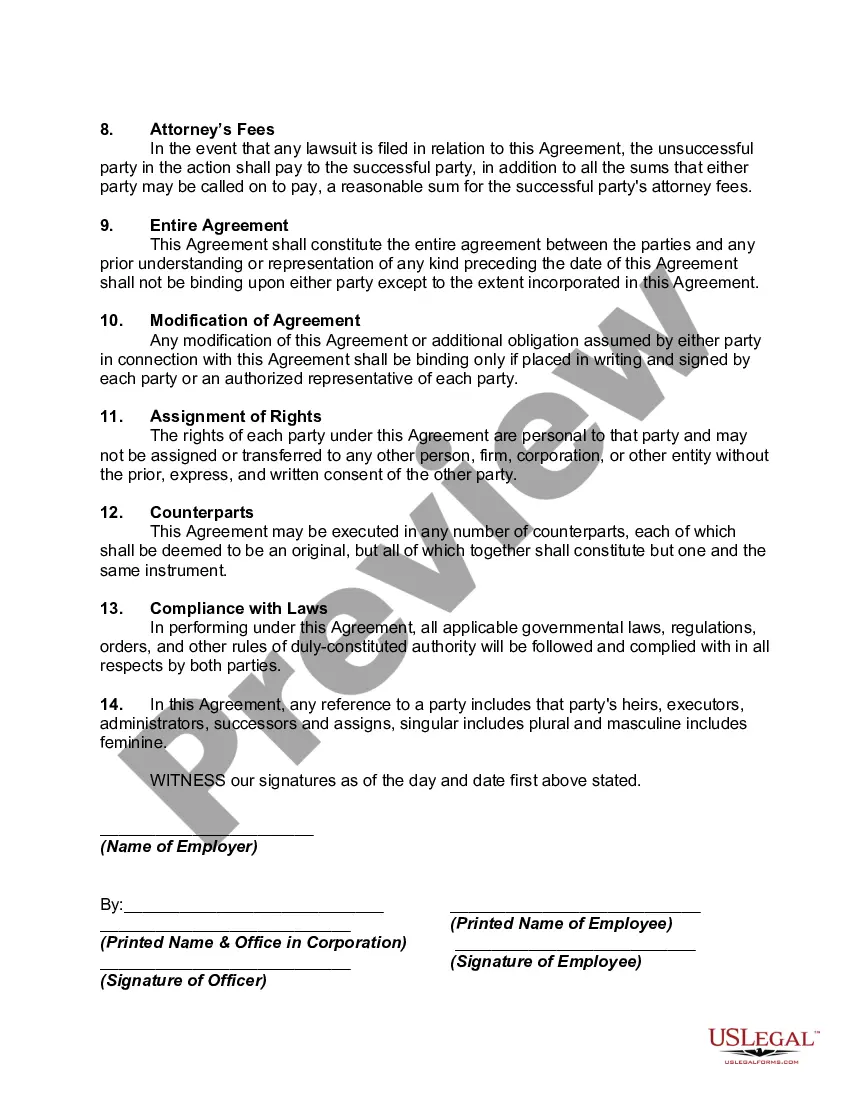
How to fill out Stand Alone Confidentiality And Noncompetition Agreement With Employee?
The Confidentiality With Withings displayed on this page is a reusable legal framework composed by experienced attorneys in accordance with federal and local regulations.
For over 25 years, US Legal Forms has supplied individuals, enterprises, and legal practitioners with more than 85,000 authenticated, state-specific documents for any commercial and personal event. It’s the quickest, easiest, and most trustworthy method to acquire the forms you require, as the service ensures the utmost level of data protection and anti-malware safeguards.
Select the format you desire for your Confidentiality With Withings (PDF, DOCX, RTF) and store the document on your device. Complete and sign the paperwork. Print the template to fill it out manually. Alternatively, use a web-based multi-functional PDF editor to efficiently and accurately complete and sign your form with an electronic signature. Re-download your document whenever necessary. Access the My documents section in your account to retrieve any previously downloaded forms. Subscribe to US Legal Forms to access verified legal templates for all of life's situations.
- Explore the document you require and evaluate it.
- Go through the sample you searched for and either preview it or examine the form description to ensure it meets your needs. If it doesn't, use the search function to find the suitable one. Click Buy Now once you have found the template you require.
- Sign up and Log In.
- Choose the pricing option that fits you and set up an account. Use PayPal or a credit card to make a swift payment. If you already possess an account, Log In and check your subscription to proceed.
- Obtain the editable template.
Form popularity
FAQ
Setting up your Withings scale involves downloading the Withings app and creating your profile. Once you have your scale in position, follow the instructions in the app to connect and calibrate it. This setup process maintains your confidentiality with Withings by ensuring that your data is securely linked to your account.
You have two options to set up your scale for multiple users: Option 1 - Group all users under the same account (meaning that all users can access the other users' data) Option 2 - Create separate Withings accounts for each user (to keep each user's data private)
Navigate to the Profile tab and scroll down to the Apps section. Select the Apple Health icon to share data. Allow data sharing by selecting Turn All Categories On or allowing HealthMate to read step data. In the Wellness Portal, select Fitness Device in the top right drop8down menu and connect with Withings.
If your weight varied by more or less than 5 kg (11 lbs) since your last weighing, your scale may not recognize you anymore. Open the Withings App. Tap + in the upper right hand corner on either the Home or Measure tab. Select the measurement you want to add from the list.
The scale will recognize the user based on the weight manually entered into the app during setup.
How do I connect my Withings fitness tracker to Apple Health? (... the latest version of the "Withings Health Mate" app. Open the Health Mate app. Go to your profile. Select Apple Health. Toggle the switch to enable Apple Health integration. Select the fitness data you want to share with the Apple Health app.