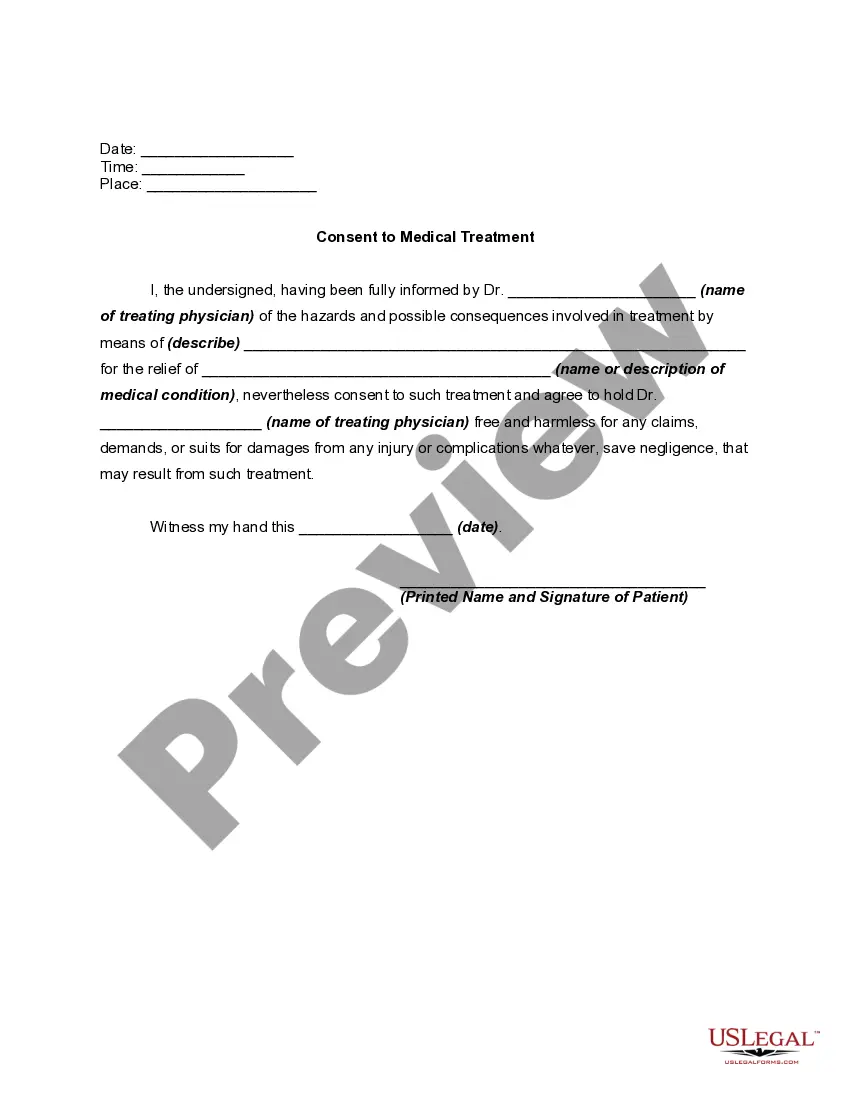
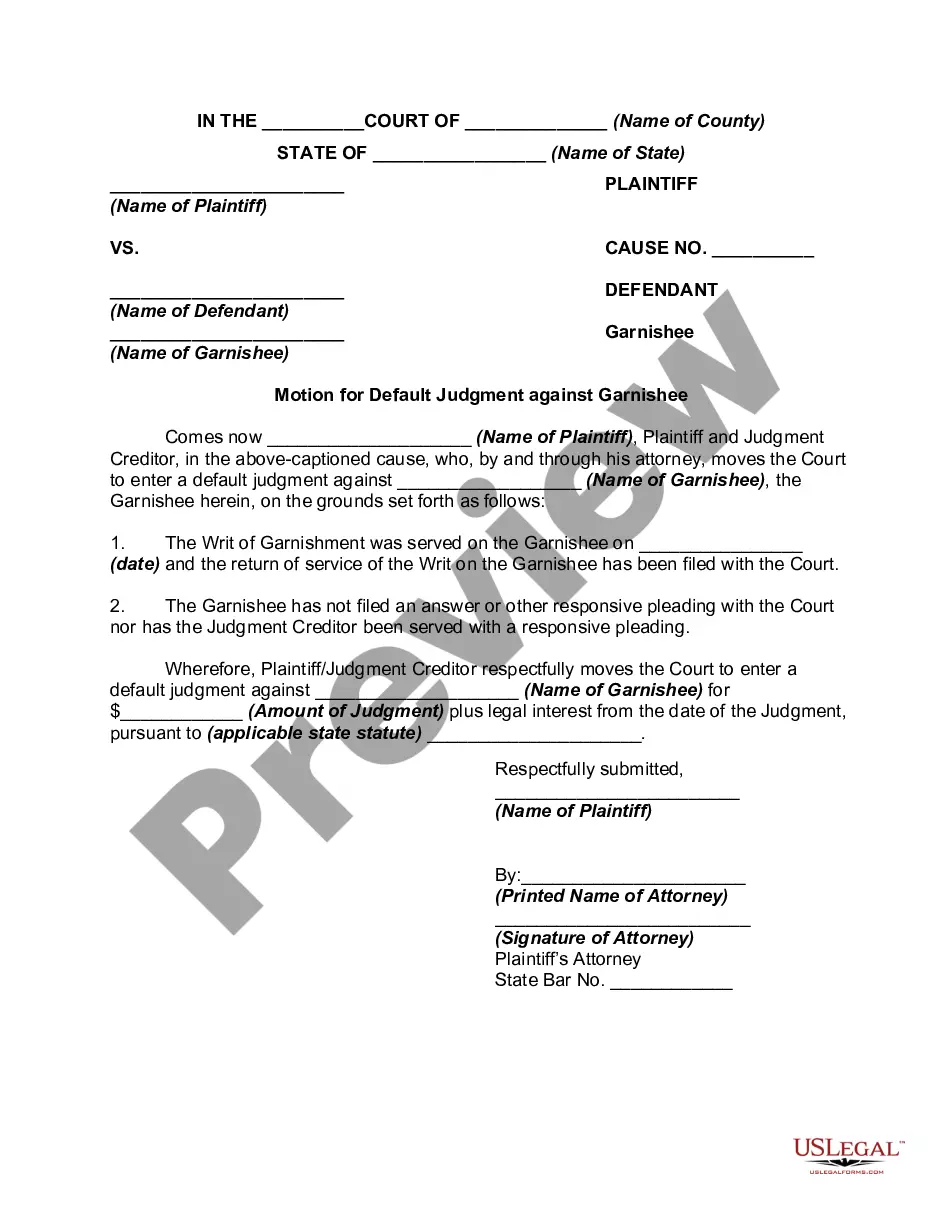
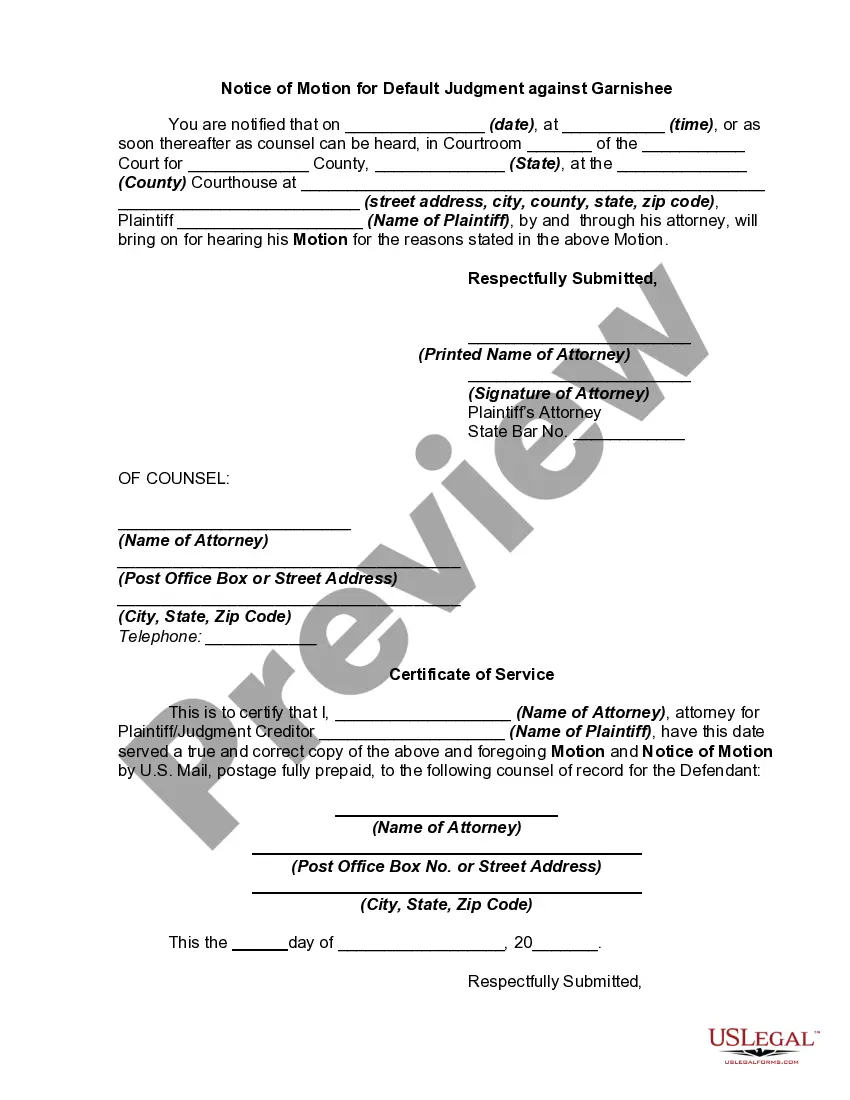
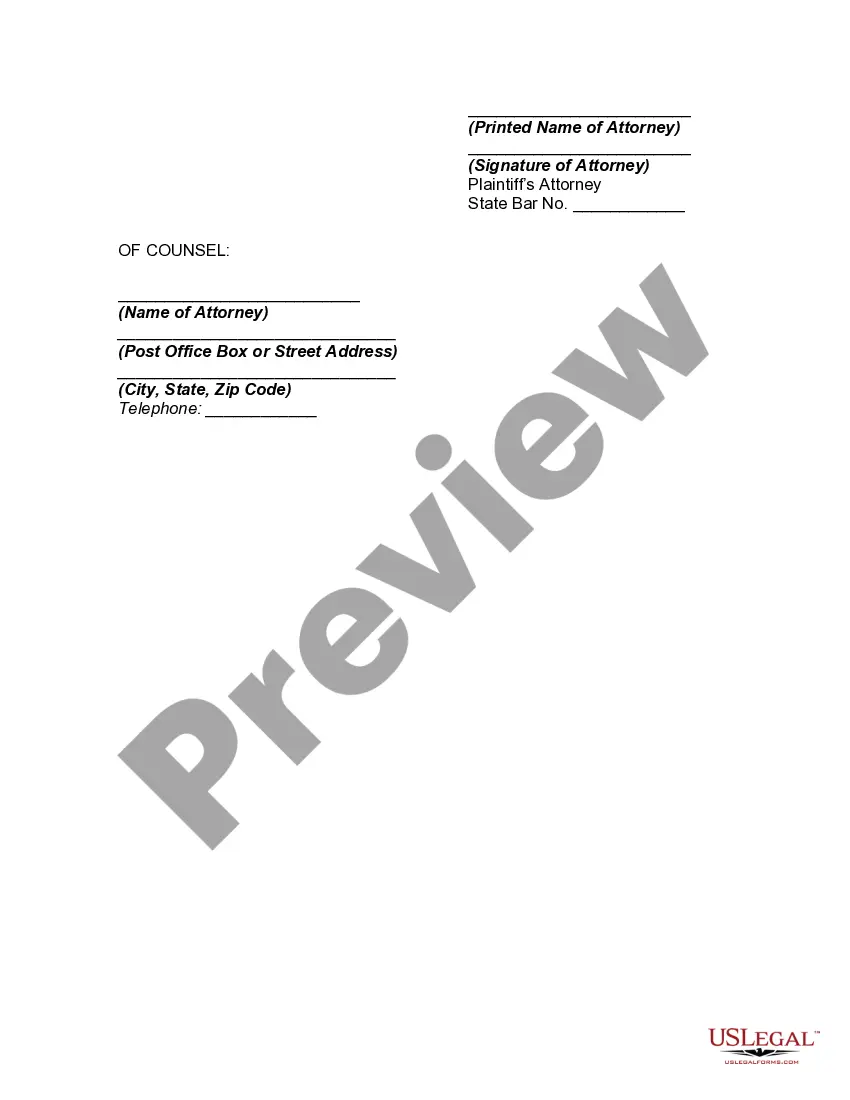
Default Judgment Motion With Agreement
Description
Get your form ready online
Our built-in tools help you complete, sign, share, and store your documents in one place.
Make edits, fill in missing information, and update formatting in US Legal Forms—just like you would in MS Word.
Download a copy, print it, send it by email, or mail it via USPS—whatever works best for your next step.
Sign and collect signatures with our SignNow integration. Send to multiple recipients, set reminders, and more. Go Premium to unlock E-Sign.
If this form requires notarization, complete it online through a secure video call—no need to meet a notary in person or wait for an appointment.
We protect your documents and personal data by following strict security and privacy standards.

Make edits, fill in missing information, and update formatting in US Legal Forms—just like you would in MS Word.

Download a copy, print it, send it by email, or mail it via USPS—whatever works best for your next step.

Sign and collect signatures with our SignNow integration. Send to multiple recipients, set reminders, and more. Go Premium to unlock E-Sign.

If this form requires notarization, complete it online through a secure video call—no need to meet a notary in person or wait for an appointment.

We protect your documents and personal data by following strict security and privacy standards.
Looking for another form?









How to fill out Motion For Default Judgment Against Garnishee?
There's no longer a necessity to squander hours hunting for legal documents to satisfy your local state obligations.
US Legal Forms has gathered all of them in a single location and optimized their accessibility.
Our platform provides over 85,000 templates for any commercial and personal legal matters categorized by state and area of application.
Utilize the search bar above to look for another template if the previous one didn't suit you. Click Buy Now next to the template title once you find the right one. Choose your preferred pricing plan and register for an account or Log In. Make payment for your subscription with a card or via PayPal to continue. Select the file format for your Default Judgment Motion With Agreement and download it to your device. Print your form to fill it out by hand or upload the template if you wish to use an online editor. Preparing legal documents under federal and state laws is quick and straightforward with our library. Try US Legal Forms today to keep your paperwork organized!
- All forms are expertly drafted and verified for authenticity, ensuring you receive an up-to-date Default Judgment Motion With Agreement.
- If you are acquainted with our service and already possess an account, ensure your subscription is active before retrieving any templates.
- Log In to your account, select the document, and click Download.
- You can also revisit all saved documents at any time by accessing the My documents tab in your profile.
- If you've never used our service before, the process will require a few additional steps to finalize.
- Here's how new users can locate the Default Judgment Motion With Agreement in our collection.
- Review the page content carefully to confirm it includes the sample you need.
- To accomplish this, utilize the form description and preview options if available.
Form popularity
FAQ
Reply to Defence A claimant starts legal proceedings with a claim form and particulars of claim. The defendant answers the case of the claimant pleaded in the particulars of claim in the defence. The claimant then has an opportunity to answer the case of the defendant, by filing a reply to defence, or a "reply".
In California, the entry of default is not automatic. To get the entry of default, the plaintiff must file an application for default judgment with the court clerk. Under certain circumstances, a Code of Civil Procedure section 425.11 statement of damages and a proof of service attached.
The court still has the discretion whether to agree to the set side of the default judgment, but a consent order makes it more likely. The consent order can be filed at court before or after the application to set aside judgment has been made.
OverviewStep 1: Calculate your deadline to respond.Step 2: Evaluate your options.Step 3: Prepare a response.Step 4: File your response with the court.Step 5: Give plaintiff a copy of your response. Step 6: Know what to expect next.
In the US, a default judgment is entered against the defaulting party without consideration of the merits of the case. A default judgment is binding and may be entered against a party who fails to: Respond to a complaint. Appear at a scheduled hearing or trial.