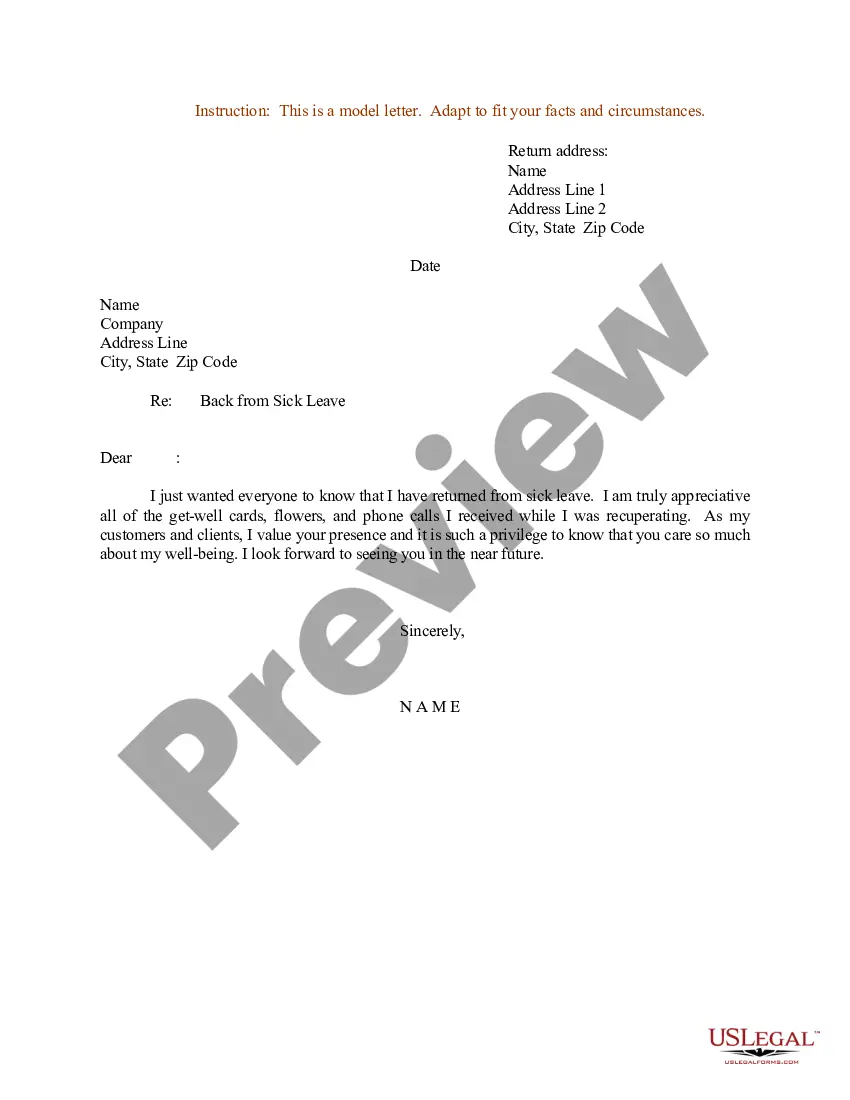
Return To Work After Surgery Letter Format
Description
Get your form ready online
Our built-in tools help you complete, sign, share, and store your documents in one place.
Make edits, fill in missing information, and update formatting in US Legal Forms—just like you would in MS Word.
Download a copy, print it, send it by email, or mail it via USPS—whatever works best for your next step.
Sign and collect signatures with our SignNow integration. Send to multiple recipients, set reminders, and more. Go Premium to unlock E-Sign.
If this form requires notarization, complete it online through a secure video call—no need to meet a notary in person or wait for an appointment.
We protect your documents and personal data by following strict security and privacy standards.

Make edits, fill in missing information, and update formatting in US Legal Forms—just like you would in MS Word.

Download a copy, print it, send it by email, or mail it via USPS—whatever works best for your next step.

Sign and collect signatures with our SignNow integration. Send to multiple recipients, set reminders, and more. Go Premium to unlock E-Sign.

If this form requires notarization, complete it online through a secure video call—no need to meet a notary in person or wait for an appointment.

We protect your documents and personal data by following strict security and privacy standards.
Looking for another form?
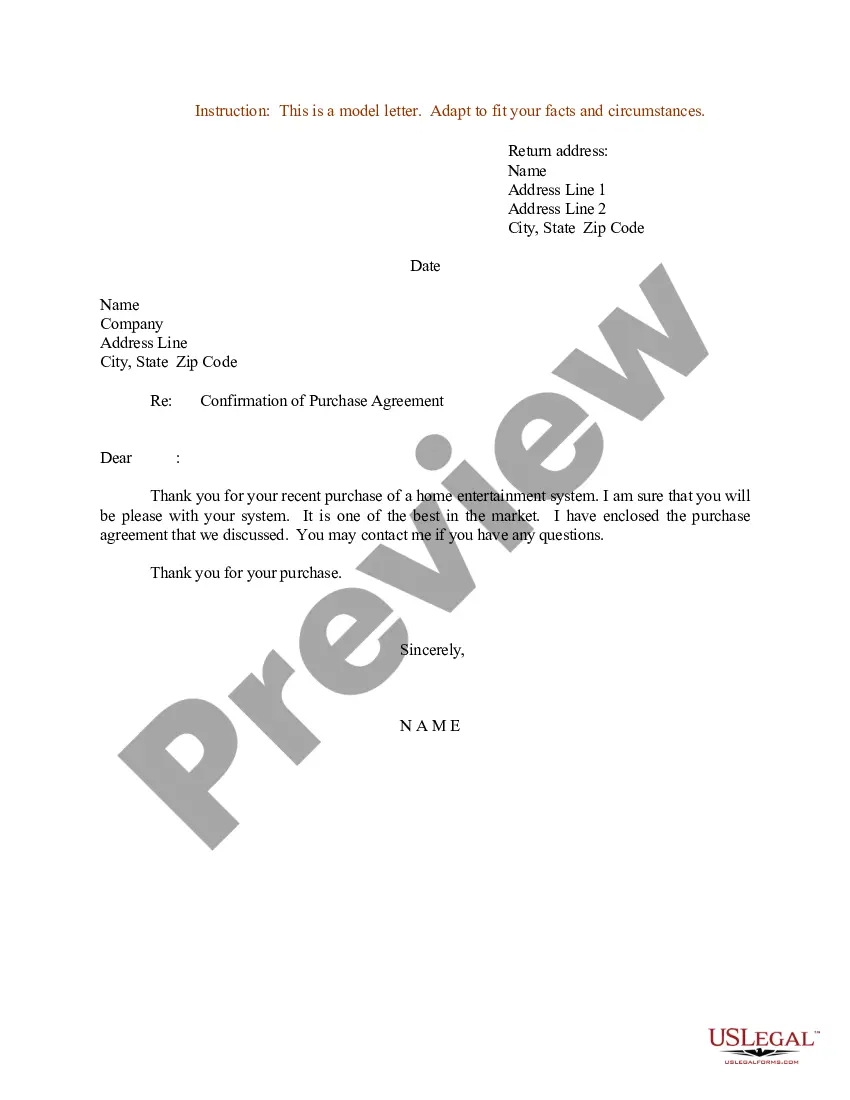
How to fill out Sample Letter For Return From Sick Leave?
Whether for commercial objectives or for personal affairs, everyone must navigate legal matters at some point in their life.
Completing legal documentation necessitates meticulous attention, starting with selecting the appropriate form template.
Once saved, you can fill out the form using editing software or print it and complete it by hand. With a vast US Legal Forms library available, you don’t have to waste time searching for the correct sample online. Utilize the library’s straightforward navigation to find the right form for any situation.
- Obtain the sample you require by utilizing the search bar or catalog browsing.
- Review the form’s details to confirm it suits your circumstances, state, and county.
- Click on the form’s preview to examine it.
- If it is the wrong form, return to the search feature to find the Return To Work After Surgery Letter Format template you need.
- Download the document if it fulfills your criteria.
- If you already possess a US Legal Forms account, simply click Log in to access previously saved documents in My documents.
- In case you do not yet have an account, you can acquire the form by clicking Buy now.
- Select the appropriate payment option.
- Complete the profile signup form.
- Choose your payment method: either credit card or PayPal.
- Select the document format you prefer and download the Return To Work After Surgery Letter Format.
Form popularity
FAQ
What is a Return to Work Note From a Doctor? Doctor Return to Work Note is a form that confirms or disclaims your ability to get back to work after some time that you were absent because of your health status. It also points to some physical restrictions you might have after getting an injury or illness.
How to write a return to work letter after maternity leave State your intention to return to work. Clearly state your intention to return to your job and your intended position and title. ... Mention any changes to your job. ... Detail any special accommodations you request.
Within the return to work form, managers and employees will need to typically provide details relating to their absence, such as: the duration of absence; the method used by employees to notify of their absence; the reason for absence; details about previous absences over the past calendar year (if applicable);
How to Write an Effective Return to Work Letter Address the Employee. As with any letter, start by addressing the recipient appropriately. ... Lay out the Reasons for Sending the Letter. ... Explain the Specifics of Their Return. ... Inform Employees of Any Changes to Their Role. ... Outline Policy or Office Changes that Affect Them.
Joining Report After Maternity Leave This is to inform you that I would be rejoining work from the 1st of March, 2022. I have been on maternity leave since March 3, 2021, and it ends on the 28th of February, 2022. I am sharing my employee ID and other job information for your reference.