Vacate Judgment Form With Notice
Description







Get your form ready online
Our built-in tools help you complete, sign, share, and store your documents in one place.
Make edits, fill in missing information, and update formatting in US Legal Forms—just like you would in MS Word.
Download a copy, print it, send it by email, or mail it via USPS—whatever works best for your next step.
Sign and collect signatures with our SignNow integration. Send to multiple recipients, set reminders, and more. Go Premium to unlock E-Sign.
If this form requires notarization, complete it online through a secure video call—no need to meet a notary in person or wait for an appointment.
We protect your documents and personal data by following strict security and privacy standards.

Make edits, fill in missing information, and update formatting in US Legal Forms—just like you would in MS Word.

Download a copy, print it, send it by email, or mail it via USPS—whatever works best for your next step.

Sign and collect signatures with our SignNow integration. Send to multiple recipients, set reminders, and more. Go Premium to unlock E-Sign.

If this form requires notarization, complete it online through a secure video call—no need to meet a notary in person or wait for an appointment.

We protect your documents and personal data by following strict security and privacy standards.
Looking for another form?







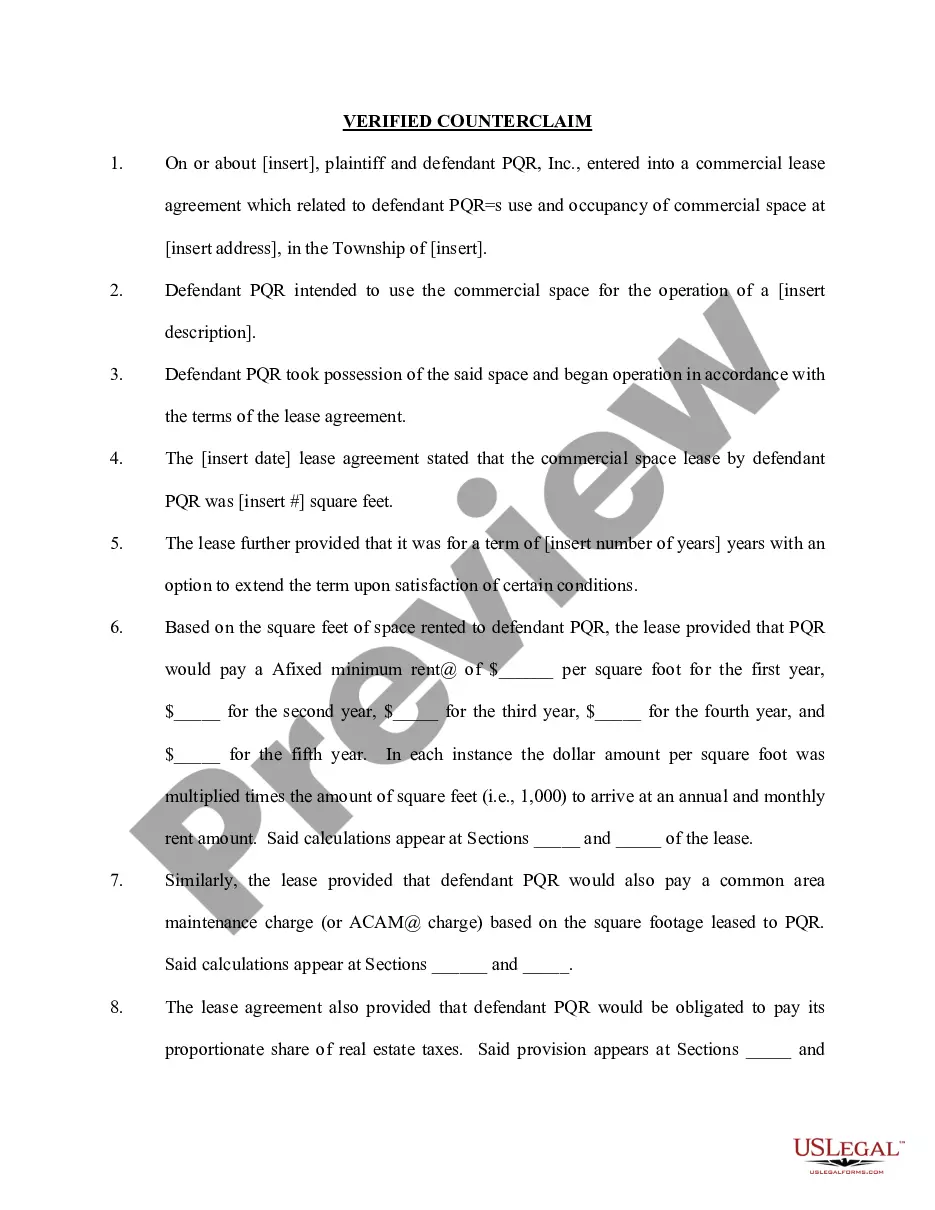

How to fill out Motion To Vacate Judgment, Quash Subpoena Duces Tecum, Dismiss Writ Of Garnishment, And For Leave To File An Answer To Complaint?
It’s well-known that you cannot instantly become a legal expert, nor can you understand how to swiftly create a Vacate Judgment Form With Notice without a specialized education.
Assembling legal documents is a labor-intensive task that necessitates specific training and expertise. Thus, why not entrust the preparation of the Vacate Judgment Form With Notice to the professionals.
With US Legal Forms, one of the most extensive collections of legal documents, you can find everything from court filings to office communication templates. We understand the importance of compliance with both federal and state laws and regulations.
You can revisit your forms at any time from the My documents tab. If you're a returning customer, you can easily Log In and find and download the template from the same section.
No matter the intent behind your documentation—whether it’s financial, legal, or personal—our website is here to assist you. Give US Legal Forms a try now!
- Use the search bar at the top of the page to find the document you need.
- Preview it (if this option is available) and read the supporting description to determine if the Vacate Judgment Form With Notice is what you require.
- If you need a different form, start your search again.
- Create a free account and choose a subscription plan to purchase the form.
- Select Buy now. After the transaction is finalized, you can obtain the Vacate Judgment Form With Notice, complete it, print it, and send or mail it to the appropriate individuals or organizations.
Form popularity
FAQ
A judgment can be removed in NY by obtaining a court order through a vacate judgment form with notice. This process requires demonstrating valid grounds, such as a lack of proper notice or new evidence that warrants reconsideration. Successfully removing a judgment can help restore your financial standing.
To vacate a judgment in NY, you begin by filing a motion in the court where the original judgment was entered. It's important to include a vacate judgment form with notice that clearly outlines the reasons for your request. You must also serve the motion on the opposing party, allowing them an opportunity to respond.
In NYC, a judgment typically lasts for 20 years. This duration means that creditors can enforce this judgment against your assets for two decades. However, you can use a vacate judgment form with notice to potentially shorten this time frame by addressing the judgment sooner.
How to ask to cancel the judge's decision Fill out the Notice. Fill out a Notice of Motion to Vacate Judgment and Declaration (form SC-135) ... Make copies. Make 2 copies of the Notice. File the Notice and pay the filing fee. Give the original and the 2 copies to the court clerk. ... Go to your new court date.
If you were sued and lost because you did not appear in court, you can file an SC-135 Notice of Motion to Vacate Judgment. By filing this motion, you are asking the court to cancel the judgment entered against you and to give you a new trial.
If you file a motion to vacate a default or a default judgment, you must file an answer to the original complaint along with any cross claims or counterclaims you may wish to assert, and the motion must be accompanied by the appropriate fee.
TIME LIMIT: The request to correct or vacate the judgment must be filed with the court no later than 30 days after the clerk mailed the Notice of Entry of Judgment (SC-130) to the parties.
Removing A Judgment from Your Record There are only three ways in which a judgment can be made to go away: paying the debt, vacating the judgment or discharging the debt through bankruptcy.