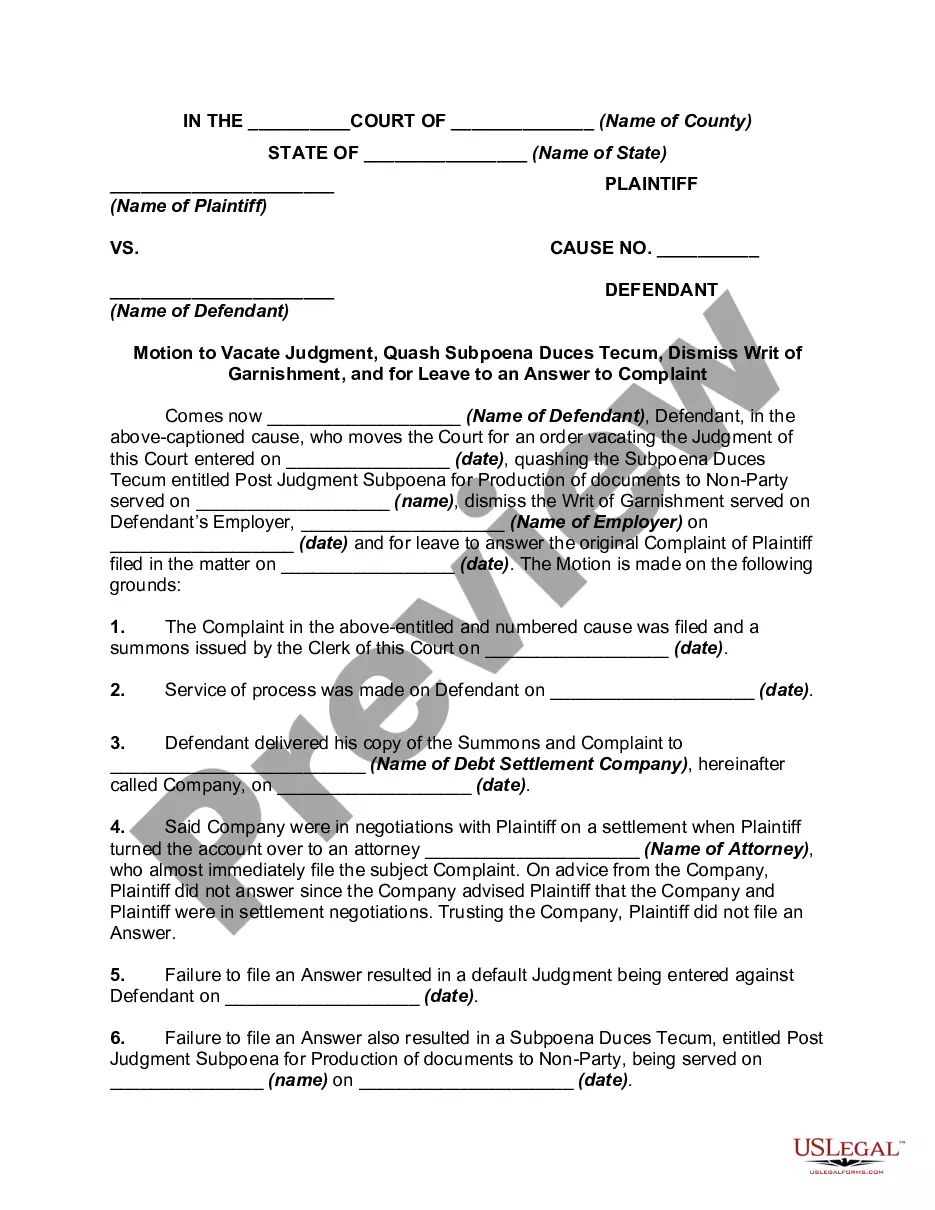
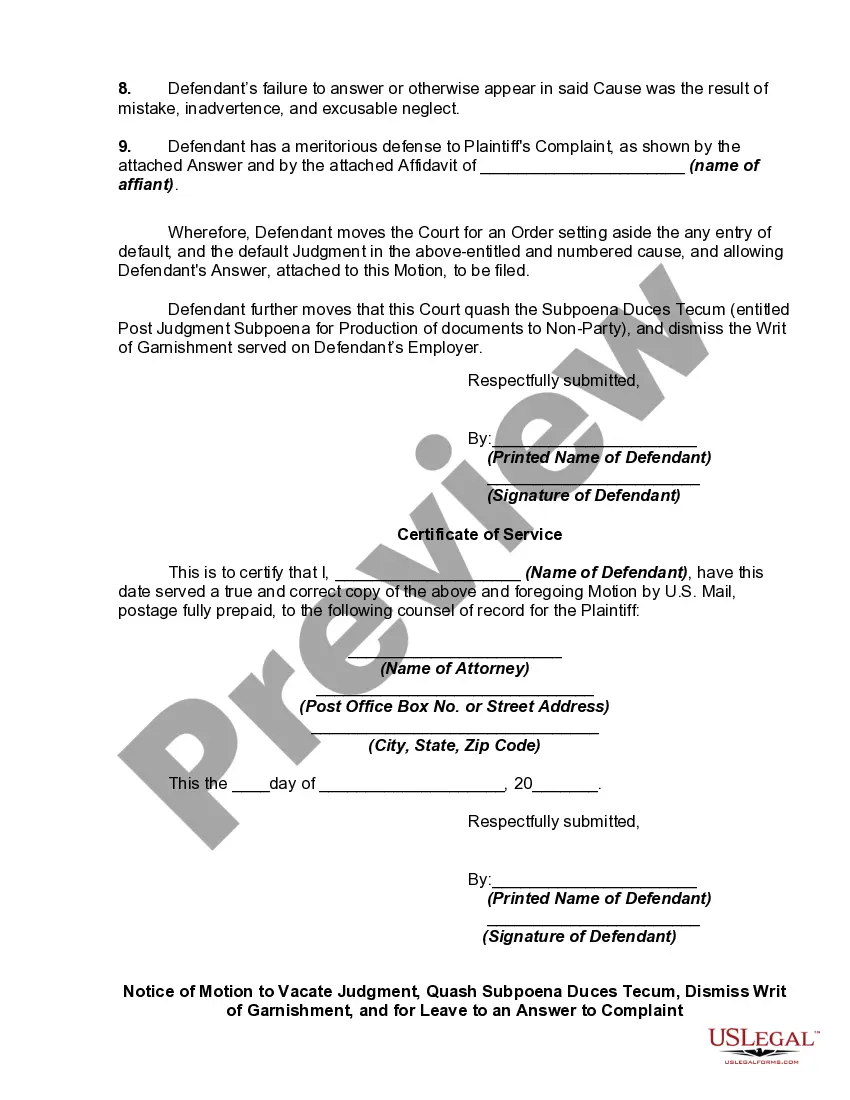
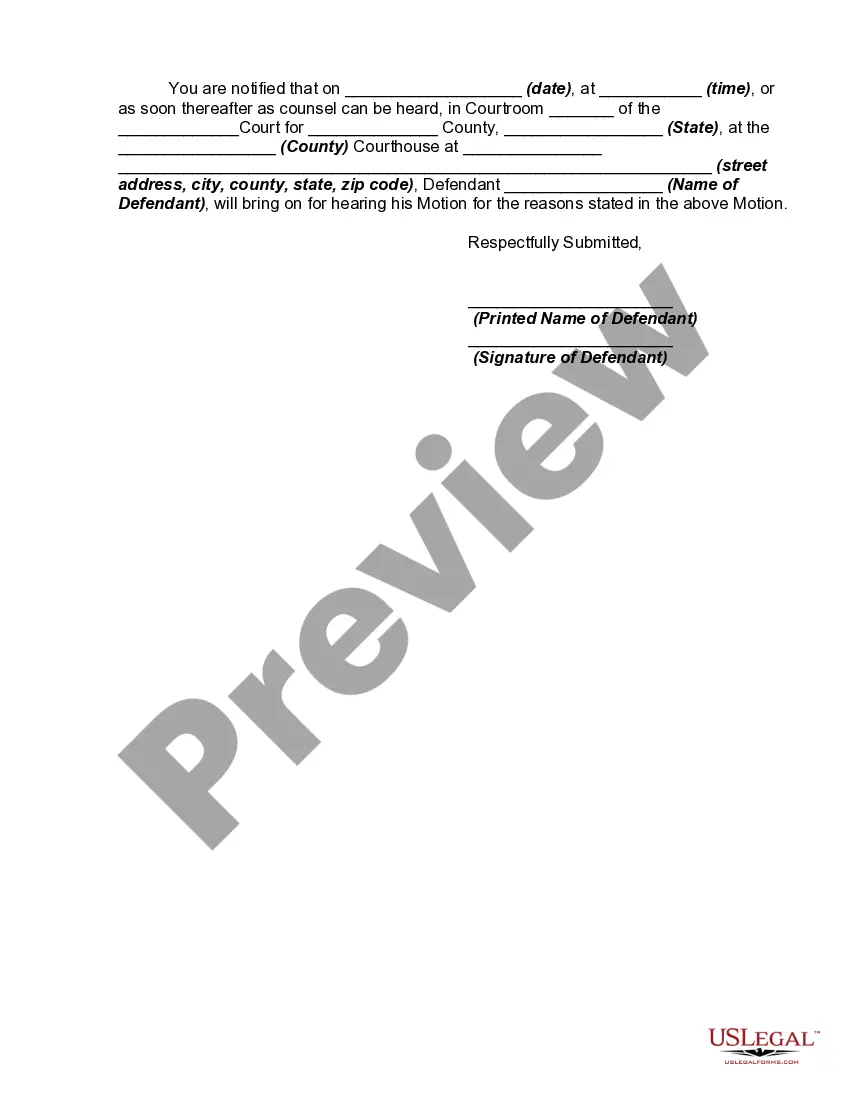
Notice Of Motion To Vacate Judgment And Declaration
Description
Get your form ready online
Our built-in tools help you complete, sign, share, and store your documents in one place.
Make edits, fill in missing information, and update formatting in US Legal Forms—just like you would in MS Word.
Download a copy, print it, send it by email, or mail it via USPS—whatever works best for your next step.
Sign and collect signatures with our SignNow integration. Send to multiple recipients, set reminders, and more. Go Premium to unlock E-Sign.
If this form requires notarization, complete it online through a secure video call—no need to meet a notary in person or wait for an appointment.
We protect your documents and personal data by following strict security and privacy standards.

Make edits, fill in missing information, and update formatting in US Legal Forms—just like you would in MS Word.

Download a copy, print it, send it by email, or mail it via USPS—whatever works best for your next step.

Sign and collect signatures with our SignNow integration. Send to multiple recipients, set reminders, and more. Go Premium to unlock E-Sign.

If this form requires notarization, complete it online through a secure video call—no need to meet a notary in person or wait for an appointment.

We protect your documents and personal data by following strict security and privacy standards.
Looking for another form?
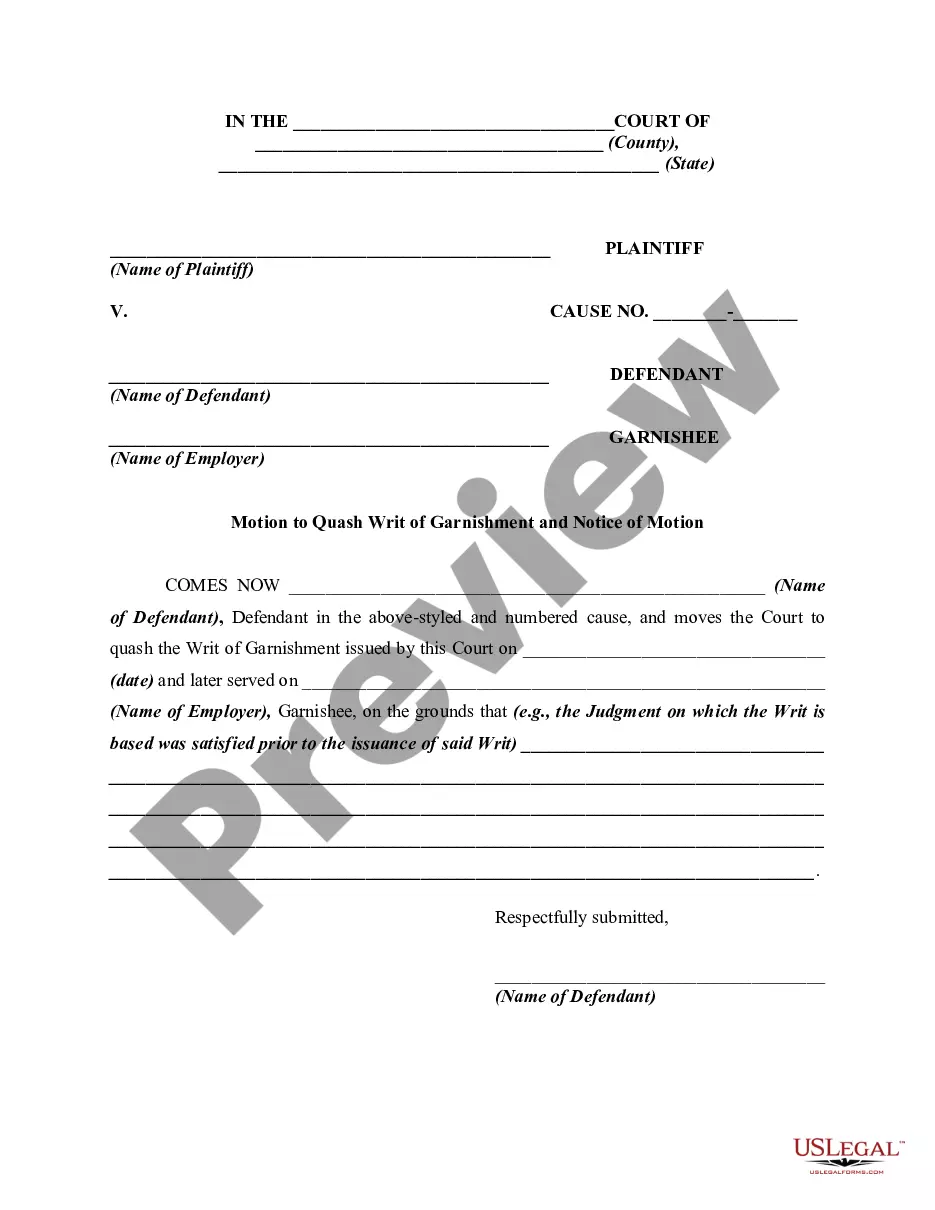
How to fill out Motion To Vacate Judgment, Quash Subpoena Duces Tecum, Dismiss Writ Of Garnishment, And For Leave To File An Answer To Complaint?
The Notification of Motion to Vacate Judgment and Declaration displayed on this page is a versatile formal template crafted by experienced attorneys adhering to federal and local regulations.
For over 25 years, US Legal Forms has supplied individuals, organizations, and legal practitioners with more than 85,000 verified, state-specific documents for any business and personal scenario.
Choose the format you prefer for your Notice of Motion to Vacate Judgment and Declaration (PDF, Word, RTF) and download the sample to your device.
- Search for the document you require and examine it.
- Browse the file you searched and preview it or review the form description to ensure it meets your needs. If it doesn’t, utilize the search bar to find the appropriate one. Click 'Buy Now' when you locate the template you need.
- Register and Log Into your account.
- Select the pricing option that works for you and sign up for an account. Use PayPal or a credit card to make a swift payment. If you already possess an account, Log In and check your subscription to proceed.
- Retrieve the fillable template.
Form popularity
FAQ
To set aside a default judgment, the defendant must demonstrate that its failure to answer or otherwise appear and defend was due to excusable neglect under the circumstances and that it has a meritorious defense either to the cause of action itself or the quantum of damages assessed.
A Motion to Vacate is a written request, filed with the Clerk's office, asking the court to undo the order of default and allow you to defend the case. In the motion, you must show the judge a good reason to allow your request and vacate the default. You must tell the judge why you did not file your response in time.
Fill out the Motion for Order to Vacate Judgment/Order of Dismissal/Order of Default and Declaration in Support (MOTION). Fill out the Certificate of Mailing (CERTIFICATE). Fill out and sign the Notice of Proposed Judgment or Order (NOTICE). Make two copies of the MOTION, CERTIFICATE, and NOTICE.
Get the form SC-135: Notice of Motion to Vacate Judgment. You must explain on the form why you did not come to court. File the form with the Small Claims Court Clerk's Office at the court where your case was heard. Pay the filing fee.
If you file a motion to vacate a default or a default judgment, you must file an answer to the original complaint along with any cross claims or counterclaims you may wish to assert, and the motion must be accompanied by the appropriate fee.