Partition Property File With Multiple Values
Description
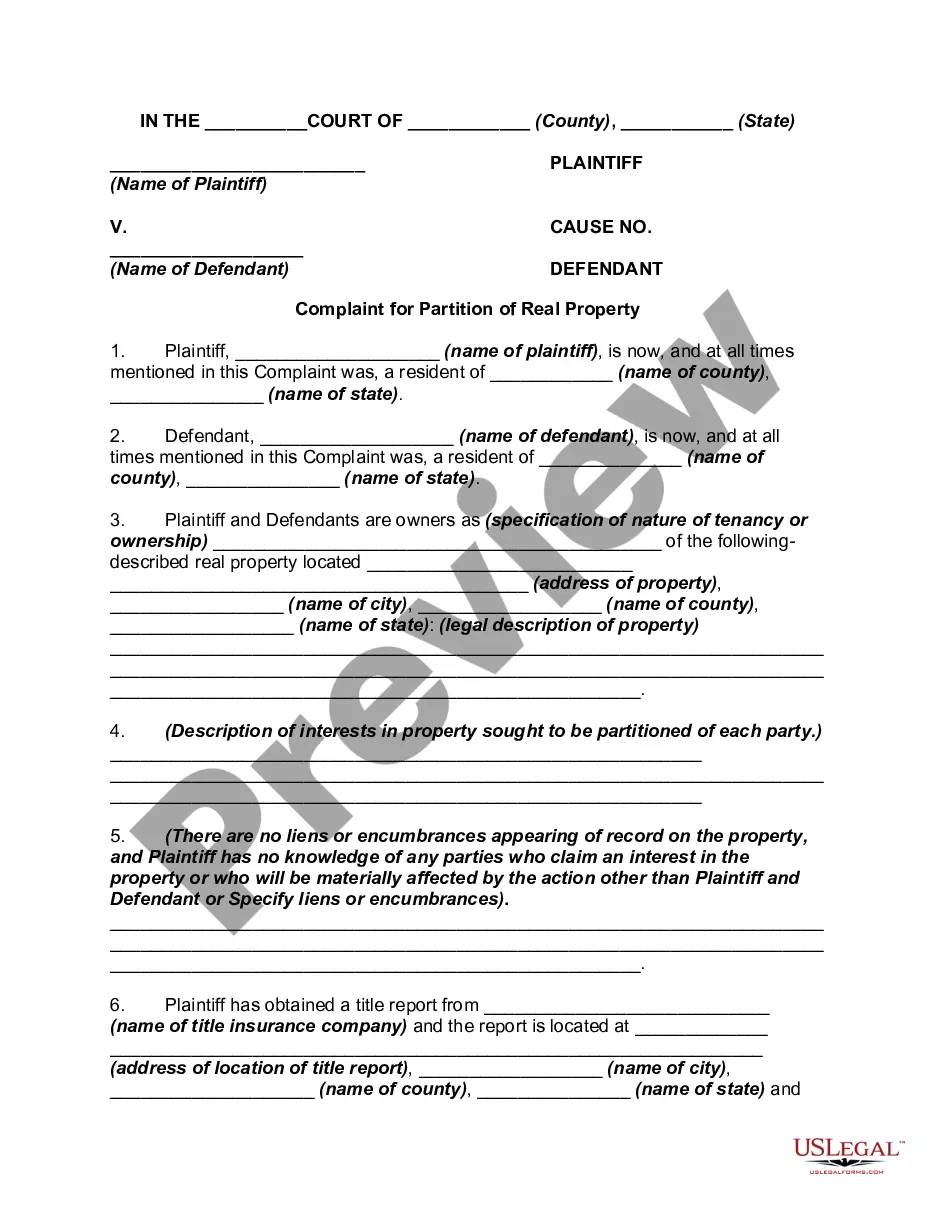
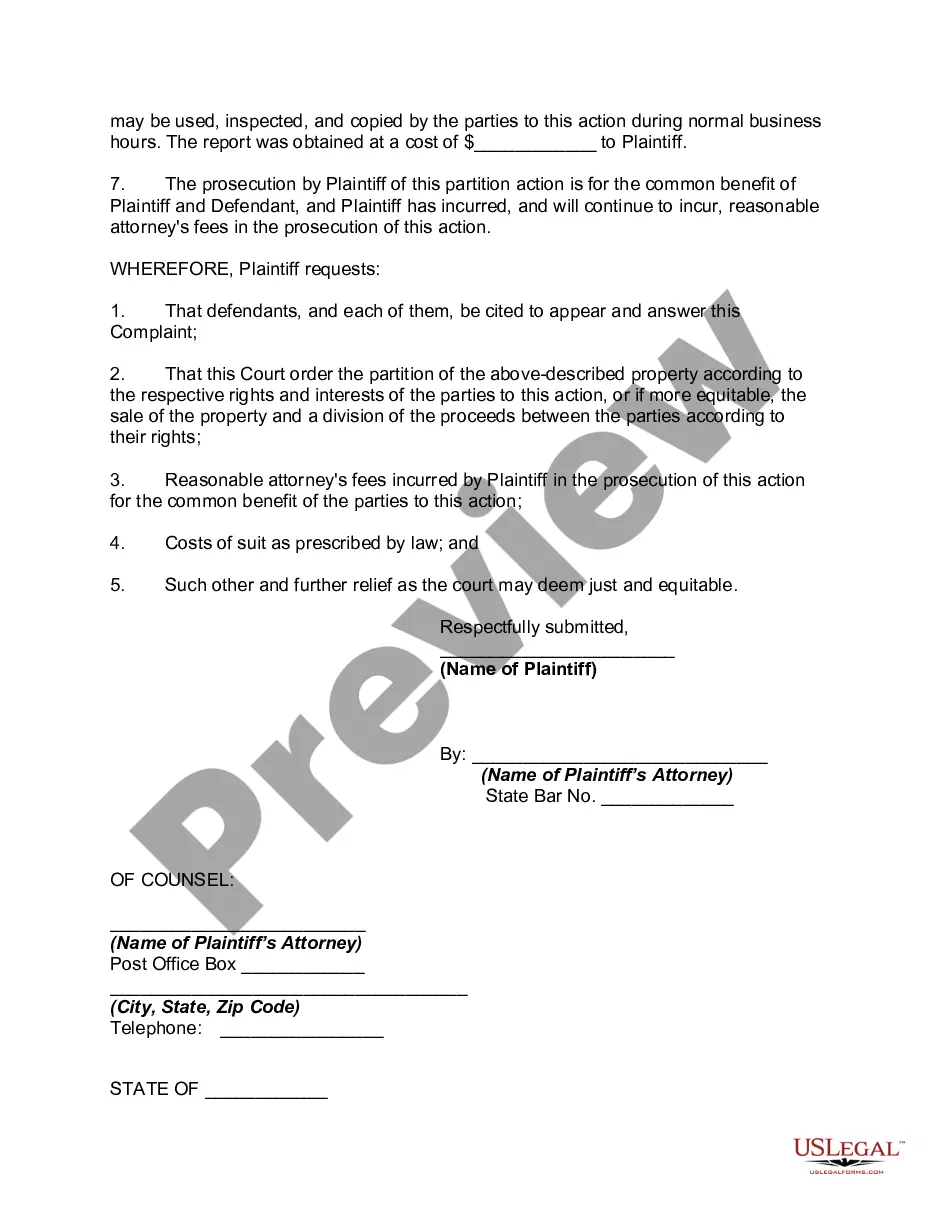
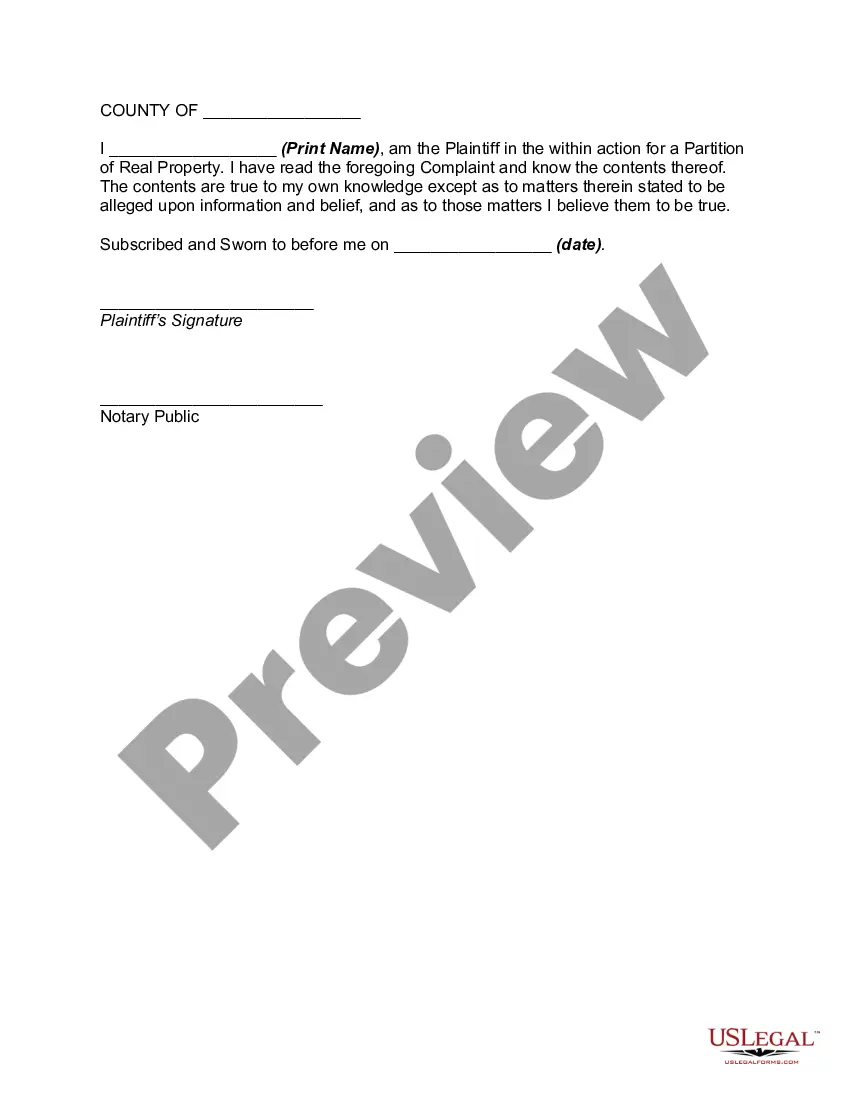
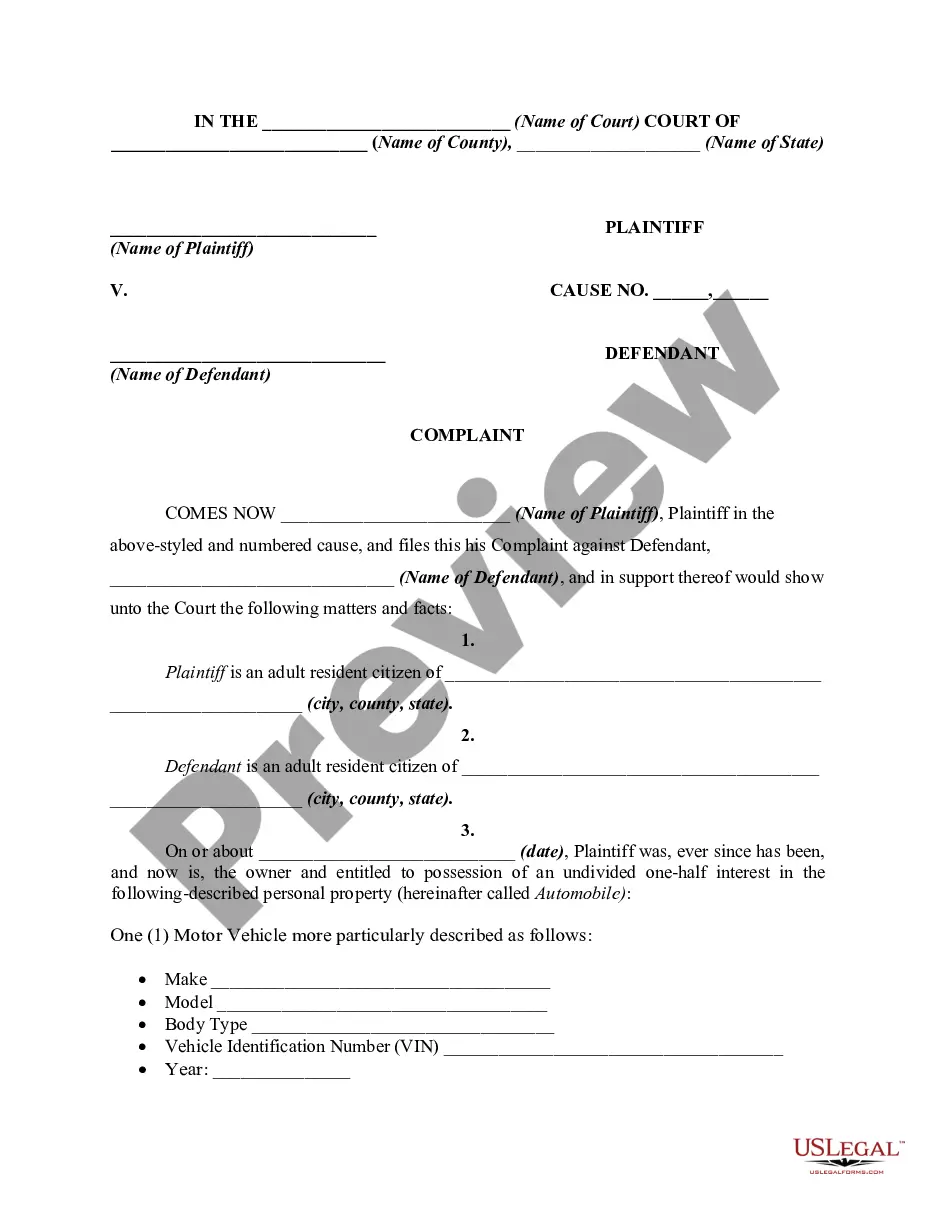
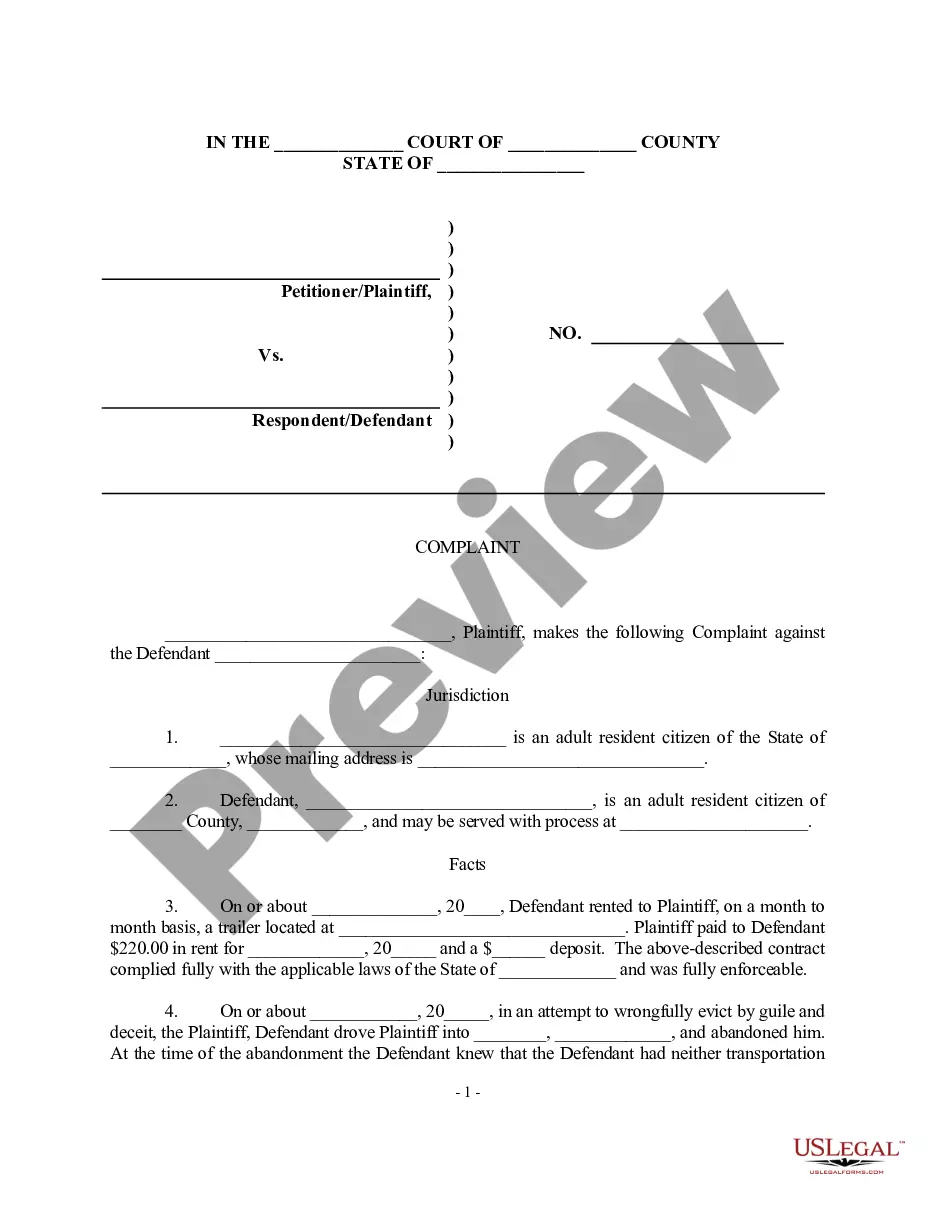
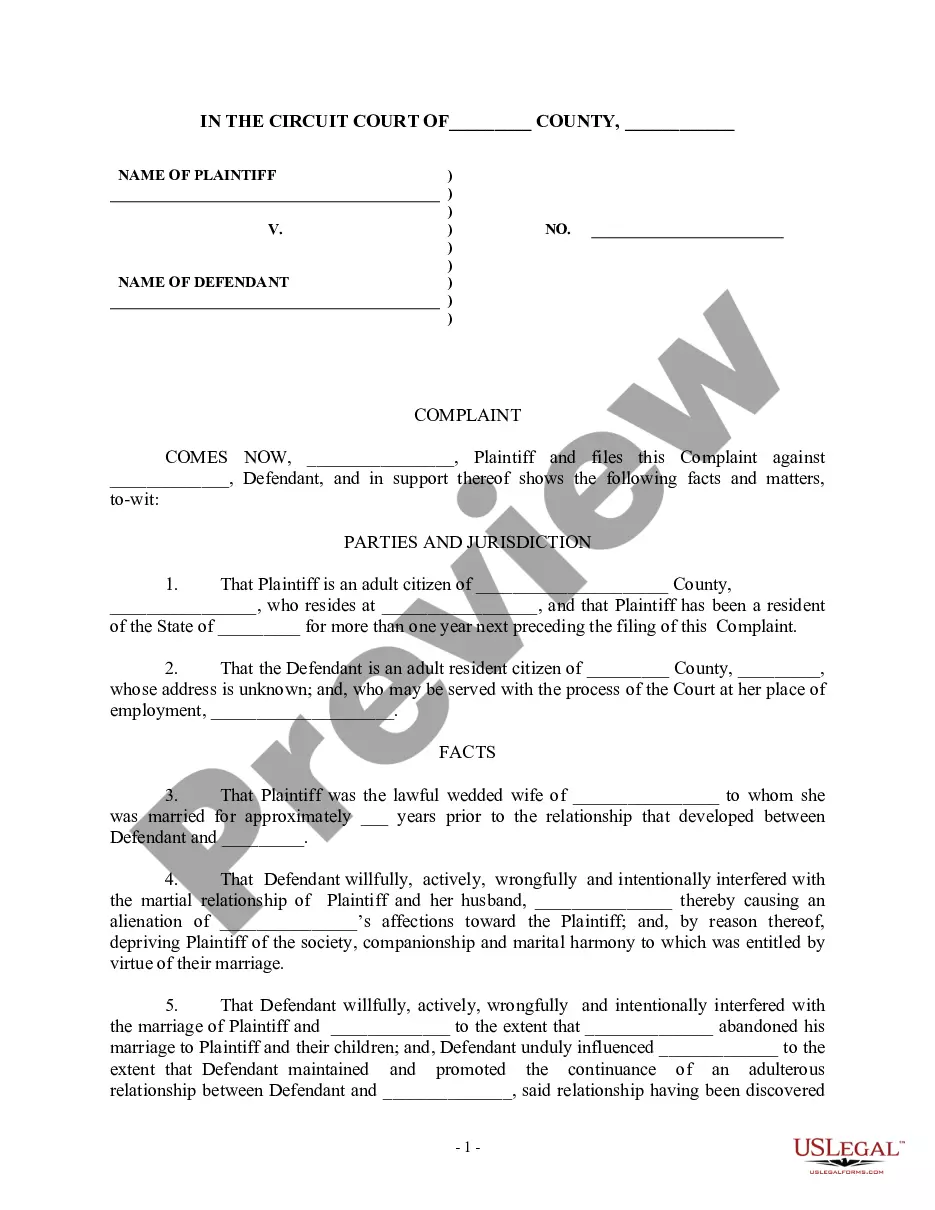
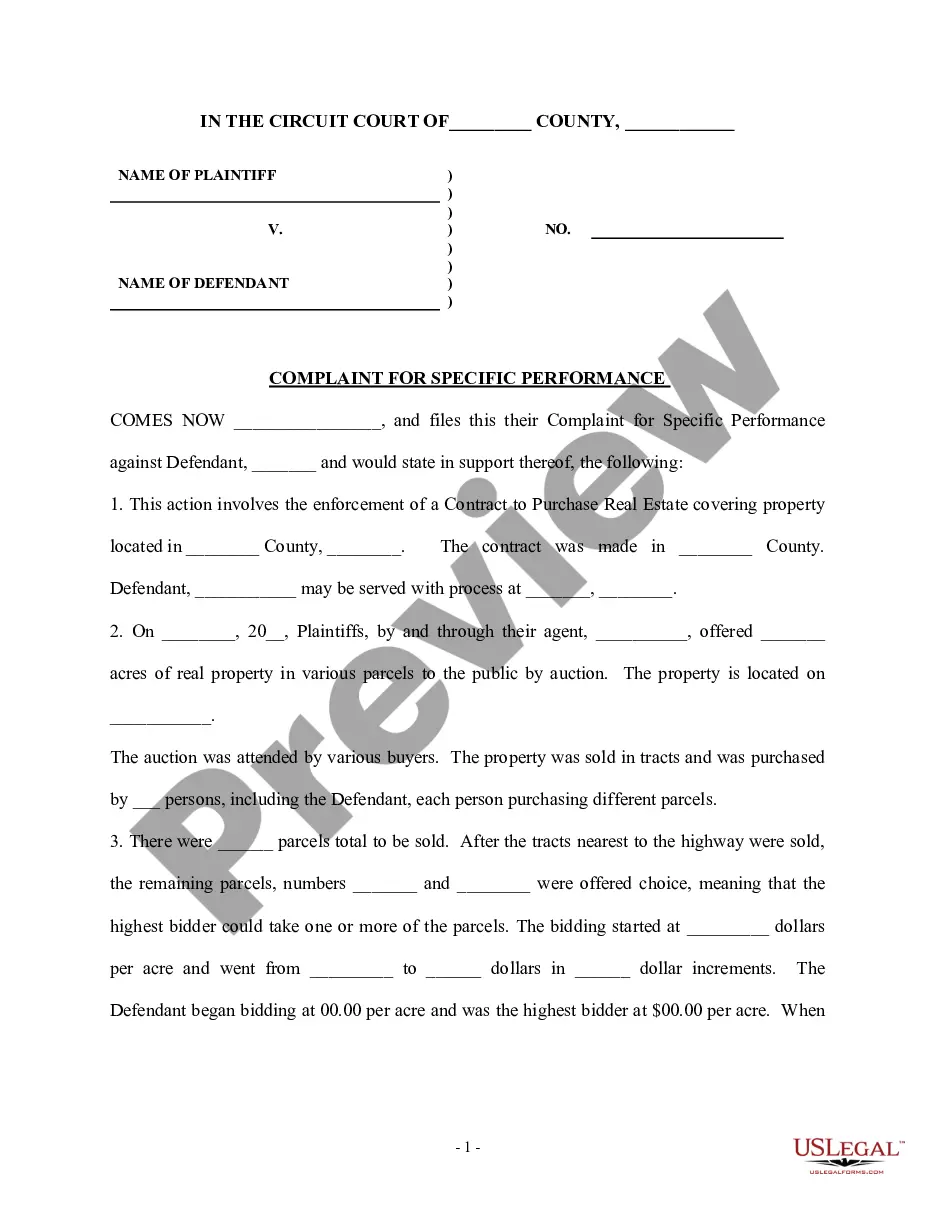
Get your form ready online
Our built-in tools help you complete, sign, share, and store your documents in one place.
Make edits, fill in missing information, and update formatting in US Legal Forms—just like you would in MS Word.
Download a copy, print it, send it by email, or mail it via USPS—whatever works best for your next step.
Sign and collect signatures with our SignNow integration. Send to multiple recipients, set reminders, and more. Go Premium to unlock E-Sign.
If this form requires notarization, complete it online through a secure video call—no need to meet a notary in person or wait for an appointment.
We protect your documents and personal data by following strict security and privacy standards.

Make edits, fill in missing information, and update formatting in US Legal Forms—just like you would in MS Word.

Download a copy, print it, send it by email, or mail it via USPS—whatever works best for your next step.

Sign and collect signatures with our SignNow integration. Send to multiple recipients, set reminders, and more. Go Premium to unlock E-Sign.

If this form requires notarization, complete it online through a secure video call—no need to meet a notary in person or wait for an appointment.

We protect your documents and personal data by following strict security and privacy standards.
Looking for another form?

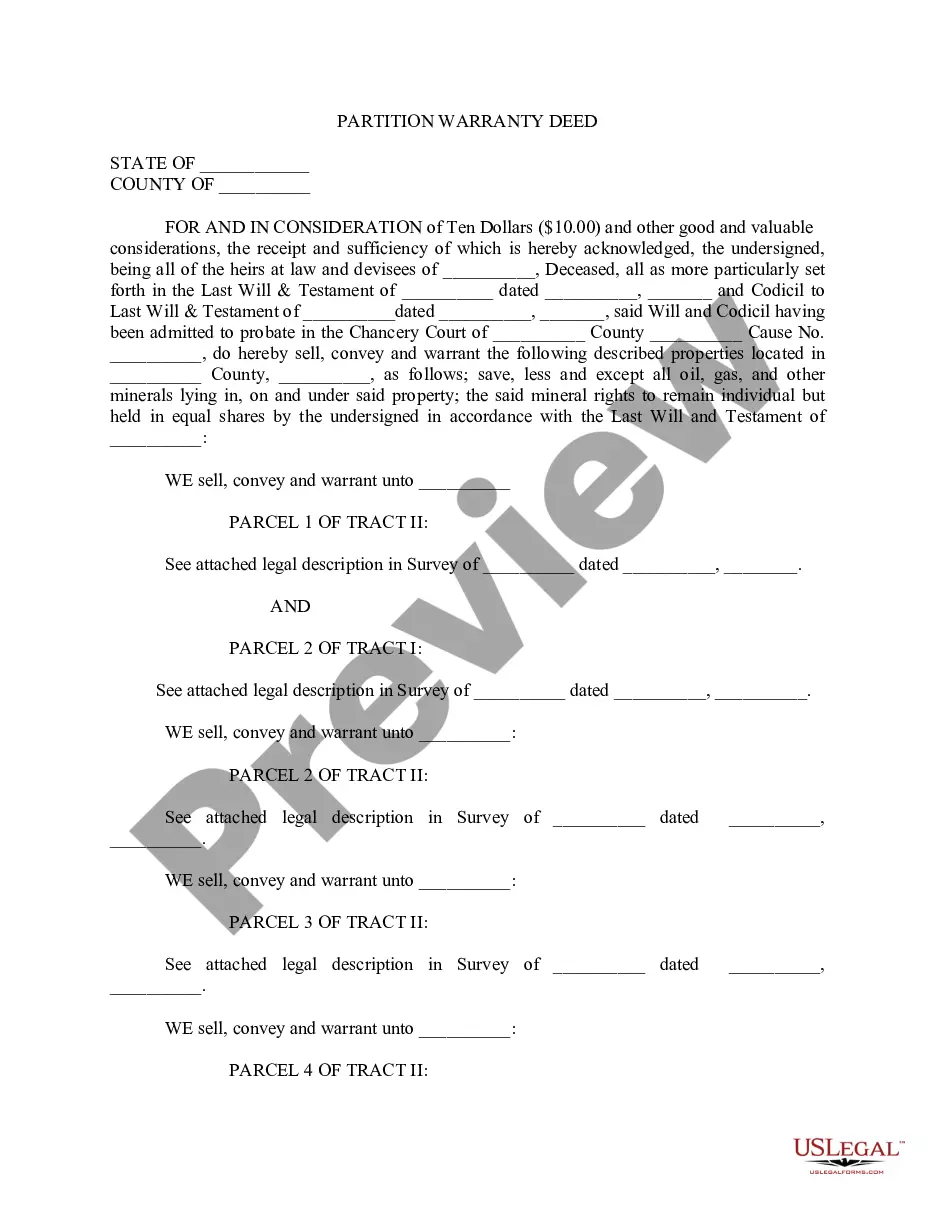


How to fill out Complaint For Partition Of Real Property?
Working with legal documents and procedures can be a time-consuming addition to your day. Partition Property File With Multiple Values and forms like it typically require that you look for them and navigate how you can complete them properly. Consequently, regardless if you are taking care of financial, legal, or individual matters, having a comprehensive and convenient online library of forms when you need it will help a lot.
US Legal Forms is the top online platform of legal templates, featuring over 85,000 state-specific forms and a number of resources to assist you complete your documents easily. Explore the library of pertinent documents available to you with just a single click.
US Legal Forms provides you with state- and county-specific forms available at any moment for downloading. Shield your document administration operations by using a top-notch support that allows you to put together any form within a few minutes without having extra or hidden charges. Just log in to the account, find Partition Property File With Multiple Values and download it straight away from the My Forms tab. You can also access formerly downloaded forms.
Would it be your first time utilizing US Legal Forms? Sign up and set up up an account in a few minutes and you’ll have access to the form library and Partition Property File With Multiple Values. Then, follow the steps below to complete your form:
- Make sure you have the correct form using the Review option and looking at the form description.
- Choose Buy Now when ready, and select the subscription plan that meets your needs.
- Choose Download then complete, sign, and print the form.
US Legal Forms has 25 years of experience helping users control their legal documents. Discover the form you need today and enhance any process without having to break a sweat.
Form popularity
FAQ
Note ? You can provide more than one application properties by using the delimiter ?.
Mul·?ti·?line ?m?l-t?-?l?n. -?t?- : composed of, involving, or able to accommodate more than one line: such as. a. : consisting of multiple lines of text.
We use a singleton bean whose properties map to entries in 3 separate properties files. This is the main class to read properties from multiple properties files into an object in Spring Boot. We use @PropertySource and locations of the files in the classpath. The application.
A property value can span several lines if each line is terminated by a backslash ('\') character. For example: targetCities=\ This is equivalent to targetCities=Detroit,Chicago,Los Angeles (white space at the beginning of lines is ignored).
Description. The multiline property specifies whether or not the m modifier is set. This property returns true if the "m" modifier is set, otherwise it returns false.