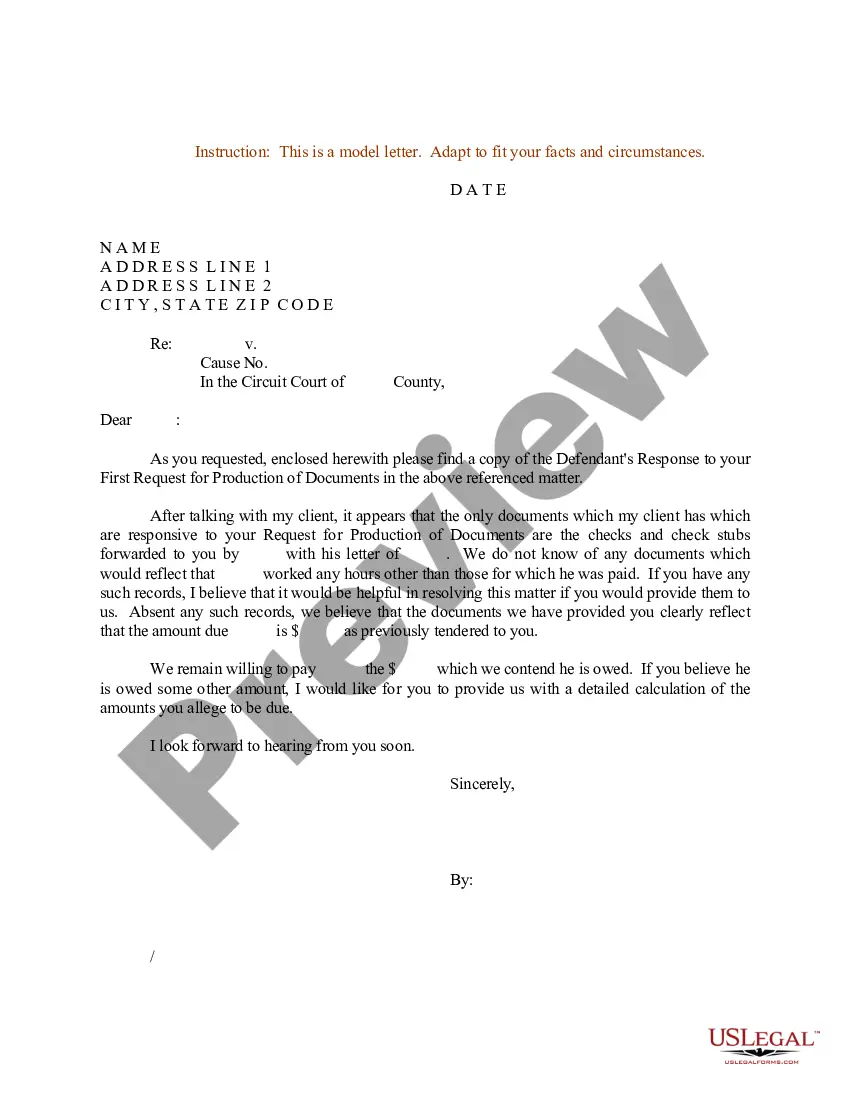
Letter Document Format
Description
Get your form ready online
Our built-in tools help you complete, sign, share, and store your documents in one place.
Make edits, fill in missing information, and update formatting in US Legal Forms—just like you would in MS Word.
Download a copy, print it, send it by email, or mail it via USPS—whatever works best for your next step.
Sign and collect signatures with our SignNow integration. Send to multiple recipients, set reminders, and more. Go Premium to unlock E-Sign.
If this form requires notarization, complete it online through a secure video call—no need to meet a notary in person or wait for an appointment.
We protect your documents and personal data by following strict security and privacy standards.

Make edits, fill in missing information, and update formatting in US Legal Forms—just like you would in MS Word.

Download a copy, print it, send it by email, or mail it via USPS—whatever works best for your next step.

Sign and collect signatures with our SignNow integration. Send to multiple recipients, set reminders, and more. Go Premium to unlock E-Sign.

If this form requires notarization, complete it online through a secure video call—no need to meet a notary in person or wait for an appointment.

We protect your documents and personal data by following strict security and privacy standards.
Looking for another form?
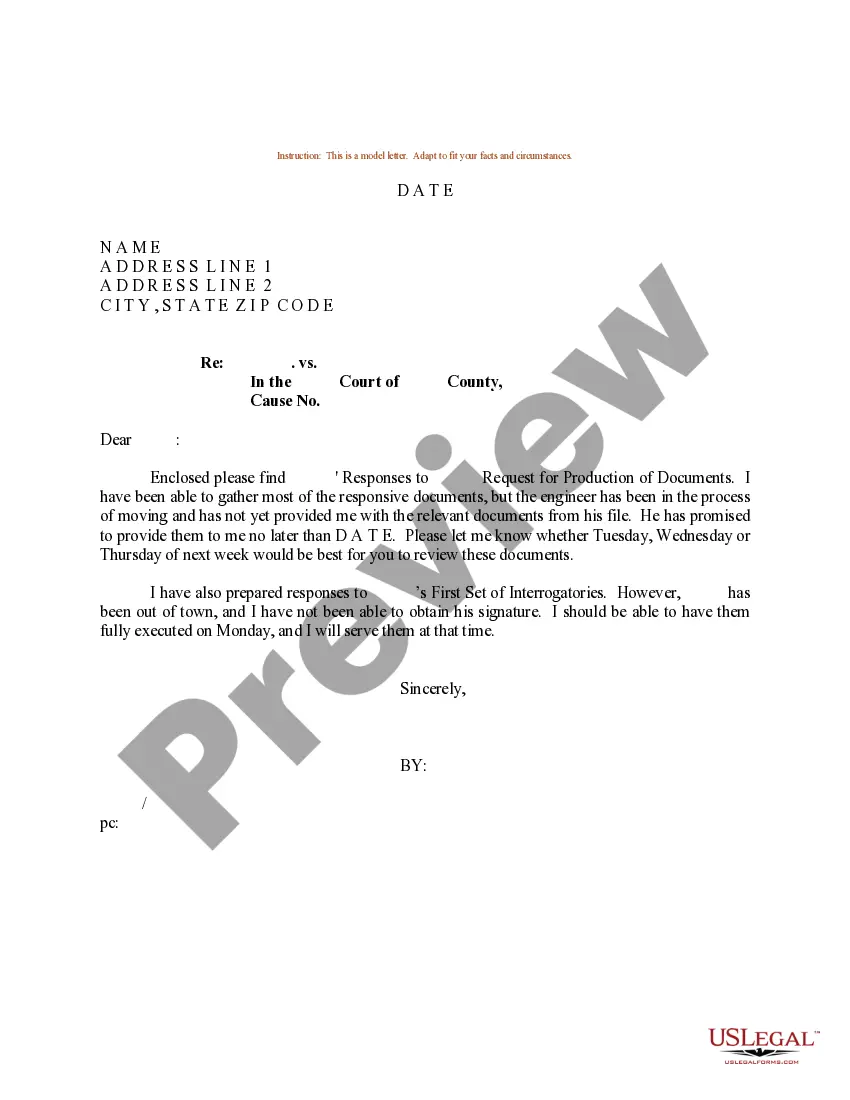
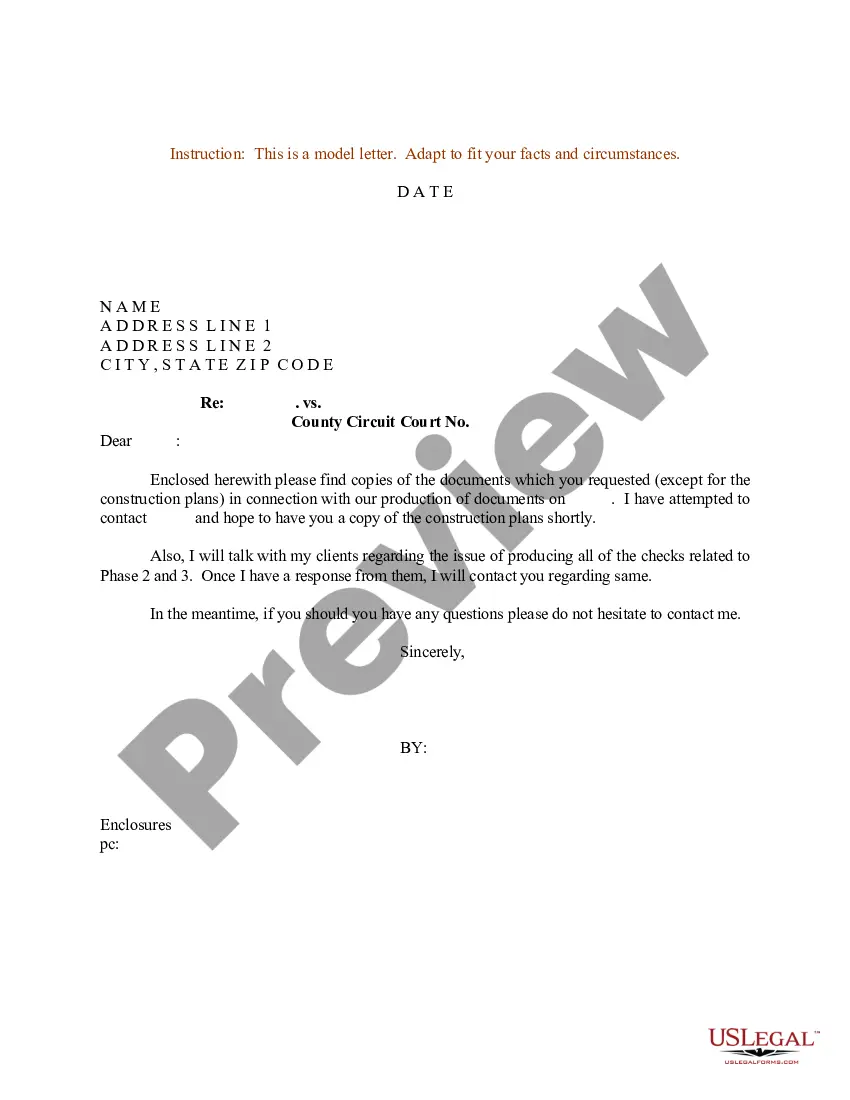
How to fill out Sample Letter For Request For Production Of Document?
Regardless of whether it is for commercial reasons or personal matters, everyone must confront legal circumstances at some stage in their life.
Completing legal documents requires meticulous care, starting from selecting the suitable form template. For example, if you select an incorrect version of a Letter Document Format, it will be rejected upon submission.
With a vast US Legal Forms catalog available, you never have to waste time searching for the correct template online. Utilize the library’s straightforward navigation to find the right template for any occasion.
- Locate the template you require using the search bar or catalog browsing.
- Review the form’s description to confirm it aligns with your circumstances, state, and region.
- Click on the form’s preview to examine it.
- If it is the wrong form, return to the search tool to discover the Letter Document Format sample you need.
- Acquire the template when it suits your needs.
- If you possess a US Legal Forms account, click Log in to access previously saved templates in My documents.
- If you do not have an account yet, you can obtain the form by clicking Buy now.
- Select the appropriate pricing option.
- Fill out the account registration form.
- Choose your payment method: you can utilize a credit card or PayPal account.
- Select the document format you prefer and download the Letter Document Format.
- Once it is downloaded, you can complete the form using editing software or print it out and finish it by hand.
Form popularity
FAQ
The proper format for a letter is crucial for clarity and professionalism. Typically, a letter should include your address, the date, the recipient's address, a greeting, the body of the letter, a closing, and your signature. Each section should be clearly defined and spaced appropriately to enhance readability. For anyone looking to create a letter document format, US Legal Forms offers templates that simplify this process, ensuring your letters meet standard conventions.
When typing a letter, the standard letter document format should include specific elements in a clear order. Begin with your address, then the date, followed by the recipient’s address. Use a professional greeting, and write the body of the letter with clear and concise paragraphs. Finally, close with a sign-off and your name, ensuring the letter looks organized and professional.
Filling out a letter format involves placing your information in the correct sections. Start with your address, followed by the date, and then include the recipient's information. Write your message using paragraphs that address the purpose of your letter. For precise guidance, you can explore templates available on platforms like US Legal Forms, which can simplify this process for you.
The three common letter formats are block format, modified block format, and semi-block format. In block format, all elements align to the left margin. Modified block format has the sender's address and date on the right, while semi-block format indents the first line of each paragraph. Each of these formats serves different purposes, so choose the one that fits your needs best.
To write a letter in letter document format, start by including your address at the top of the page. Next, add the date, followed by the recipient's address. Begin the letter with a greeting, and then state your message clearly and concisely. Finally, close with a polite sign-off, and don't forget to include your name and signature.
To obtain a letter document format in Google Docs, start by opening Google Docs in your web browser. Click on the 'Template Gallery' in the upper right corner, and look for the 'Letters' section. Choose the letter format that fits your purpose, and it will open in a new document for you to edit. This allows you to easily create professional letters, enhancing your communication.
To get a letter document format in Word, open the application and select 'New' from the file menu. Then, search for 'letter' in the template search bar, and you will find various letter formats to choose from. Select a template that suits your needs, and it will open as a new document. You can then customize it with your content, ensuring it meets your specific requirements.