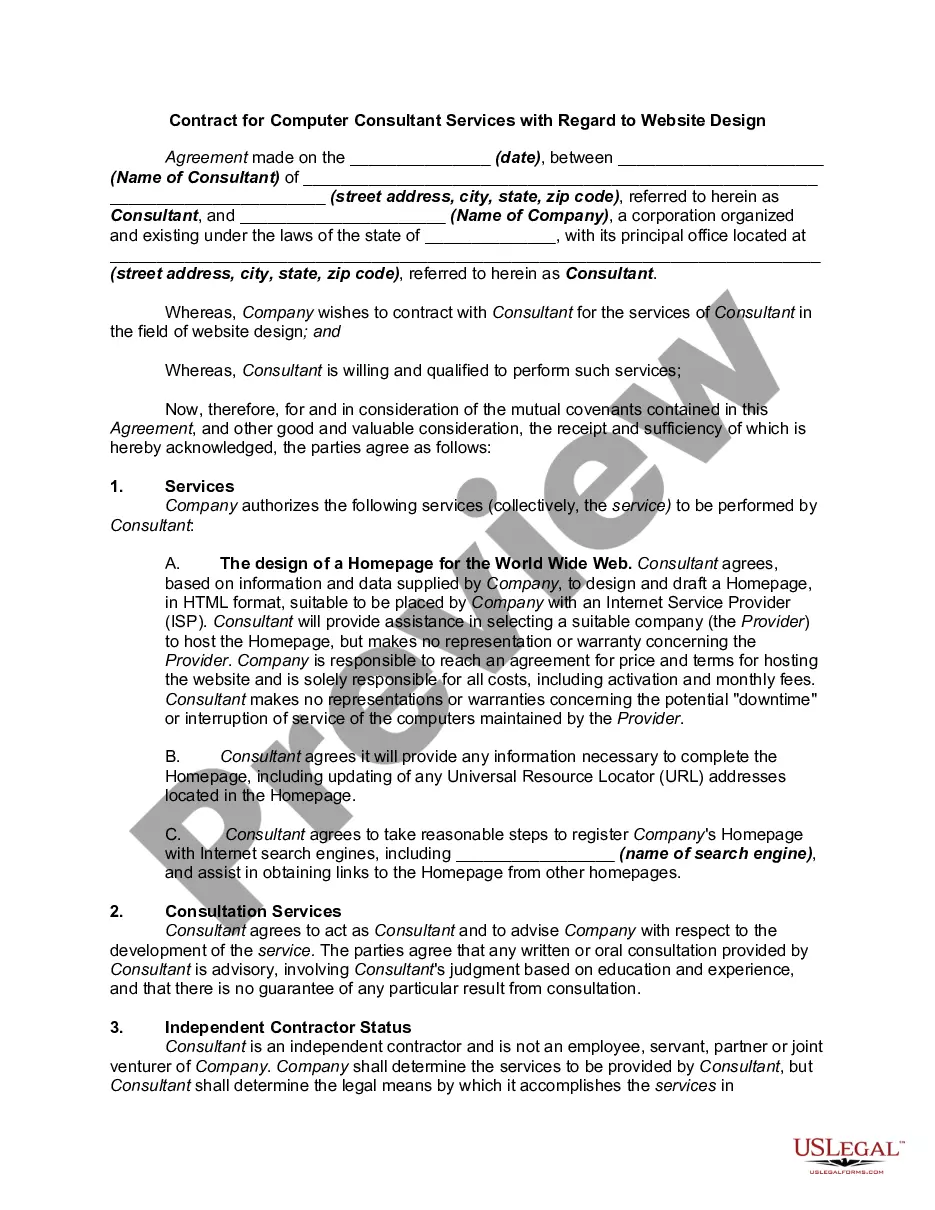
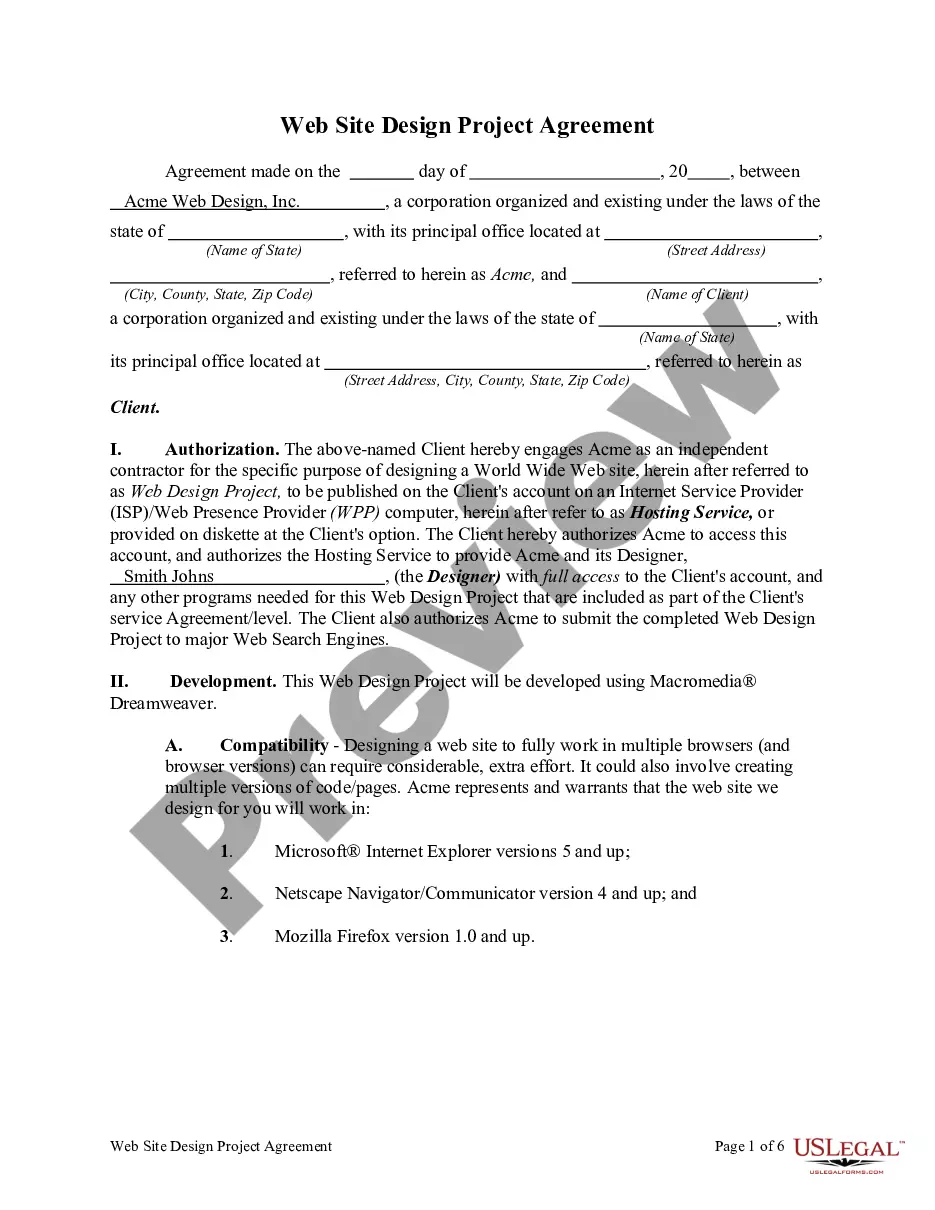
Contract Between Designer For Hire
Description
Get your form ready online
Our built-in tools help you complete, sign, share, and store your documents in one place.
Make edits, fill in missing information, and update formatting in US Legal Forms—just like you would in MS Word.
Download a copy, print it, send it by email, or mail it via USPS—whatever works best for your next step.
Sign and collect signatures with our SignNow integration. Send to multiple recipients, set reminders, and more. Go Premium to unlock E-Sign.
If this form requires notarization, complete it online through a secure video call—no need to meet a notary in person or wait for an appointment.
We protect your documents and personal data by following strict security and privacy standards.

Make edits, fill in missing information, and update formatting in US Legal Forms—just like you would in MS Word.

Download a copy, print it, send it by email, or mail it via USPS—whatever works best for your next step.

Sign and collect signatures with our SignNow integration. Send to multiple recipients, set reminders, and more. Go Premium to unlock E-Sign.

If this form requires notarization, complete it online through a secure video call—no need to meet a notary in person or wait for an appointment.

We protect your documents and personal data by following strict security and privacy standards.
Looking for another form?







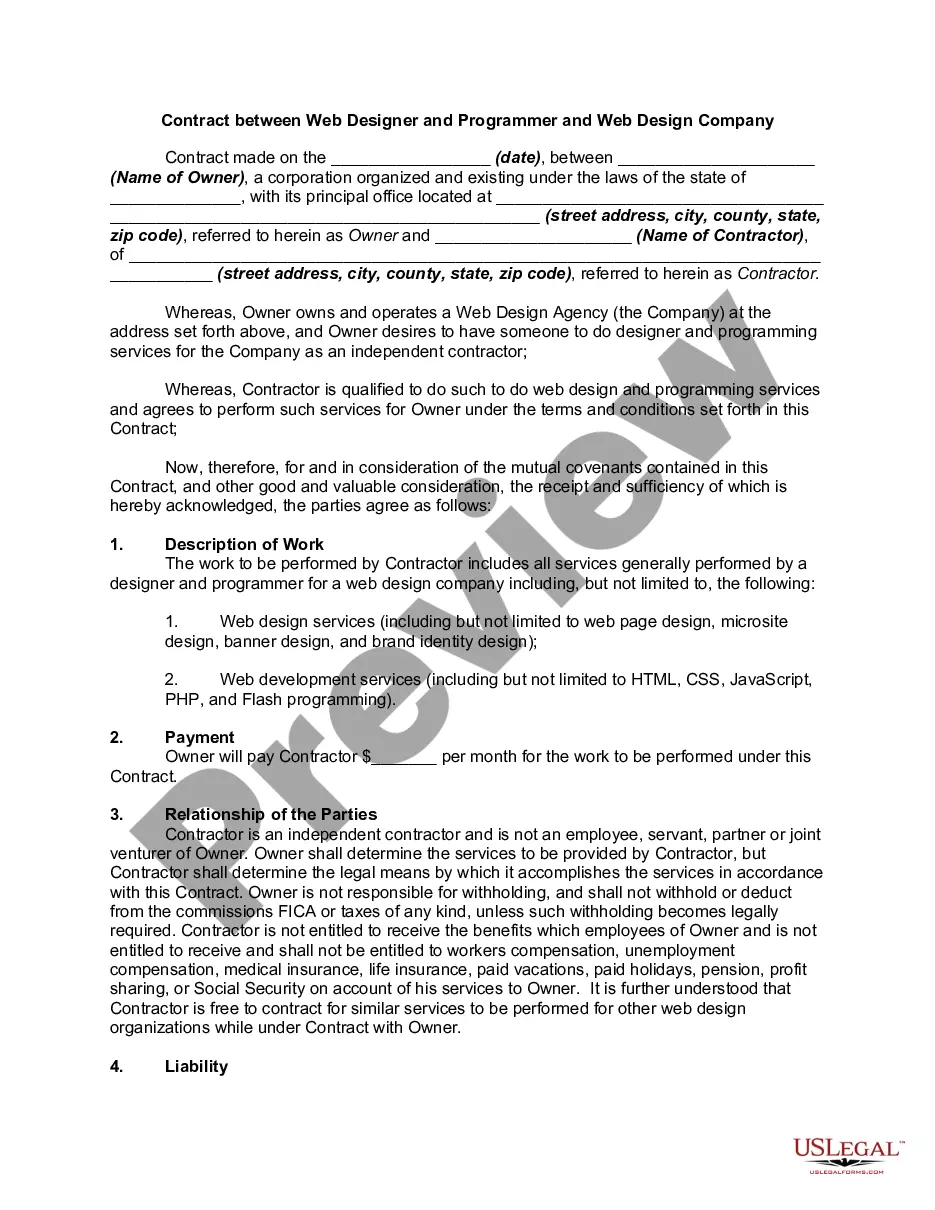
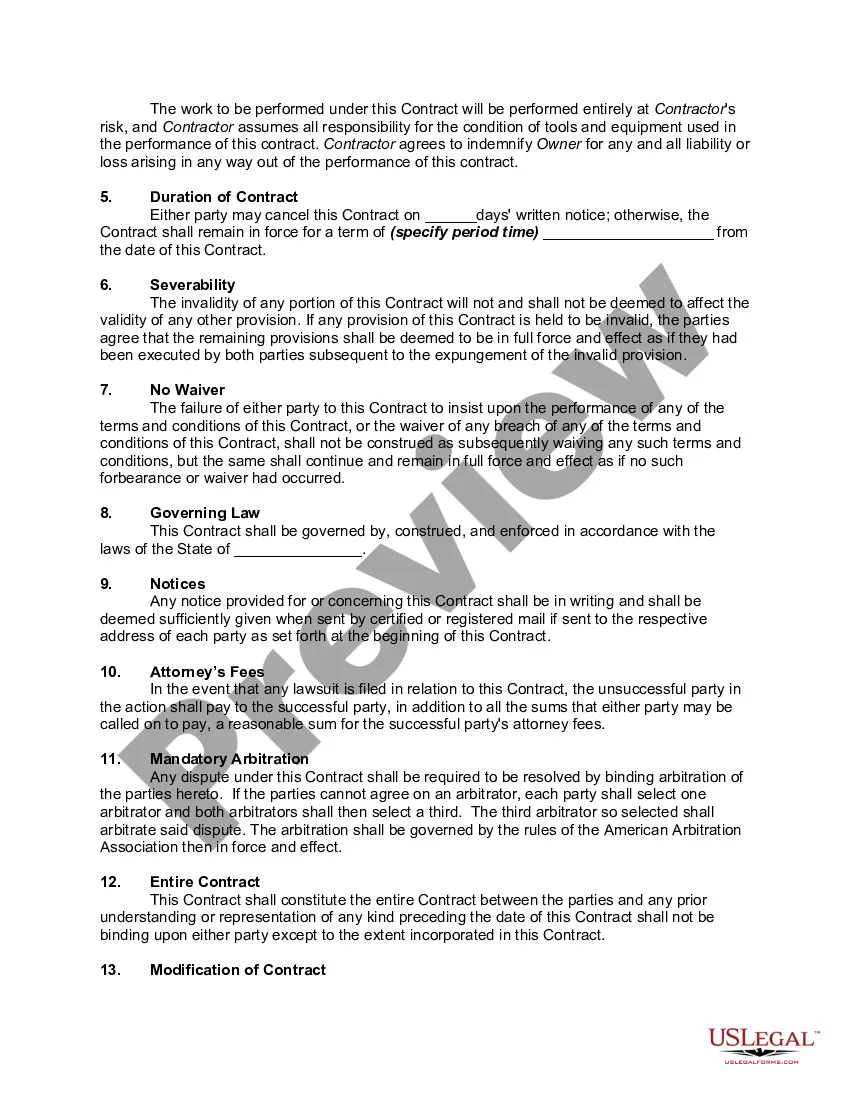
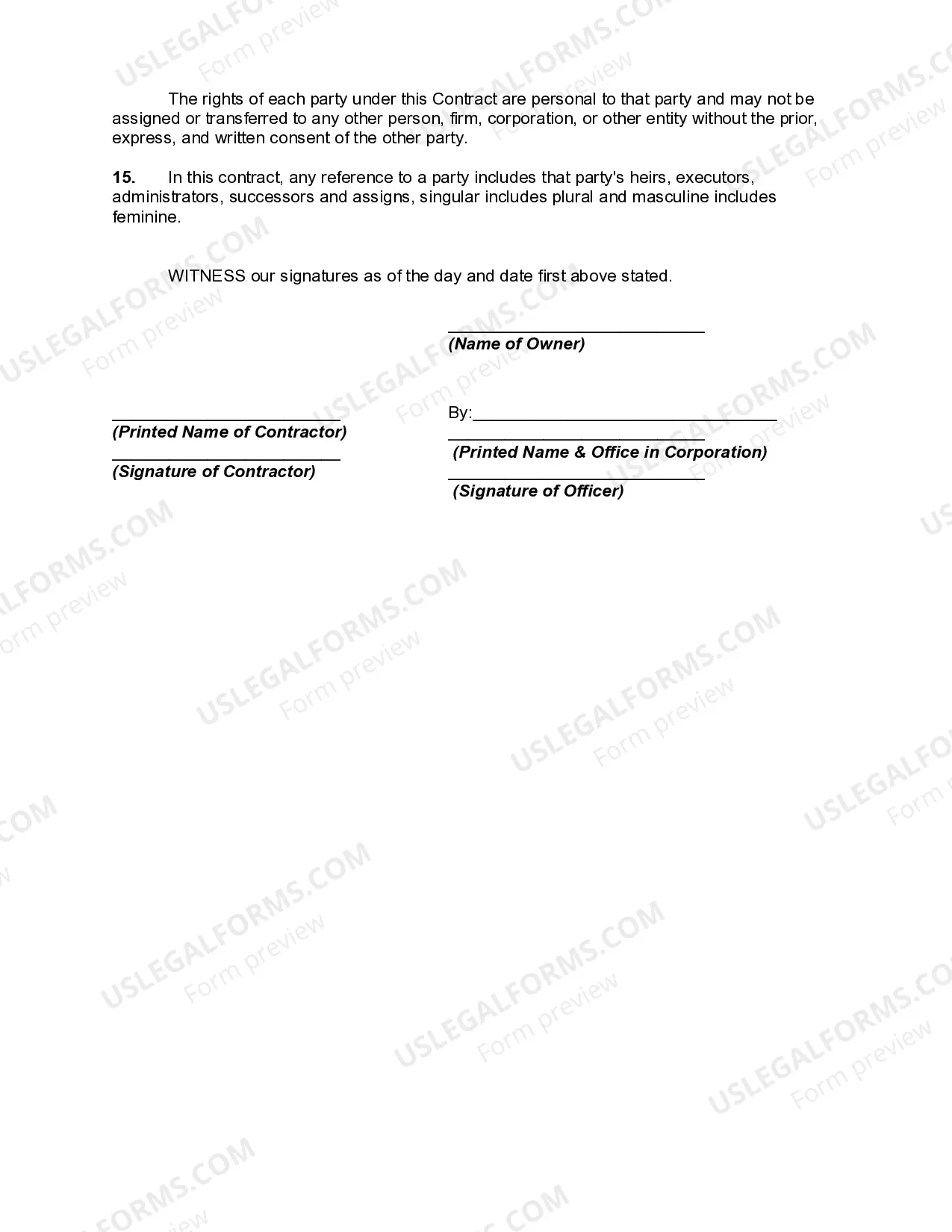
How to fill out Contract Between Web Designer And Programmer And Web Design Company?
Securing a reliable location to obtain the latest and pertinent legal templates is a significant part of navigating bureaucracy.
Searching for the appropriate legal documents requires accuracy and careful consideration, which is why it’s crucial to source Contract Between Designer For Hire templates solely from trustworthy outlets, like US Legal Forms. An incorrect template can squander your time and delay your current situation. With US Legal Forms, you have minimal concerns.
Once you have the document on your device, you can modify it using the editor or print it out and fill it in manually. Eliminate the stress associated with your legal paperwork. Explore the vast collection at US Legal Forms where you can find legal samples, verify their suitability for your situation, and download them immediately.
- Utilize the library navigation or search option to find your template.
- Examine the document’s details to determine if it meets the specific requirements of your state and area.
- Check the document preview, if available, to confirm it is indeed the form you are interested in.
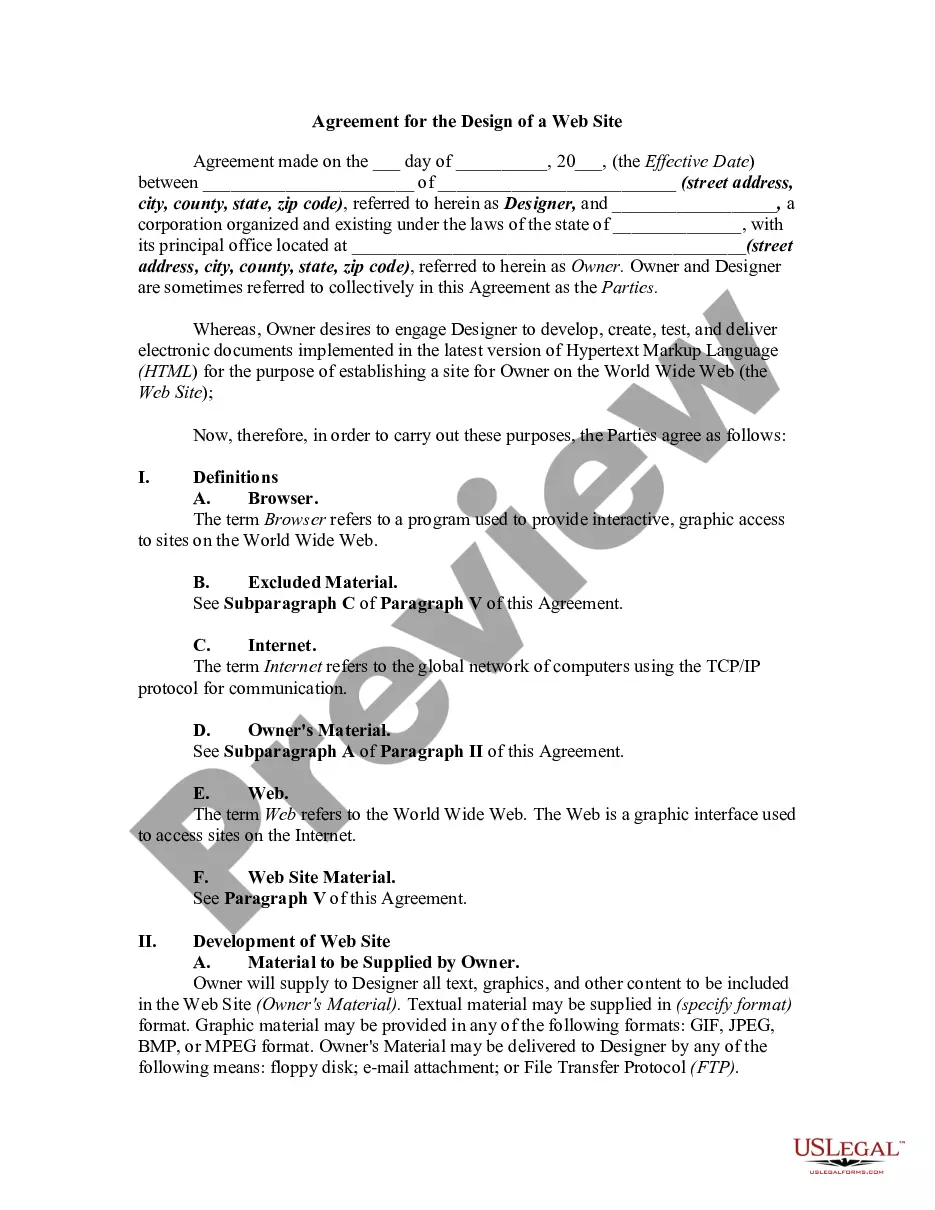
- Return to the search to find the appropriate document if the Contract Between Designer For Hire does not meet your needs.
- If you are confident about the document's suitability, proceed to download it.
- If you have an account, click Log in to verify and access your selected templates in My documents.
- If you do not have an account yet, click Buy now to purchase the form.
- Choose the pricing package that aligns with your preferences.
- Continue to the registration process to complete your purchase.
- Finalize your transaction by selecting a payment method (credit card or PayPal).
- Select the file format for downloading Contract Between Designer For Hire.
Form popularity
FAQ
How to make a graphic designer contract for freelancers. Identify the parties. ... Outline project details. ... Define payment terms. ... Protect intellectual property. ... Include revisions and approval process. ... Address termination clause. ... Incorporate confidentiality and nondisclosure. ... Specify dispute resolution.
A contract establishes clear project objectives, deliverables, and deadlines, minimizing miscommunication and ensuring everyone is on the same page. Intellectual property rights. By addressing ownership and usage rights in the contract, both parties can protect their interests and avoid disputes over the design work.
A graphic design contract is an official, legally binding document that outlines project details and working terms between a client and a freelance designer. Contracts are typically created by the freelance designer, and is signed by both parties involved before any goods or services are rendered.
Design agreements help outline what both parties can expect regarding payment schedule, intellectual property rights and patents, royalty agreements, and what will happen if either party decides to terminate the contract.
So, How to Write a Freelance Contract? Contact details for the freelancer and client. This includes the full names, phone numbers, and email addresses for both parties. ... Project scope. ... Equipment and expenses. ... Deliverables. ... Pricing and rates. ... Payment schedule and options. ... Deadlines and timeline. ... Ownership/copyright.